Introduction: This article is going to discuss the significance and importance of the modern internet under the shado...

Read More...

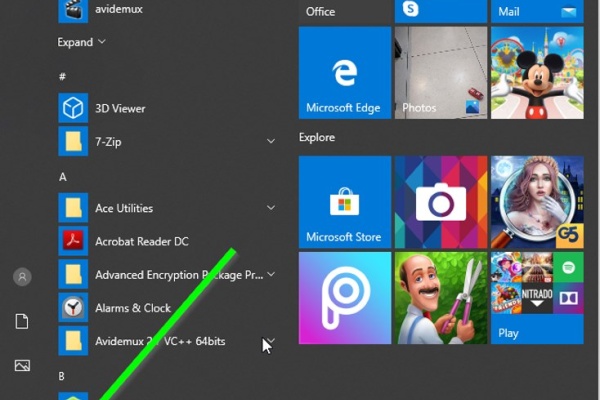
Introduction: The dymamic search feature of Windows has been a long anticipated one. unlike in older versions of Window...

Read More...

Introduction I cannot find any other reason for a gear shift lever to get bent except for a blunt force applied onto it...

Read More...

Introduction there are plenty of ways to start a motorcycle using various electrical methods that some and at least, th...

Read More...

Introduction In this article i will go over all of the possible ways to highten the performance of your computer and ge...

Read More...

Introduction: Dealing with car mechanics is inevitable for the tech savvy person and at some point he or she would reso...

Read More...

Introduction: In the following post I will demonstrate how I tried making an old and ugly kitchen be, well, less old an...

Read More...

Introduction: Computers. They have found their ways to almost every aspect of our lives it seems and have come a long w...

Read More...

Introduction Apart from armor and a helmet, usually a motorcycle rider doesn't need much in order to ride their horse. ...

Read More...

Introduction Noise. Its sucks, unless it comes in the form of music and sometimes it sucks even then. When it comes to ...

Read More...

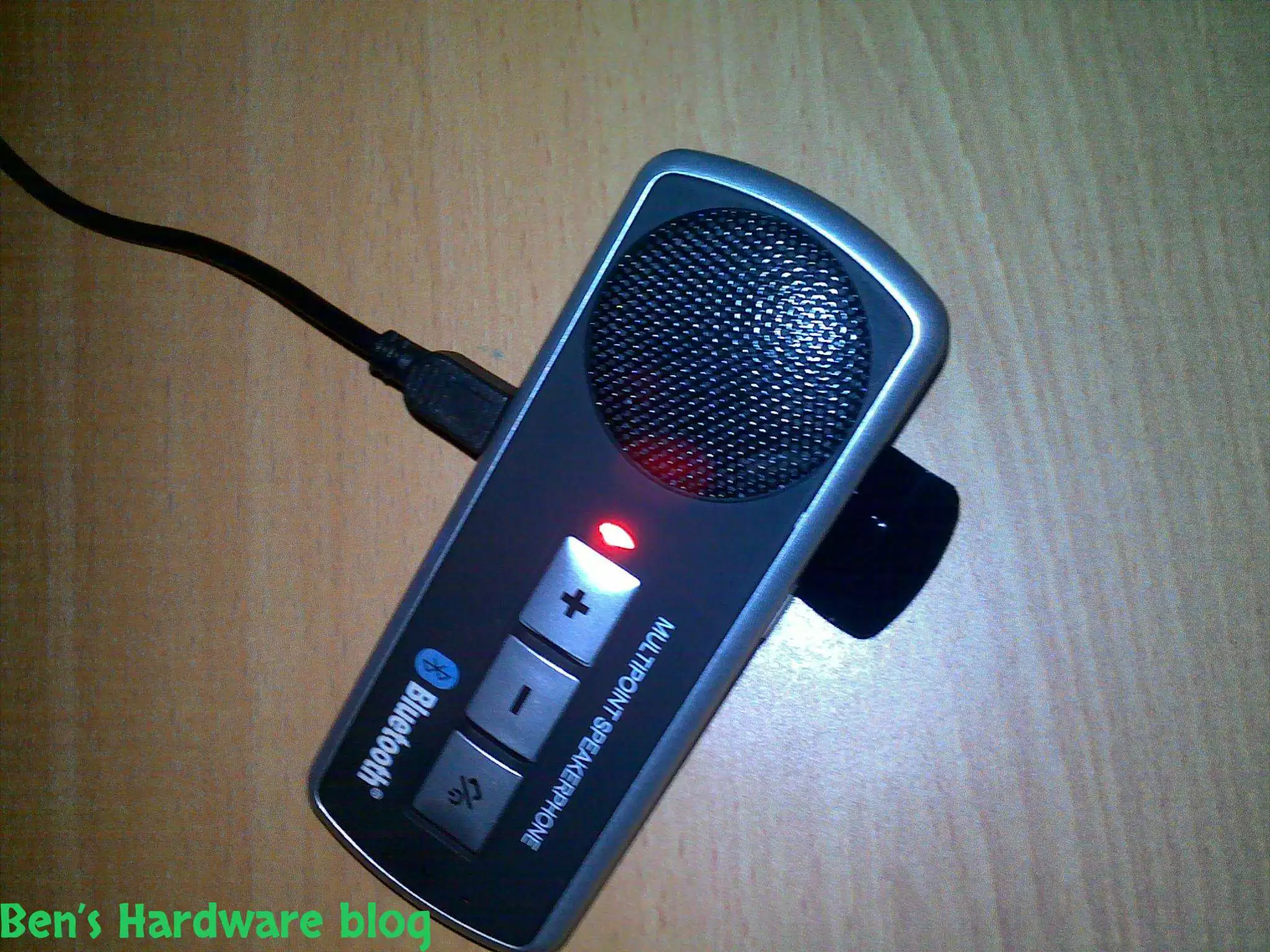
Introduction: In this article i will go over an absolute nessesity for bikers who use their smartphones often while the...

Read More...

1. Introduction The Dell Latitude E-7450 is one of the easiest laptops to have its battery replaced, considering the fa...

Read More...

Intoduction: The product in this post is a must for everyone who would consider themselves a professional, an aspiring ...

Read More...

Introduction: Apple’s products are not guaranteed forever and just like any other mobile on the market, they too use an...

Read More...

This article is going to express something that has been beginning to annoy not just me, but probably millions of other ...

Read More...

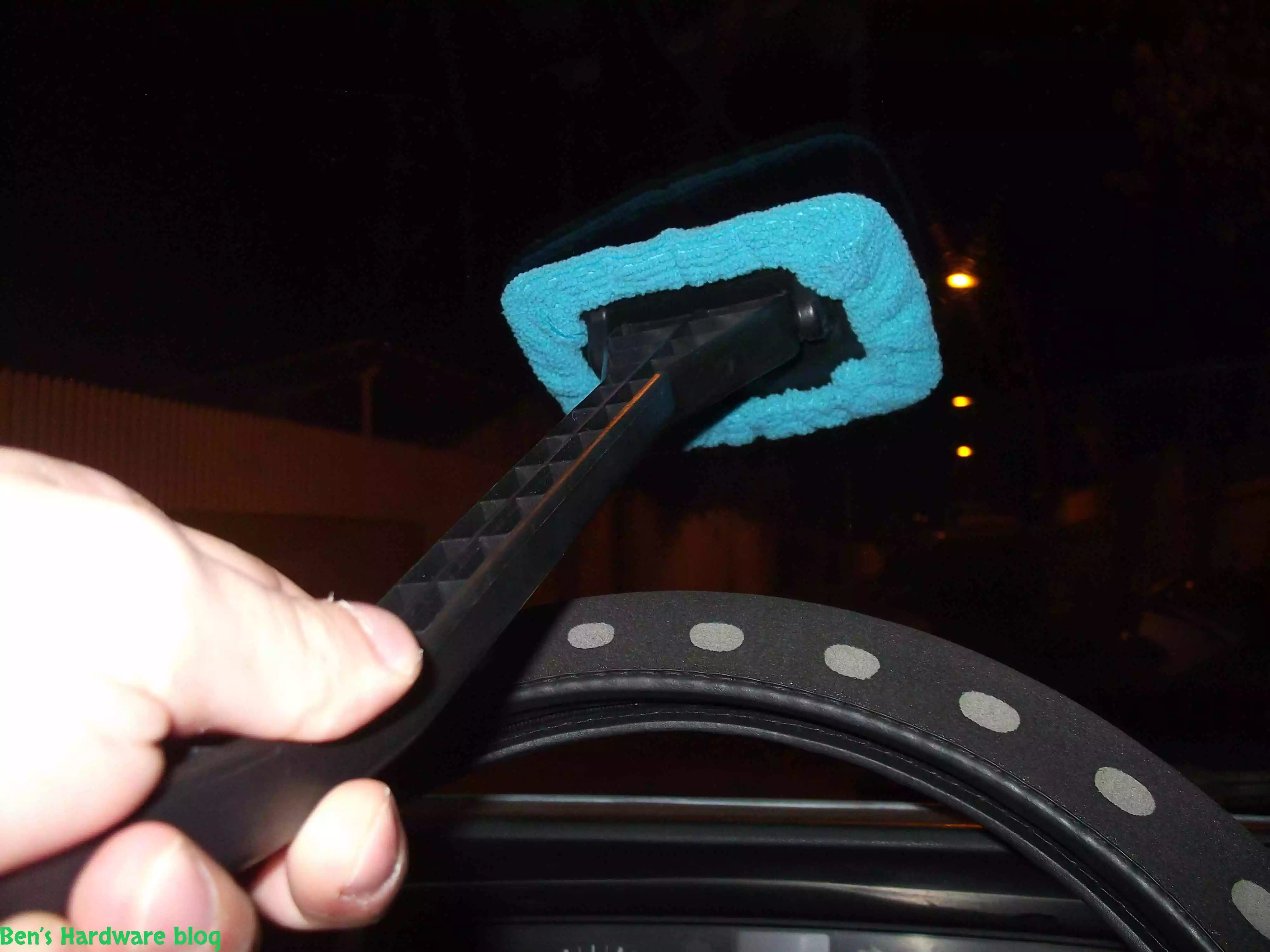
Have you ever tried to clean your car’s front windshield from the inside of it? It’s annoying and not easy and whoever t...

Read More...

If you are like me, and you don’t carry around a fancy touch screen smart phone such as an Iphone,  or a Galaxy, an...

Read More...

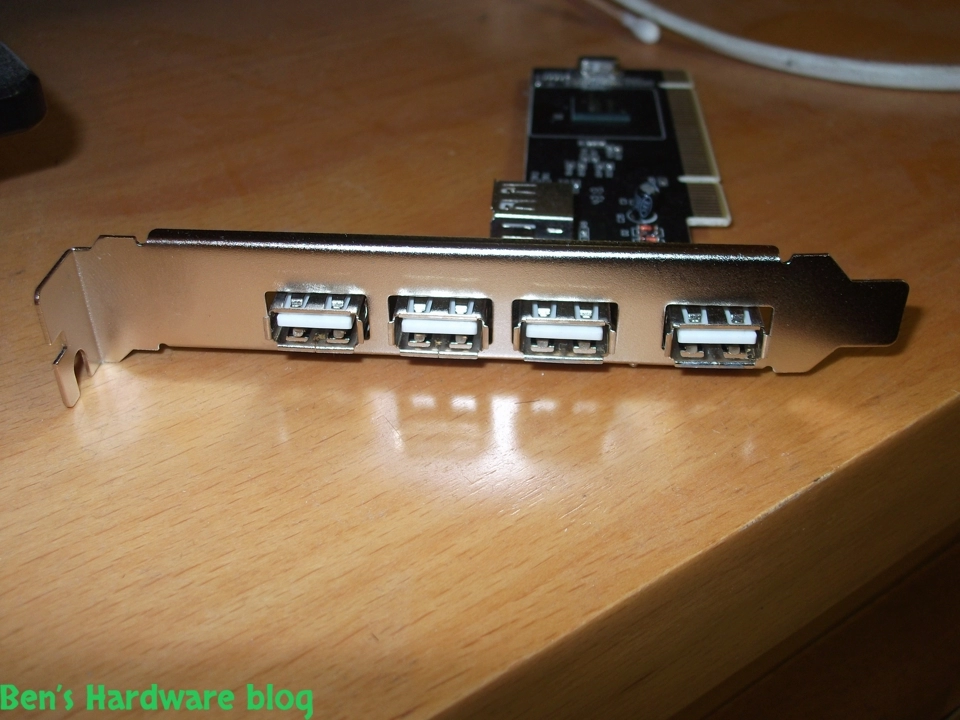
Need more USB ports? This is a great solution for those who just have and use a lot of devices that connect to the PC w...

Read More...

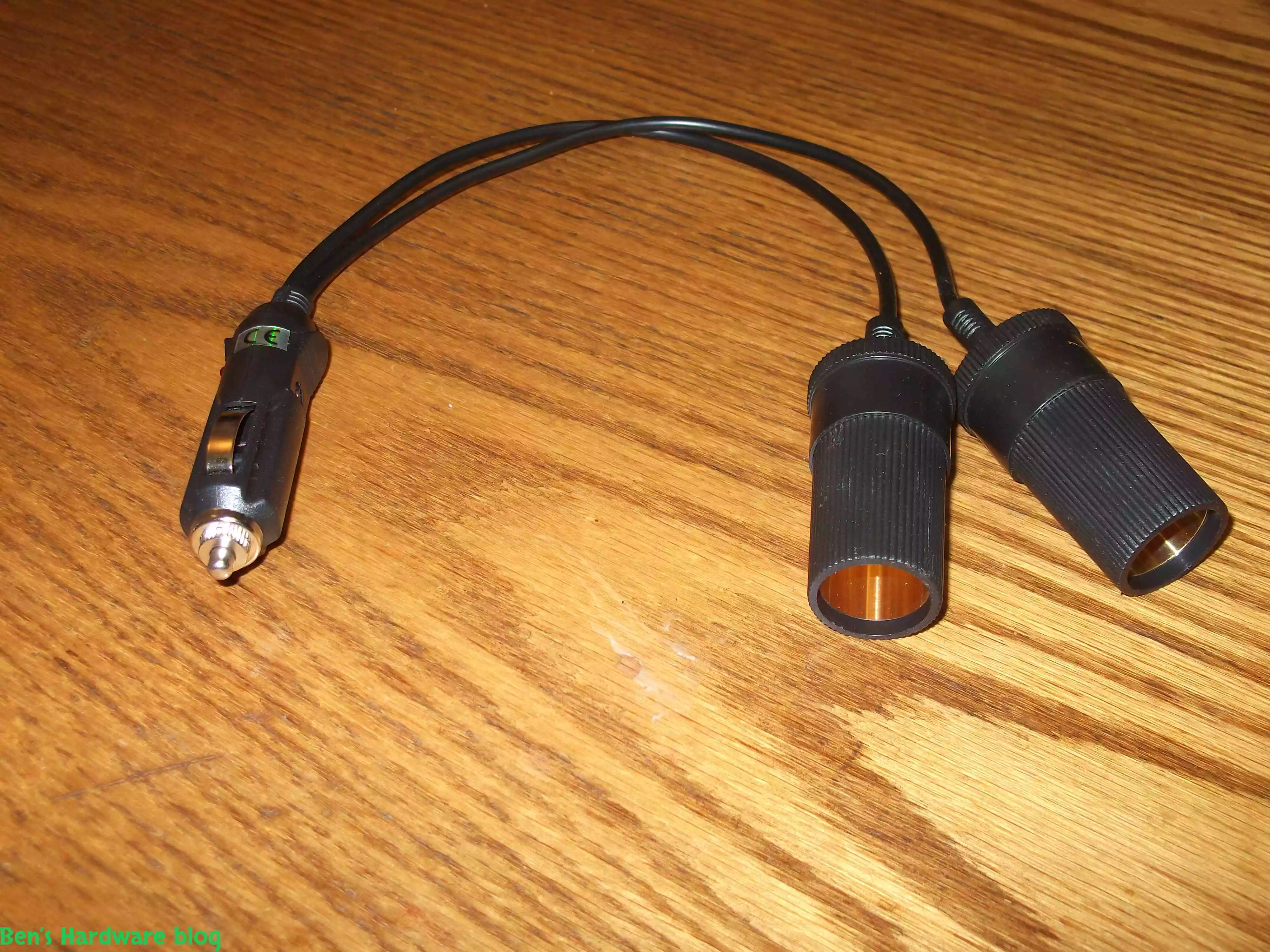
After installing more than one 4 way power splitter in my car I have decided not to connected them on series in order no...

Read More...

My dear Dell Inspiron 1545 keeps getting old and slow on me. I have replaced my old HDD hard disk with a new SSD one and...

Read More...

I have been using this old cellphone on daily basis for over 3 years now and time has taken its price on it. when I say ...

Read More...

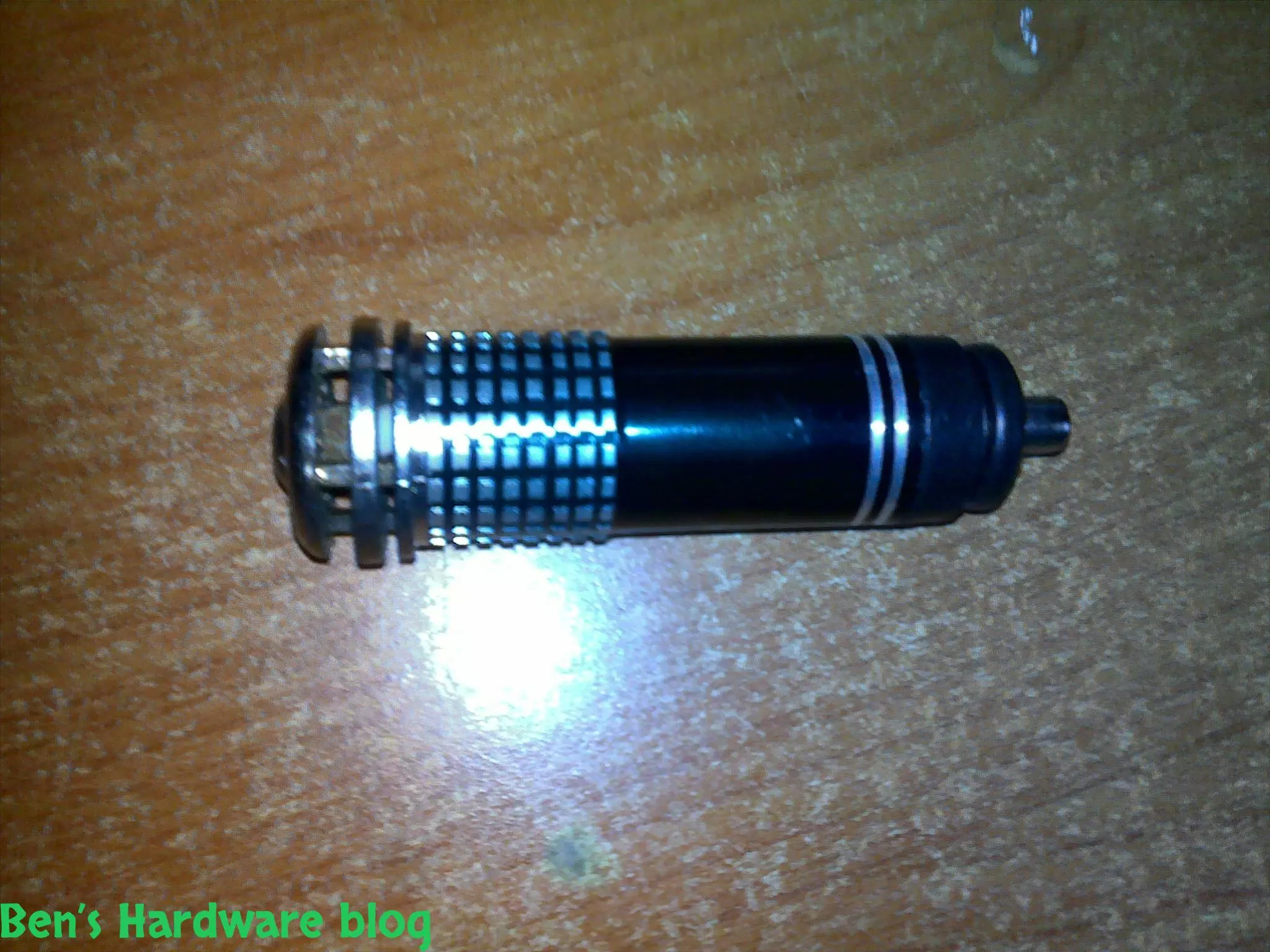
I bought this little car gadget in order for my car to be less stinky on the inside when driving with no air circulation...

Read More...

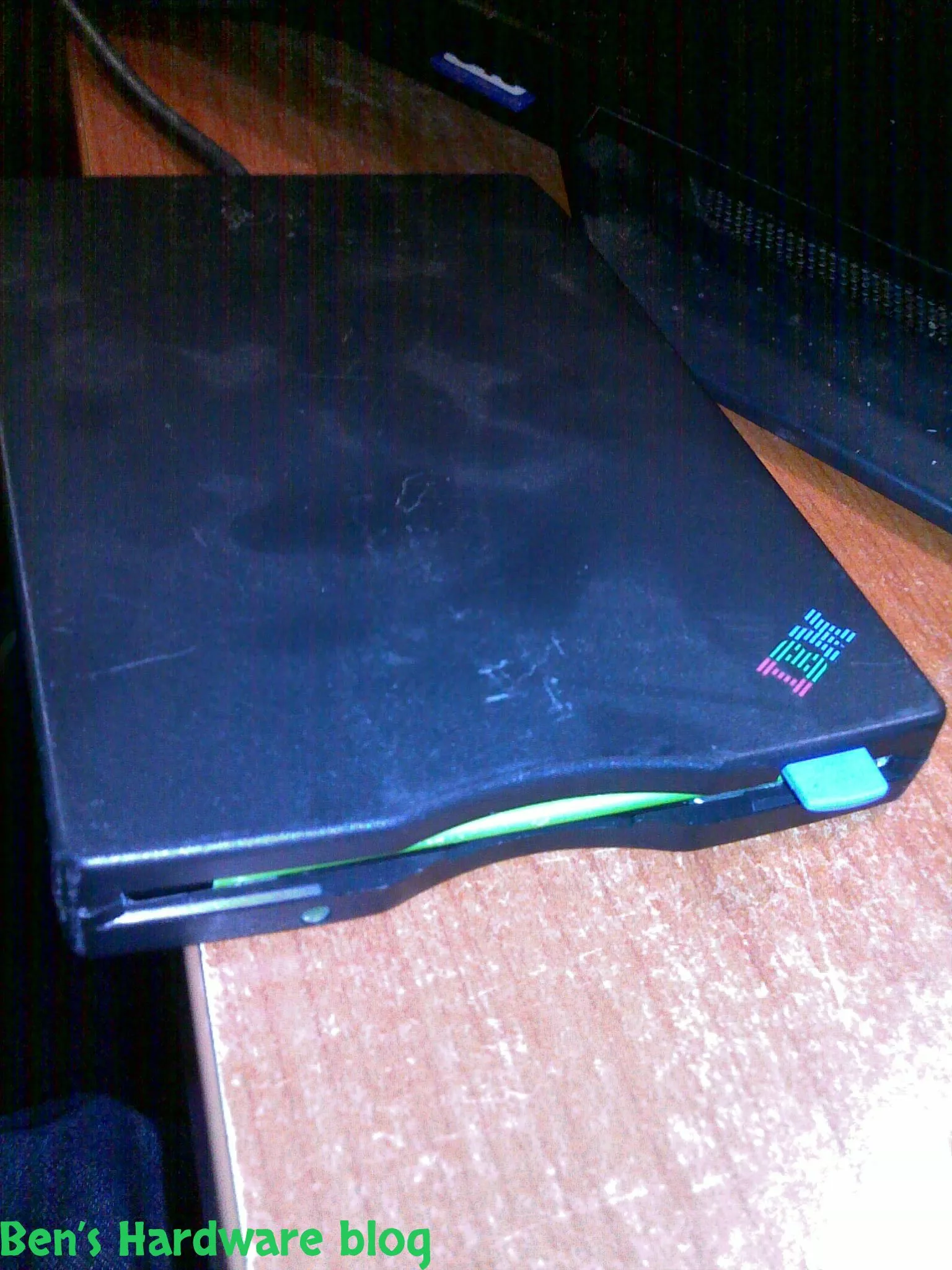
I got this piece of antique from my dad and yet as I'm typing these words he still doesn't have a clue where he found it...

Read More...

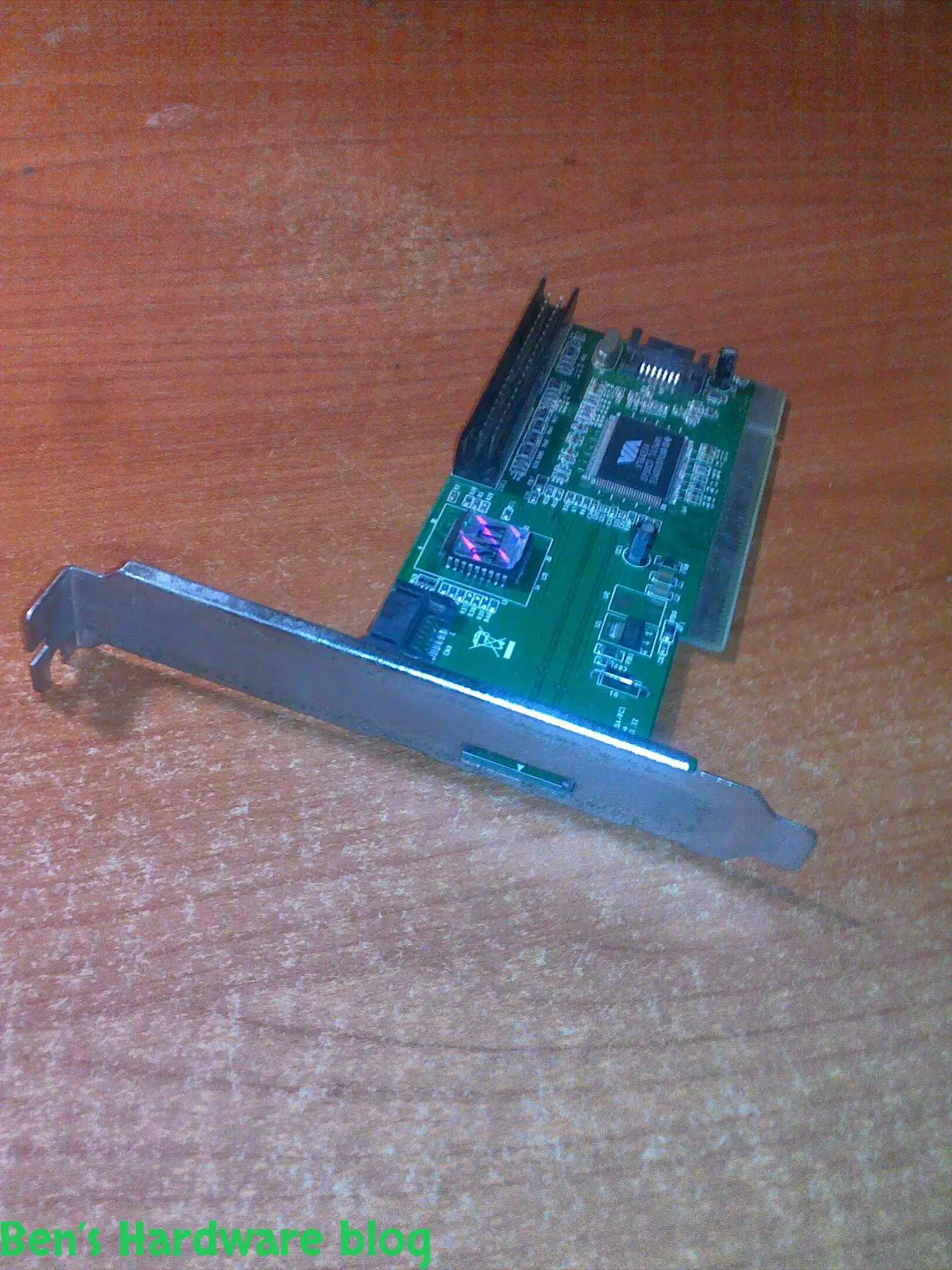
I got this card from a friend who just didn't need it , I didn't really need it either but I said thanks to the dude and...

Read More...

LED and optical fibers are a really good combination and this product really shows it. if you want to be a bit original ...

Read More...

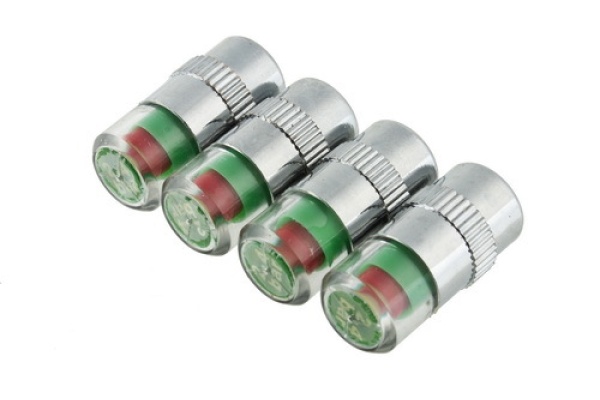
This is a great product that saves time and fuel by making your vehicle's tires pressure visually noticeable without hav...

Read More...

This is a great product that saves time and fuel by making your vehicle's tires pressure visually noticeable without hav...

Read More...

I admit - my car is full of gadgets and they require power don't they? This is why I bought this: Over time I added a l...

Read More...

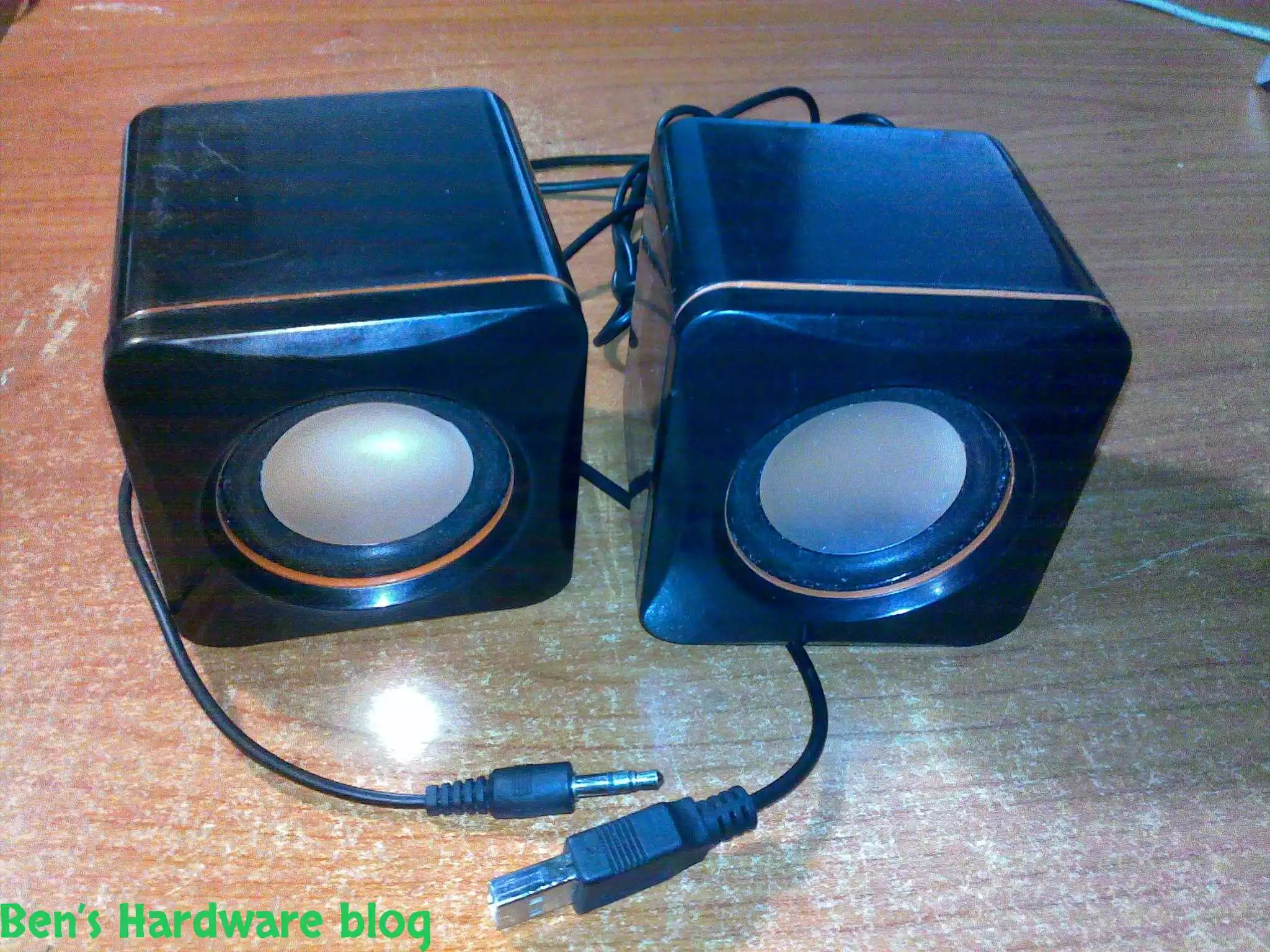
In this post I will demonstrate a simple fixing method of simple 2 computer speakers. I got these speakers from my uncl...

Read More...

as a result of being mobile some items tend to "fall" from your beg , hand , the coffee table you are sitting next to et...

Read More...

You gotta maintain and take care of your possessions – that's my motto , and one of my possessions which I deeply care a...

Read More...

This is by far one of the most useful and cheap gadjets out there. As long as you have a generic car power socket in you...

Read More...

If you are mobile , like me , you might like this simple gadget... in today's world many mobile electronic devices are ...

Read More...

For people who are techjunkies or that work with a large number or computers is part of their job this would be a *must ...

Read More...

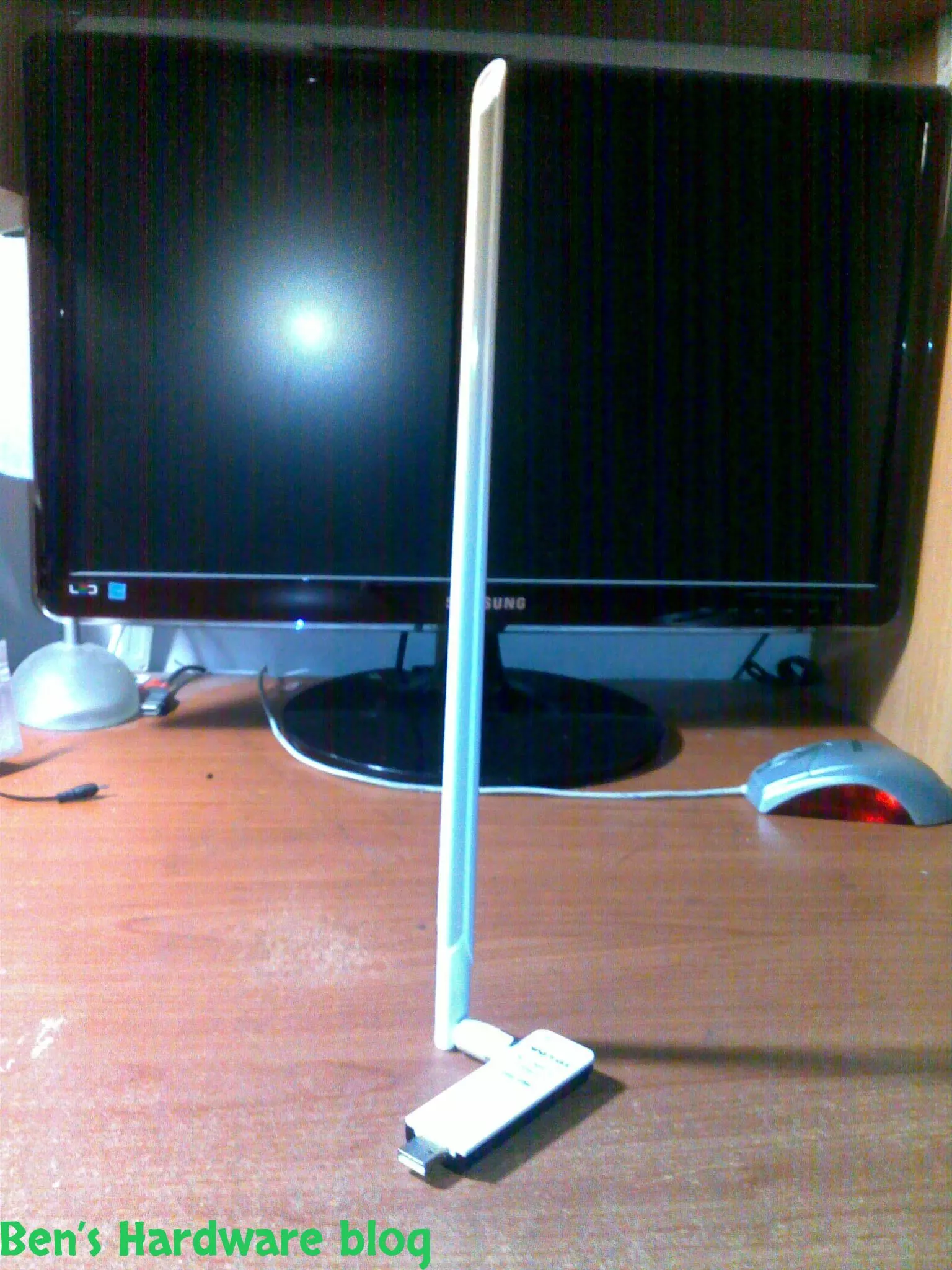
Wifi is everywhere today and with it comes many problems, among those - the problem getting and maintaining a proper rec...

Read More...

Simple, small and elegant. These are the main words I can use to describe this product. While the words are being typed ...

Read More...

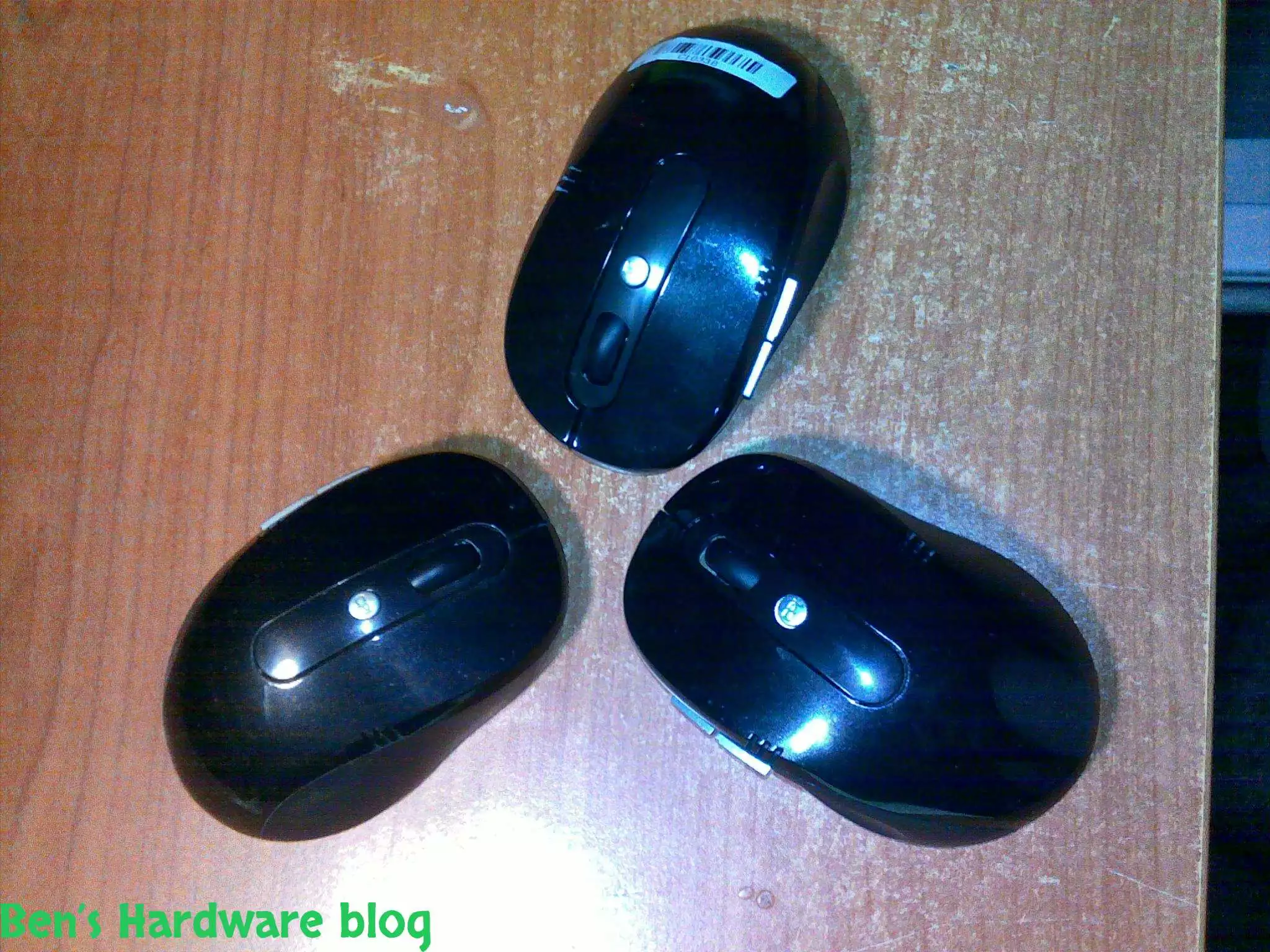
Cheap, simple, precise and looks pretty good,  I bought this mouse off E-Bay for 4.6 USD and it does the job w...

Read More...

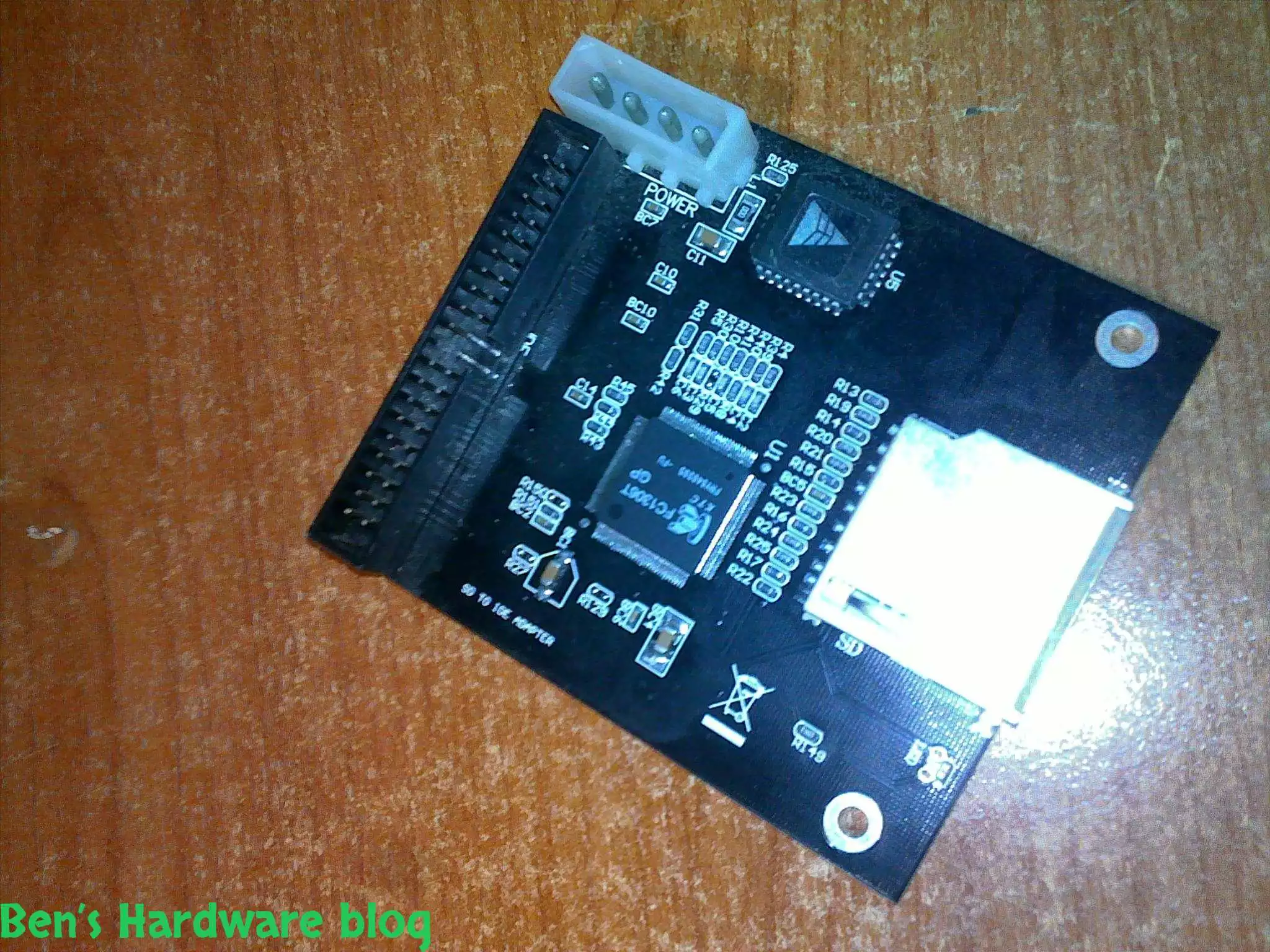
I bought this SD card to IDE converter in order to install a Windows XP operating system on it so one of my file servers...

Read More...

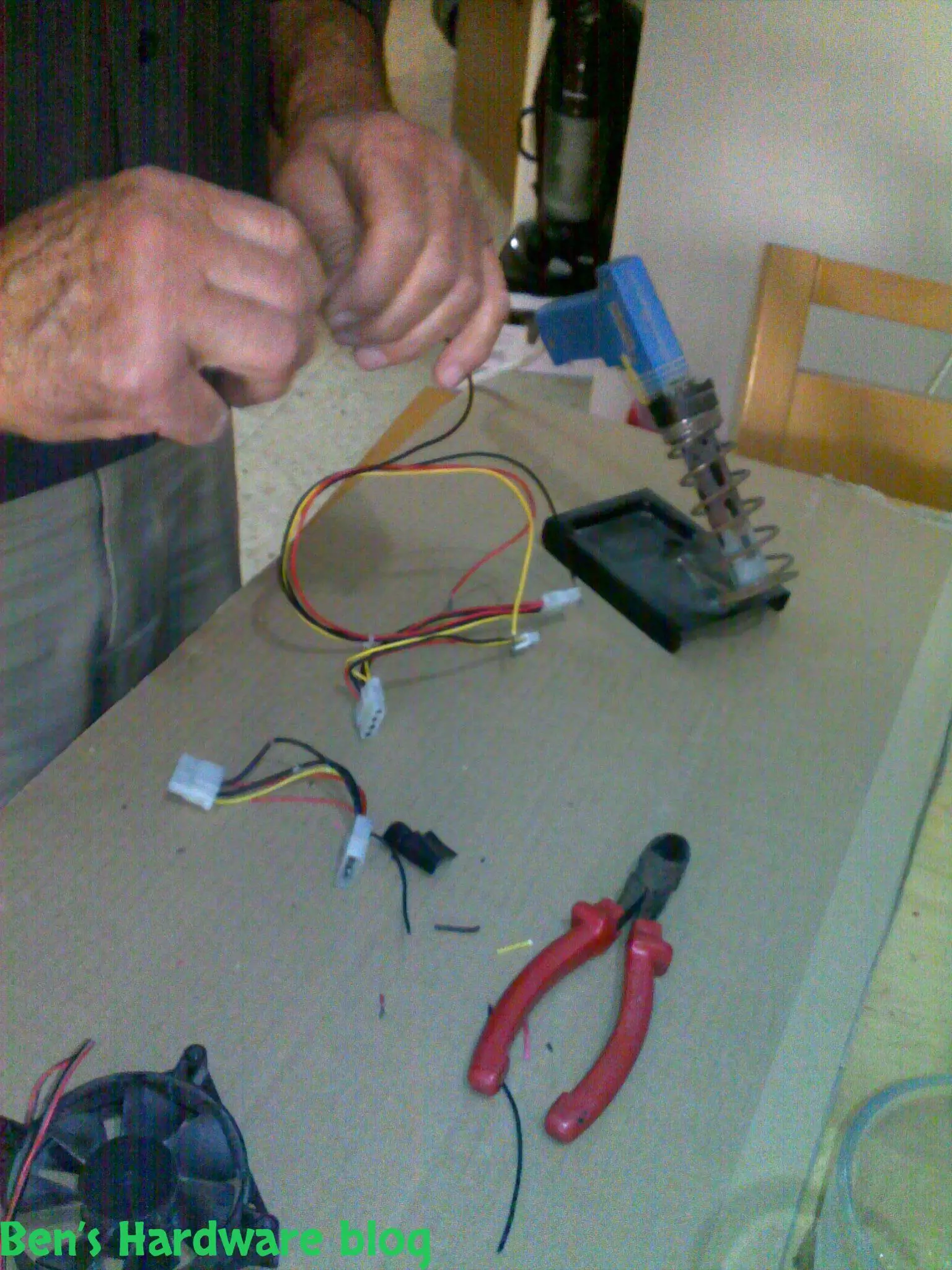
In this post i will demonstrate how i used spare cables i scavenged from an old power supply unit, to create a power cab...

Read More...

This product is just awesome! At first I was very skeptic about its abilities because up until I bought it I had known t...

Read More...

During the past month some annoying noises began emerging from my pc ... After carefully eliminating the source of the...

Read More...

If you read my "Upgrading a Dell Laptop" post then you'd know why i bought this product for. For those who you who didn...

Read More...

in this post I will demonstrate how you can use some old fans and build an effective cooling solution to any high-end 3d...

Read More...

Since I am a gadget freak and a security freak as well I decided to look online for a nice addition to my already over p...

Read More...

Upgrading a Dell laptop with an Solid State Drive (SSD): In this post i will show how you can take an old laptop (3-4 y...

Read More...

This is a very cheap and yet a very useful product. I bought it for mainly 2 reasons: 1 –my laptop would get very hot ...

Read More...

The more data you gather - video files, games, software backups etc. the more space you need. It's one thing to buy an a...

Read More...

Up until now I used to buy only 6 cell batteries. This time I decided to go with a 9 cell one. My main reason was the l...

Read More...
No More Articles

in this post I will demonstrate how you can use some old fans and build an effective cooling solution to any high-end 3d card out there.

I admit , I have quite an old pc , a 3.4 Ghz Pentium 4 along with 2 GB DDR RAM and an old ATI HD3850 that runs on an AGP X8 interface – I know – quite old.

Back in the day this old baby was enough to run Crysis on 1024X768 in medium texture mode and produce medium playable performance of about 20-35 fps and even 40 fps at some points.

Call Of Duty Modern Warfare 2 ran pretty well on that system– at maximum details when it came to texture, and with maximum resolution of 1920X1080 the system produced a frame rate of 25-45 fps.

The blow came when Call Of Duty Black Ops came out , I could not run it at all , even the HD intro scenes were a complicated job for my CPU . After watching the opening bar scene at the very beginning of the game I knew that either it is time for an upgrade or it is time for a drastic modification and tweaking combined with a stable overclocking job.

I have to mention that the previous games I mentioned – cod mw2 and crysis were run by a 3GHZ Pentium 4 CPU and not by my current 3.4ghz one. I bought a second hand one off E-Bay in order to try improving slightly overall performance.

So far there is no noticeable change.

As a rule of thumb I always try to exhaust all available options before going further and spending money upgrading any current hardware\software, so , modification is currently my first choice.

More fps means more GPU computing power and more memory bandwidth (besides of course hardware wired instructions which I cannot create) that's why overclocking my current video card would require some serious cooling.

Here is an example of how cooling electrical parts is important, with or without overclocking:

A friend of mine bought a few years ago a video card for about 800$ and a few weeks ago it died on him suddenly. The reason – lack of efficient cooling . in fact the fan got stuck due to dust particles accumulating inside the fan's core creating much friction preventing the shaft from spinning.

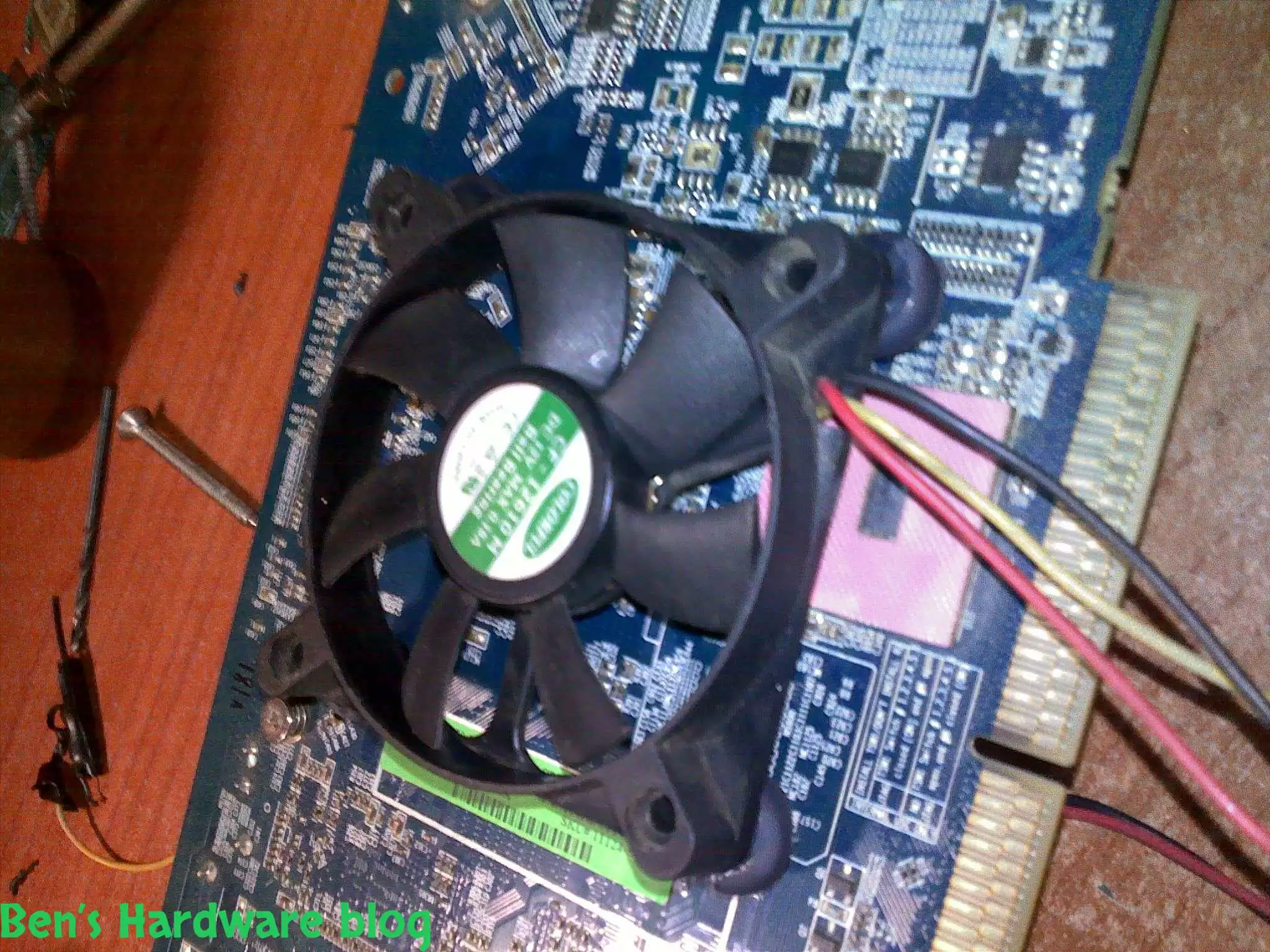
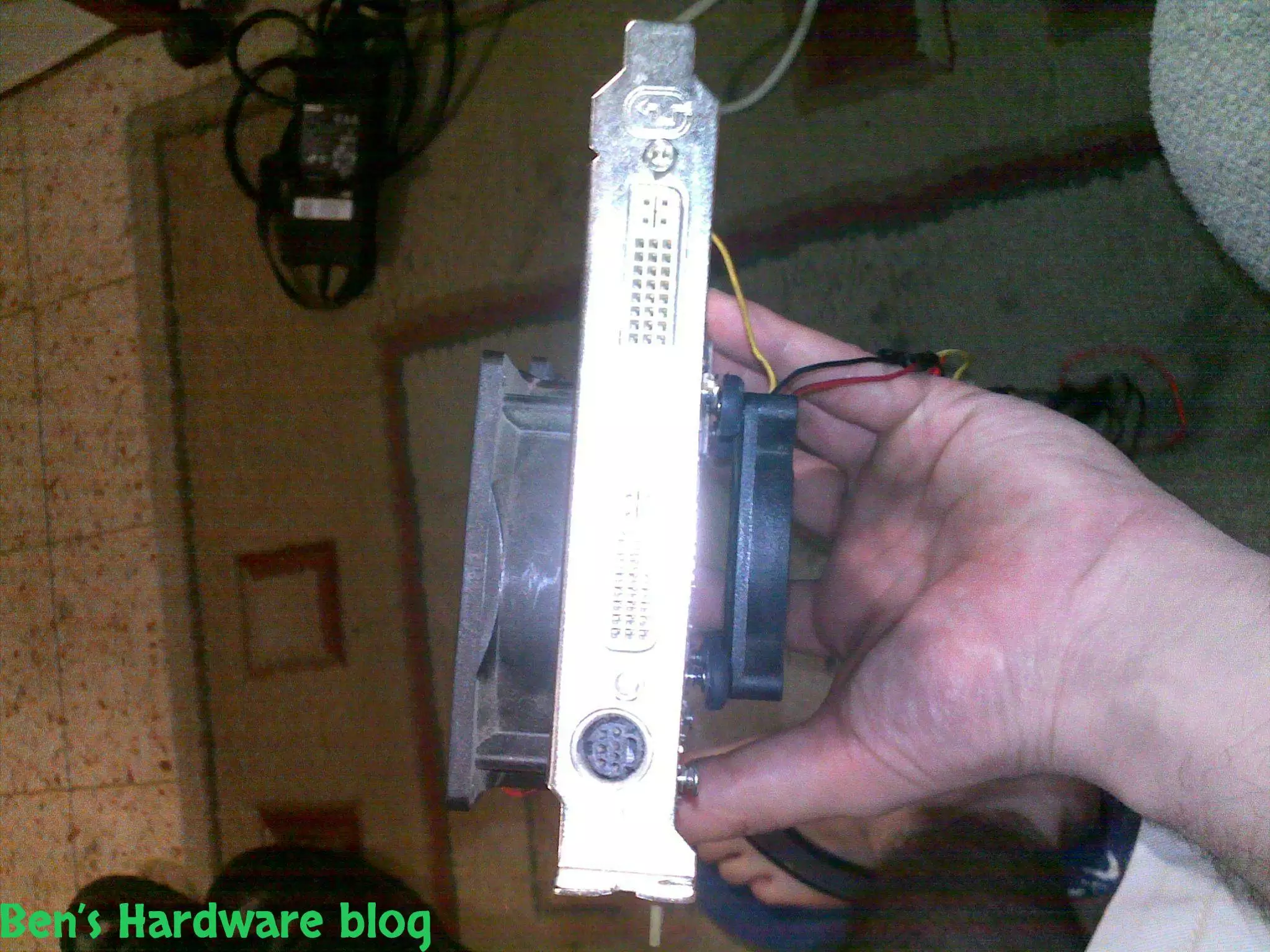
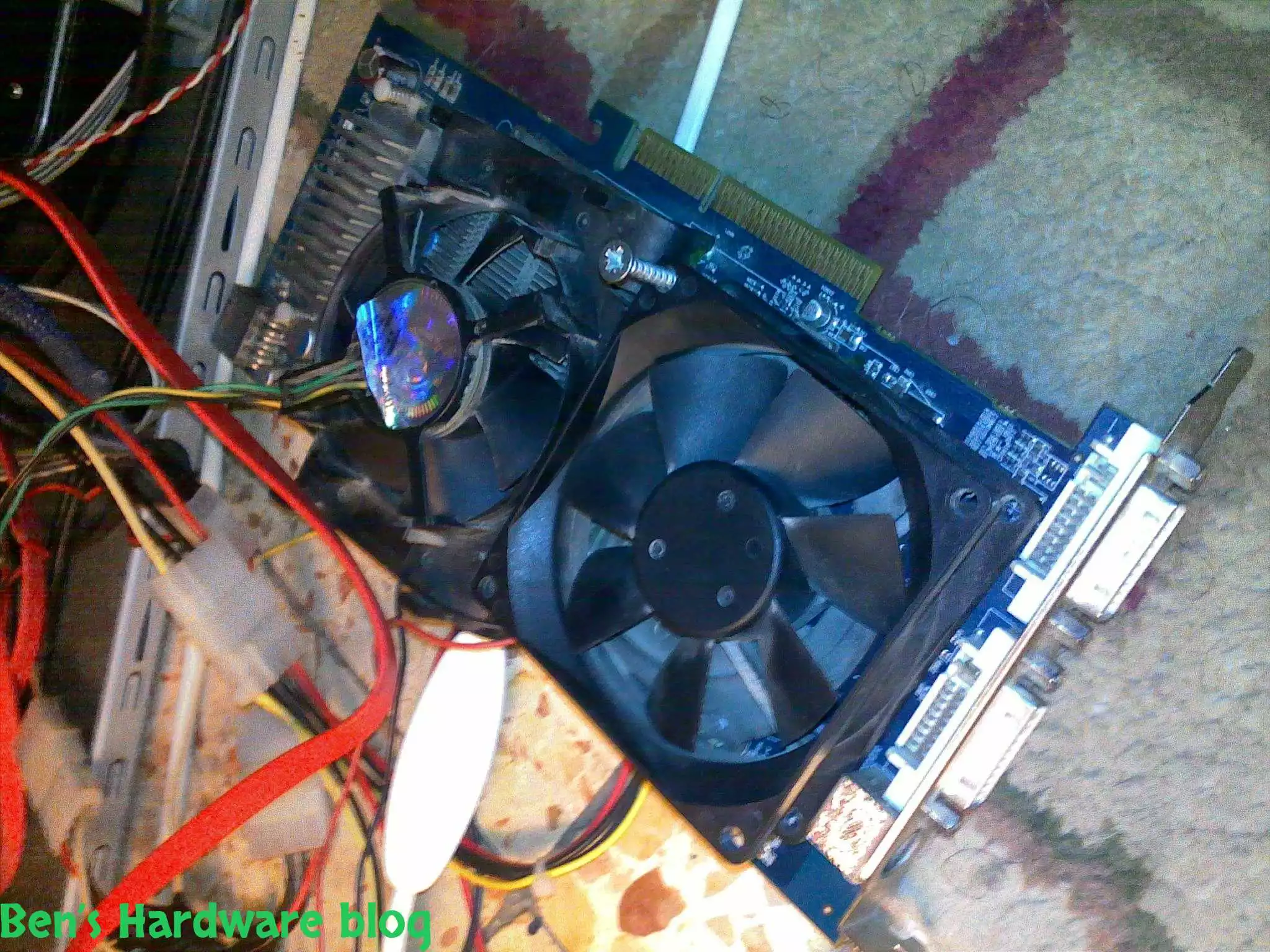
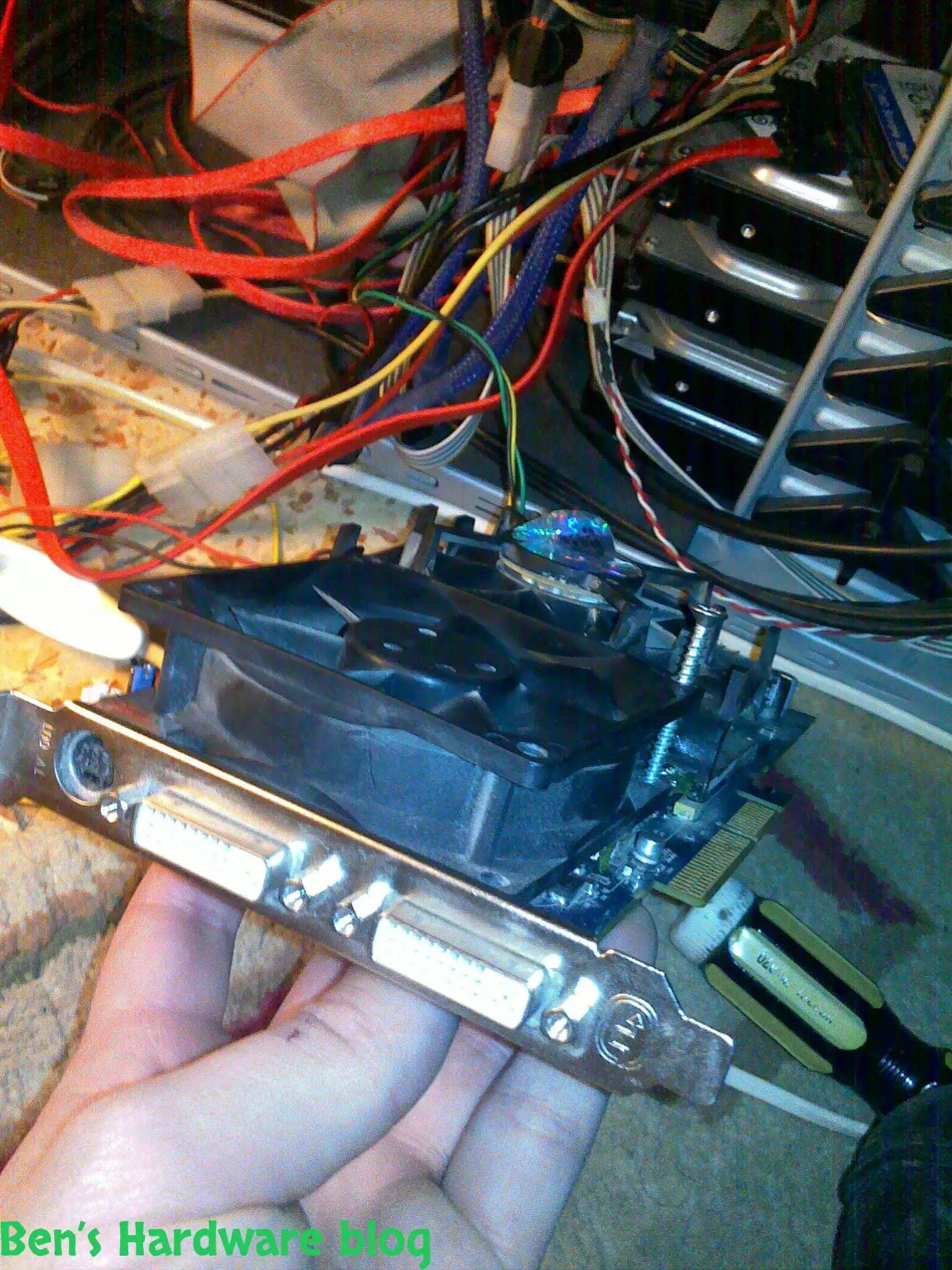
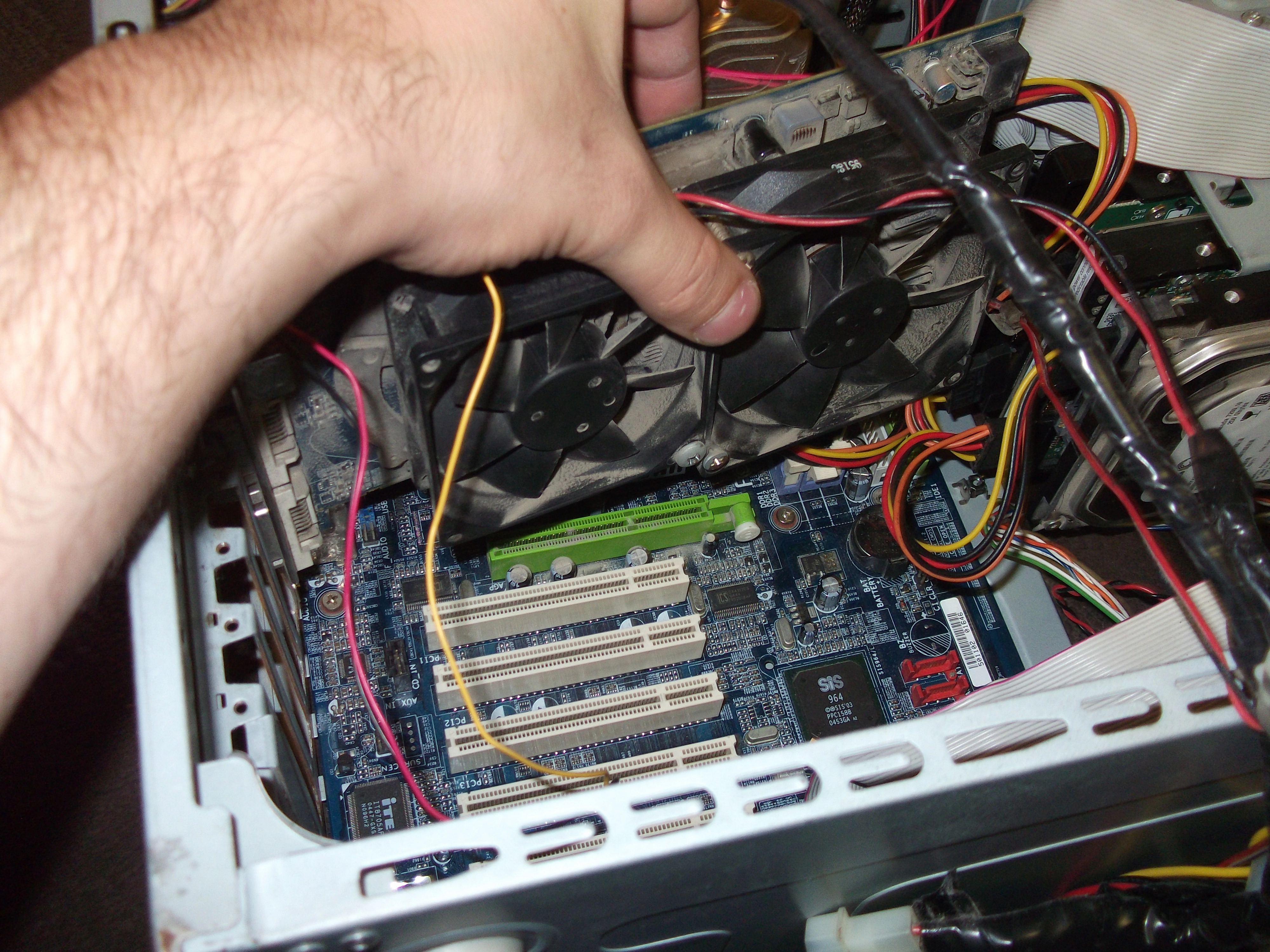
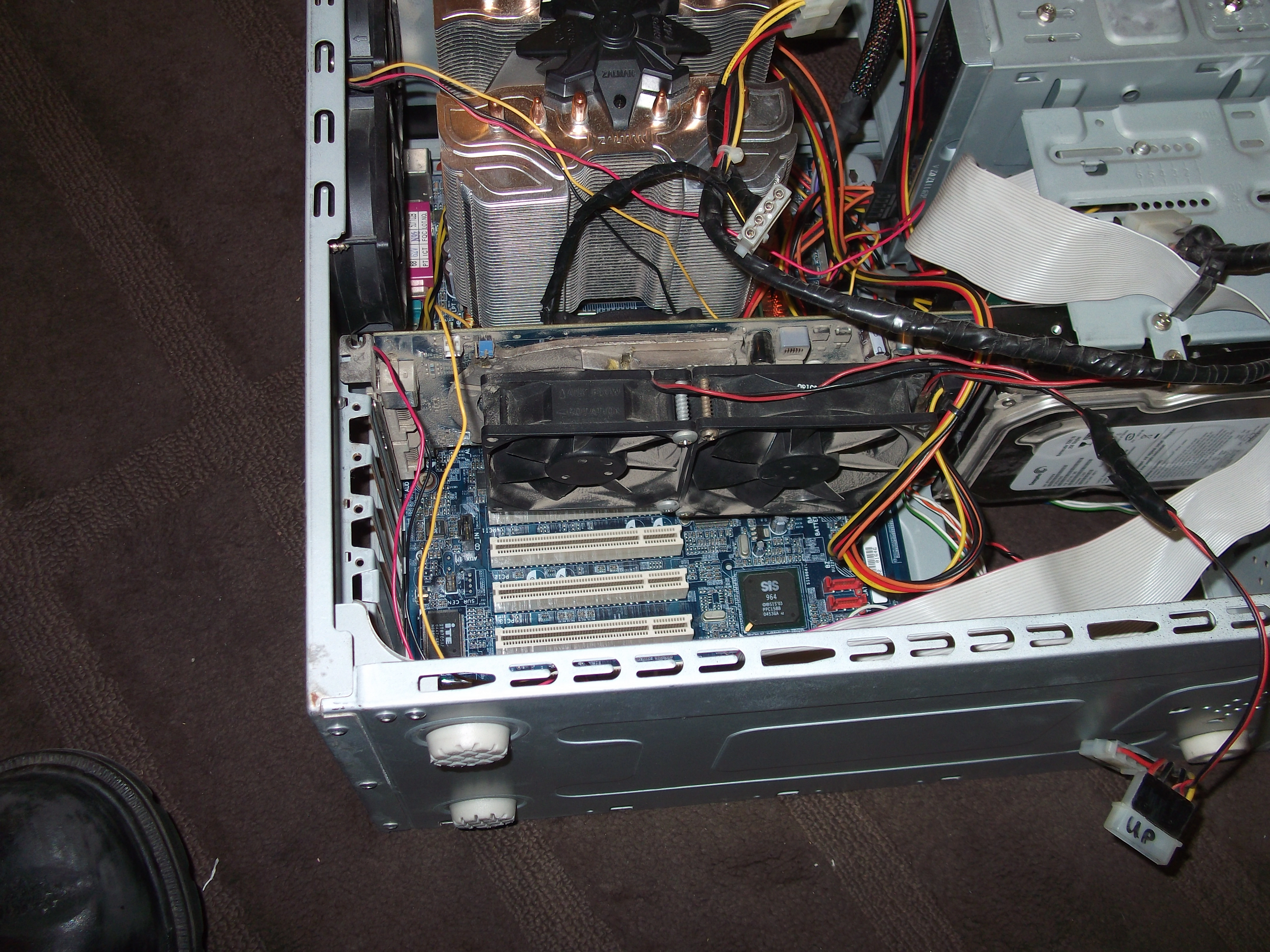
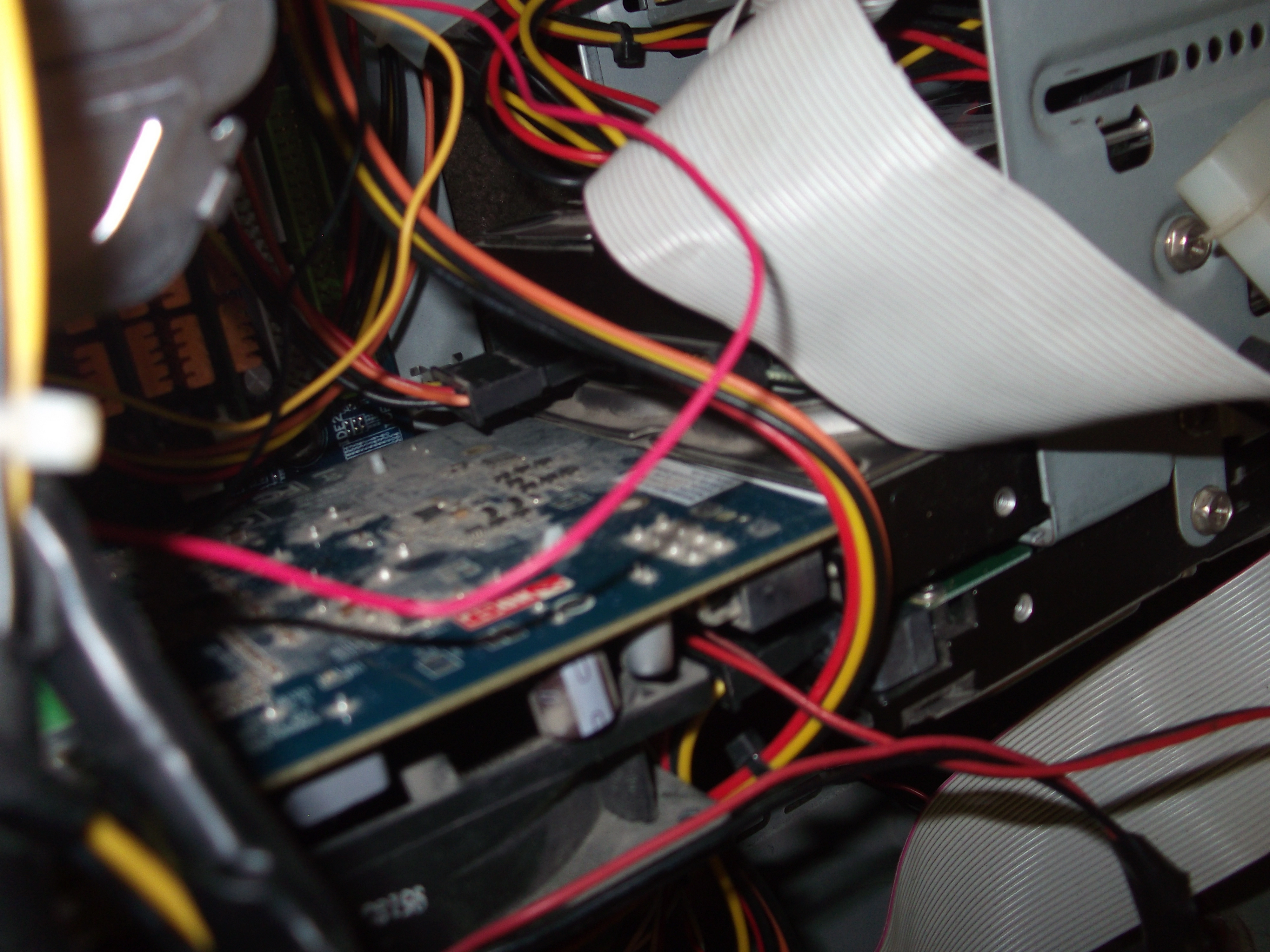
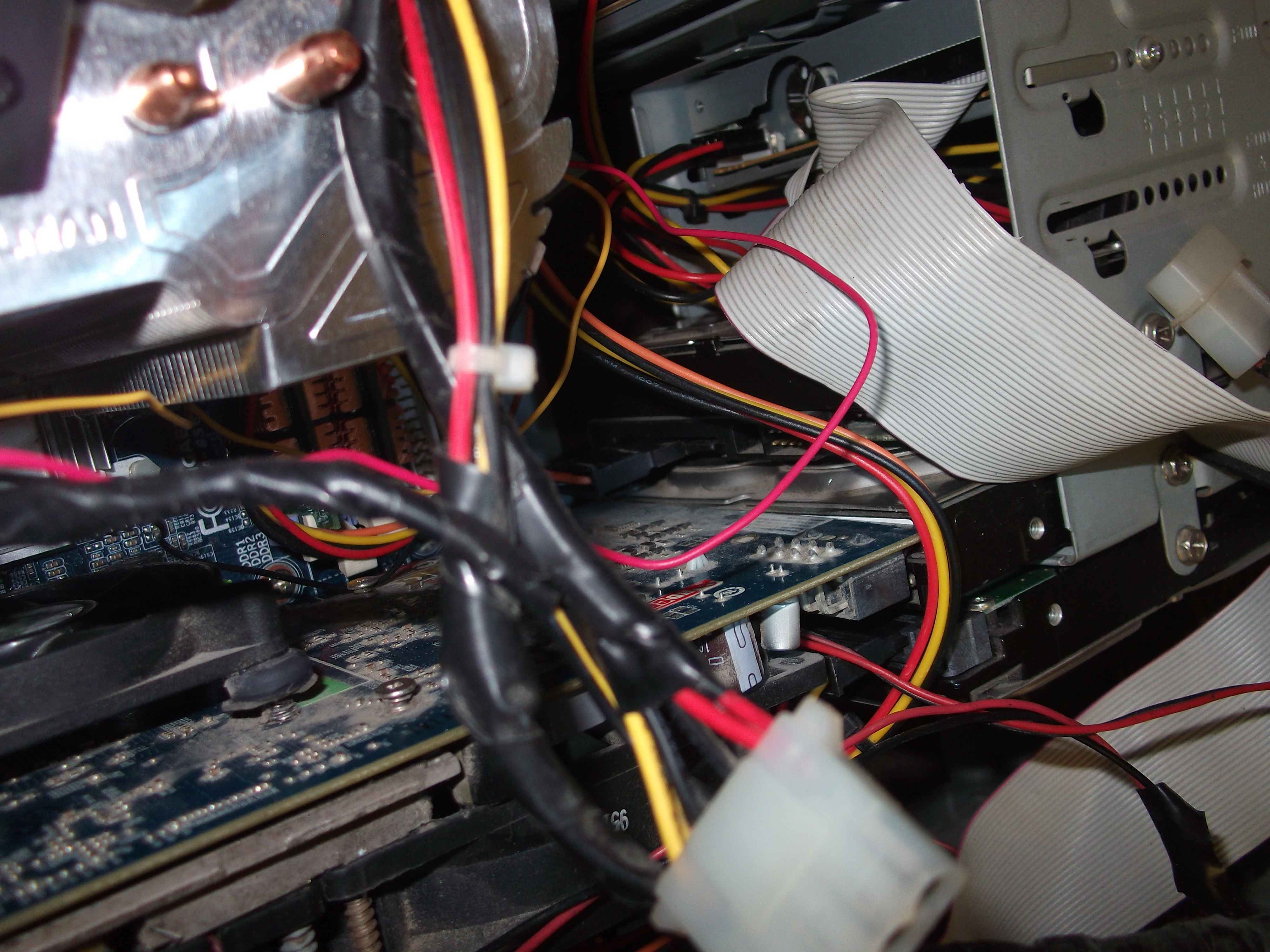
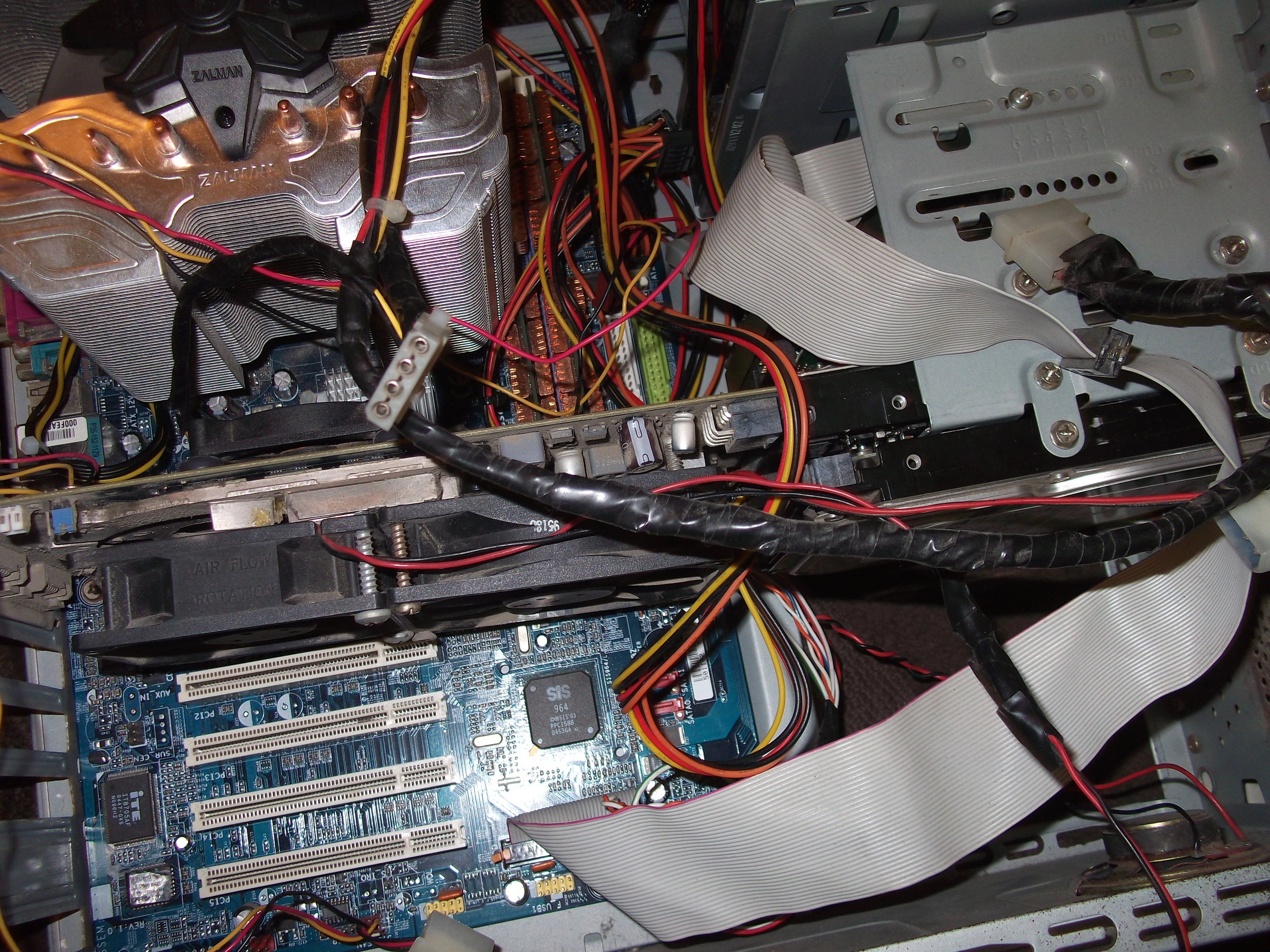
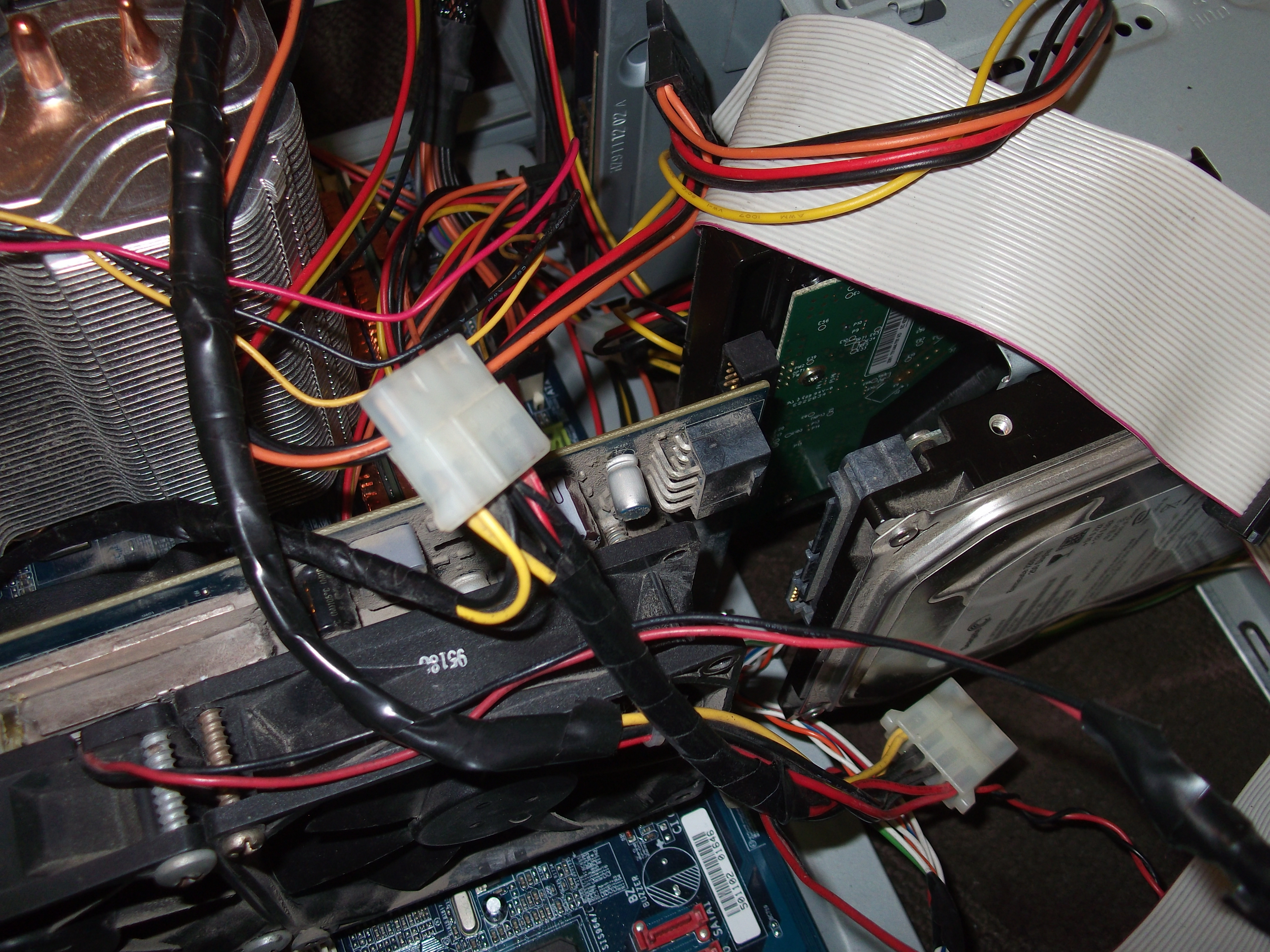
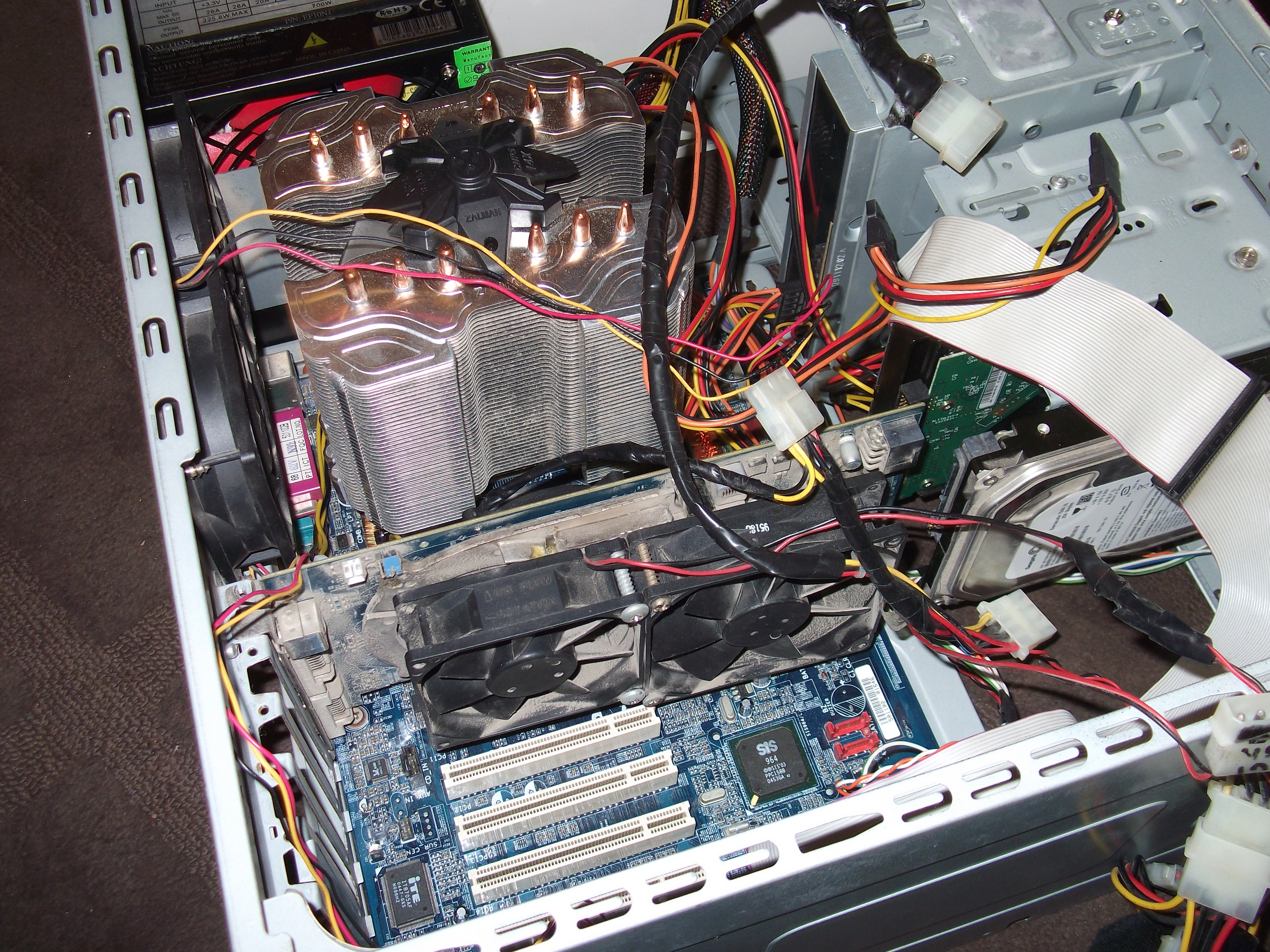
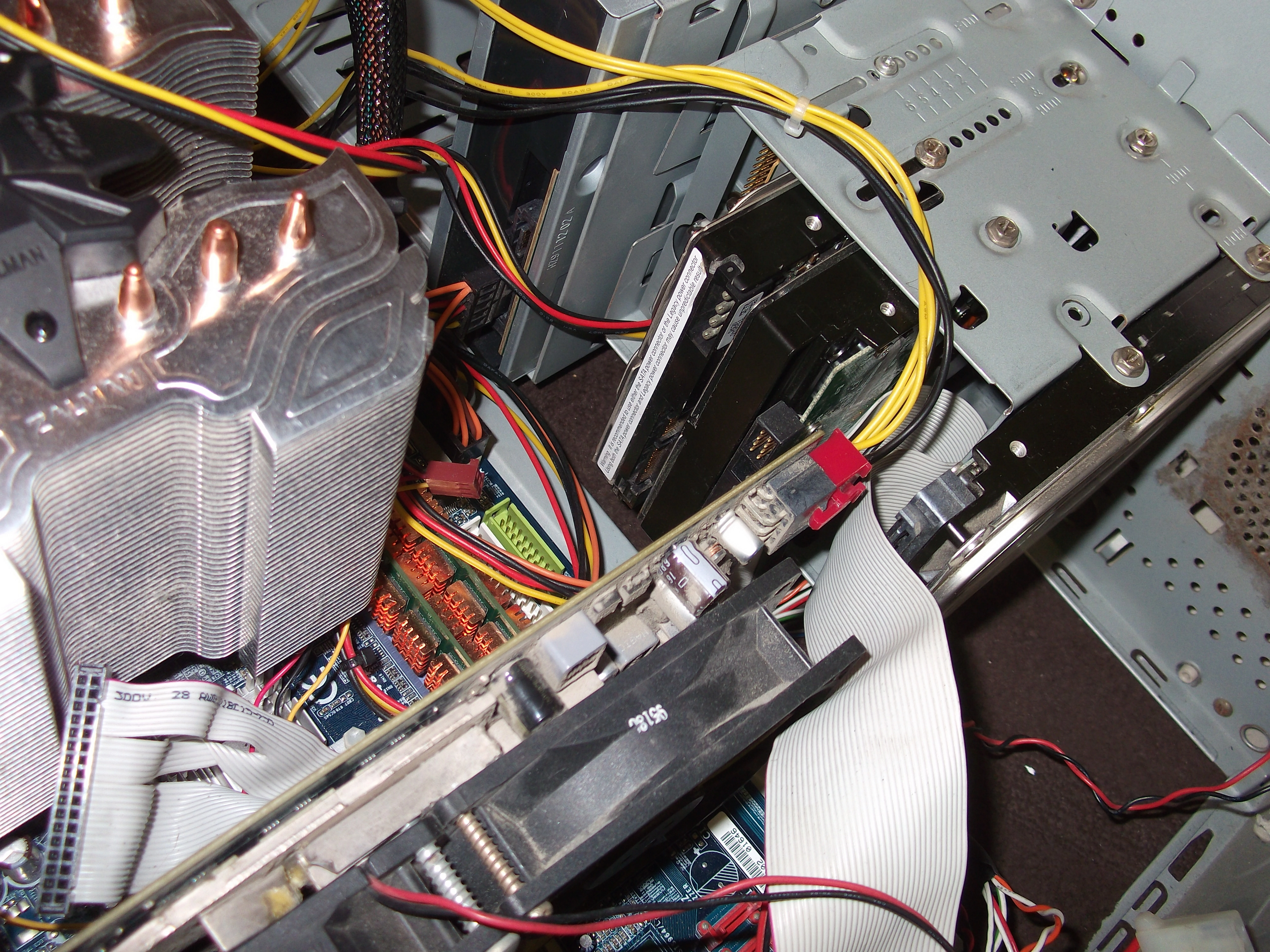
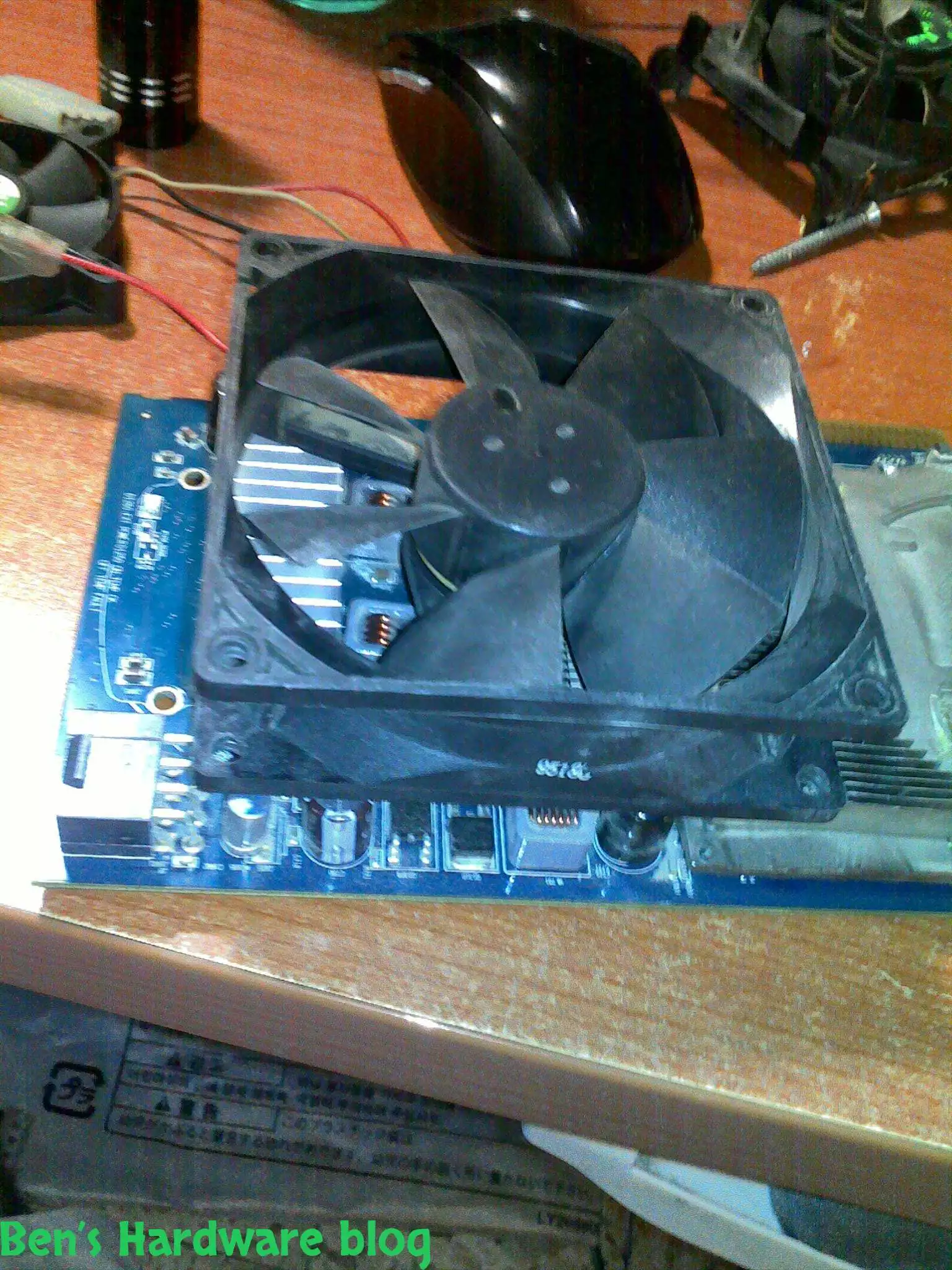
For that reason I decided to add a second fan alongside the already existing fan on board the video card.

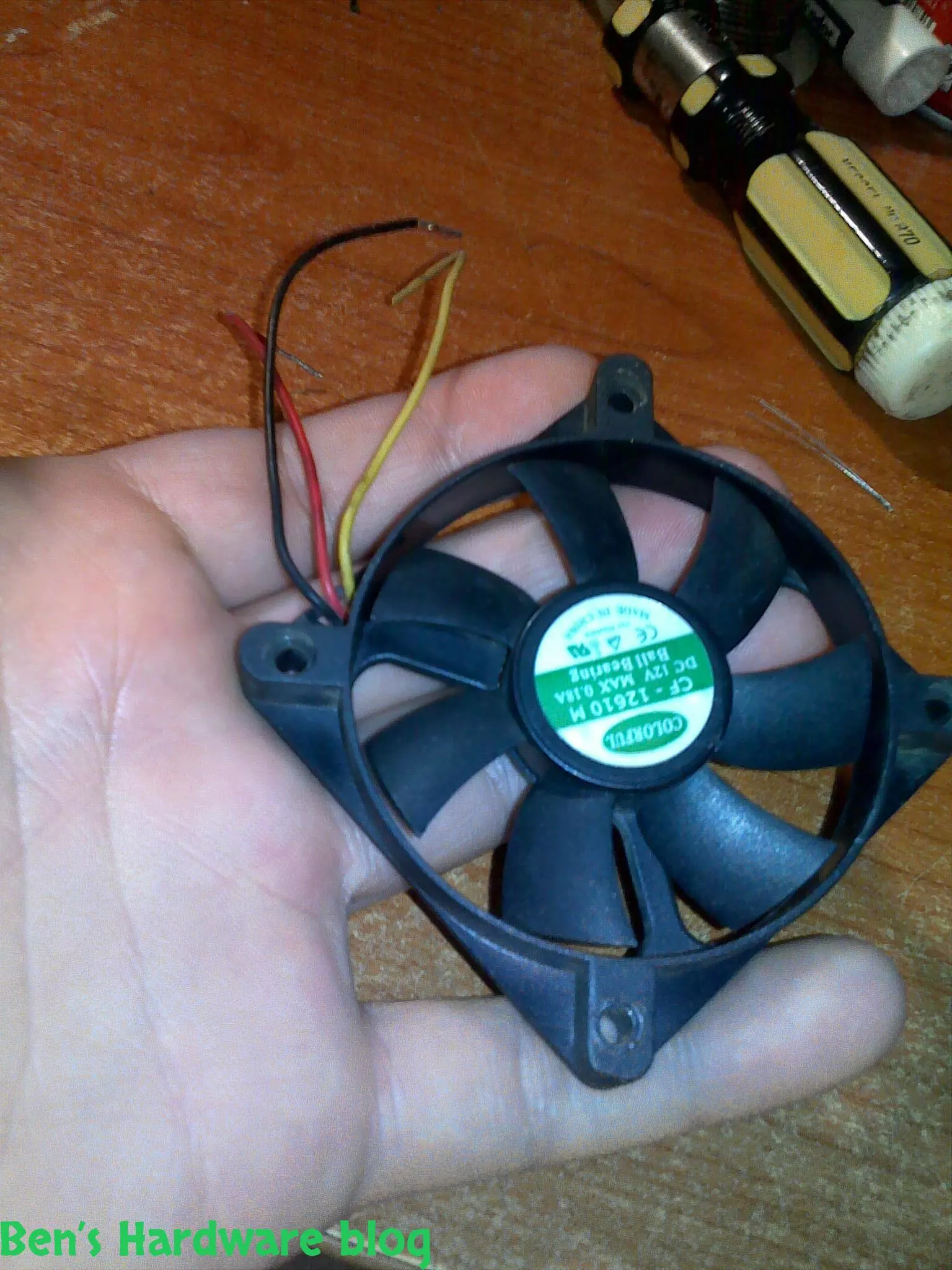
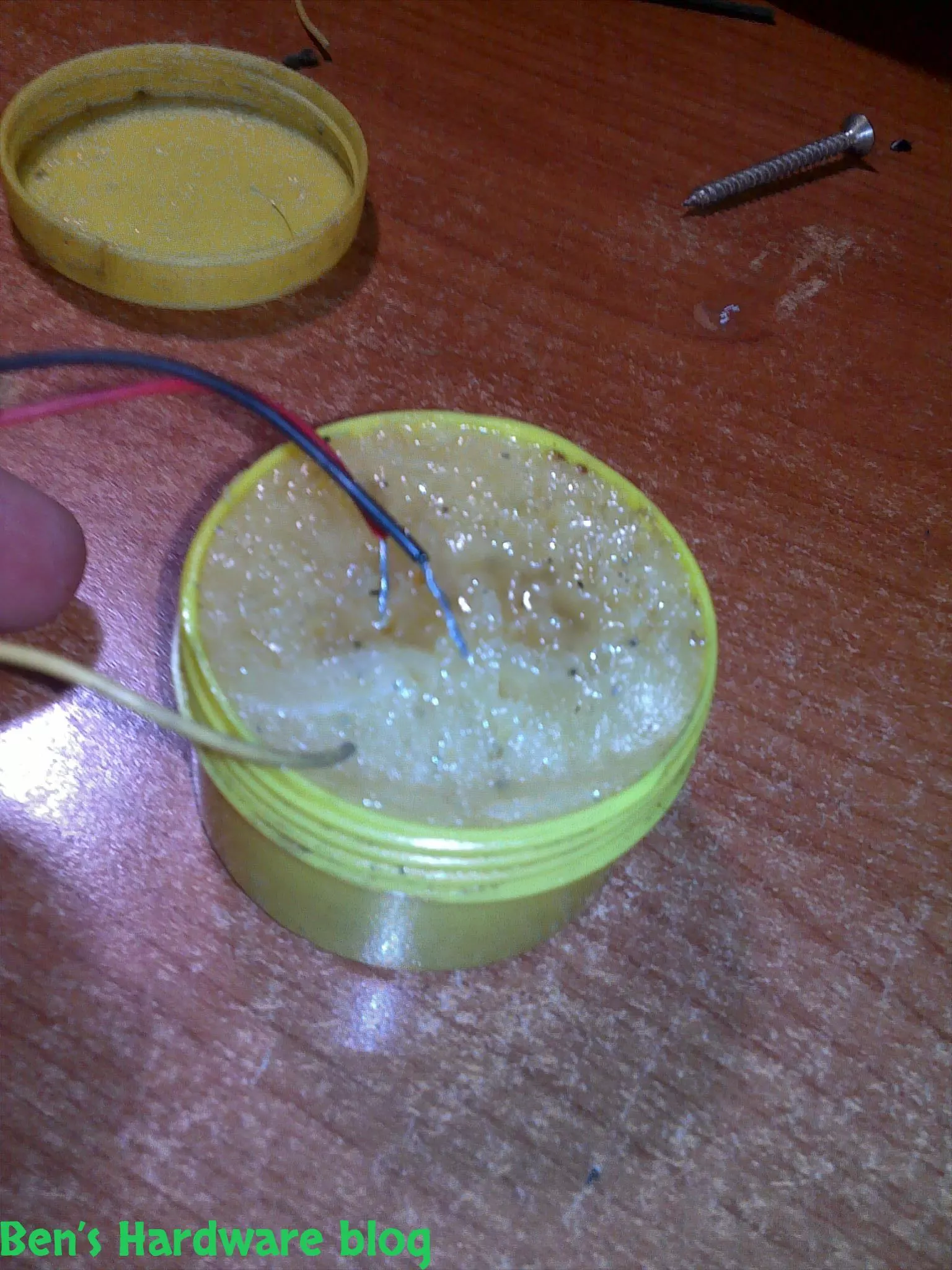
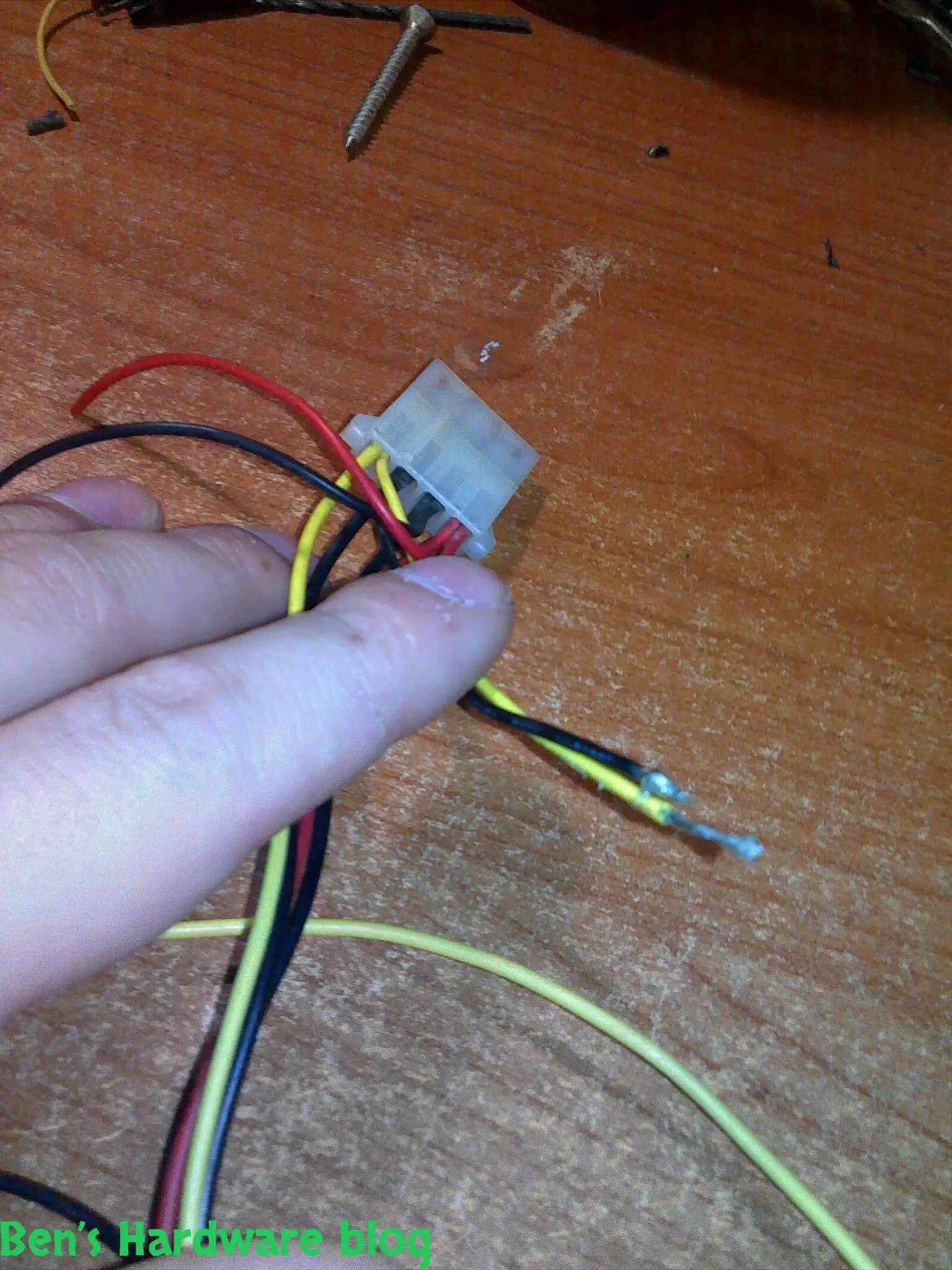
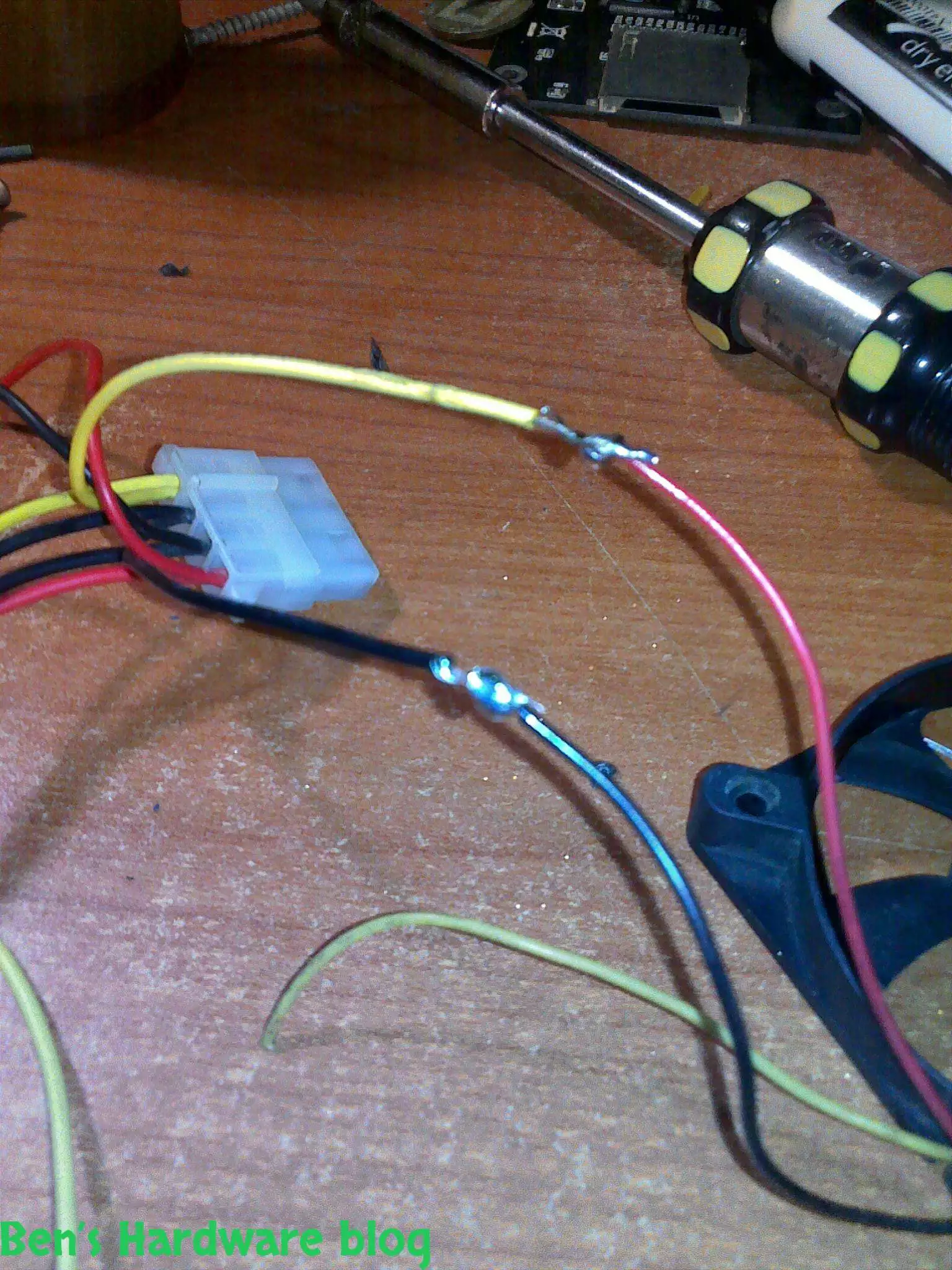
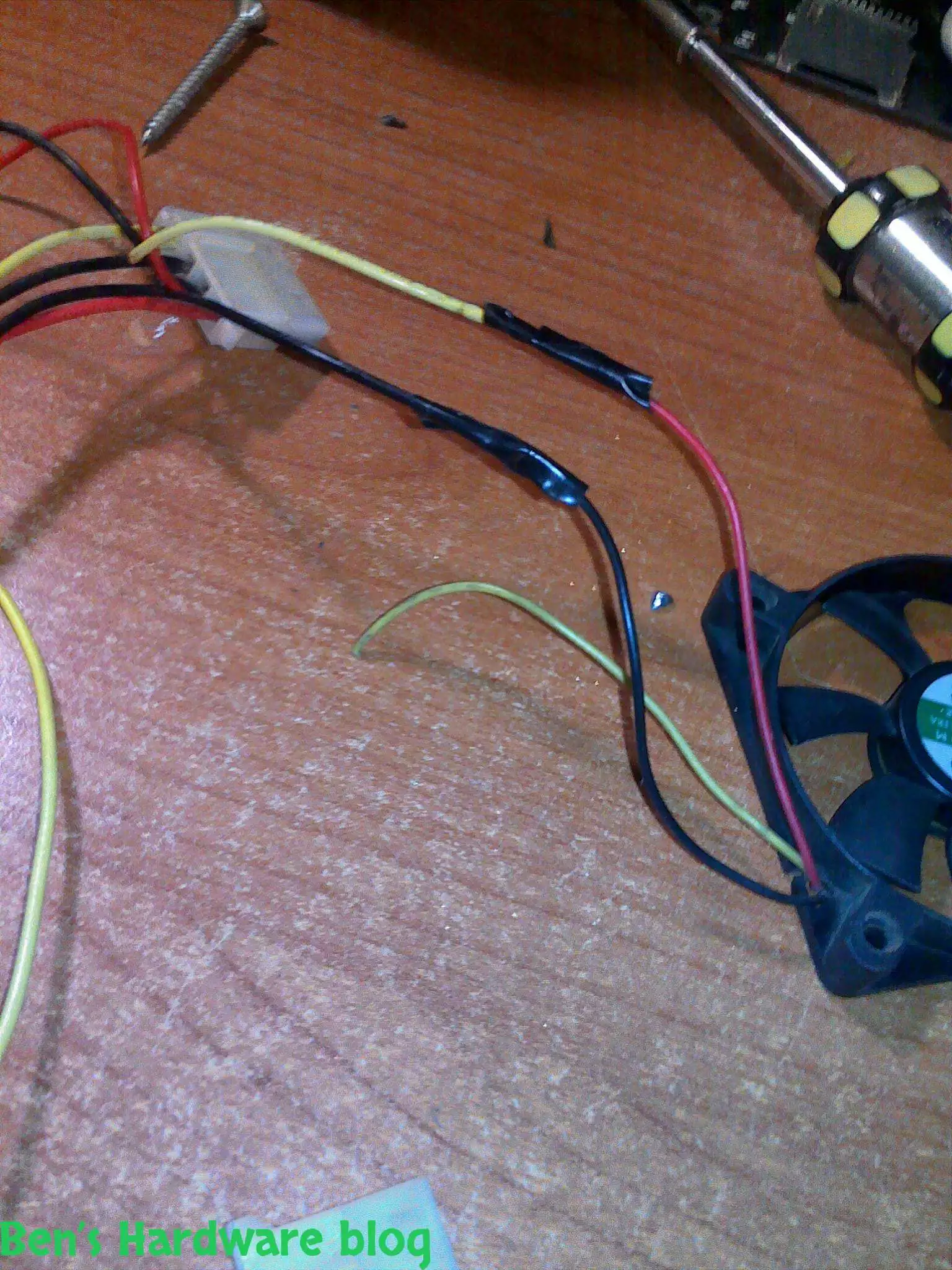
The new added fan is a regular scavenged 80mm PSU fan I soldered to a 4 pin ATX power connector , the current existing fan is a genuine Intel Pentium 4 CPU 70mm fan which I connected to the motherboard's FPU\chassis fan connection.

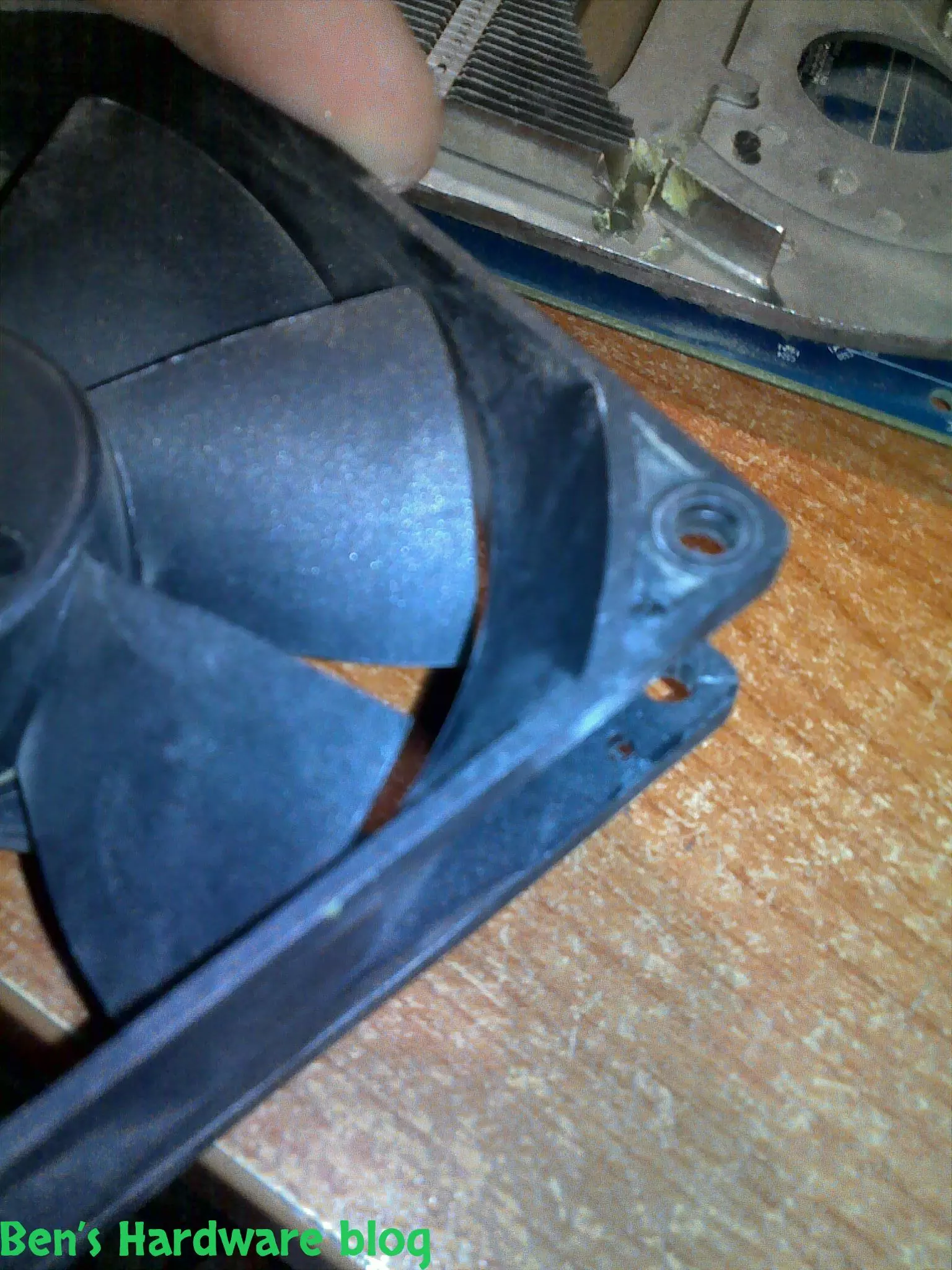
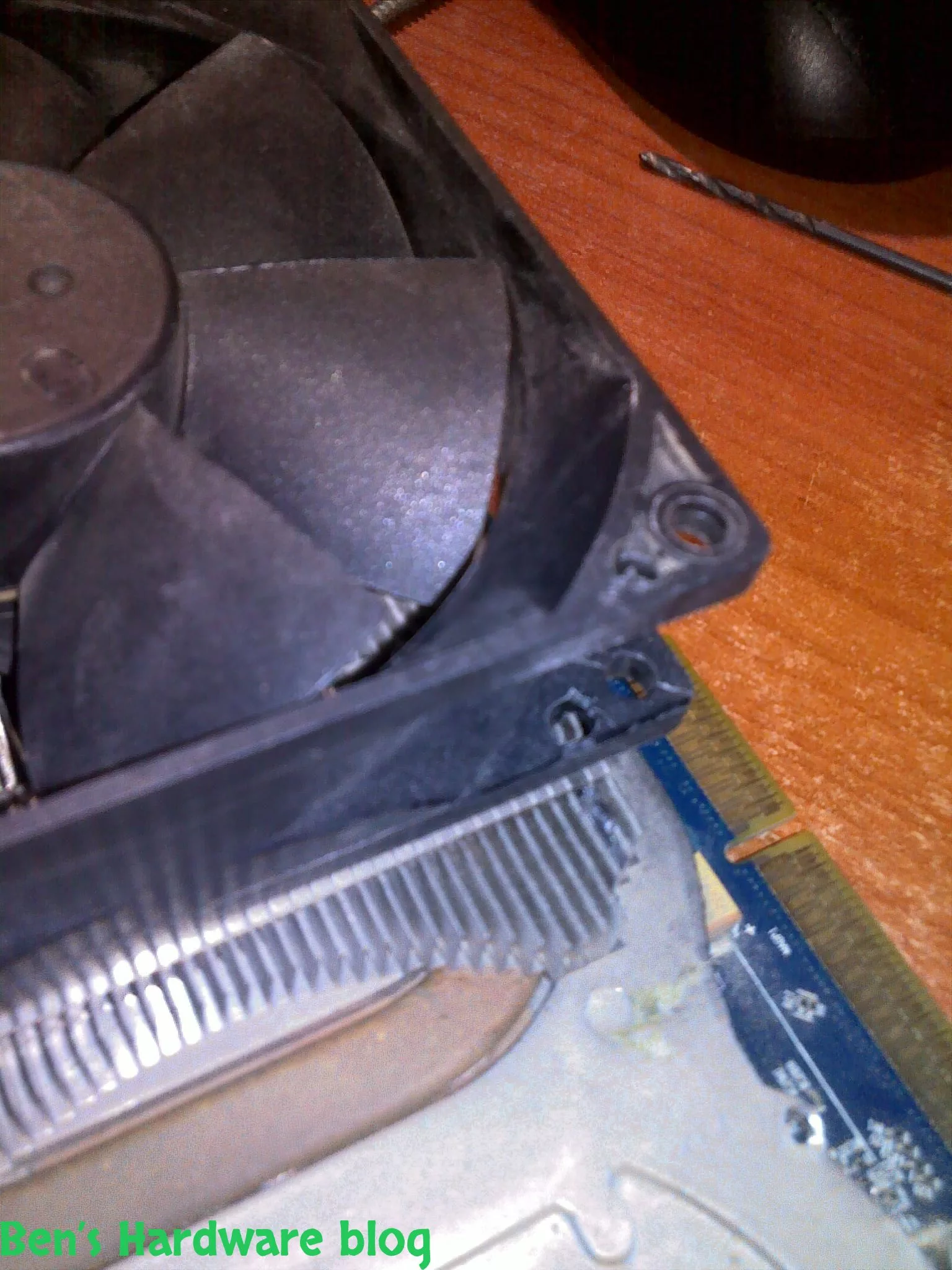
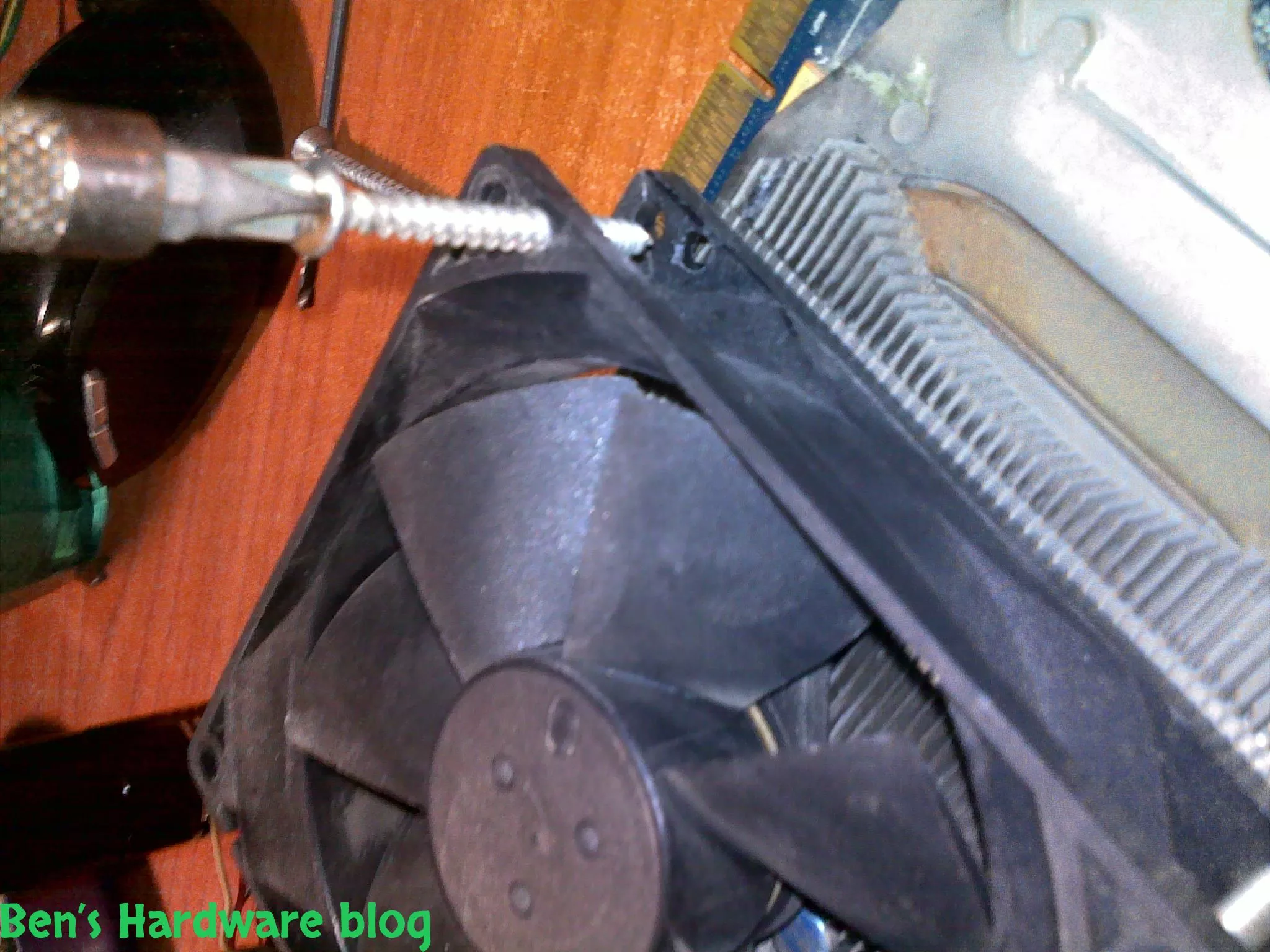
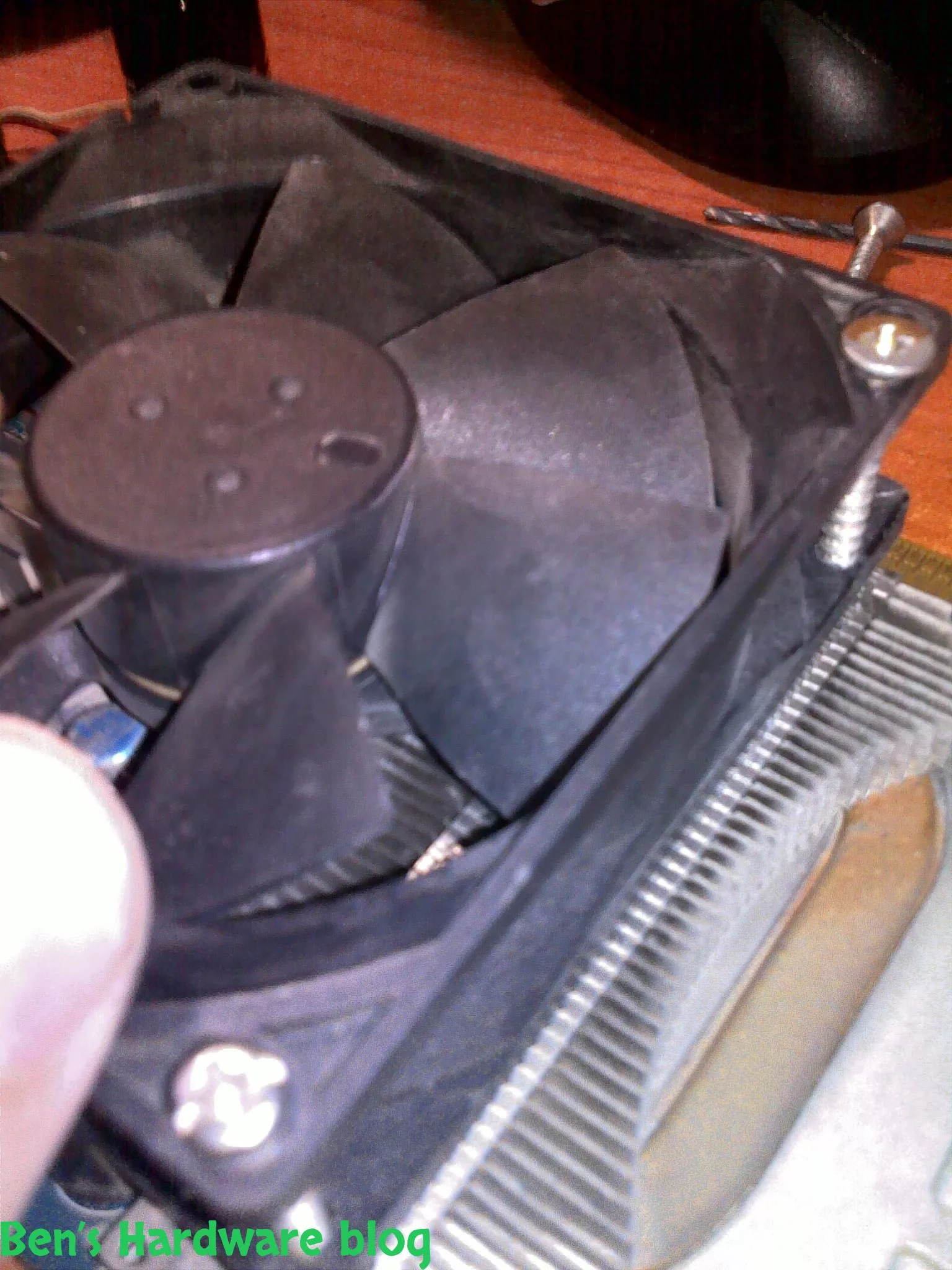
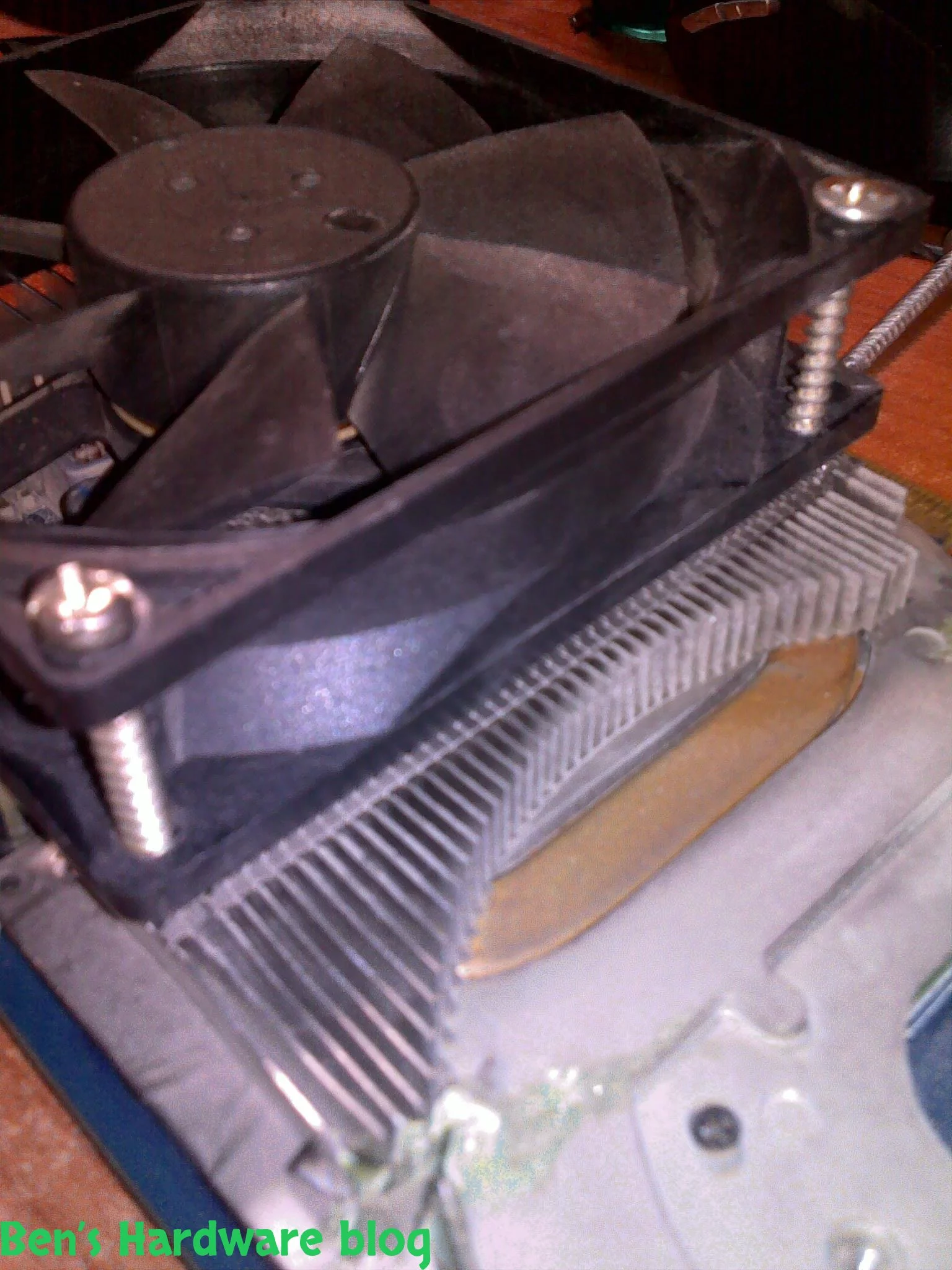
Adding the PSU fan was relatively easy , I used a 2mm Philips screw to connect one of its edges to the original heat sink which was quite enough to hold the fan in place against the rest of the card's back end connectors.

The Pentium 4 fan was connected to the heat sink by using regular house hold glue.

Testing:

At first I ran the video card with only 1 fan , the Pentium 4 CPU fan that was already there. On idle temperature was moving between 47-49 degrees Celsius. I ran 3dmark2006 at 1280X1024 mode 3 times, results – 4056 , 4033 and 4028. The max temperature was 67 Celsius.

i ran the computer with the new 2 fan mod I made. In idle mode with no overclocking the GPU core was pretty hot , since I had no an external temperature meter (which I will get as I finish with this post) I could use to determine the exact temperature of the GPU besides of course using the catalyst software that came with the card's driver. It is necessary to mention that during the entire testing process the room was air conditioned at 25 degrees Celsius.

At idle mode temperature was a steady 44-42 degrees Celsius while GPU was at 669Mhz and memory at 700Mhz. I ran 3DMark 2006 3 times on 1280X1024 mode and got scores of, 4071 ,4012 and 4019. The max temperature was 65 Celsius.

Now for some overclocking…

I let the AMD Overdrive auto tune the frequencies based on their stability and it determined that 709Mhz was enough for the GPU and 830Mhz for the memory. The max temp during the tune up was 70 degrees Celsius at 85% GPU activity and 46-48 degrees at idle.

Again , 3 test were made with 3DMark 2006 and the results were – 4068 , 4095 and 4089 and a max temperature of 67 degrees Celsius.

3 FAN STAGE:

After a long thought I decided to remove both the Intel P4 70mm fan and the 80mm PSU fan and try some different hardware to increase cooling and there for increase performance.

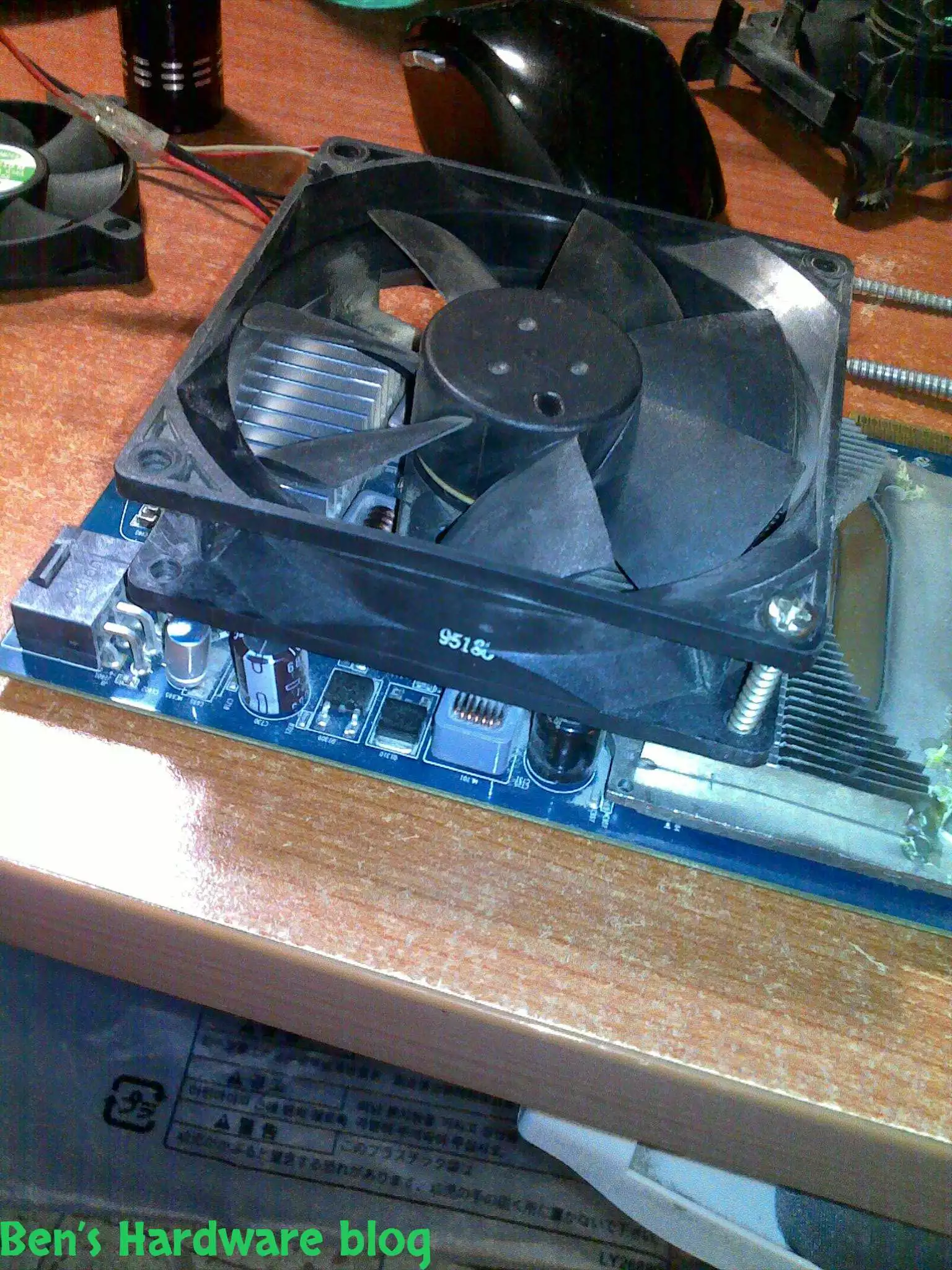
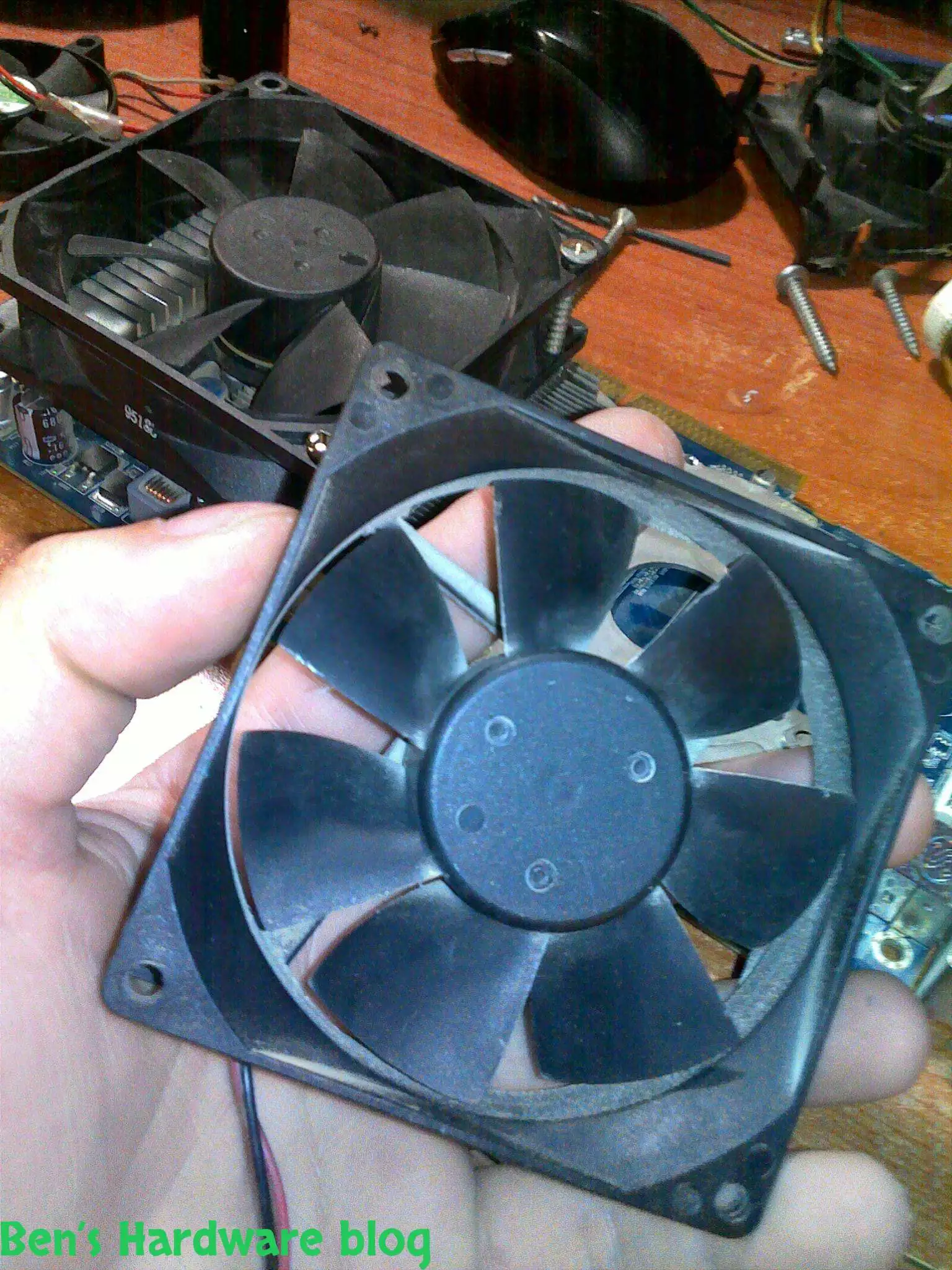
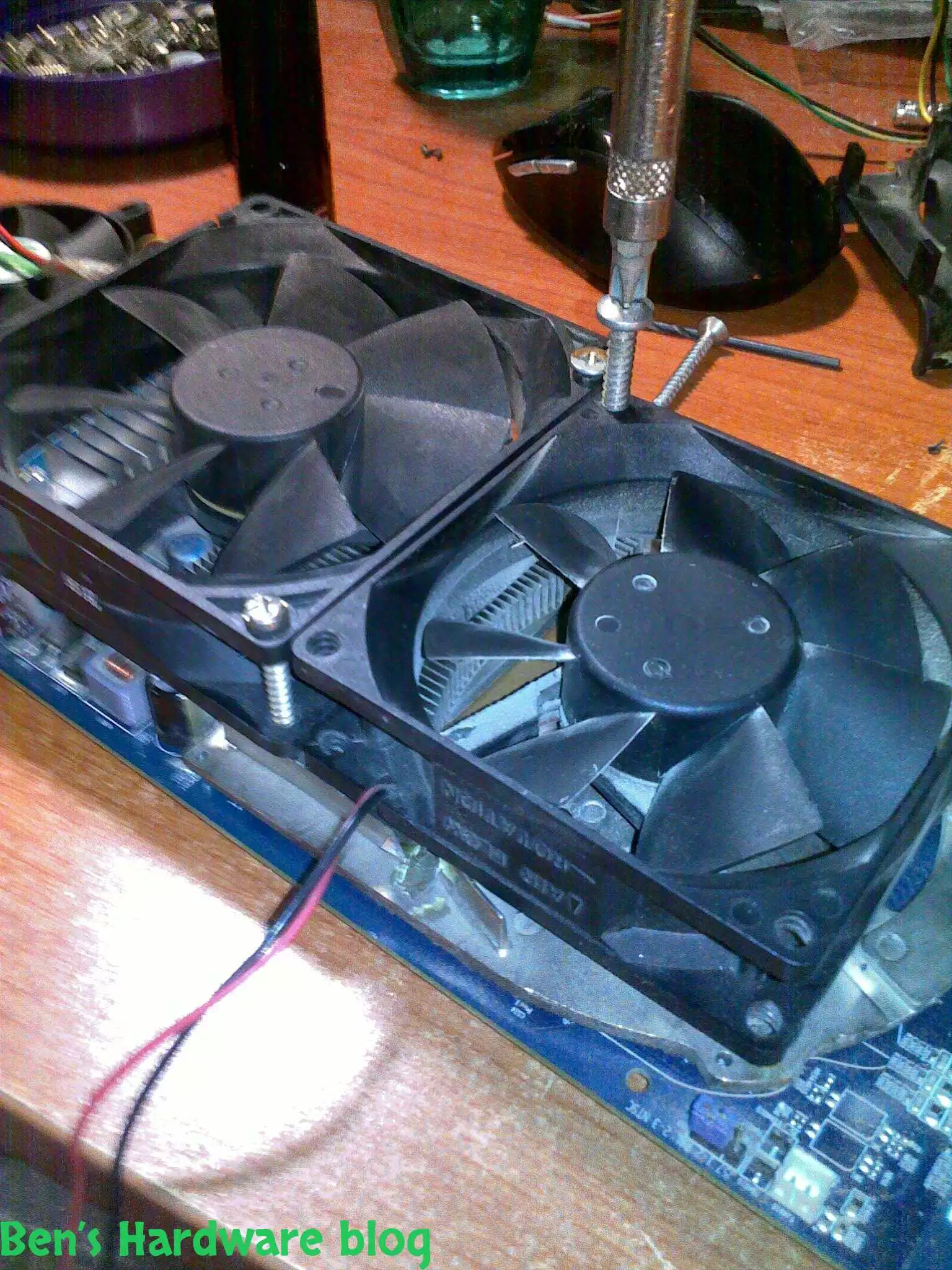
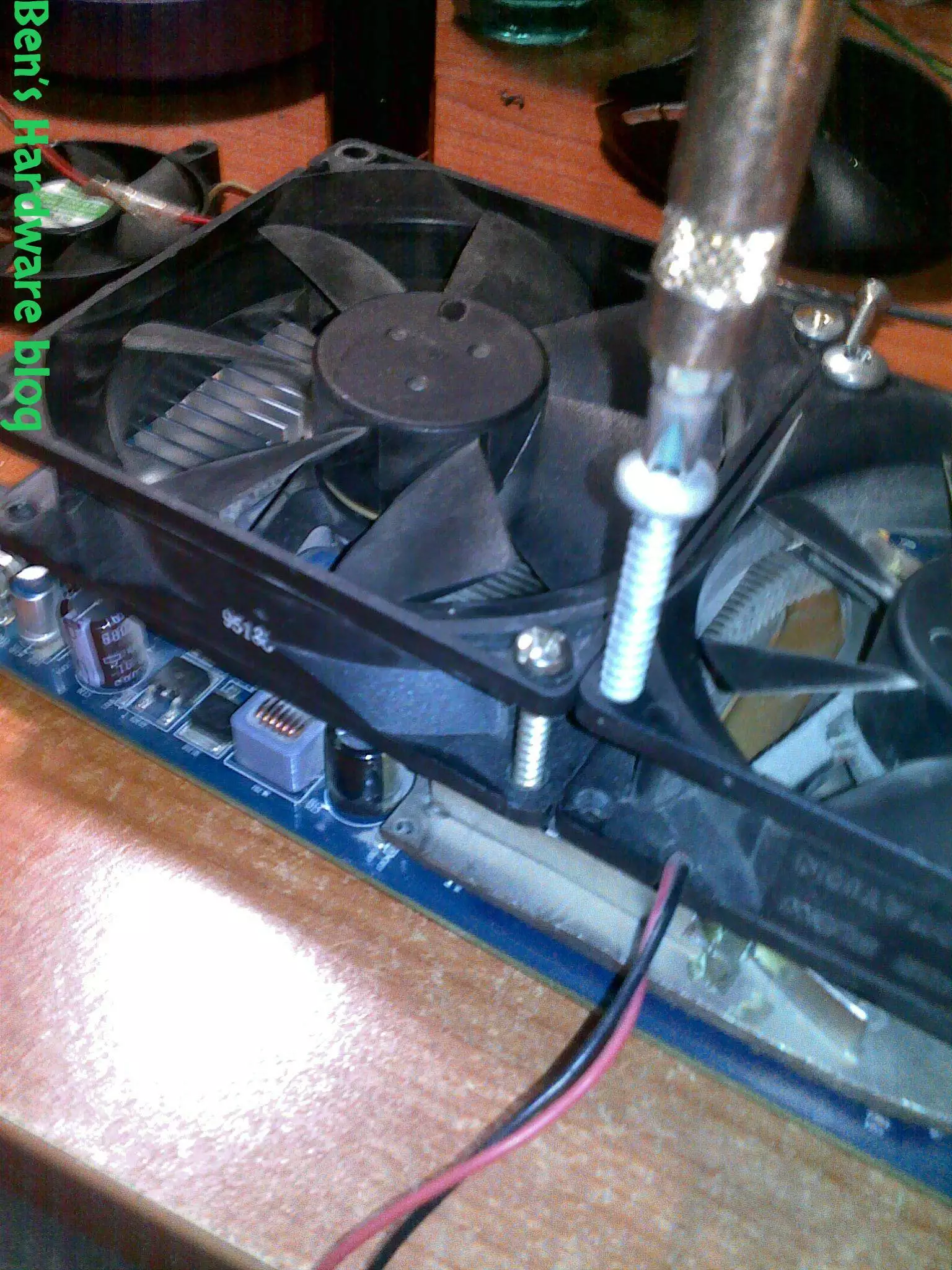
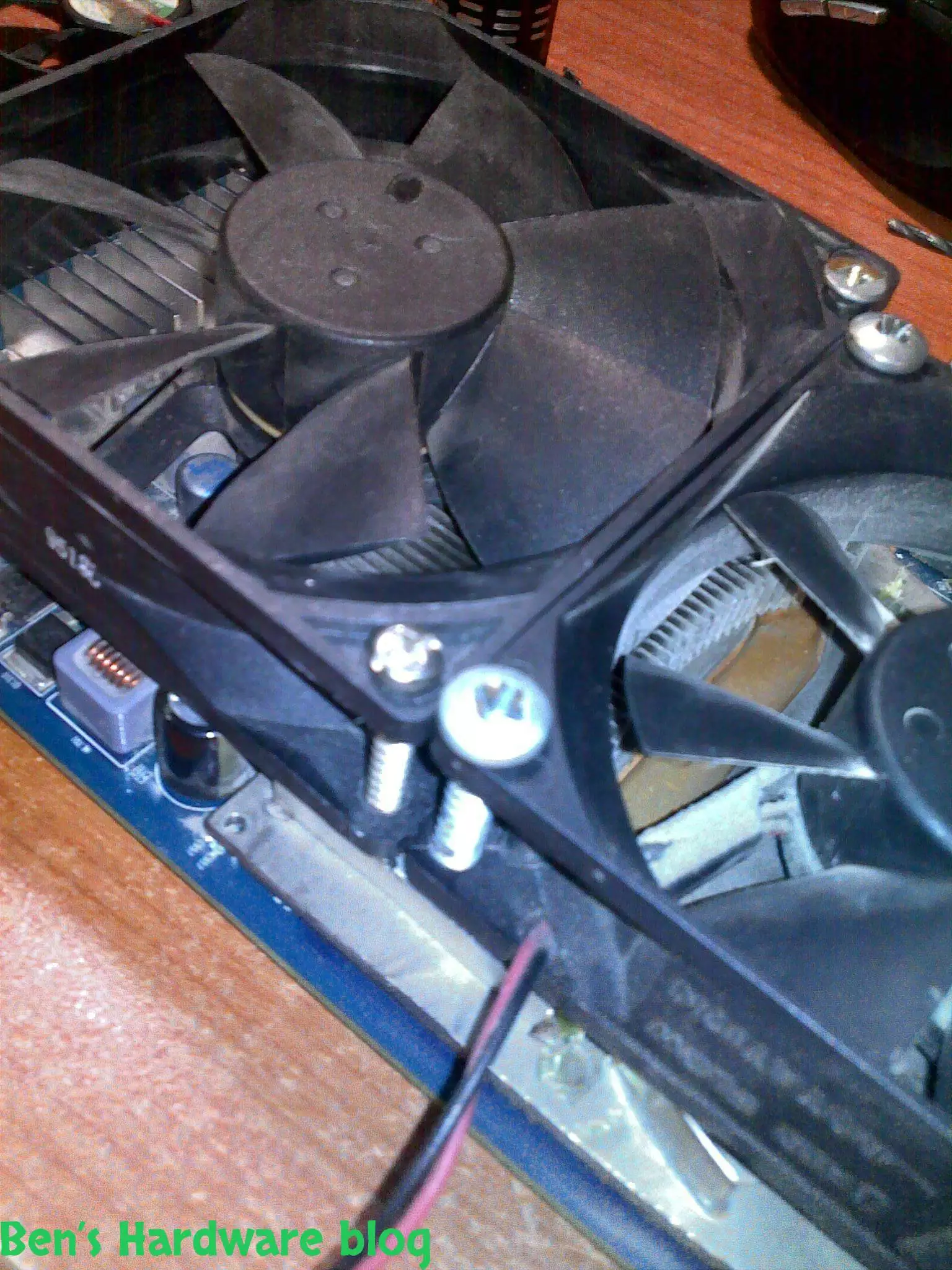
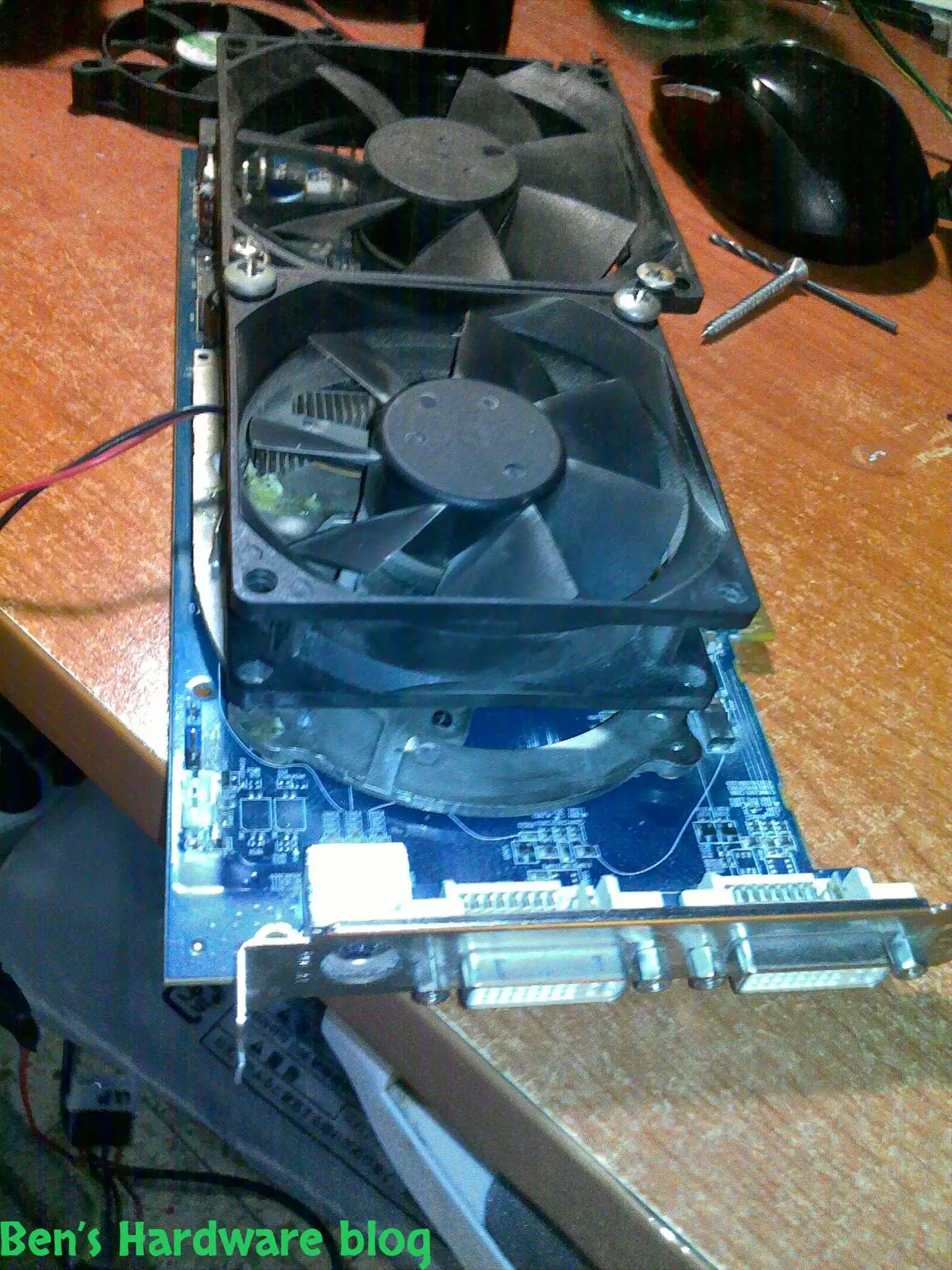
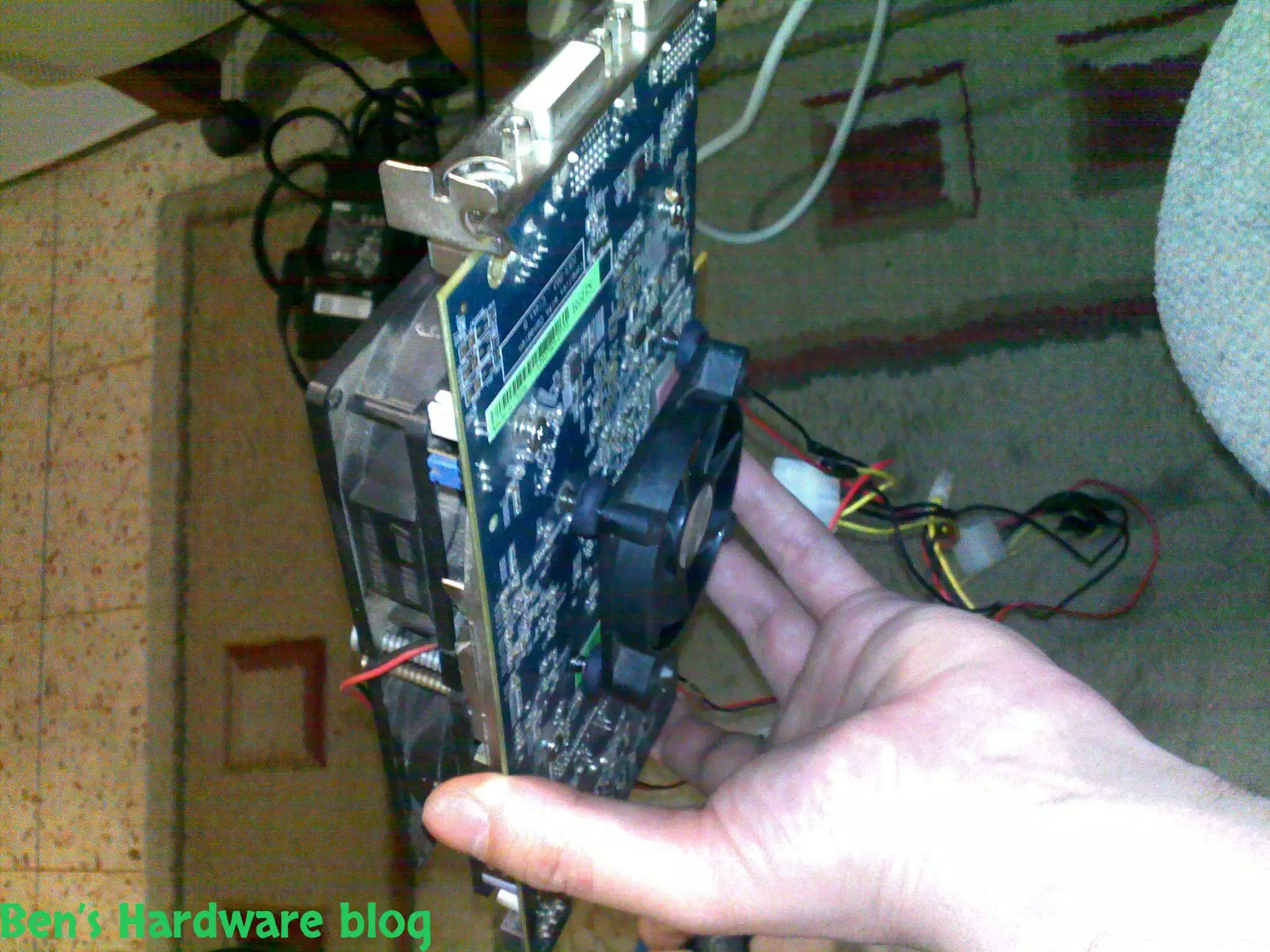
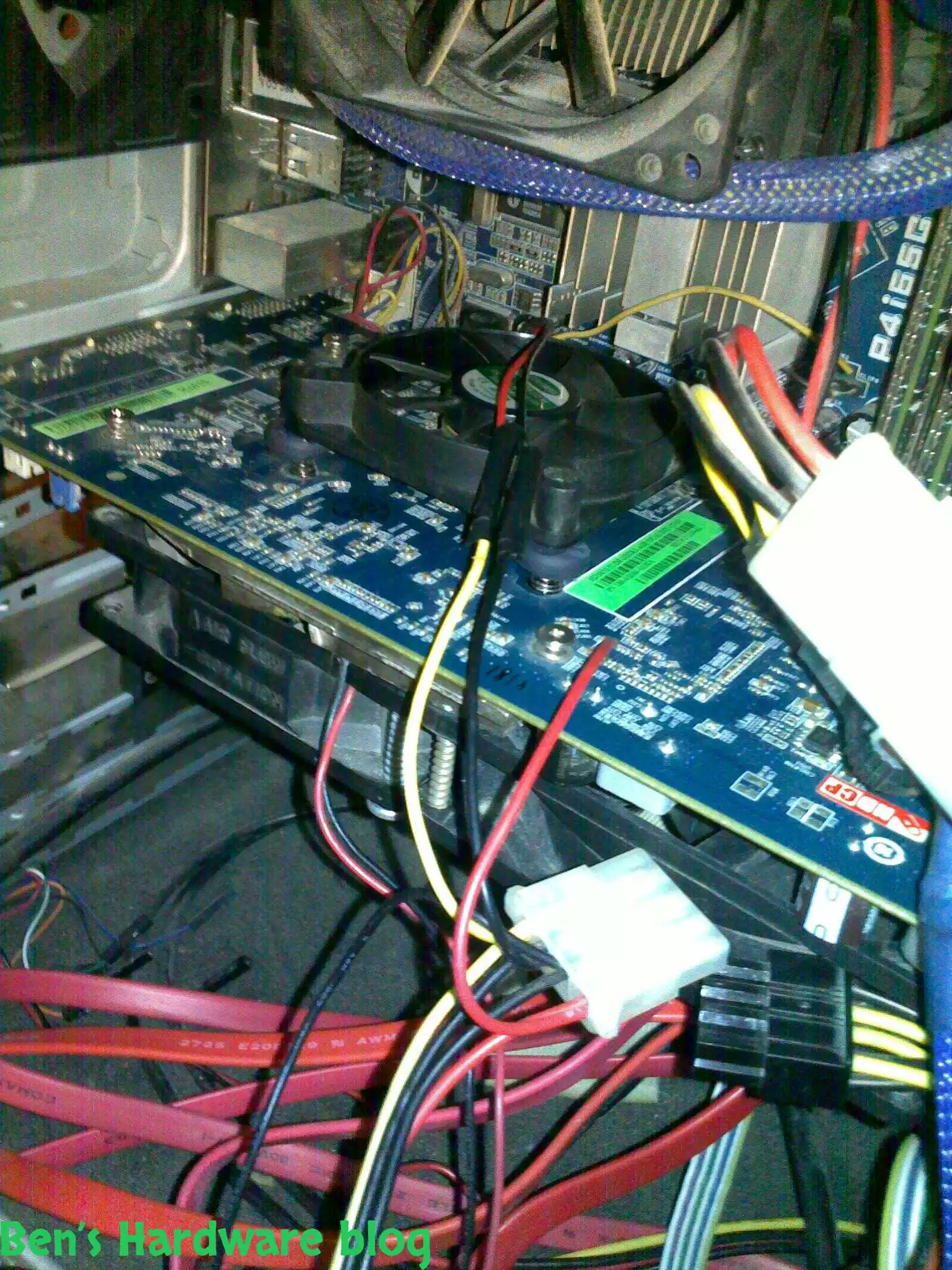
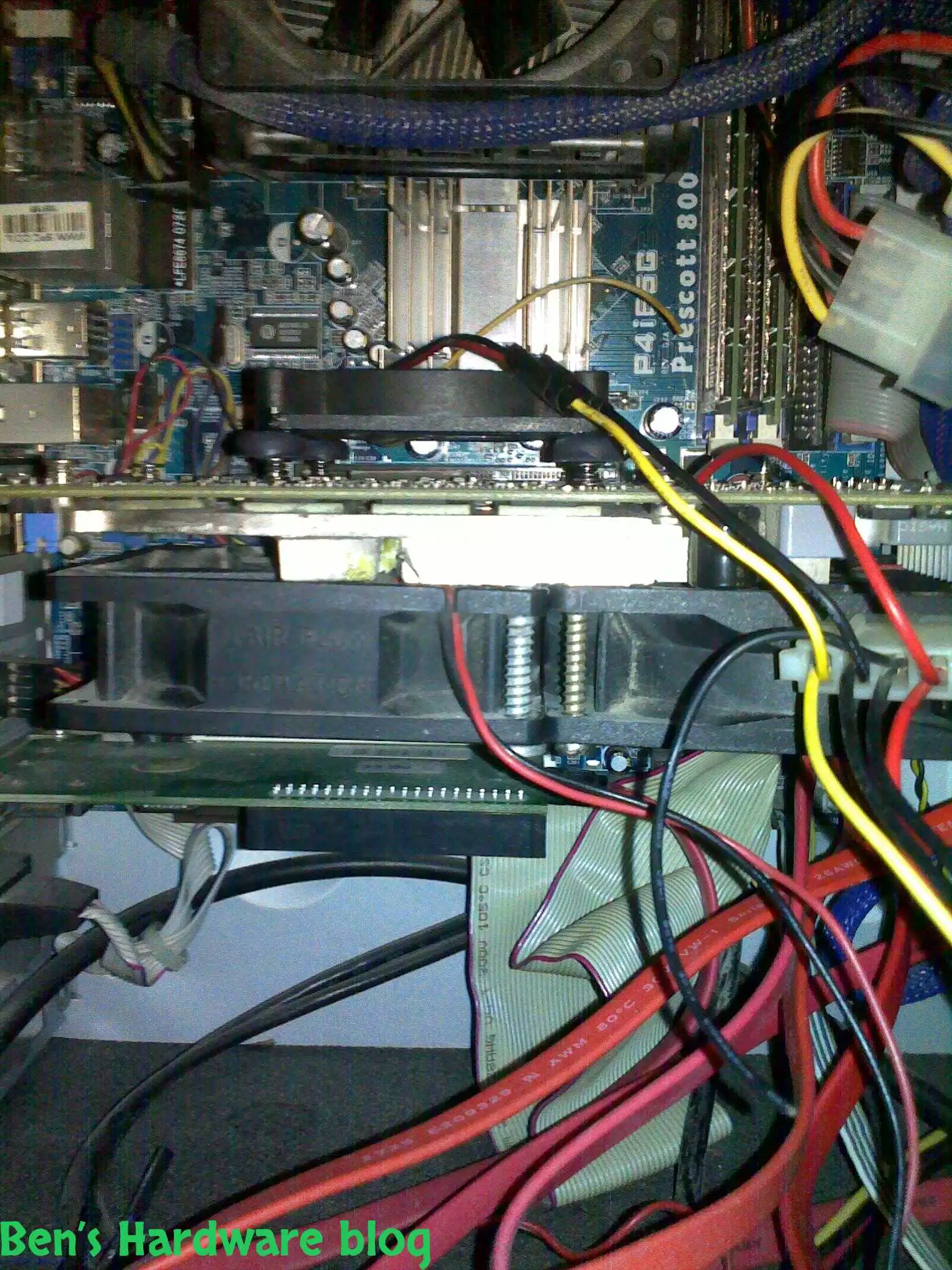
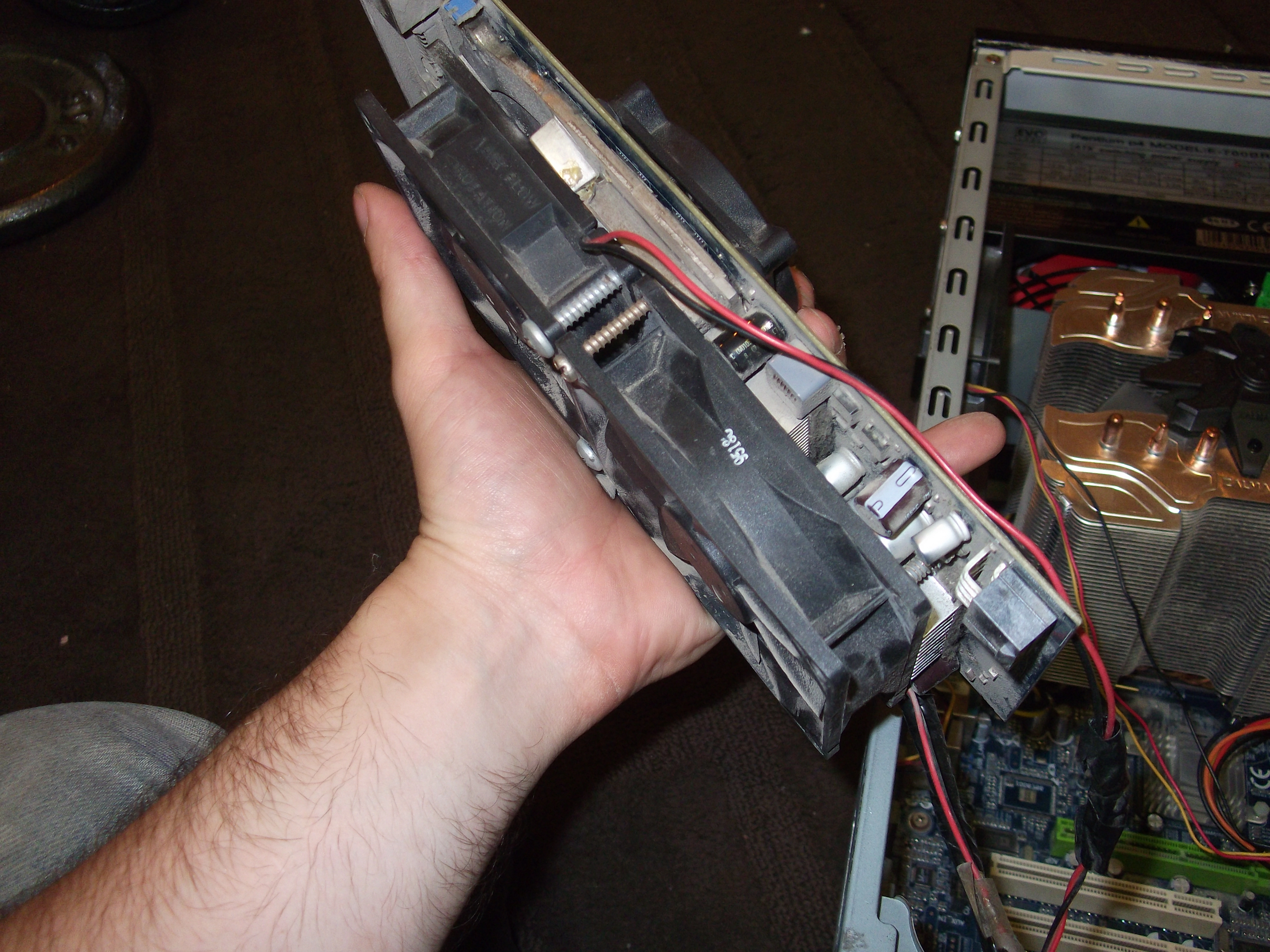
I picked up a 90mm fan I found and another 80 mm one to cover the heatsink side of the video card, and another third fan to cover the back of the video fan directed directly towards the GPU core itself.

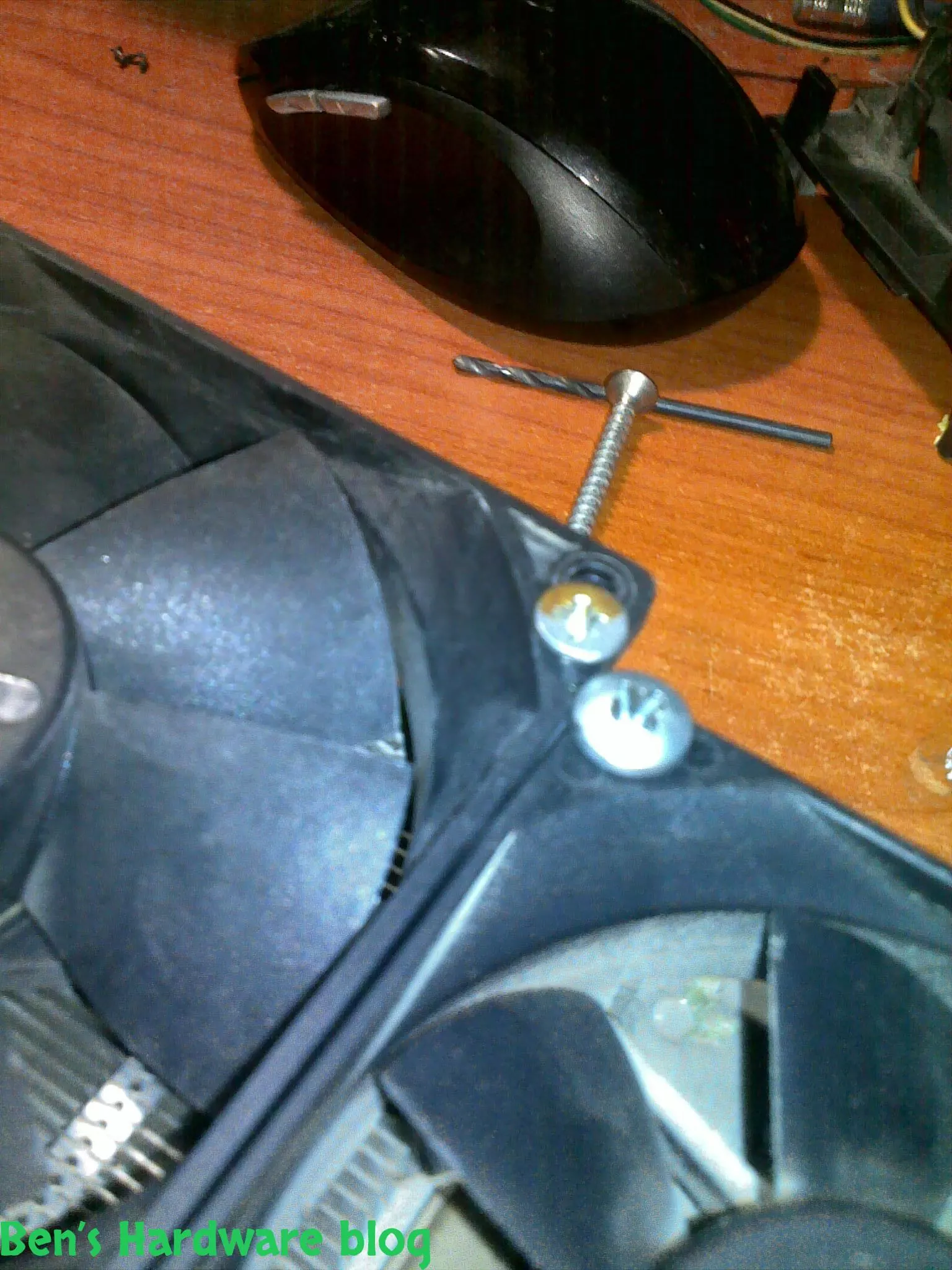
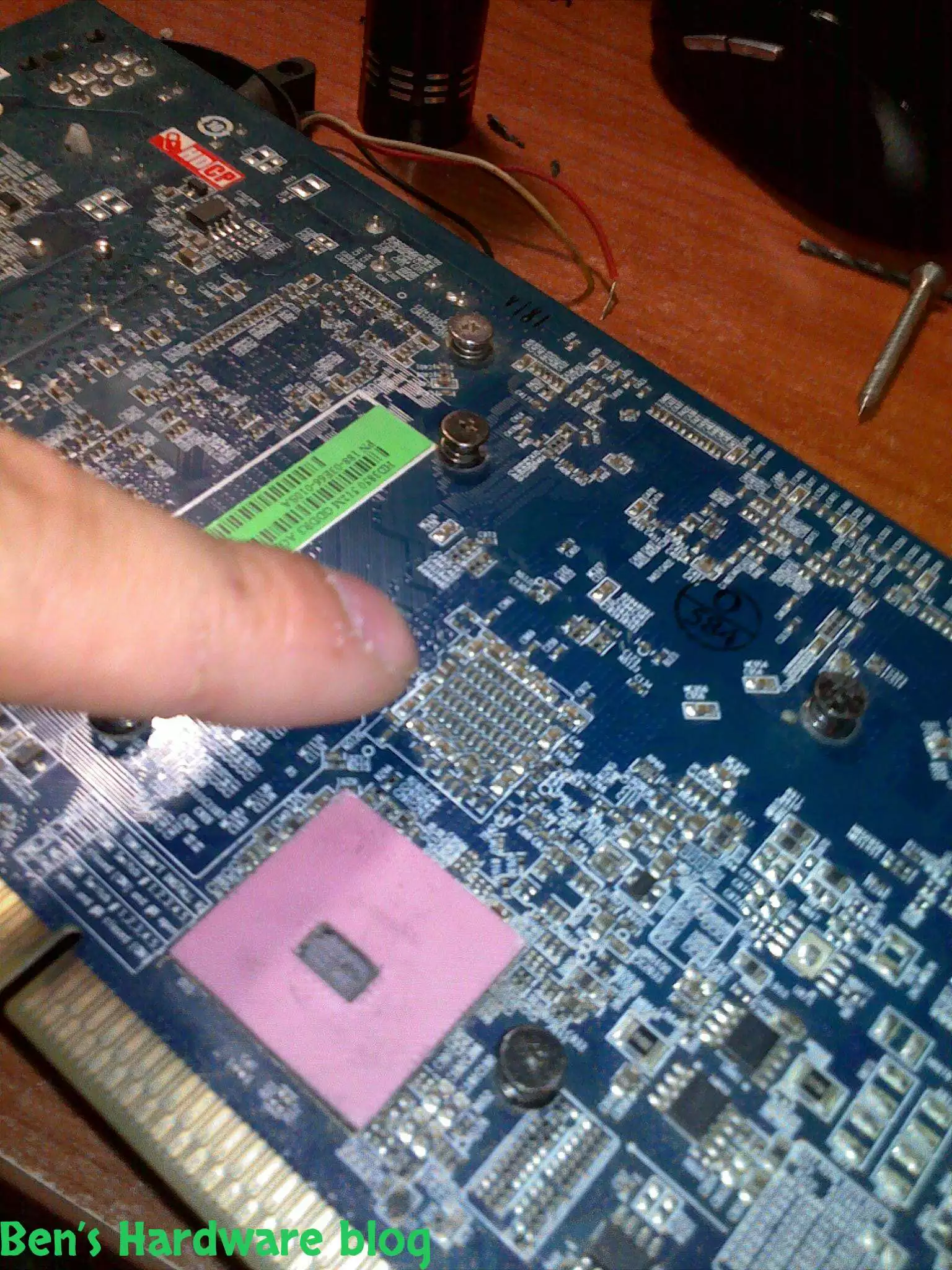
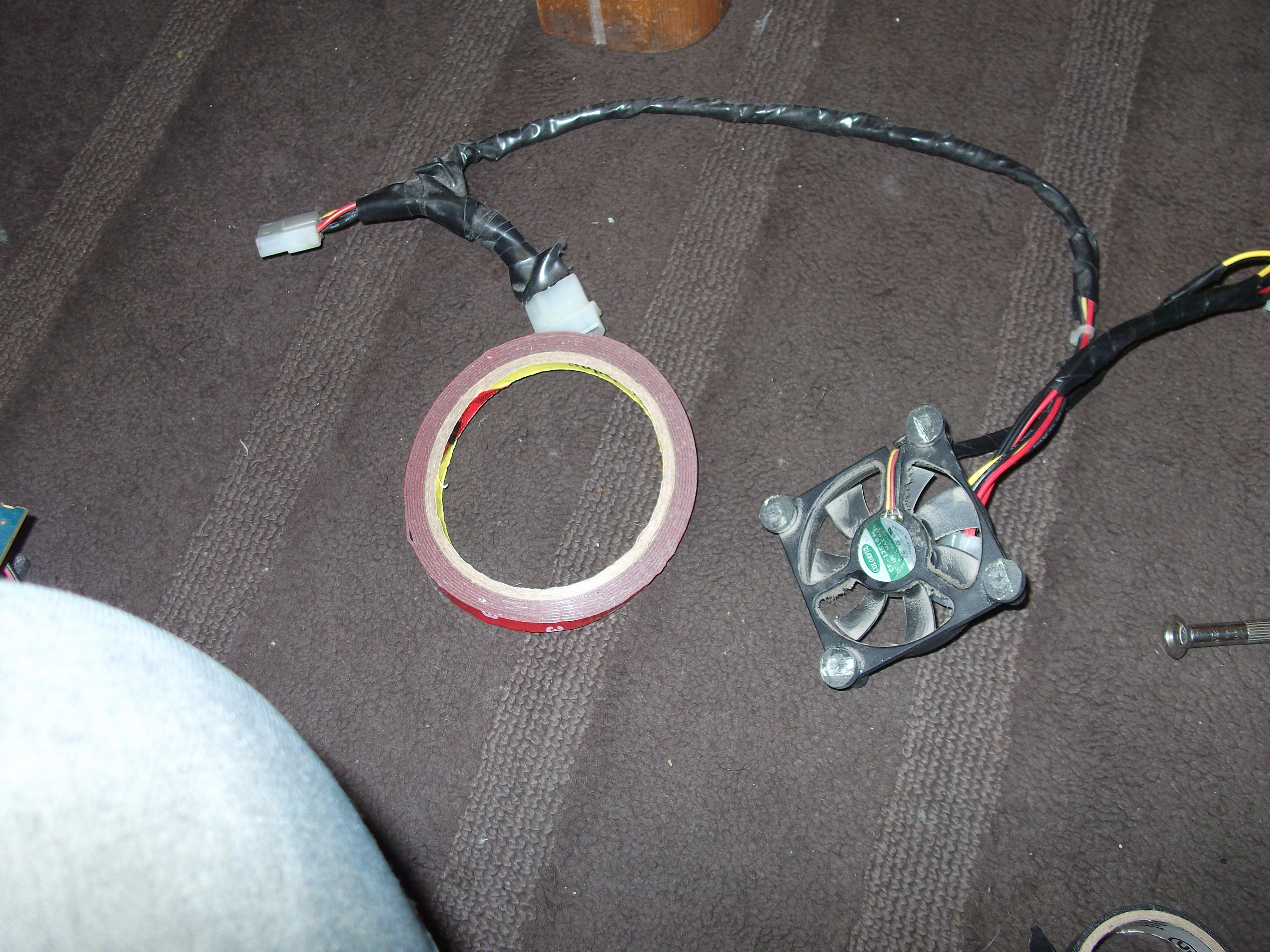
installing the 2 massive fans wasn't too hard. i used heavy duty relatively thick scerws to hold the fans to the heatsink. the 3rd back fan on the other hard was quite a challenge.i found an old Pentium 3 CPU fan and soldered its wiring to a PSU wire rail.

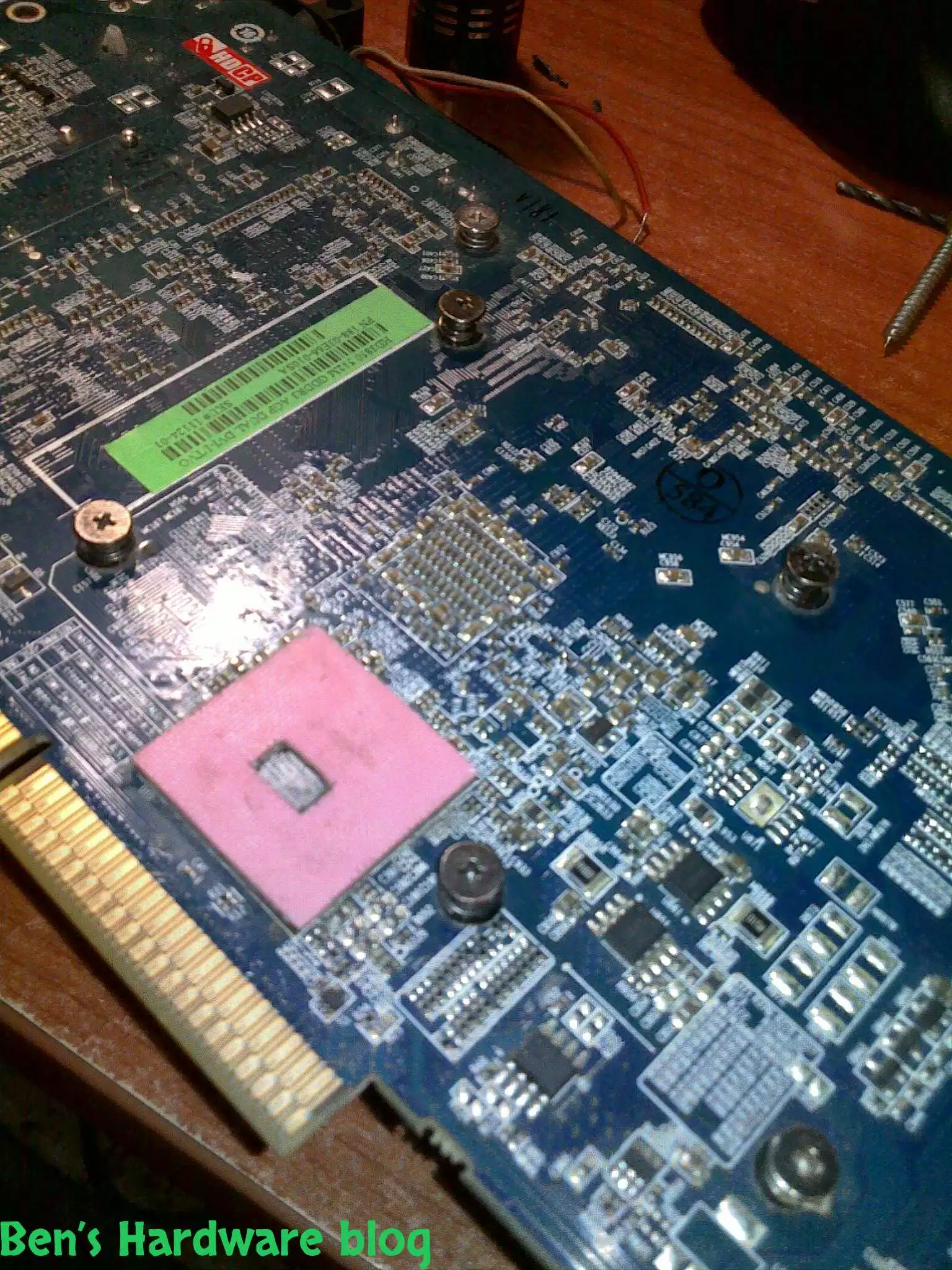
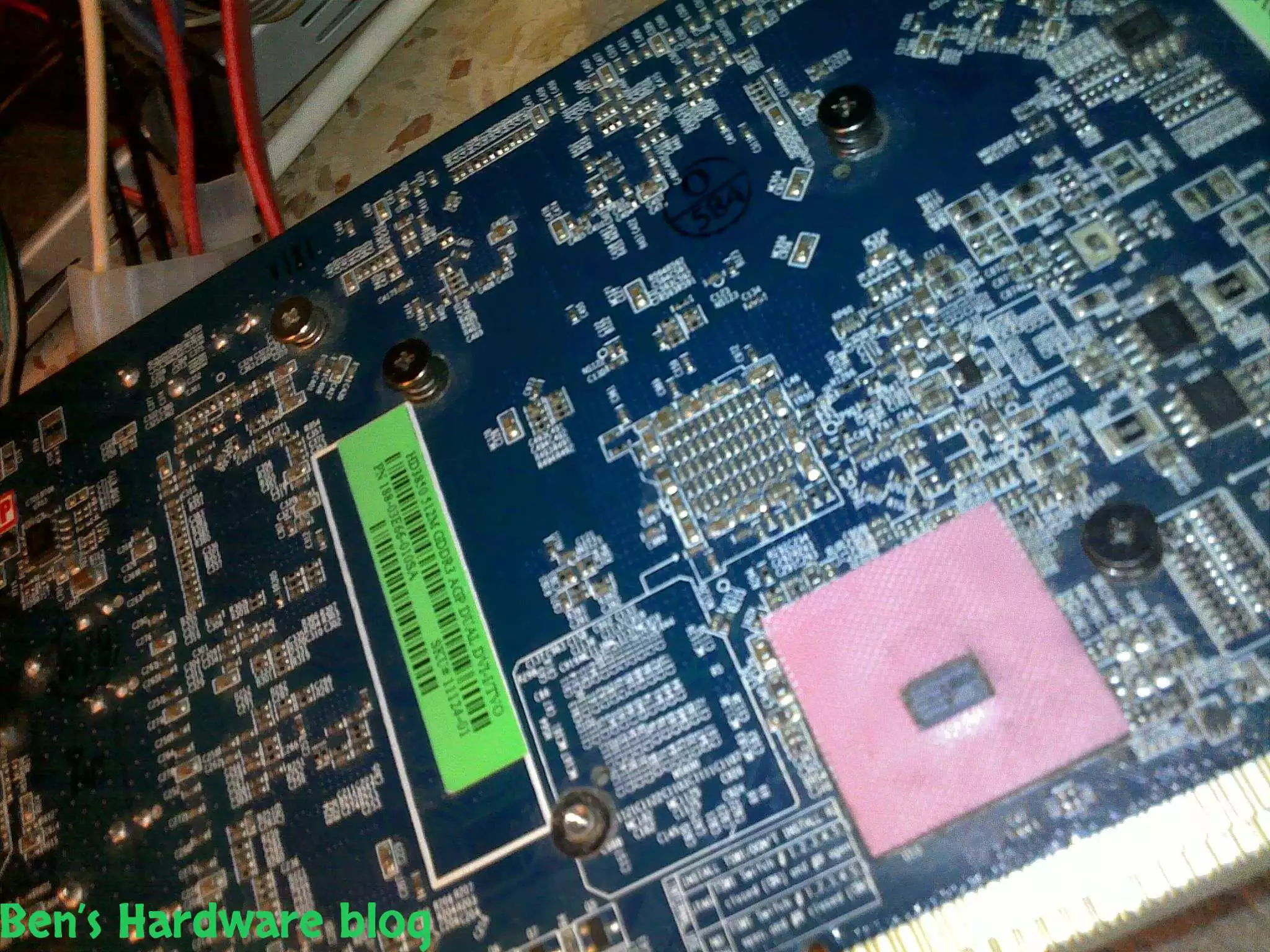
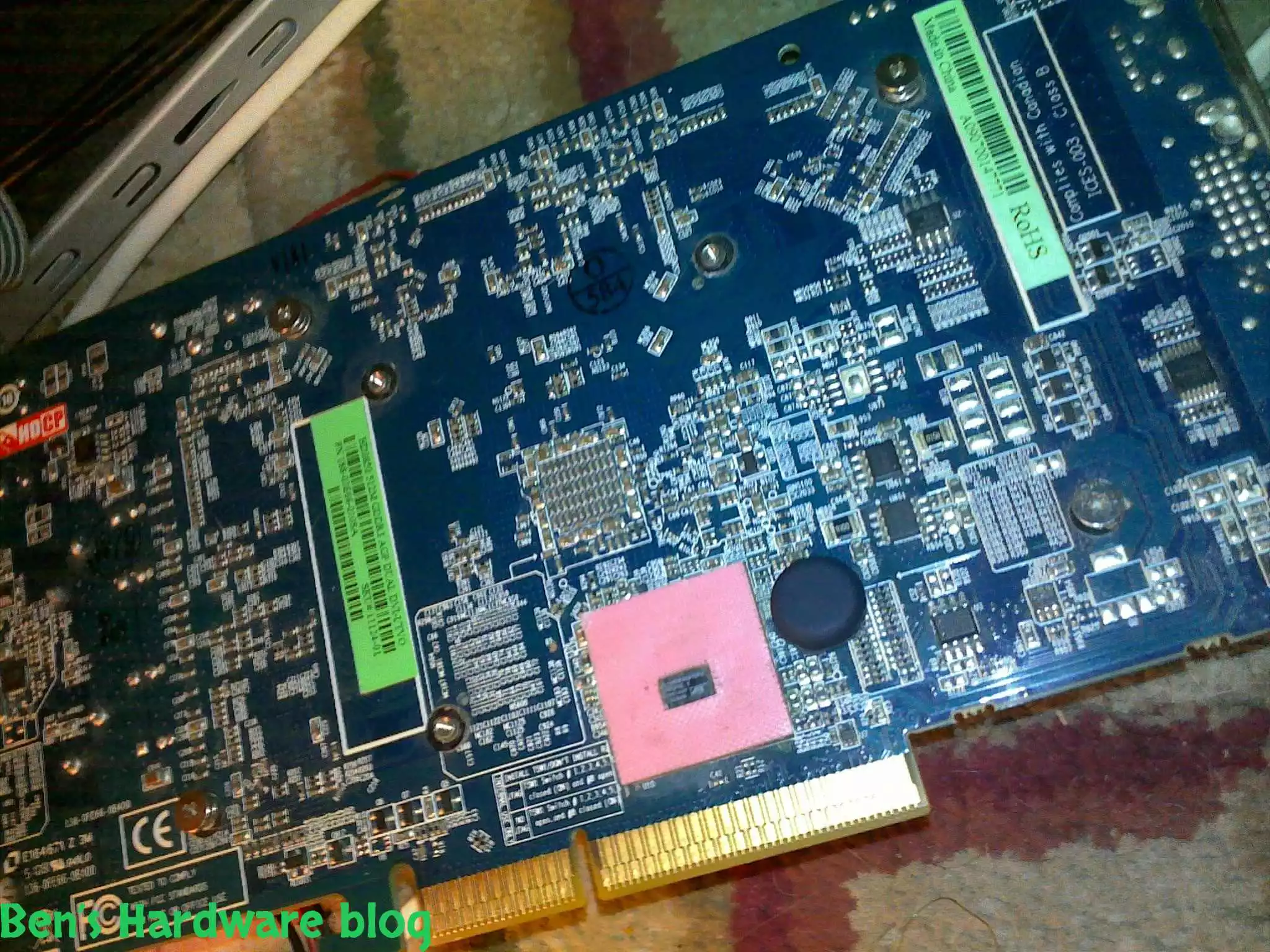
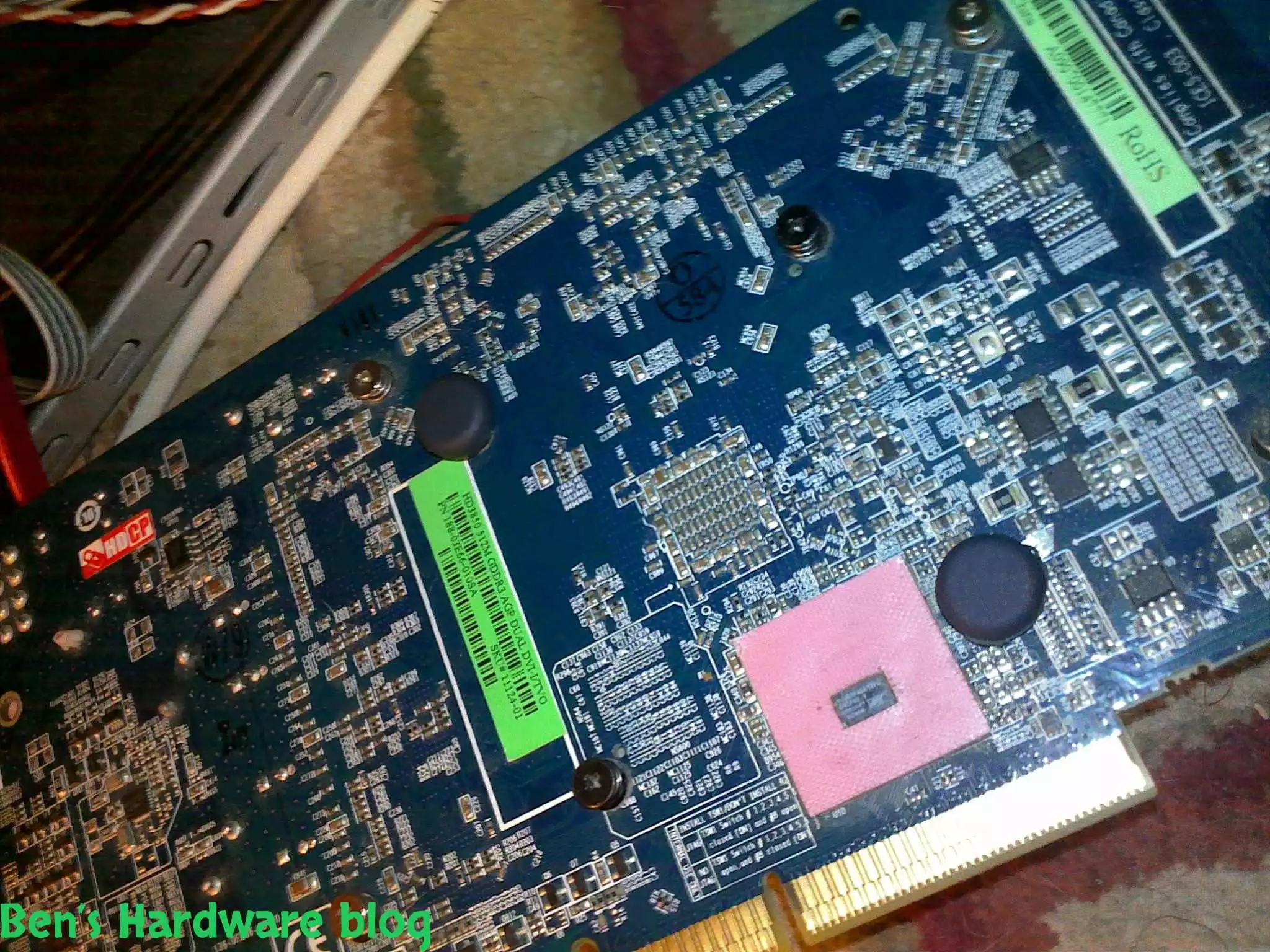
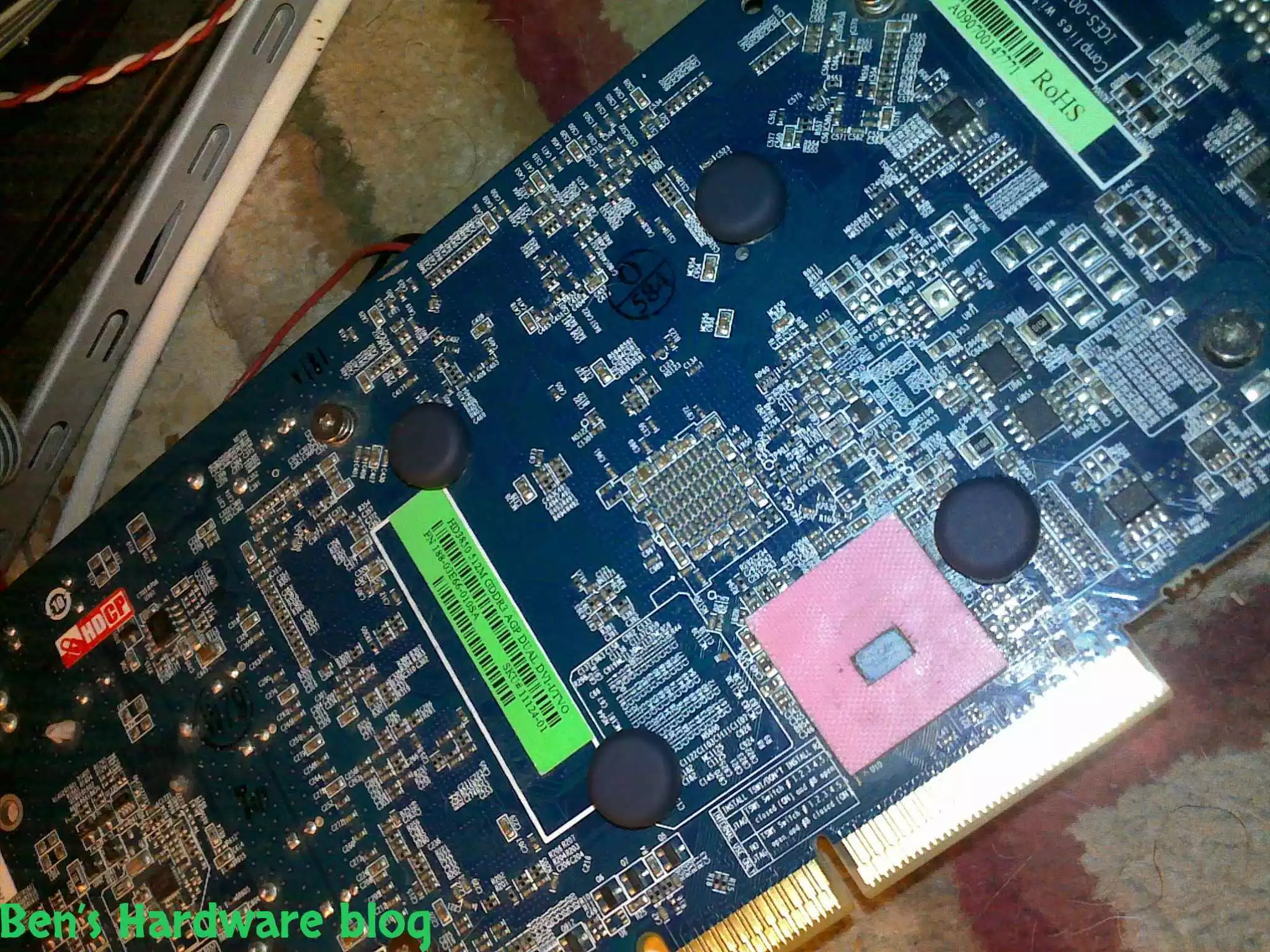
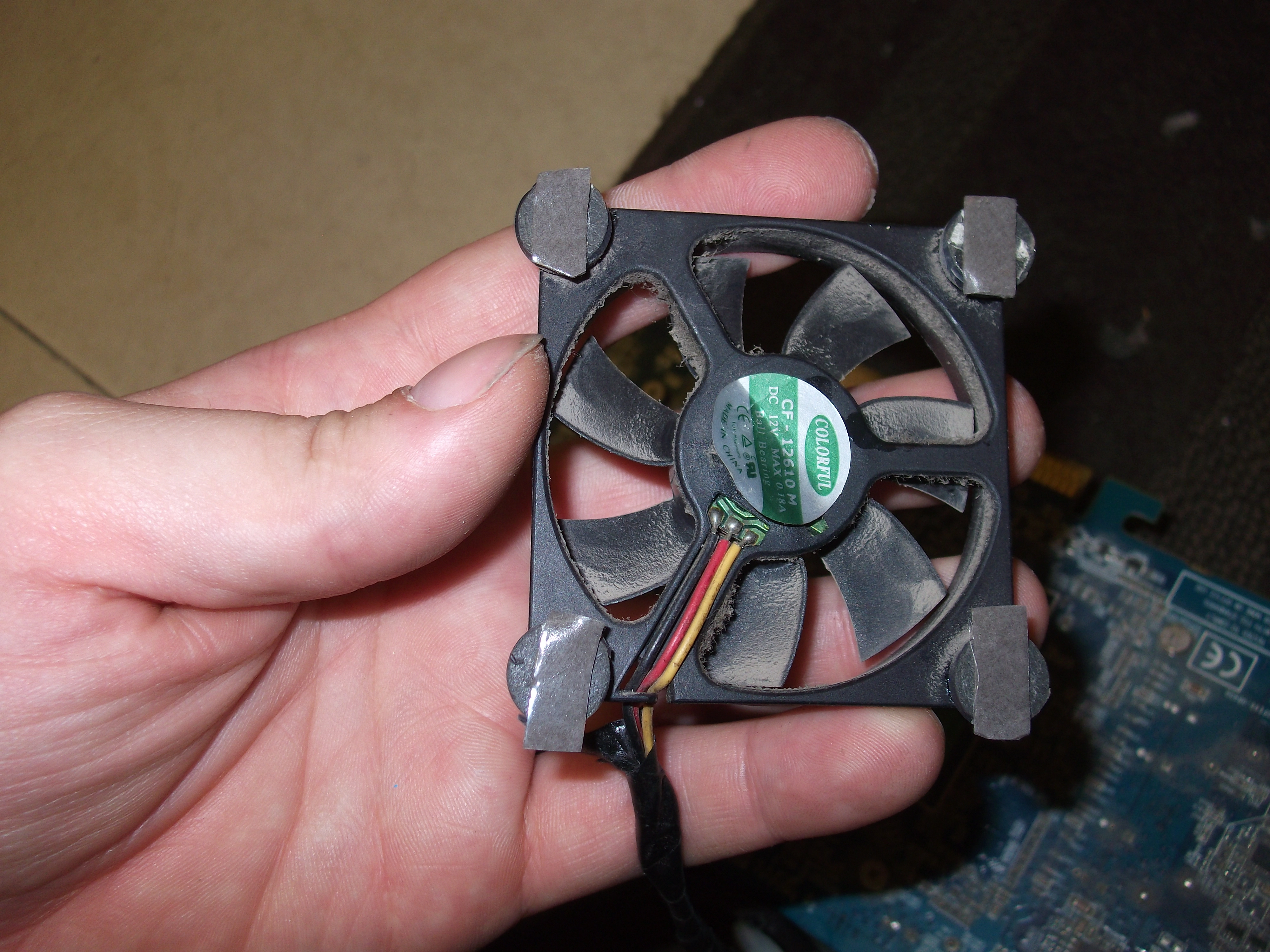
since the video card wasn't designed to house a fan on the back side of it , i started quite handicapped. my original solution was to hold the fan to the back of the card by using 4 screws and driving them into the 4 holes on the PCB. those holes have had already 4 other screws inside them, holding the front heatsink in its place. what prevented me from doing so was that fact that the square the 4 screws created was too small. in other words , i wouldn't be able to drive the screws in a straight line through the fan's holes.

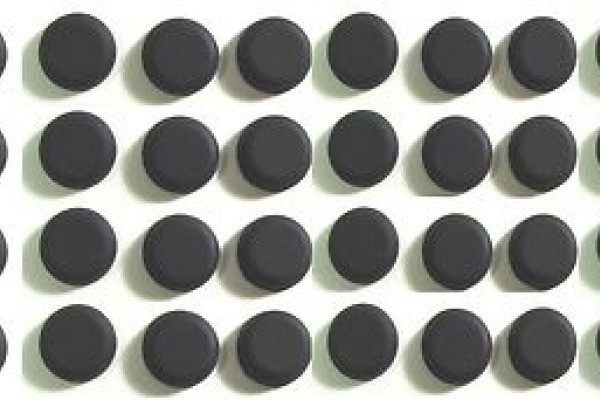
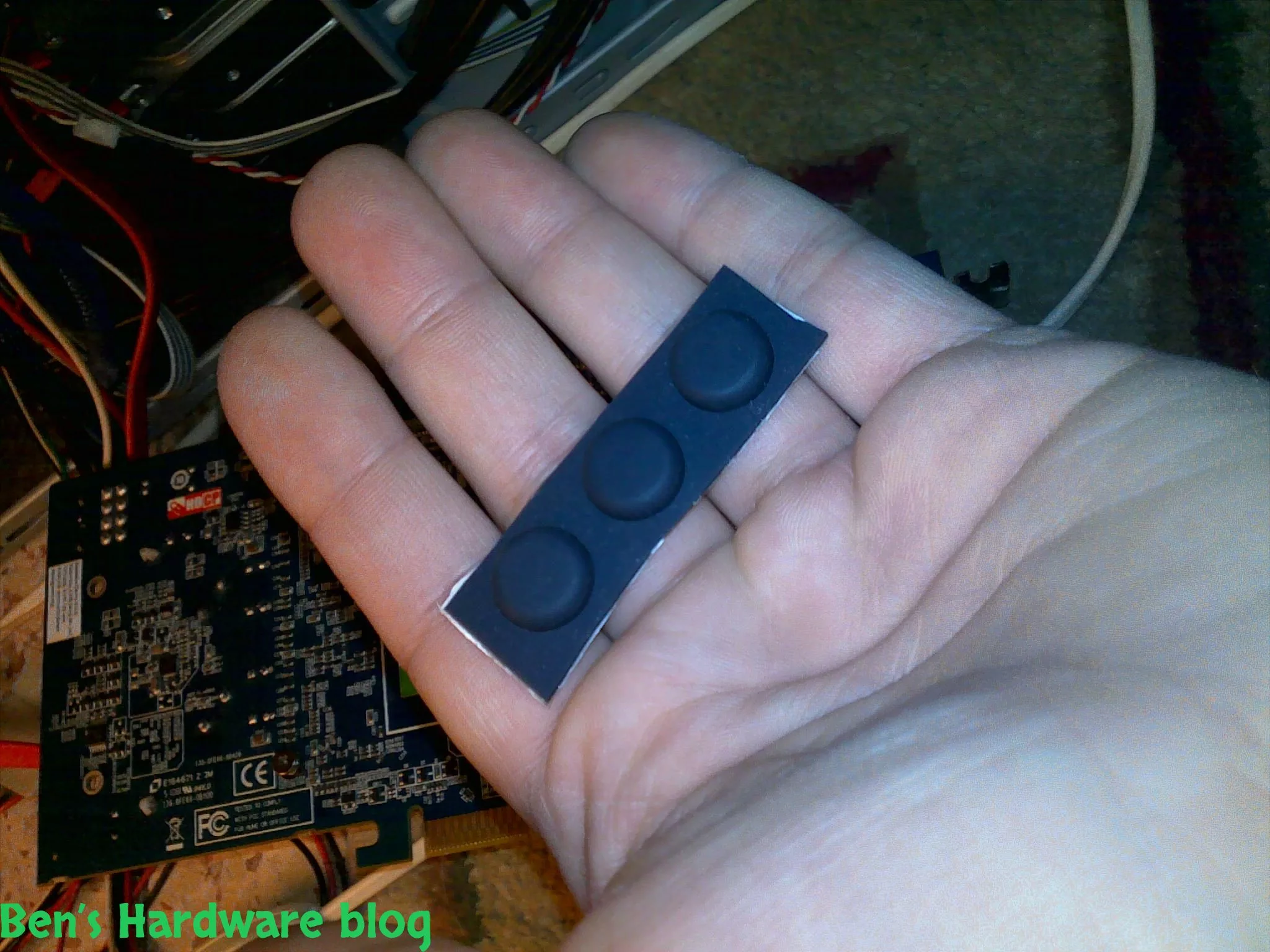
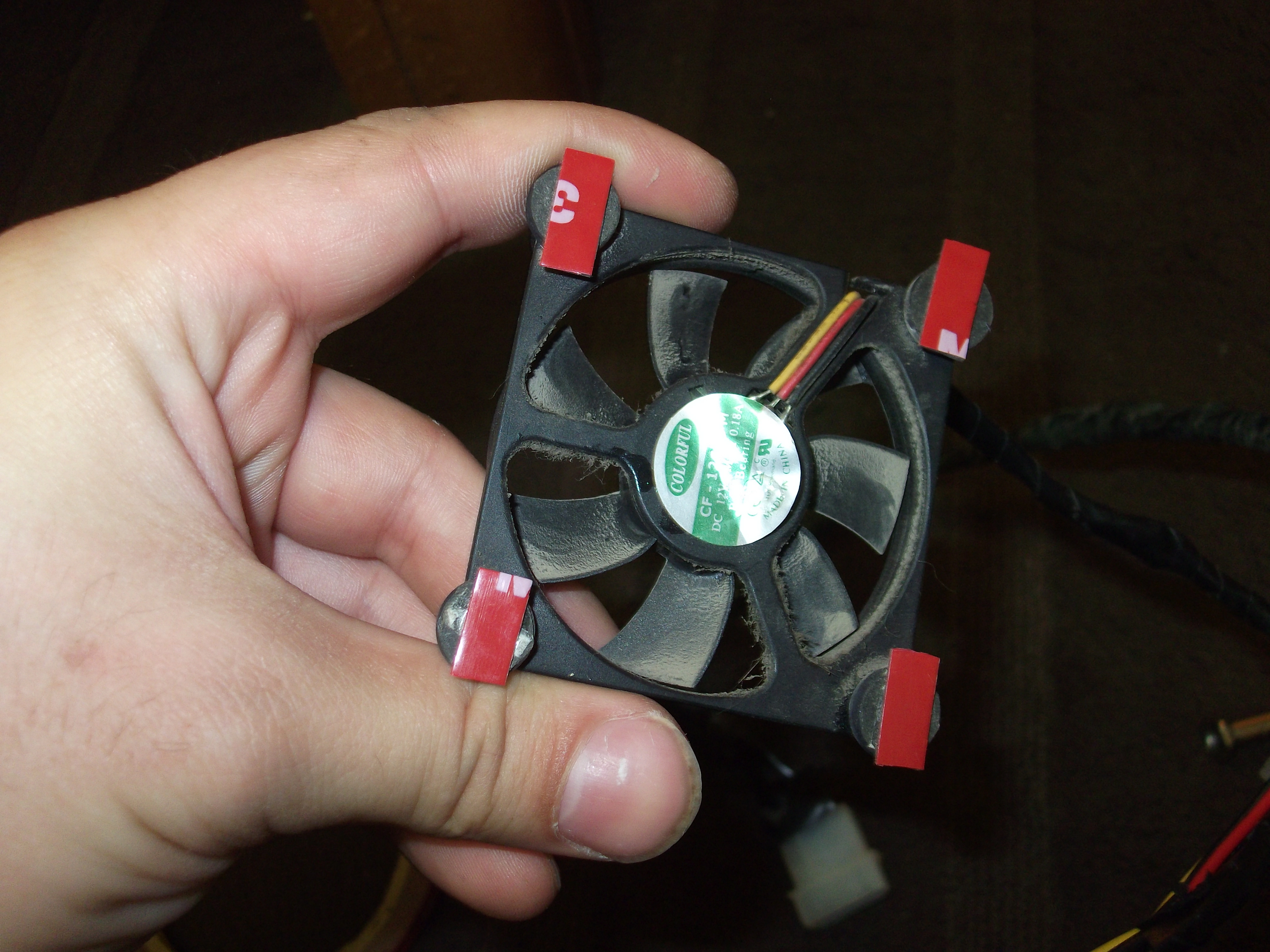
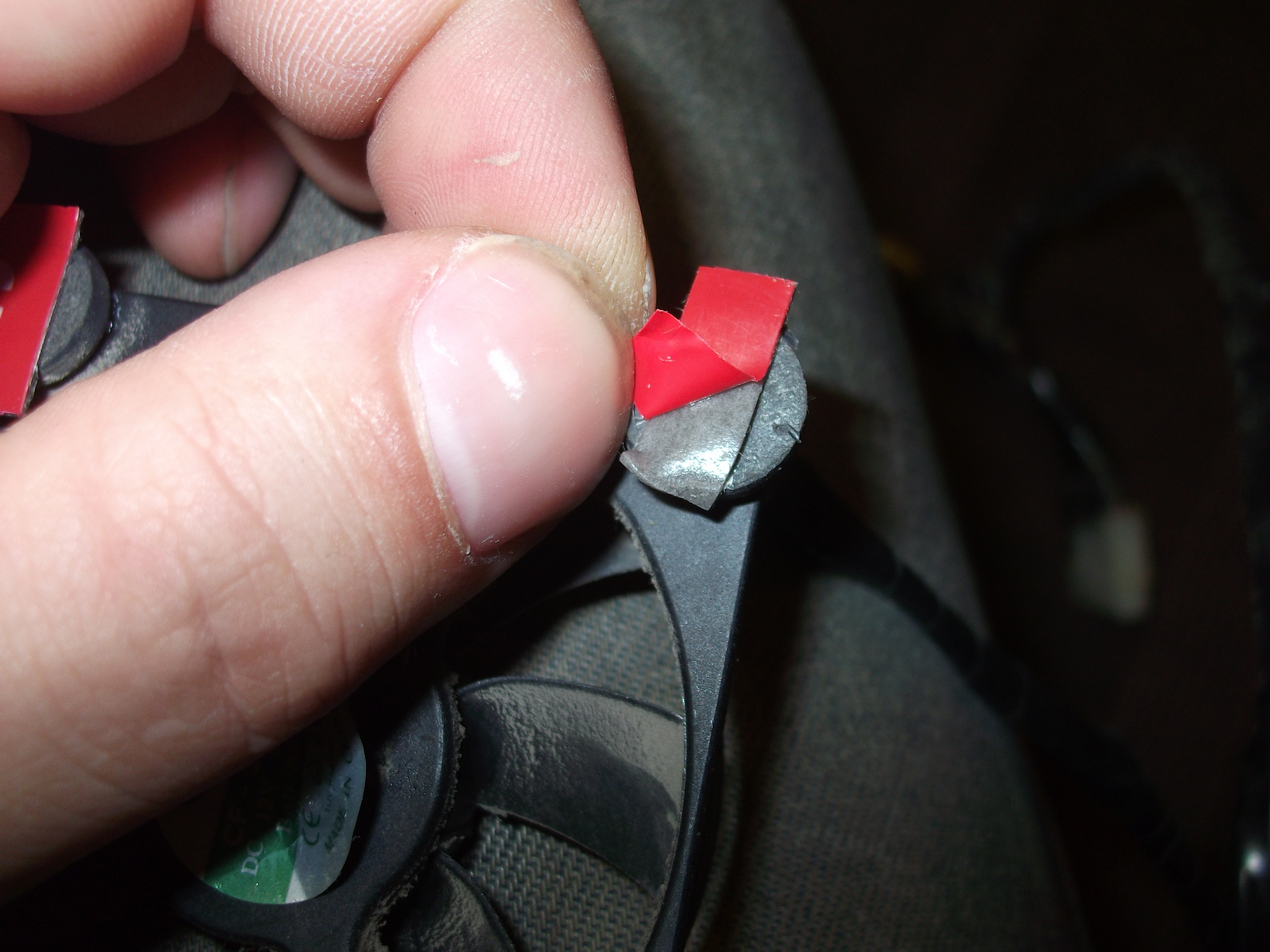
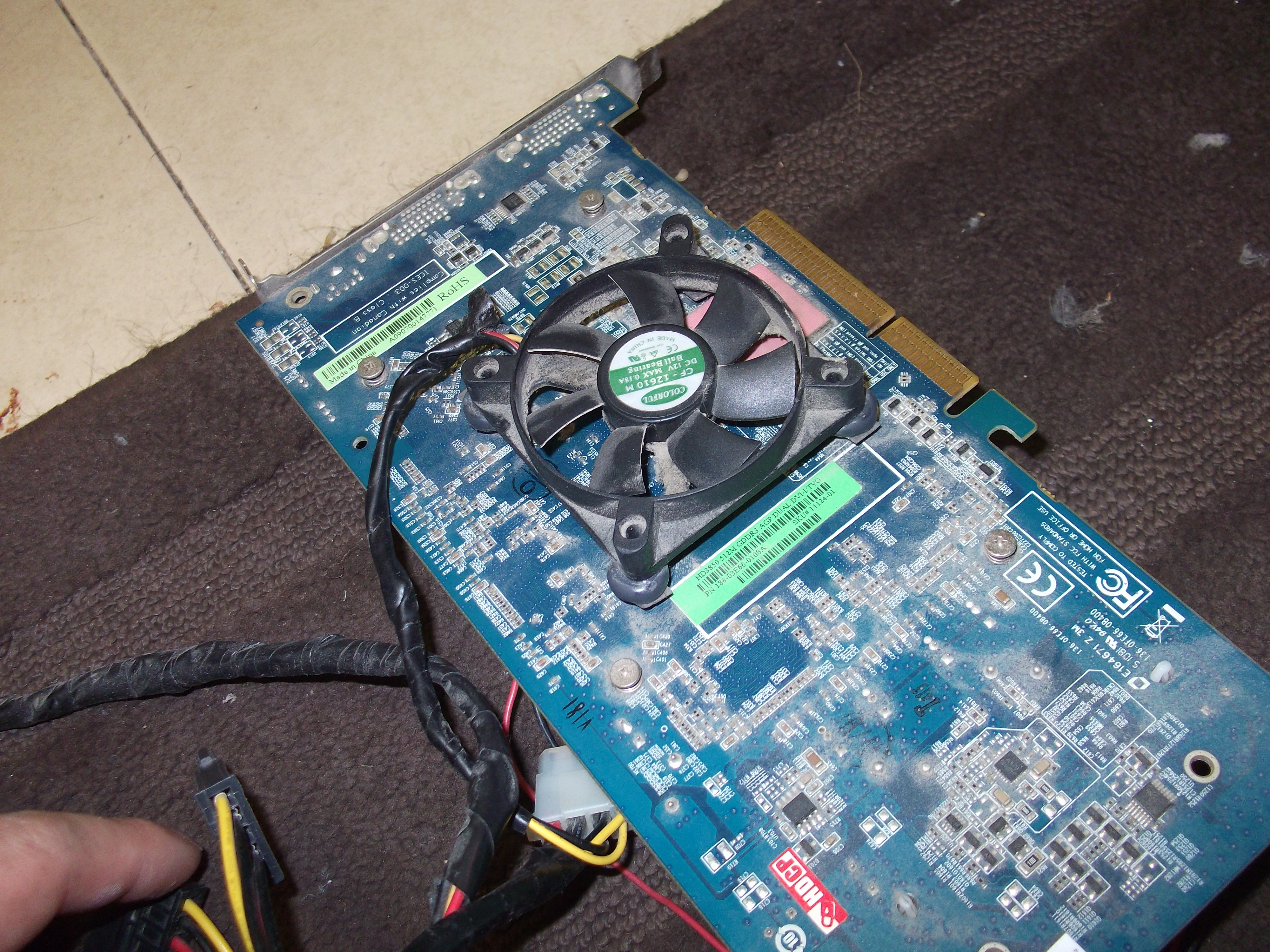
eventually i came up with a simple idea. i took 4 of the rubber feet i used for my laptop's bottom side and glued them with a relatively weak glue so i will be able to remove them in the future if necessary. i positioned the 4 feet according to the fan's 4 corners. 

instead of screwing poined edge scerws into the rubber feet , i simply glued the fan on top of them.

the final result:

The results were pretty amazing – without overclocking temperature at idle was moving between 35-37 – an almost 10 degrees difference between the previous 2 fan solution!

I ran 3DMark 2006 again 3 times without overclocking and here are the results 4075 , 4032 and 4021 - while the max temperature was 57 degrees Celsius – again an almost 10 degrees difference from the 2 fan solution's max temperature without overclocking.

OVERCLOCKING:

I let AMD autotune to do its job and this time I was surprised – it determined that the memory clock was stable enough to be overclocked to 895Mhz instead of the previous 830Mhz , However , the GPU clock remained the same at 709Mhz.

The temperature at idle was 37 degrees Celsius.

Time to run 3Dmark 2006 again - Results – 4153 , 4115 and 4099 while the max temperature was 60 degrees Celsius.

Considering the fact that the video card sustained 67 degrees max while being overclocked with only 2 fans and that with 3 fans the max temp was 60 degrees also while being overclocked by even more MHz , It is likely that higher frequencies could be obtained while keeping the card stable and cooled up to a max temp of 67 degrees.

The 3DMark results showed some impro

Summary:

Due to the fact that most cards today come out from the manufacturer with only 1 fan that diverts air horizontally towards the back end of the card (not where the output ports are) and the danger of a clogged fan is quite likely to realize at some point in its life , it is recommended to either upgrade the stock fan solution or to add at least a second backup fan in case the first one fails.

If overclocking is your deal and you do not have spare parts available – buy a custom solution and if you can – find one to the back  side of the video card where the GPU core is. Cooling that area makes a great difference and dissipating a lot of the heat generated in this important hotspot.

More post on this mod will come out soon.
hd_3850_triple_fan_solution1.webphd_3850_triple_fan_solution2.webphd_3850_triple_fan_solution3.webphd_3850_triple_fan_solution4.webphd_3850_triple_fan_solution5.webphd_3850_triple_fan_solution6.webphd_3850_triple_fan_solution7.webphd_3850_triple_fan_solution8.webphd_3850_triple_fan_solution9.webphd_3850_triple_fan_solution10.webphd_3850_triple_fan_solution11.webphd_3850_triple_fan_solution12.webphd_3850_triple_fan_solution13.webphd_3850_triple_fan_solution14.webphd_3850_triple_fan_solution15.webphd_3850_triple_fan_solution16.webphd_3850_triple_fan_solution17.webphd_3850_triple_fan_solution18.webphd_3850_triple_fan_solution19.webphd_3850_triple_fan_solution20.webphd_3850_triple_fan_solution21.webphd_3850_triple_fan_solution22.webphd_3850_triple_fan_solution23.webphd_3850_triple_fan_solution24.webphd_3850_triple_fan_solution25.webphd_3850_triple_fan_solution26.webphd_3850_triple_fan_solution27.webphd_3850_triple_fan_solution28.webphd_3850_triple_fan_solution29.webphd_3850_triple_fan_solution30.webphd_3850_triple_fan_solution31.webphd_3850_triple_fan_solution32.webphd_3850_triple_fan_solution33.webphd_3850_triple_fan_solution34.webphd_3850_triple_fan_solution35.webphd_3850_triple_fan_solution36.webphd_3850_triple_fan_solution37.webphd_3850_triple_fan_solution38.webphd_3850_triple_fan_solution39.webphd_3850_triple_fan_solution40.webphd_3850_triple_fan_solution41.webphd_3850_triple_fan_solution42.webphd_3850_triple_fan_solution43.webphd_3850_triple_fan_solution44.webphd_3850_triple_fan_solution45.webphd_3850_triple_fan_solution46.webp