Introduction: This article is going to discuss the significance and importance of the modern internet under the shado...

Read More...

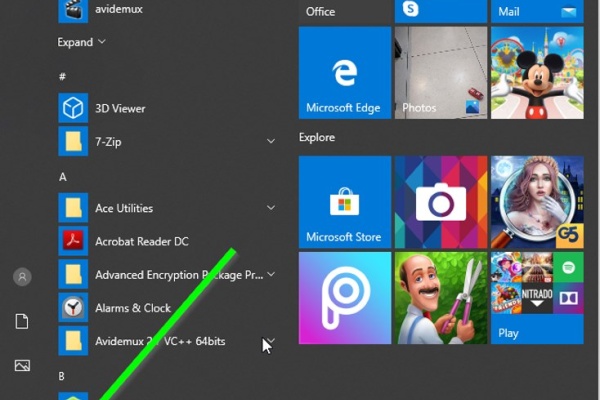
Introduction: The dymamic search feature of Windows has been a long anticipated one. unlike in older versions of Window...

Read More...

Introduction I cannot find any other reason for a gear shift lever to get bent except for a blunt force applied onto it...

Read More...

Introduction there are plenty of ways to start a motorcycle using various electrical methods that some and at least, th...

Read More...

Introduction In this article i will go over all of the possible ways to highten the performance of your computer and ge...

Read More...

Introduction: Dealing with car mechanics is inevitable for the tech savvy person and at some point he or she would reso...

Read More...

Introduction: In the following post I will demonstrate how I tried making an old and ugly kitchen be, well, less old an...

Read More...

Introduction: Computers. They have found their ways to almost every aspect of our lives it seems and have come a long w...

Read More...

Introduction Apart from armor and a helmet, usually a motorcycle rider doesn't need much in order to ride their horse. ...

Read More...

Introduction Noise. Its sucks, unless it comes in the form of music and sometimes it sucks even then. When it comes to ...

Read More...

Introduction: In this article i will go over an absolute nessesity for bikers who use their smartphones often while the...

Read More...

1. Introduction The Dell Latitude E-7450 is one of the easiest laptops to have its battery replaced, considering the fa...

Read More...

Intoduction: The product in this post is a must for everyone who would consider themselves a professional, an aspiring ...

Read More...

Introduction: Apple’s products are not guaranteed forever and just like any other mobile on the market, they too use an...

Read More...

This article is going to express something that has been beginning to annoy not just me, but probably millions of other ...

Read More...

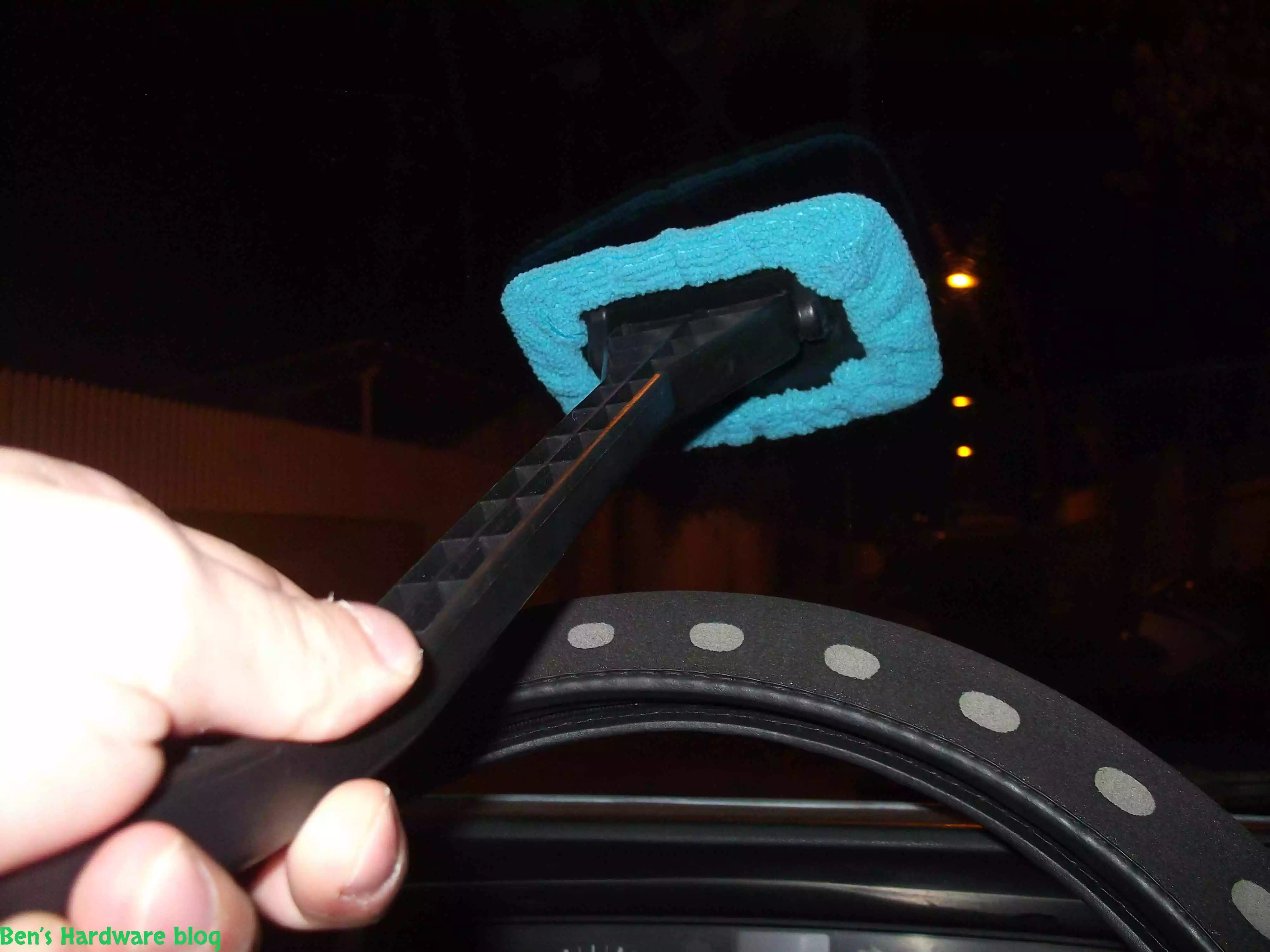
Have you ever tried to clean your car’s front windshield from the inside of it? It’s annoying and not easy and whoever t...

Read More...

If you are like me, and you don’t carry around a fancy touch screen smart phone such as an Iphone,  or a Galaxy, an...

Read More...

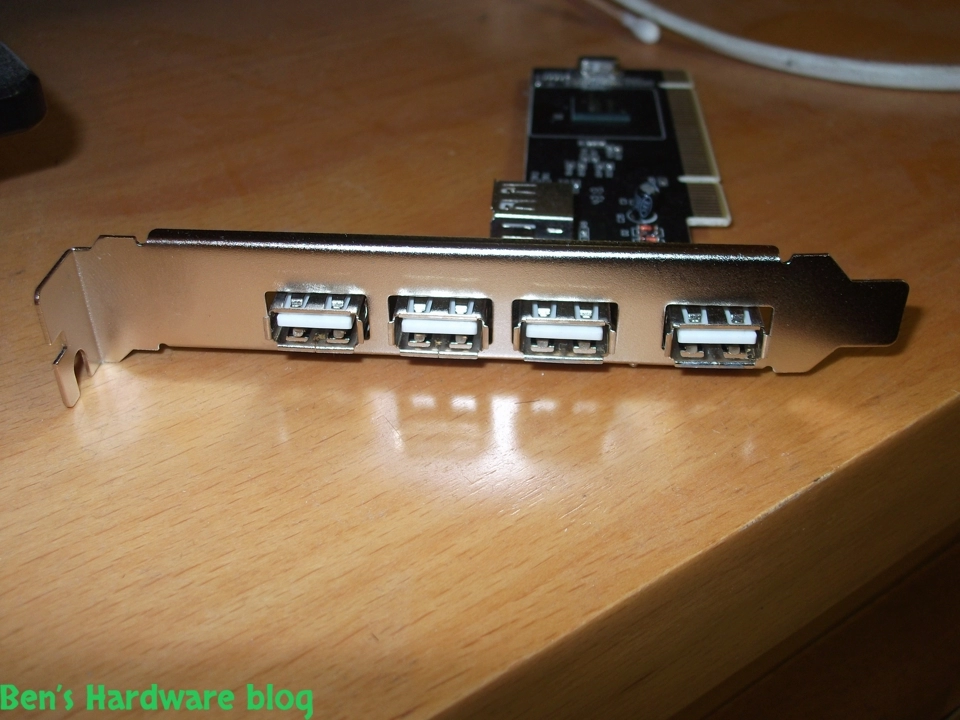
Need more USB ports? This is a great solution for those who just have and use a lot of devices that connect to the PC w...

Read More...

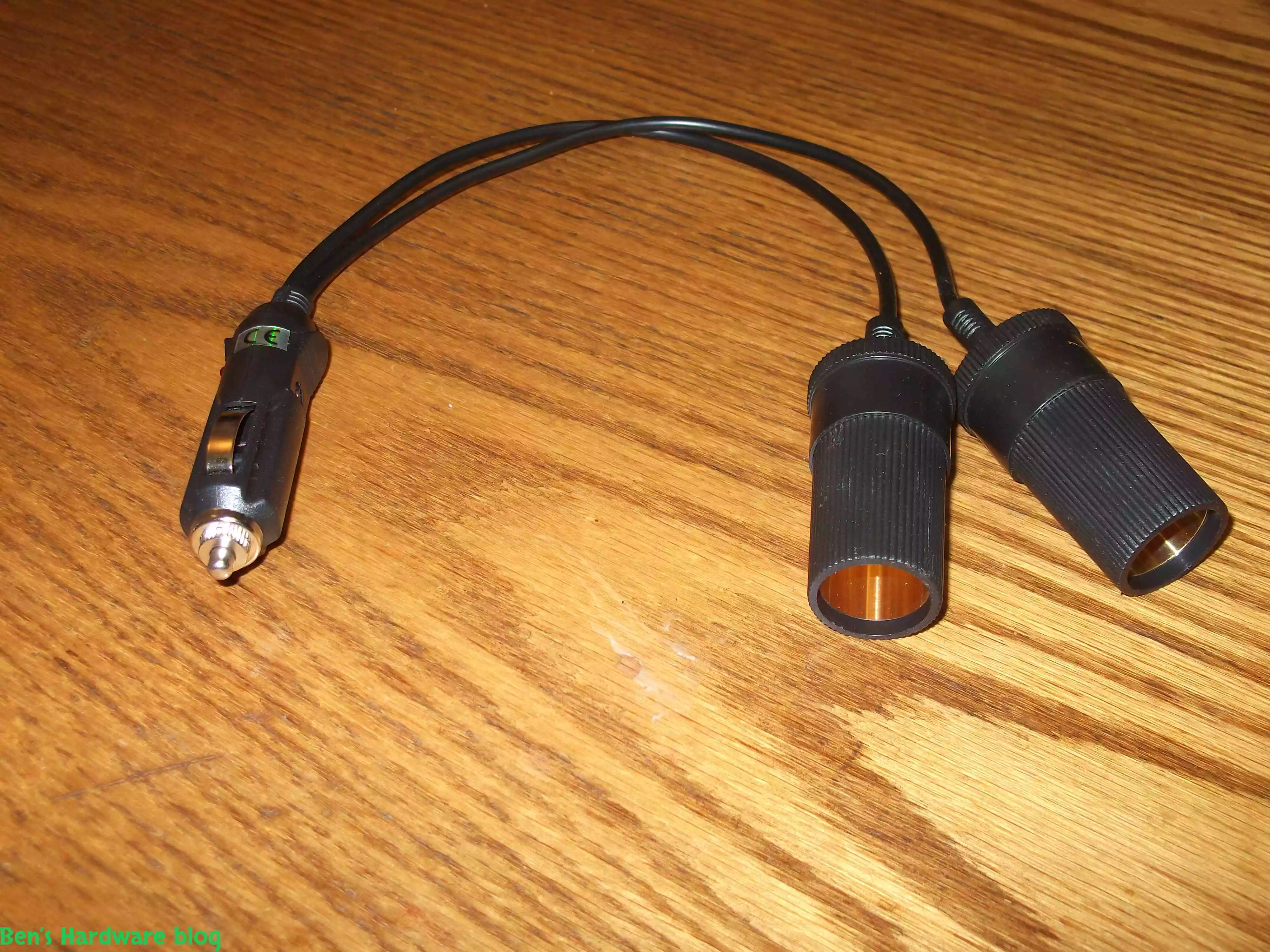
After installing more than one 4 way power splitter in my car I have decided not to connected them on series in order no...

Read More...

My dear Dell Inspiron 1545 keeps getting old and slow on me. I have replaced my old HDD hard disk with a new SSD one and...

Read More...

I have been using this old cellphone on daily basis for over 3 years now and time has taken its price on it. when I say ...

Read More...

I bought this little car gadget in order for my car to be less stinky on the inside when driving with no air circulation...

Read More...

I got this piece of antique from my dad and yet as I'm typing these words he still doesn't have a clue where he found it...

Read More...

I got this card from a friend who just didn't need it , I didn't really need it either but I said thanks to the dude and...

Read More...

LED and optical fibers are a really good combination and this product really shows it. if you want to be a bit original ...

Read More...

This is a great product that saves time and fuel by making your vehicle's tires pressure visually noticeable without hav...

Read More...

This is a great product that saves time and fuel by making your vehicle's tires pressure visually noticeable without hav...

Read More...

I admit - my car is full of gadgets and they require power don't they? This is why I bought this: Over time I added a l...

Read More...

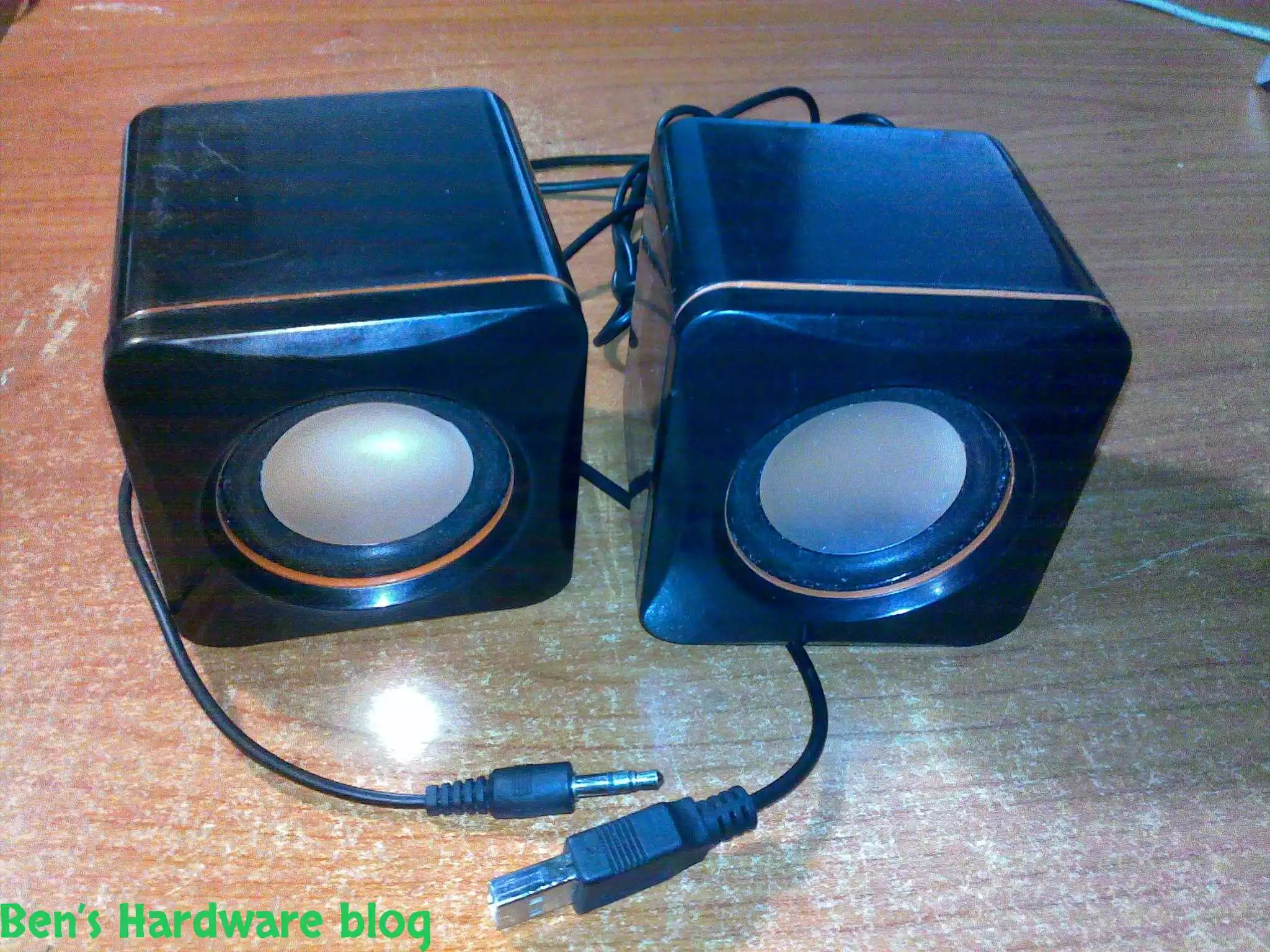
In this post I will demonstrate a simple fixing method of simple 2 computer speakers. I got these speakers from my uncl...

Read More...

as a result of being mobile some items tend to "fall" from your beg , hand , the coffee table you are sitting next to et...

Read More...

You gotta maintain and take care of your possessions – that's my motto , and one of my possessions which I deeply care a...

Read More...

This is by far one of the most useful and cheap gadjets out there. As long as you have a generic car power socket in you...

Read More...

If you are mobile , like me , you might like this simple gadget... in today's world many mobile electronic devices are ...

Read More...

For people who are techjunkies or that work with a large number or computers is part of their job this would be a *must ...

Read More...

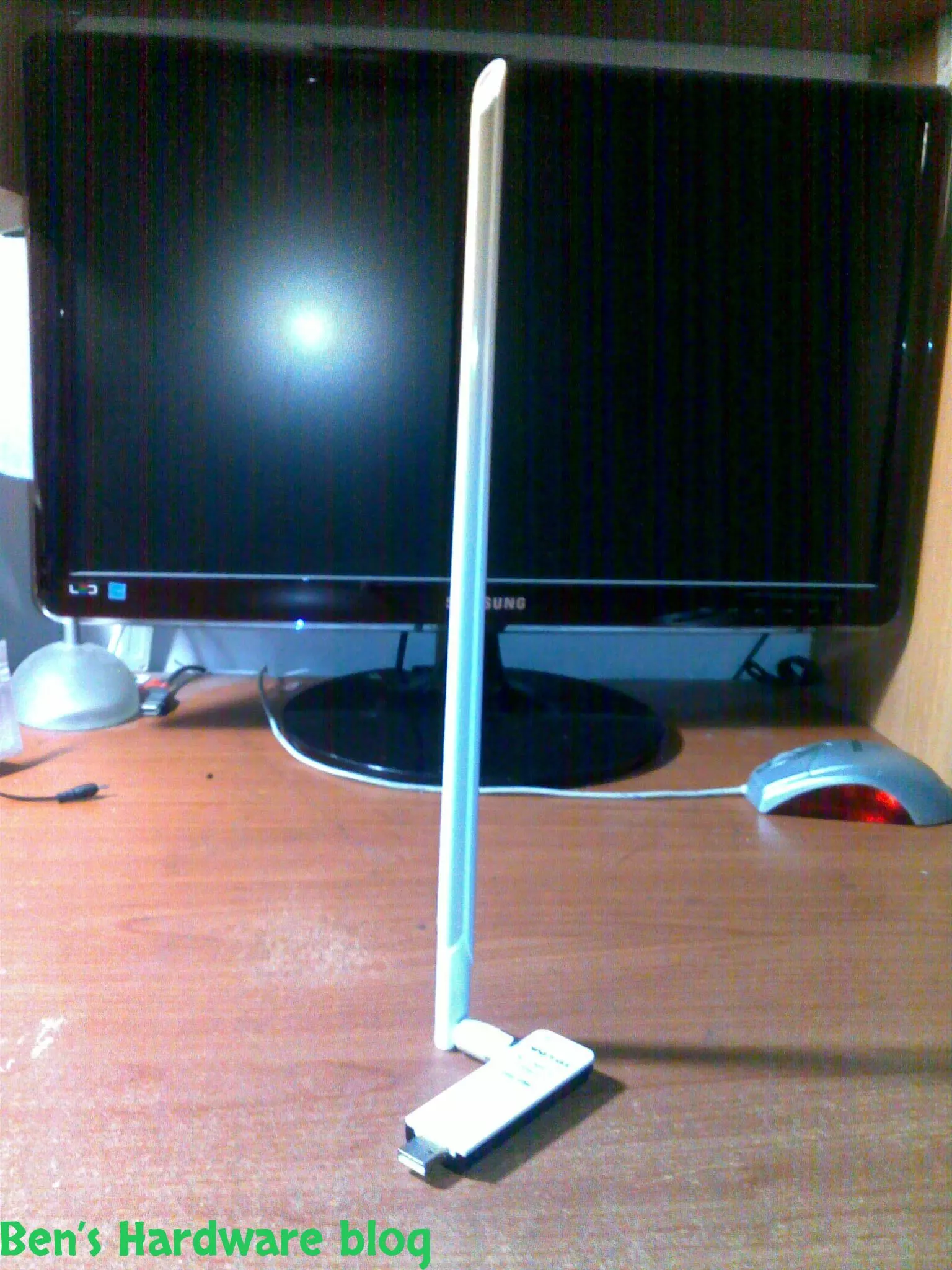
Wifi is everywhere today and with it comes many problems, among those - the problem getting and maintaining a proper rec...

Read More...

Simple, small and elegant. These are the main words I can use to describe this product. While the words are being typed ...

Read More...

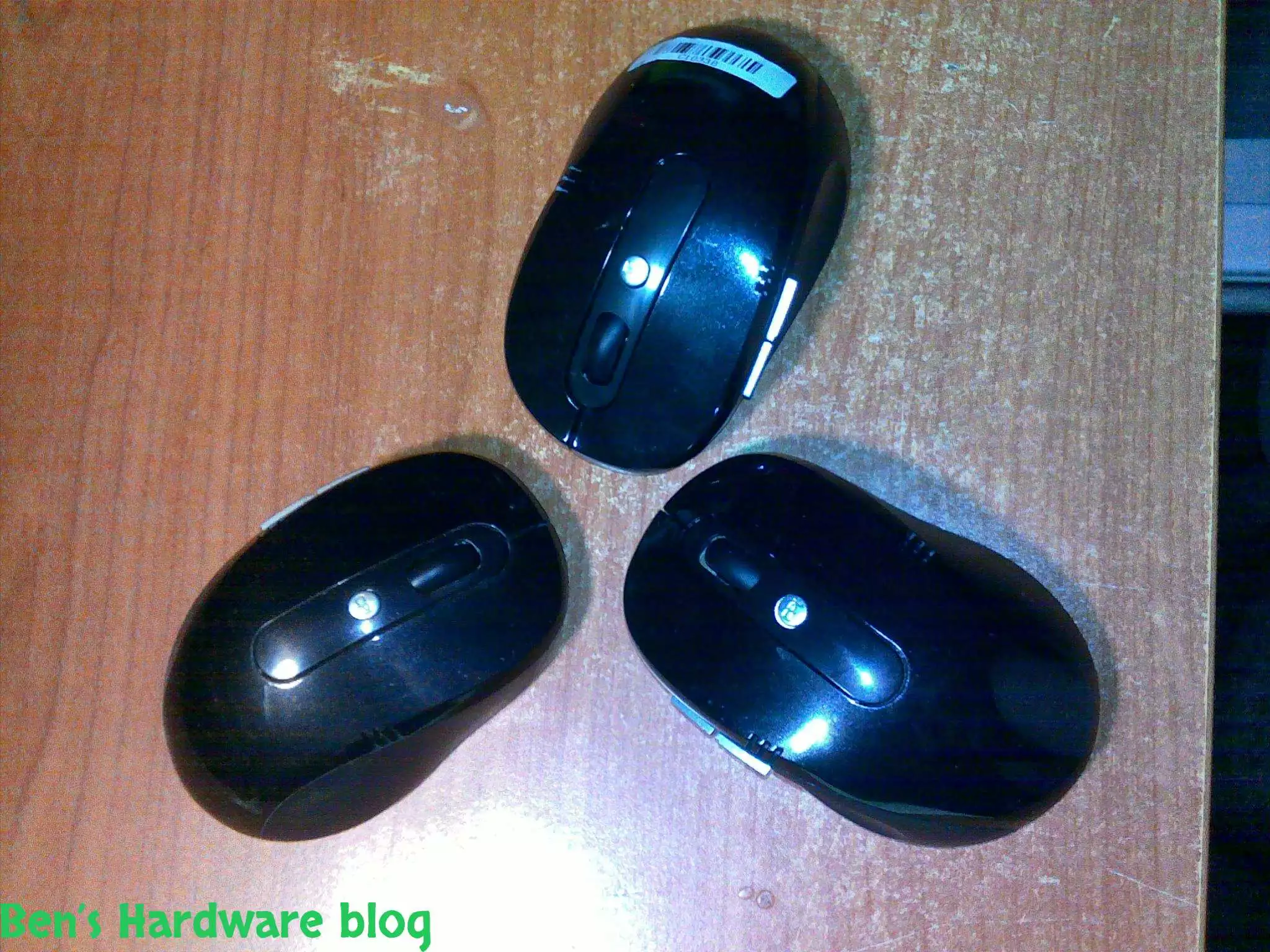
Cheap, simple, precise and looks pretty good,  I bought this mouse off E-Bay for 4.6 USD and it does the job w...

Read More...

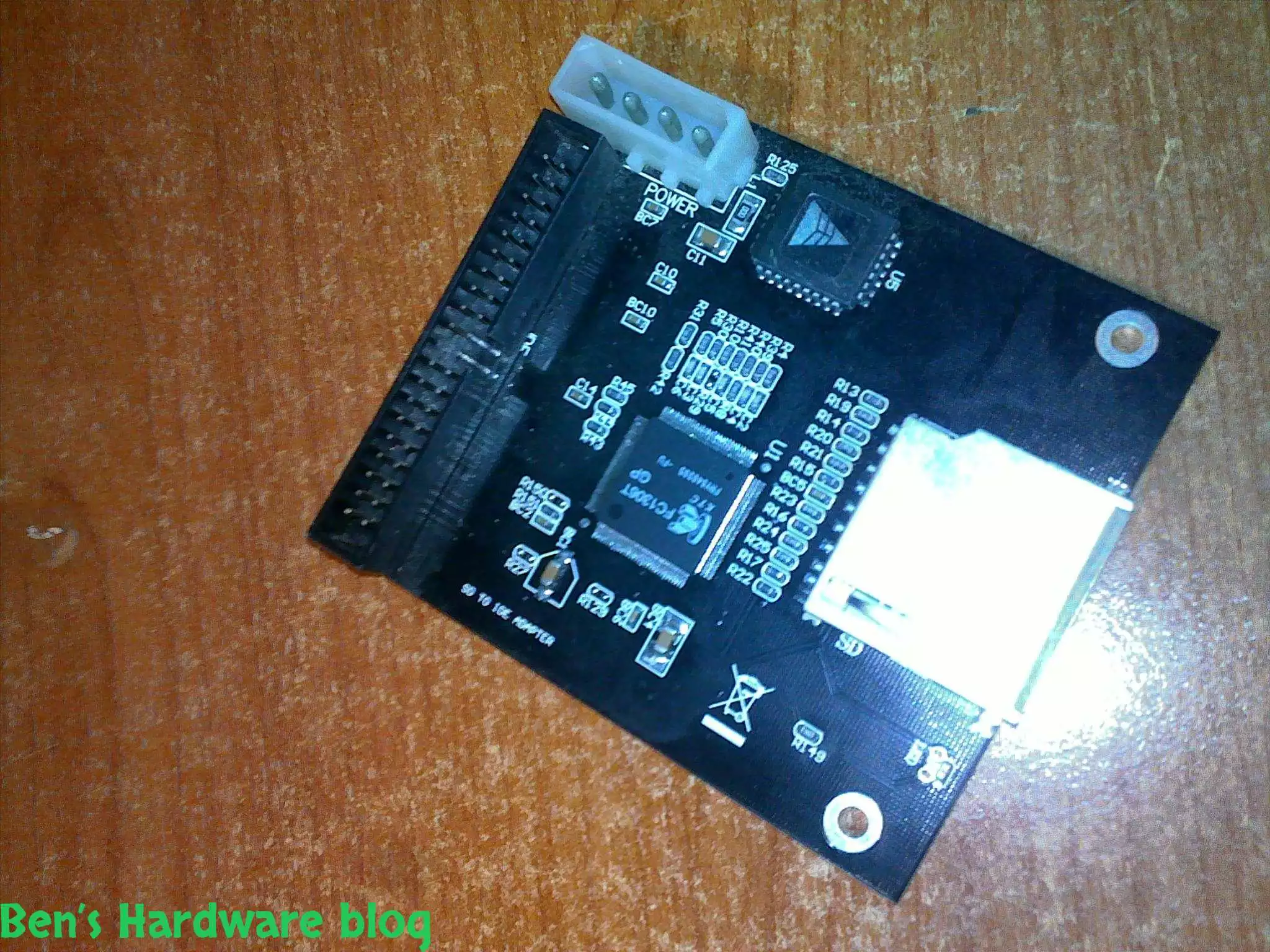
I bought this SD card to IDE converter in order to install a Windows XP operating system on it so one of my file servers...

Read More...

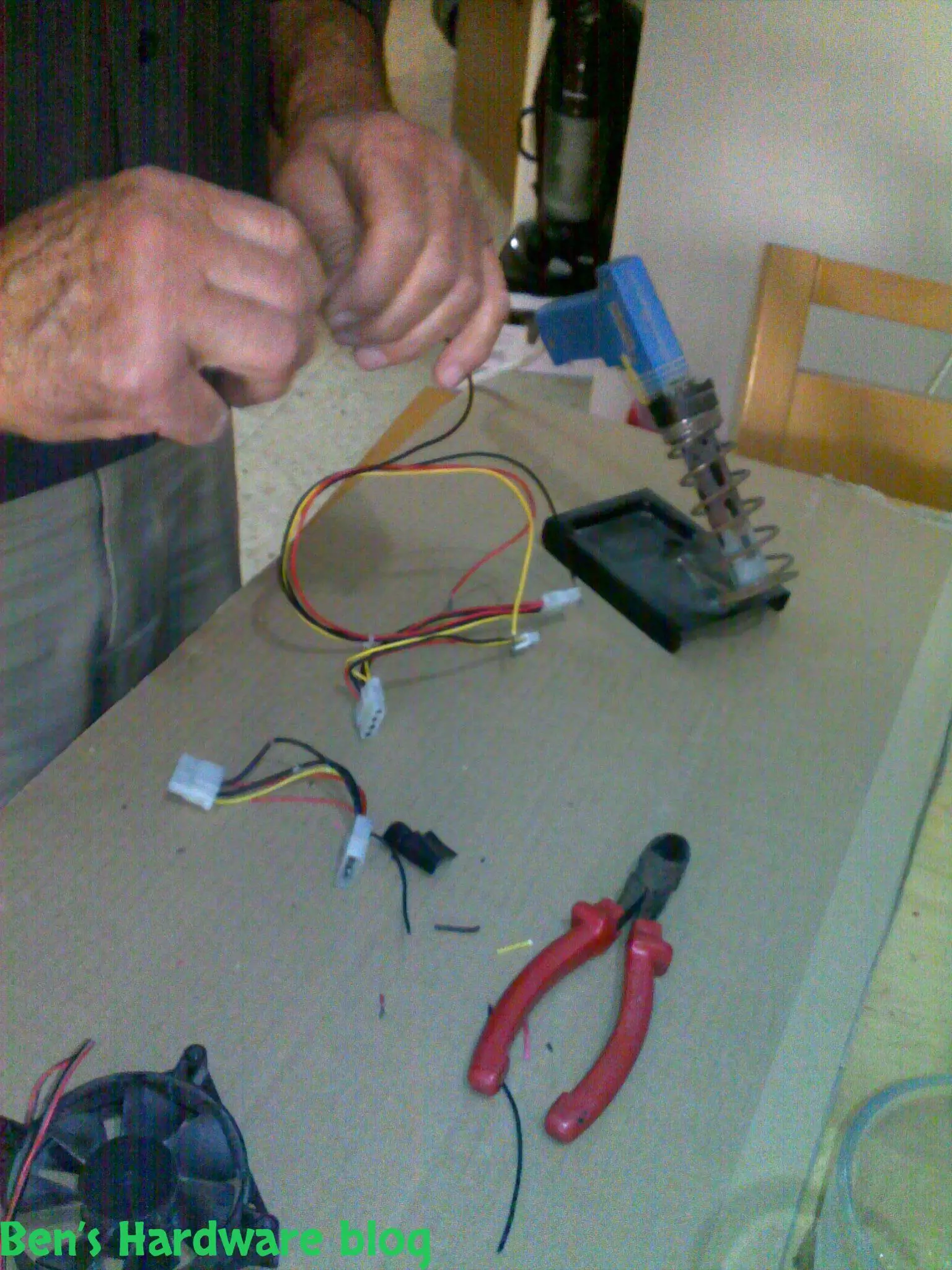
In this post i will demonstrate how i used spare cables i scavenged from an old power supply unit, to create a power cab...

Read More...

This product is just awesome! At first I was very skeptic about its abilities because up until I bought it I had known t...

Read More...

During the past month some annoying noises began emerging from my pc ... After carefully eliminating the source of the...

Read More...

If you read my "Upgrading a Dell Laptop" post then you'd know why i bought this product for. For those who you who didn...

Read More...

in this post I will demonstrate how you can use some old fans and build an effective cooling solution to any high-end 3d...

Read More...

Since I am a gadget freak and a security freak as well I decided to look online for a nice addition to my already over p...

Read More...

Upgrading a Dell laptop with an Solid State Drive (SSD): In this post i will show how you can take an old laptop (3-4 y...

Read More...

This is a very cheap and yet a very useful product. I bought it for mainly 2 reasons: 1 –my laptop would get very hot ...

Read More...

The more data you gather - video files, games, software backups etc. the more space you need. It's one thing to buy an a...

Read More...

Up until now I used to buy only 6 cell batteries. This time I decided to go with a 9 cell one. My main reason was the l...

Read More...
No More Articles

Introduction


Noise. Its sucks, unless it comes in the form of music and sometimes it sucks even then. When it comes to computer noise, unless you are one of those people who just like mechanical noise – it also sucks. For me, the quieter, the better, unless i'm gaming either with headphones or along with a good speaker system which in that case mechanical computer noise would not matter so much.

Computers initially were not considered as noisy products due to the simple fact there was no need for active cooling for the most part. Except for the power supply, processors and other chips did not require forms of active cooling, some did not require passive cooling at all. The more powerful computer parts became over time the more need for active cooling solutions began to emerge. Active cooling means, well, active parts, the opposite of passive. Those usually move somewhere in some sort of a direction and move other material as well, like for example – air or water. This movement causes inevitable noise to some degree and sometimes this noise is just annoying.

I have come across this issue more than once dealing with computer cooling solutions. It usually starts with an alert of a over heated part of the computer or the entire computer itself. The next stage usually involves researching about active cooling solutions. Why active? Well, they are active, more efficient for the most part and usually less expensive than the static ones. After the research part is done you find yourself buying the solution, installing it, use the newly cooled computer you've just created, gaming like crazy because now it wouldn't crash anymore due to overheating, getting tired due to the crazy gaming, crashing into your bed while leaving the computer on and then. It comes, the part where you wake up at 2AM I the middle of the night thinking you have a jet airliner waiting for an authorization from its ATC to take off.

Most people would just turn the computer off and go back to sleep. Some people cannot or just don't want to turn it off because of various reasons – it could be still downloading a big file, it's a DVR computer, it's a home server, it's a relay server, it's an HTPC, it's a home storage server or maybe they just want to keep the turning off and on cycle to the minimum in order to prolong the machine's life.

At this stage one realizes that either a balance must be found between noise and performance by compromising for static cooling, either installing sophisticated intelligent automatic and semi\automatic cooling rate adjusting solution which reduces the fans speed for example when performance is low or either or in addition - adding more noise absorption solutions.

Since the latter option is the cheapest and very effective if done correctly and could be done using parts found at home or in your back yard, I went ahead with this option first. Knowing that if it would not be enough, I could always just find quieter cooling solutions which would be even more quiet due to the static noise absorption solution.


Parts

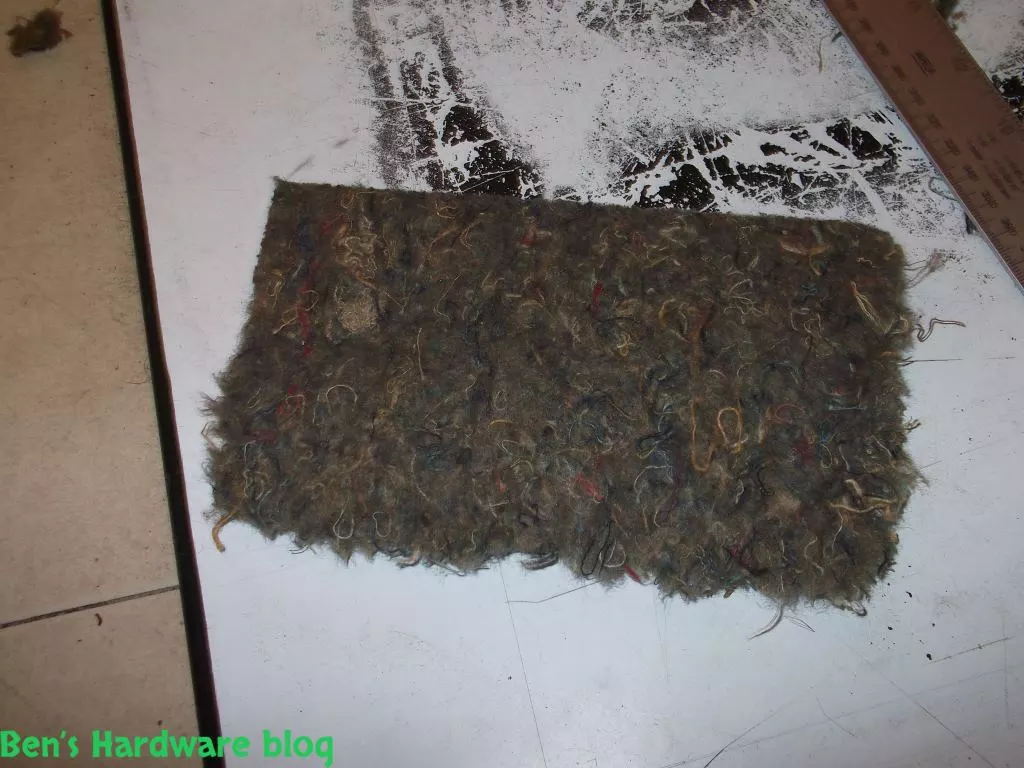
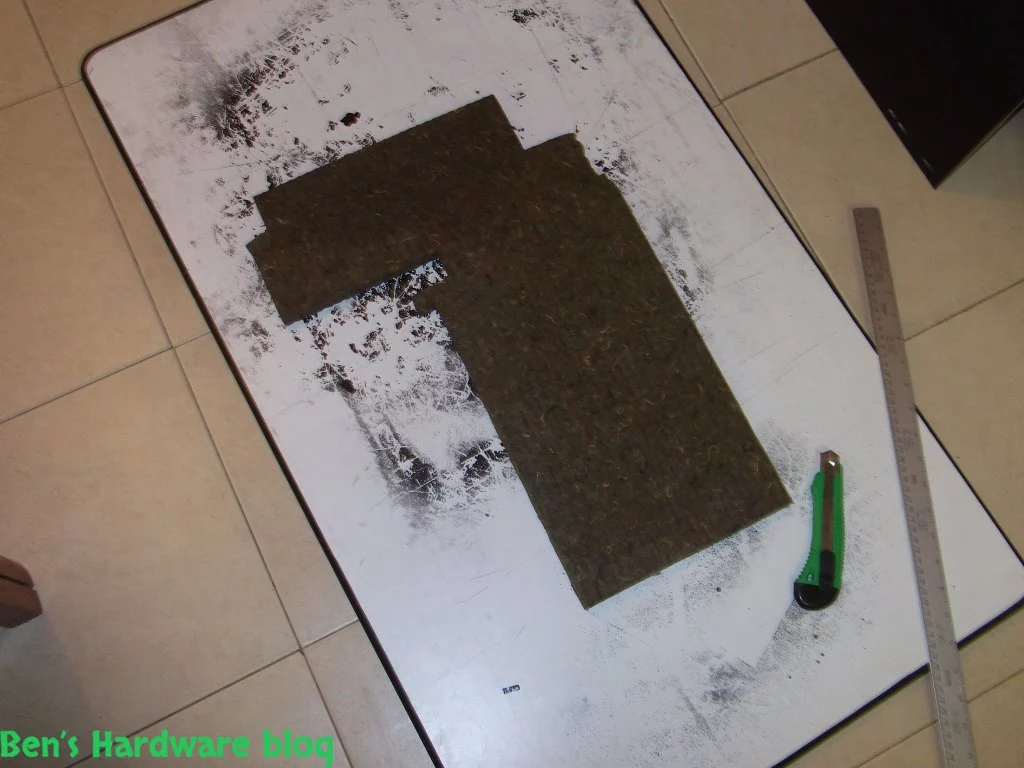
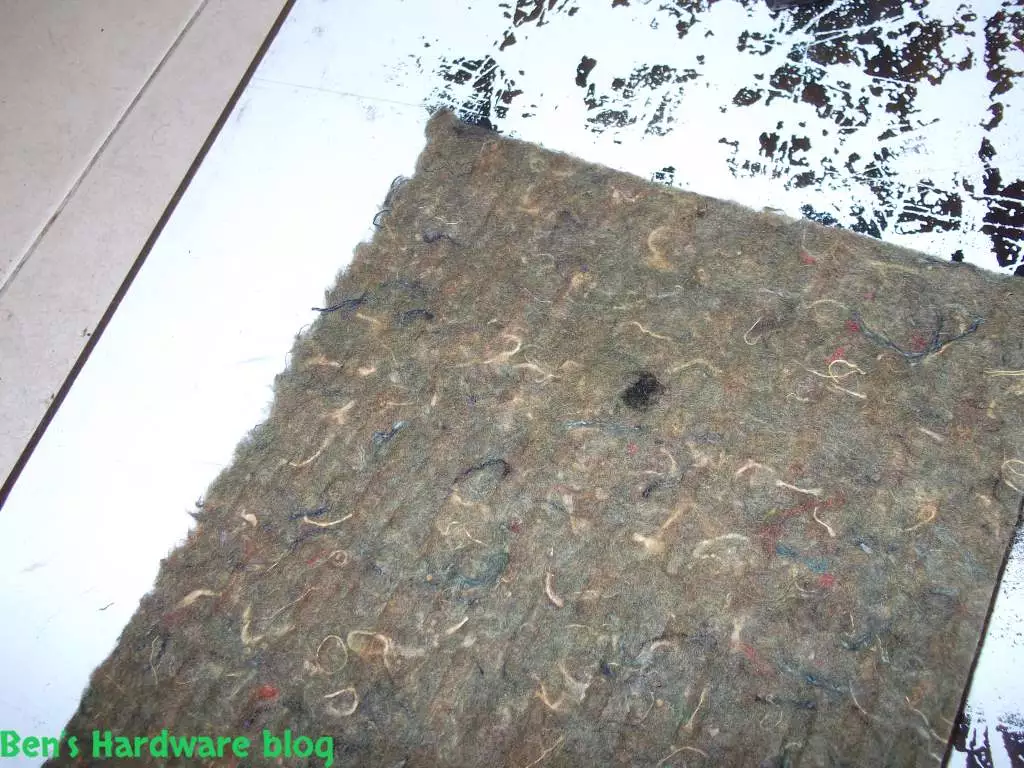
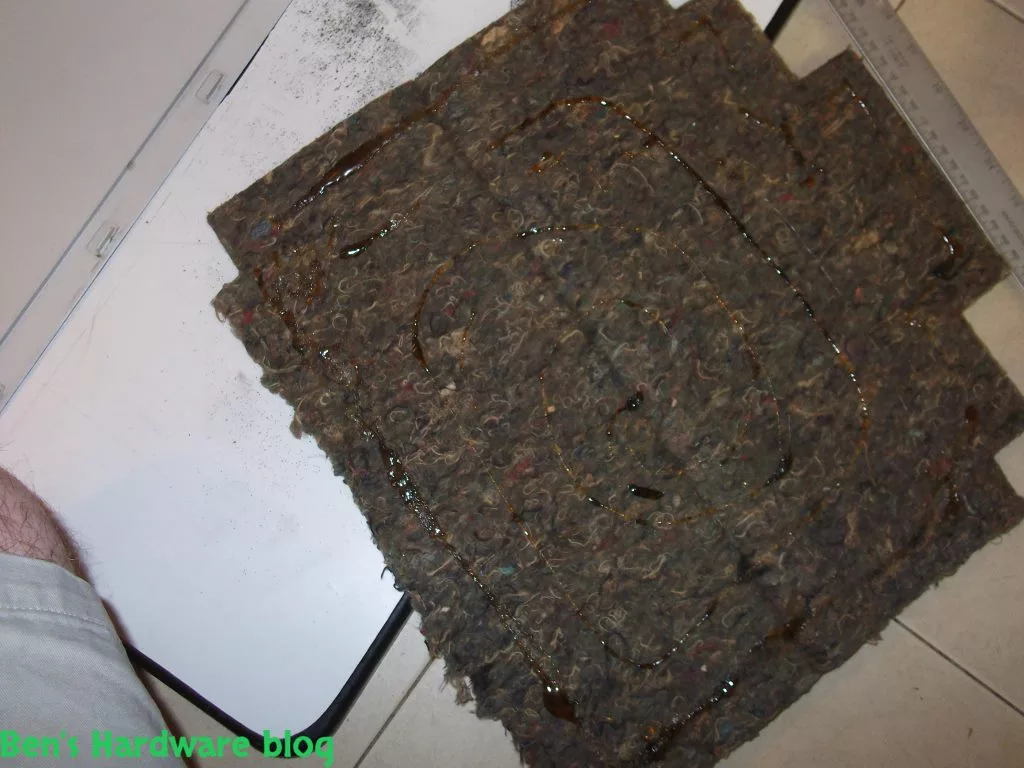
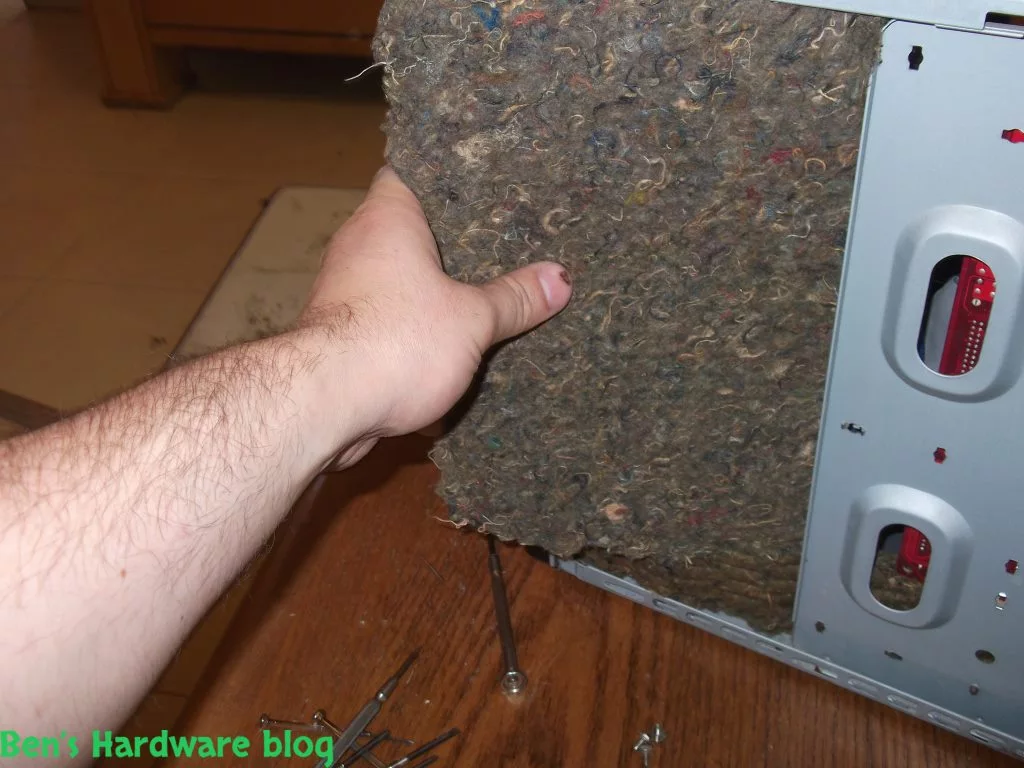
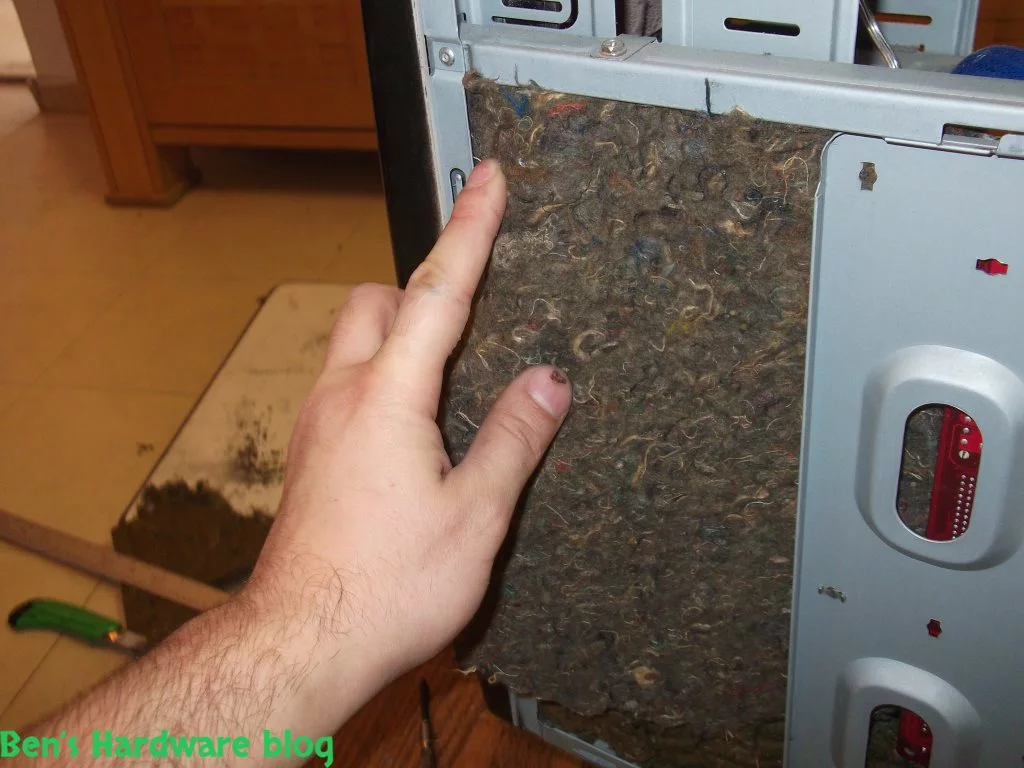
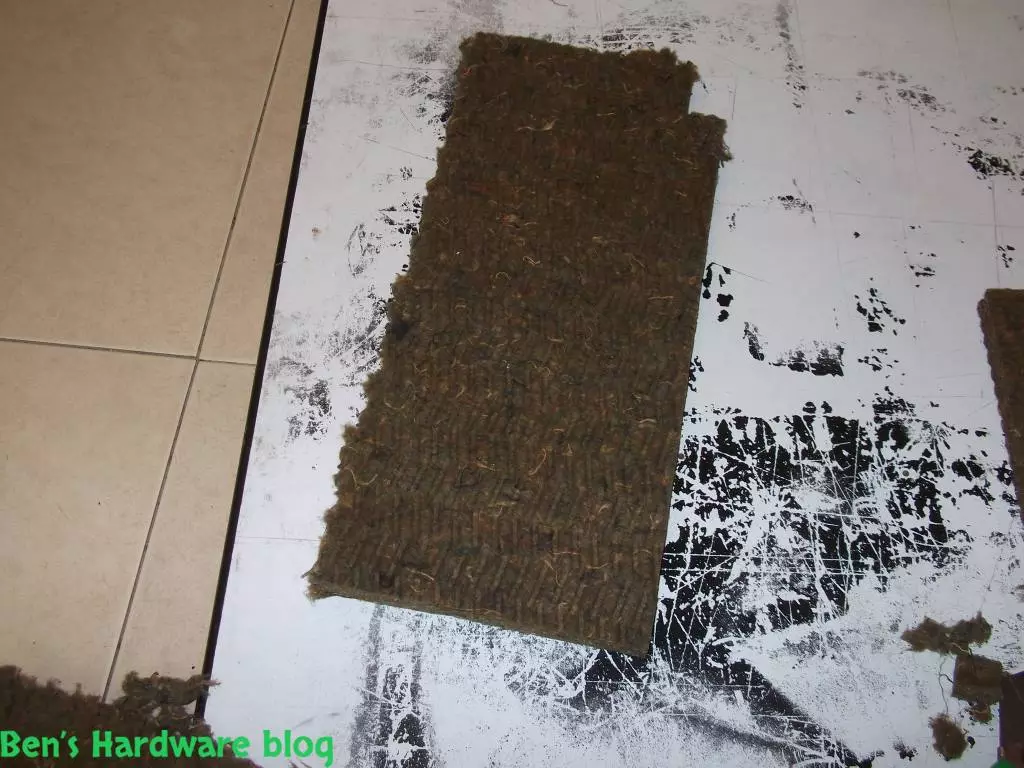
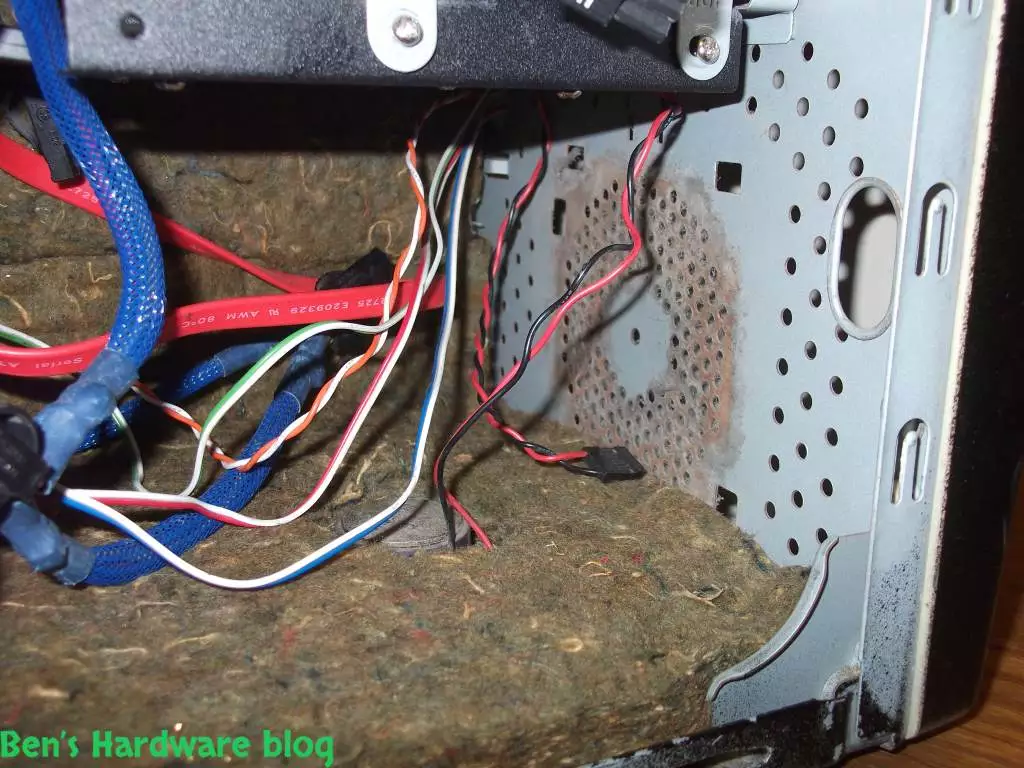
For a noise absorption solution I used an insulation foam. I believe this foam was meant originally to insulate no just noise but heat as well. In addition, these kinds of foams are usually fire resistant which make them ideal for such a usage.
My used dishwasher was his its deathbed and it wasn't affordable to repair it since I have already bought a new one. While dismantling for parts I discovered the insulation foam and realized it could very much be used as a noise absorption solution to my HTPC machine.
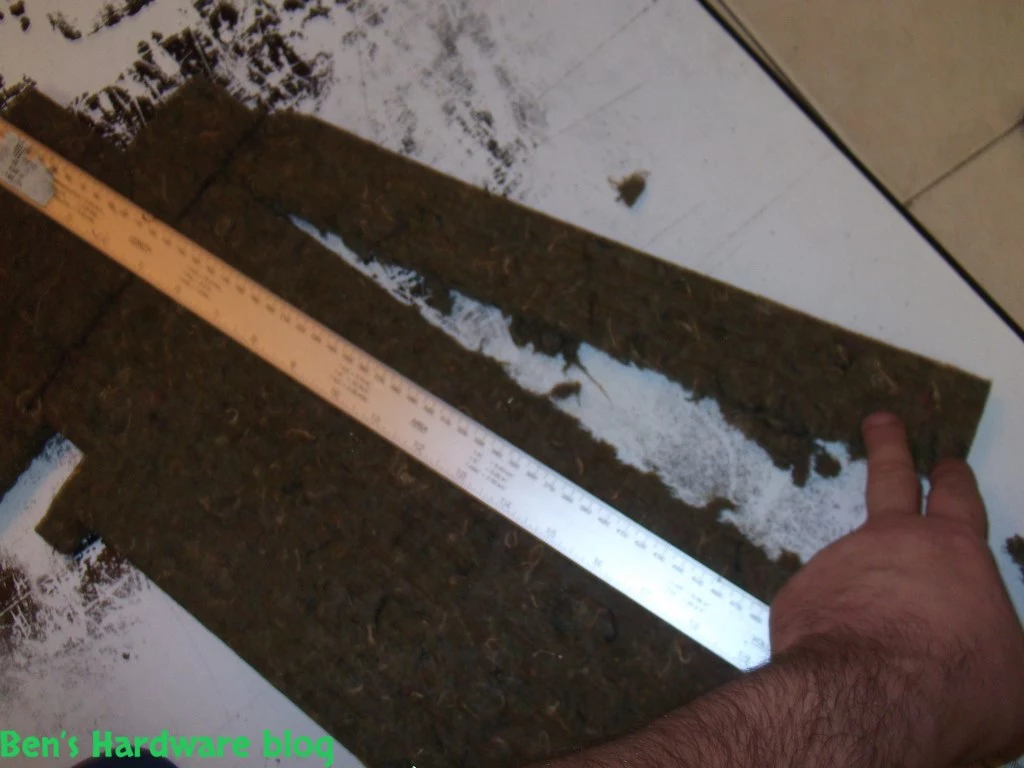
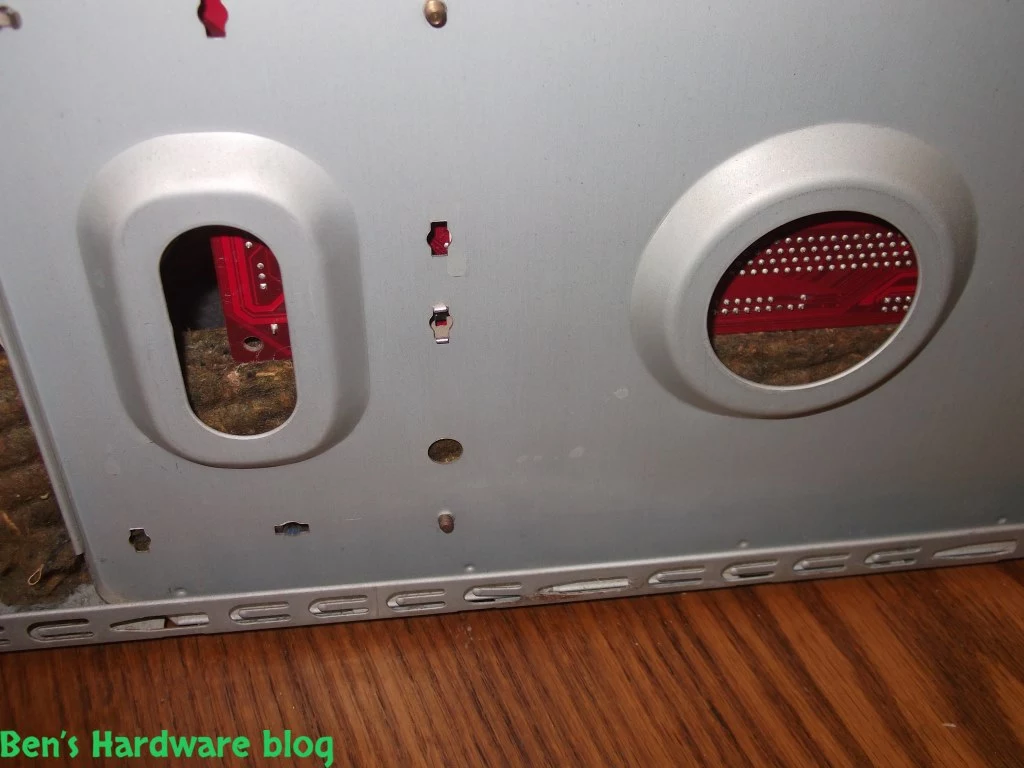
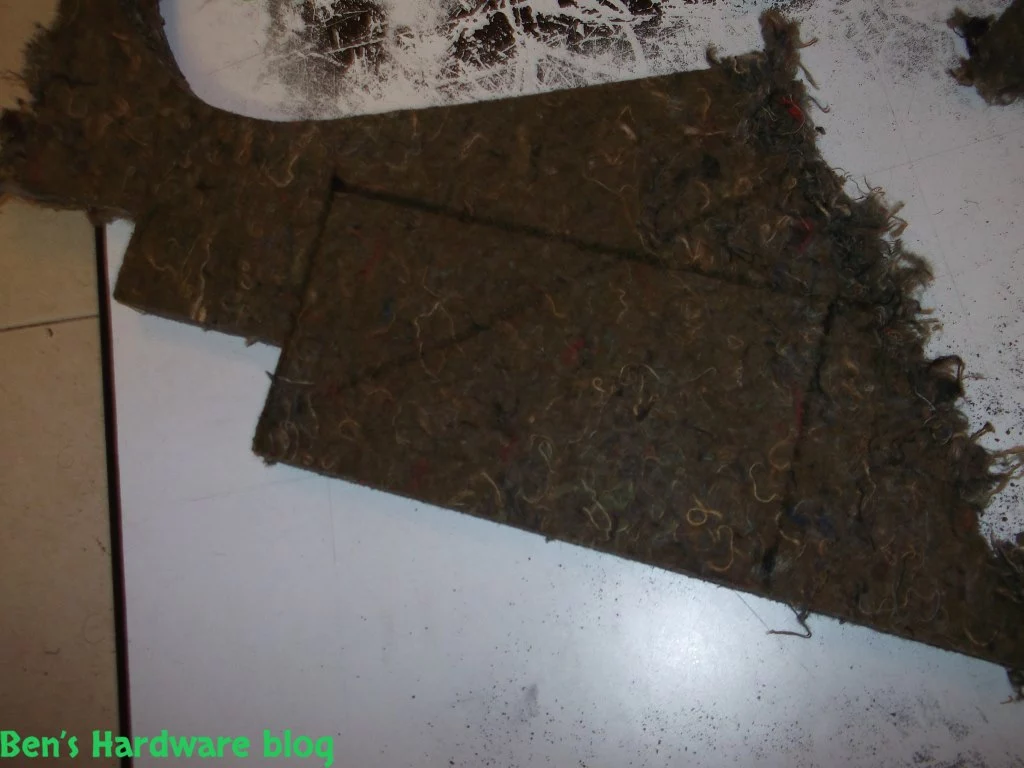
Though a big part of the foam was pre-cut in order to fit the inner parts of the dishwasher, there was more than enough raw material for my purpose in this project.


Assembly:


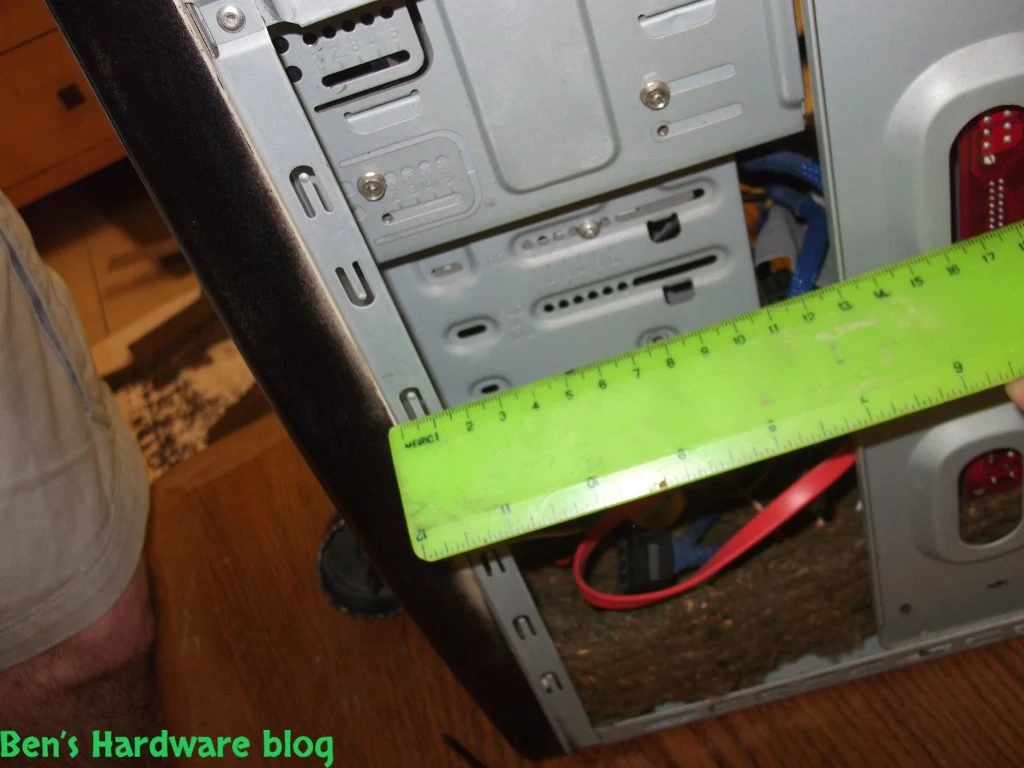
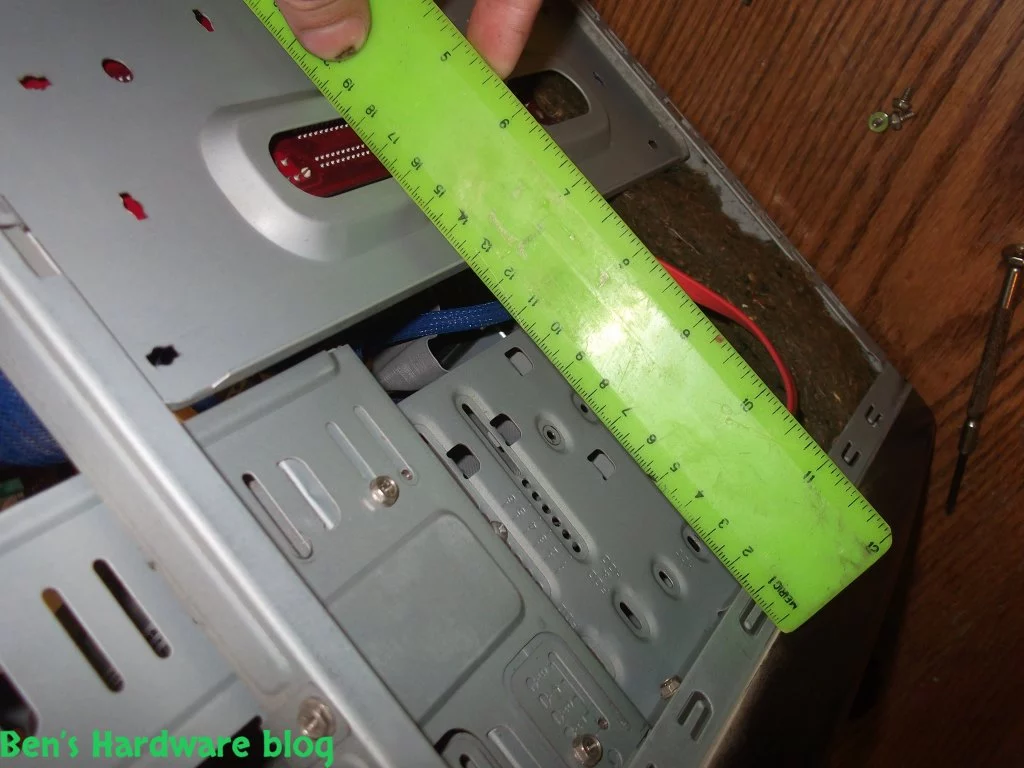
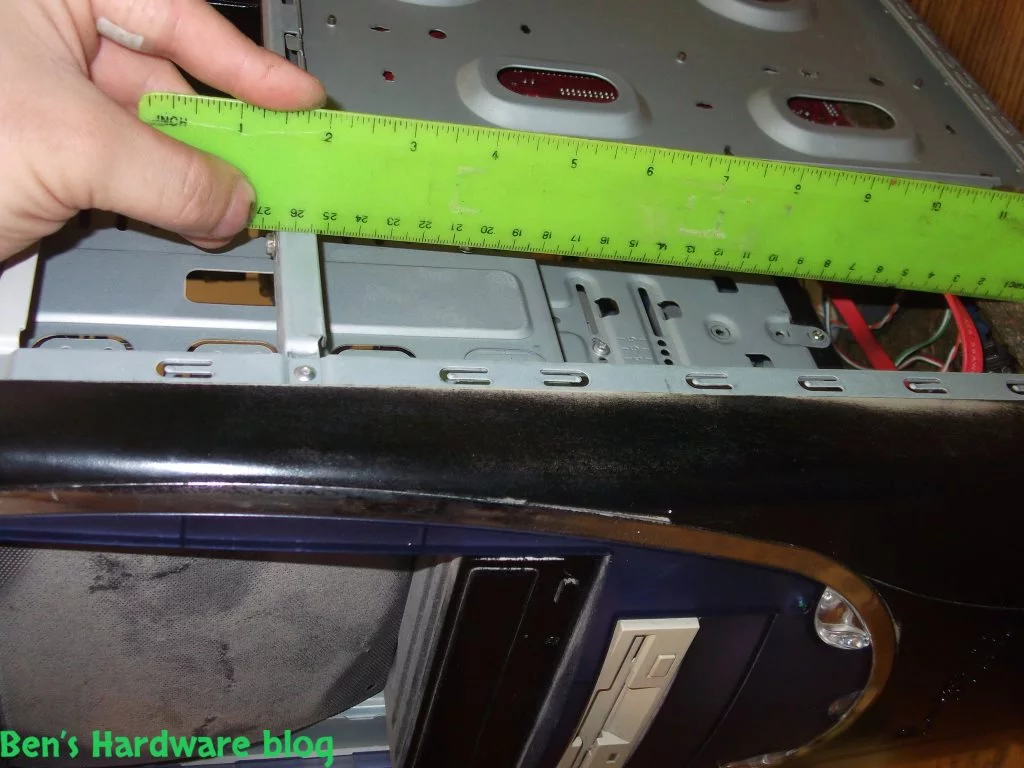
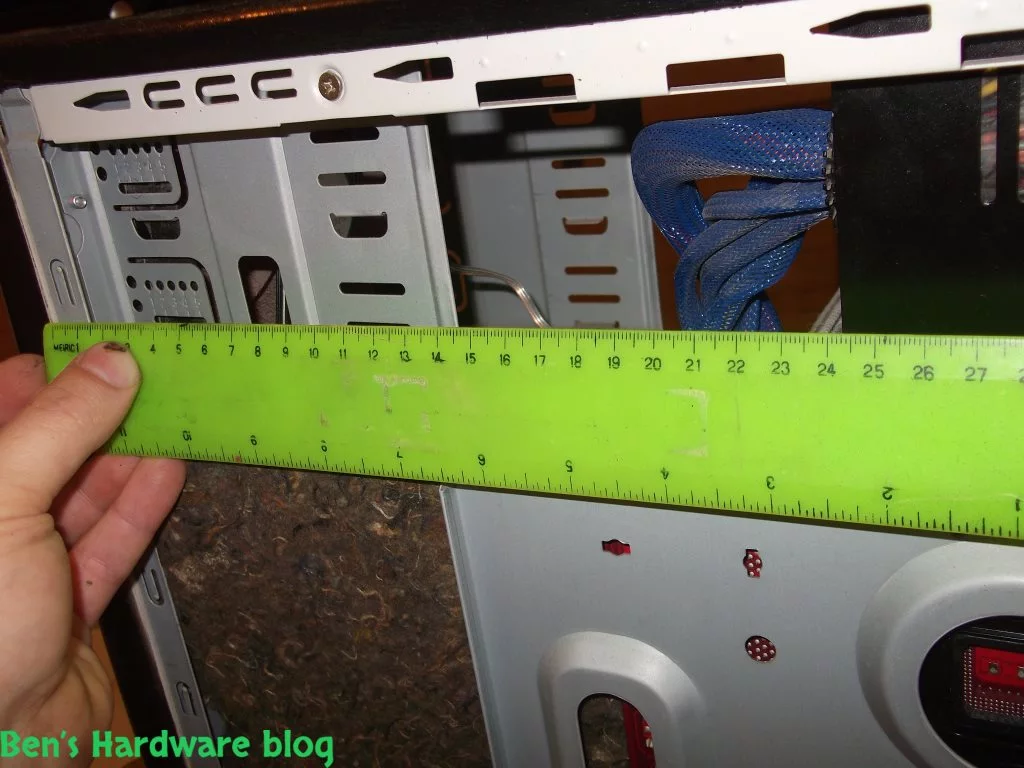
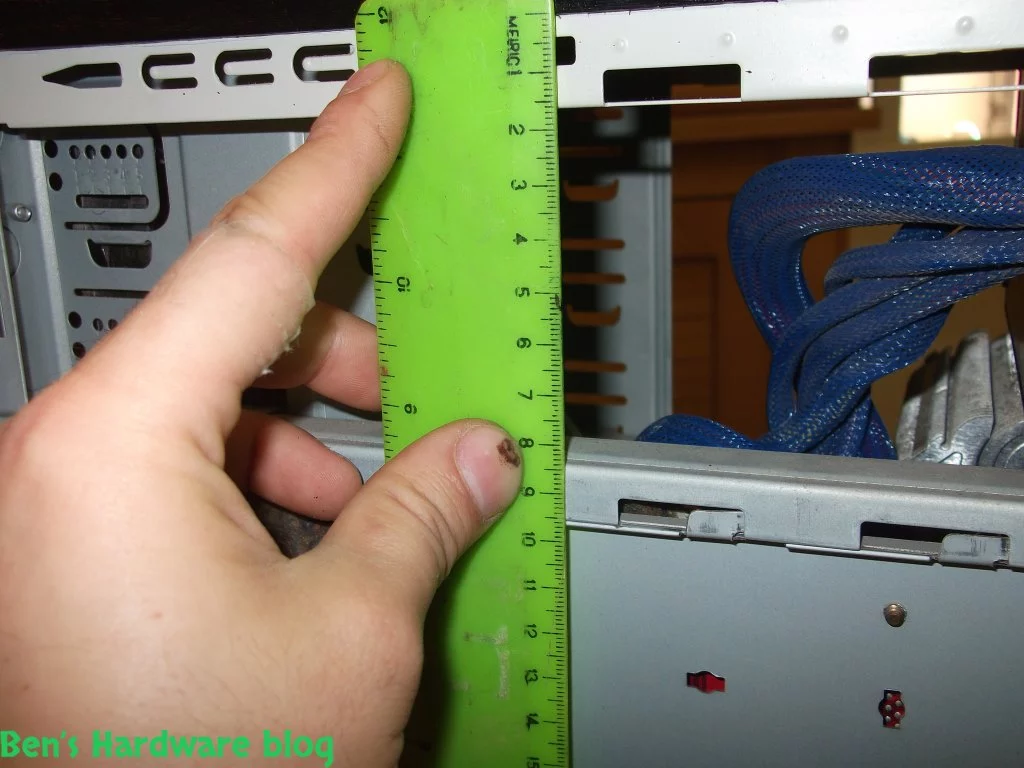
In the previous section I had mentioned that there was more than enough raw material for the project. I came to that conclusion after I had measured all of areas in the computer case I planned to cover with the material. After that I had to robotize due to the fact that some of the material was precut in certain customized shapes, making these parts unsable for the project.

1. General planning:


- In a perfect world I would've had enough noise absorption foam and I would've installed it everywhere possible inside of the computer case and perhaps in certain areas if there where no physical limitations, I would've used more than one layer. Since we don't live in a perfect world, this was not the case. I had to plan and priorotize which physical areas of the computer case would be the most effective ones in absorbing the noise coming from within.


- Noise bounces – I am not a physicist, but I do know that sound waves tend to bounce or let's say, deflect off of materials in varied intensity given these materials shape and composition. It's like being in an empty room and shouting – there would be a bigger echo than in a case where that room would've been filled with furniture and other stuff. My point is that the more of this foam is position in adjacency and in parallel to more of itself the more noise is absorb .


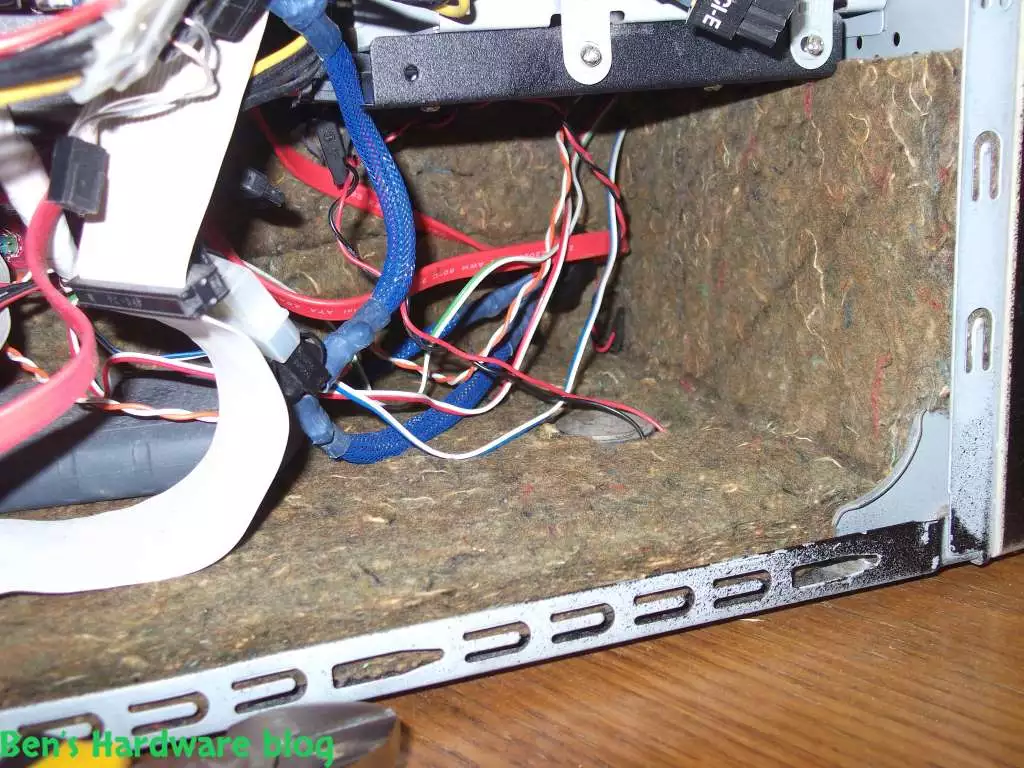
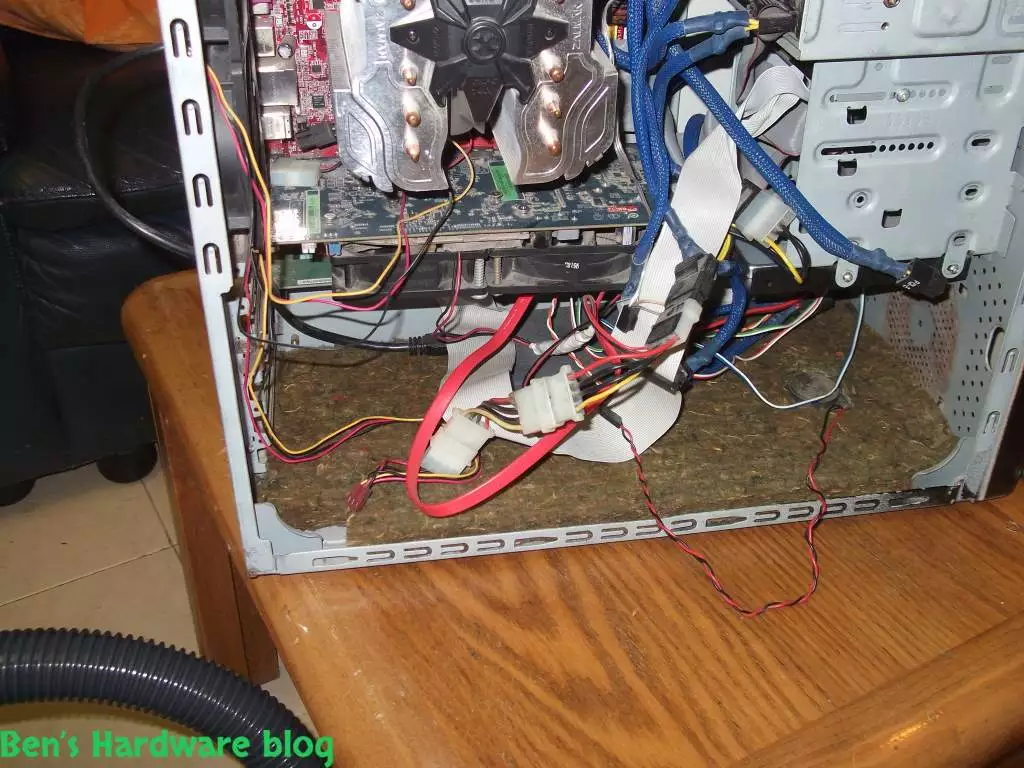
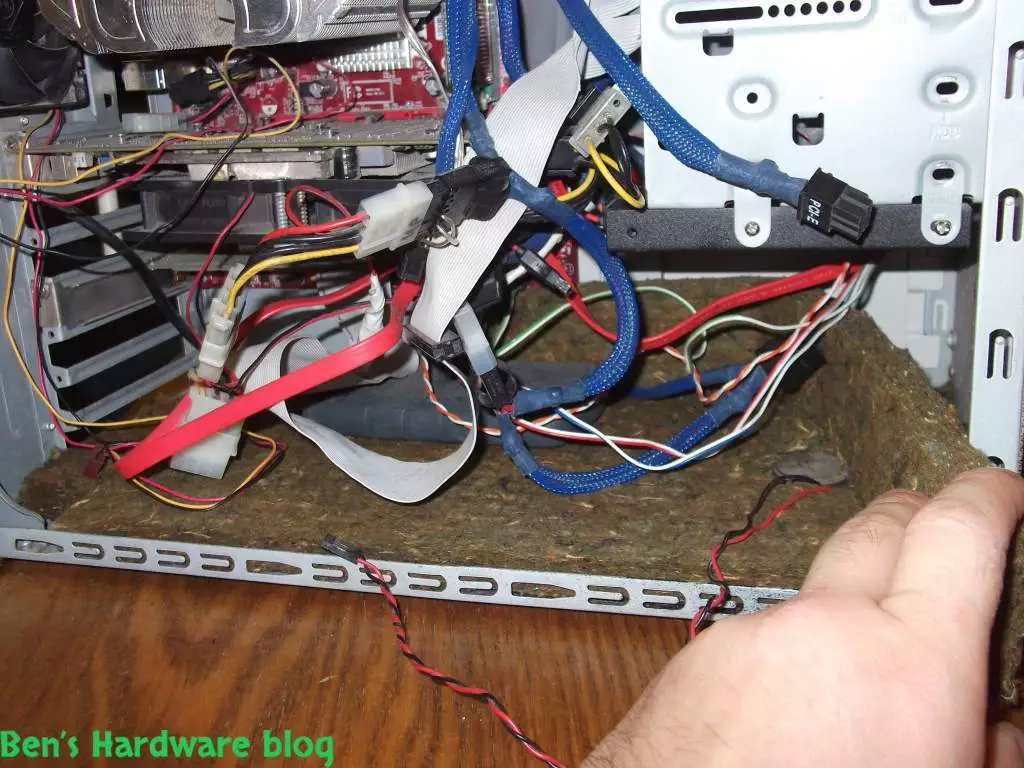
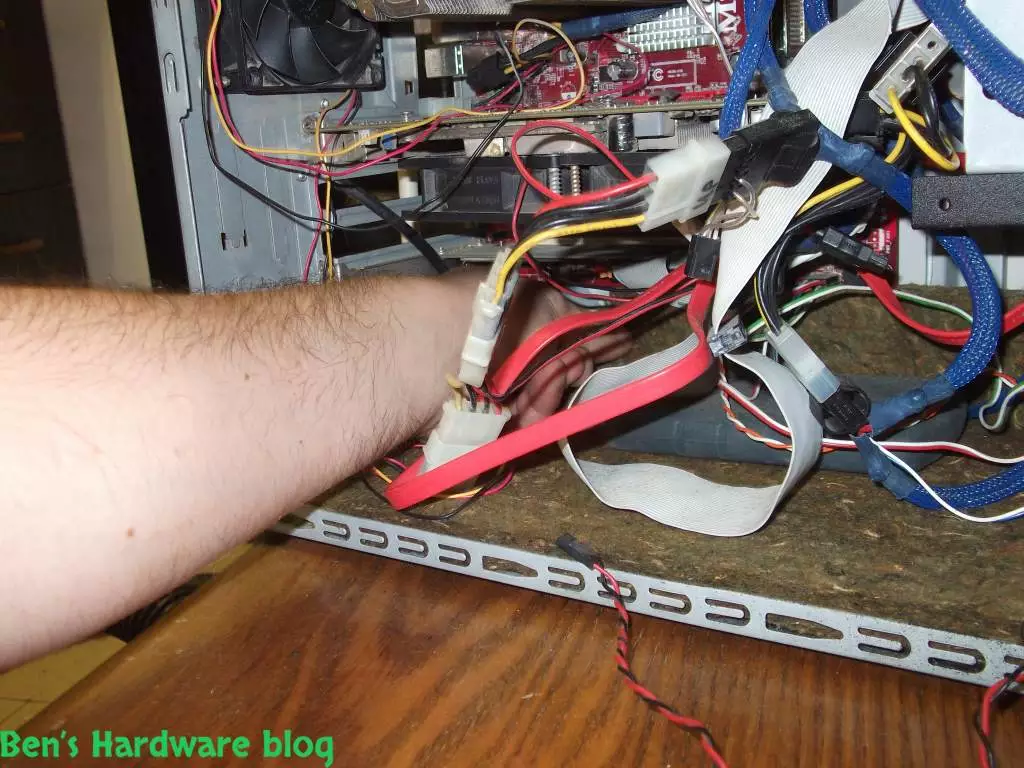
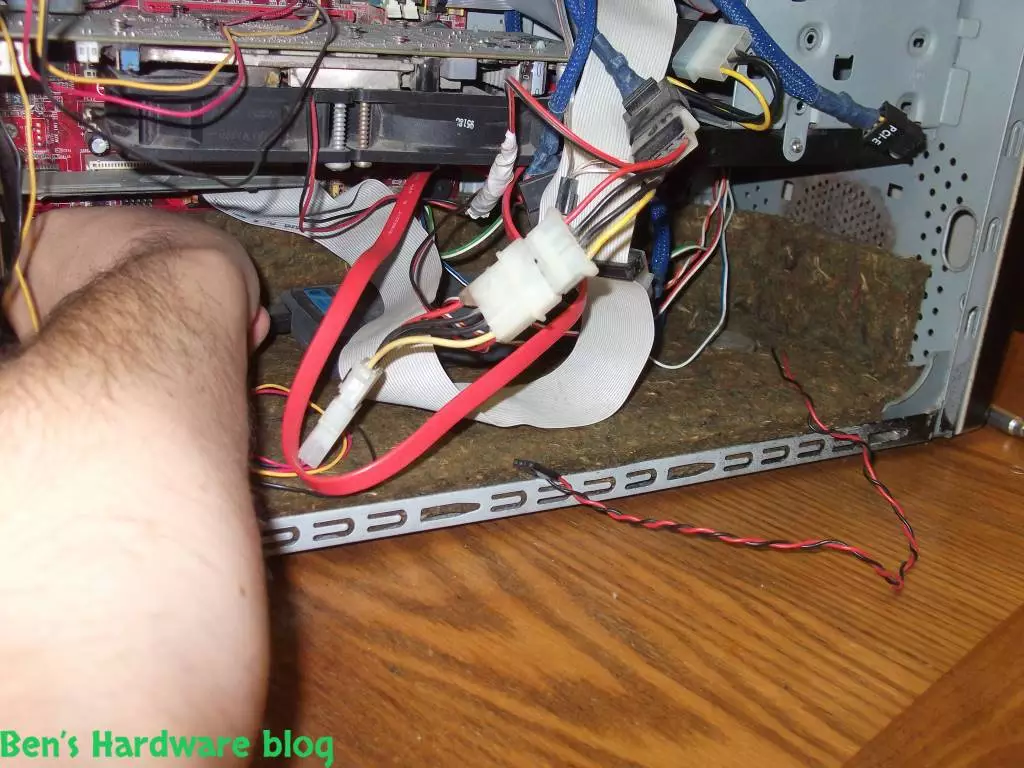
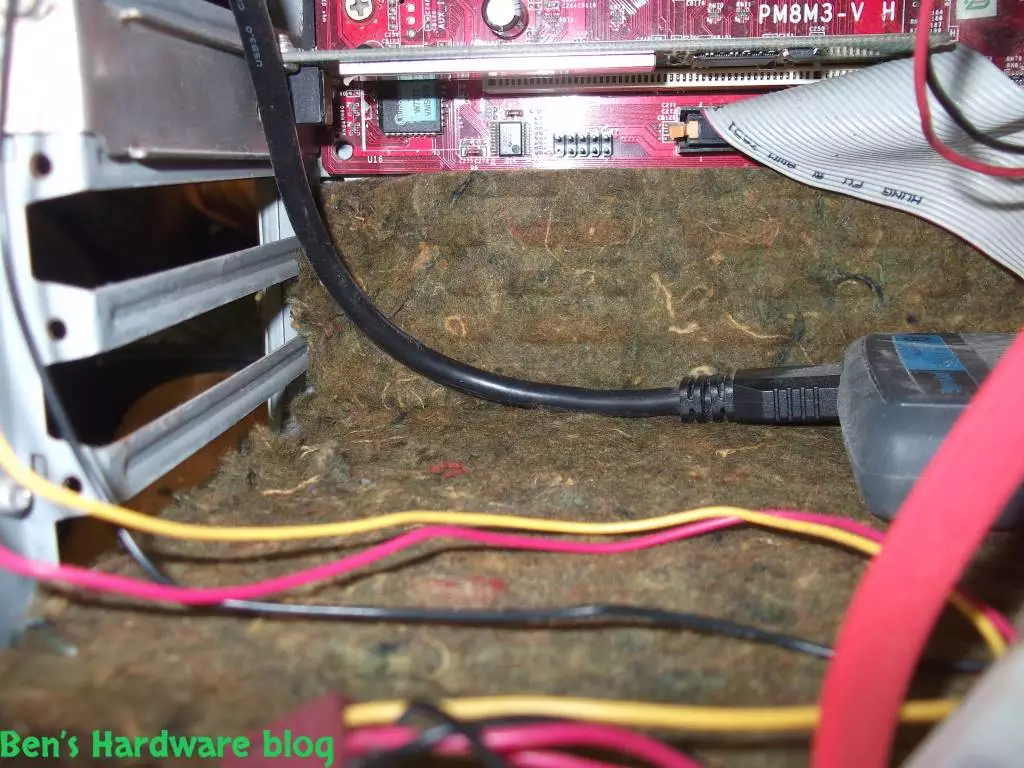
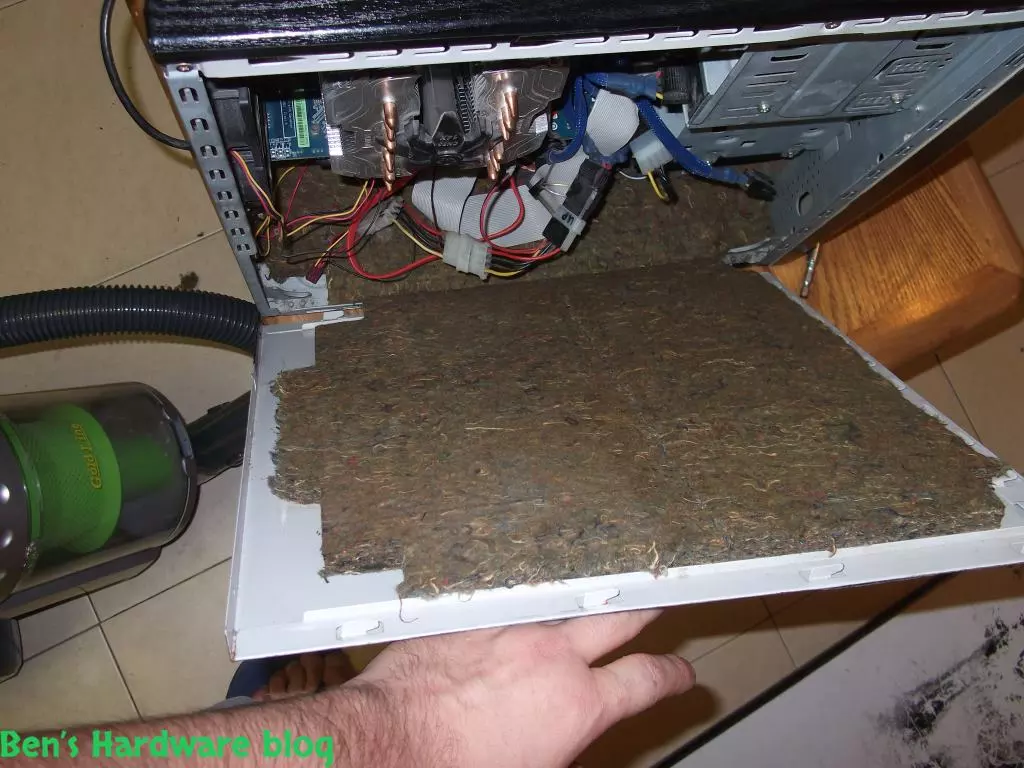
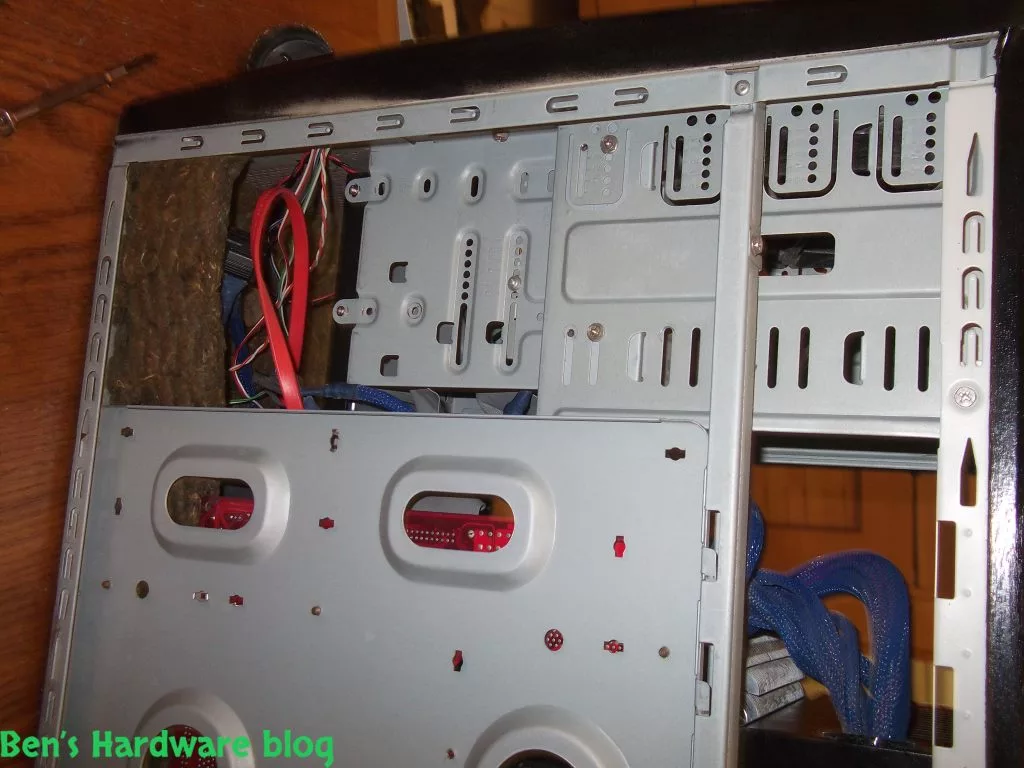
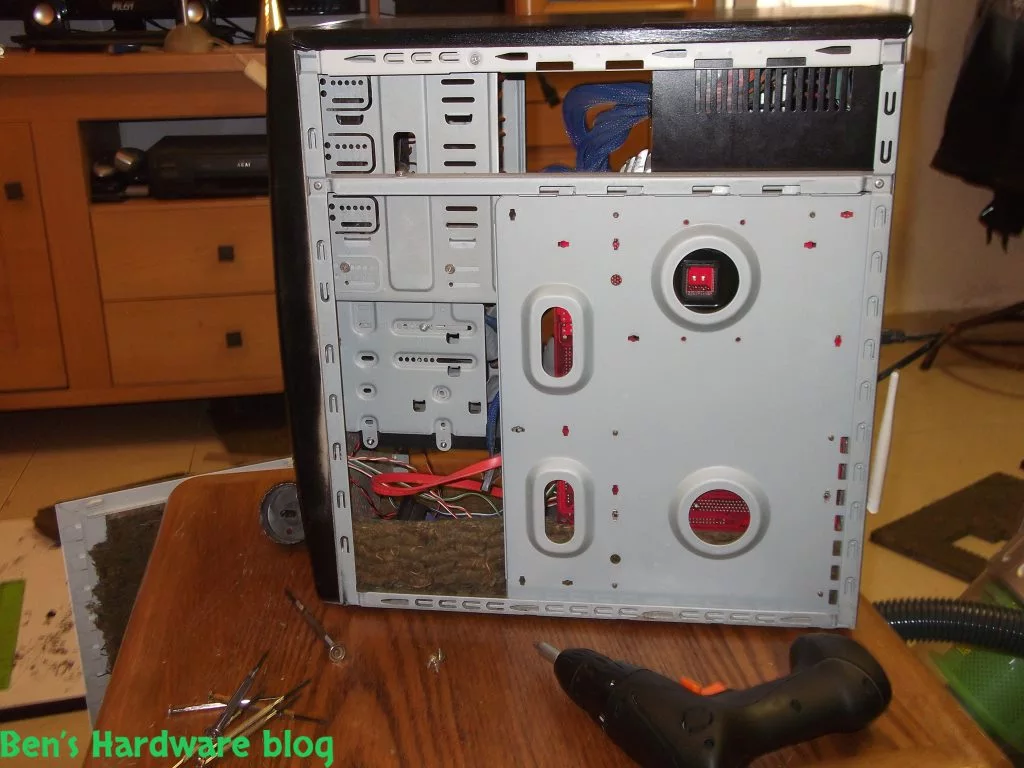
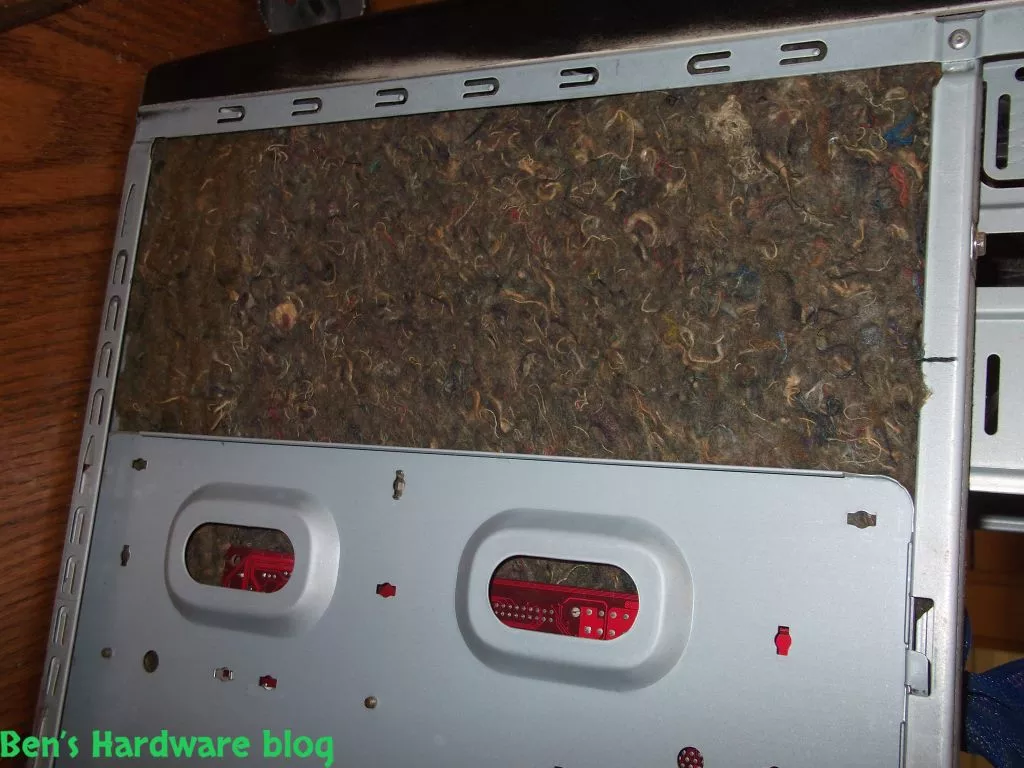
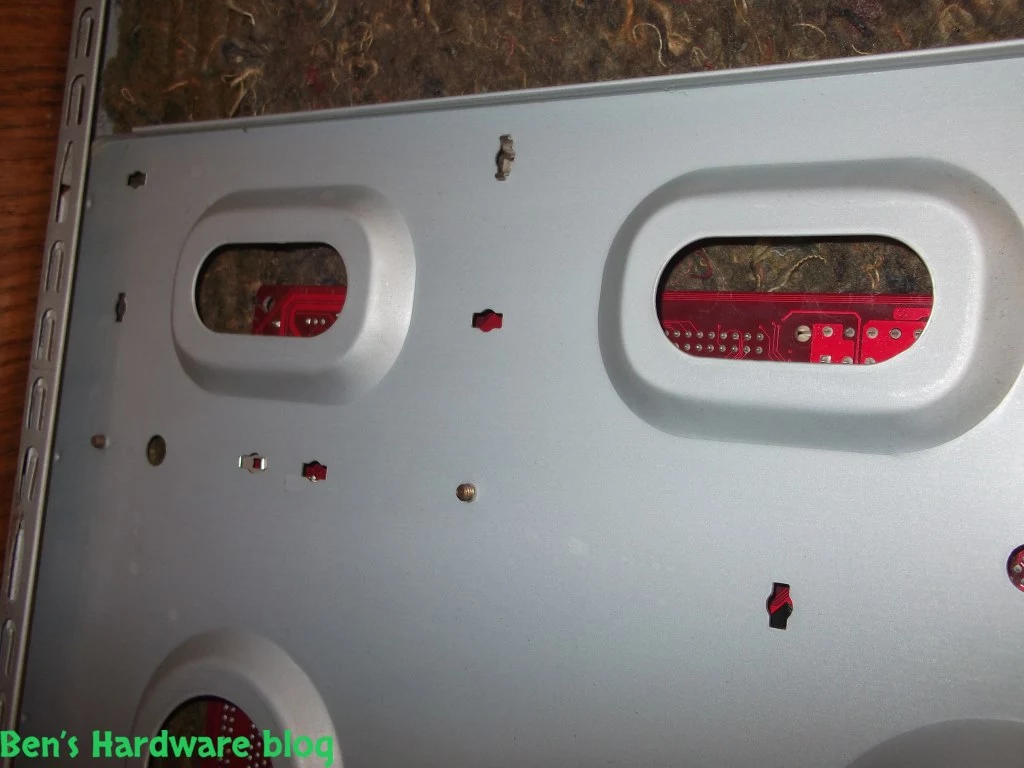
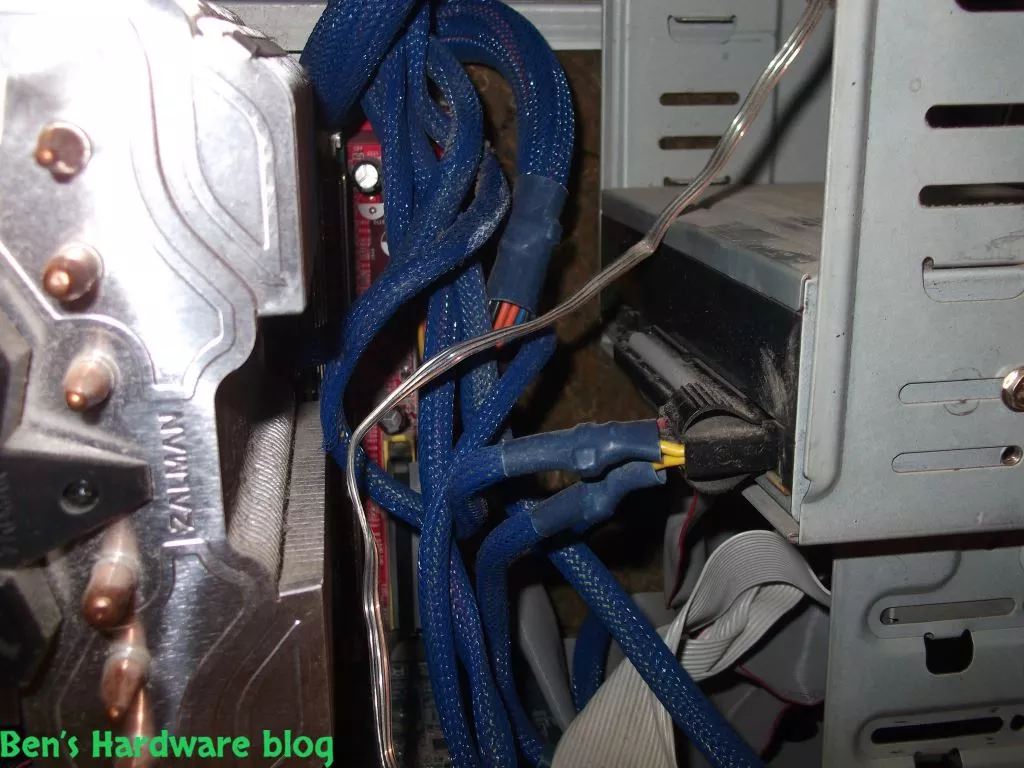
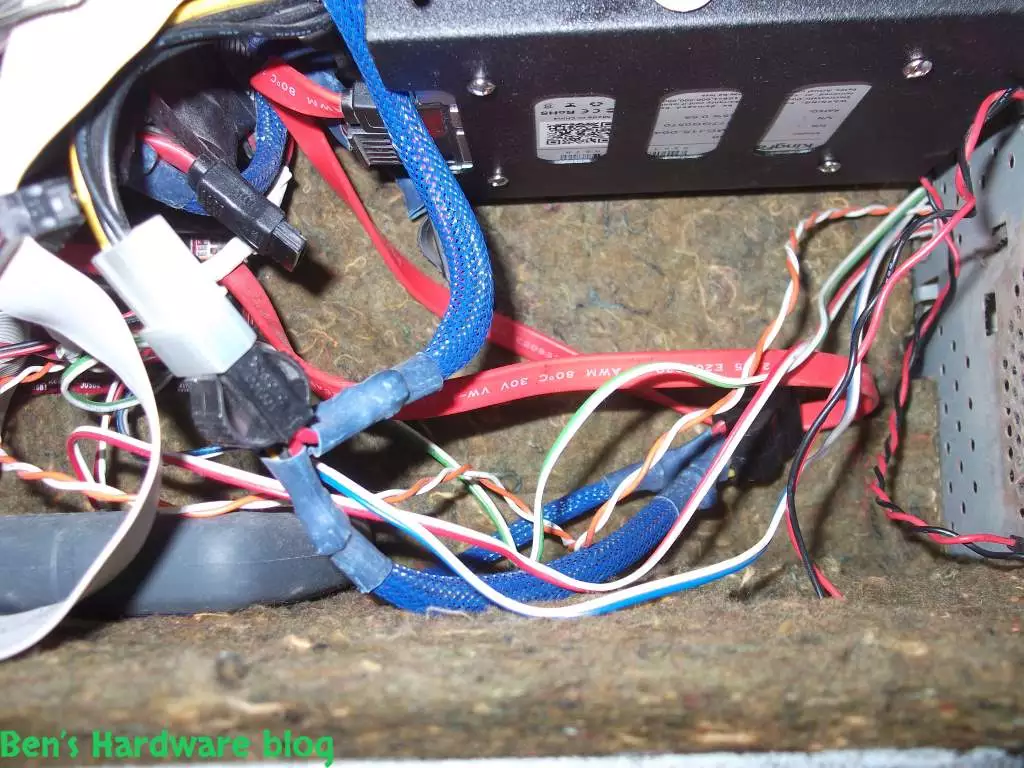
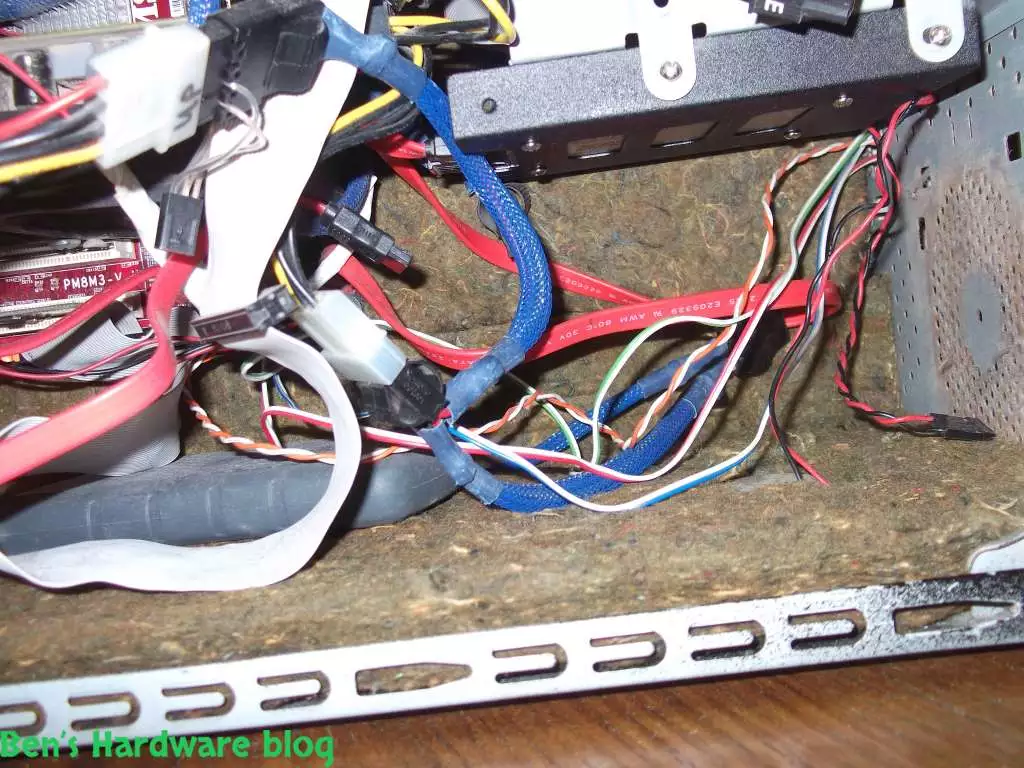
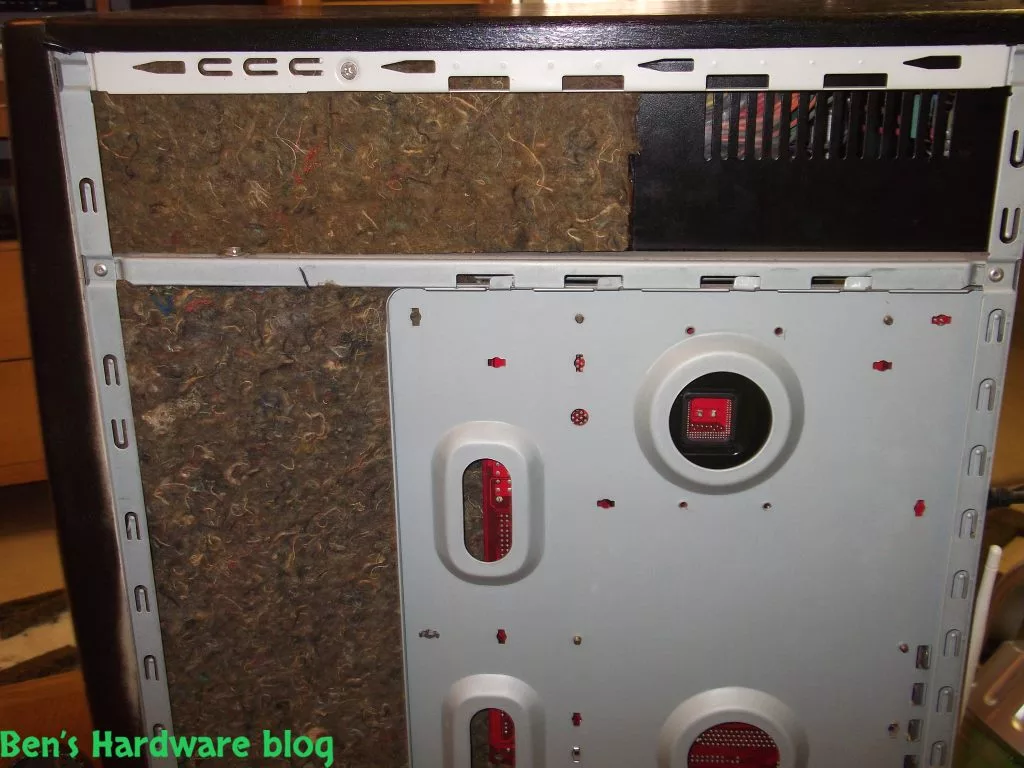
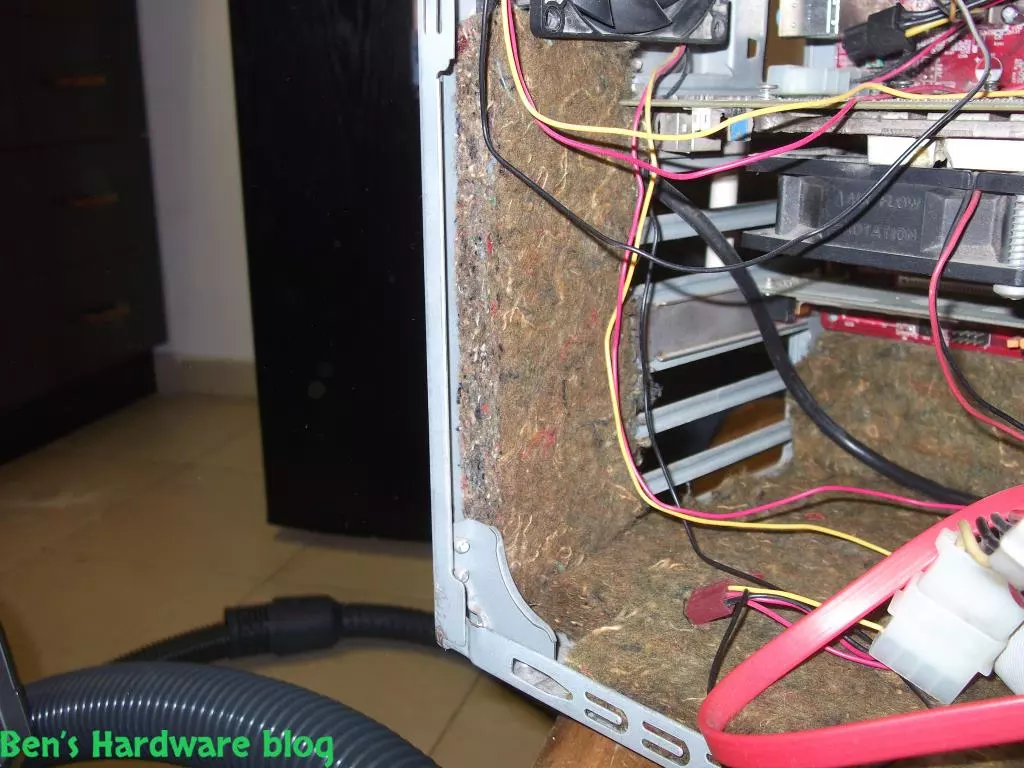
- After careful planning and measuring, I have discovered I have had enough material to cover the following areas:

- Main case door

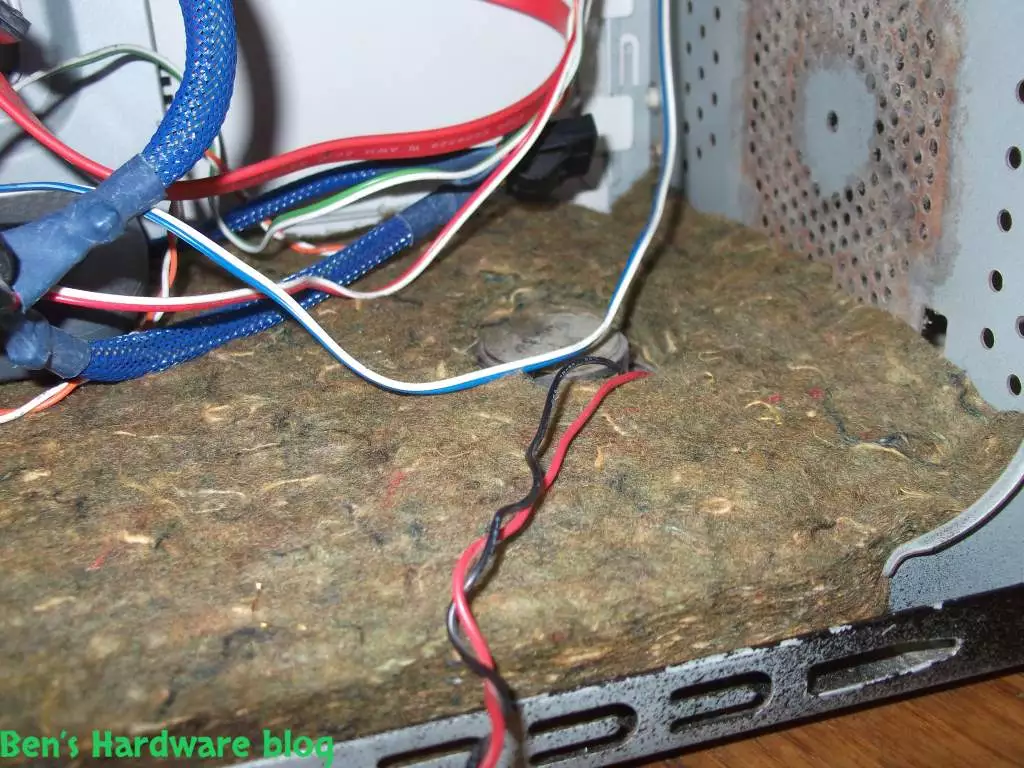
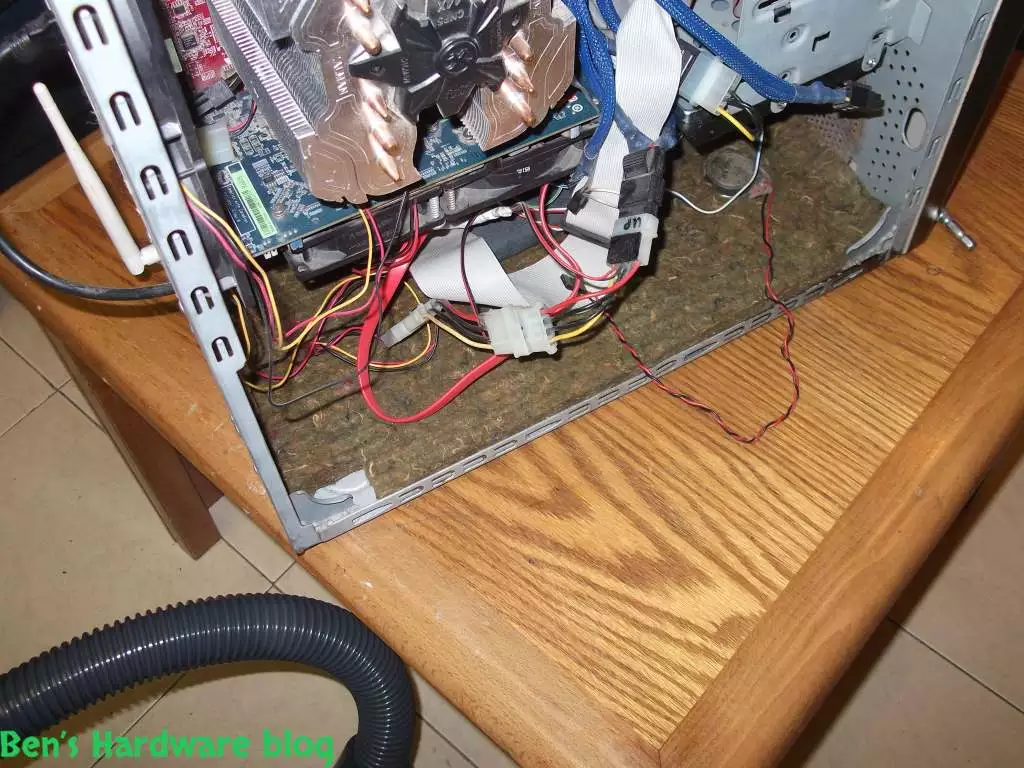
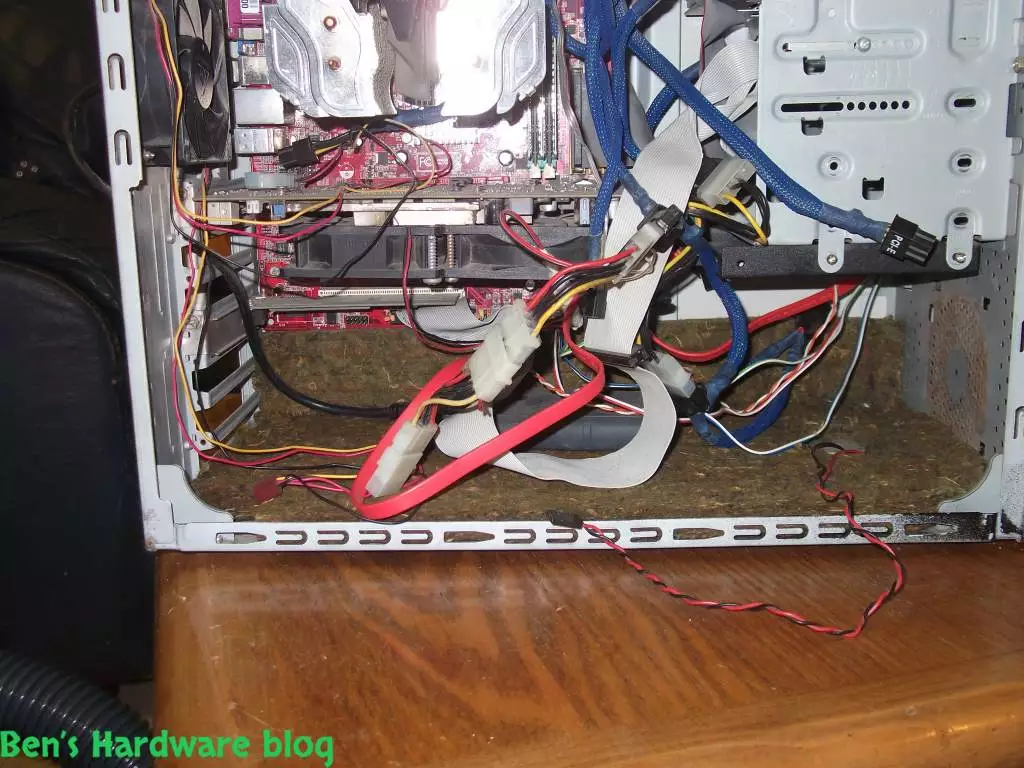
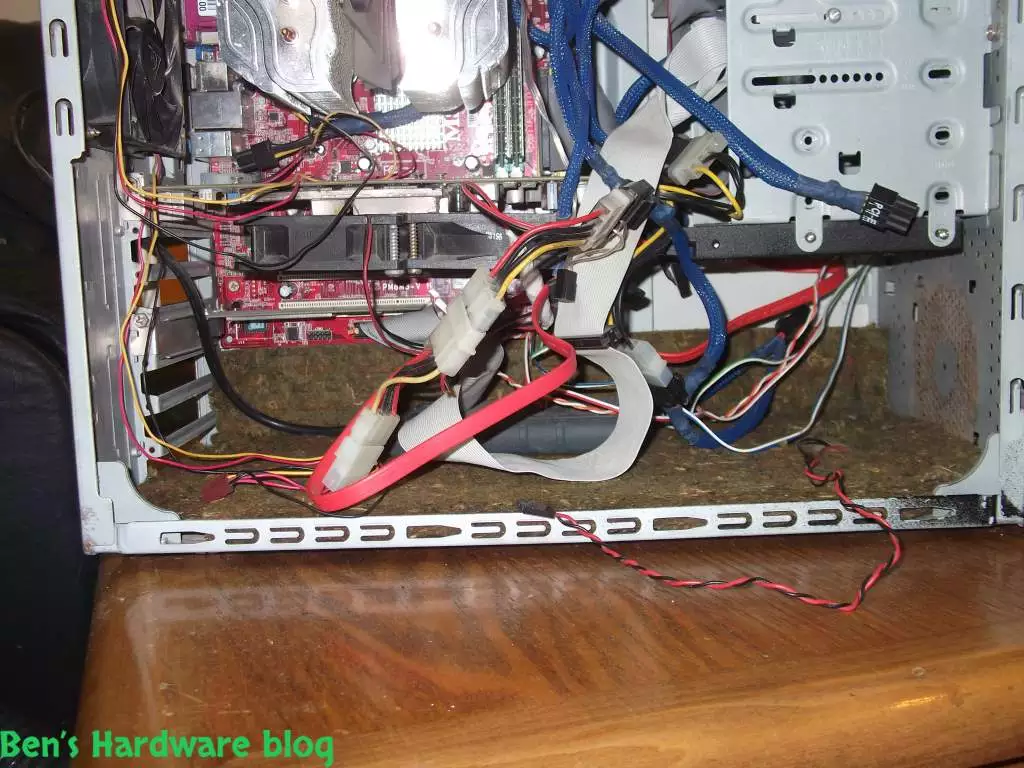
- Case bottom part

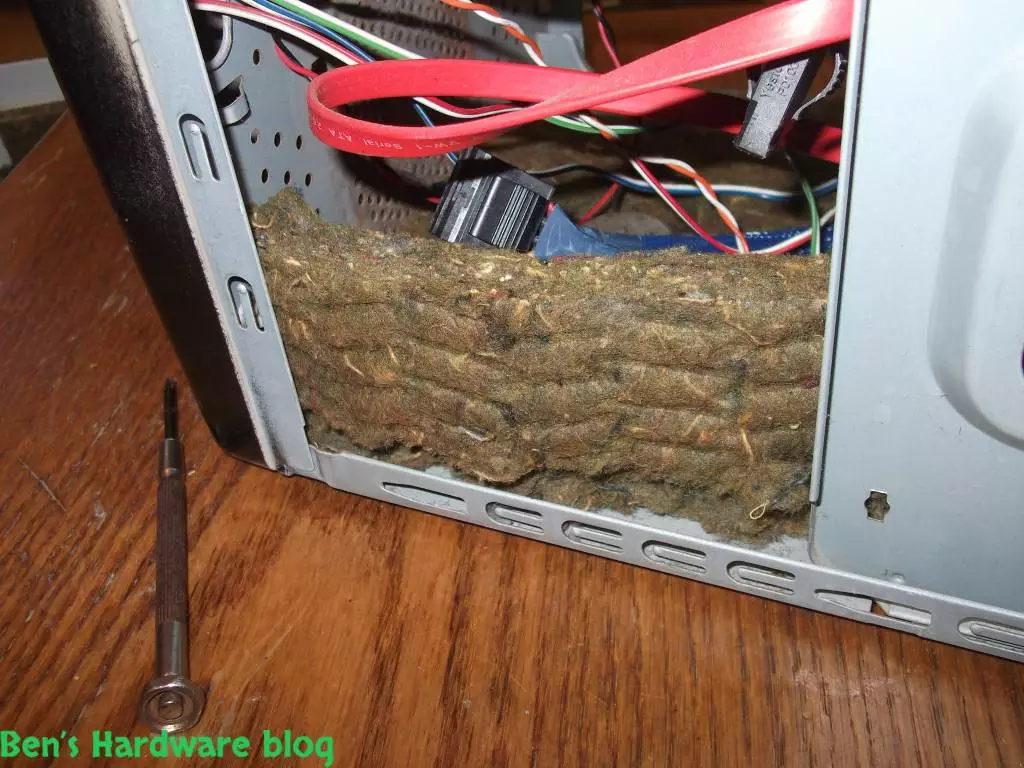
- The front bottom part of the case (Under the hard drives bay

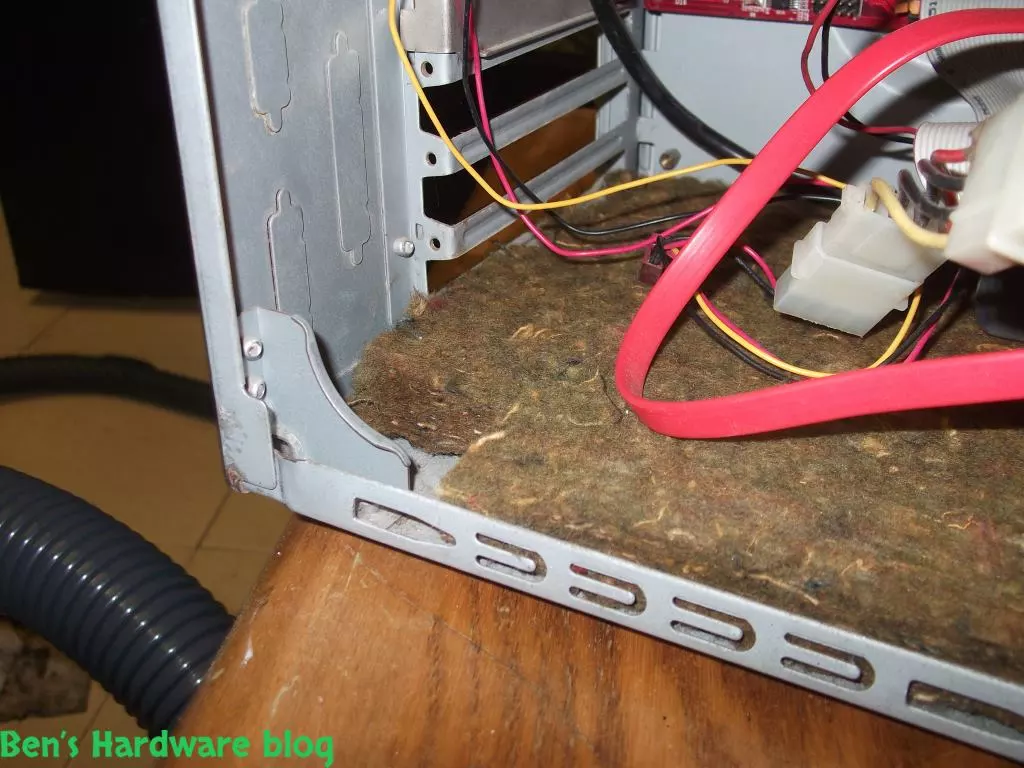
- The back narrow part of the base that is parallel to the expansion slots of the motherboard

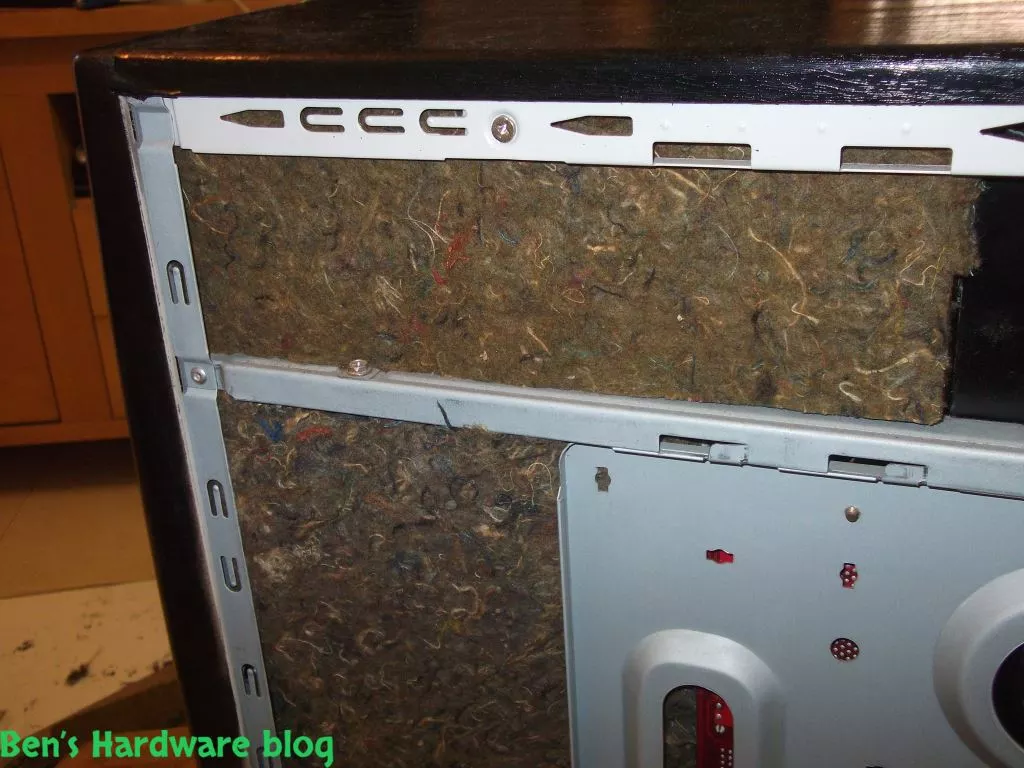
- The exposed parts above and in front of the motherboard that come into contact with the other case door

- Overall, it seems I had enough materials for the jobs. Too much of it would just limited internal airflow and would be an overkill.

2. Measuring and Cutting:

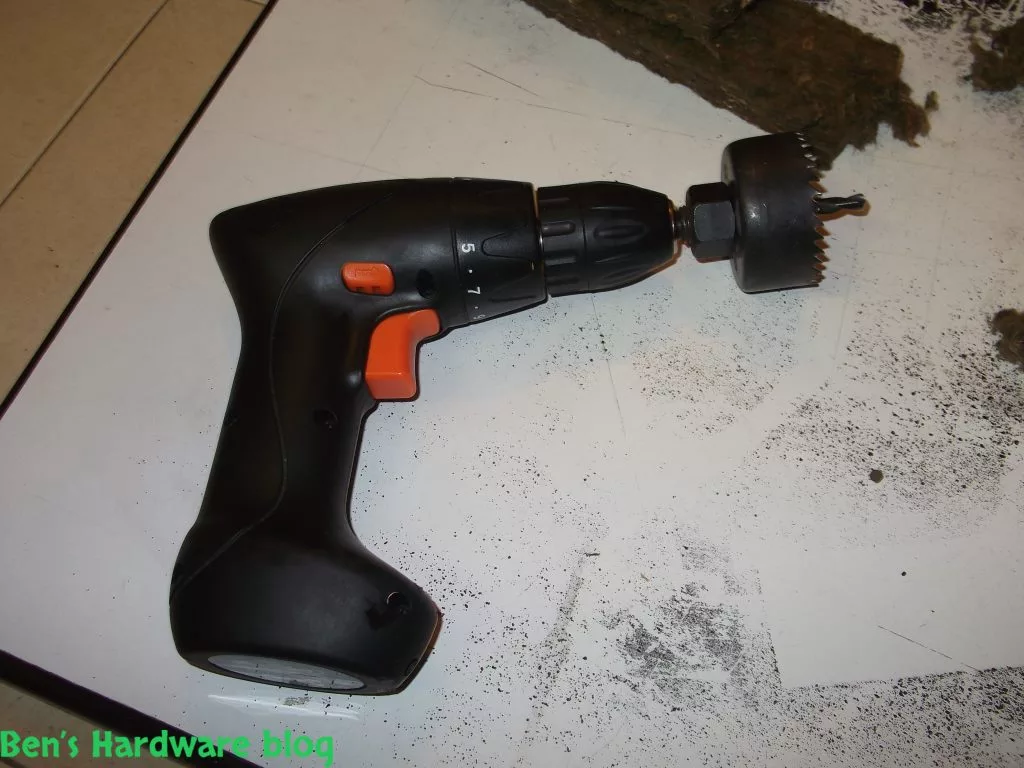
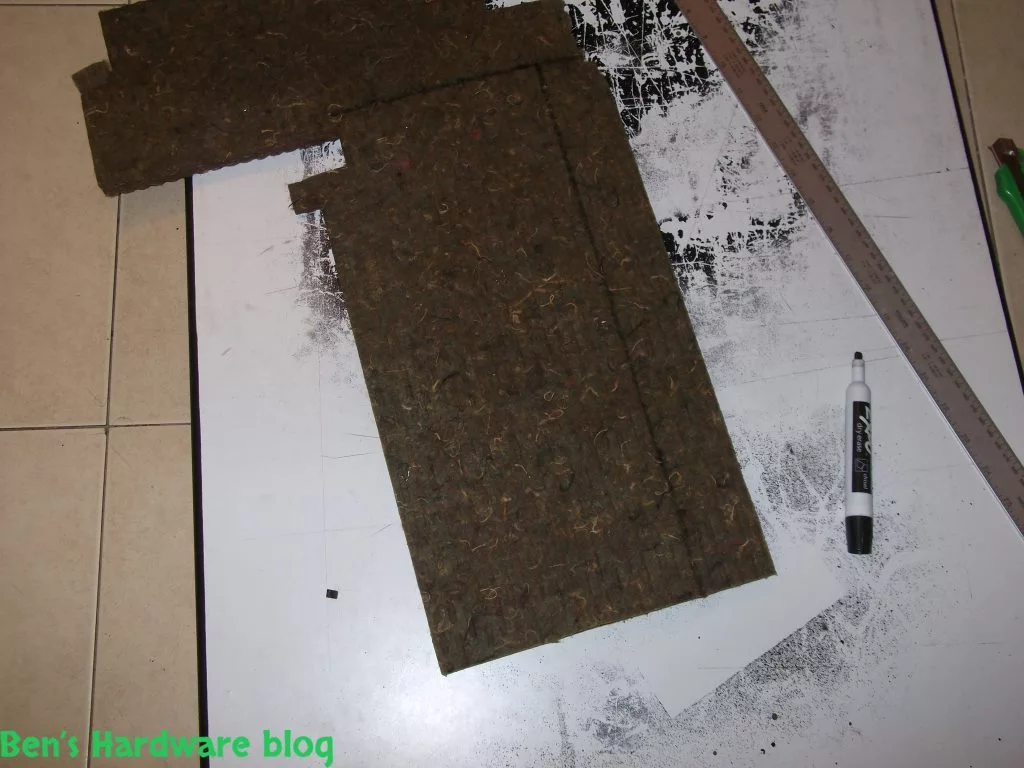
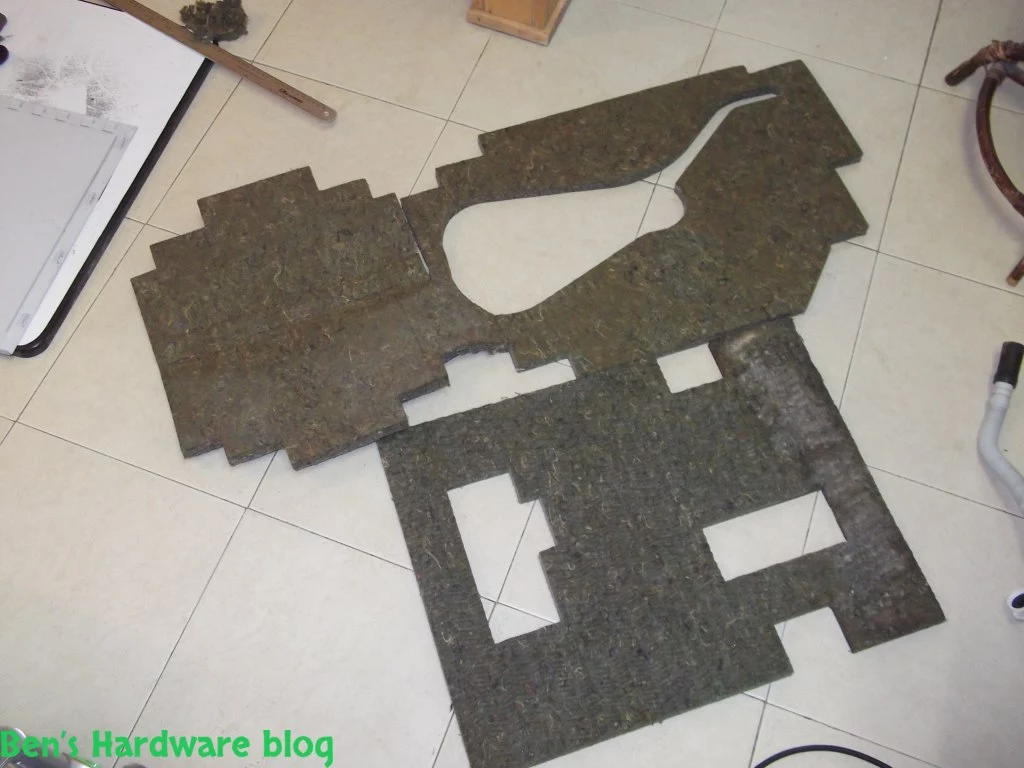
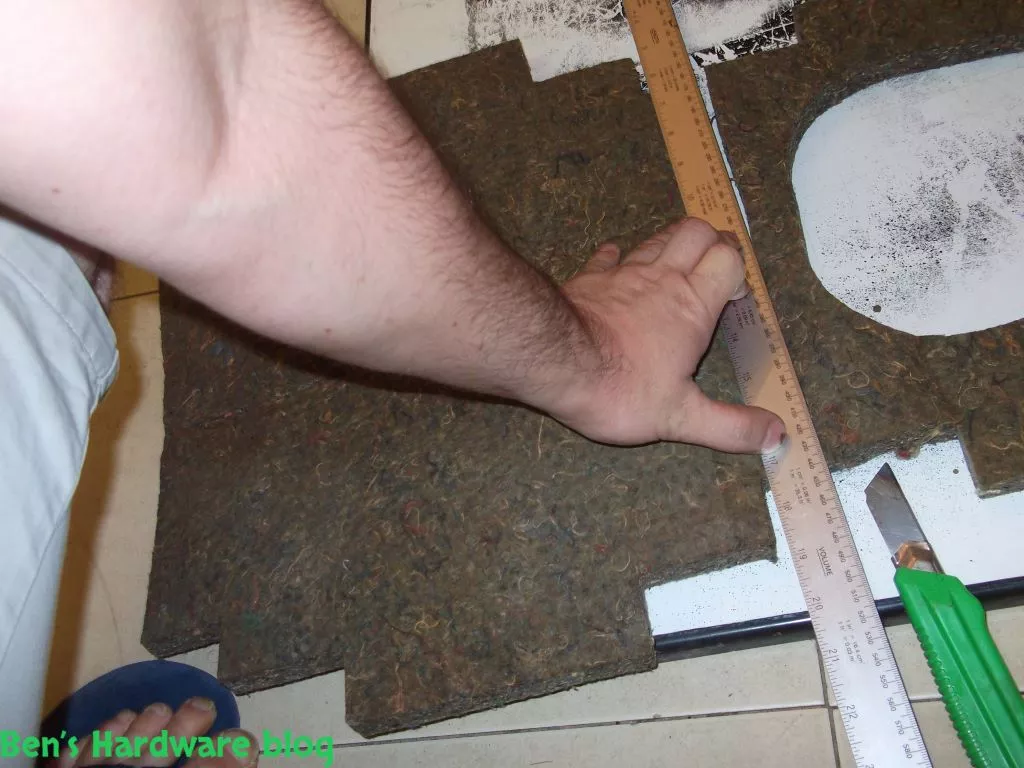
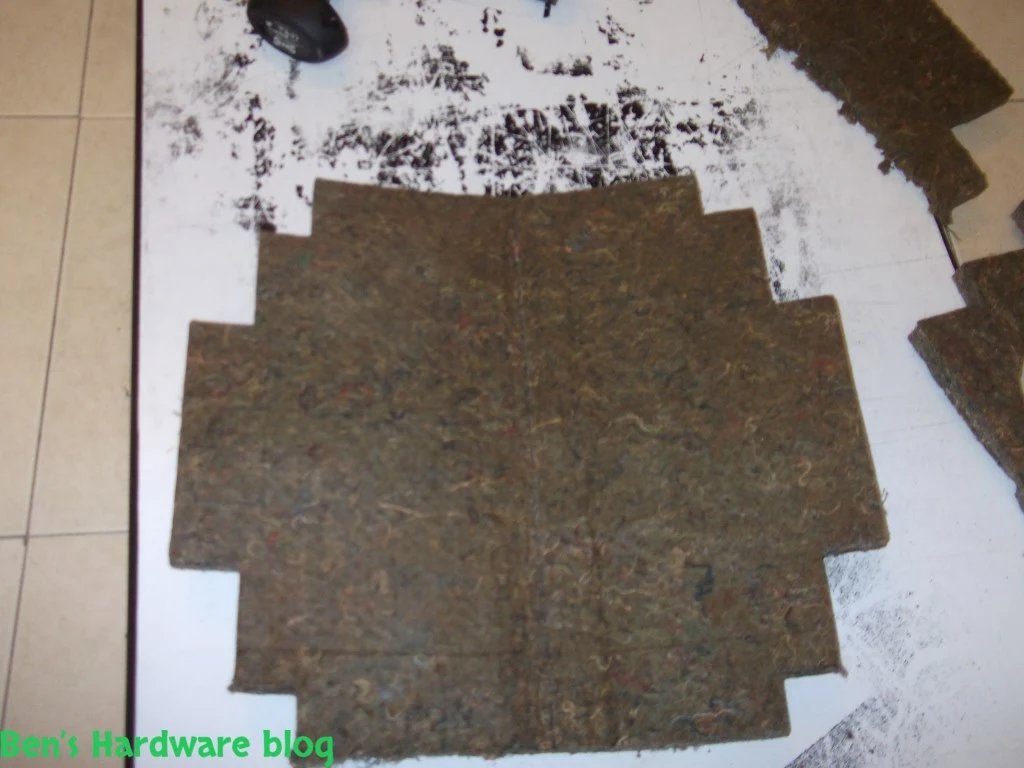
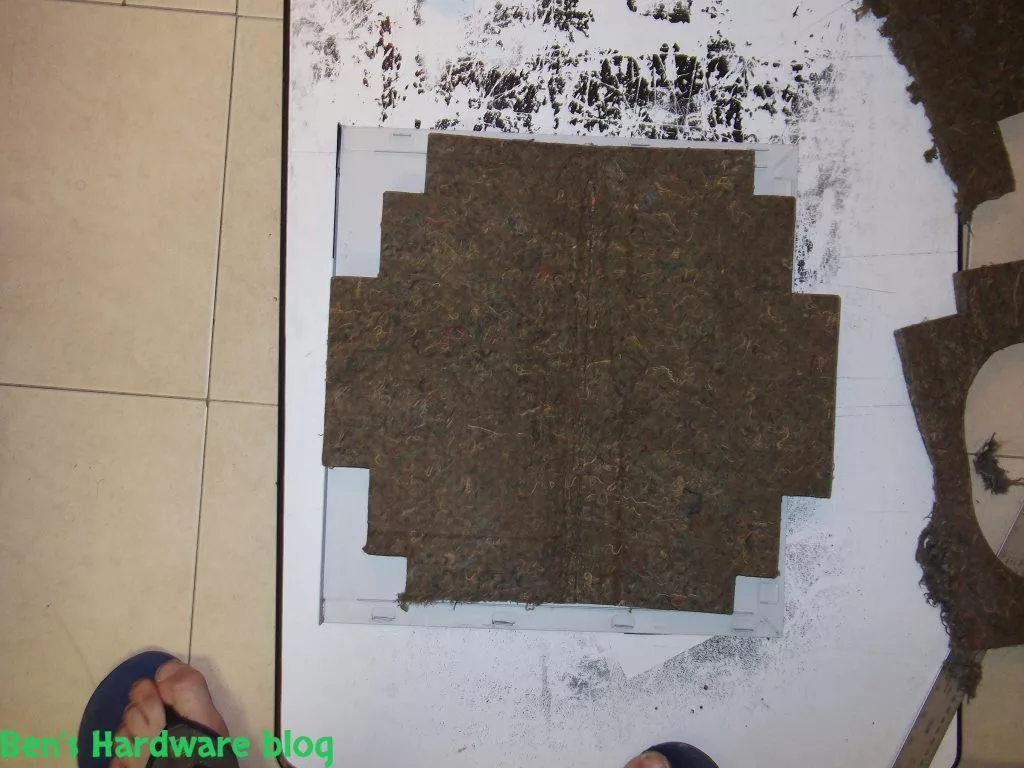
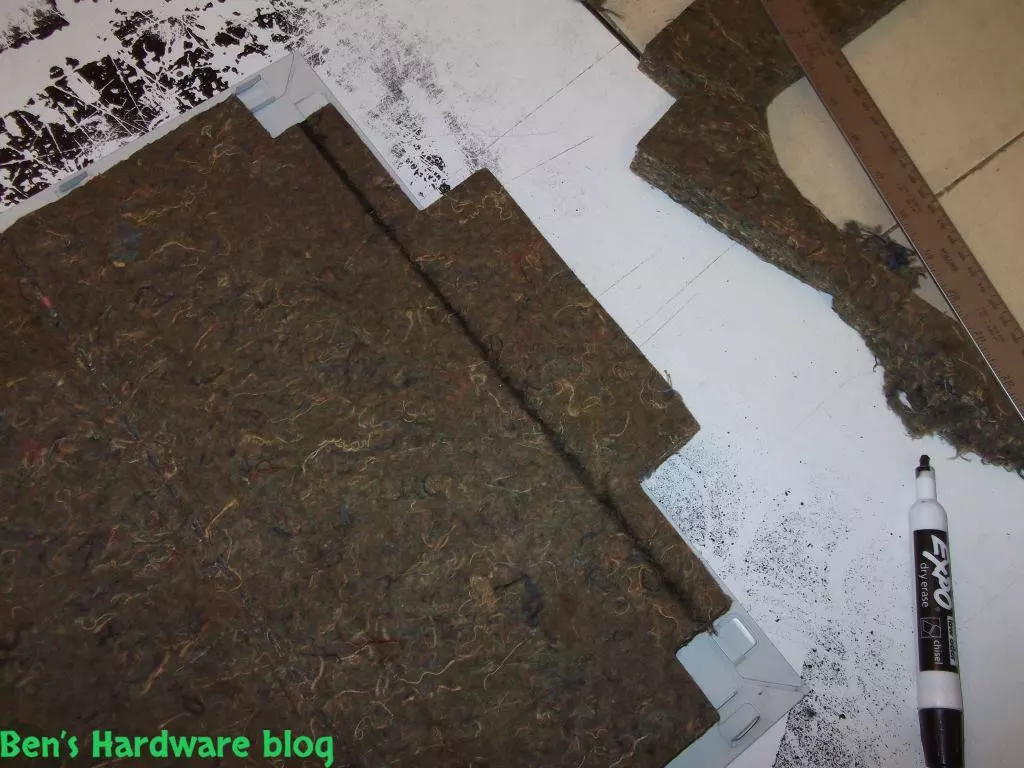
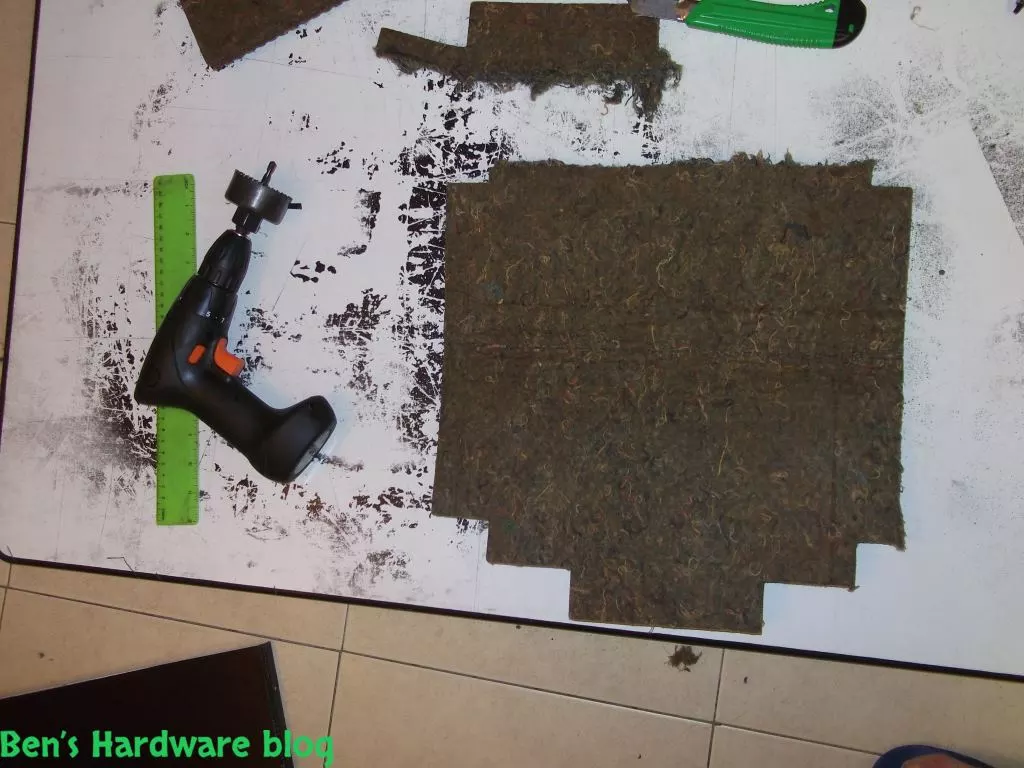
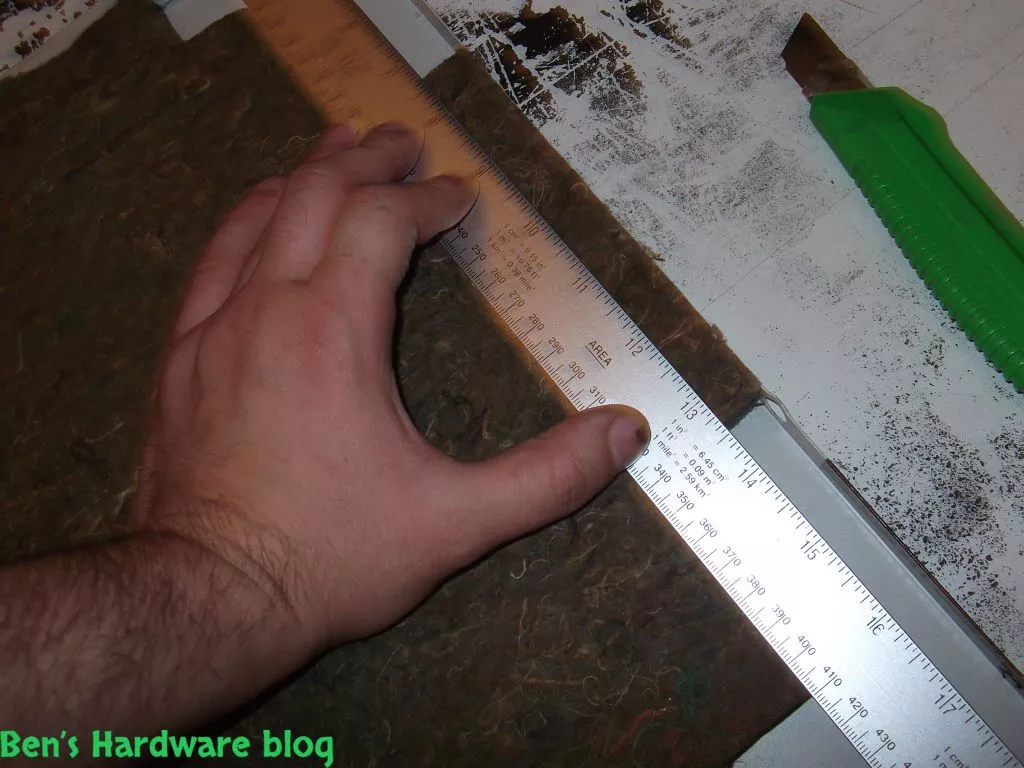
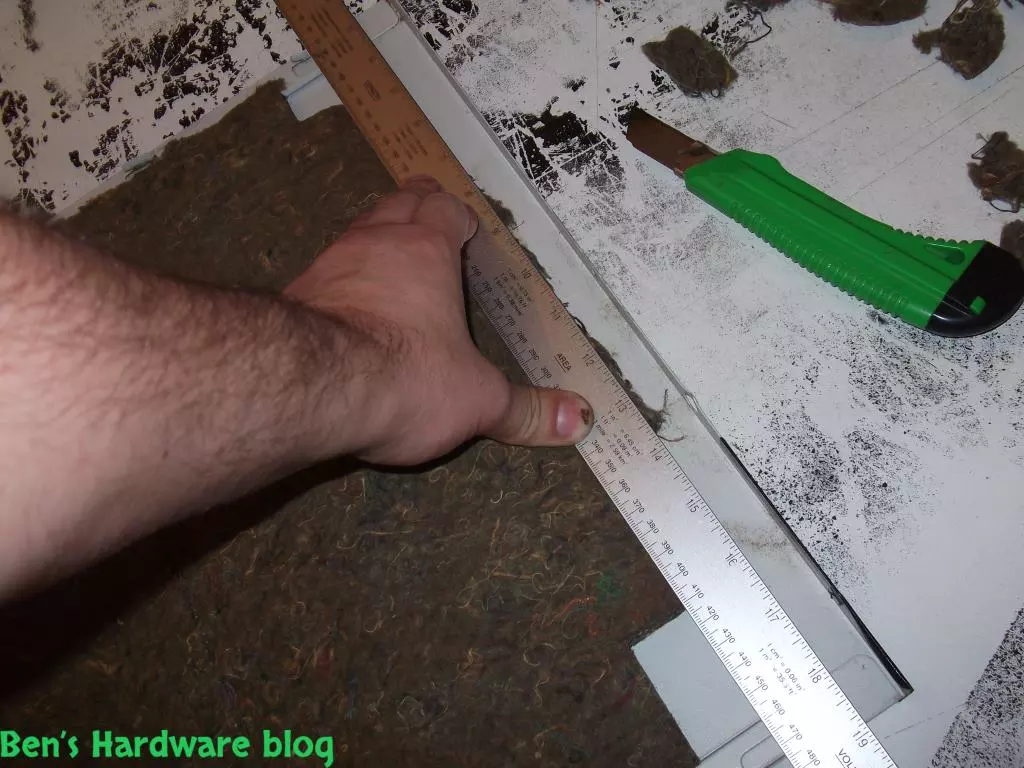
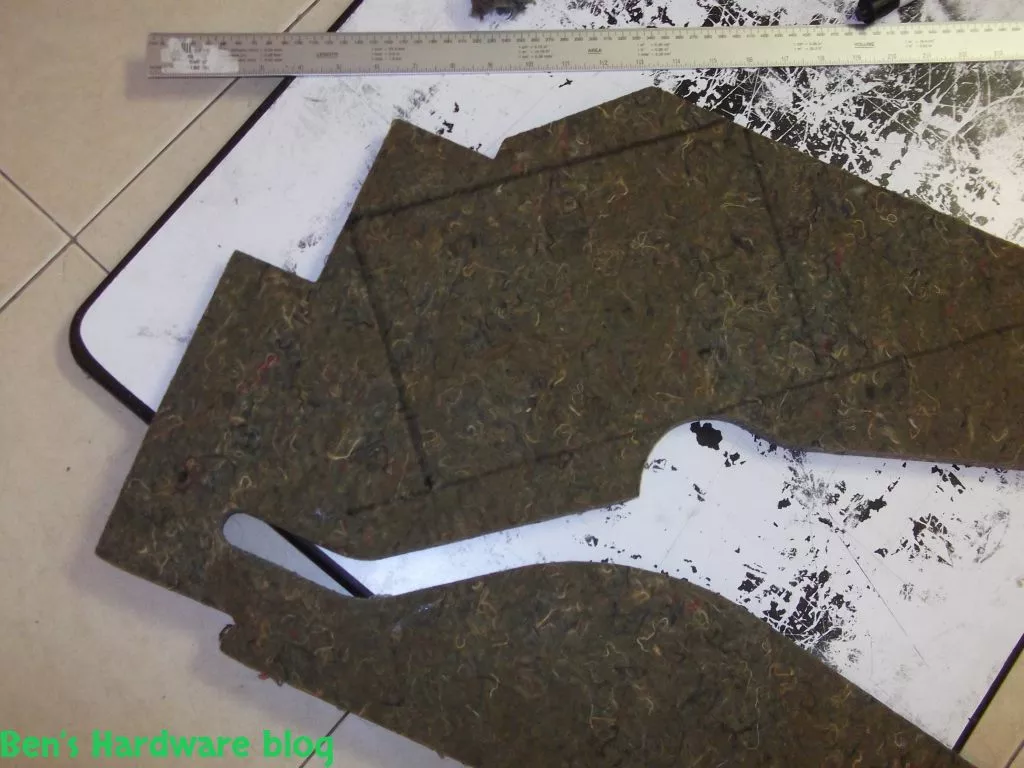
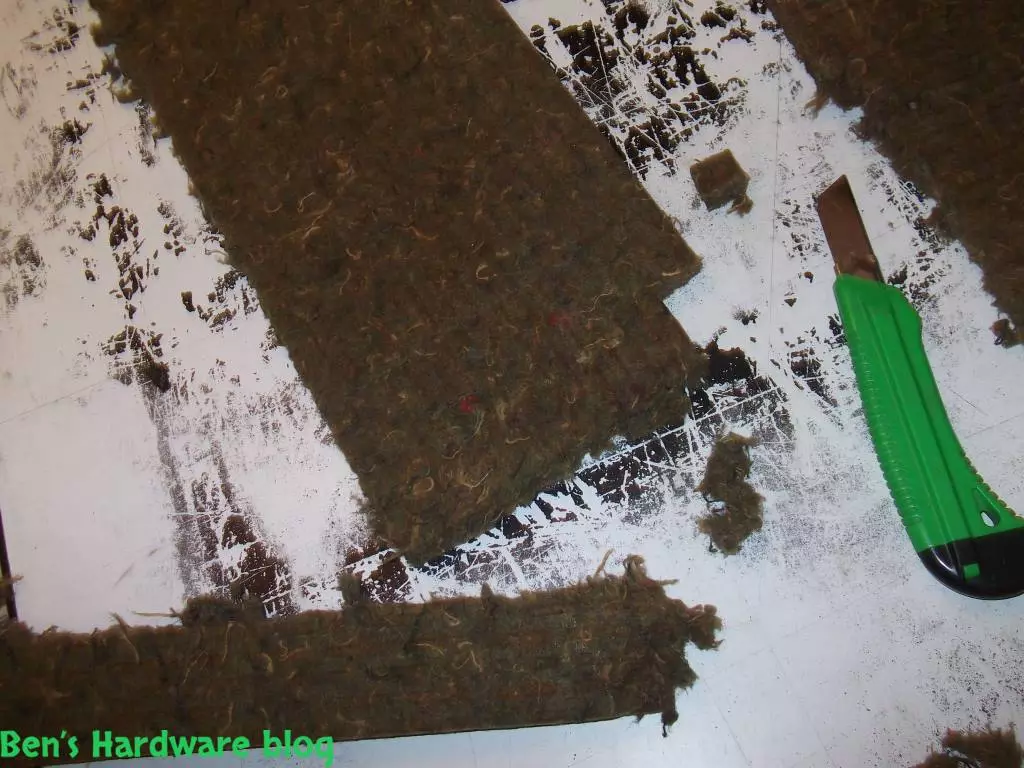
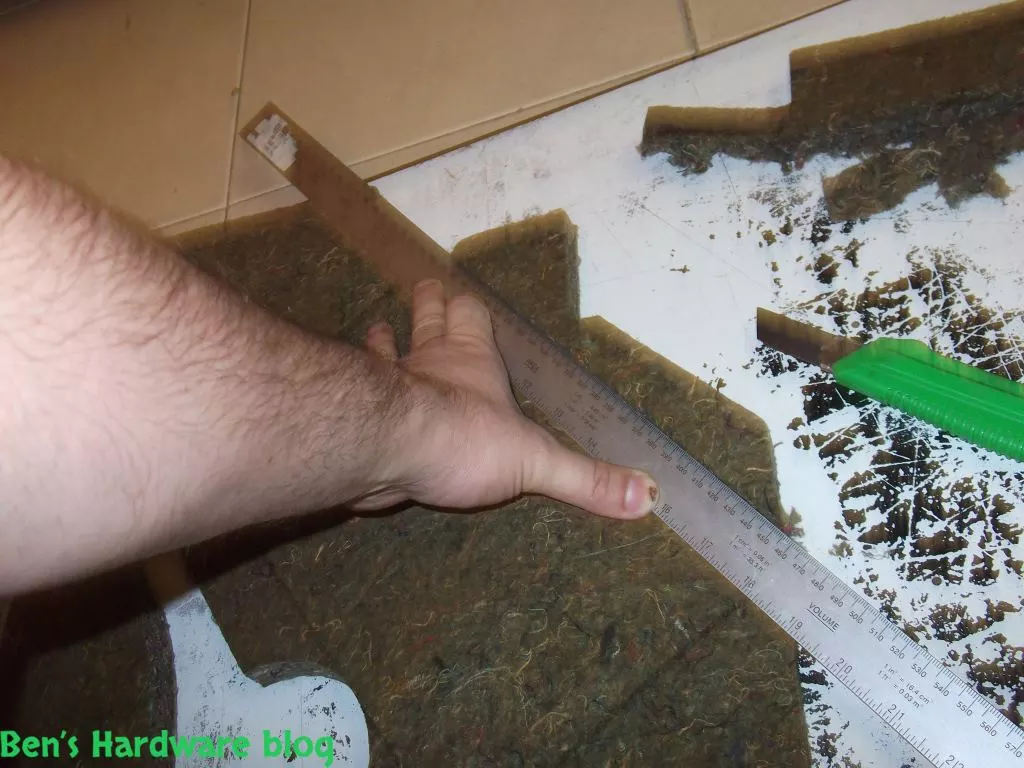
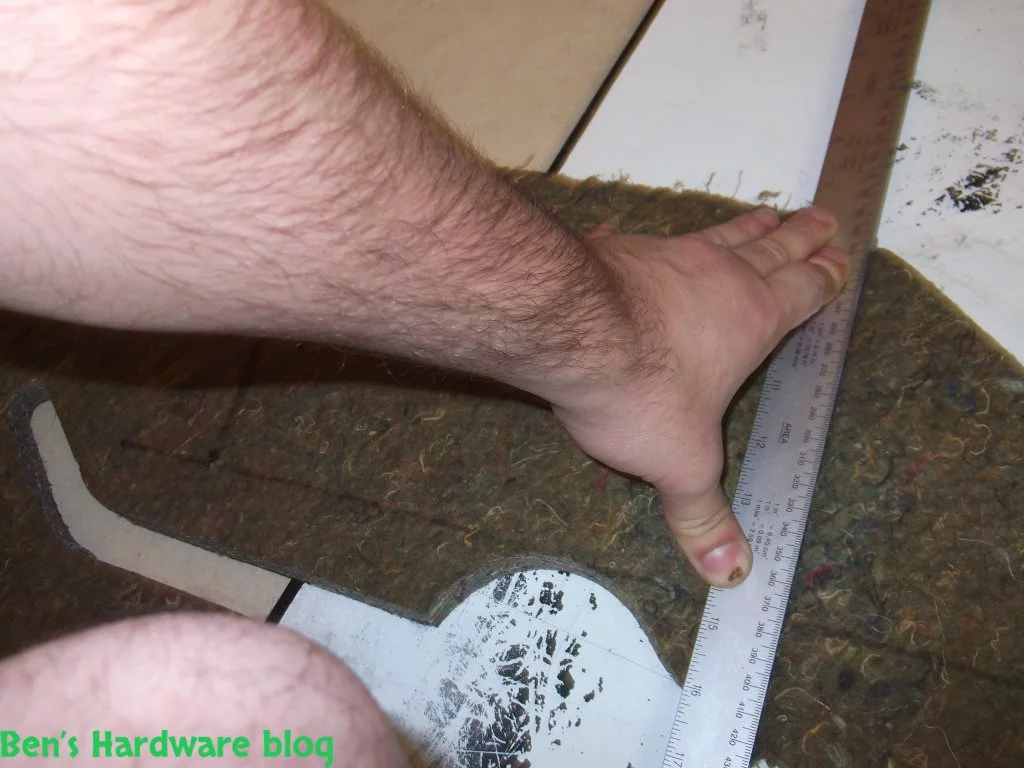
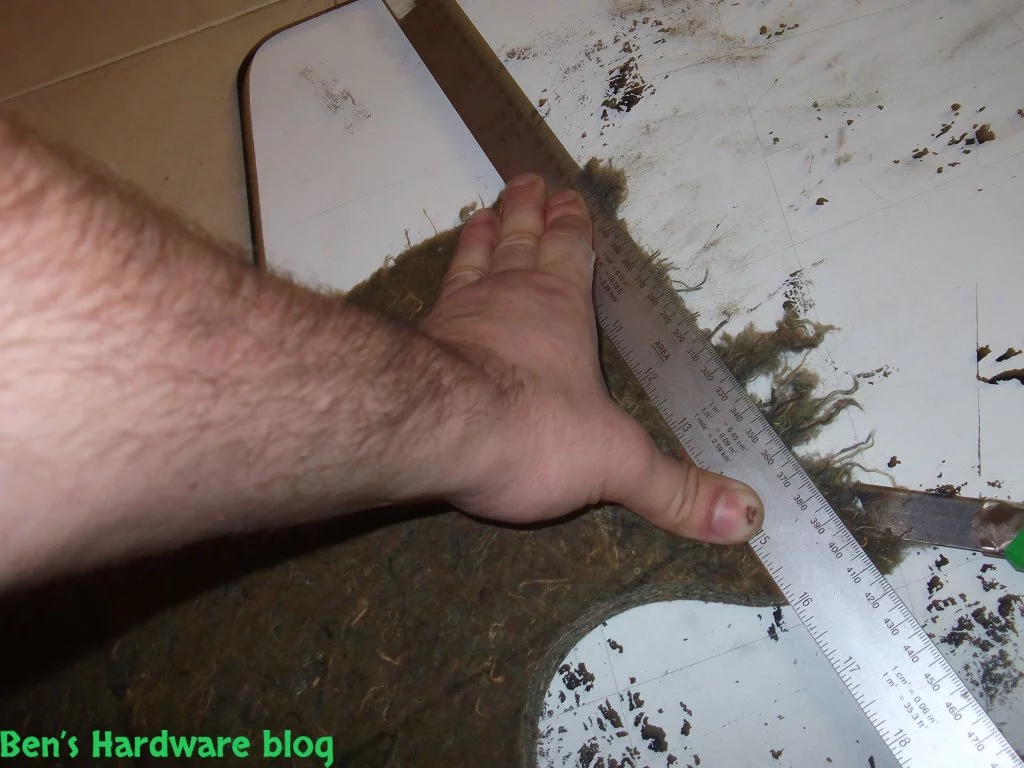
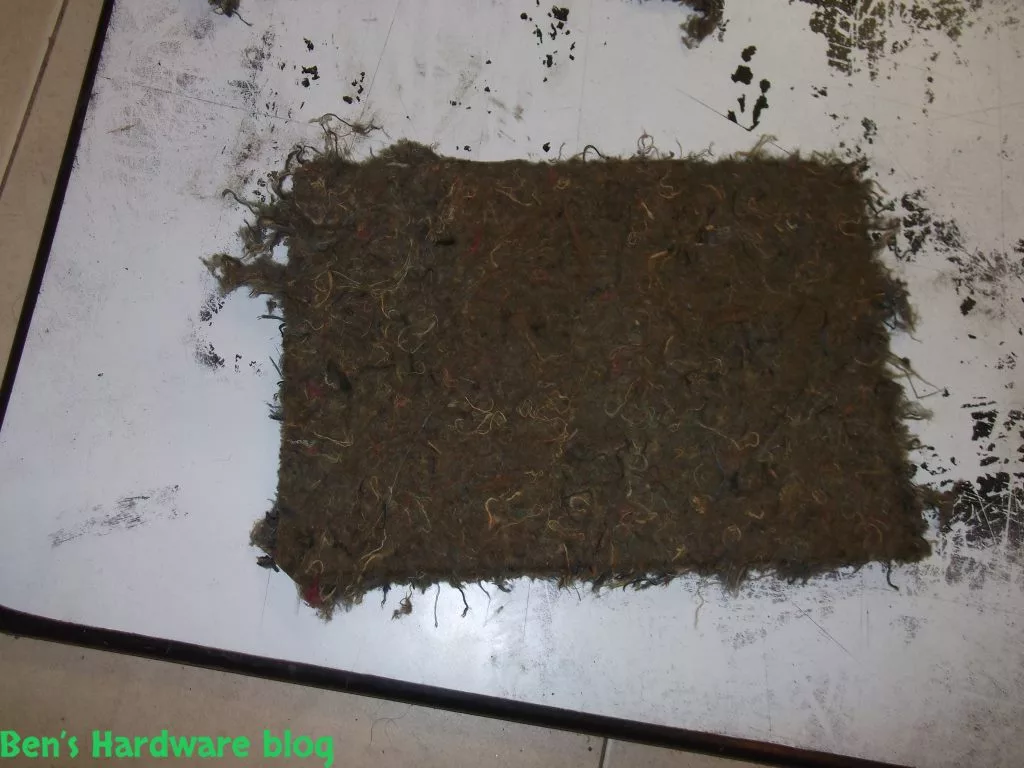
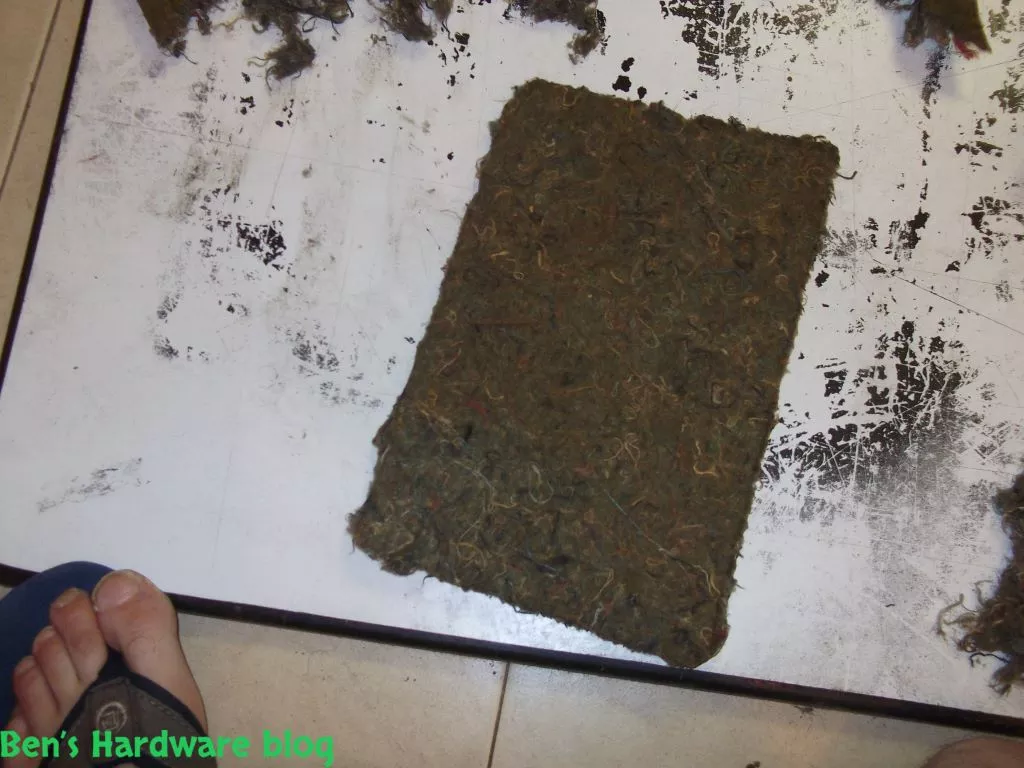
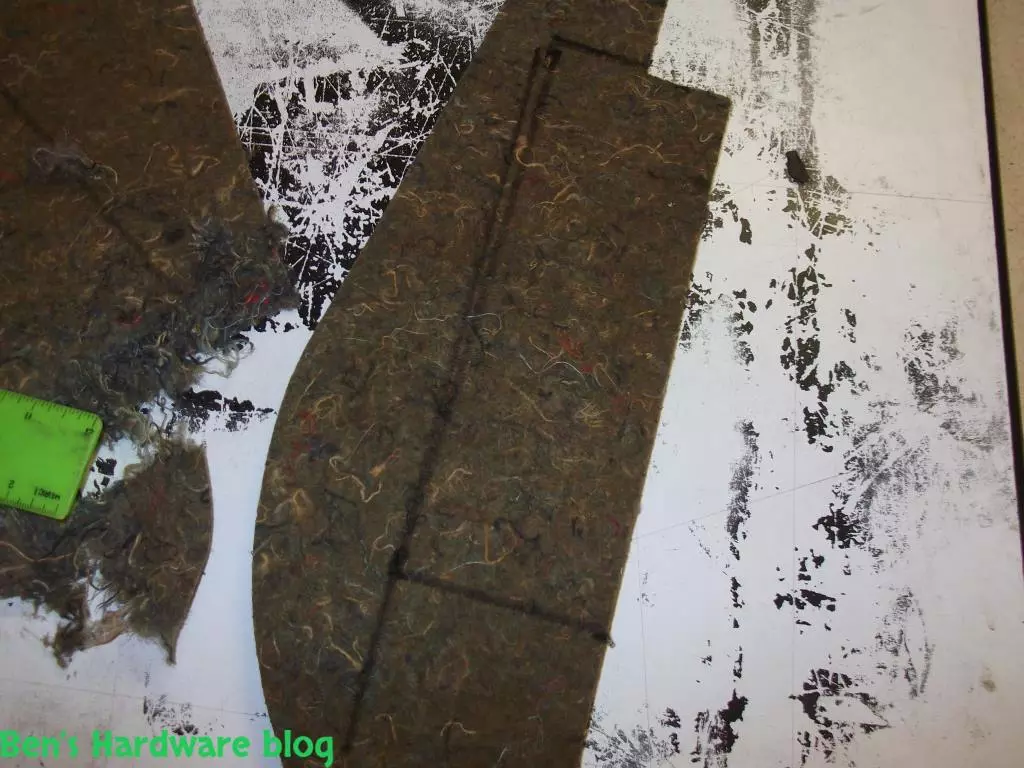
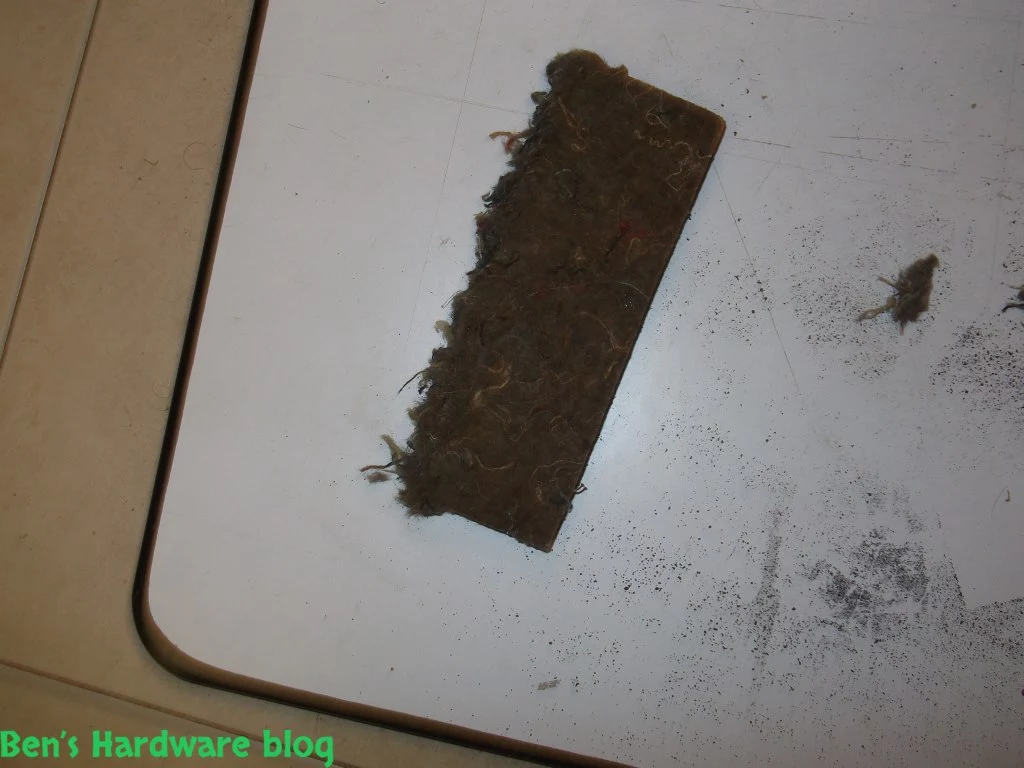
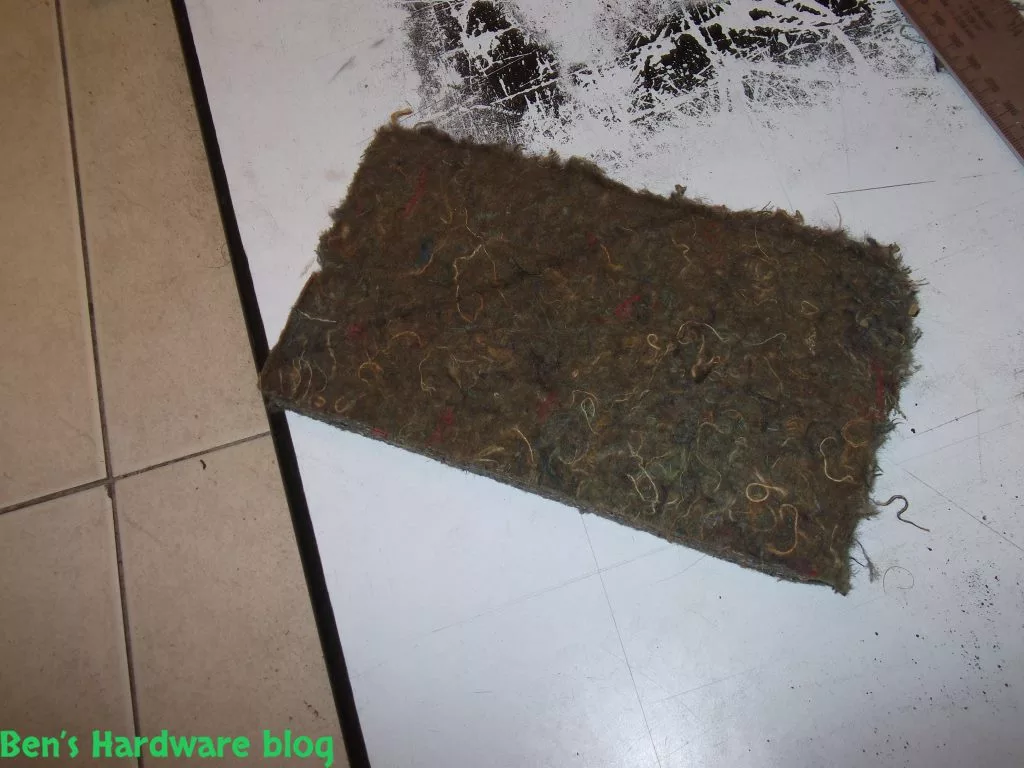
- I have tried to make use in as much material as I could given the fact that a lot of it came pre-cut which made it ill fit for the job.

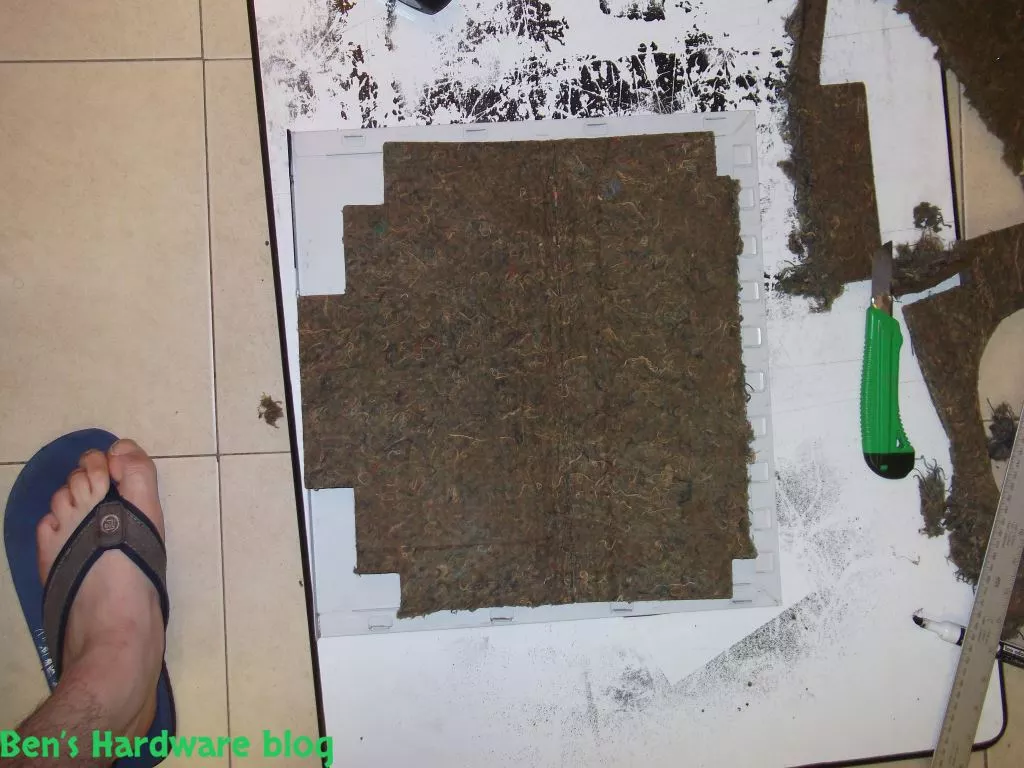
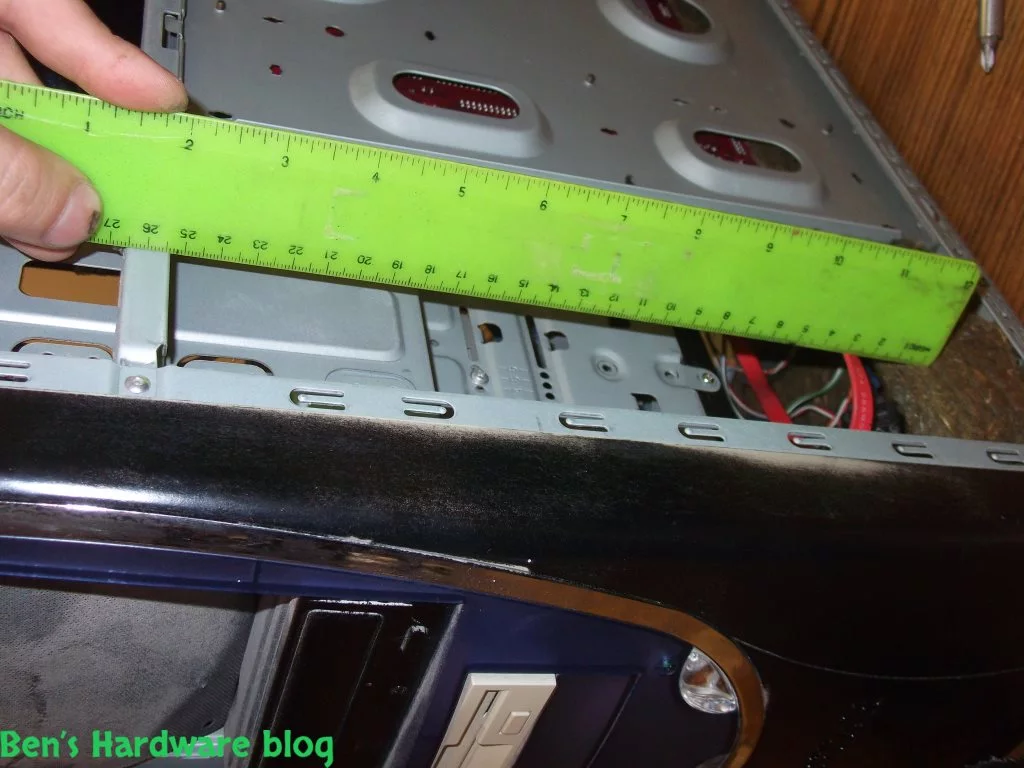
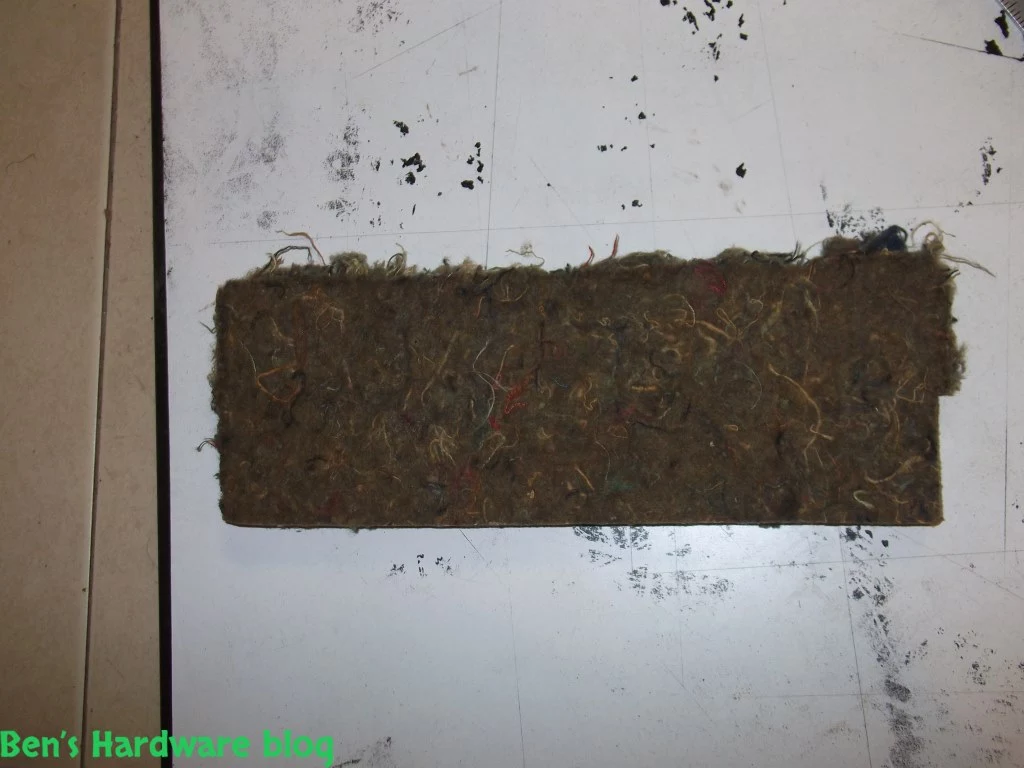
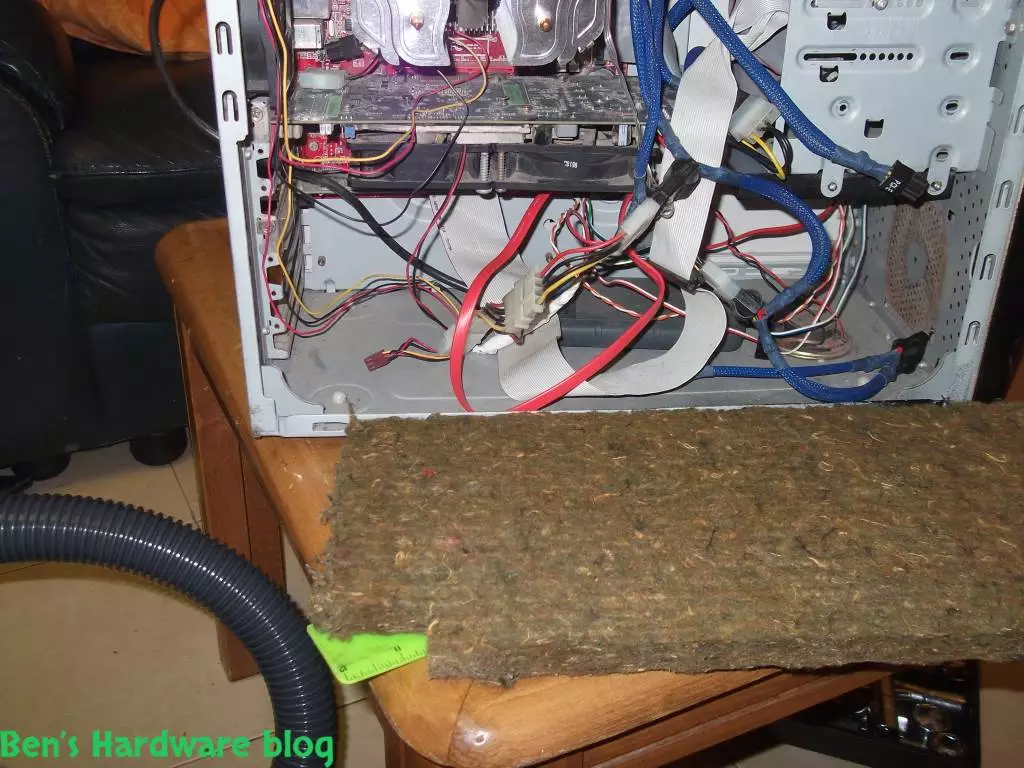
- start with the big parts first – the main case door, the bottom case floor.

HMCCNAS21  HMCCNAS22  HMCCNAS33 
HMCCNAS38 HMCCNAS39
HMCCNAS1  HMCCNAS2   HMCCNAS3
 HMCCNAS4 HMCCNAS5  HMCCNAS6 

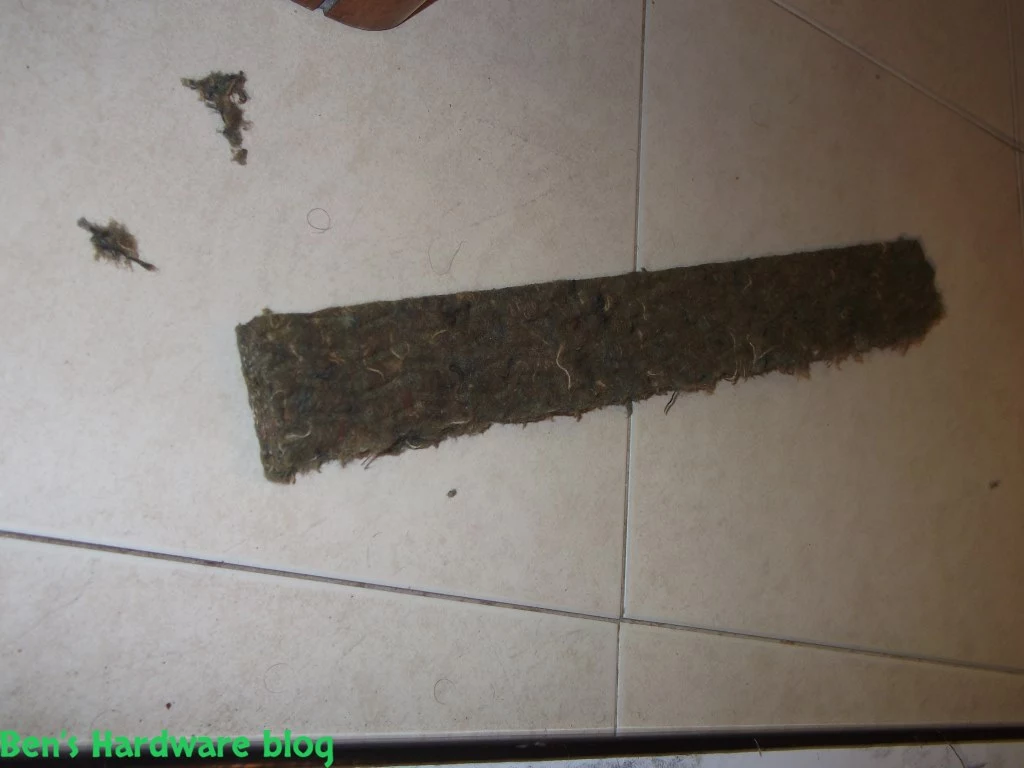
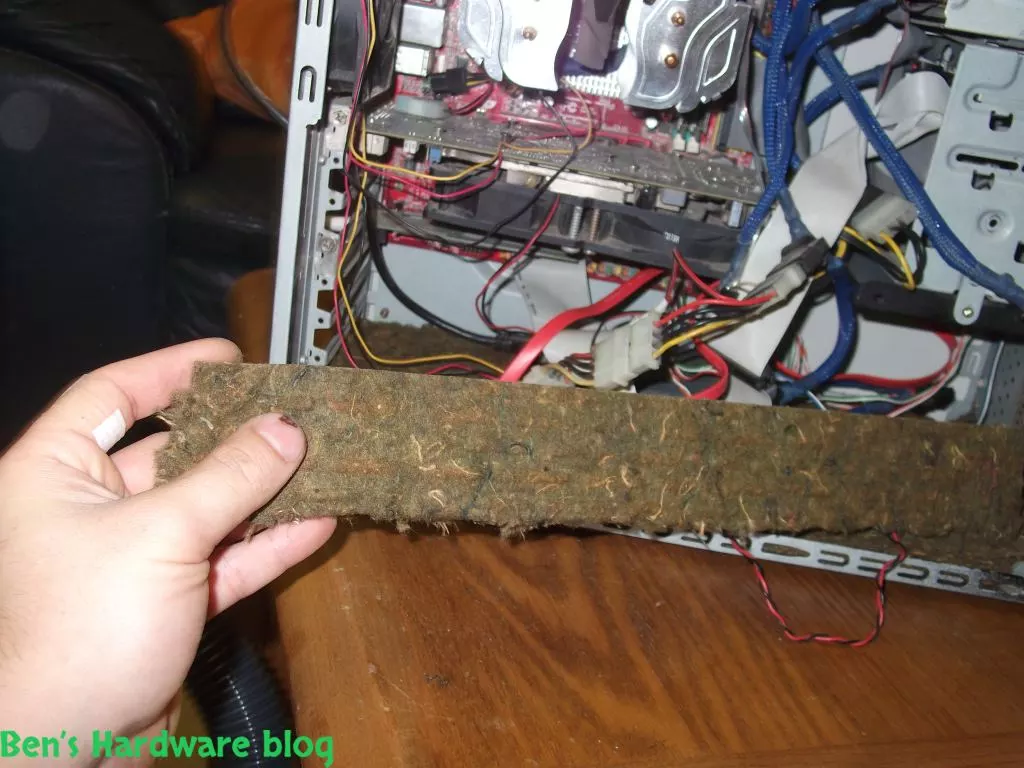
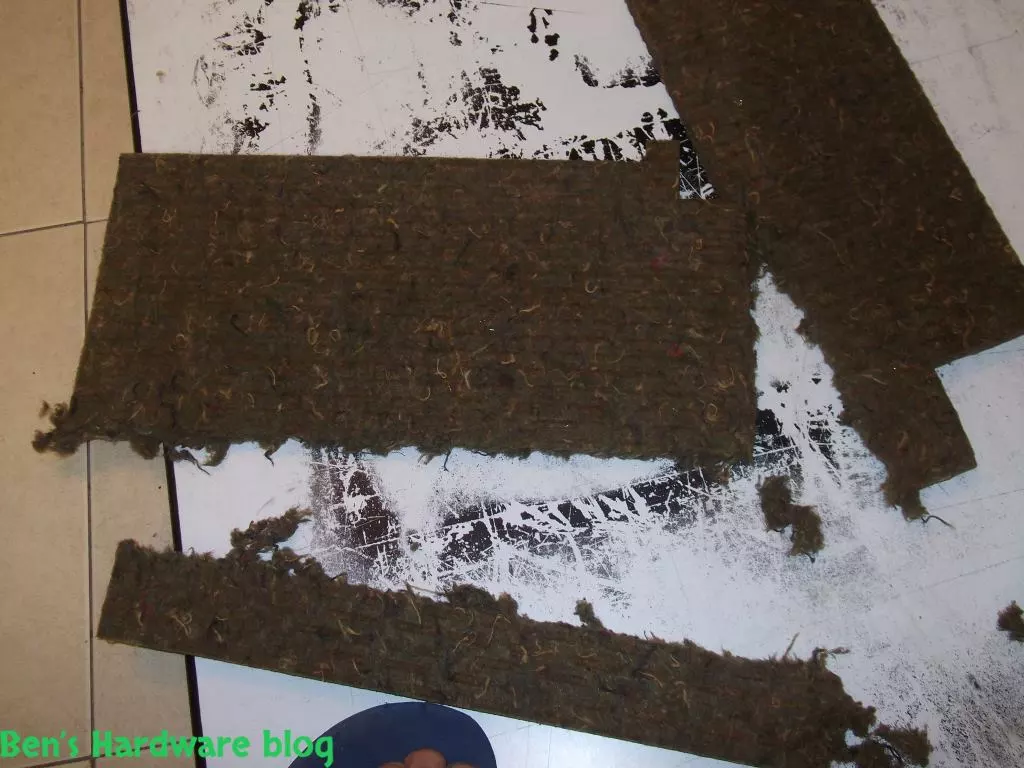
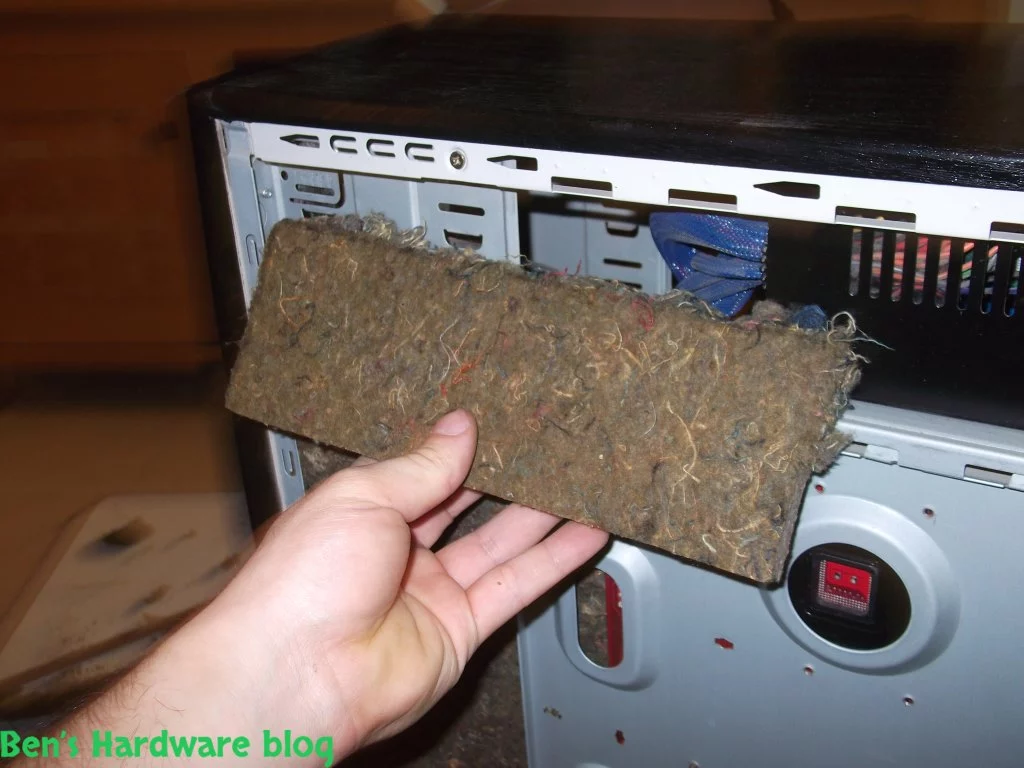
- Move on to the smaller parts – the two exposed parts near the back case door, bottom front part of the case and the part near the expansion slots.

HMCCNAS62   HMCCNAS63 HMCCNAS64 
 HMCCNAS49 HMCCNAS50  HMCCNAS51 
HMCCNAS52 HMCCNAS53

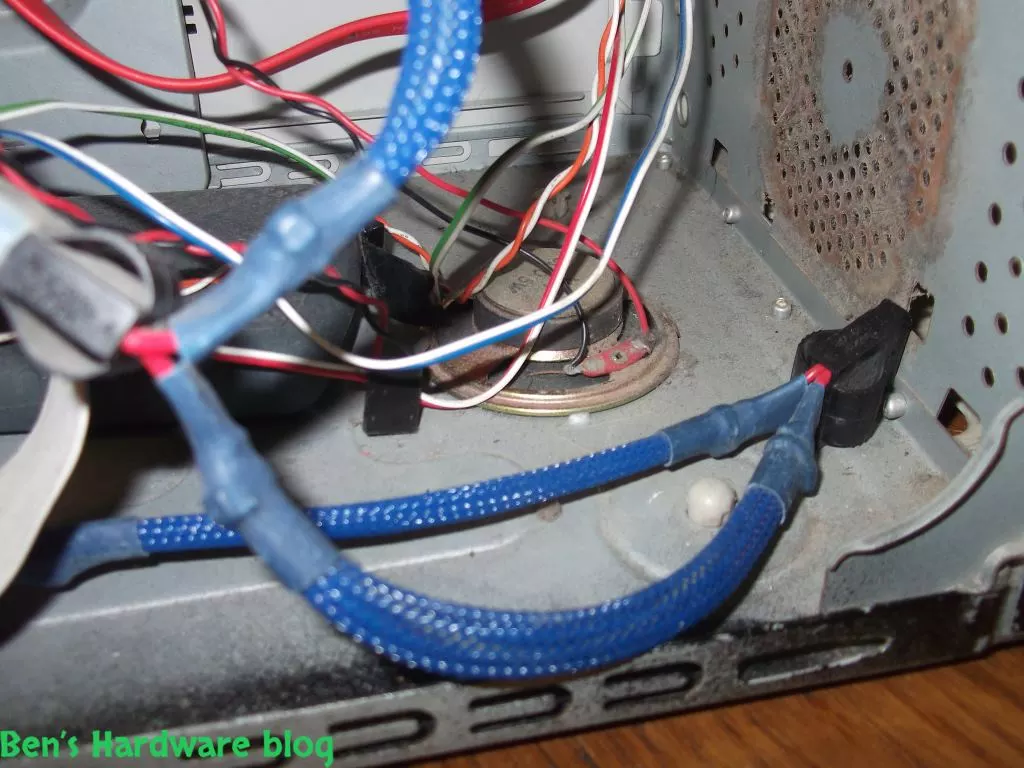
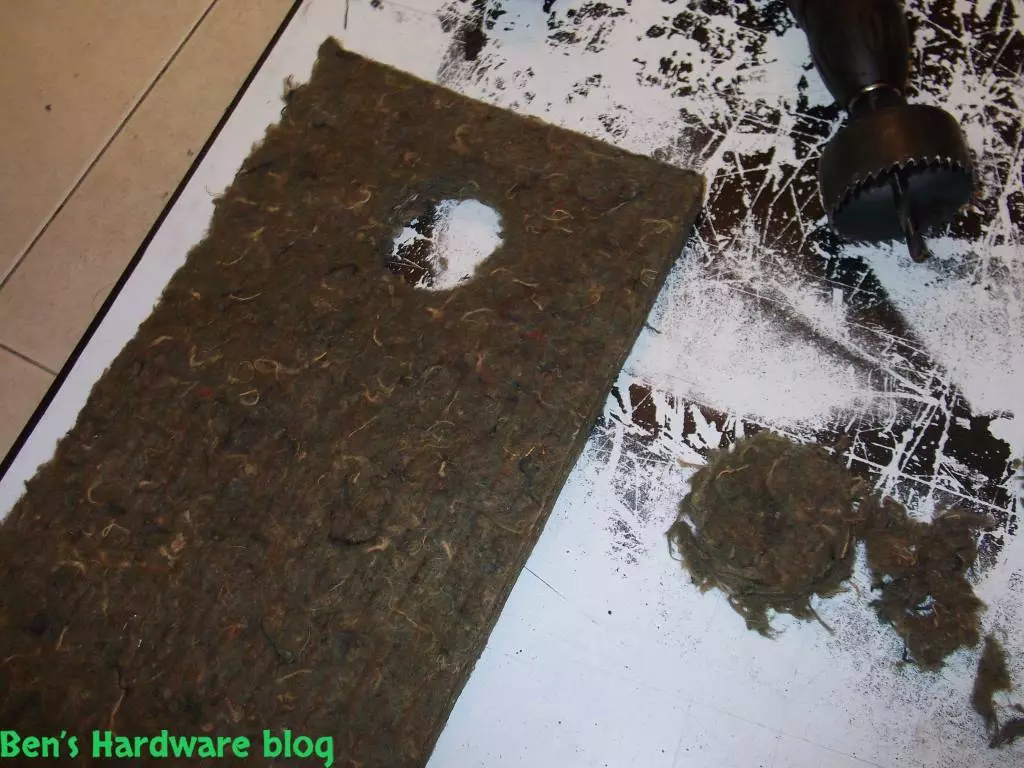
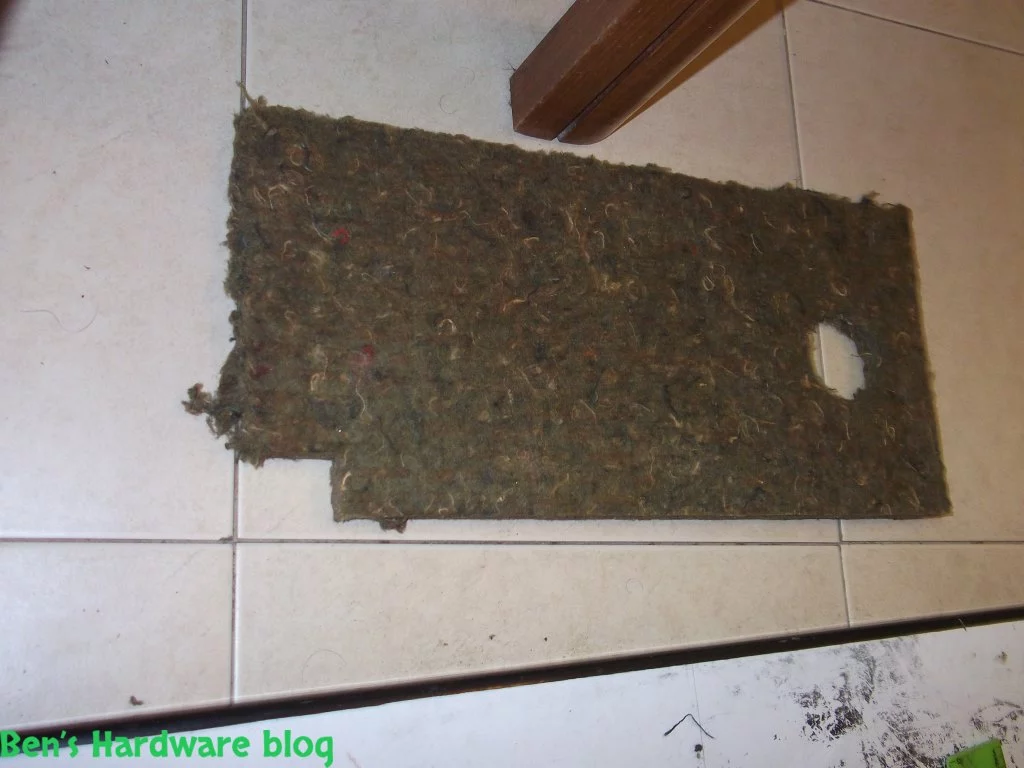
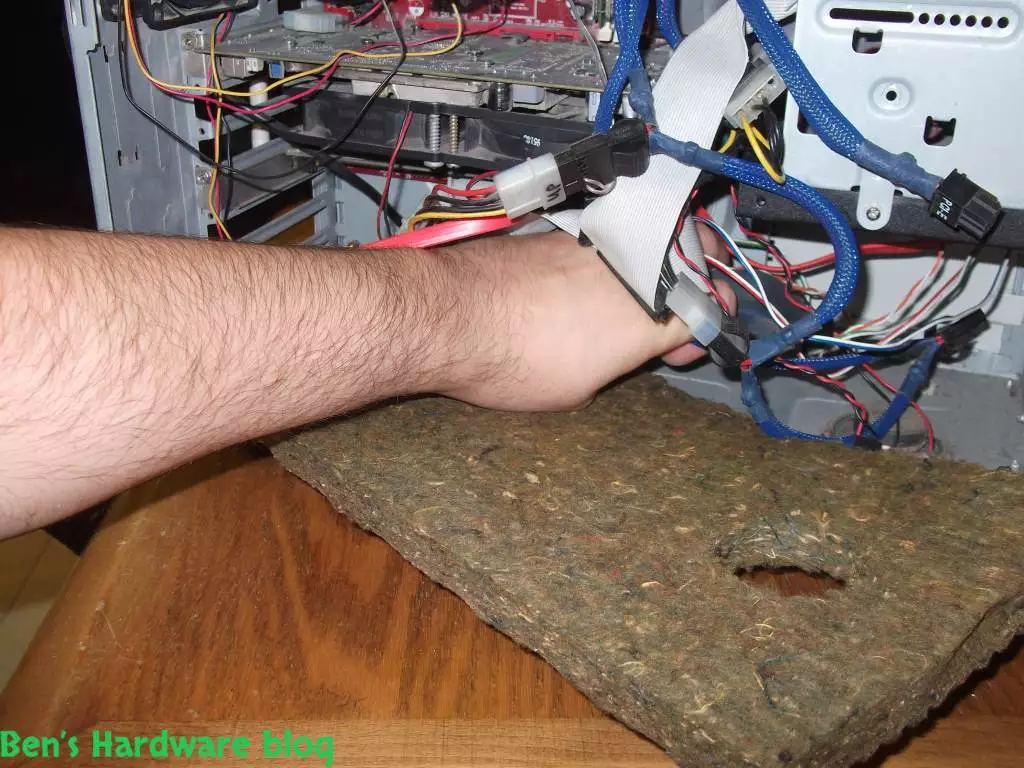
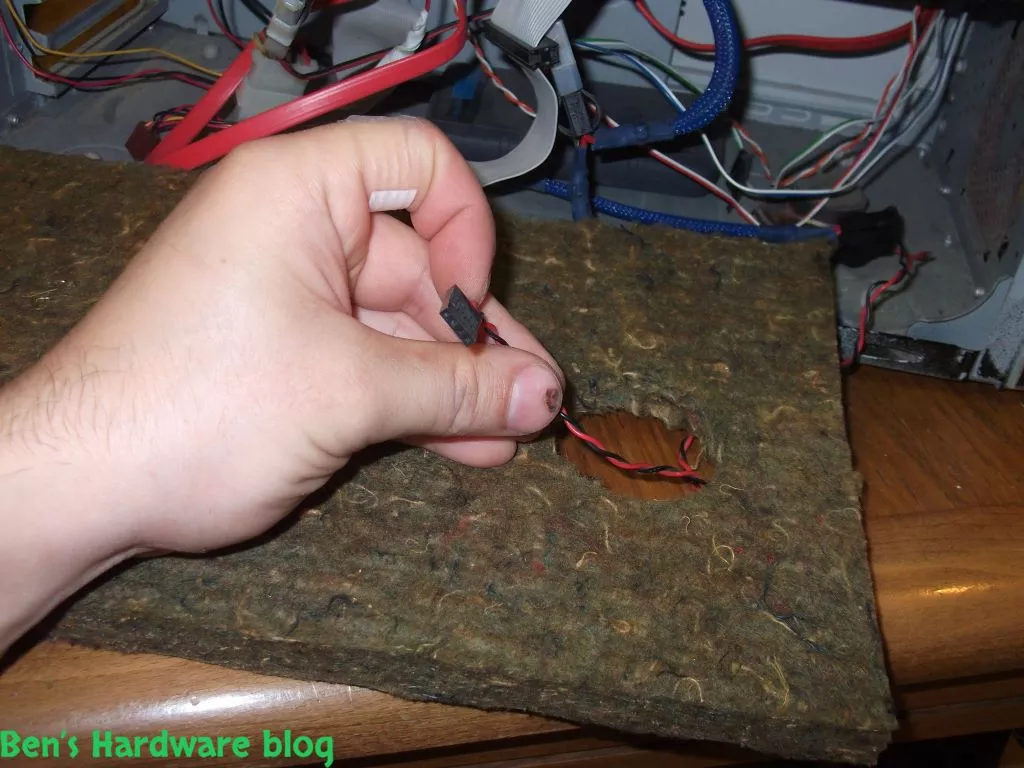
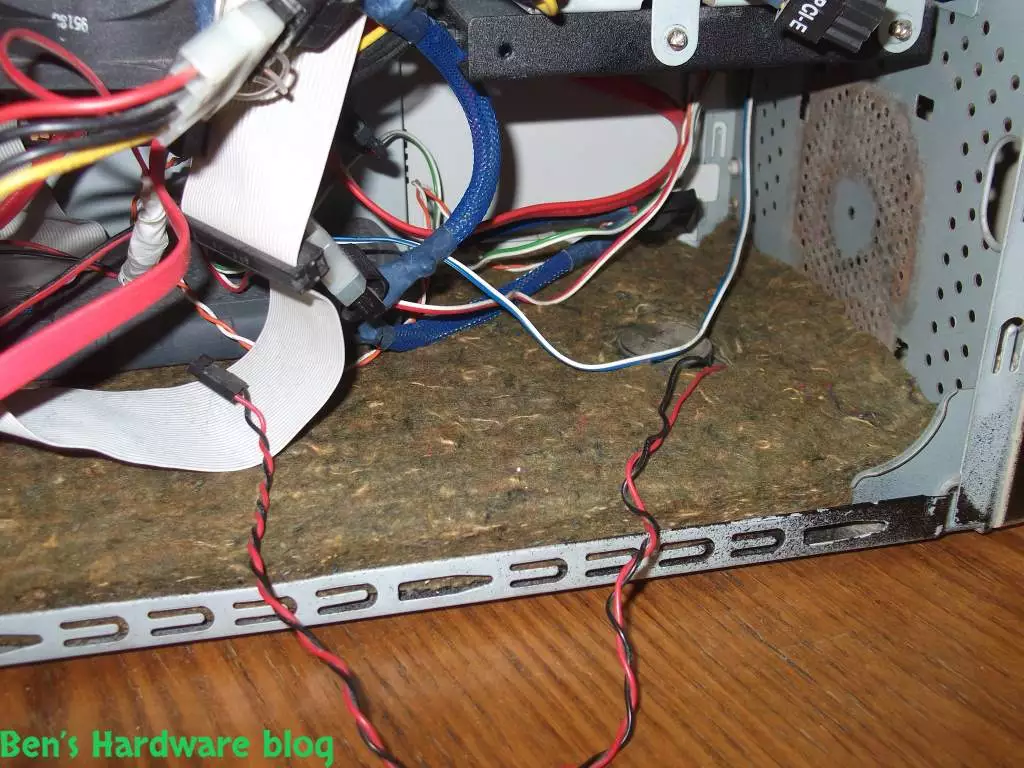
- Some of the foam parts had to be customized to fit precisely over some computer parts. For example, the bottom part had to made so it would not interfere with the system speaker.

HMCCNAS9  HMCCNAS10  HMCCNAS11 

3. Assimilating the foam into the case:

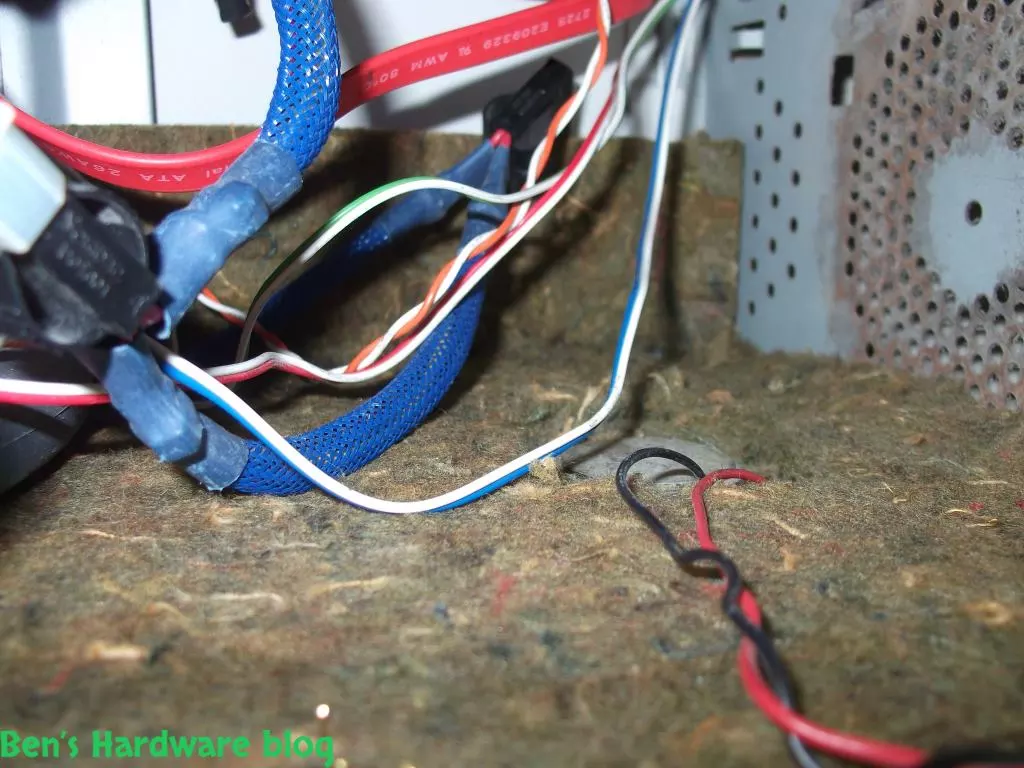
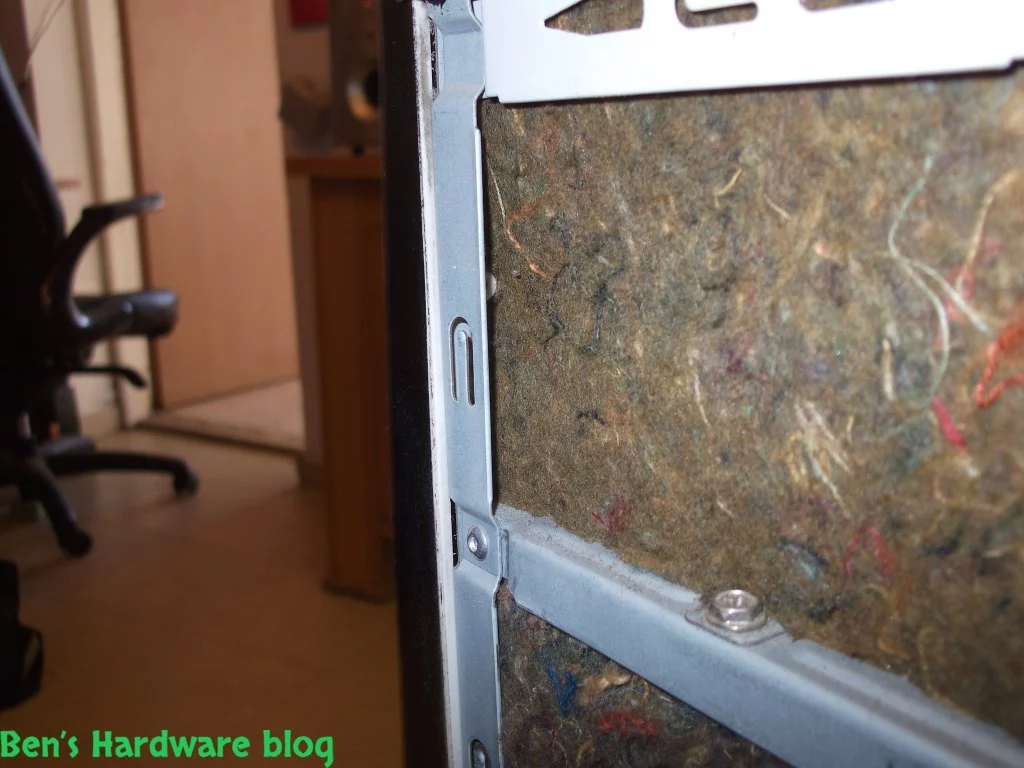
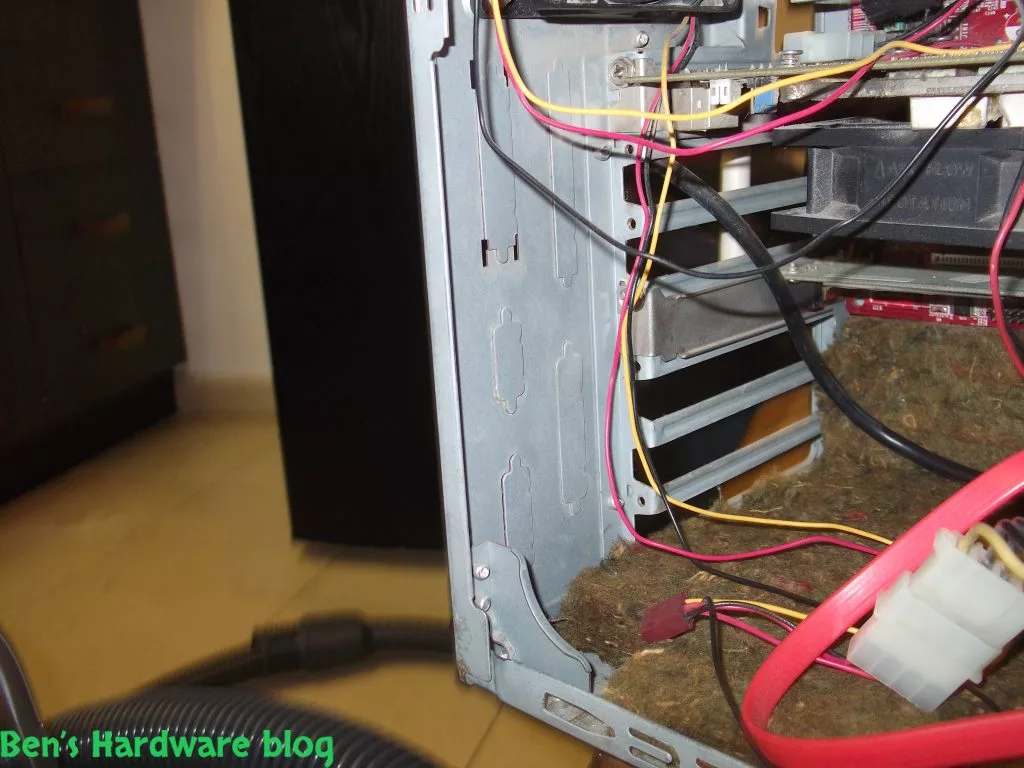
- most of this part is done using trial and error. In my first attempts to insert the foam. into the various parts of the case some trimming came into action since the cutting wasn't accurate and\or the measurement wasn't accurate. Since the foam material is elastic I didn't have to do a lot of trimming.

HMCCNAS13  HMCCNAS14  HMCCNAS15 
 HMCCNAS16  HMCCNAS17 HMCCNAS18 
HMCCNAS55 HMCCNAS56
HMCCNAS72
HMCCNAS73 HMCCNAS77


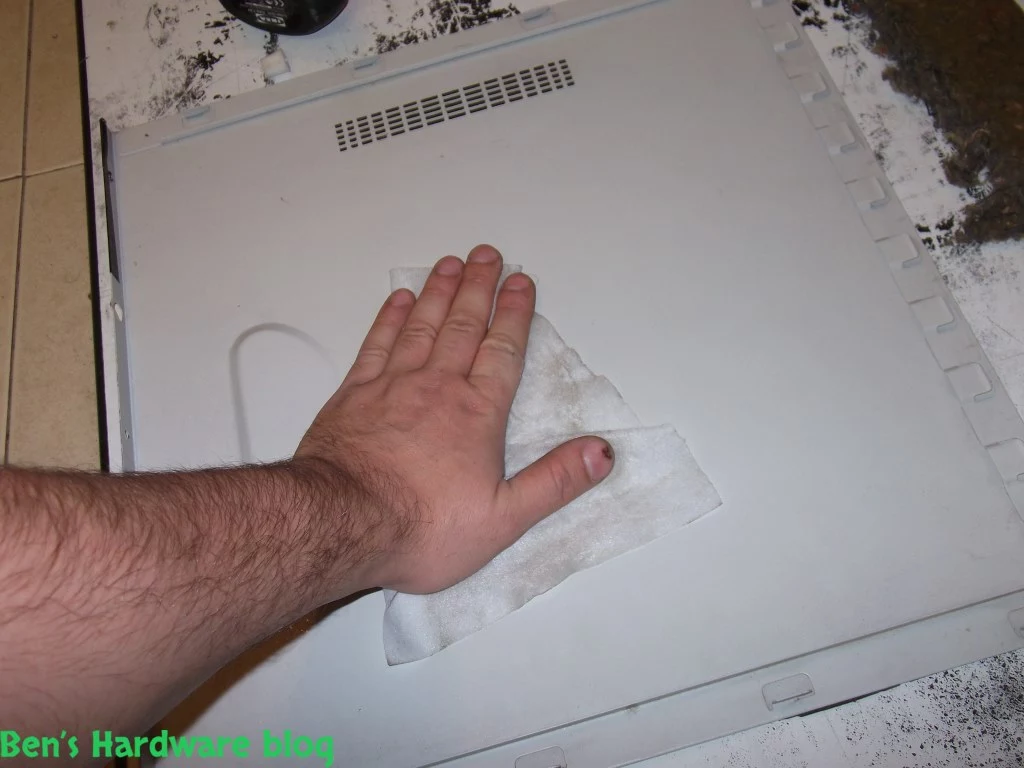
- Glue the foam to the case parts itself if physically possible. If not, since it is a very elastic material , squeezing it among the metal parts of the case is possible, it would not move or go anywhere. The glue I used is a general purpose glue one can find in any local hardware store.


Prior Usage:


1. Stability check:
- Make sure the foam parts are stable against sudden movements. You are going to have to move the computer itself from time to time due to maintenance or when installing a new device. When these time do occur, you wouldn't want these foam parts to fall over.


2. Interference with fans
- Make sure the foam parts do not interfere with any existing fans. Turn the computer on , use a strong source of light to inspect the fans. Make sure all of the fans spin without obstacles.


3. Closing the case
- Make sure the main case door closes with ease putting minimal effort into the action.


4. Temperatures
- While the computer is still on, run a software like SpeedFan in order to meter the fans' RPM and the computer's various temperatures. The last thing you would want is causing interference in airflow due to the insulation foam. Make sure the temperatures are at the minimum in the same values they were before installing the foam.


Usage:


Enjoy the silence! :)


Cons:


- Limited amount of foam material


- The foam material itself is not strong enough. With enough force given, this foam could be easily torn apart.


- The foam was not meant for a computer case and purely for noise isolation

- This solution is more of a modification to an existing platform than a professional planned one


- the thickness of the foam makes it difficult to maintain the computer and clean it from within. In addition, it takes volume from the inner part of the case


- The foam's visual pattern is ugly and makes the inner part of the case ugly and cheap. This would very apparent in cases with windows. This could be fixed by spraying the foam in a solid color or maybe gluing a thin layer of a hard cloth over the cut out parts which would make it more pleasant to look at and also phyiscally stronger.


Pros:


- Re purposing material that would've other was thrown into the trash


- A relatively easy and cheap project, very intuitive and straight forward


-instant results


- Foam could be the base for further upgrades – adding better thinner foam over it, painting it or adding a colored cloth over it.


Summary:


Though I did not use a decibel meter, results could be easily heard within the first use of the computer after the addition of the foam, or to be more exact, from the moment I closed the main computer case. The overall noise levels were reduced dramatically, even the mechanical HDDS' annoying shivering spinning noise could not be heard. Night time test was a bliss as well. Of course, the closer you get to the computer's case and if you try hard enough you would hear those noises.
Using static noise isolation solution would not the only solution I would recommend on. For even better results ,this solution needs to be combined with static and water cooling, quieter fans with bigger fans and slow RPMs, rubber seals around screws and getting rid of mechanical HDDs or at the very least, enclosing them inside a special cooling case.
This project was definitely a success and I hope to upgrade it in the future.
Home_Made_Computer_Case_Noise_Absorption_Solution72.webpHome_Made_Computer_Case_Noise_Absorption_Solution73.webpHome_Made_Computer_Case_Noise_Absorption_Solution74.webpHome_Made_Computer_Case_Noise_Absorption_Solution75.webpHome_Made_Computer_Case_Noise_Absorption_Solution76.webpHome_Made_Computer_Case_Noise_Absorption_Solution77.webpHome_Made_Computer_Case_Noise_Absorption_Solution1.webpHome_Made_Computer_Case_Noise_Absorption_Solution2.webpHome_Made_Computer_Case_Noise_Absorption_Solution3.webpHome_Made_Computer_Case_Noise_Absorption_Solution4.webpHome_Made_Computer_Case_Noise_Absorption_Solution5.webpHome_Made_Computer_Case_Noise_Absorption_Solution6.webpHome_Made_Computer_Case_Noise_Absorption_Solution7.webpHome_Made_Computer_Case_Noise_Absorption_Solution8.webpHome_Made_Computer_Case_Noise_Absorption_Solution9.webpHome_Made_Computer_Case_Noise_Absorption_Solution10.webpHome_Made_Computer_Case_Noise_Absorption_Solution11.webpHome_Made_Computer_Case_Noise_Absorption_Solution12.webpHome_Made_Computer_Case_Noise_Absorption_Solution13.webpHome_Made_Computer_Case_Noise_Absorption_Solution14.webpHome_Made_Computer_Case_Noise_Absorption_Solution15.webpHome_Made_Computer_Case_Noise_Absorption_Solution16.webpHome_Made_Computer_Case_Noise_Absorption_Solution17.webpHome_Made_Computer_Case_Noise_Absorption_Solution18.webpHome_Made_Computer_Case_Noise_Absorption_Solution19.webpHome_Made_Computer_Case_Noise_Absorption_Solution20.webpHome_Made_Computer_Case_Noise_Absorption_Solution21.webpHome_Made_Computer_Case_Noise_Absorption_Solution22.webpHome_Made_Computer_Case_Noise_Absorption_Solution23.webpHome_Made_Computer_Case_Noise_Absorption_Solution24.webpHome_Made_Computer_Case_Noise_Absorption_Solution25.webpHome_Made_Computer_Case_Noise_Absorption_Solution26.webpHome_Made_Computer_Case_Noise_Absorption_Solution27.webpHome_Made_Computer_Case_Noise_Absorption_Solution28.webpHome_Made_Computer_Case_Noise_Absorption_Solution29.webpHome_Made_Computer_Case_Noise_Absorption_Solution30.webpHome_Made_Computer_Case_Noise_Absorption_Solution31.webpHome_Made_Computer_Case_Noise_Absorption_Solution32.webpHome_Made_Computer_Case_Noise_Absorption_Solution33.webpHome_Made_Computer_Case_Noise_Absorption_Solution34.webpHome_Made_Computer_Case_Noise_Absorption_Solution35.webpHome_Made_Computer_Case_Noise_Absorption_Solution36.webpHome_Made_Computer_Case_Noise_Absorption_Solution37.webpHome_Made_Computer_Case_Noise_Absorption_Solution38.webpHome_Made_Computer_Case_Noise_Absorption_Solution39.webpHome_Made_Computer_Case_Noise_Absorption_Solution40.webpHome_Made_Computer_Case_Noise_Absorption_Solution41.webpHome_Made_Computer_Case_Noise_Absorption_Solution42.webpHome_Made_Computer_Case_Noise_Absorption_Solution43.webpHome_Made_Computer_Case_Noise_Absorption_Solution44.webpHome_Made_Computer_Case_Noise_Absorption_Solution45.webpHome_Made_Computer_Case_Noise_Absorption_Solution46.webpHome_Made_Computer_Case_Noise_Absorption_Solution47.webpHome_Made_Computer_Case_Noise_Absorption_Solution48.webpHome_Made_Computer_Case_Noise_Absorption_Solution49.webpHome_Made_Computer_Case_Noise_Absorption_Solution50.webpHome_Made_Computer_Case_Noise_Absorption_Solution51.webpHome_Made_Computer_Case_Noise_Absorption_Solution52.webpHome_Made_Computer_Case_Noise_Absorption_Solution53.webpHome_Made_Computer_Case_Noise_Absorption_Solution54.webpHome_Made_Computer_Case_Noise_Absorption_Solution55.webpHome_Made_Computer_Case_Noise_Absorption_Solution56.webpHome_Made_Computer_Case_Noise_Absorption_Solution57.webpHome_Made_Computer_Case_Noise_Absorption_Solution58.webpHome_Made_Computer_Case_Noise_Absorption_Solution59.webpHome_Made_Computer_Case_Noise_Absorption_Solution60.webpHome_Made_Computer_Case_Noise_Absorption_Solution61.webpHome_Made_Computer_Case_Noise_Absorption_Solution62.webpHome_Made_Computer_Case_Noise_Absorption_Solution63.webpHome_Made_Computer_Case_Noise_Absorption_Solution64.webpHome_Made_Computer_Case_Noise_Absorption_Solution65.webpHome_Made_Computer_Case_Noise_Absorption_Solution66.webpHome_Made_Computer_Case_Noise_Absorption_Solution67.webpHome_Made_Computer_Case_Noise_Absorption_Solution68.webpHome_Made_Computer_Case_Noise_Absorption_Solution69.webpHome_Made_Computer_Case_Noise_Absorption_Solution70.webpHome_Made_Computer_Case_Noise_Absorption_Solution71.webp