Introduction: This article is going to discuss the significance and importance of the modern internet under the shado...

Read More...

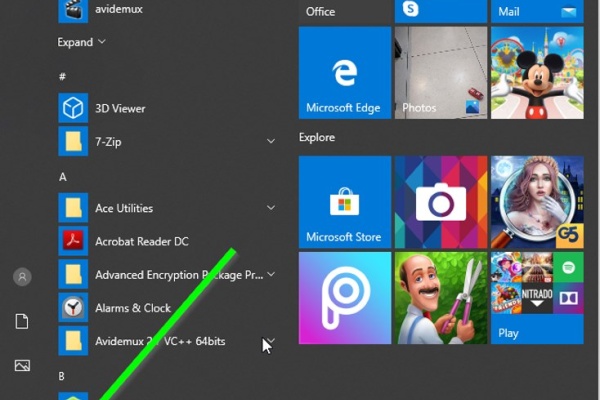
Introduction: The dymamic search feature of Windows has been a long anticipated one. unlike in older versions of Window...

Read More...

Introduction I cannot find any other reason for a gear shift lever to get bent except for a blunt force applied onto it...

Read More...

Introduction there are plenty of ways to start a motorcycle using various electrical methods that some and at least, th...

Read More...

Introduction In this article i will go over all of the possible ways to highten the performance of your computer and ge...

Read More...

Introduction: Dealing with car mechanics is inevitable for the tech savvy person and at some point he or she would reso...

Read More...

Introduction: In the following post I will demonstrate how I tried making an old and ugly kitchen be, well, less old an...

Read More...

Introduction: Computers. They have found their ways to almost every aspect of our lives it seems and have come a long w...

Read More...

Introduction Apart from armor and a helmet, usually a motorcycle rider doesn't need much in order to ride their horse. ...

Read More...

Introduction Noise. Its sucks, unless it comes in the form of music and sometimes it sucks even then. When it comes to ...

Read More...

Introduction: In this article i will go over an absolute nessesity for bikers who use their smartphones often while the...

Read More...

1. Introduction The Dell Latitude E-7450 is one of the easiest laptops to have its battery replaced, considering the fa...

Read More...

Intoduction: The product in this post is a must for everyone who would consider themselves a professional, an aspiring ...

Read More...

Introduction: Apple’s products are not guaranteed forever and just like any other mobile on the market, they too use an...

Read More...

This article is going to express something that has been beginning to annoy not just me, but probably millions of other ...

Read More...

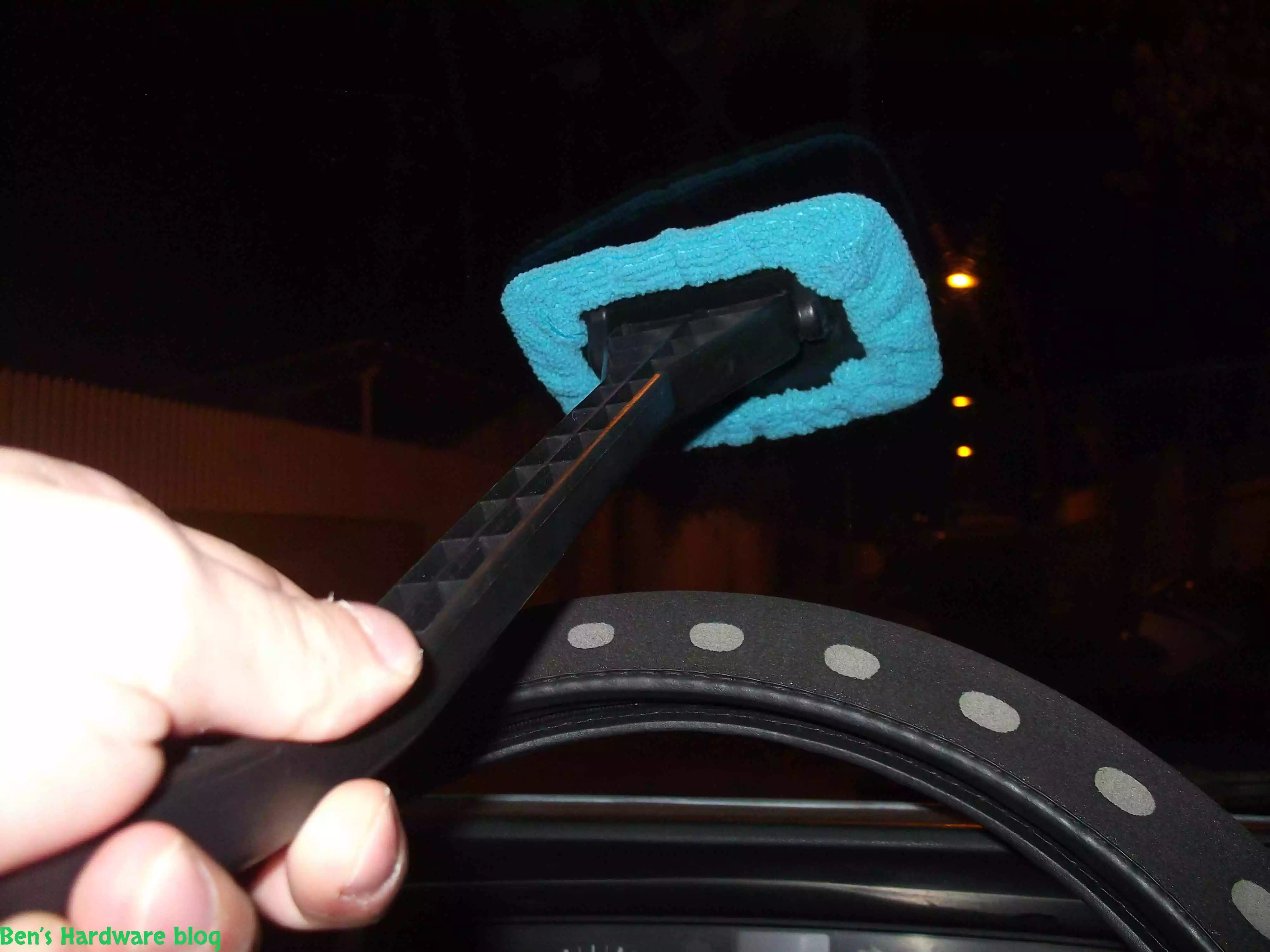
Have you ever tried to clean your car’s front windshield from the inside of it? It’s annoying and not easy and whoever t...

Read More...

If you are like me, and you don’t carry around a fancy touch screen smart phone such as an Iphone,  or a Galaxy, an...

Read More...

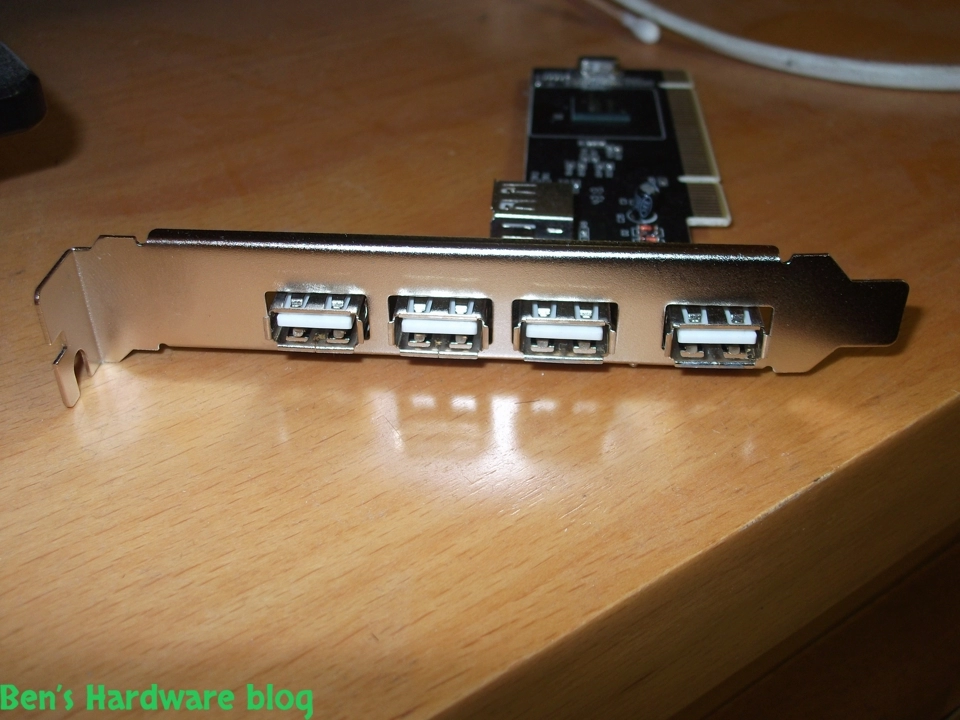
Need more USB ports? This is a great solution for those who just have and use a lot of devices that connect to the PC w...

Read More...

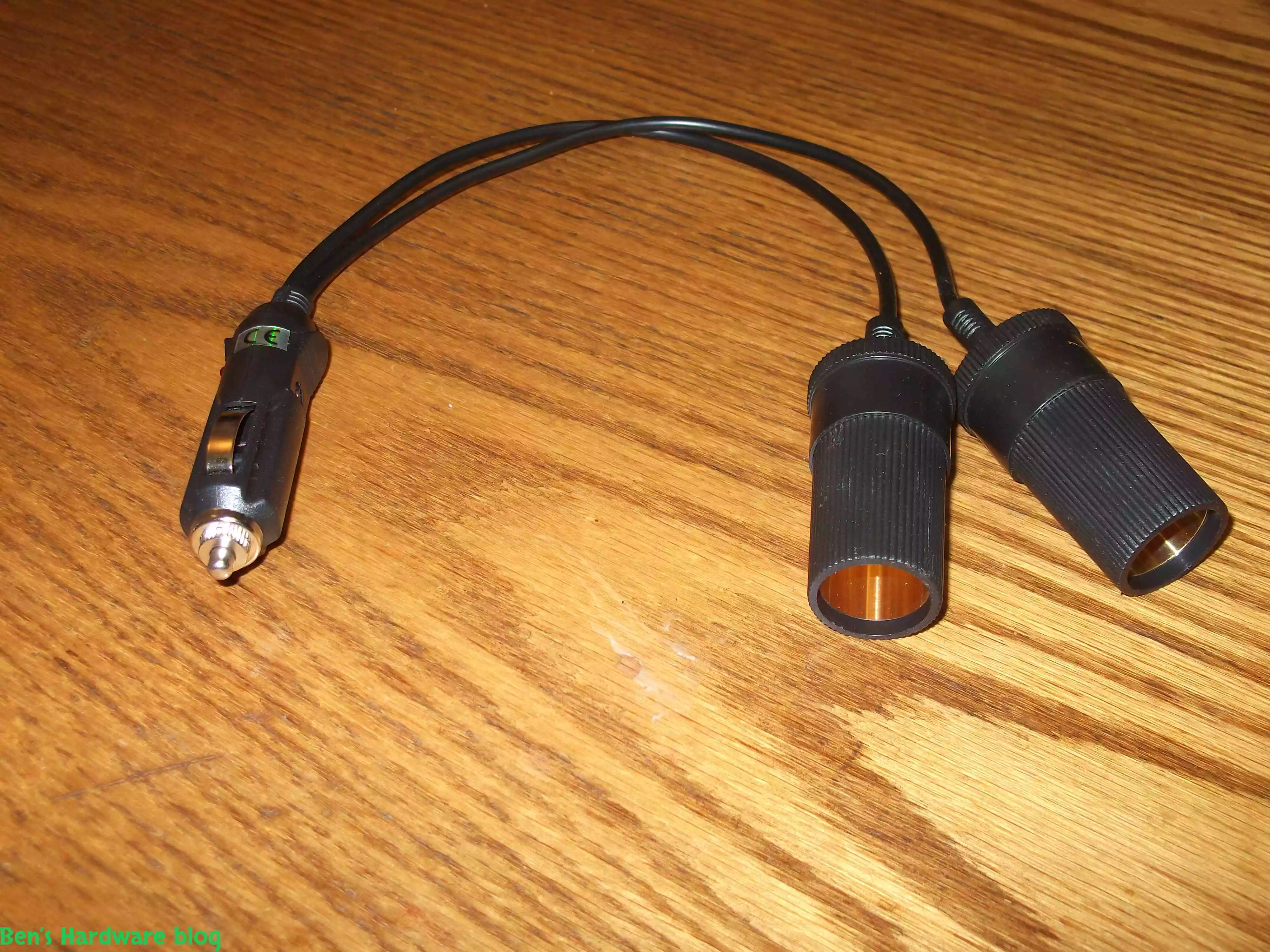
After installing more than one 4 way power splitter in my car I have decided not to connected them on series in order no...

Read More...

My dear Dell Inspiron 1545 keeps getting old and slow on me. I have replaced my old HDD hard disk with a new SSD one and...

Read More...

I have been using this old cellphone on daily basis for over 3 years now and time has taken its price on it. when I say ...

Read More...

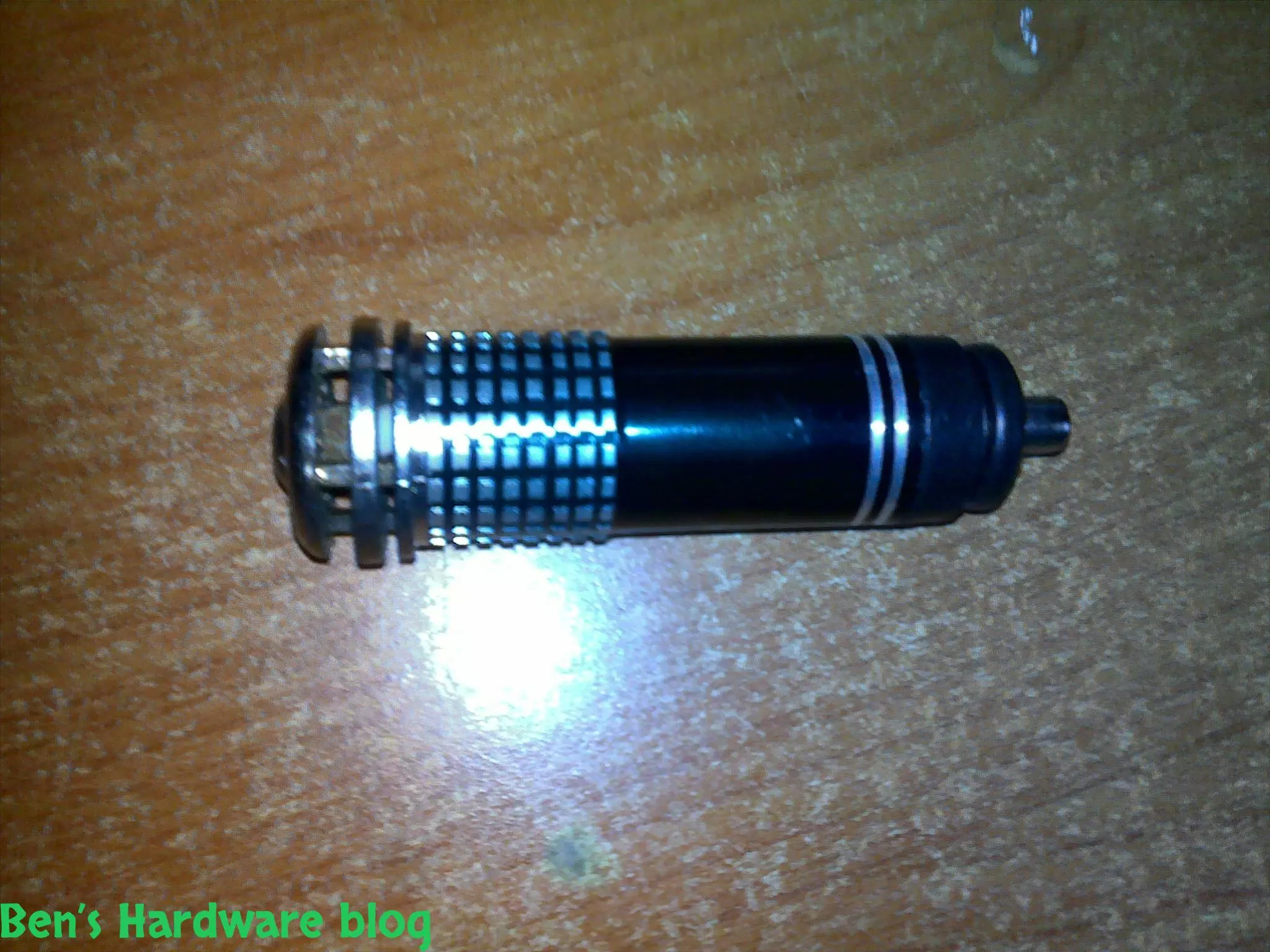
I bought this little car gadget in order for my car to be less stinky on the inside when driving with no air circulation...

Read More...

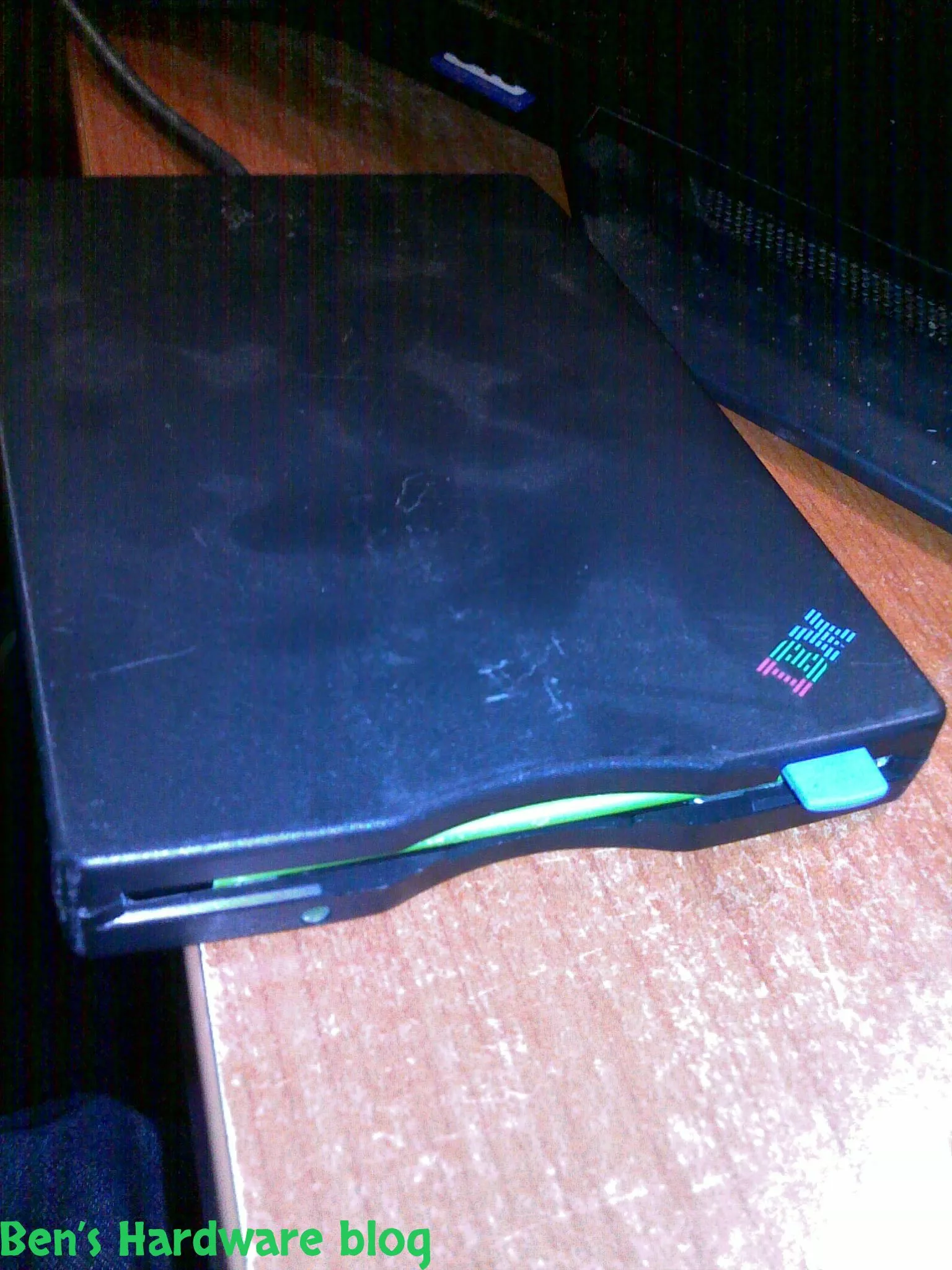
I got this piece of antique from my dad and yet as I'm typing these words he still doesn't have a clue where he found it...

Read More...

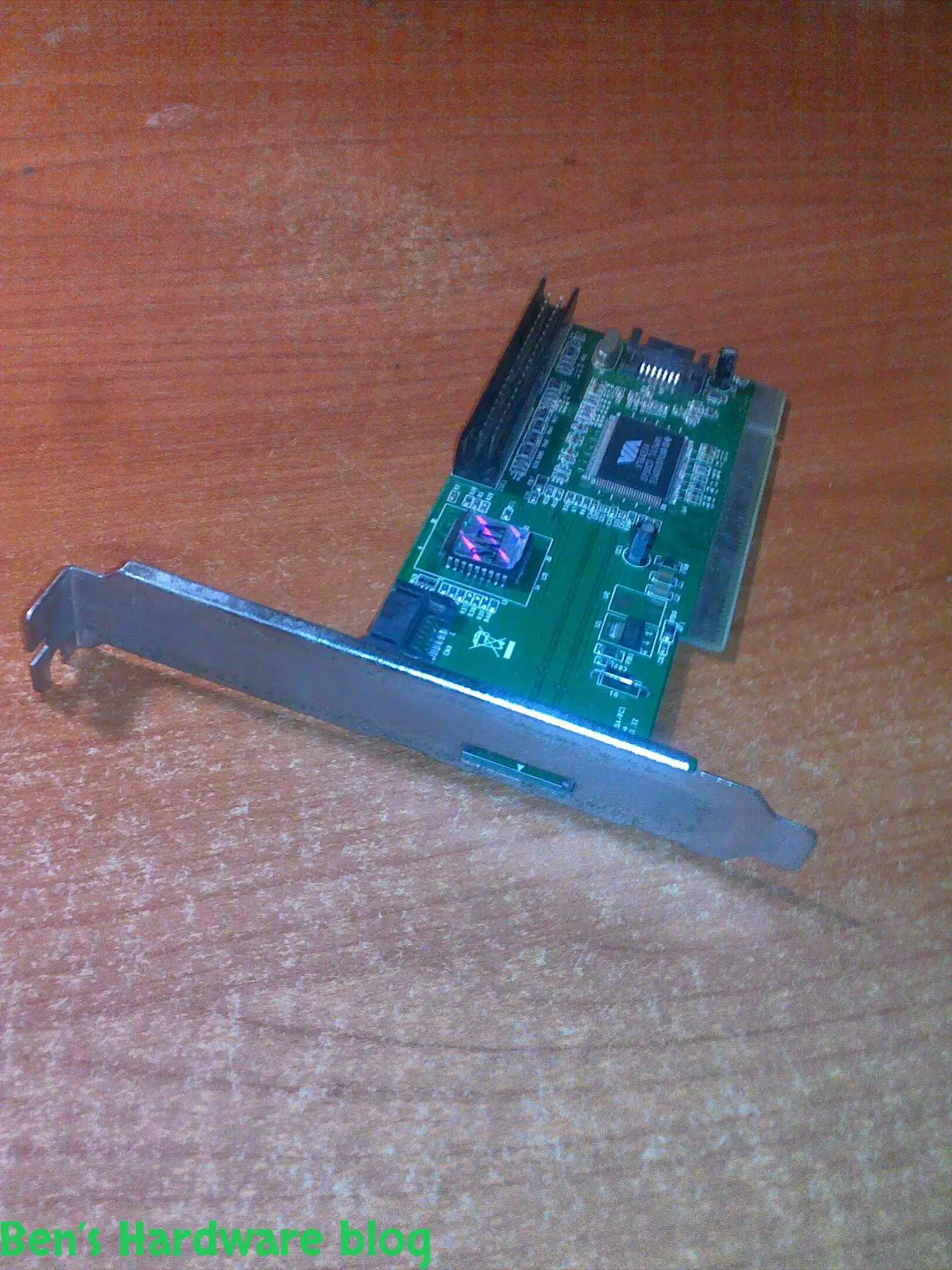
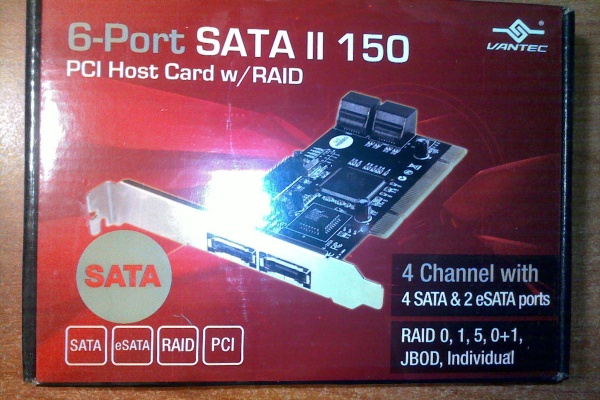
I got this card from a friend who just didn't need it , I didn't really need it either but I said thanks to the dude and...

Read More...

LED and optical fibers are a really good combination and this product really shows it. if you want to be a bit original ...

Read More...

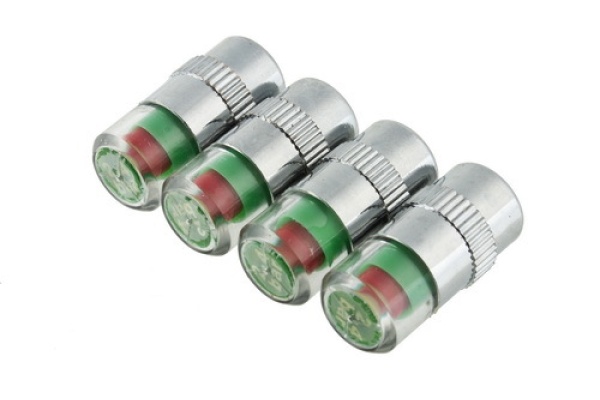
This is a great product that saves time and fuel by making your vehicle's tires pressure visually noticeable without hav...

Read More...

This is a great product that saves time and fuel by making your vehicle's tires pressure visually noticeable without hav...

Read More...

I admit - my car is full of gadgets and they require power don't they? This is why I bought this: Over time I added a l...

Read More...

In this post I will demonstrate a simple fixing method of simple 2 computer speakers. I got these speakers from my uncl...

Read More...

as a result of being mobile some items tend to "fall" from your beg , hand , the coffee table you are sitting next to et...

Read More...

You gotta maintain and take care of your possessions – that's my motto , and one of my possessions which I deeply care a...

Read More...

This is by far one of the most useful and cheap gadjets out there. As long as you have a generic car power socket in you...

Read More...

If you are mobile , like me , you might like this simple gadget... in today's world many mobile electronic devices are ...

Read More...

For people who are techjunkies or that work with a large number or computers is part of their job this would be a *must ...

Read More...

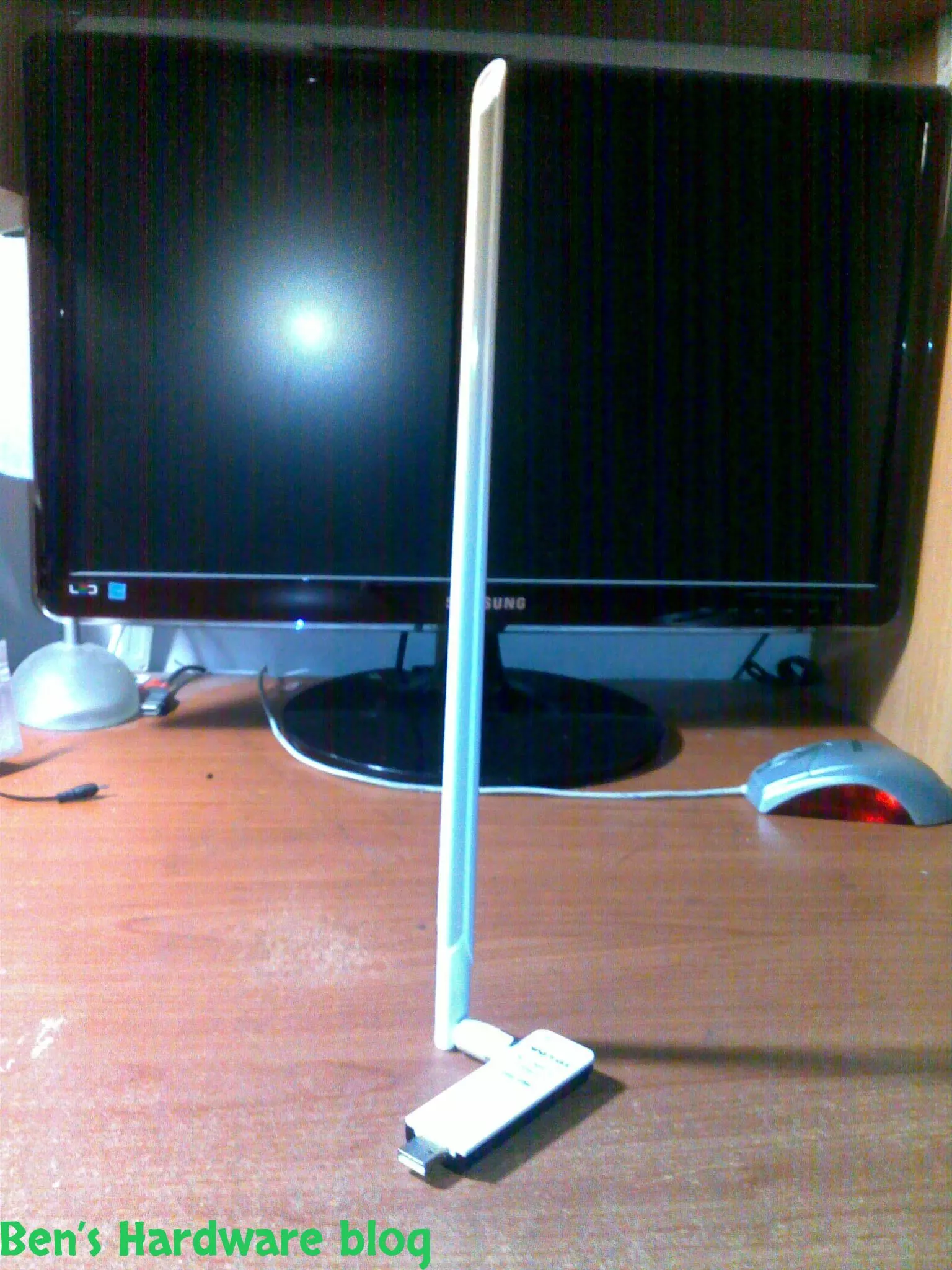
Wifi is everywhere today and with it comes many problems, among those - the problem getting and maintaining a proper rec...

Read More...

Simple, small and elegant. These are the main words I can use to describe this product. While the words are being typed ...

Read More...

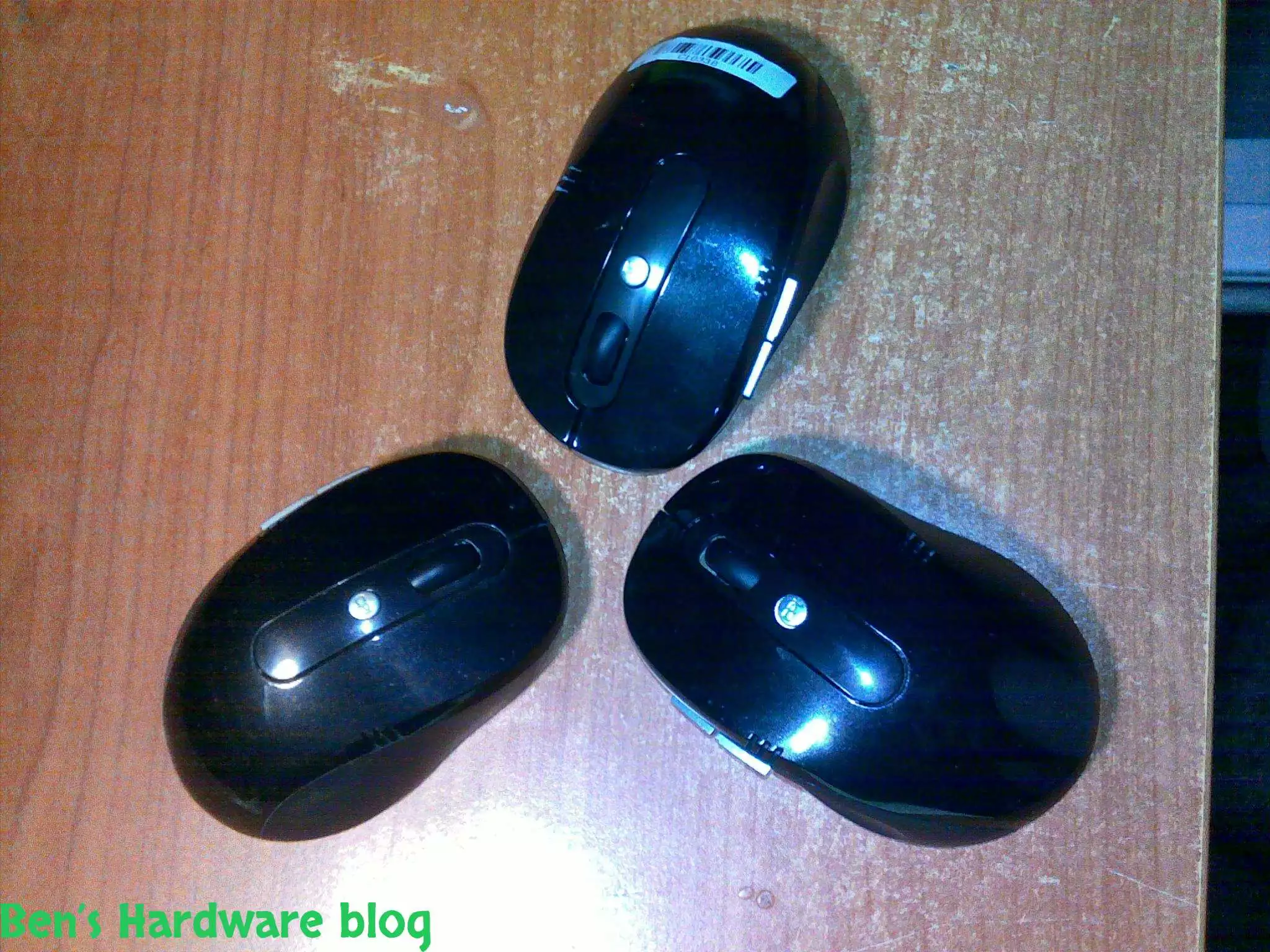
Cheap, simple, precise and looks pretty good,  I bought this mouse off E-Bay for 4.6 USD and it does the job w...

Read More...

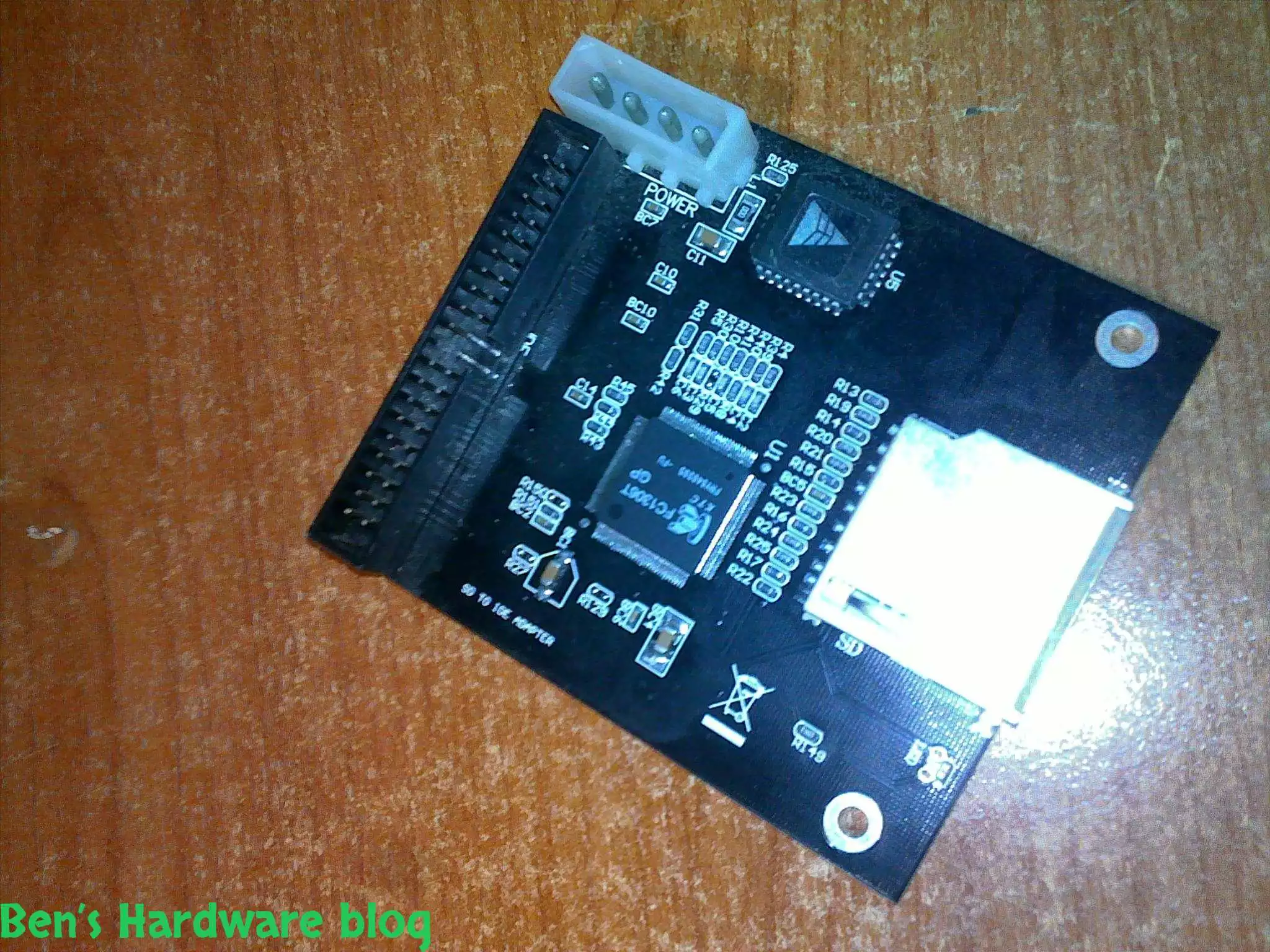
I bought this SD card to IDE converter in order to install a Windows XP operating system on it so one of my file servers...

Read More...

In this post i will demonstrate how i used spare cables i scavenged from an old power supply unit, to create a power cab...

Read More...

This product is just awesome! At first I was very skeptic about its abilities because up until I bought it I had known t...

Read More...

During the past month some annoying noises began emerging from my pc ... After carefully eliminating the source of the...

Read More...

If you read my "Upgrading a Dell Laptop" post then you'd know why i bought this product for. For those who you who didn...

Read More...

in this post I will demonstrate how you can use some old fans and build an effective cooling solution to any high-end 3d...

Read More...

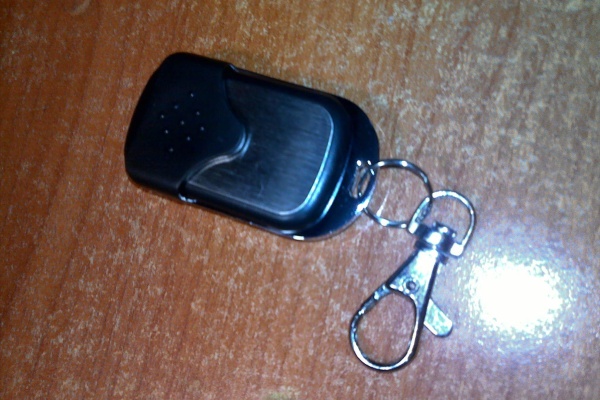
Since I am a gadget freak and a security freak as well I decided to look online for a nice addition to my already over p...

Read More...

Upgrading a Dell laptop with an Solid State Drive (SSD): In this post i will show how you can take an old laptop (3-4 y...

Read More...

This is a very cheap and yet a very useful product. I bought it for mainly 2 reasons: 1 –my laptop would get very hot ...

Read More...

The more data you gather - video files, games, software backups etc. the more space you need. It's one thing to buy an a...

Read More...

Up until now I used to buy only 6 cell batteries. This time I decided to go with a 9 cell one. My main reason was the l...

Read More...
No More Articles

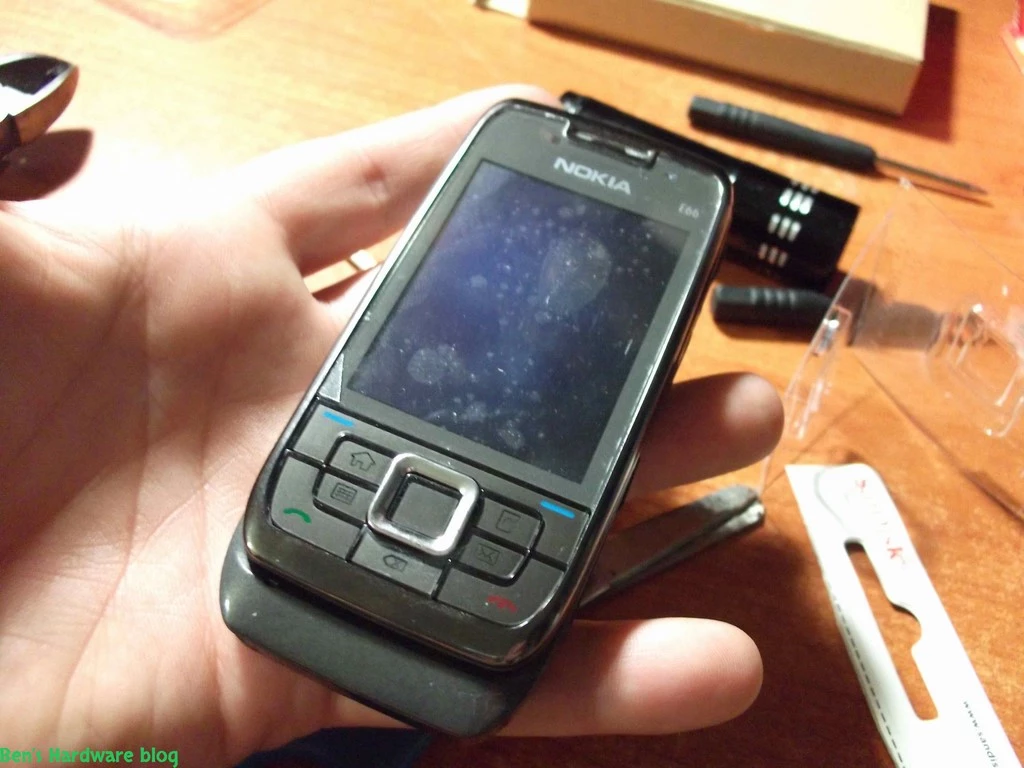
I have been using this old cellphone on daily basis for over 3 years now and time has taken its price on it. when I say time I mean everything that affected the cellphone during that period of time and that includes: weather effects , gravity (falling here and there on a hard/soft floor) , dust , sun exposure , dirt , fluids and so on.

As much as I am a gadget and technology junkie , I never really found a will and the necessity to upgrade my cellphone and act as a part of the herd around me. That herd jumps on every new cellphone that comes out , spending a lot of money on a fancy piece of technology it doesn't necessarily needs.

I admit , the Nokia E66 is slow and old and doesn't support the majority of the applications out there, but, it gives me basically everything I really need in my daily life. It's Symbian OS is old and obsolete but it's capable and good enough to run WAZE , WHATSAPP , streaming internet radio from thousands of predefined stations (this feature was included in the cellphone) and MP3 files - all that simultaneously , a little slowly but steadily , without crashing.

So why not maintain it properly and restore it? (rhetorical question)

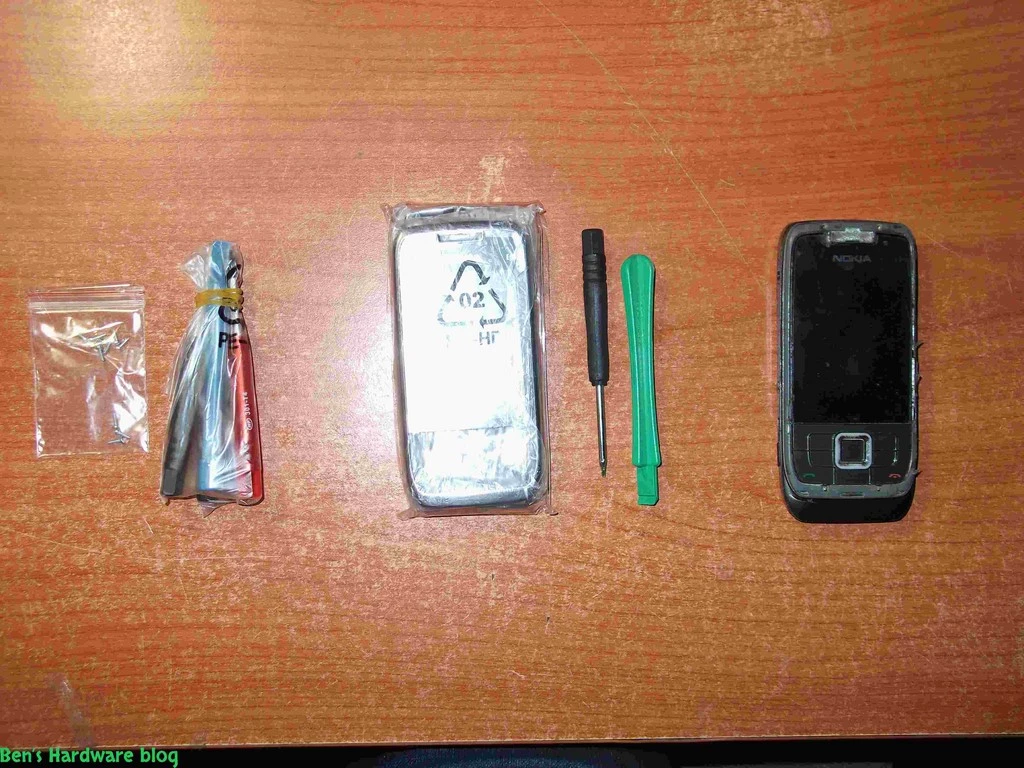
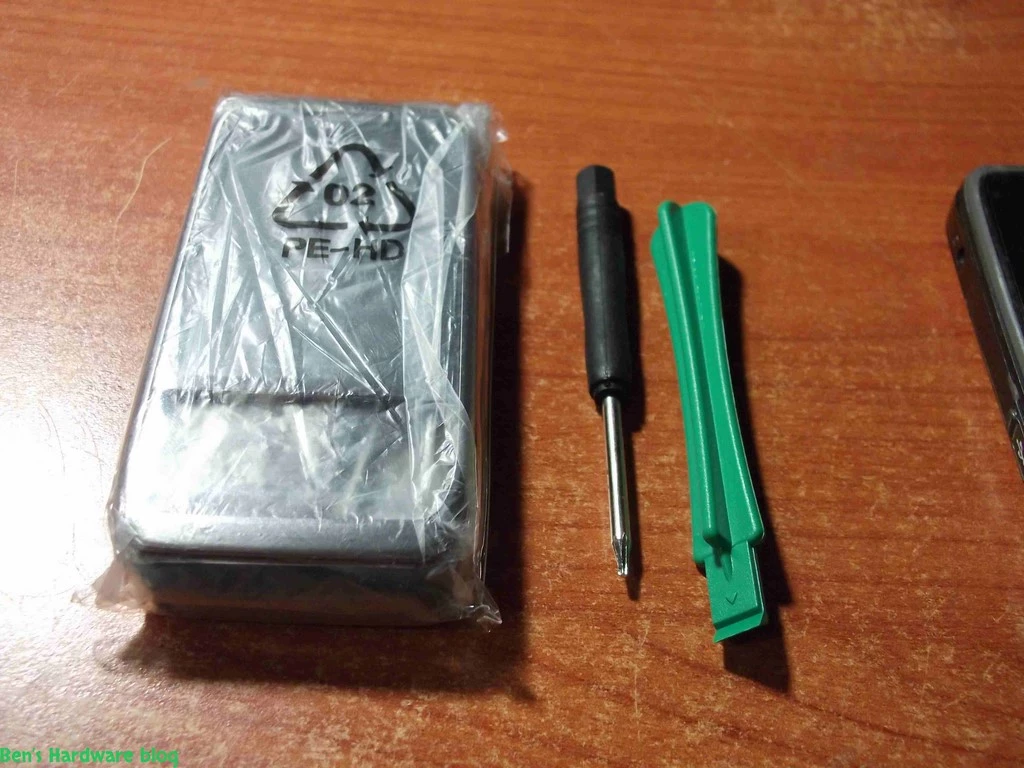
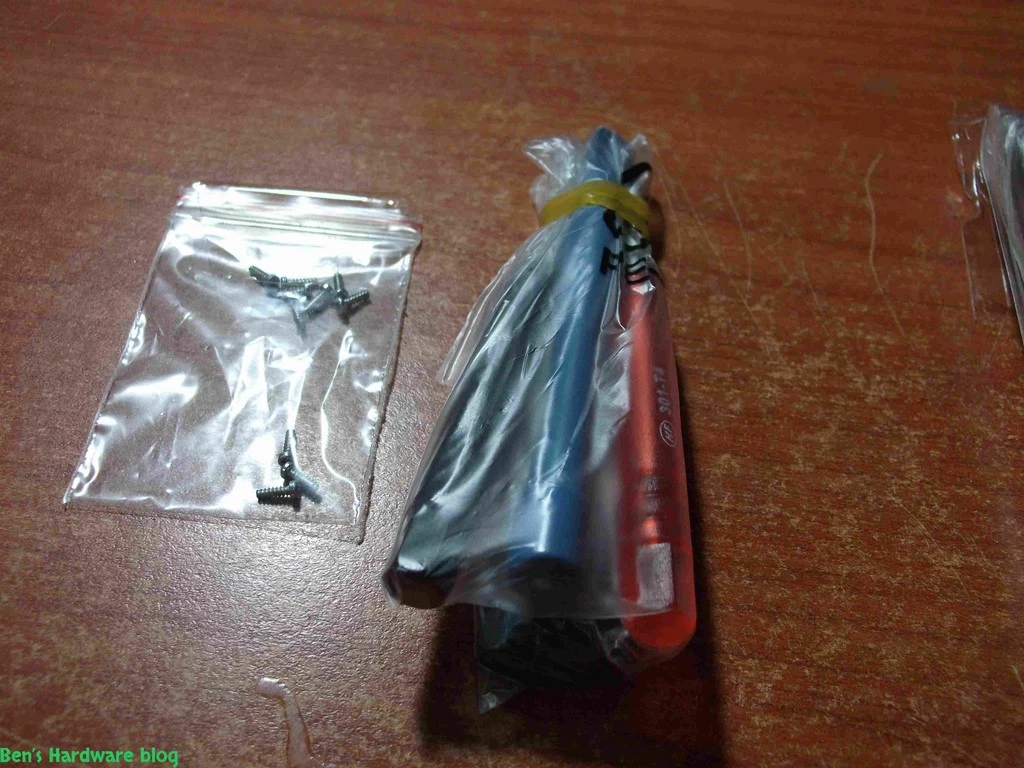
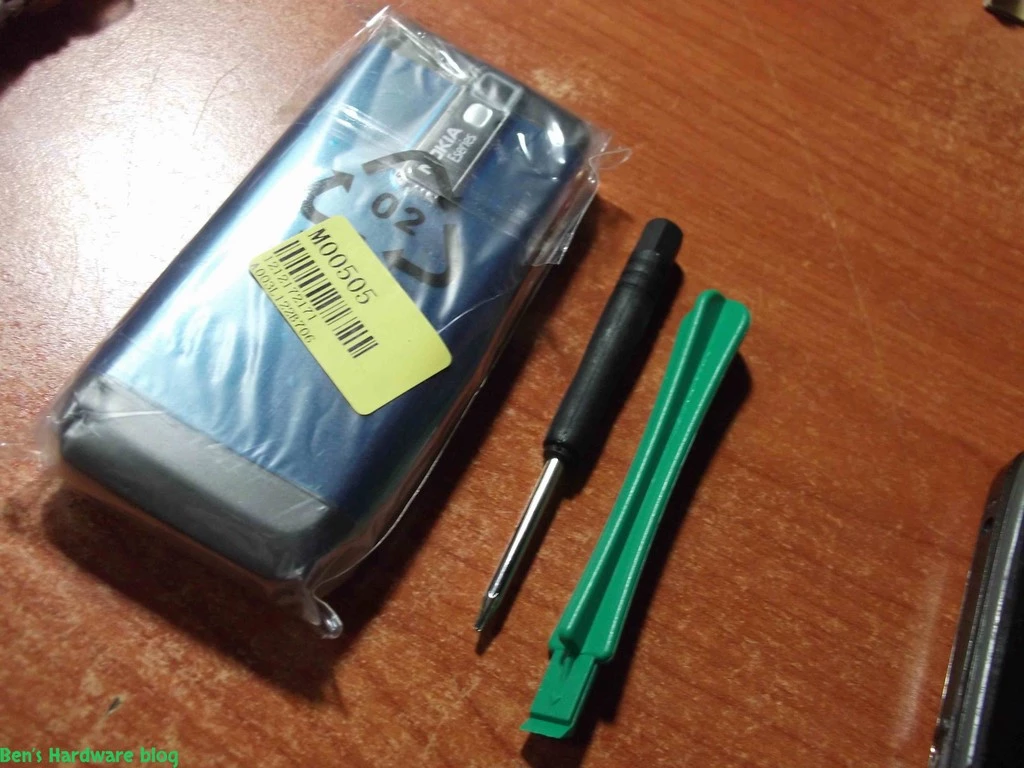
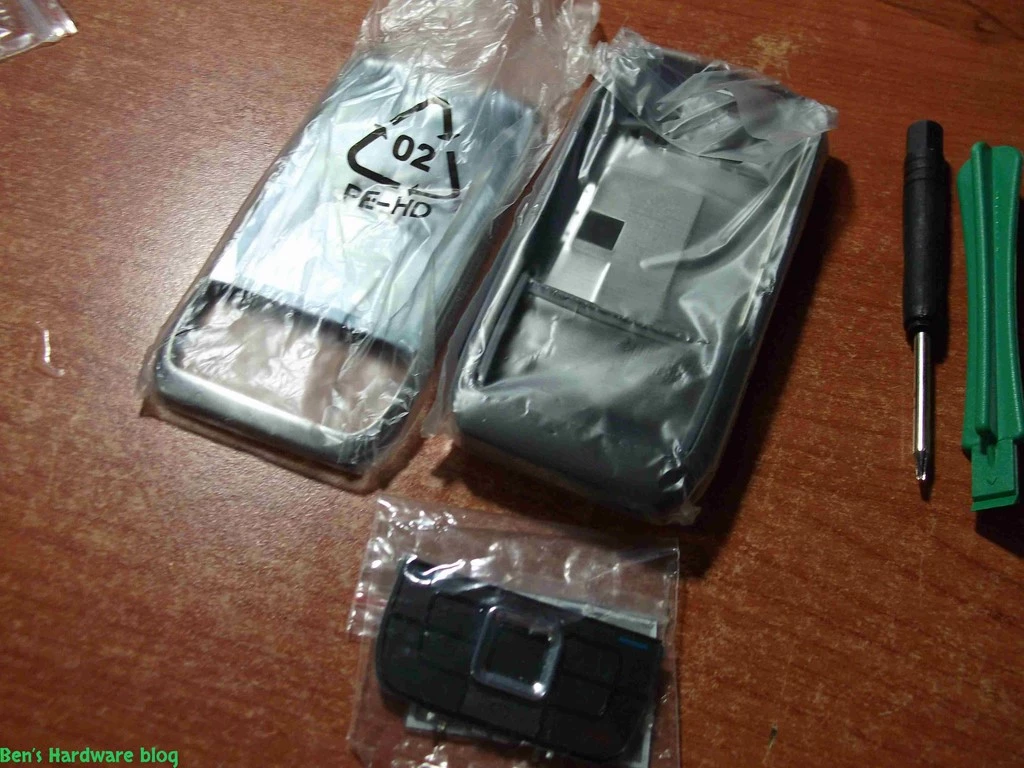
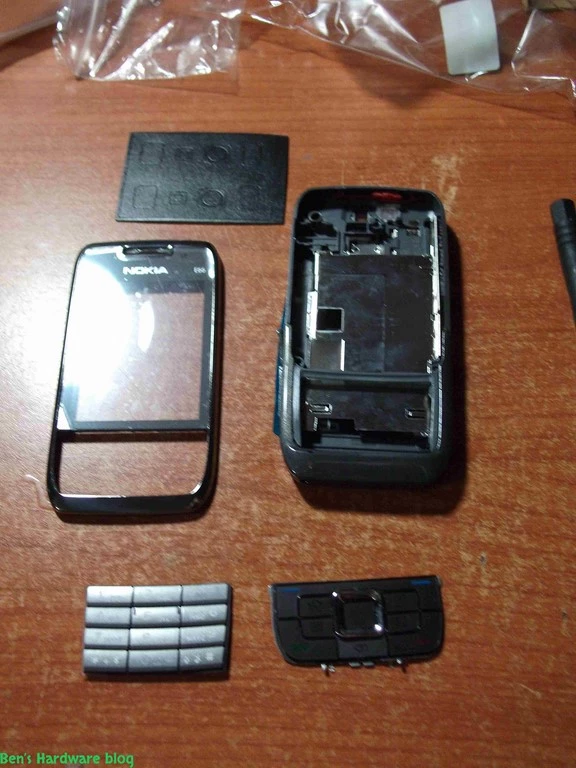
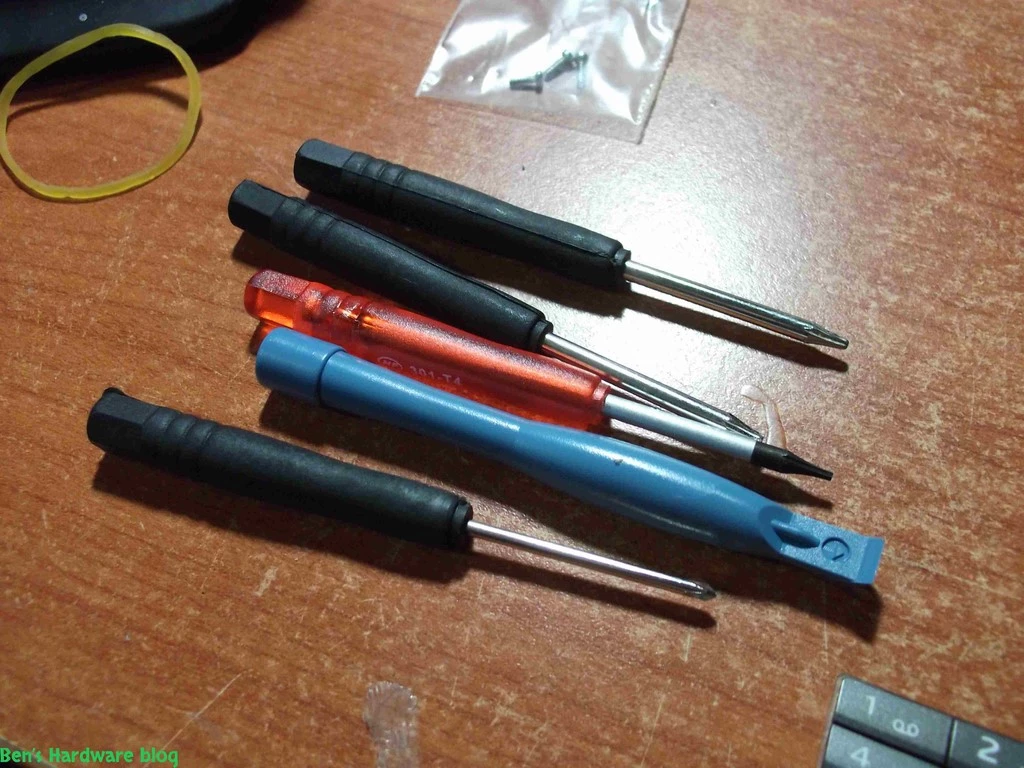
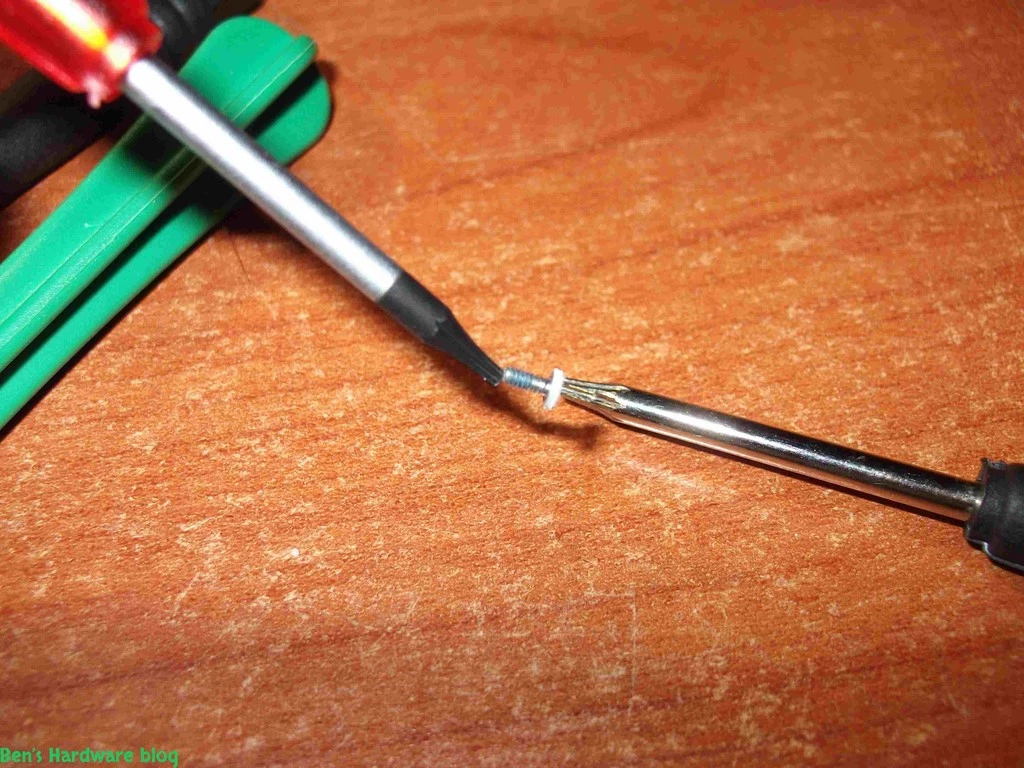
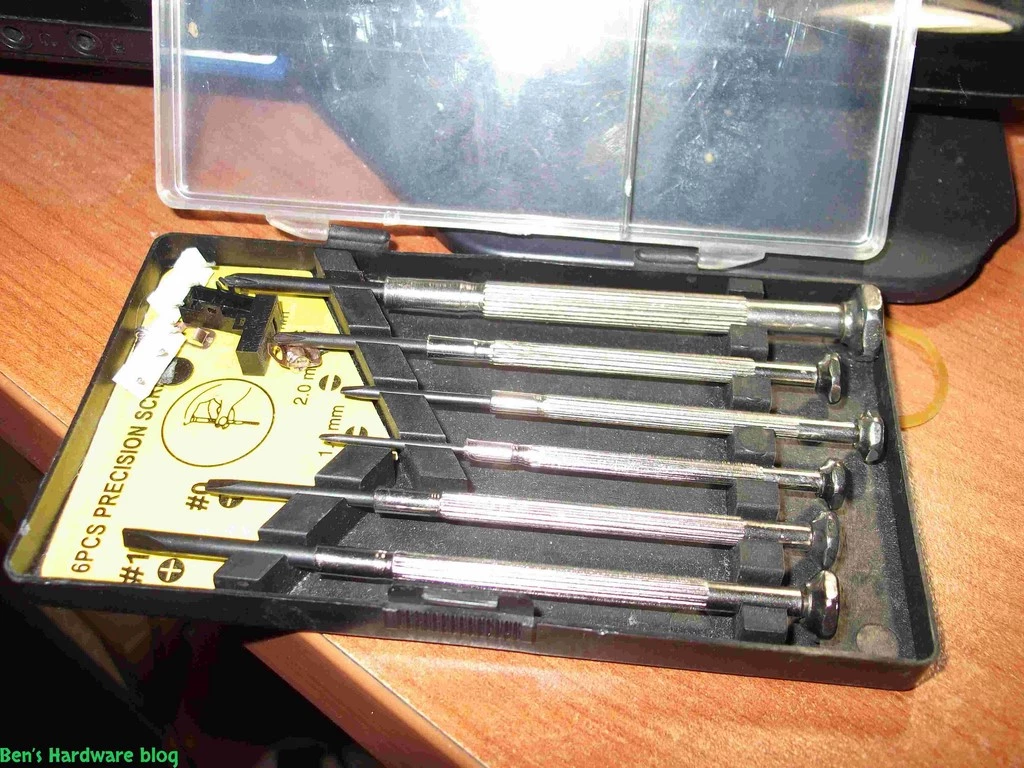
That's what I asked myself before buying a complete new housing kit for it. along with the housing kit I also bought a screwdriver kit and a pack of Torx head screws. I made the calculations and came up with the conclusion that taking it to a cellphone repair lab would cost me quite a lot and would not be worth it so I decided to go ahead and enter into an unknown territory trying to fix the cellphone on my own.

0210


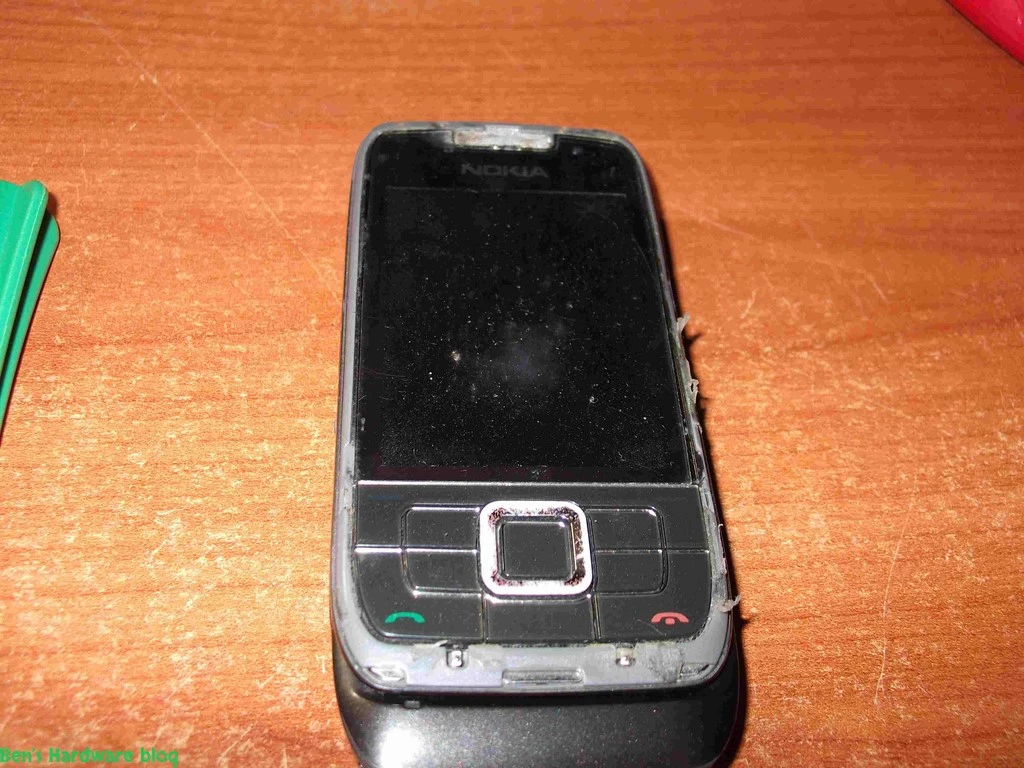
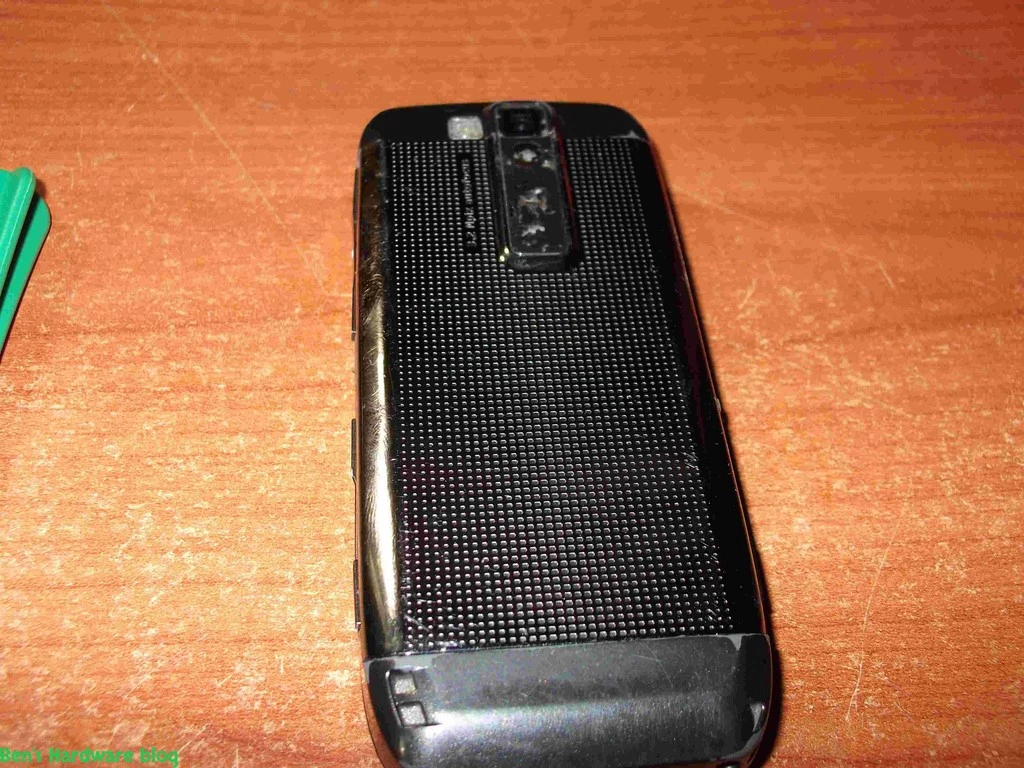
Before the repair:

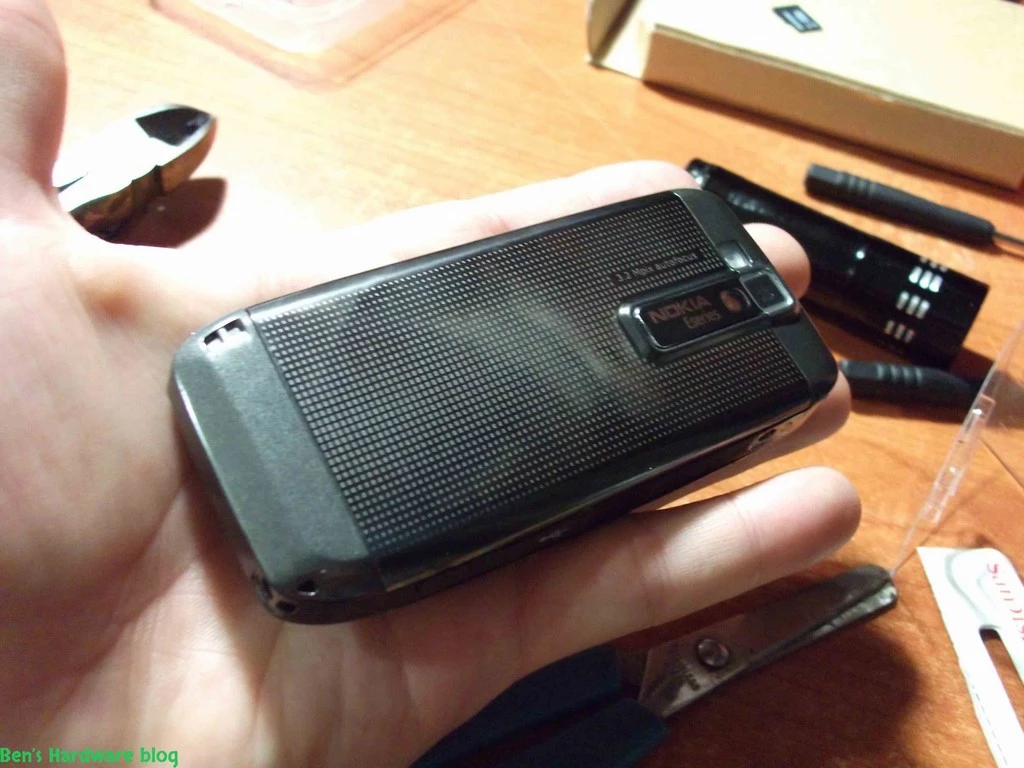
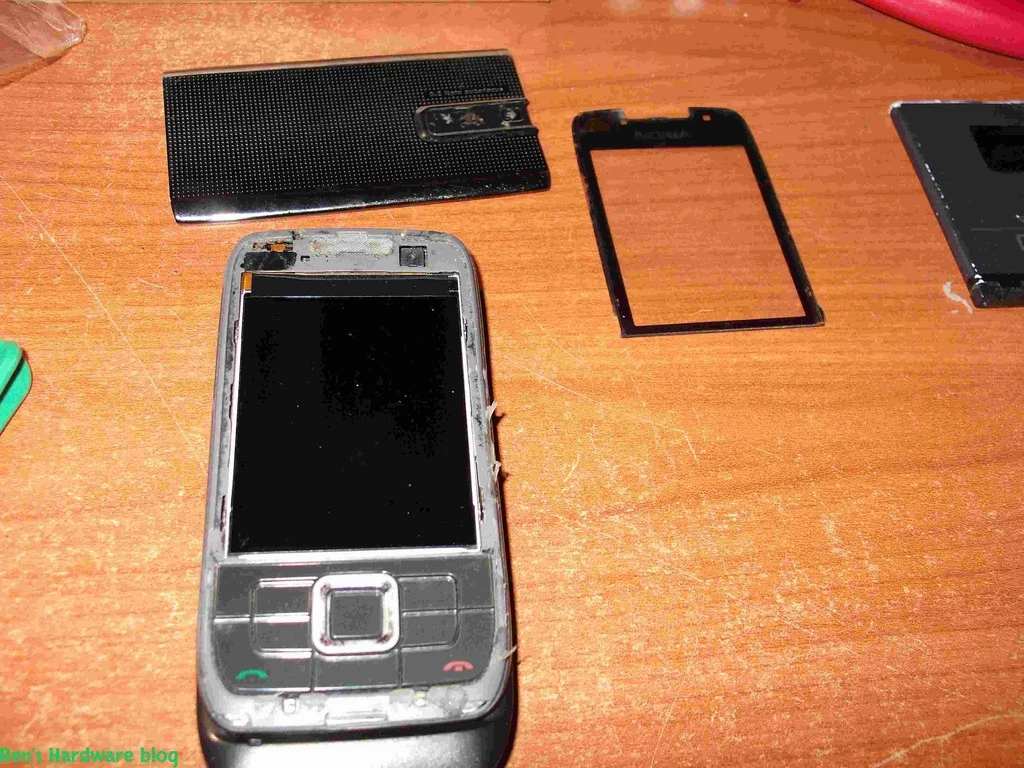
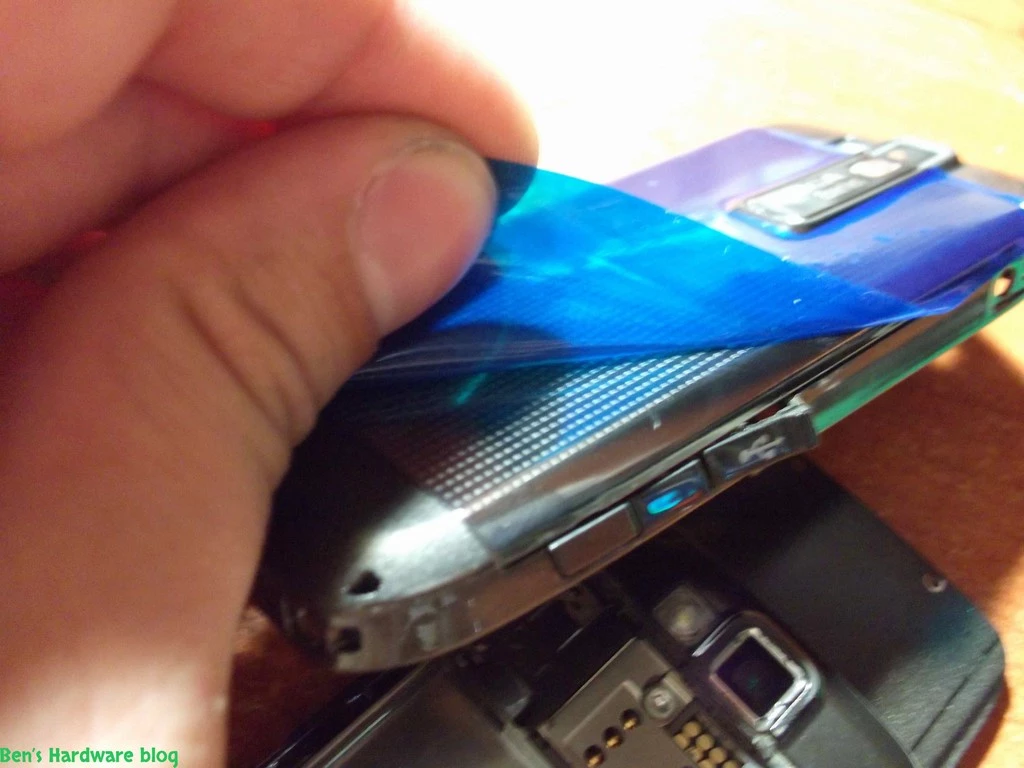
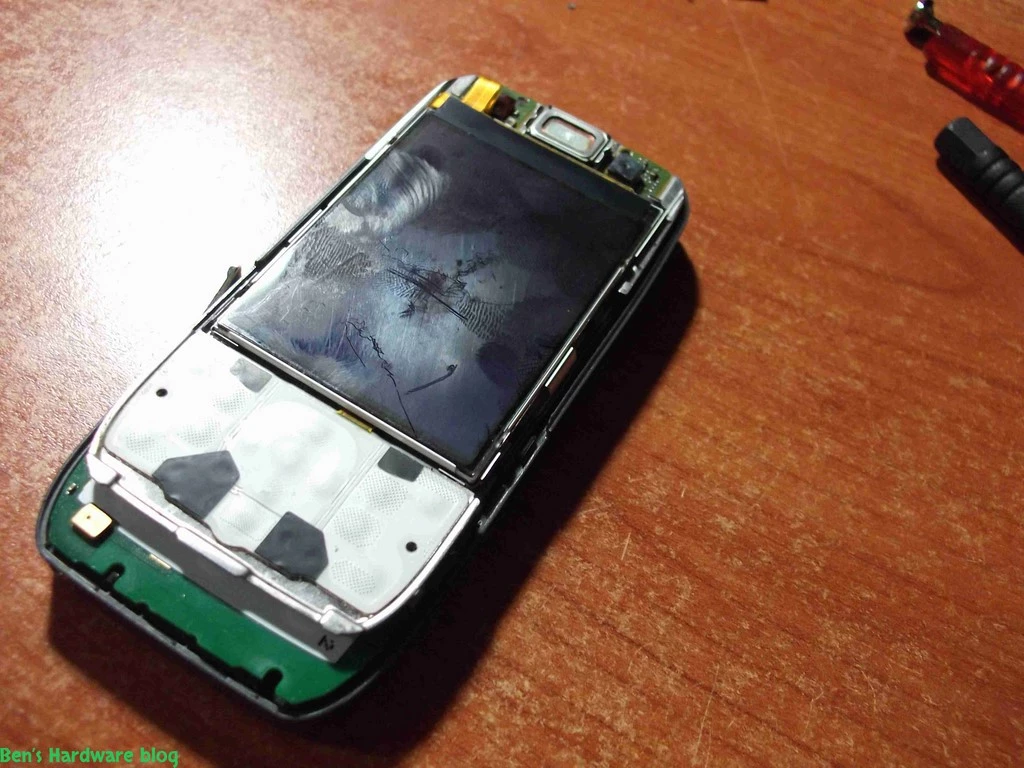
After over 3 years of continuous use wearing signs on the E66 could be clearly seen. The front LCD cover was full with scratches , the external outer cover of the top sliding unit got dismantled , both screws that held the cover of the top sliding unit were gone , the top sliding unit 's plastic was broken and the housing had many scratches all over it.

I couldn't stand looking at it anymore.

Getting it done - disassembling the cellphone:

  1. At first I turned the cellphone off the normal way
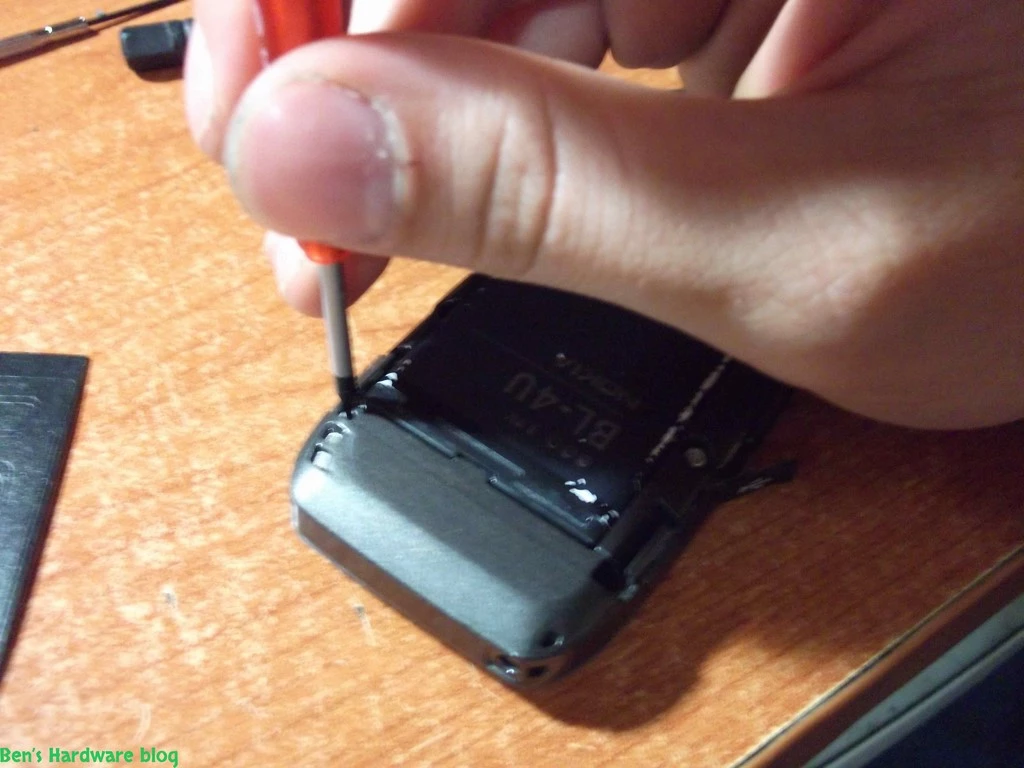
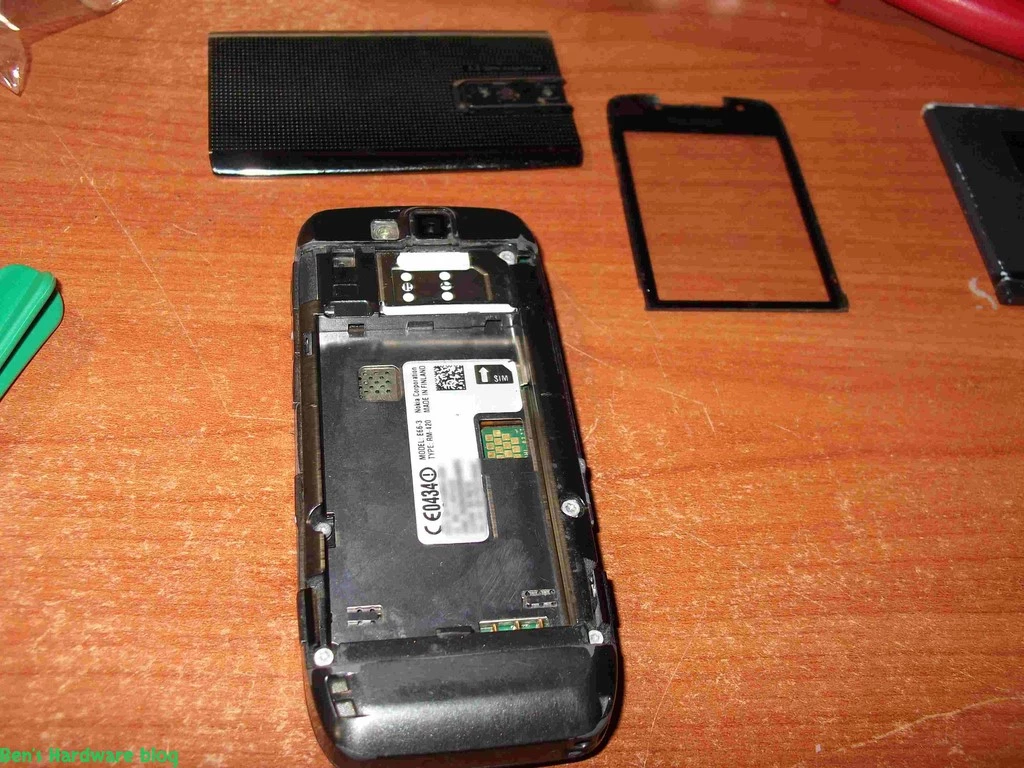
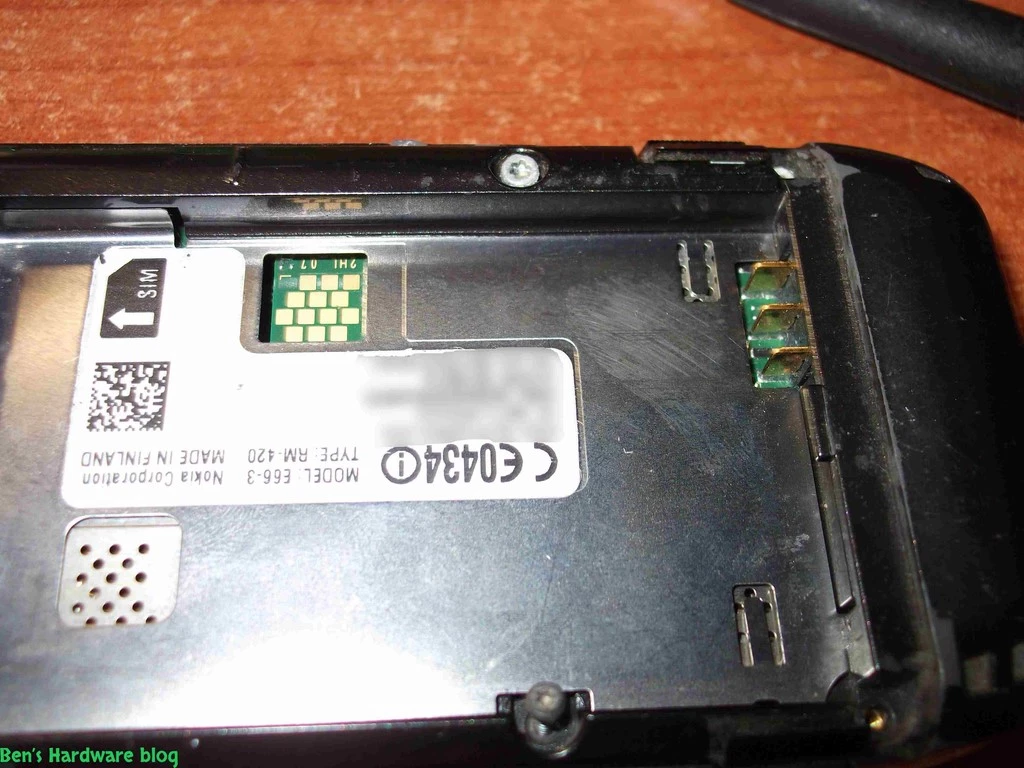
  2. After the power was off I removed the back battery cover and the battery itself.

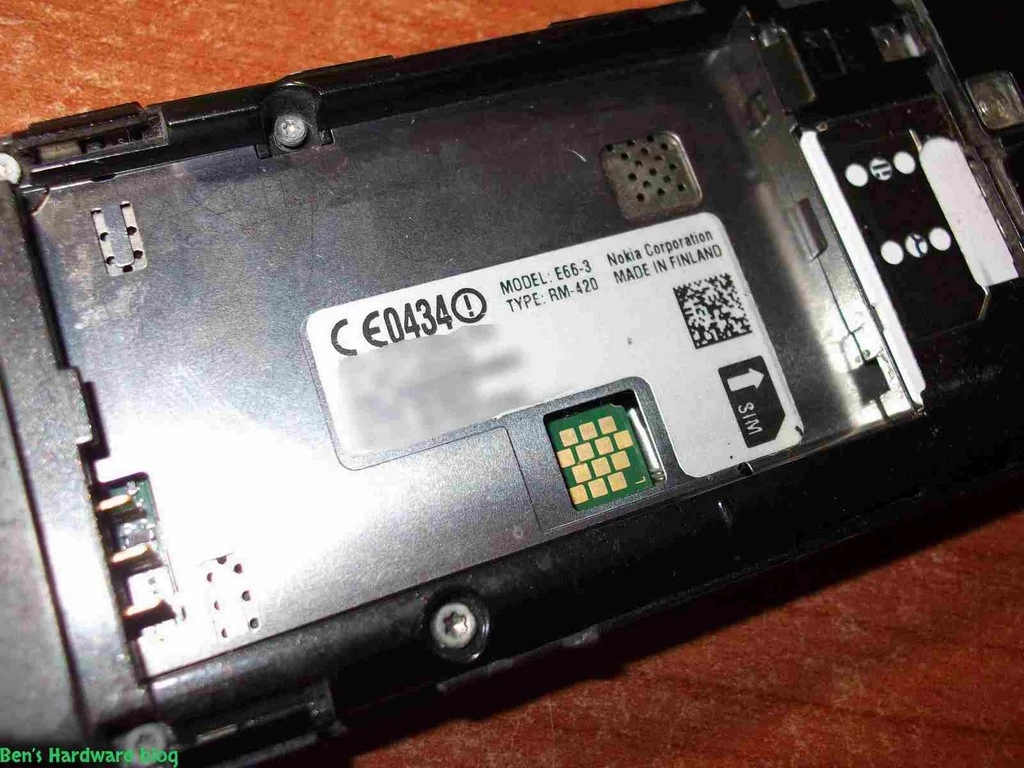
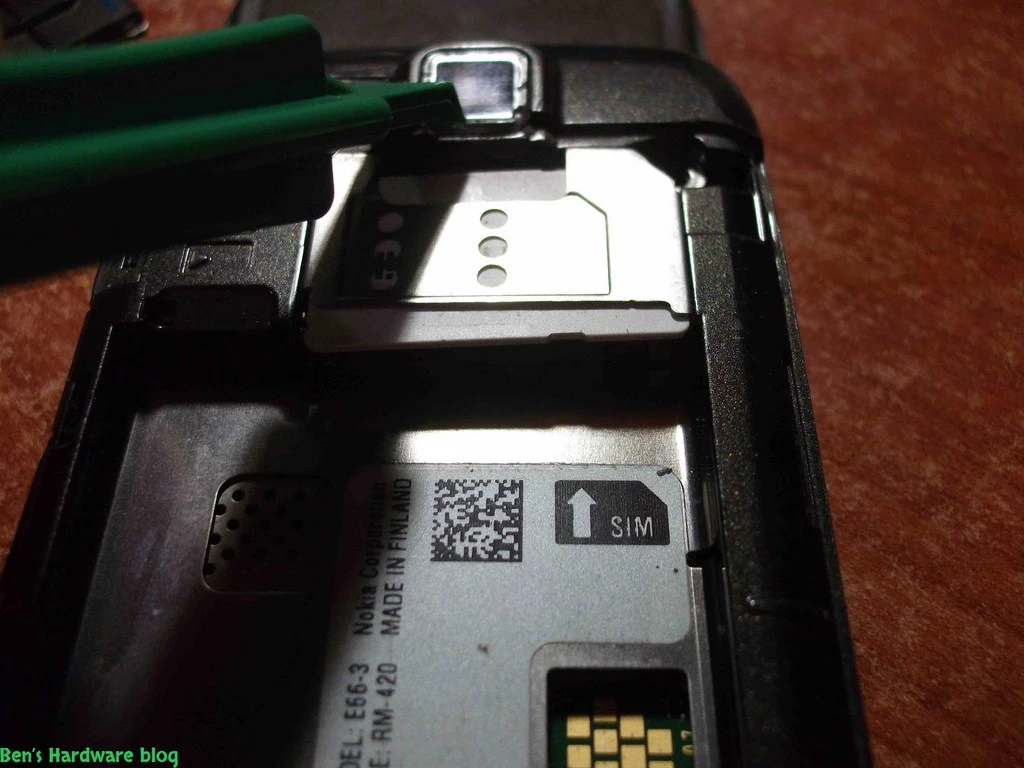
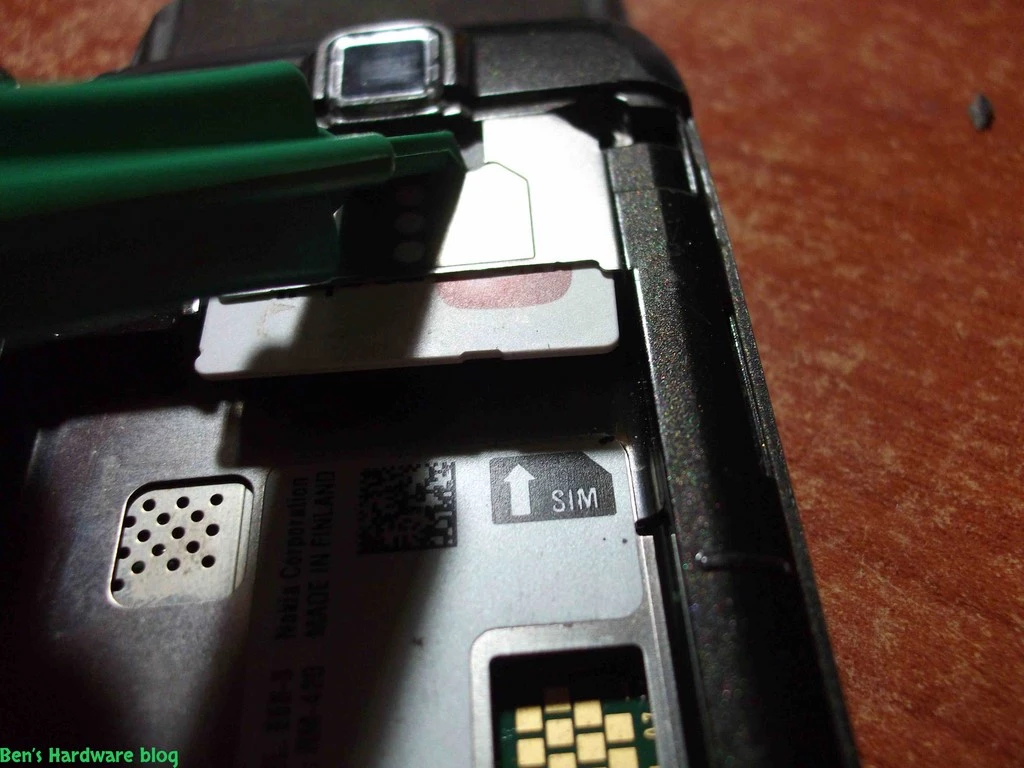
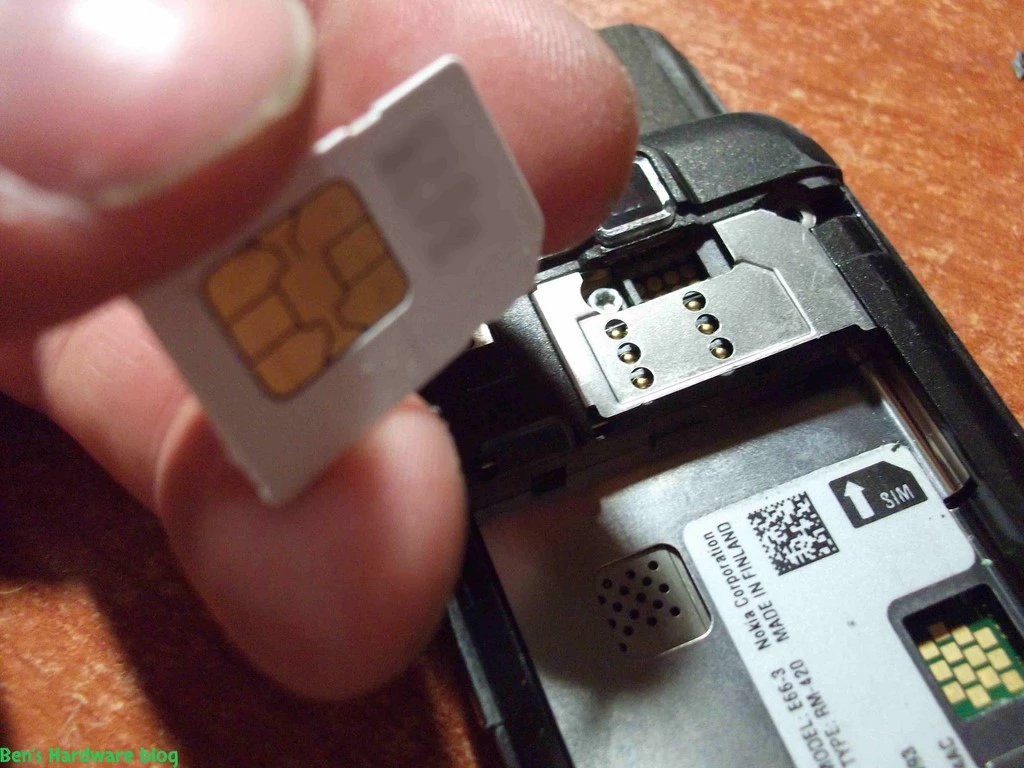
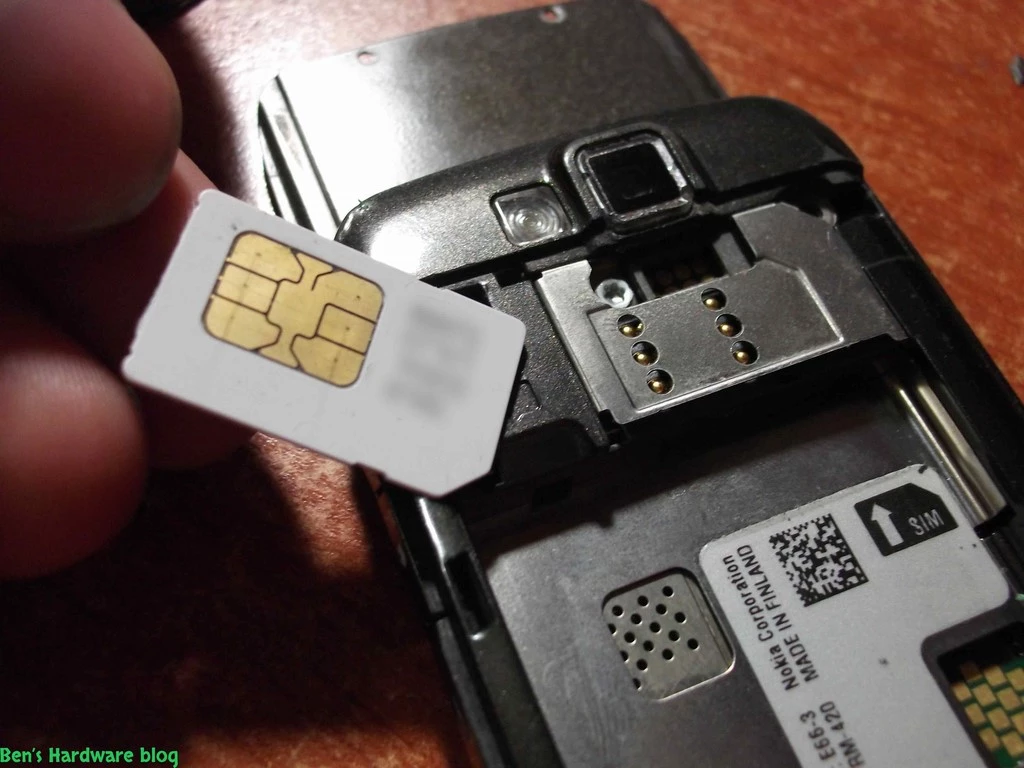
3. Removing the battery allowed me to remove the SIM card    


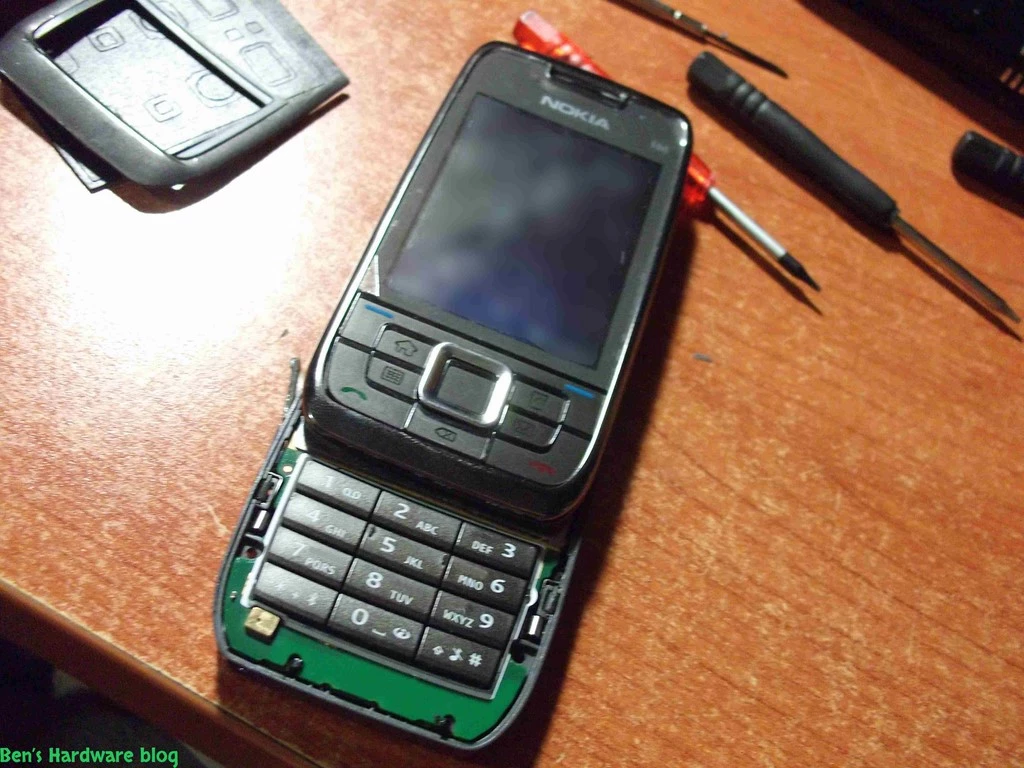
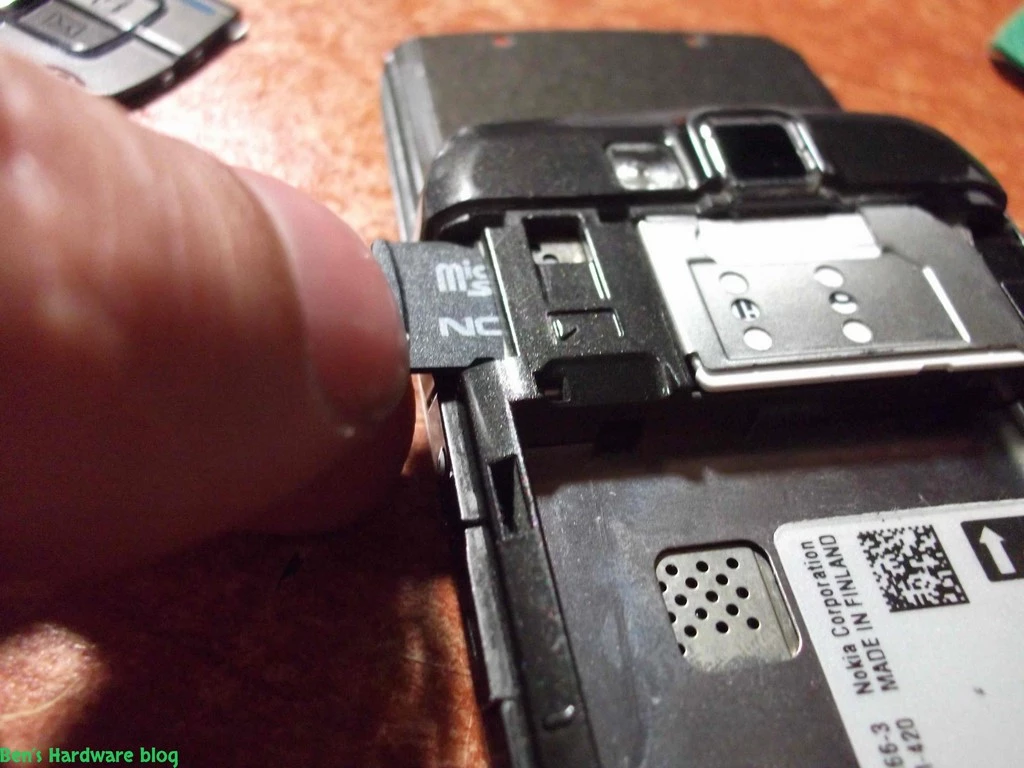
4. Removed the MicroSD card        

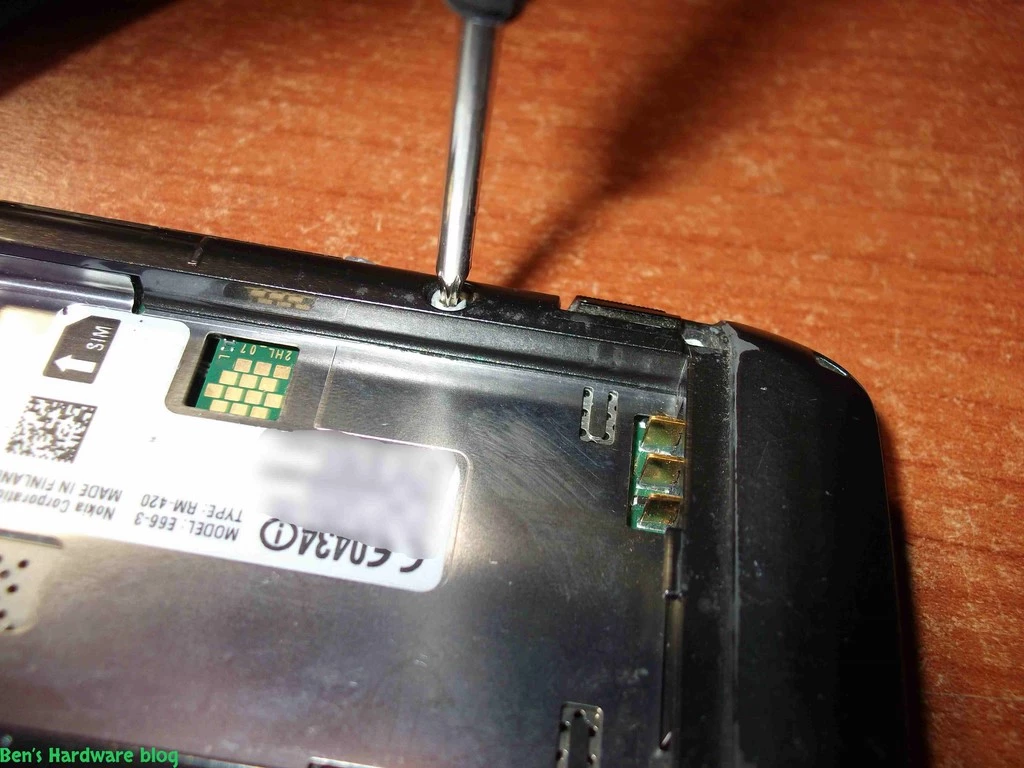
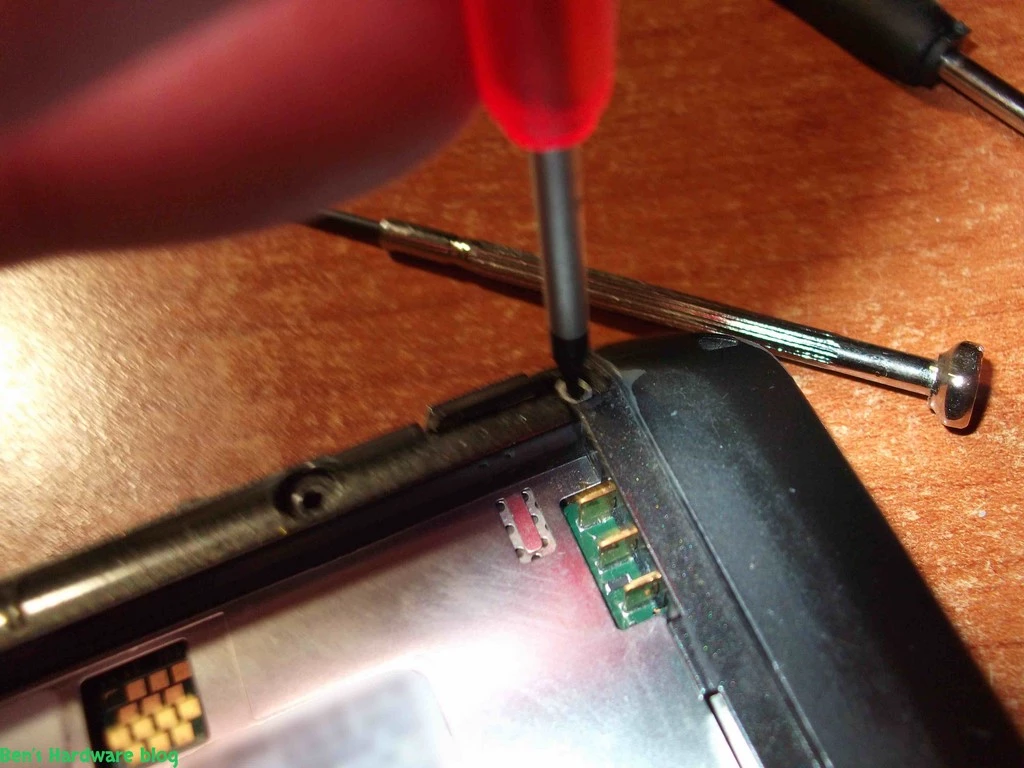
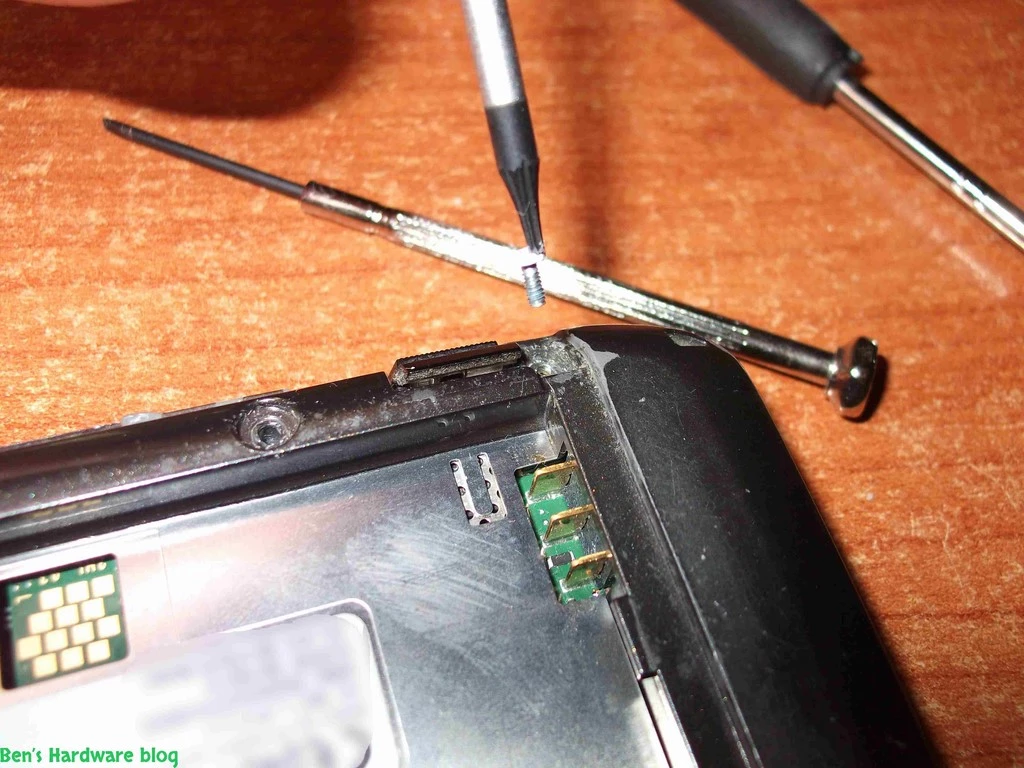
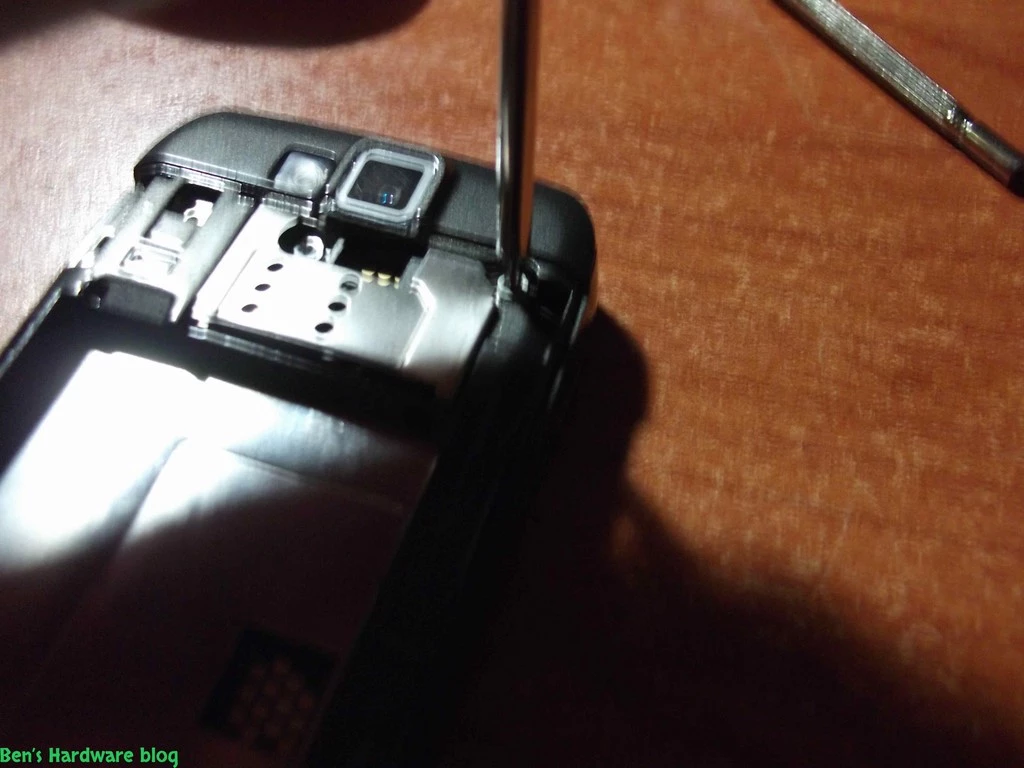
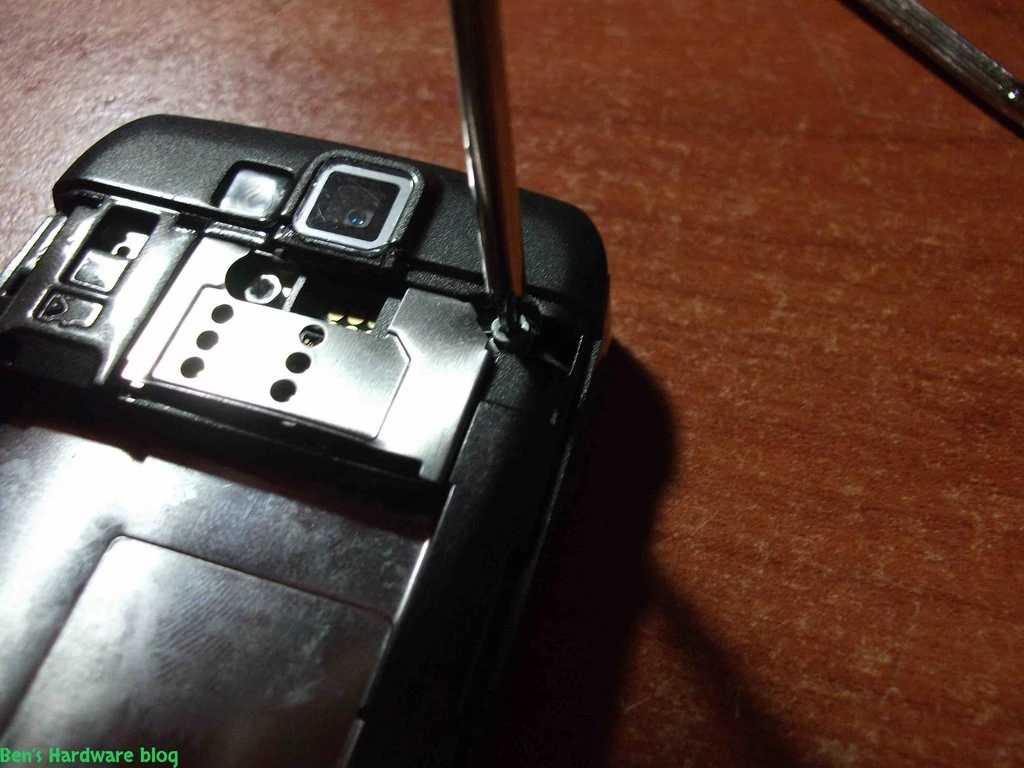
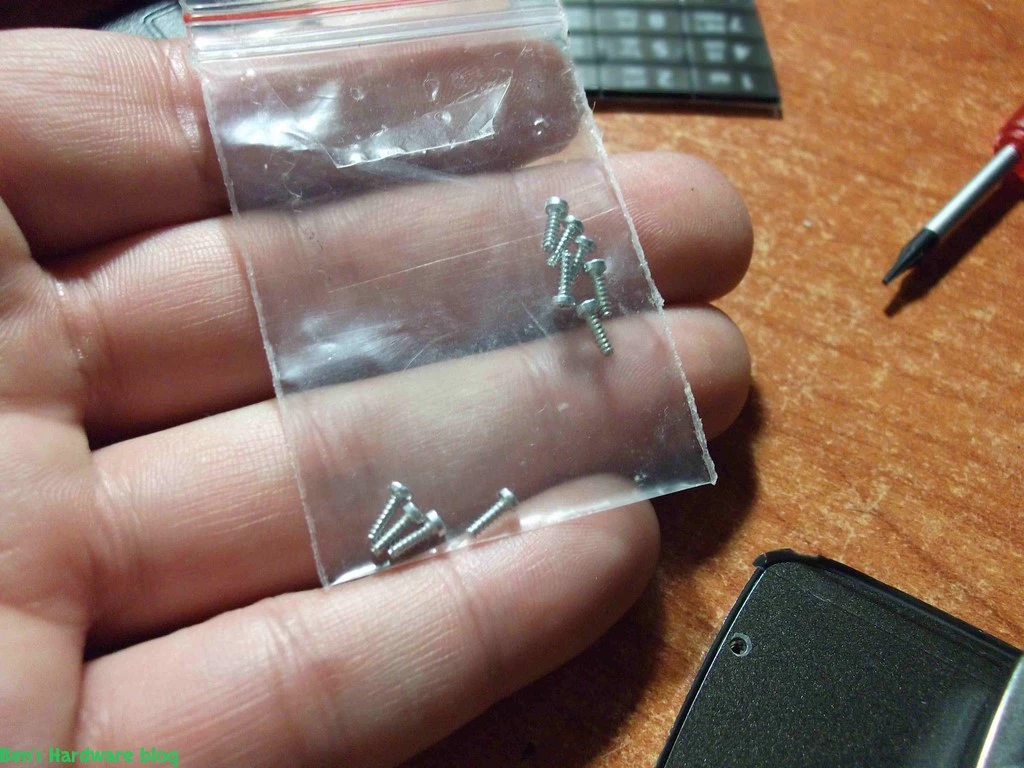
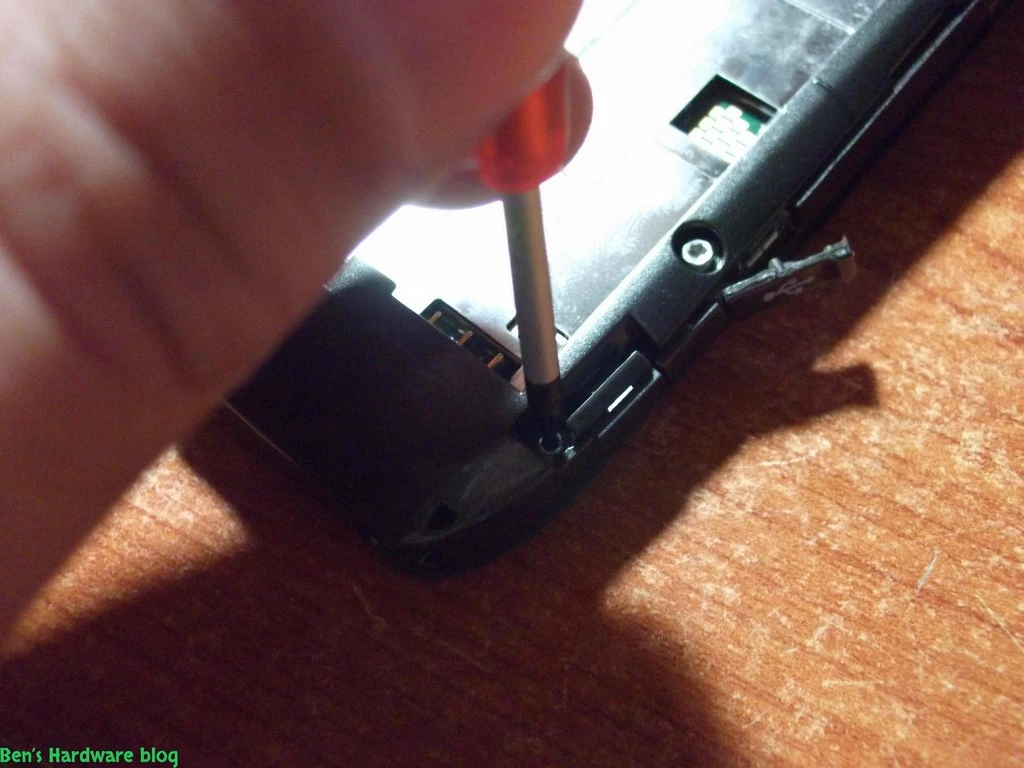
5. Removed 6 Torx head screws from the back of the cellphone - 2 of them which hold the keypad outer bottom front cover       


 6. After making sure all available screws were unscrewed , I put them in a safe location.

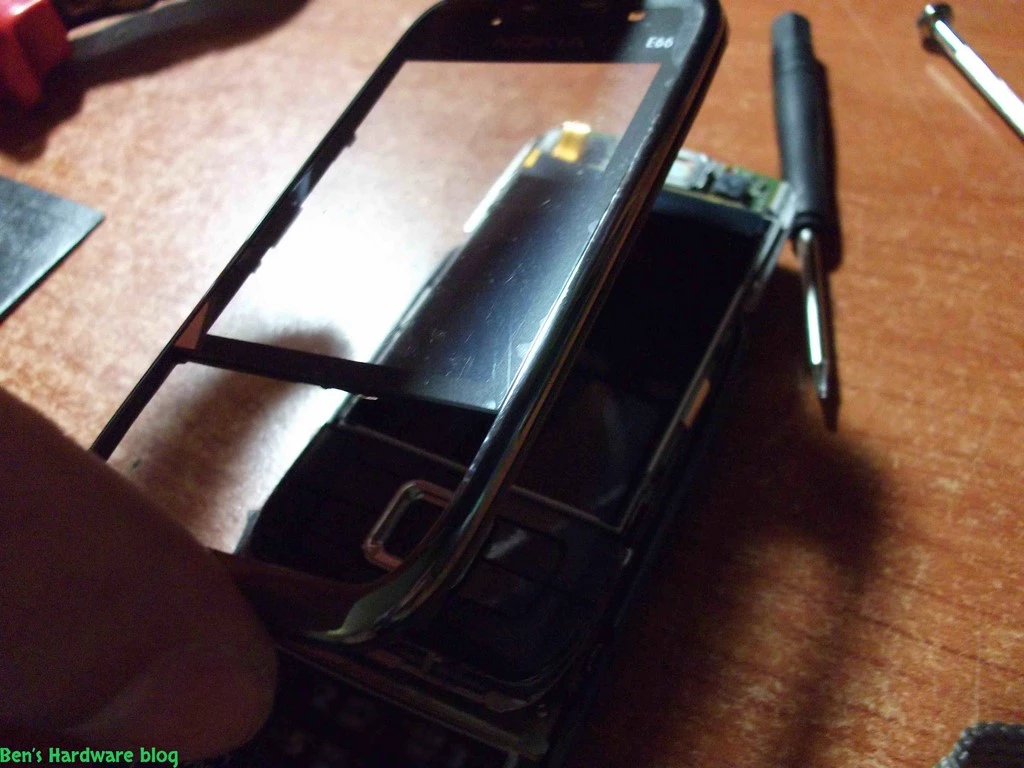
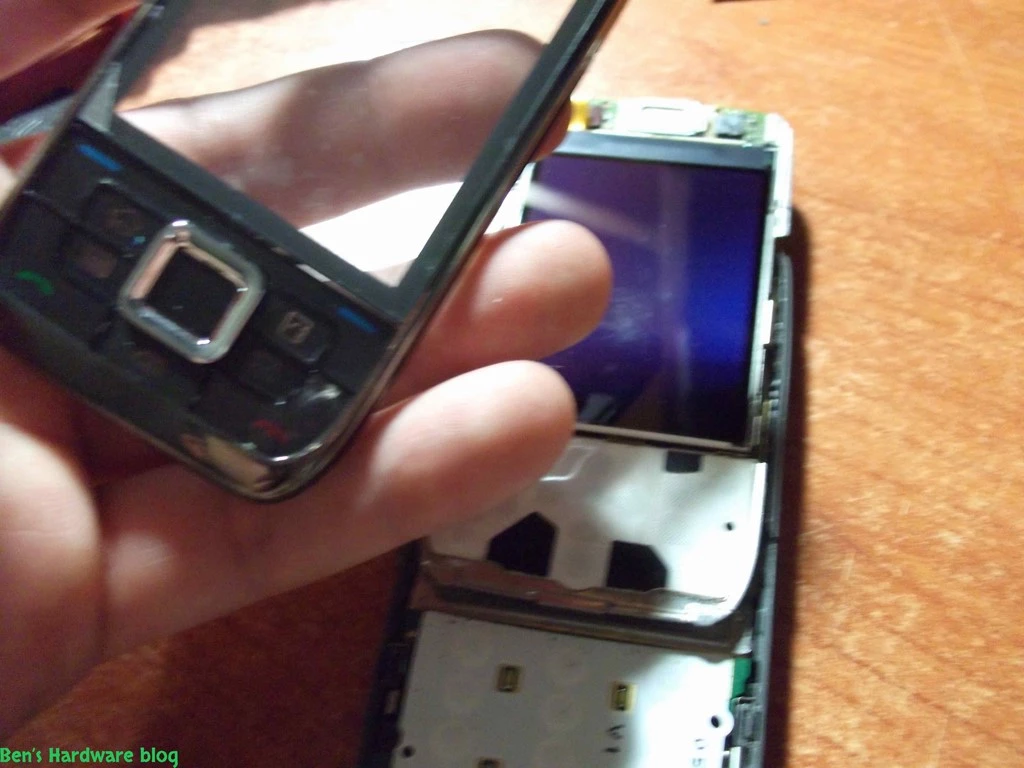
Separating the 2 major parts of the housing :

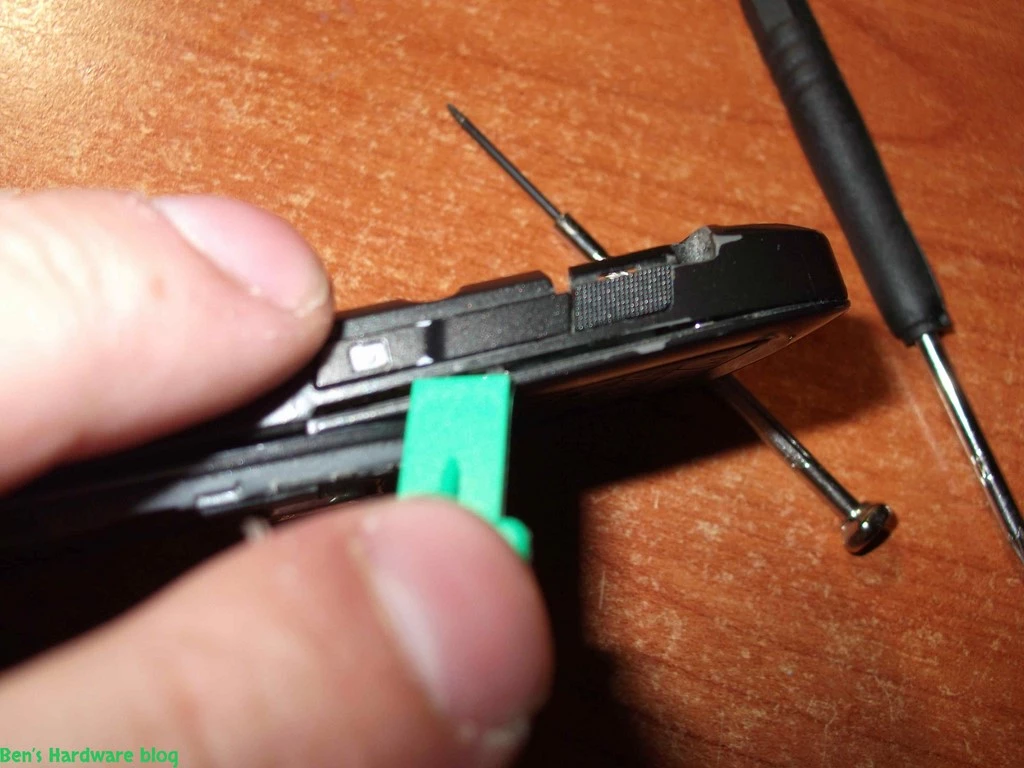
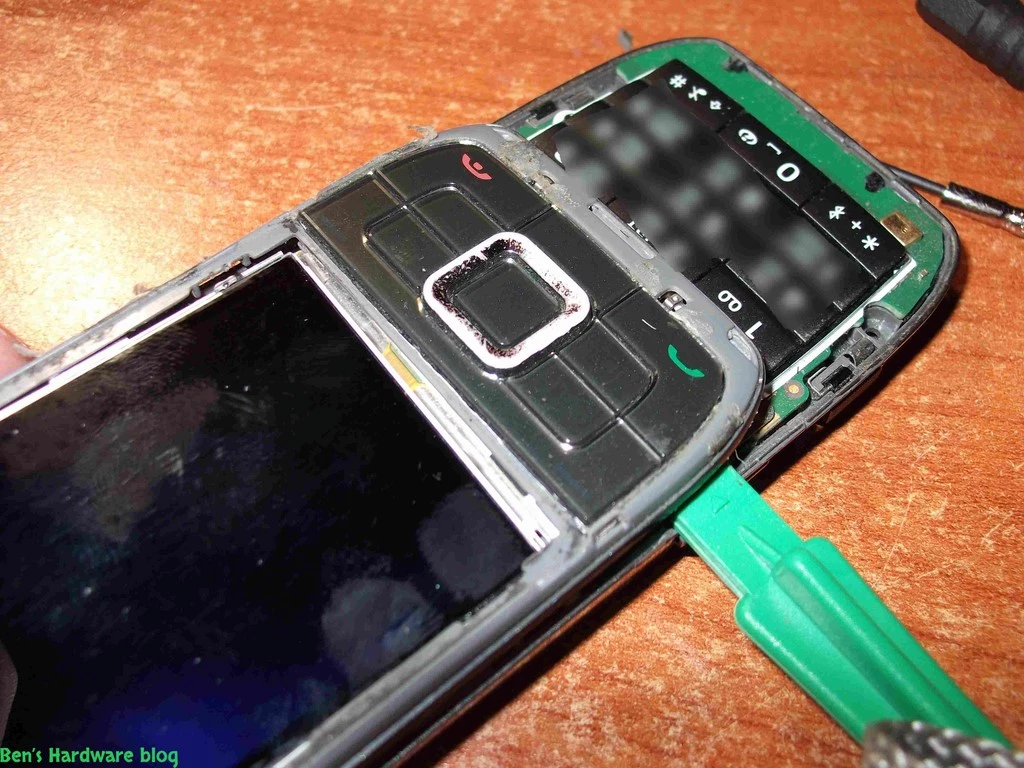
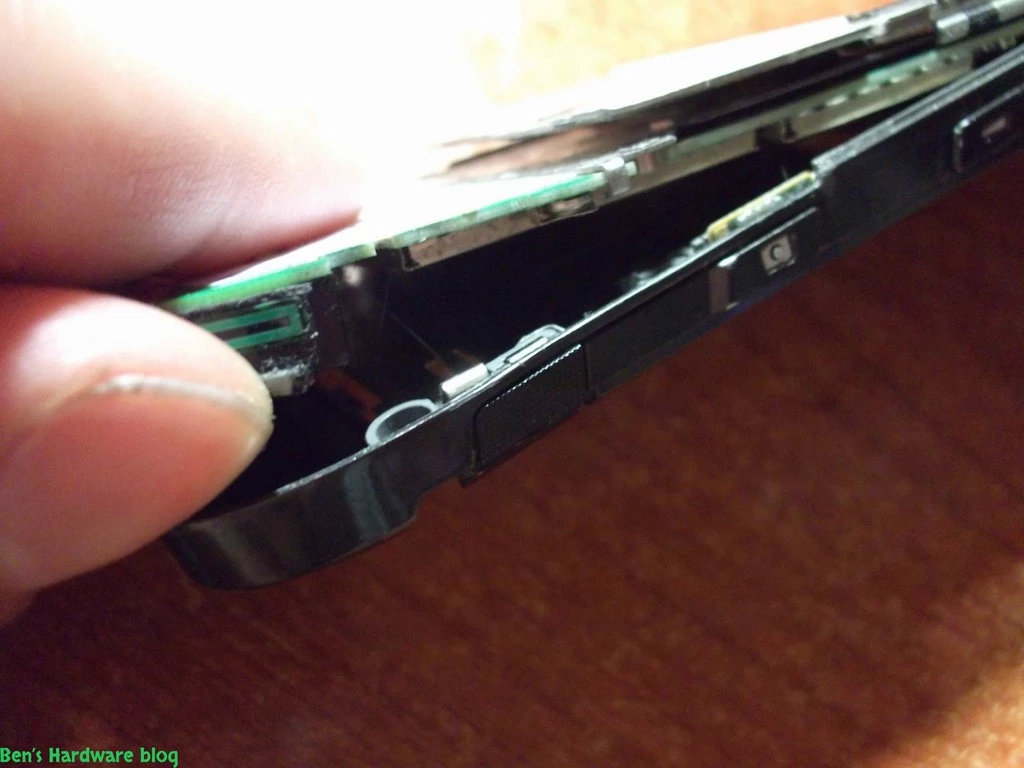
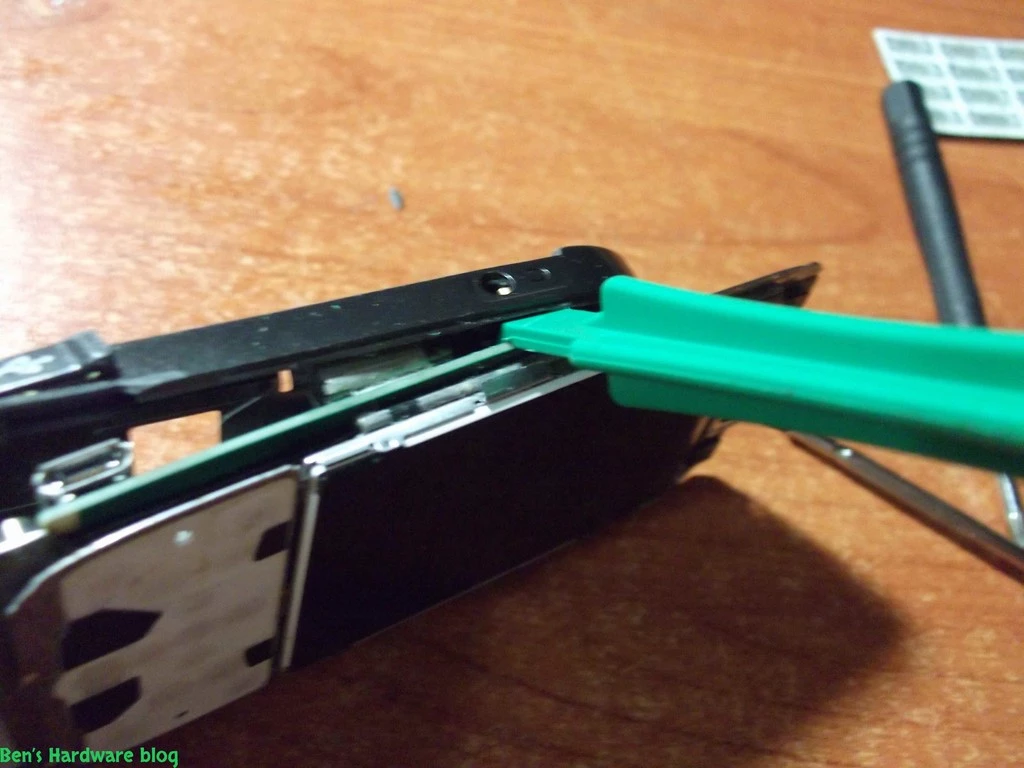
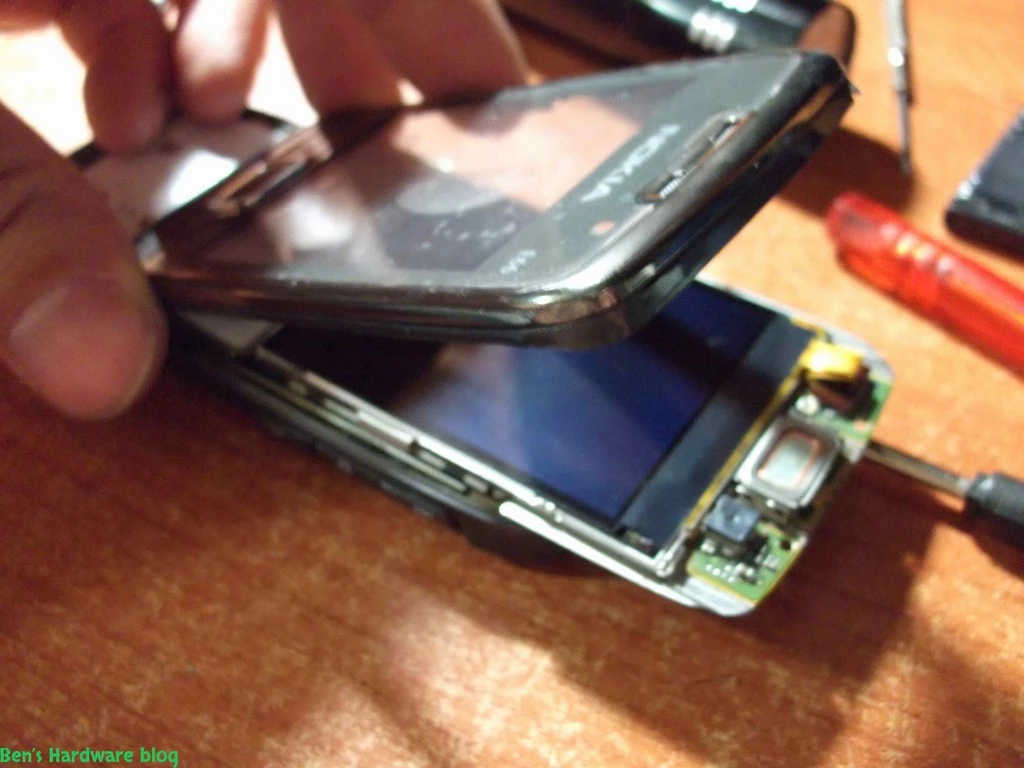
This part was the hardest. The two parts just didn't want to be separated from one another , and on the one hand i really wanted them to be separated and on the other hand - I knew increasing the amount of force might damage the electronic board. So whatever you do - be very patient in this part and do not get temped to increase the amount of brute force you use.

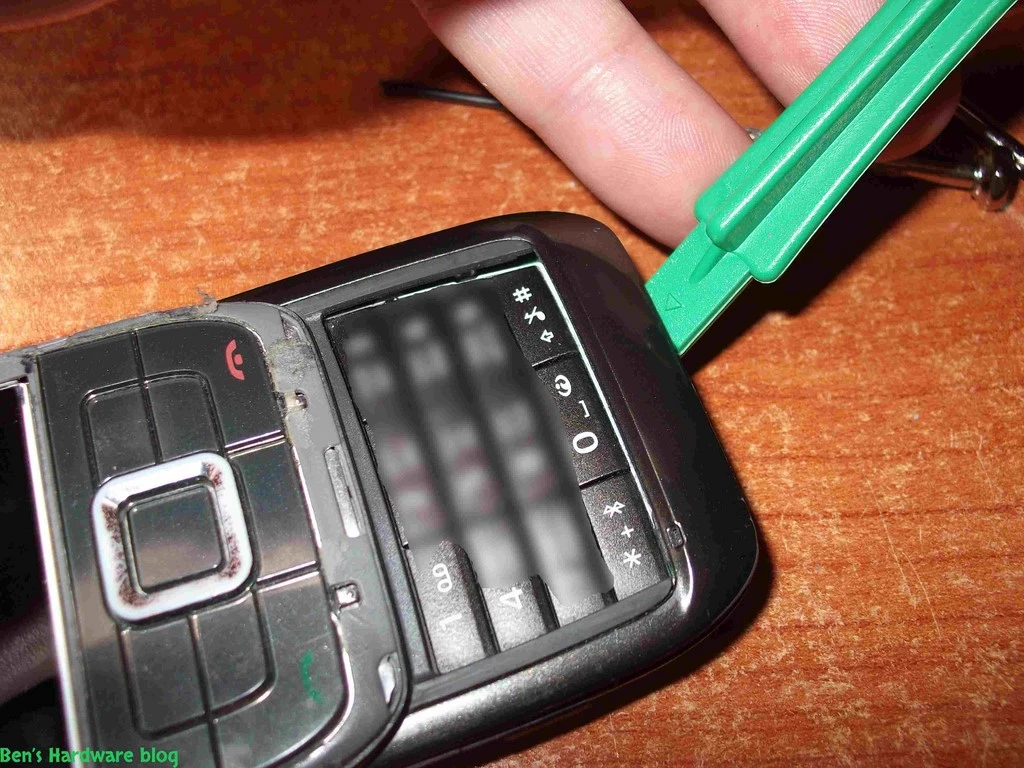
I used a special tool for this purpose that was included inside the housing kit I bought. It's basically a flat thin plastic separator. I believe it was made out of plastic to prevent damaging the other plastic parts and the cellphone's delicate electronics.

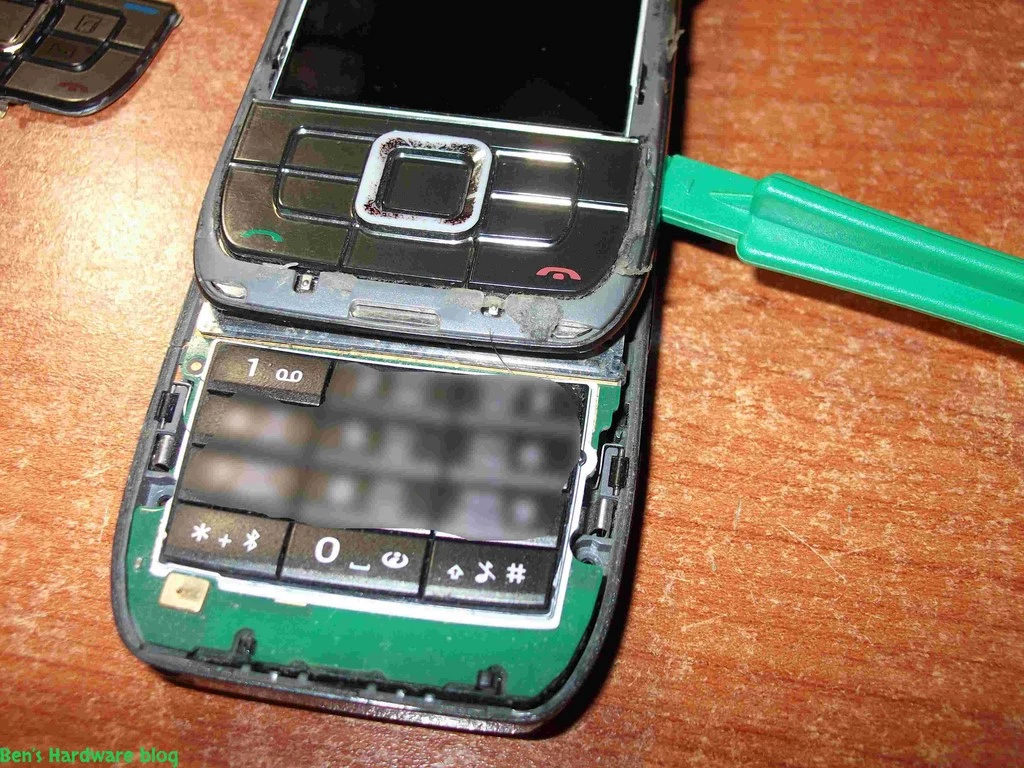
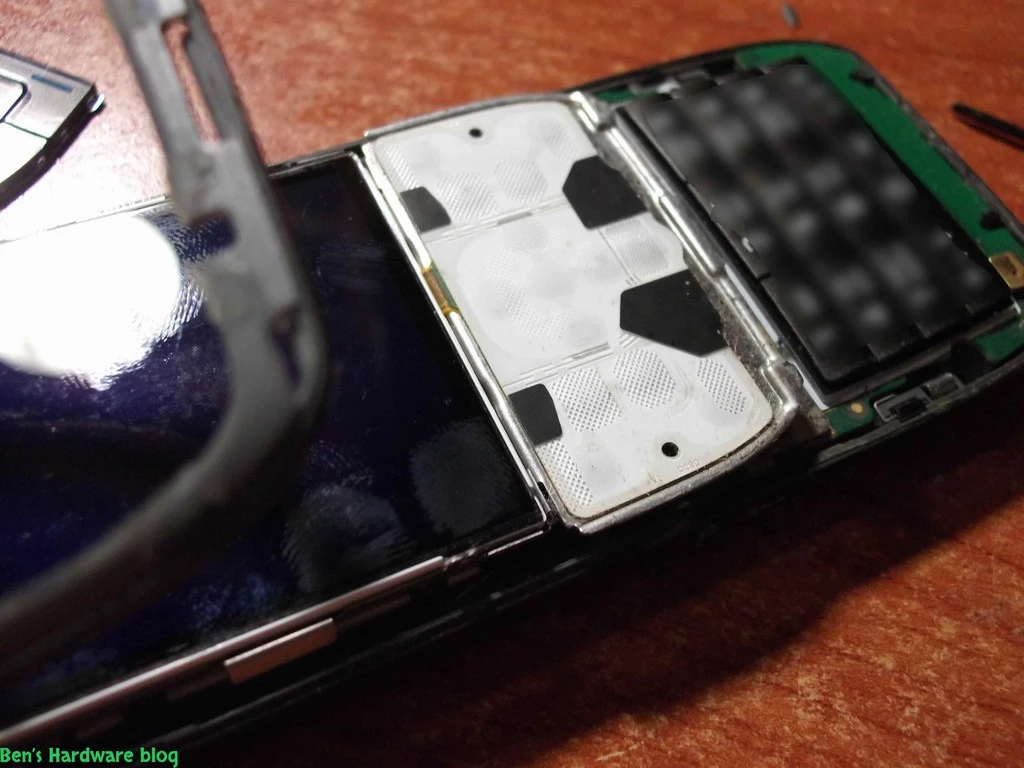
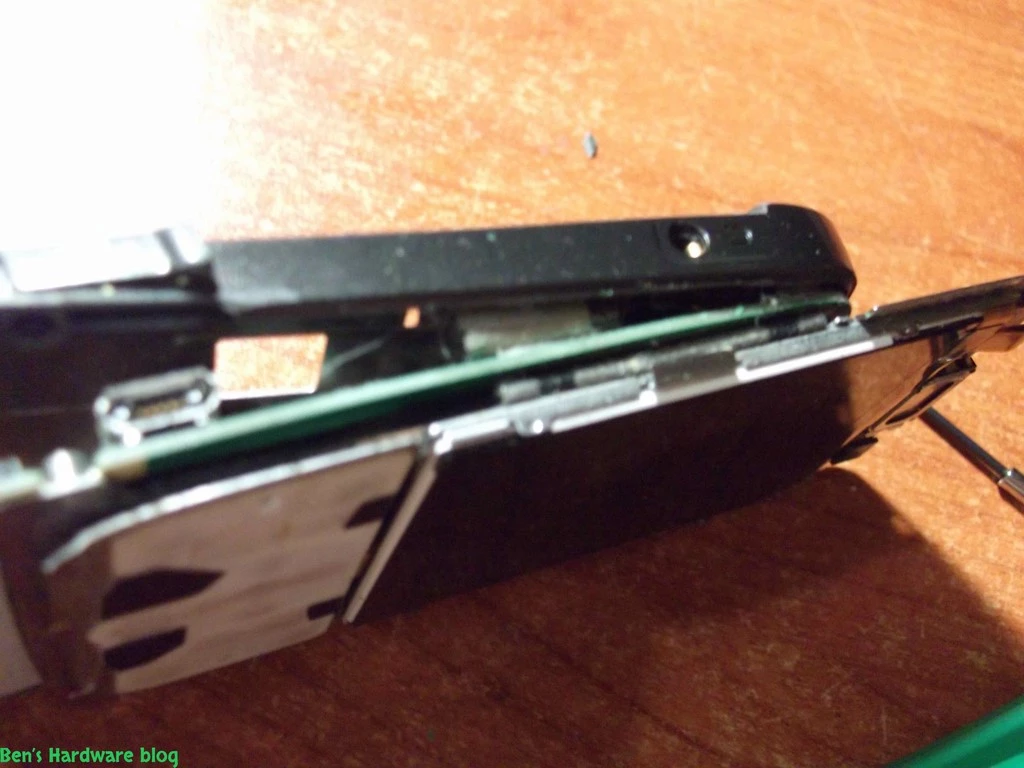
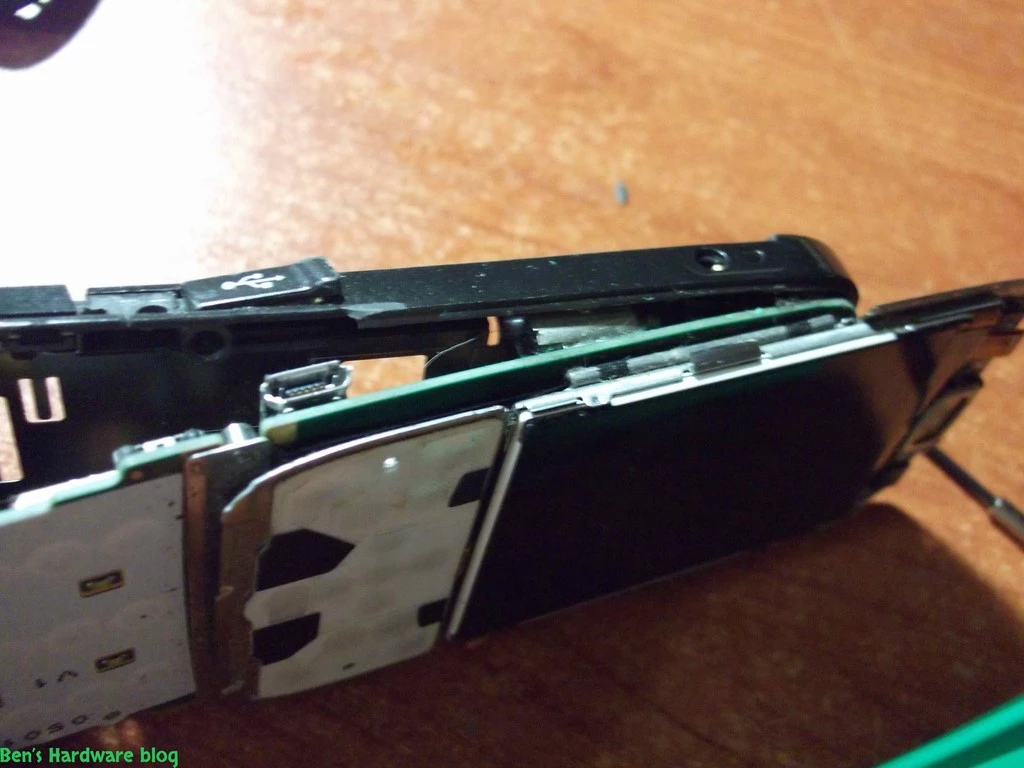
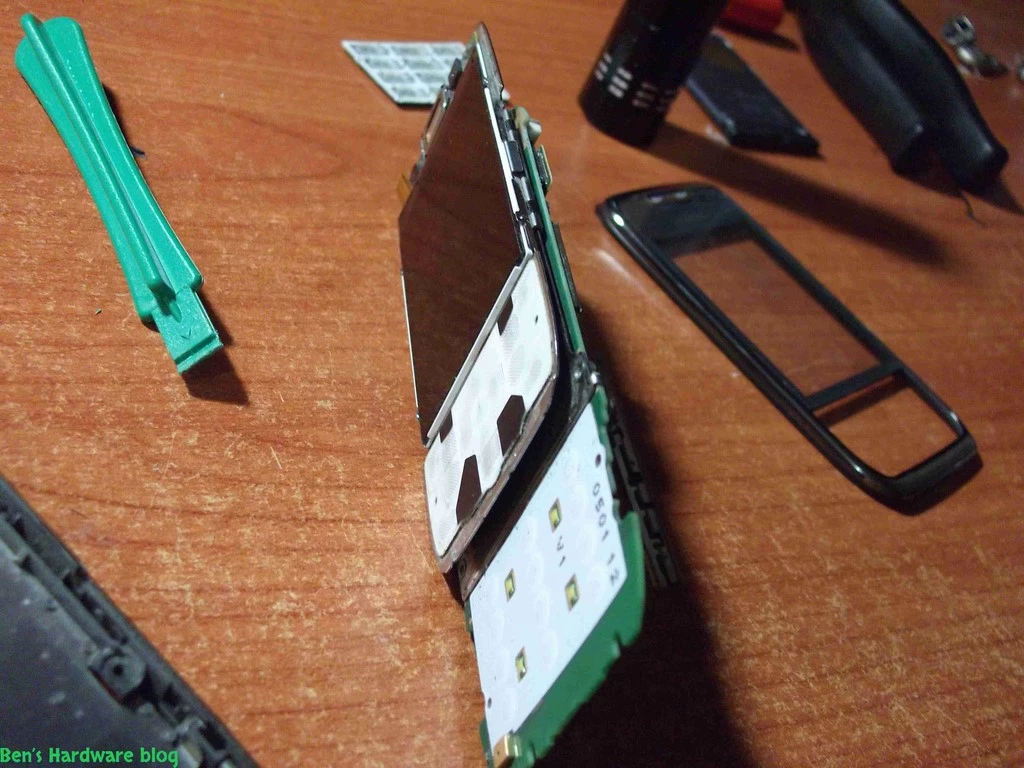
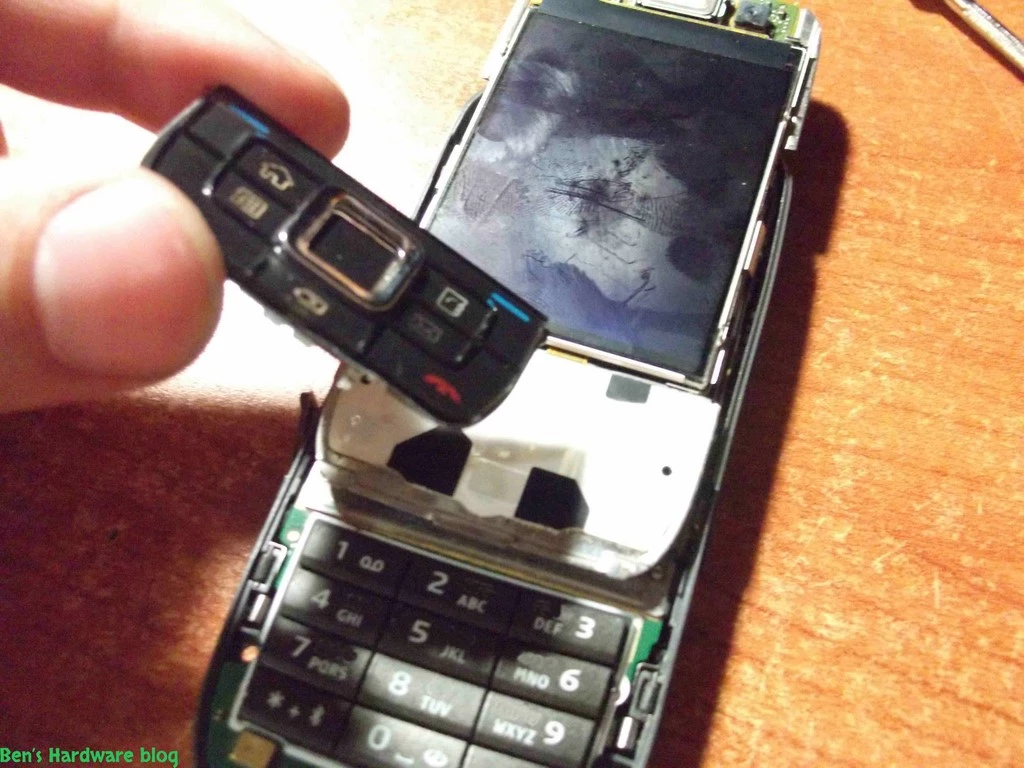
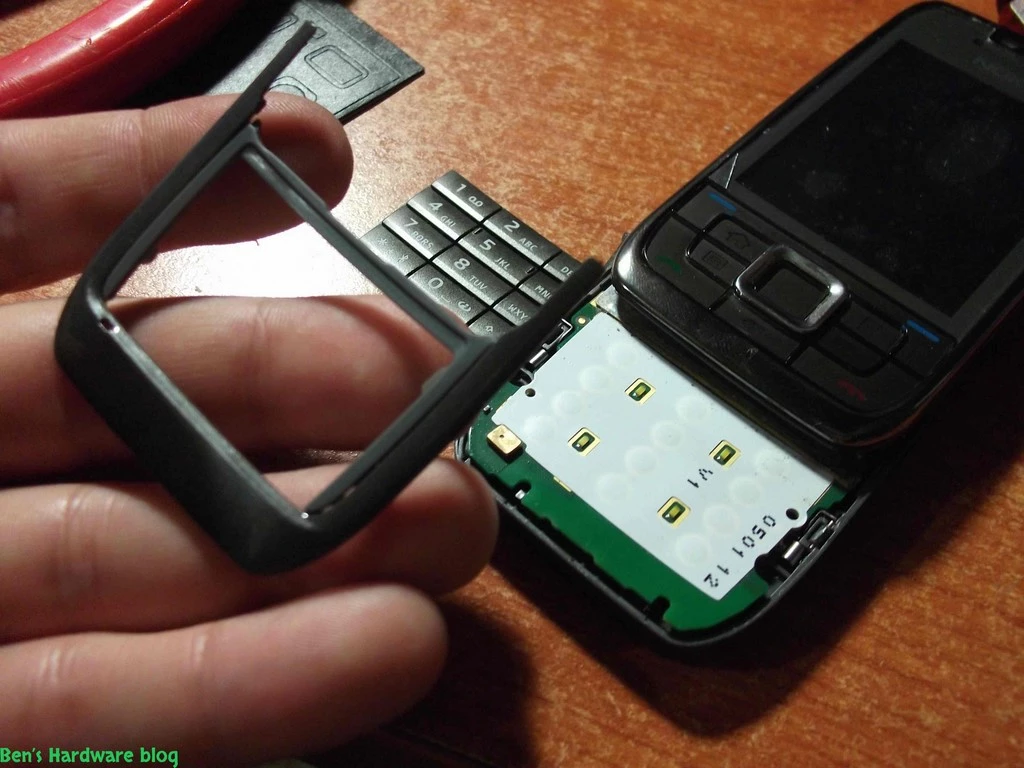
After finally removing the keypad outer cover I began trying to separate the back cover from the electronic mainboard. Remember - be patient and consistent , use small amounts of force.


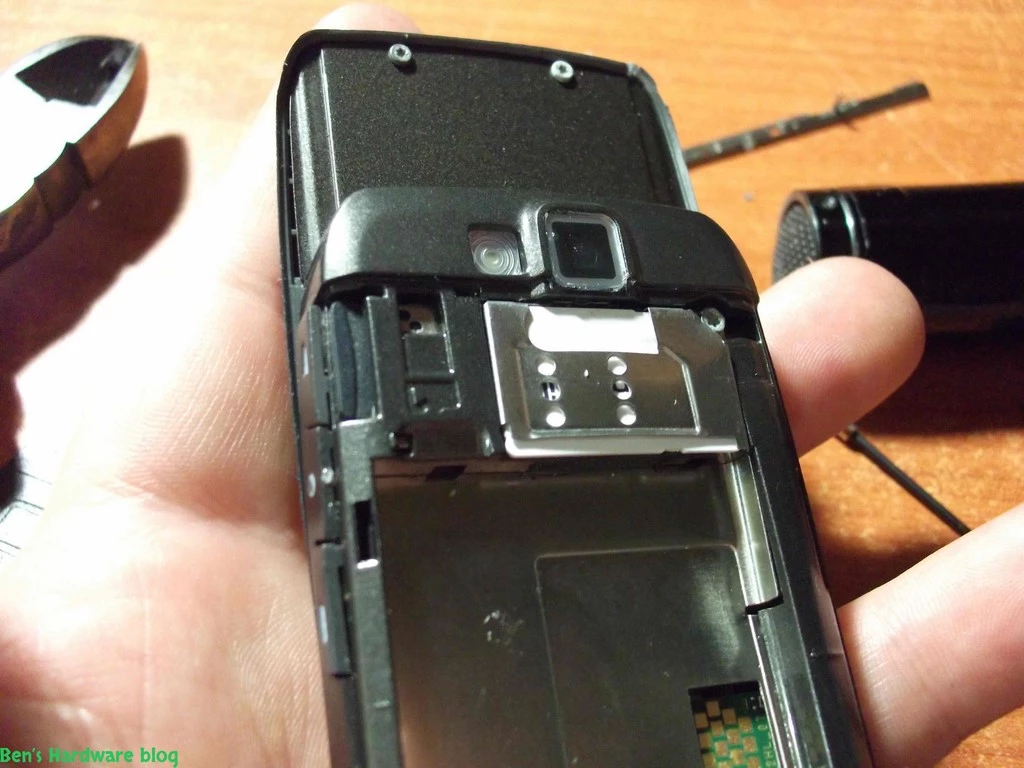
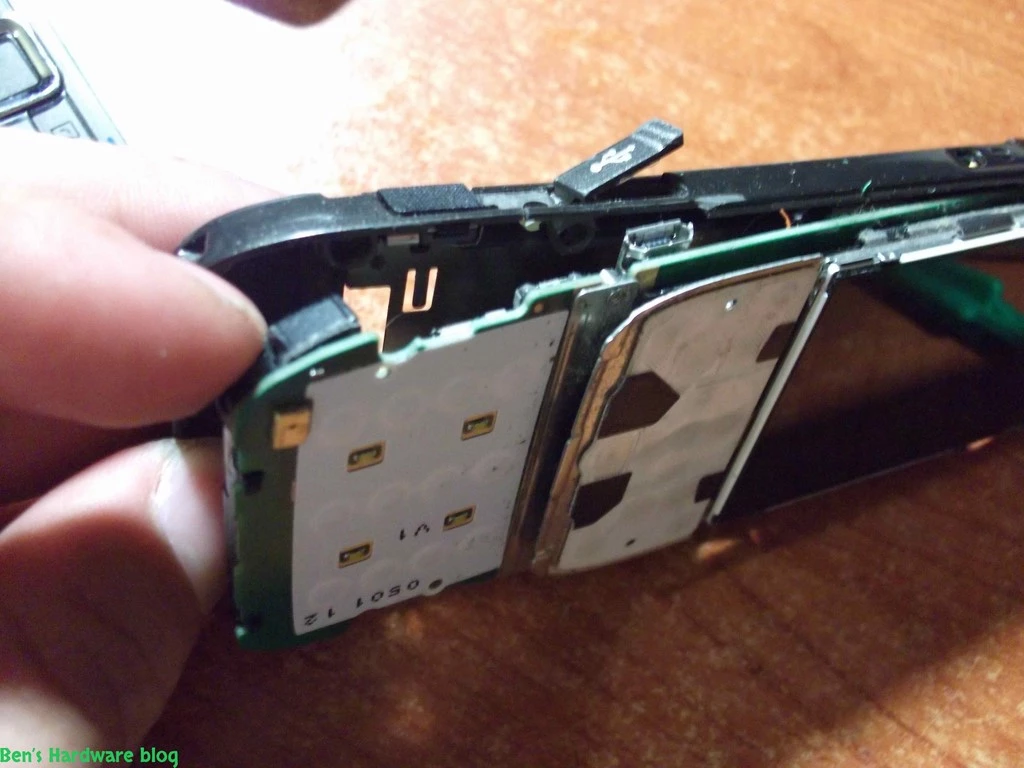
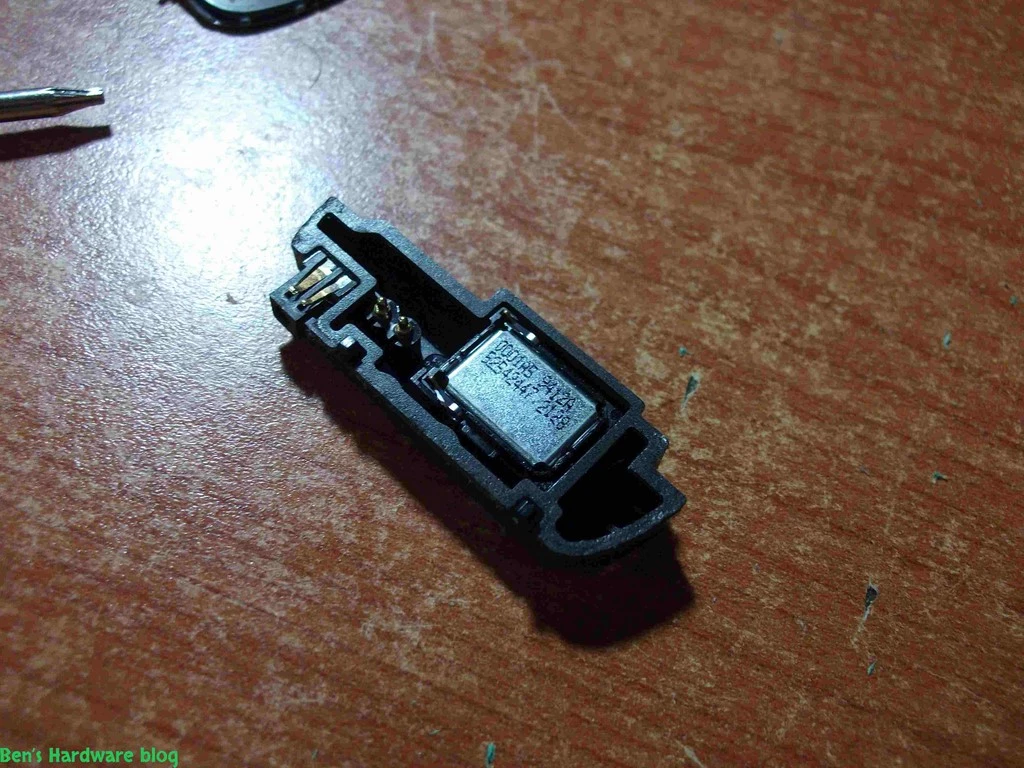
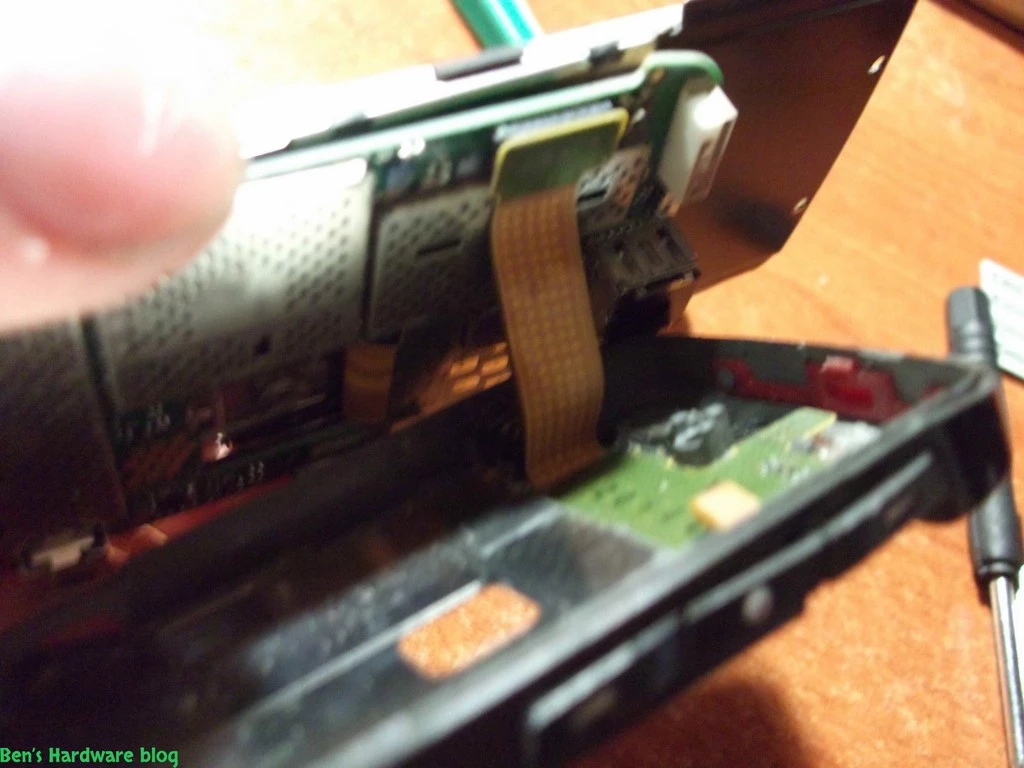
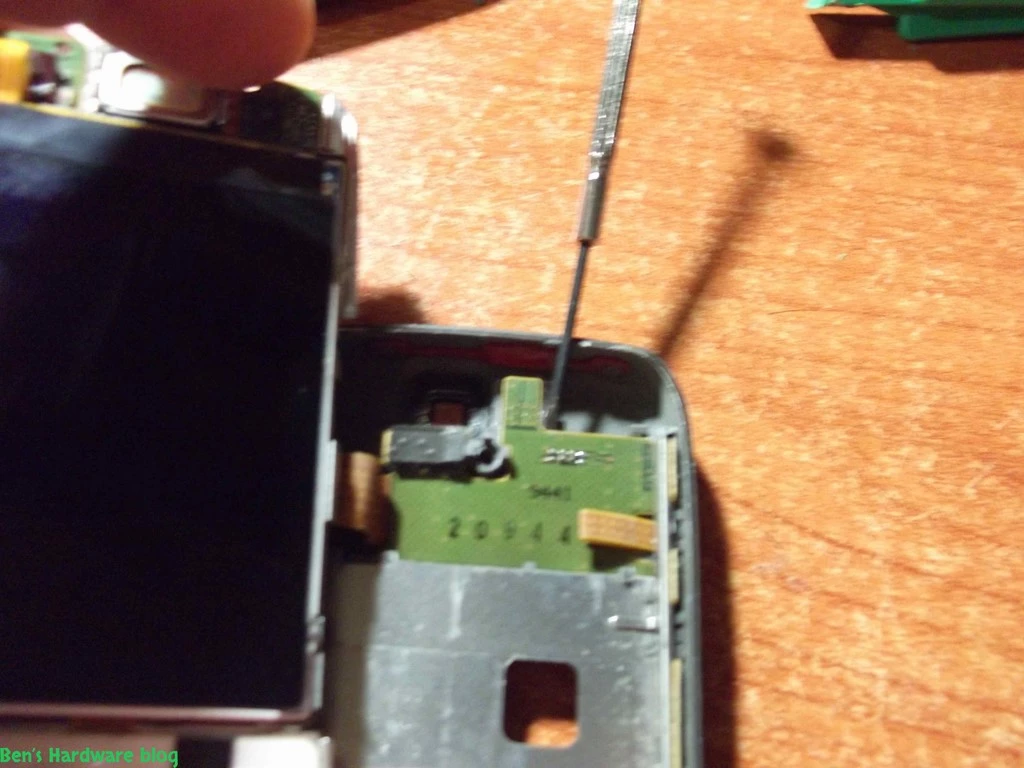
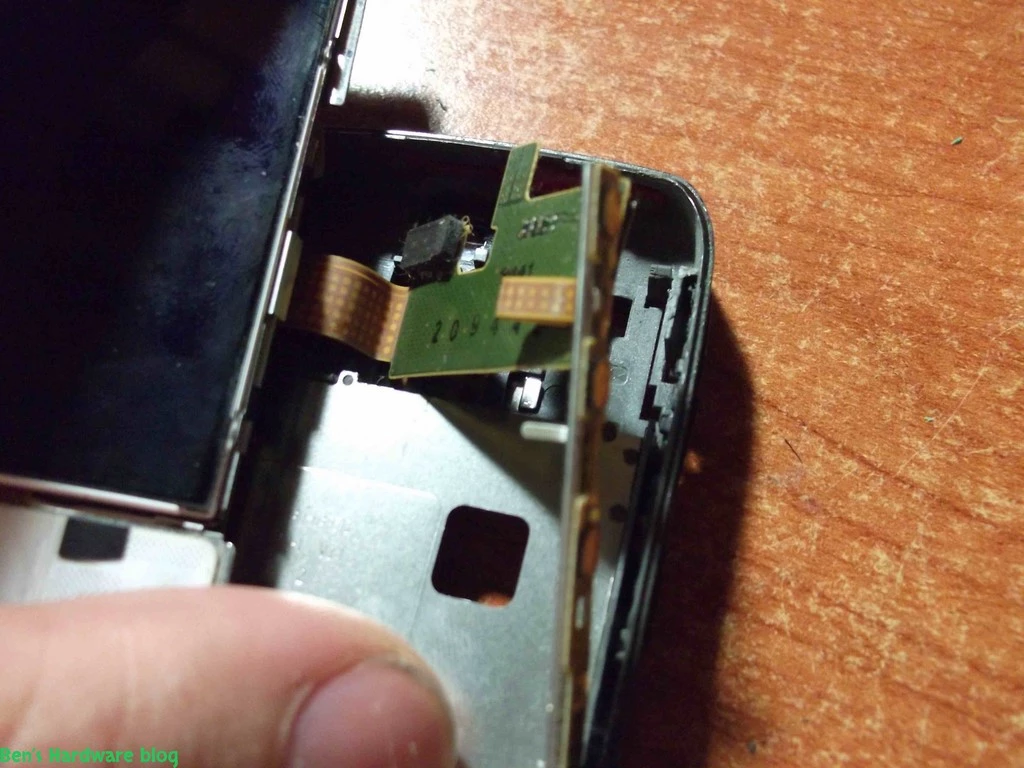
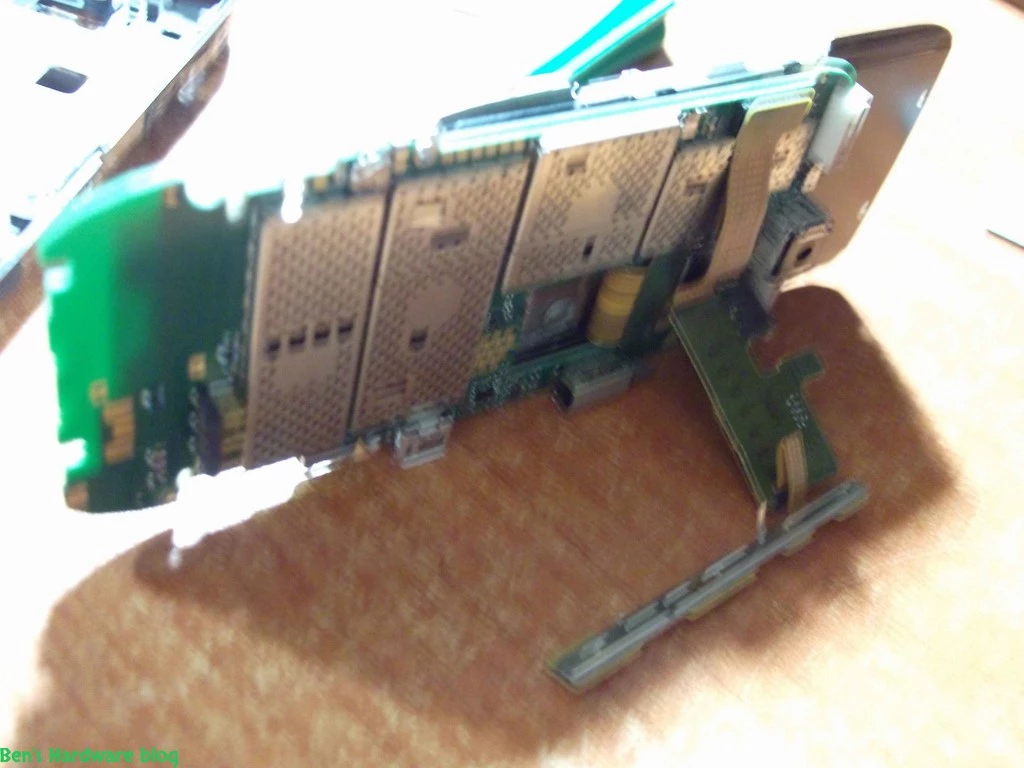
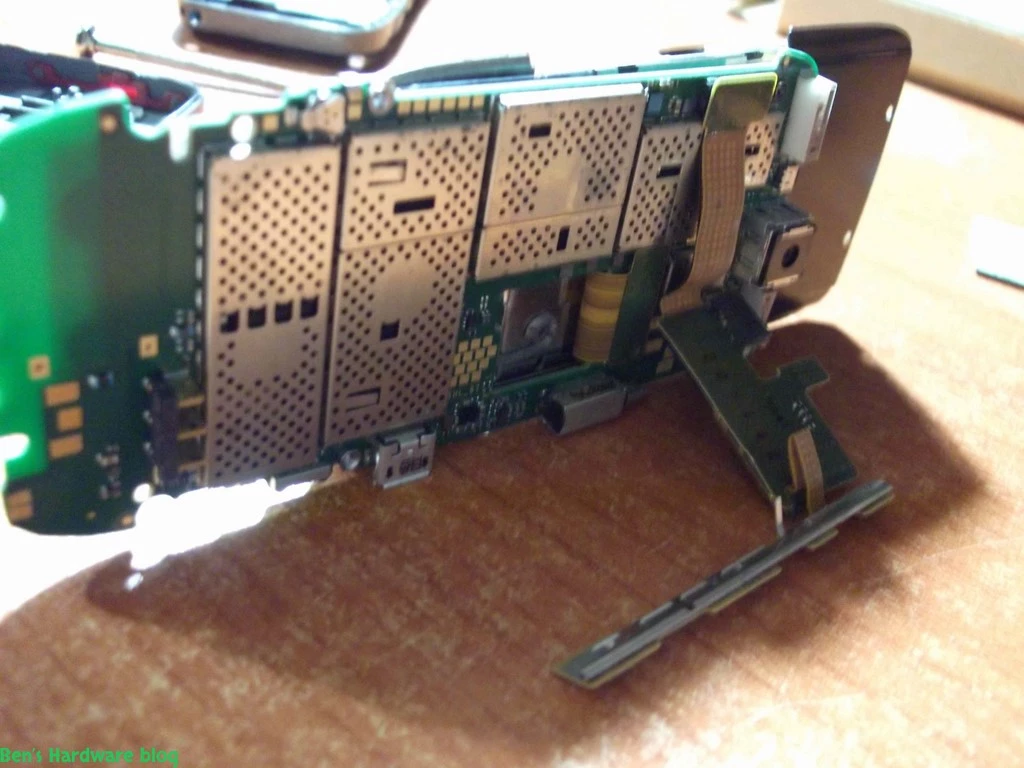
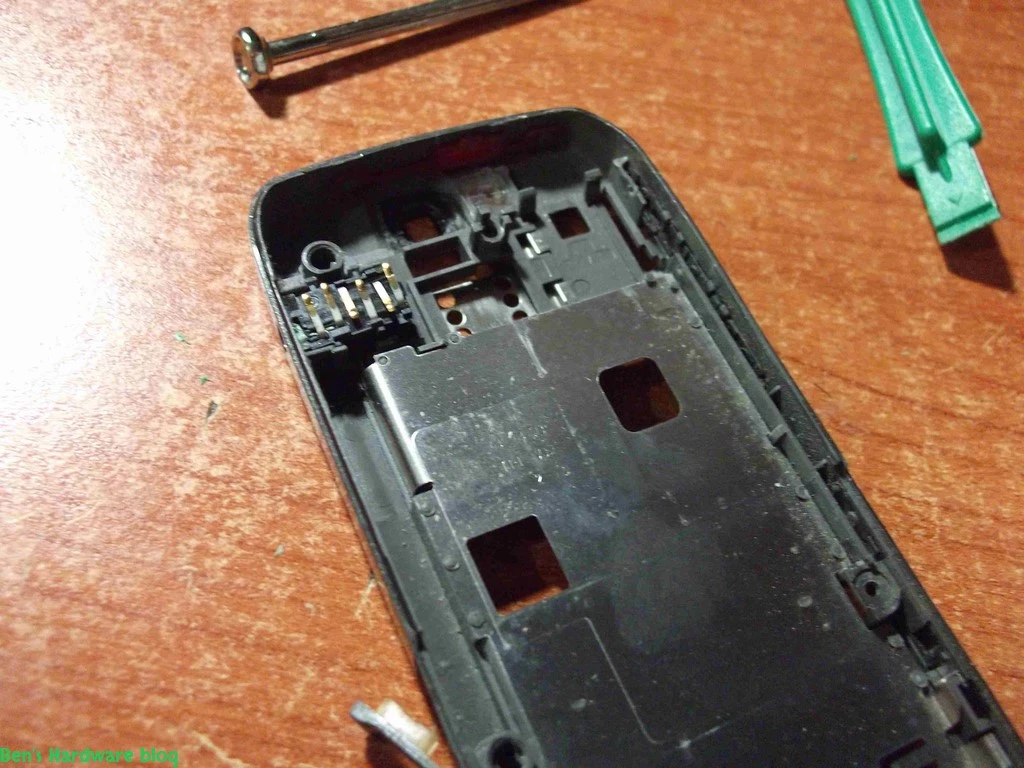
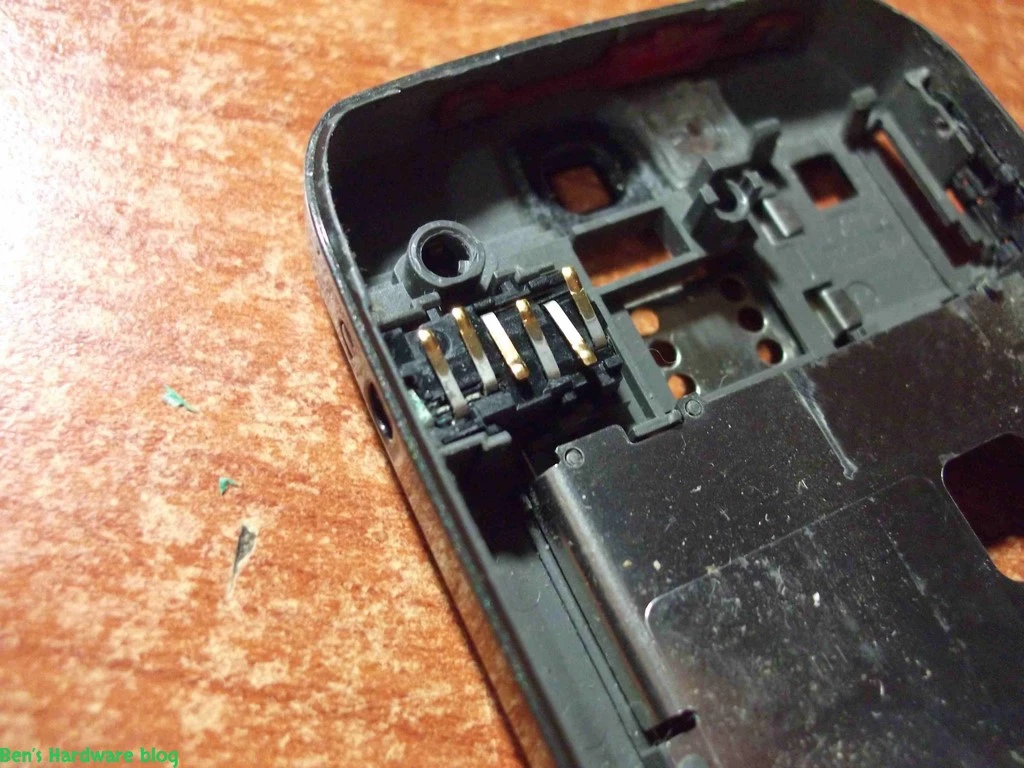
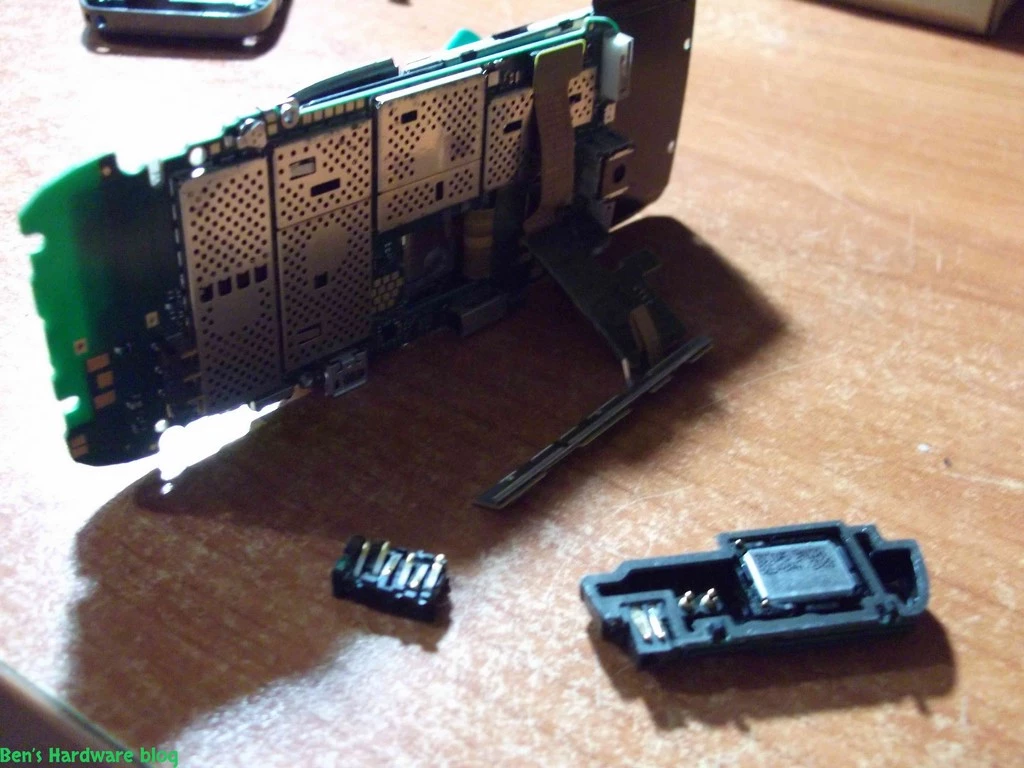
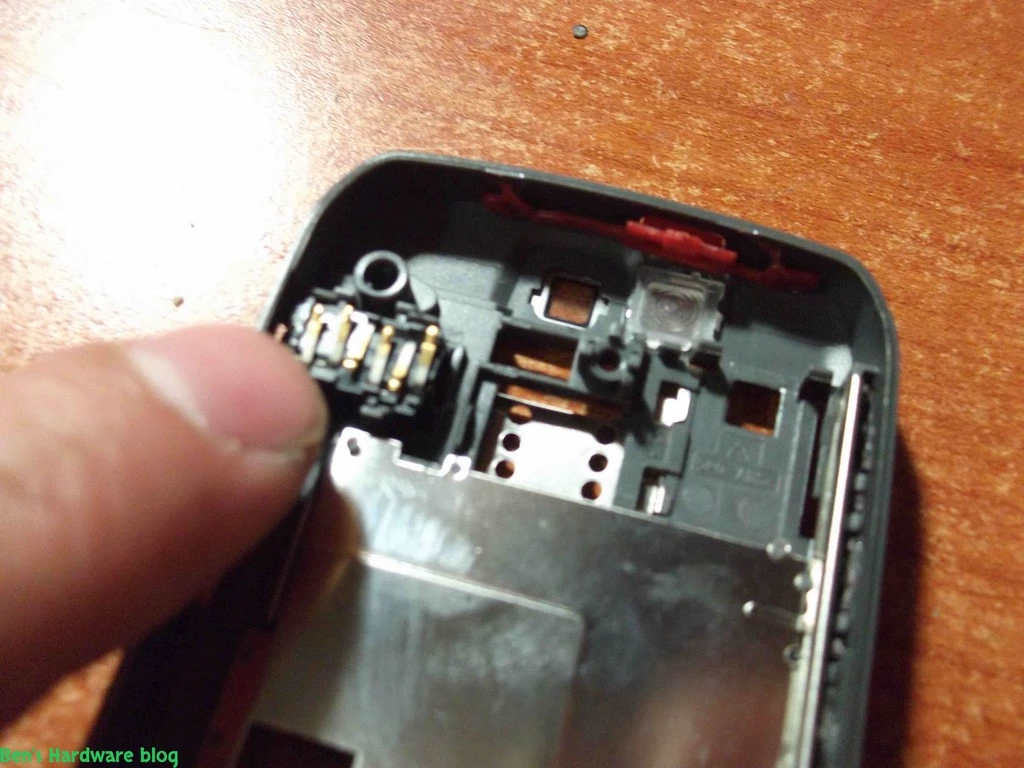
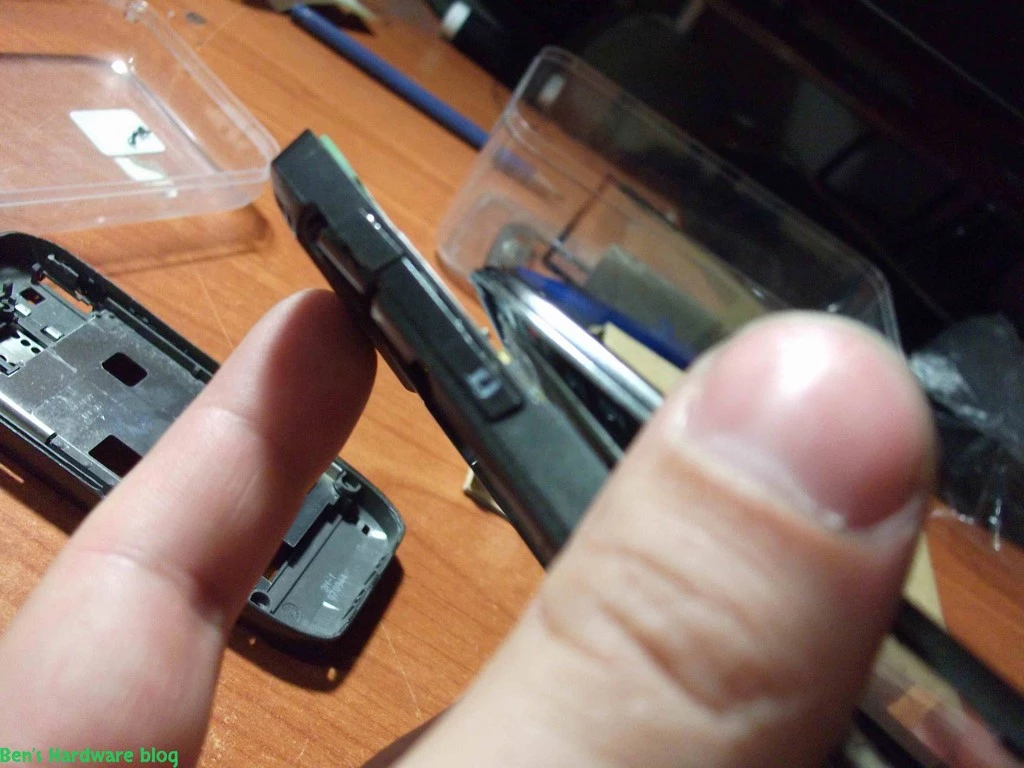
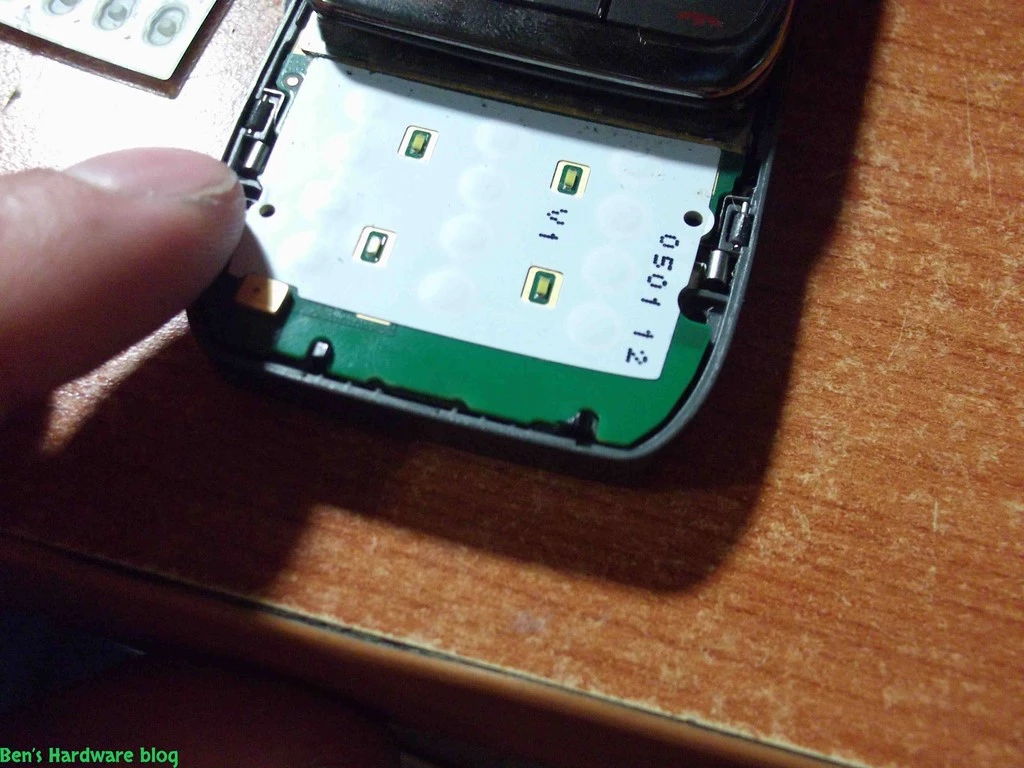
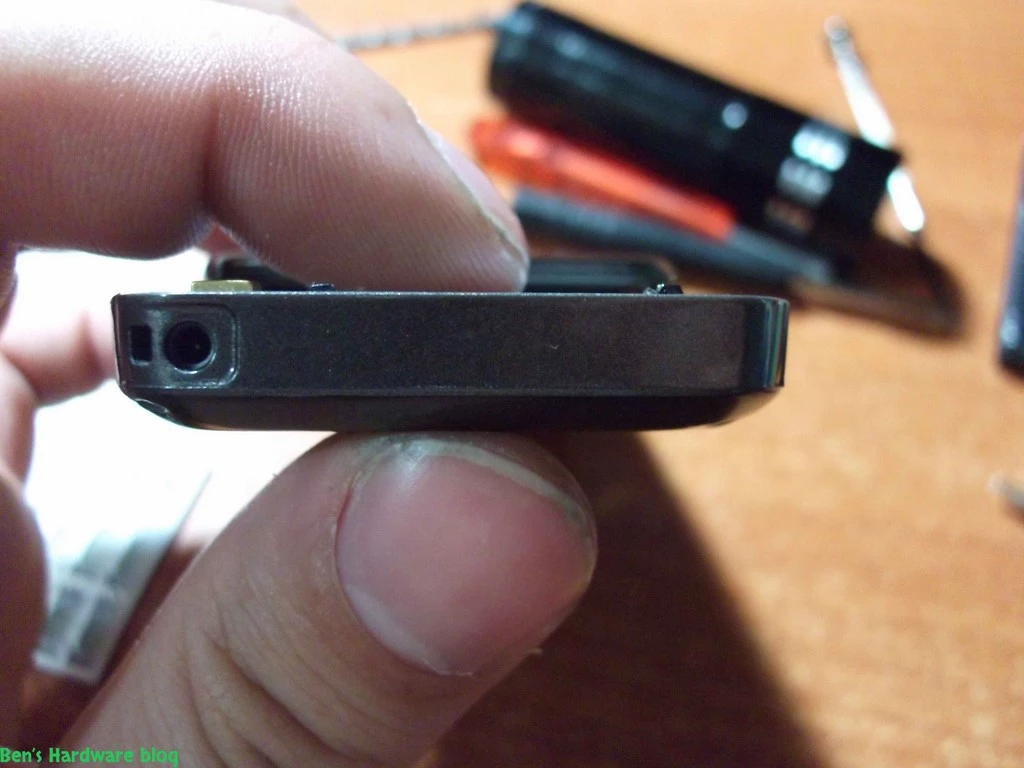
Once the back cover was separated from the mainboard I could start removing the peripheral remnants that were still connected to the back housing unit. Those remamnts included the power charging unit , the right vertical keypad that controls volume , the headphones connector unit and the camera unit. 


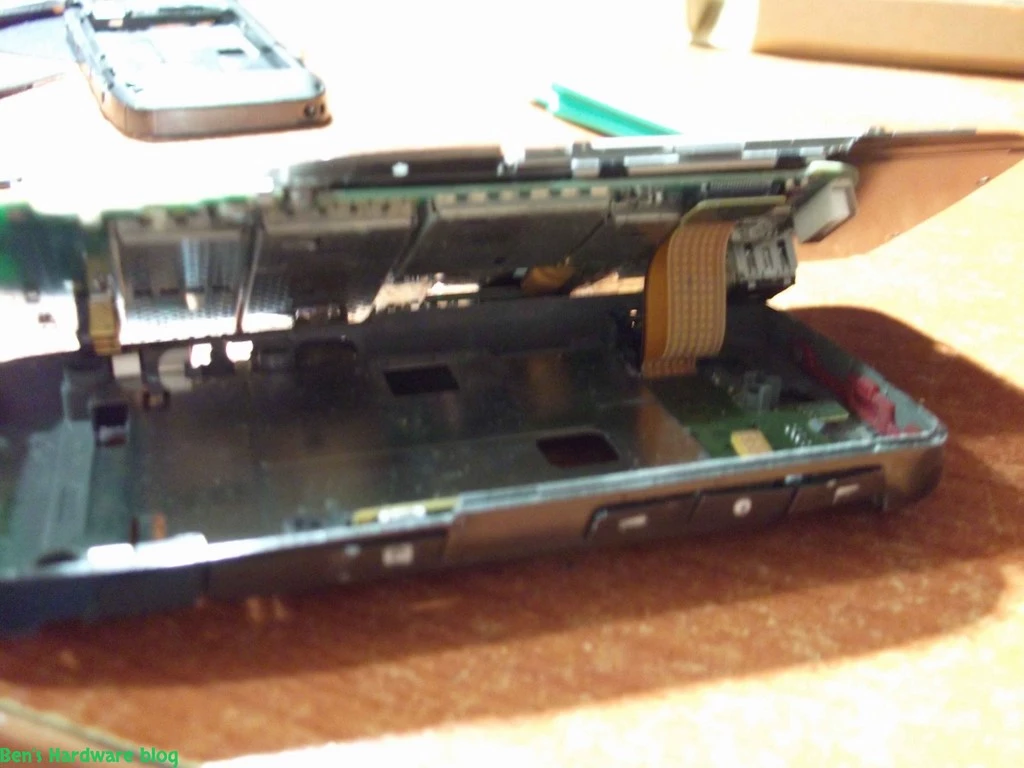
Once all these units were out I was able to completely get the mainboard free of any housing parts.

Installing the new housing and covers:

Basically this part is the easiest. Once you know where each part should be it's not really a problem reassembling the housing.

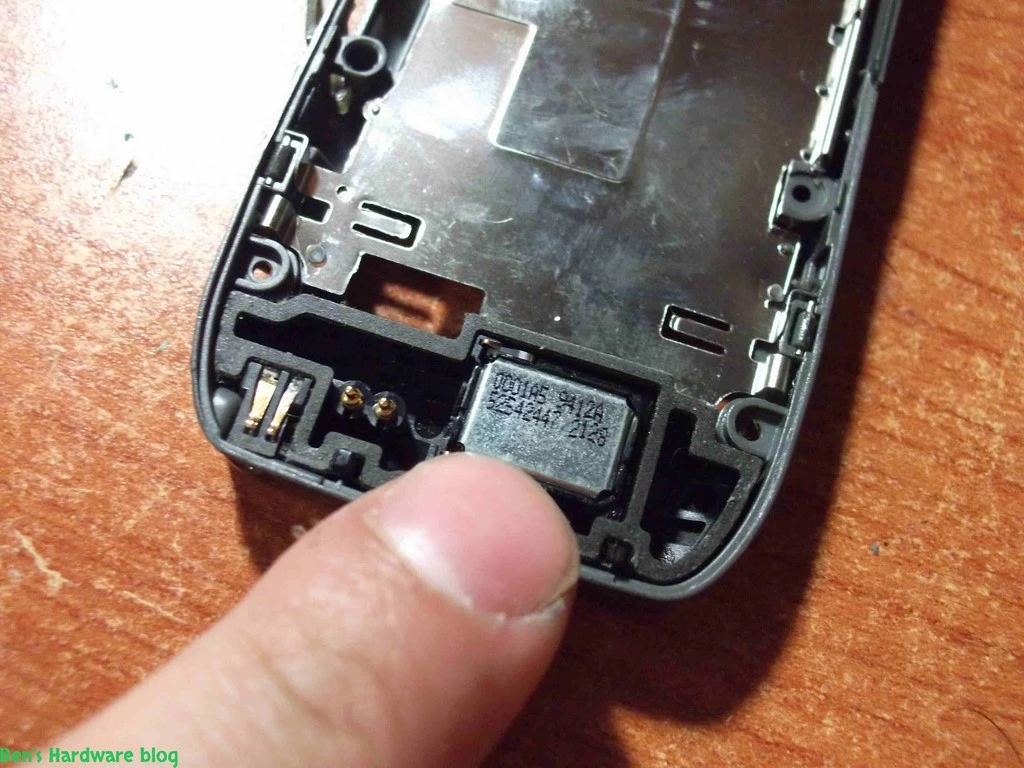
  1. I began with the peripherals because they were the easiest parts to reassemble. the headphones unit and the power charge unit. I just put them both inside their place.
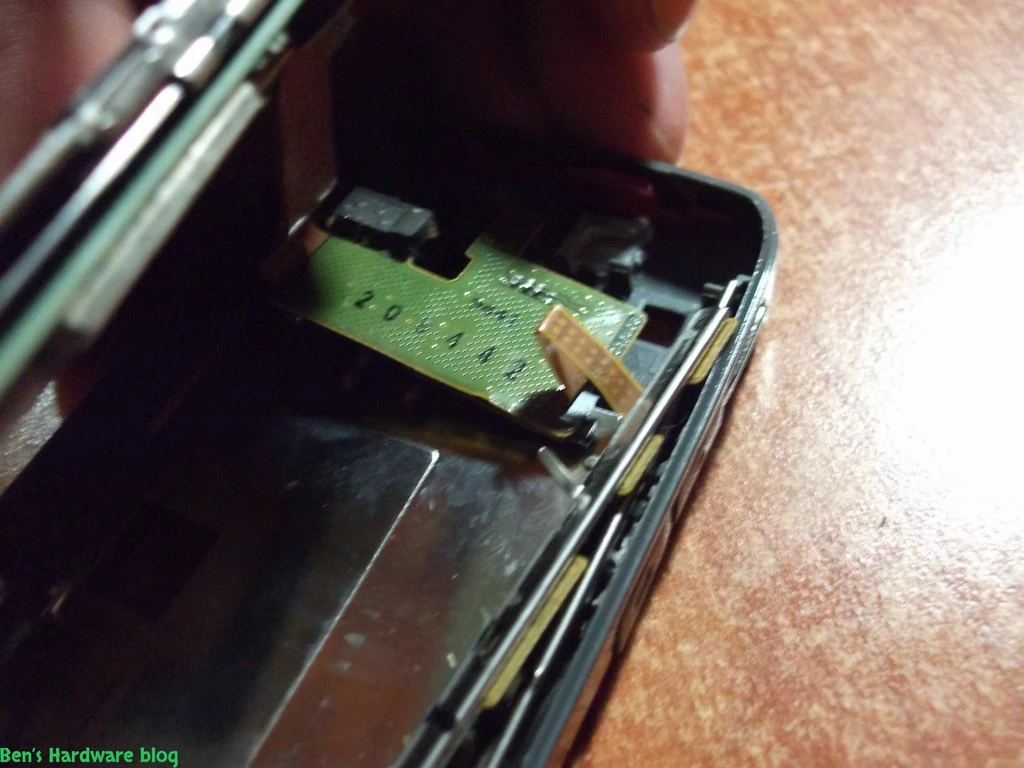
  2. The camera unit and the right keypad unit were next. Again, putting the camera board in place was very easy, however , the keypad was a different story and presented some challenge and tested my patience…
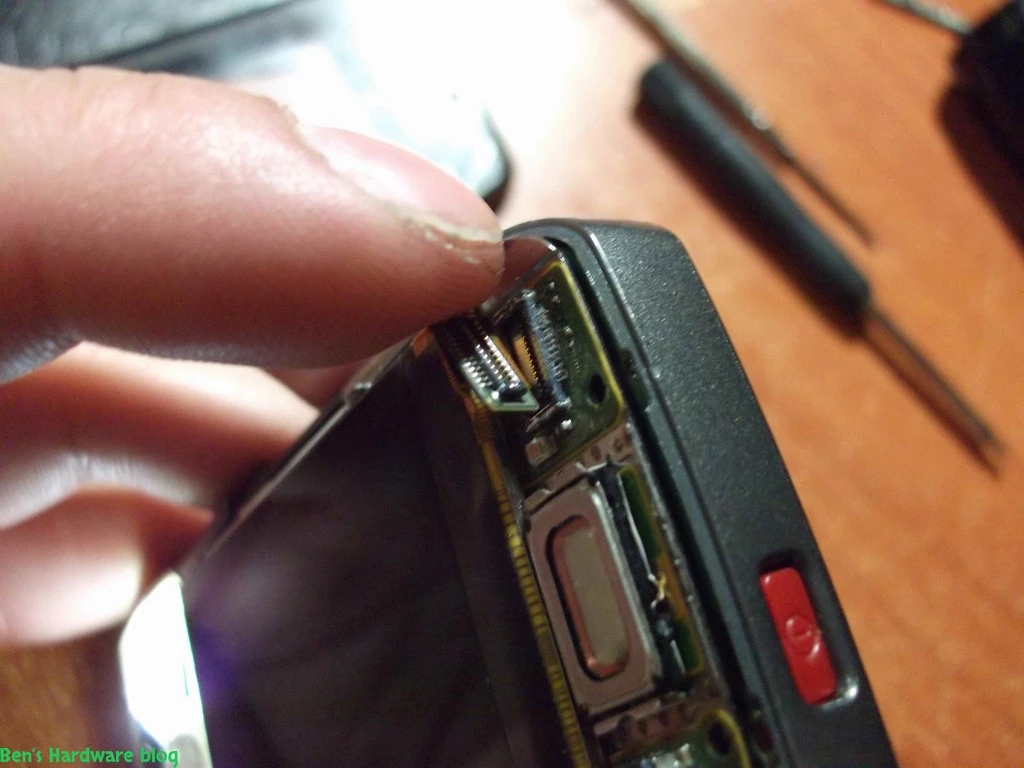
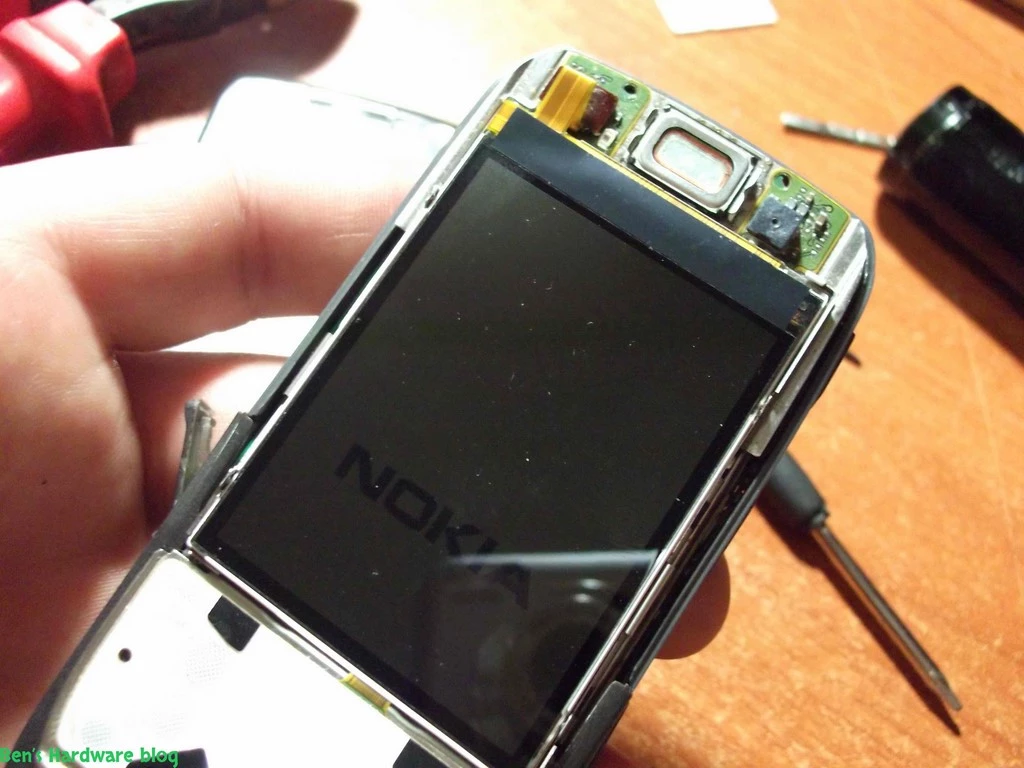
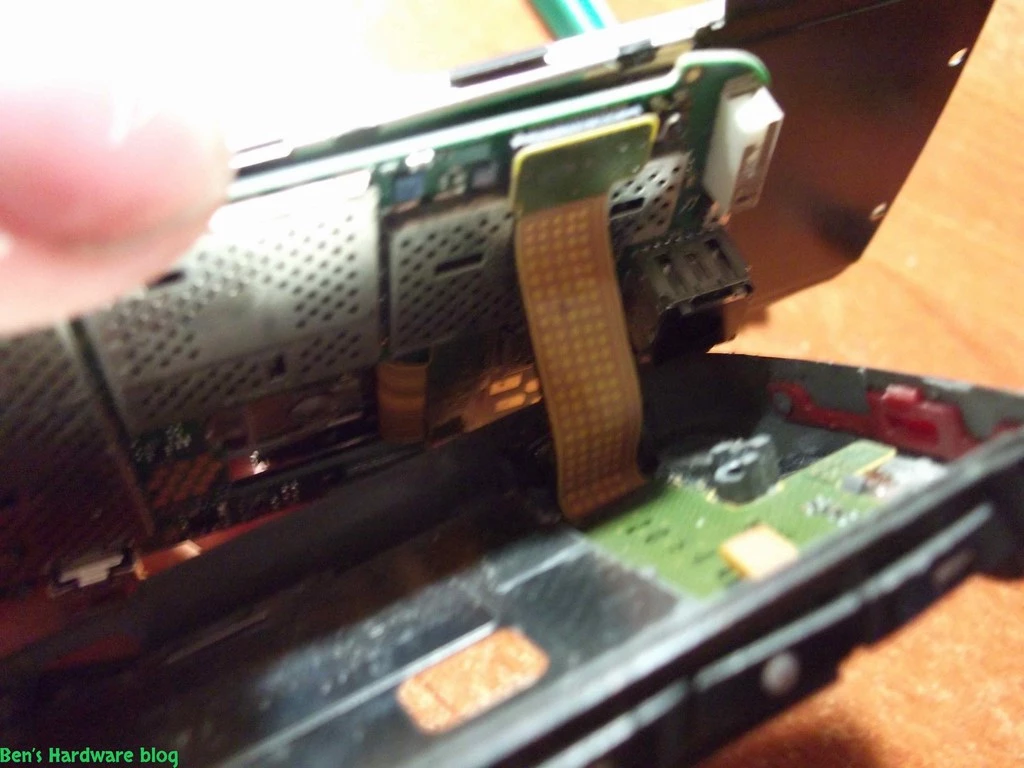
  3. Next , I placed the entire mainboard in its place. It seemed relatively easy…but right after I thought for myself that I was done and activated the cellphone to see that everything is alright , I noticed the LCD was working in a weird way - half of it was on and half was off. So finally after carefully inspecting the mainboard, I found out that while I was putting the mainboard into the new housing I accidently disconnected the LCD data cable from the mainboard itself. Connecting it back was a bit tricky because of its size, again ,patience is a key here.

4. After the mainboard was in place along with its peripherals , I screwed back the 6 Torx head screws I had originally unscrewed.

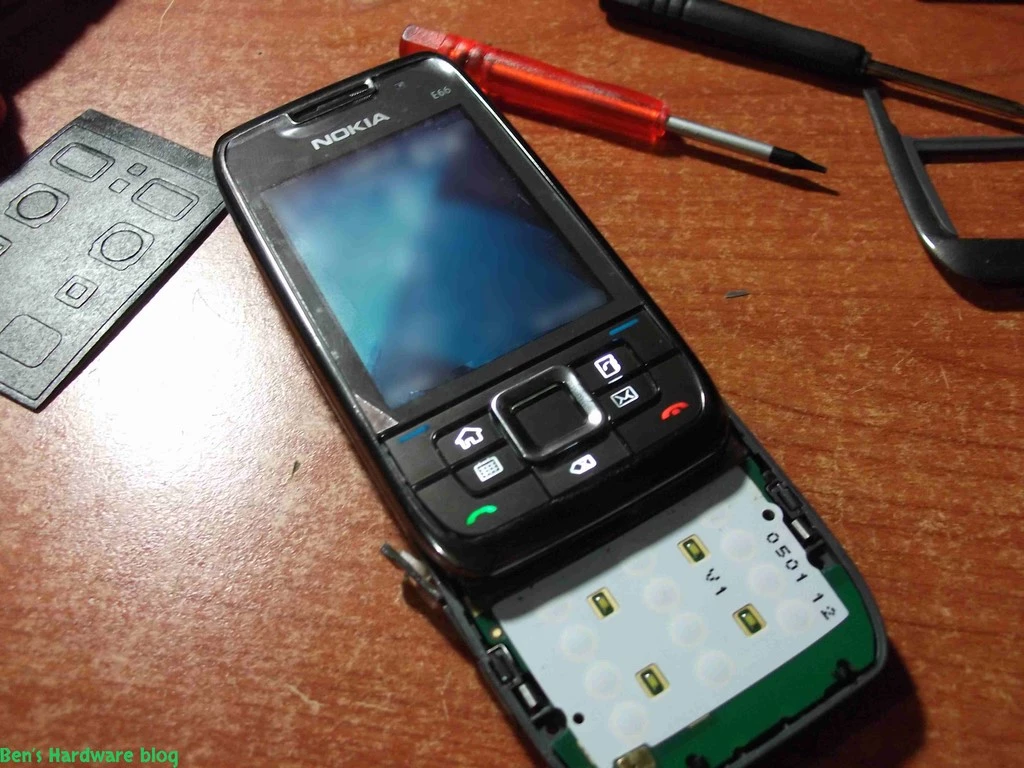
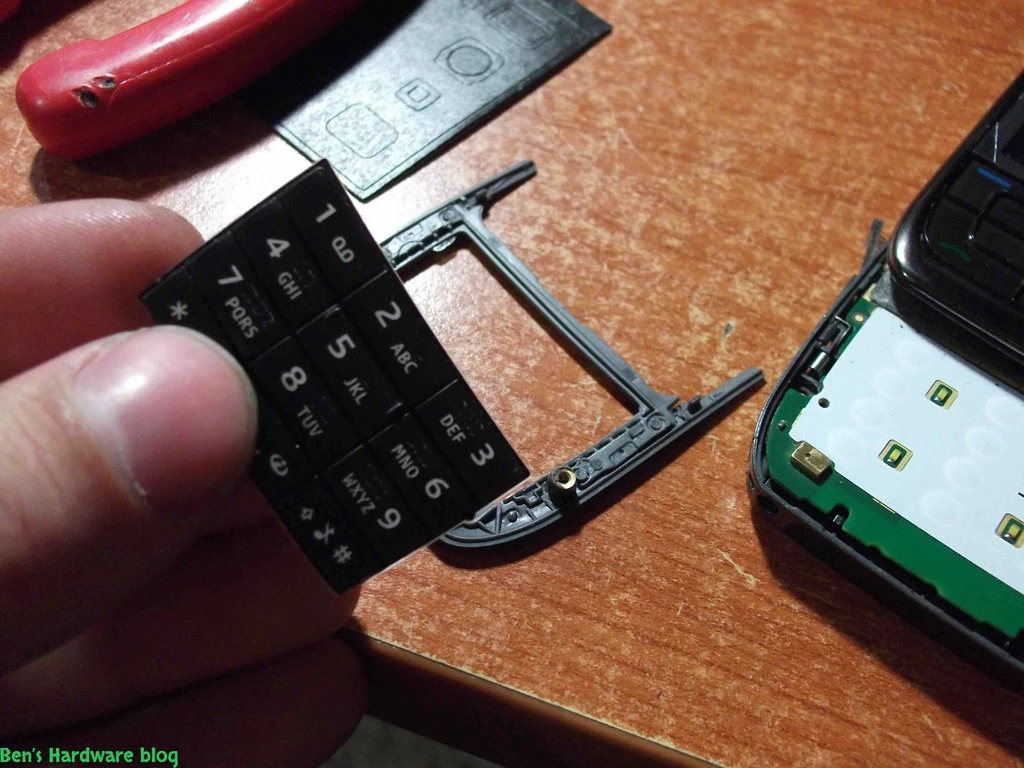
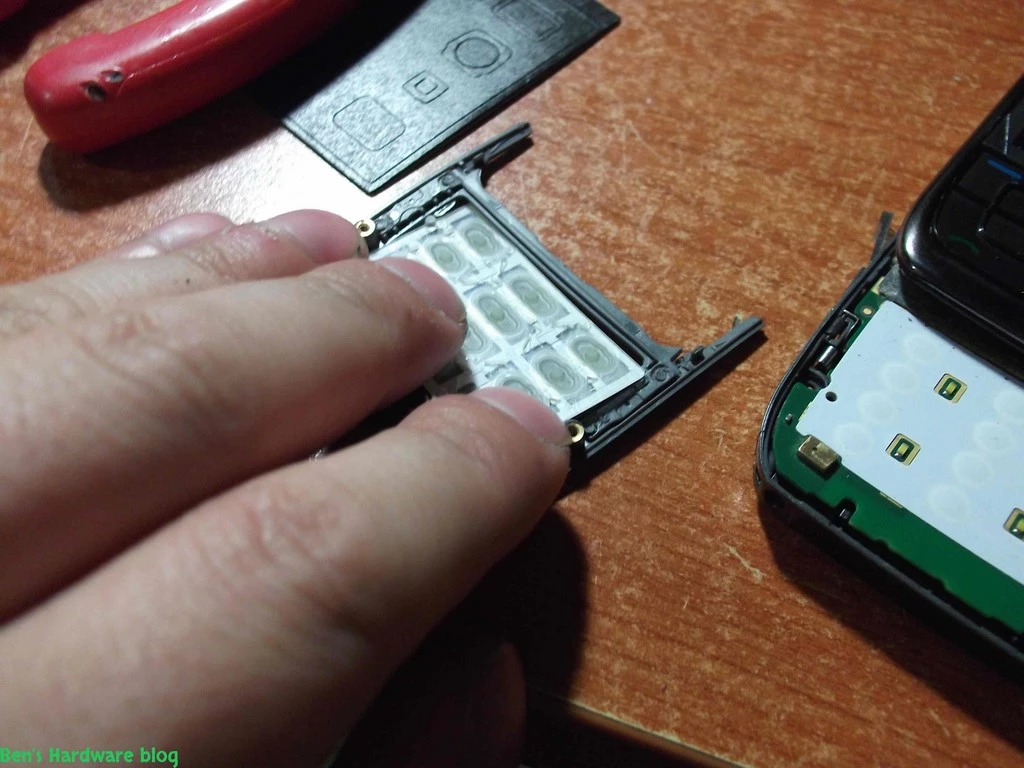
5. In order to screw in the 2 bottom Torx head screws I had to put back the new keypad outer cover. But BEFORE I put the outer cover, I had to put the keypad itself back BEHIND the outer cover.


6.  Next , I put back the second keypad unit in the sliding part of the cellphone (just under the LCD screen)              

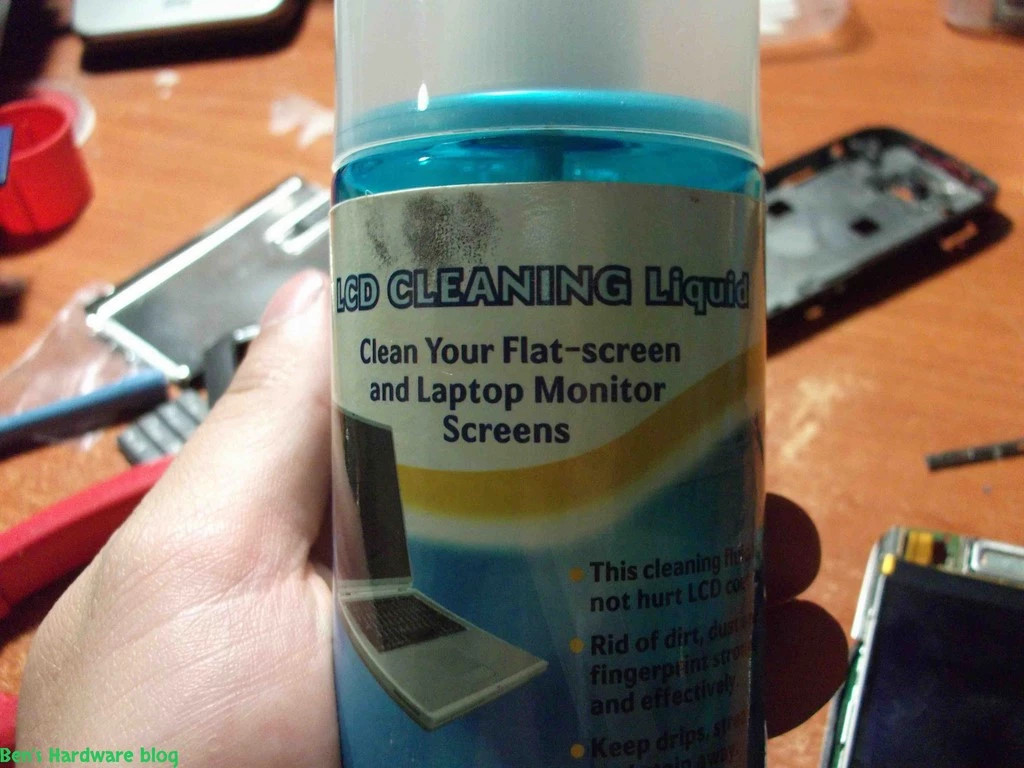
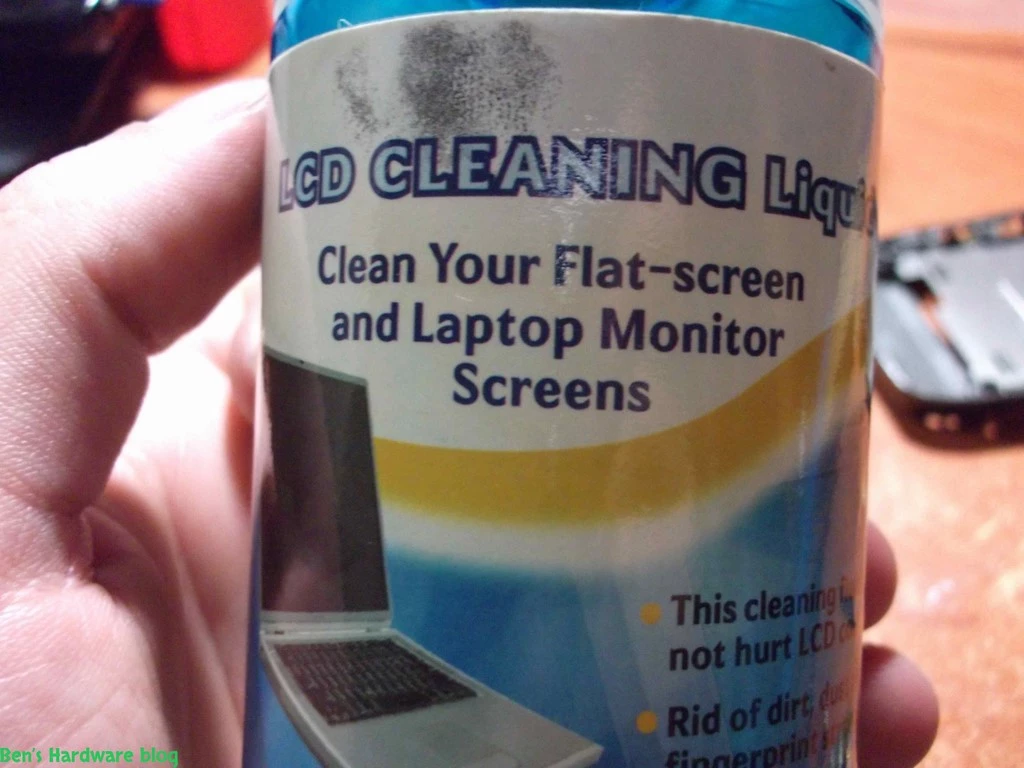
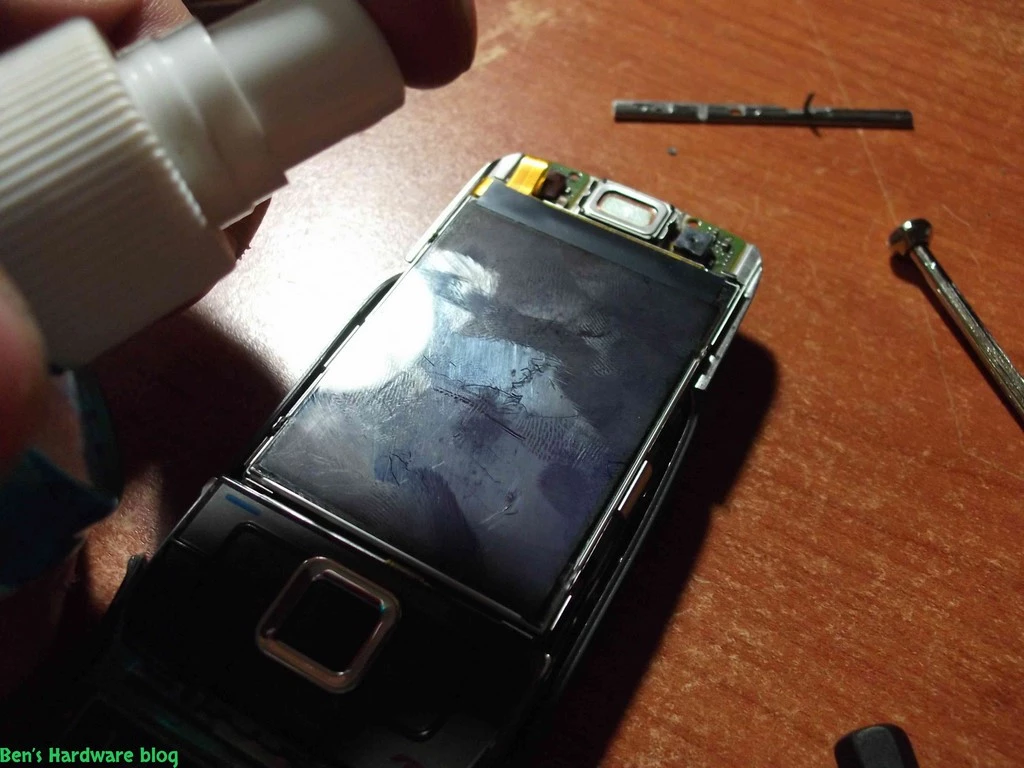
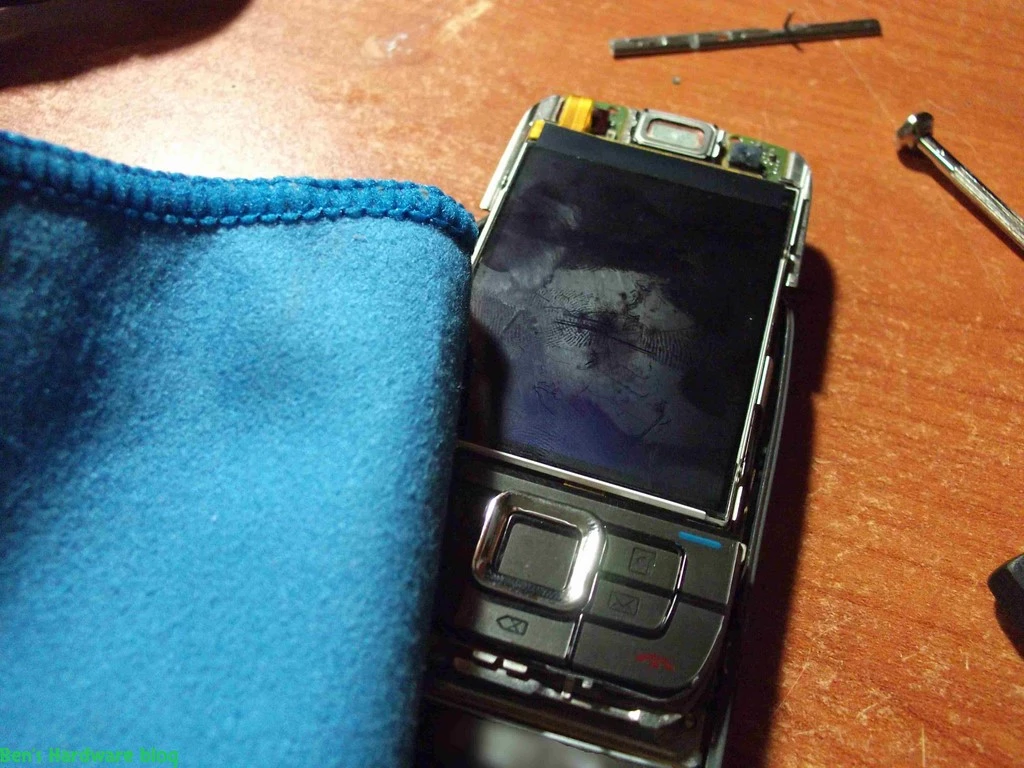
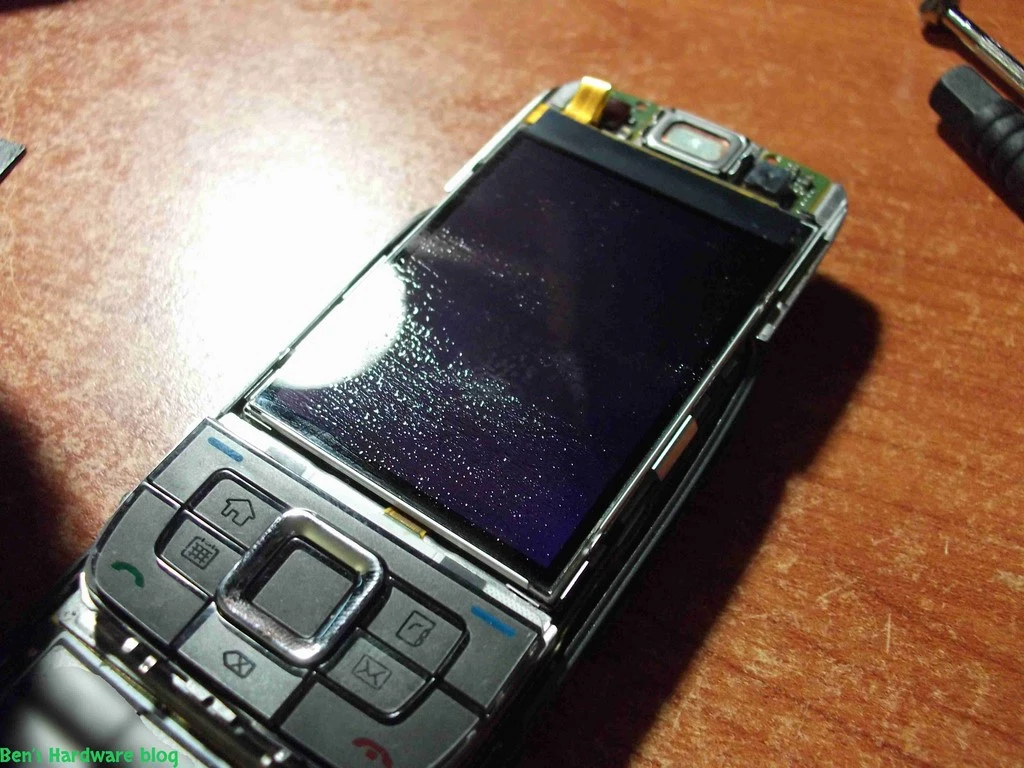
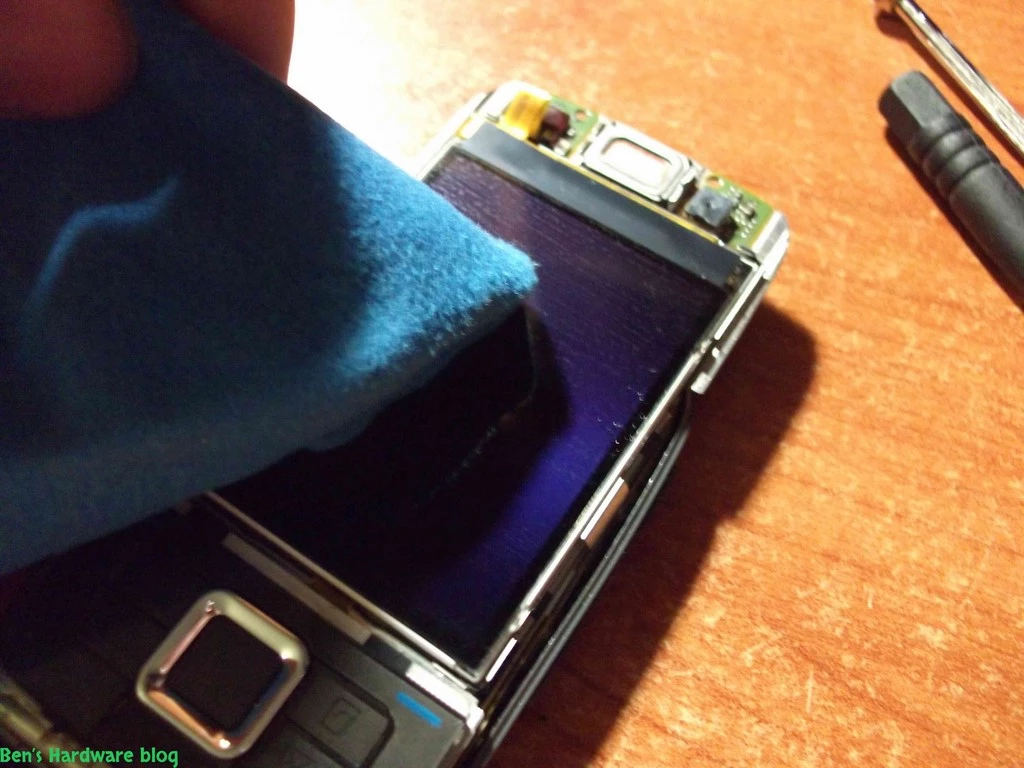
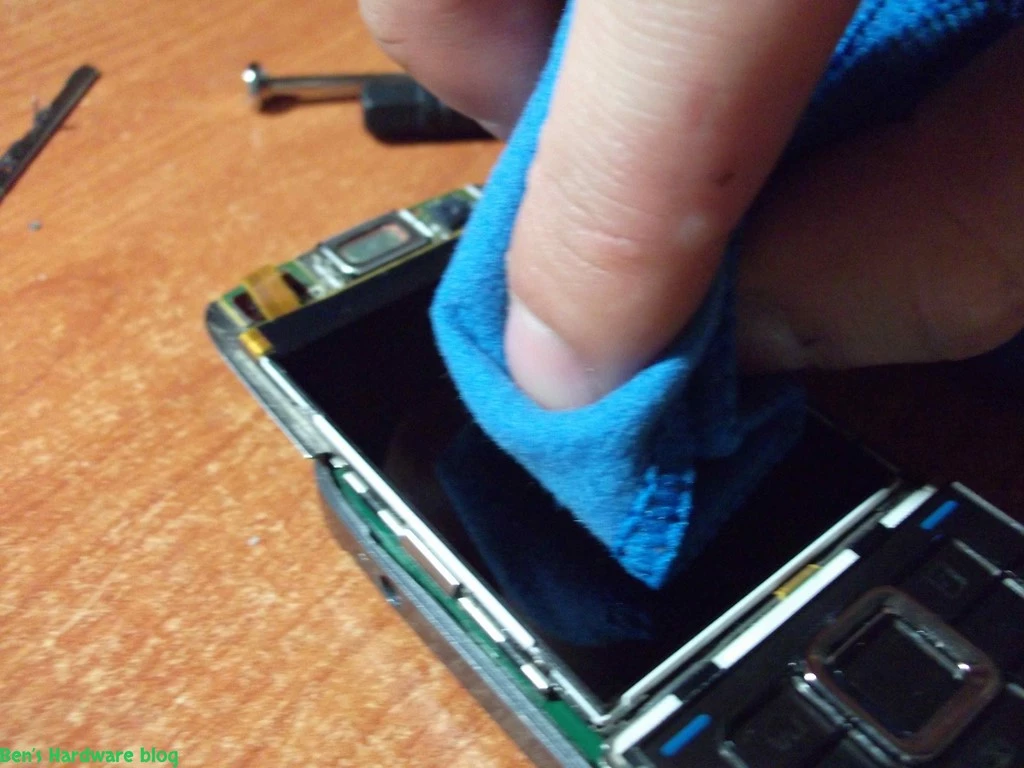
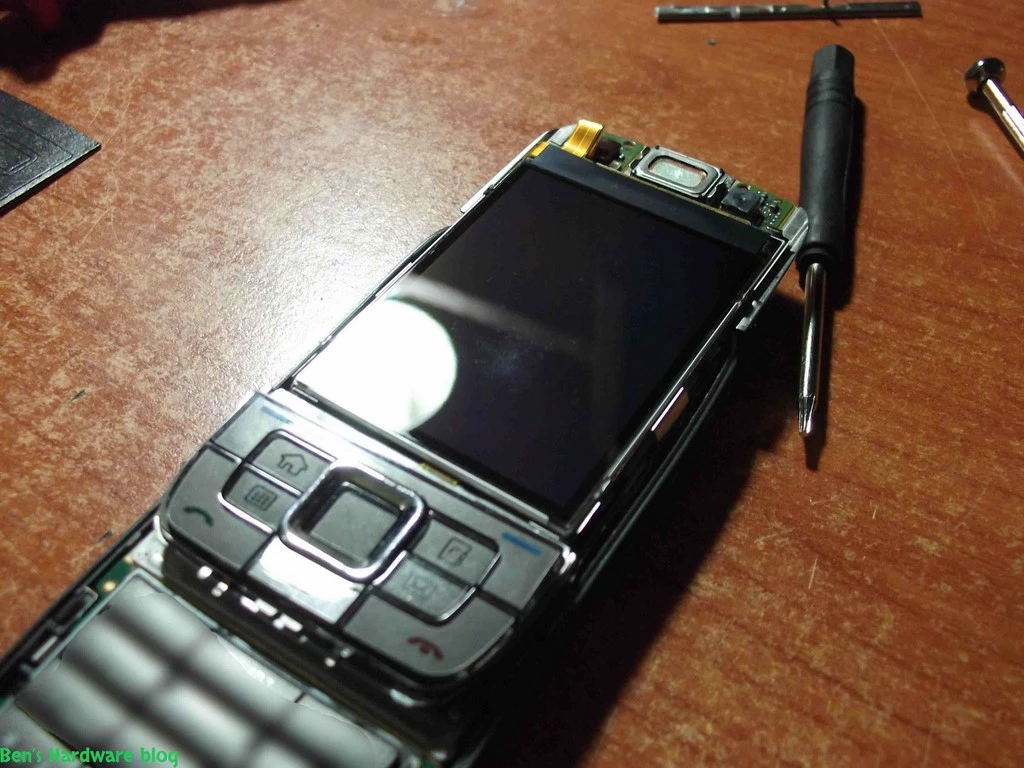
7. After all that work I noticed that the LCD screen got filthy and greasy due to the exposure to my fingers. so I cleaned it using a special LCD solution and a soft cloth specially designed to clean LCD monitors.              


8. Next , I installed the top cover of the sliding part of the cellphone. This part was also tricky. At first I didn't realize that besides having 2 screws on the top back side to lock its position , the entire cover is locked in place due to "pressurized installation". That is , the cover has to be placed by using

some amount of force and mechanically locking it on the sliding part itself.       

  • Returned the SIM card back                                                                                                                                                                         
  • Put the battery back
  • Put the battery cover back

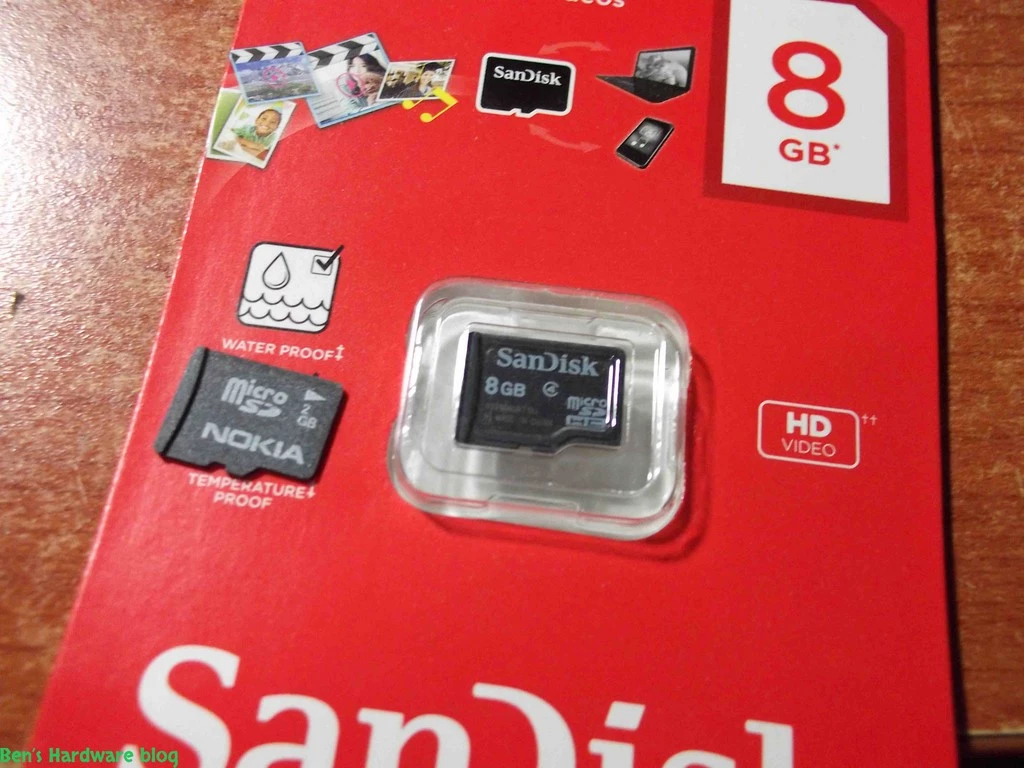
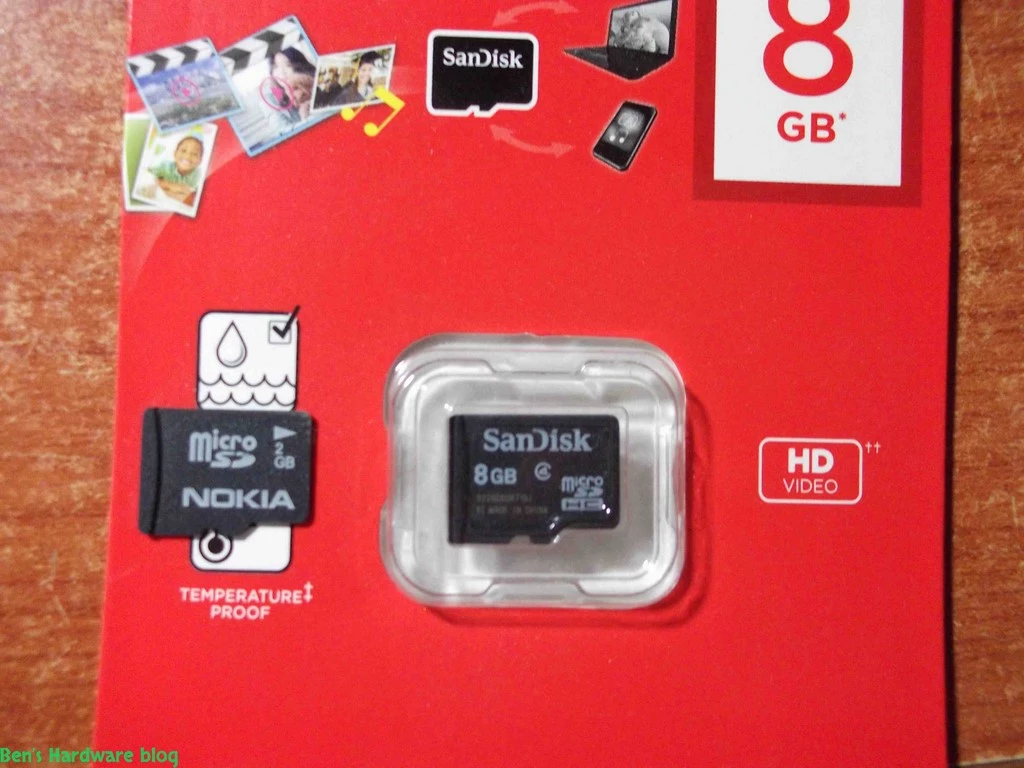
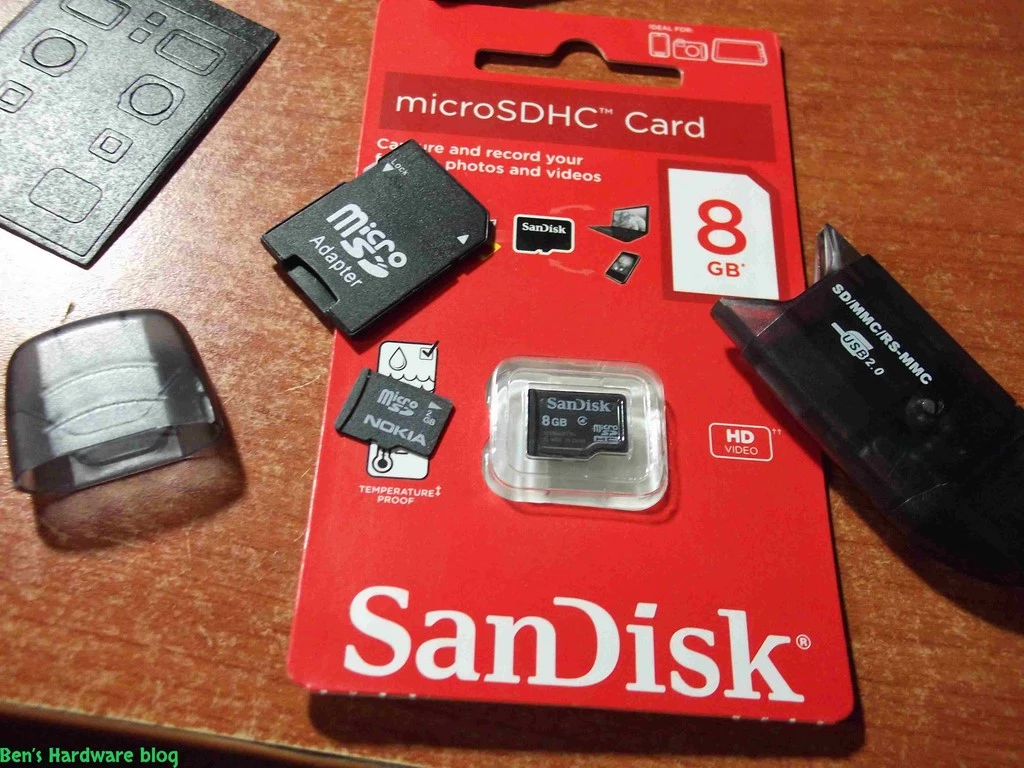
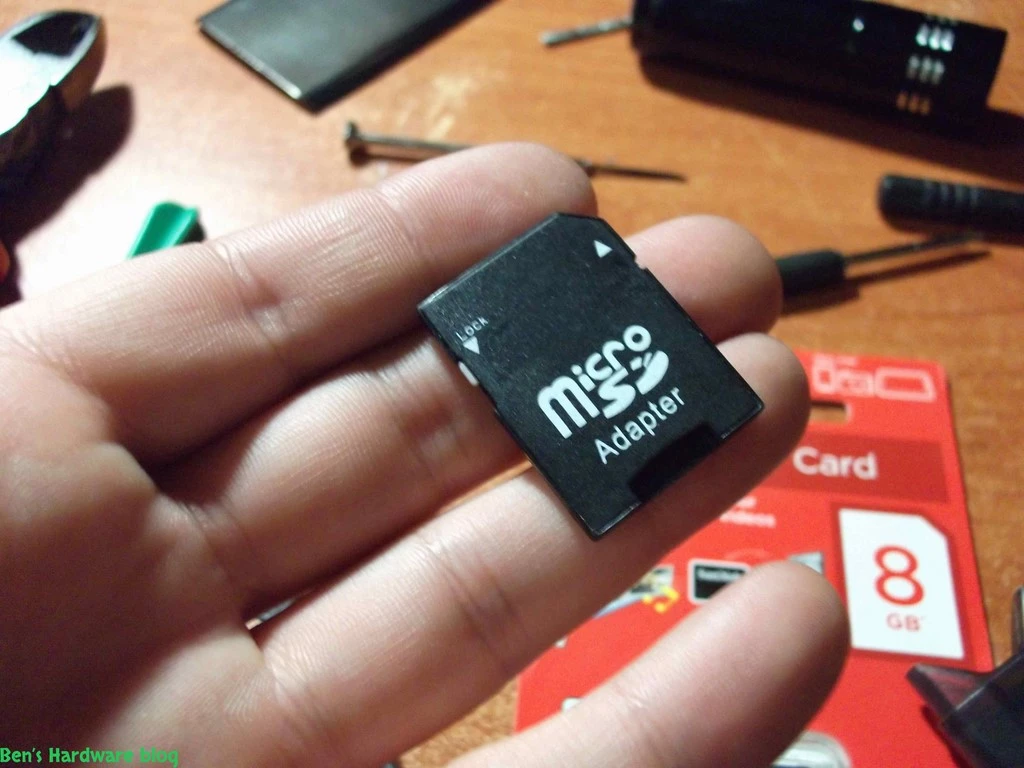
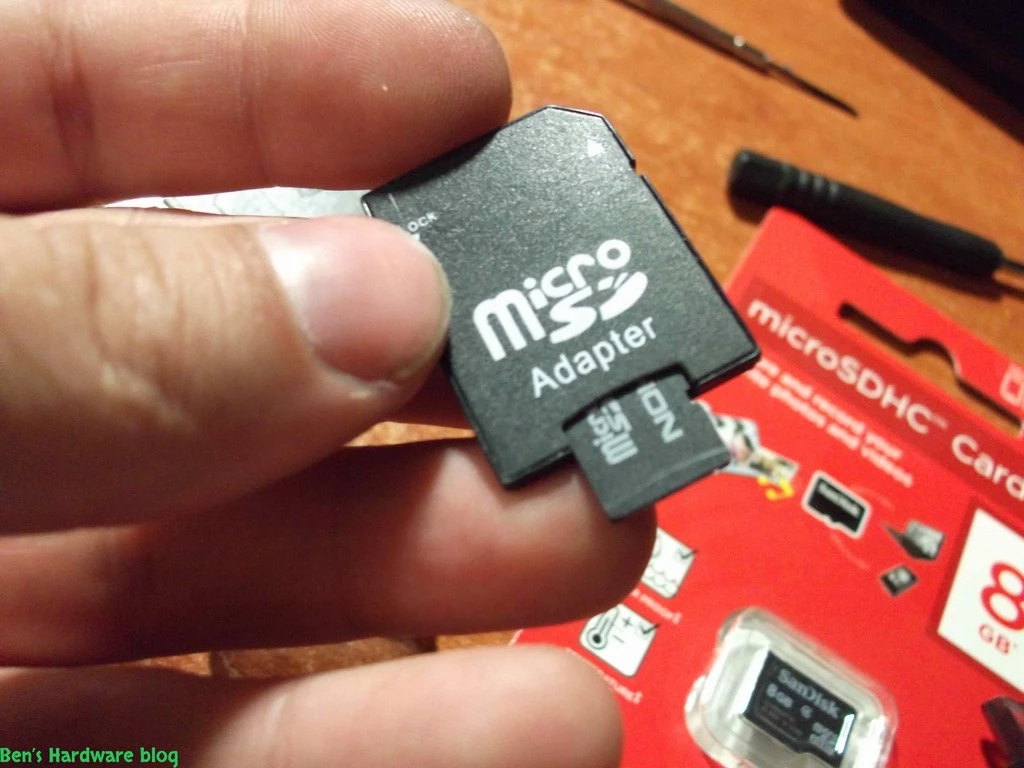
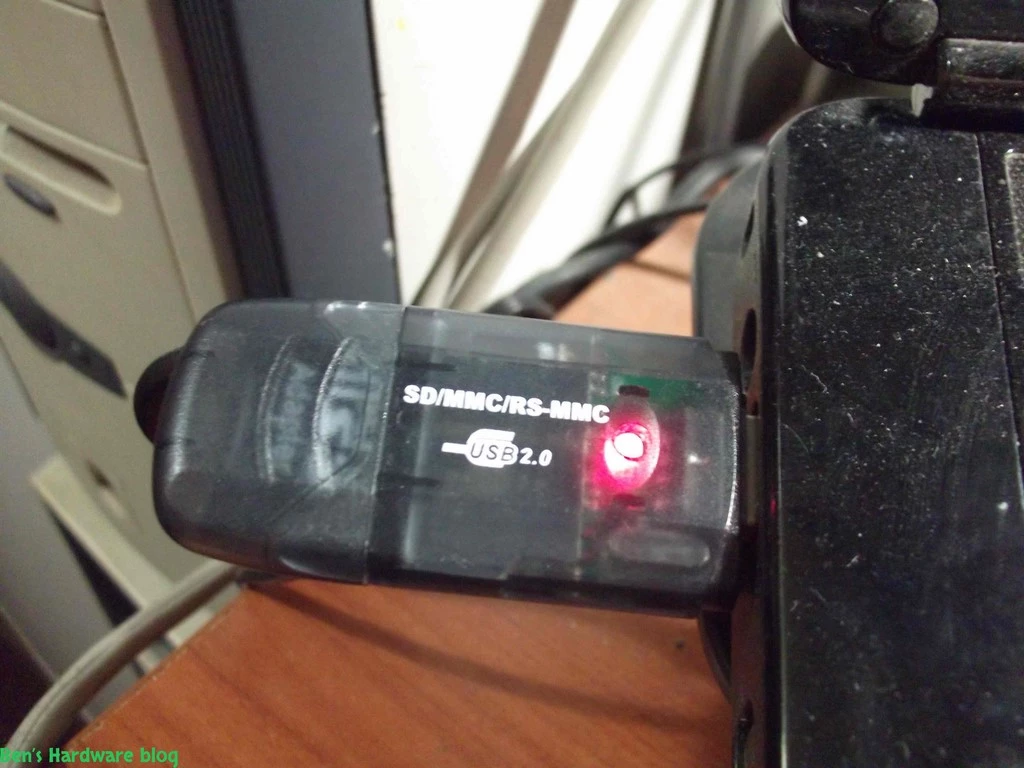
As a bonus I did something I have been planning to do many months. I replaced my 2GB MicroSD card with a bigger 8 GB card.

Later on I took the temporary LCD transparent protection cover off and replaced it with a new one that can survive longer.

RESULT:

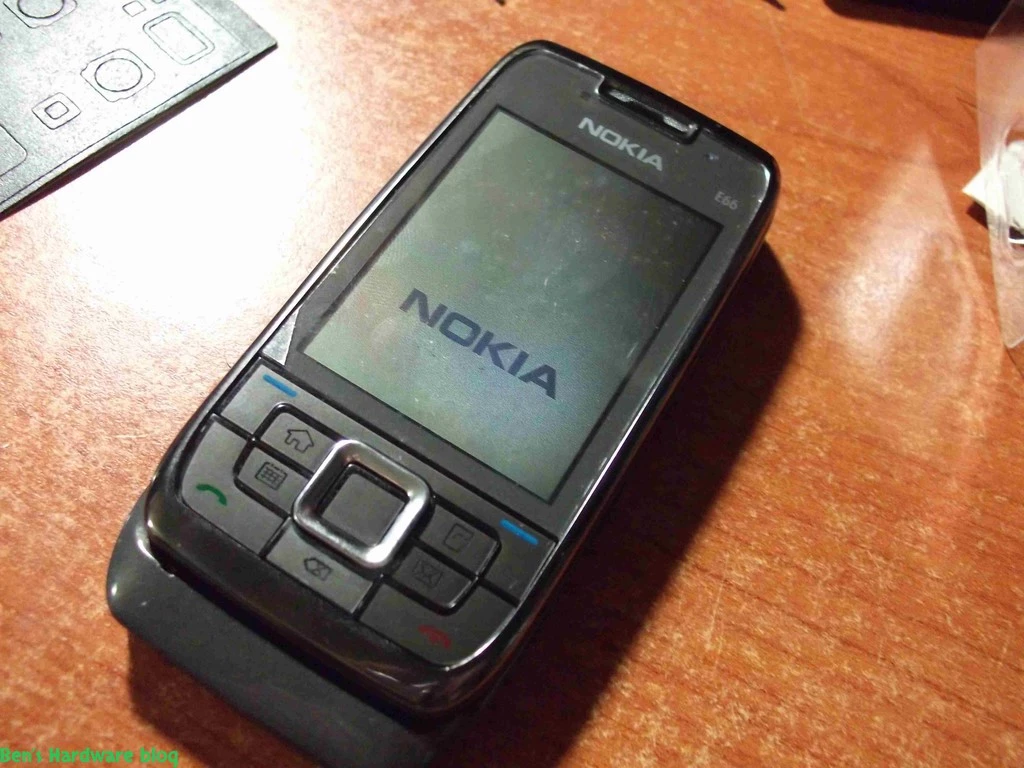
Just like new:


Pros:

  1. Cheap solution for restoring an old cellphone
  2. Relatively easy installation process - everybody with technical skills and patience can do it
  3. The Cellphone would look like new after the installation process

Cons:

  1. The housing unit was cheaply manufactured, it was shipped with a broken edge , the plastic LCD cover got minor scratches very quickly and the outer cover of the front sliding unit fell off due to poor glue quality the manufacturer originally used.

Price:

  • Full new housing for Nokia E66 - 6.53$
  • T4 , T5 and T6 screwdriver set for Nokia E66 3.98$
  • 3 LCD Screen protectors - 1.79$
  • 10 units of Torx screws - 5.15 $

Total: 17.45$

Beats buying a new Iphone-5….
Replacing_a_Nokia_E66s_case72.webpReplacing_a_Nokia_E66s_case73.webpReplacing_a_Nokia_E66s_case74.webpReplacing_a_Nokia_E66s_case75.webpReplacing_a_Nokia_E66s_case76.webpReplacing_a_Nokia_E66s_case77.webpReplacing_a_Nokia_E66s_case78.webpReplacing_a_Nokia_E66s_case79.webpReplacing_a_Nokia_E66s_case80.webpReplacing_a_Nokia_E66s_case81.webpReplacing_a_Nokia_E66s_case82.webpReplacing_a_Nokia_E66s_case83.webpReplacing_a_Nokia_E66s_case84.webpReplacing_a_Nokia_E66s_case85.webpReplacing_a_Nokia_E66s_case86.webpReplacing_a_Nokia_E66s_case87.webpReplacing_a_Nokia_E66s_case1.webpReplacing_a_Nokia_E66s_case2.webpReplacing_a_Nokia_E66s_case3.webpReplacing_a_Nokia_E66s_case4.webpReplacing_a_Nokia_E66s_case5.webpReplacing_a_Nokia_E66s_case6.webpReplacing_a_Nokia_E66s_case7.webpReplacing_a_Nokia_E66s_case8.webpReplacing_a_Nokia_E66s_case9.webpReplacing_a_Nokia_E66s_case10.webpReplacing_a_Nokia_E66s_case11.webpReplacing_a_Nokia_E66s_case12.webpReplacing_a_Nokia_E66s_case13.webpReplacing_a_Nokia_E66s_case14.webpReplacing_a_Nokia_E66s_case15.webpReplacing_a_Nokia_E66s_case16.webpReplacing_a_Nokia_E66s_case17.webpReplacing_a_Nokia_E66s_case18.webpReplacing_a_Nokia_E66s_case19.webpReplacing_a_Nokia_E66s_case20.webpReplacing_a_Nokia_E66s_case21.webpReplacing_a_Nokia_E66s_case22.webpReplacing_a_Nokia_E66s_case23.webpReplacing_a_Nokia_E66s_case24.webpReplacing_a_Nokia_E66s_case25.webpReplacing_a_Nokia_E66s_case26.webpReplacing_a_Nokia_E66s_case27.webpReplacing_a_Nokia_E66s_case28.webpReplacing_a_Nokia_E66s_case29.webpReplacing_a_Nokia_E66s_case30.webpReplacing_a_Nokia_E66s_case31.webpReplacing_a_Nokia_E66s_case32.webpReplacing_a_Nokia_E66s_case33.webpReplacing_a_Nokia_E66s_case34.webpReplacing_a_Nokia_E66s_case35.webpReplacing_a_Nokia_E66s_case36.webpReplacing_a_Nokia_E66s_case37.webpReplacing_a_Nokia_E66s_case38.webpReplacing_a_Nokia_E66s_case39.webpReplacing_a_Nokia_E66s_case40.webpReplacing_a_Nokia_E66s_case41.webpReplacing_a_Nokia_E66s_case42.webpReplacing_a_Nokia_E66s_case43.webpReplacing_a_Nokia_E66s_case44.webpReplacing_a_Nokia_E66s_case45.webpReplacing_a_Nokia_E66s_case46.webpReplacing_a_Nokia_E66s_case47.webpReplacing_a_Nokia_E66s_case48.webpReplacing_a_Nokia_E66s_case49.webpReplacing_a_Nokia_E66s_case50.webpReplacing_a_Nokia_E66s_case51.webpReplacing_a_Nokia_E66s_case52.webpReplacing_a_Nokia_E66s_case53.webpReplacing_a_Nokia_E66s_case54.webpReplacing_a_Nokia_E66s_case55.webpReplacing_a_Nokia_E66s_case56.webpReplacing_a_Nokia_E66s_case57.webpReplacing_a_Nokia_E66s_case58.webpReplacing_a_Nokia_E66s_case59.webpReplacing_a_Nokia_E66s_case60.webpReplacing_a_Nokia_E66s_case61.webpReplacing_a_Nokia_E66s_case62.webpReplacing_a_Nokia_E66s_case63.webpReplacing_a_Nokia_E66s_case64.webpReplacing_a_Nokia_E66s_case65.webpReplacing_a_Nokia_E66s_case66.webpReplacing_a_Nokia_E66s_case67.webpReplacing_a_Nokia_E66s_case68.webpReplacing_a_Nokia_E66s_case69.webpReplacing_a_Nokia_E66s_case70.webpReplacing_a_Nokia_E66s_case71.webp