 Administrator





Upgrading a Dell laptop with an Solid State Drive (SSD):
In this post i will show how you can take an old laptop (3-4 years in my case- 2009) that runs very slowly and turn it into an efficient machine with a relatively low cost.
The project laptop is a Dell Inspiron 1545 and here are its specifications:
- CPU – Intel Mobile Core 2 Duo T6400 at 2GHz
- Chipset – GM45
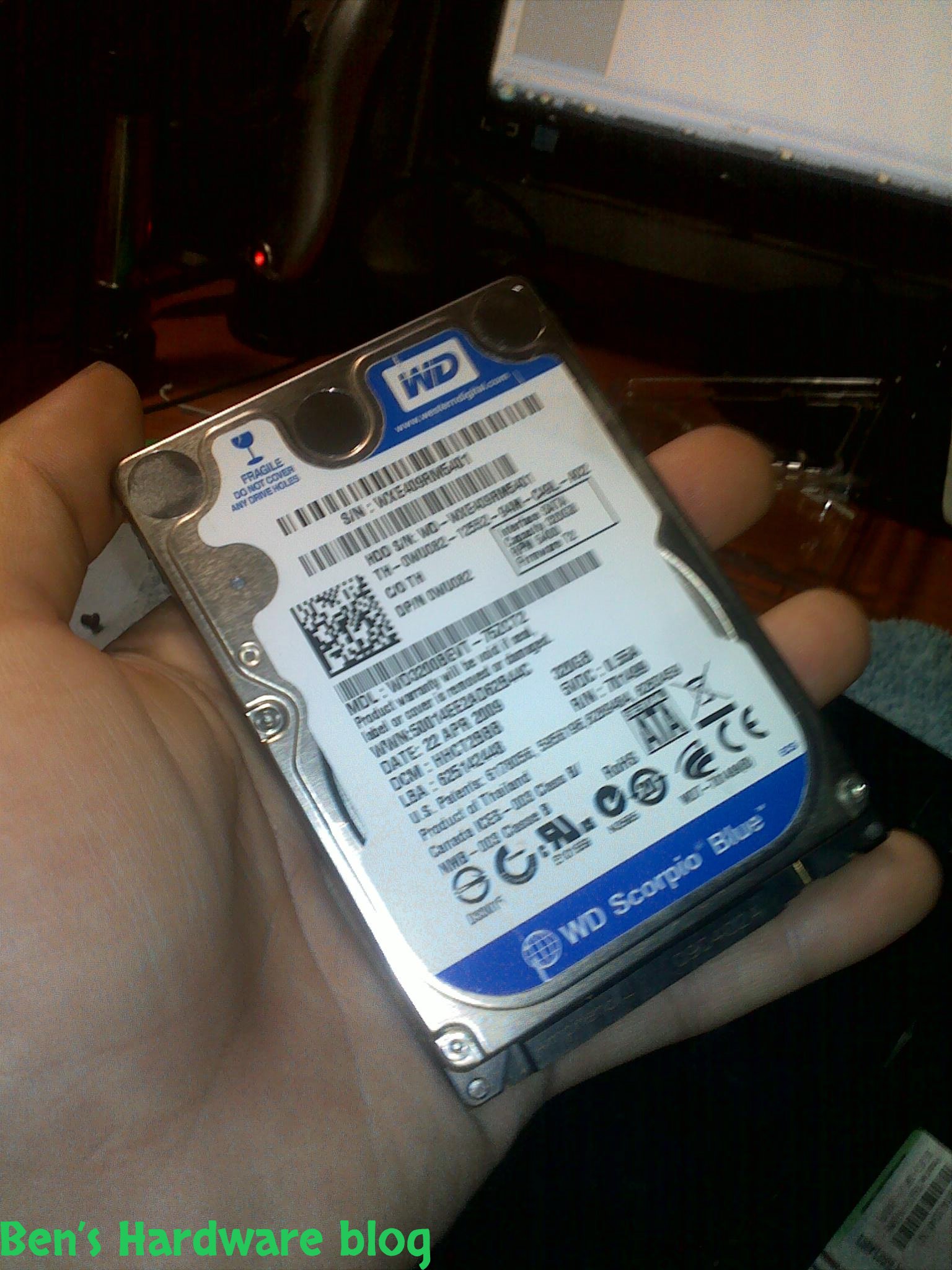
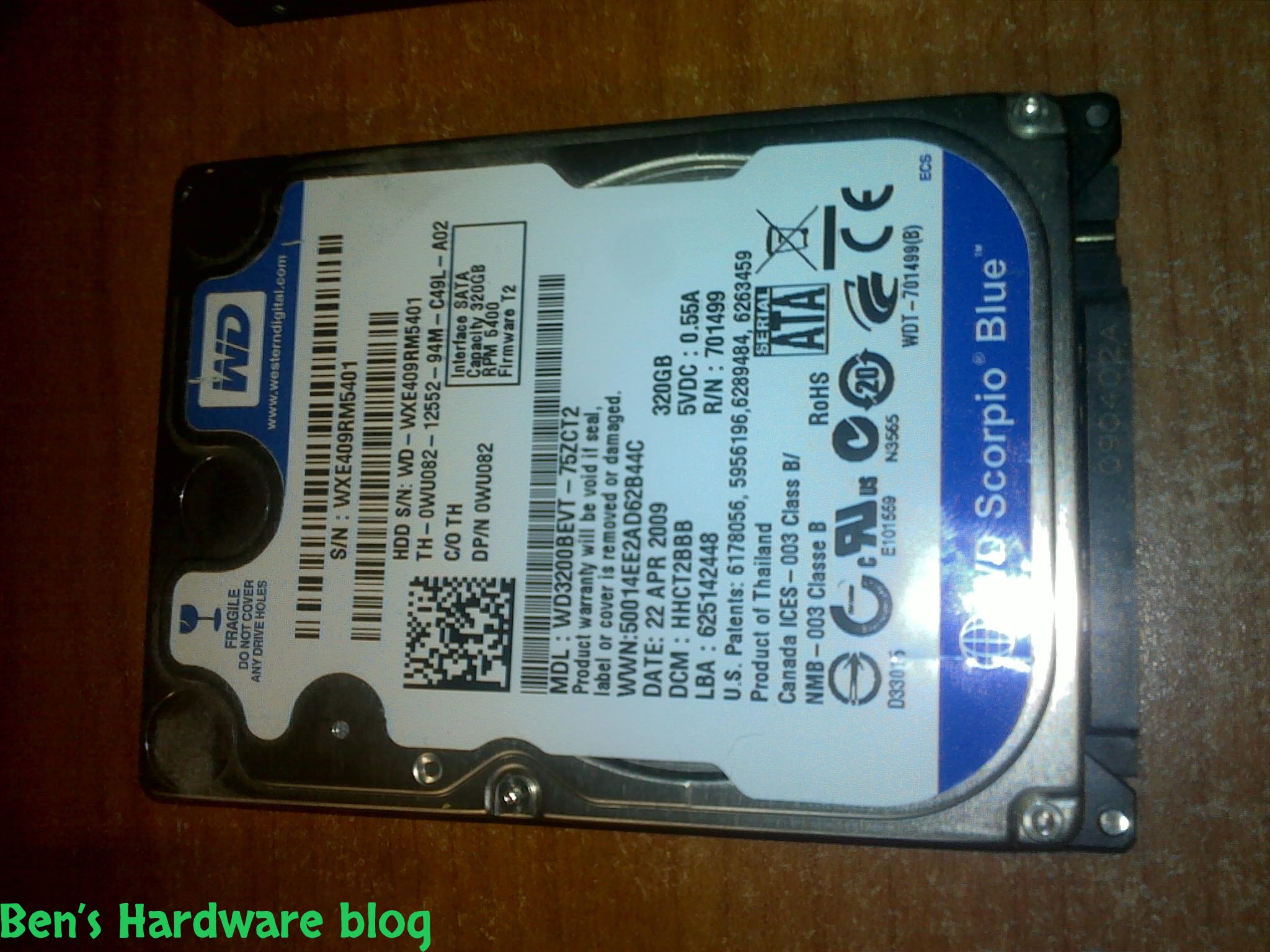
- HDD – 320GB Western digital
- Ram – 4GB DDR2 at 400Mhz (PC6400)
The above are the core specifications of the machine, other features as monitor and other peripherals are not important for this post.
When i bought this laptop back in 2010 it was sufficient enough for my needs. Back then it came with Windows Vista Home Basic and running multiple programs at the same time was not a big issue. When i say multiple programs i do not mean a lot of instances of Mine Sweeper , i mean heavy applications such as Adobe Photoshop , Dreamweaver , Winamp , Firefox with at least 10 tabs opened , among them tabs with flash player which takes a lot of resources.
Over time running all the above simultaneously , even after a format job - became a major pain. Besides the mentioned , one cannot forget the antivirus , anti-spyware , skype , firewall and other "behind the scene" services which run in the background , each one takes a little portion of overall resources and together they present a heavy burden on the entire system.
I tried everything from defragmenting the hard disk a few times a week to cleaning the operating system from garbage files – nothing helped increasing performance at a noticeable rate.
It was time for the inevitable upgrade.
I wasn't sure how the inevitable upgrade looks like or costs back then. First i had to research a little bit about the laptop's motherboard and upgrade capabilities. Because it is a laptop those capabilities are quite limited to a few – cpu , ram and hard disk.
Let's start with the ram – i soon found out that 4GB was the limit RAM of the motherboard so i dropped it off as an upgrade option , let alone because of the fact that adding more ram to the system wouldn't contribute much to the overall performance...so knowing that was pretty comforting.
Cpu – one word – expensive.
My laptop's specific cpu is a T6400 that runs on a 2Ghz frequency that was made with a 45nm technology and has 2mb of cash... all that on a 478 pin socket...
i browsed the Intel website for cpu upgrade options and what i deduced that any cpu replacement at the time would be Indefensibly expensive and possibly increase the overall power consumption which would lead to a faster battery drain times , and as a college student , i need as much buffer power as i can get ( long lectures... no power plugs around)
so i was left with the last option - the hdd. As i write this post SSDs are still expensive relatively to their storage capacity, on the other hand regular Hard Disk Drives were never cheaper relatively to their storage capacity and i was very tempted to buy one of these.
My old western digital HDD was a simple 2.5" 5400 RPM hard disk that when made wasn't aimed at producing peak performance.
I made a little research about performance gains as a result of replacing a 5400 rpm hdd with a 7200 rpm hdd... i wasn't impressed and my mind had focused on the SSD option earlier so i dropped off the 7200 option also..
Since SSDs are expensive i had to sacrifice storage capacity for price , performance and low power consumption.
The network is filled with SSDs that use SATA3 interface which is damn fast ( 500 MB\S) and since my computer uses Sata 2 , buying a SATA 3 SSD would be a waste of money and potential , but soon i realized that even the SATA 2 SSDs are quite expensive.
After browsing E-bay for some time i came across a batch of SSDs which weren't that expensive , their capacity was limited (32-100GB) and they were MANUFACTURER REFURBISHED , which was also something new to me.
I searched the web for the answer to how much liable using this kind of product really is and if is there a risk using it for a long time. It seems that people do buy these refurbished items and spend a lot of money on them . Products that usually cost 50% or 100% more can be bought in a very cheap price , producing the same result as a new product.
For all of you who wonder what a "manufacturer refurbished" product is , it means that it's the same product only the difference is one of the following is true:
1- it has been used before by a consumer and was returned to the seller for some reason , usually product liability.
2- it was detected with a defect by the manufacturer and was taken off the assembly line for repair
3- Overstocking of a distributer or a seller
I made a lot of thinking before actually spending my well earned money on a type of a product i never bought before and eventually i bought this on E-bay:
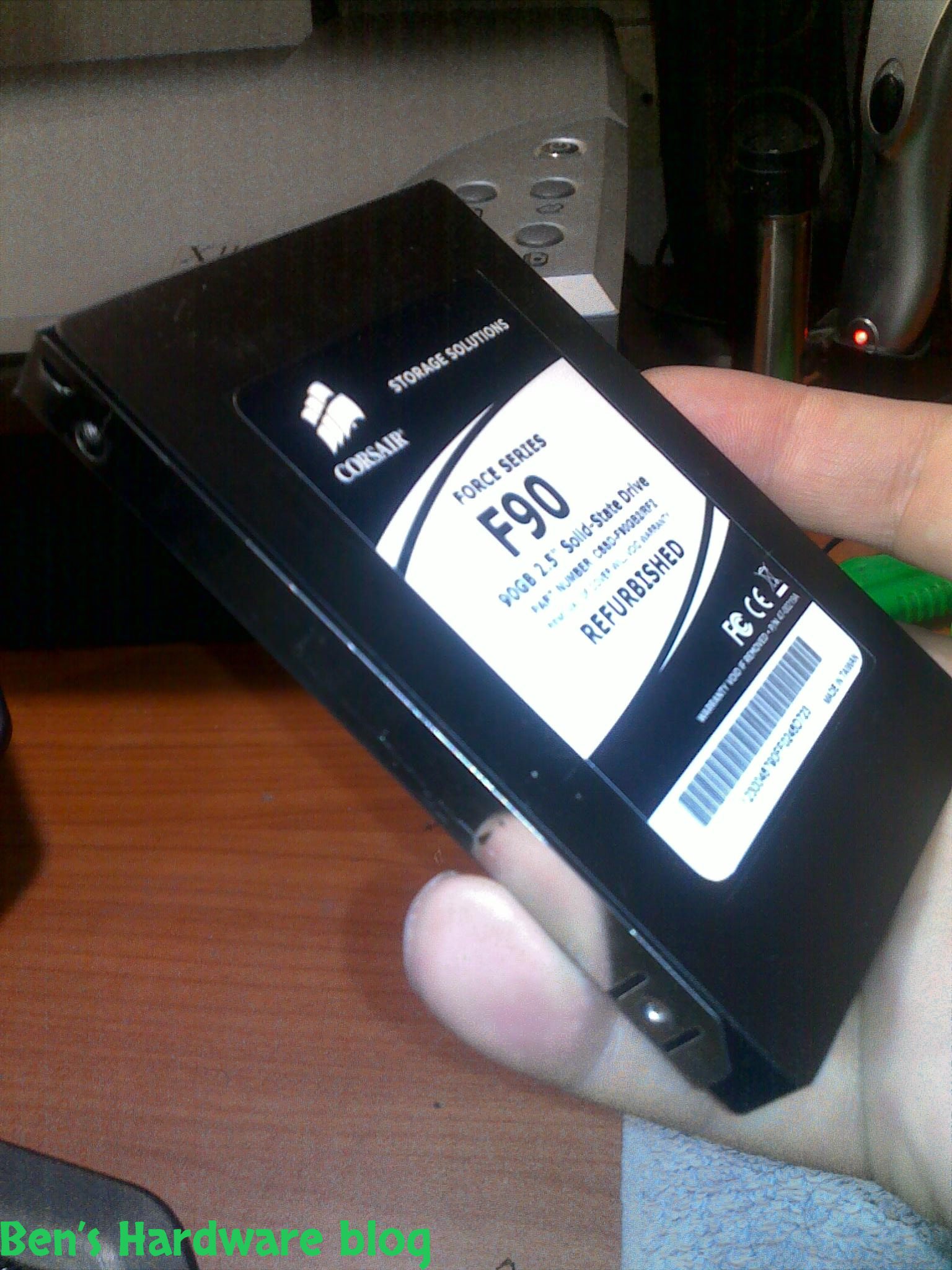
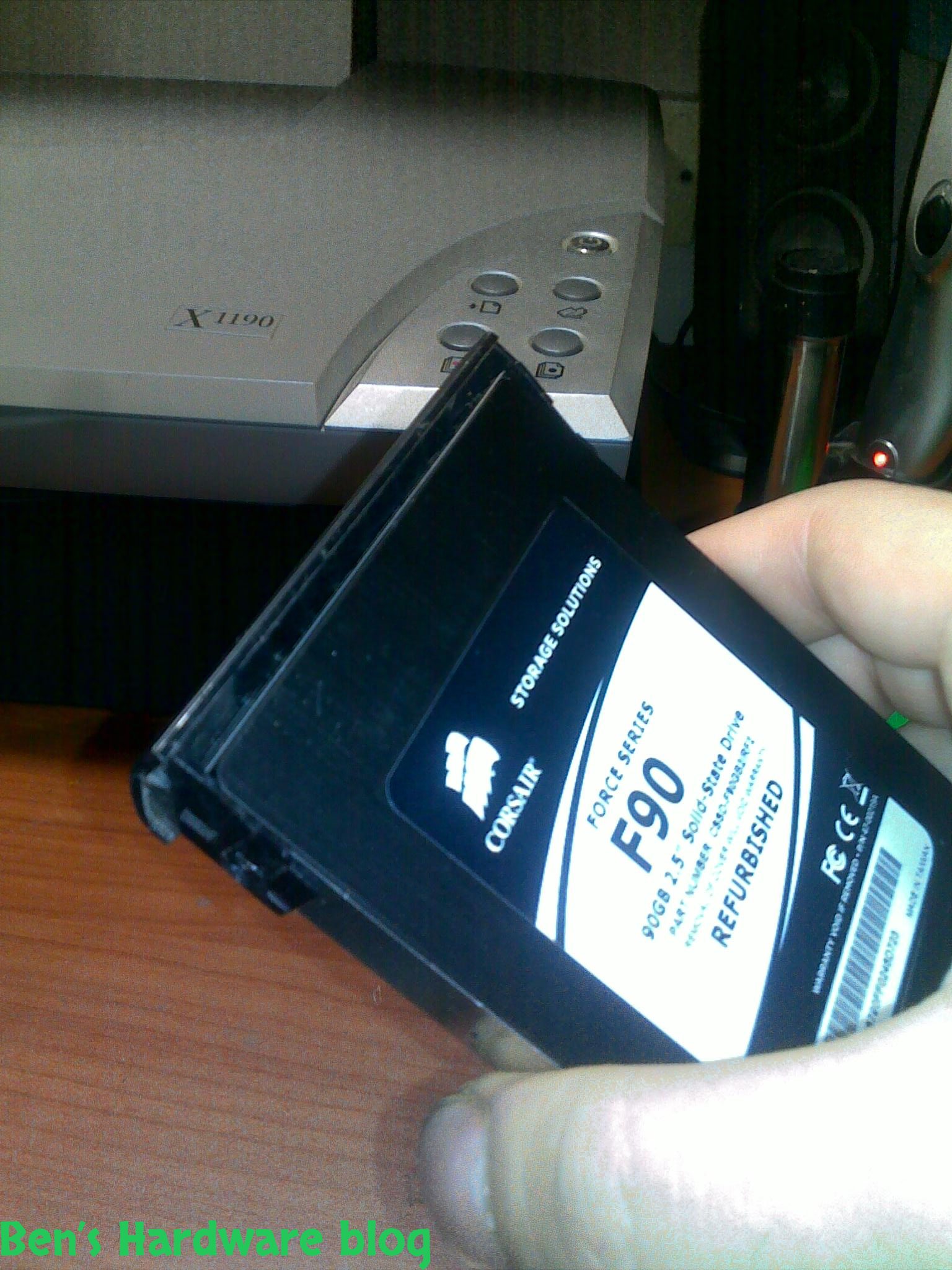
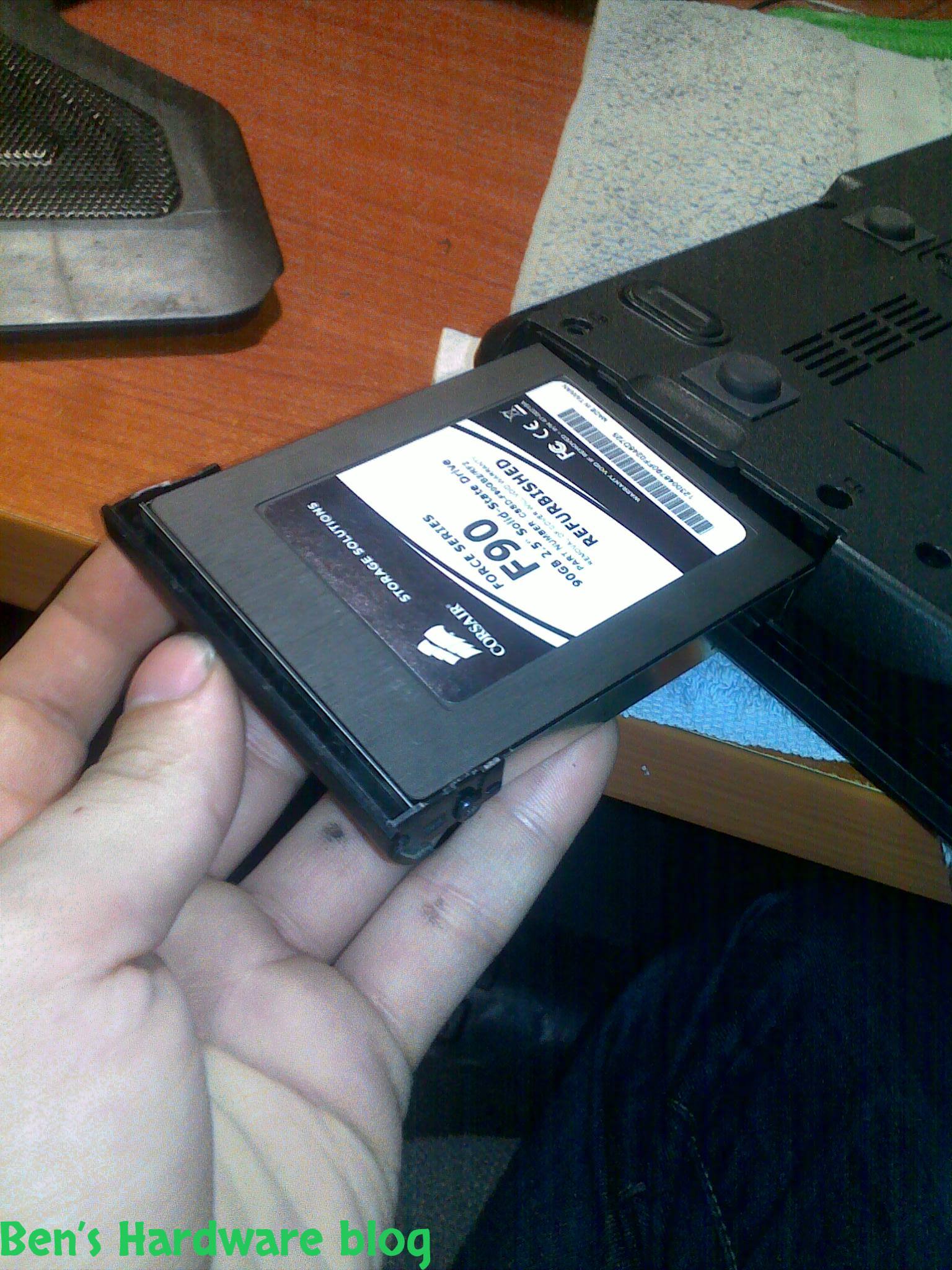
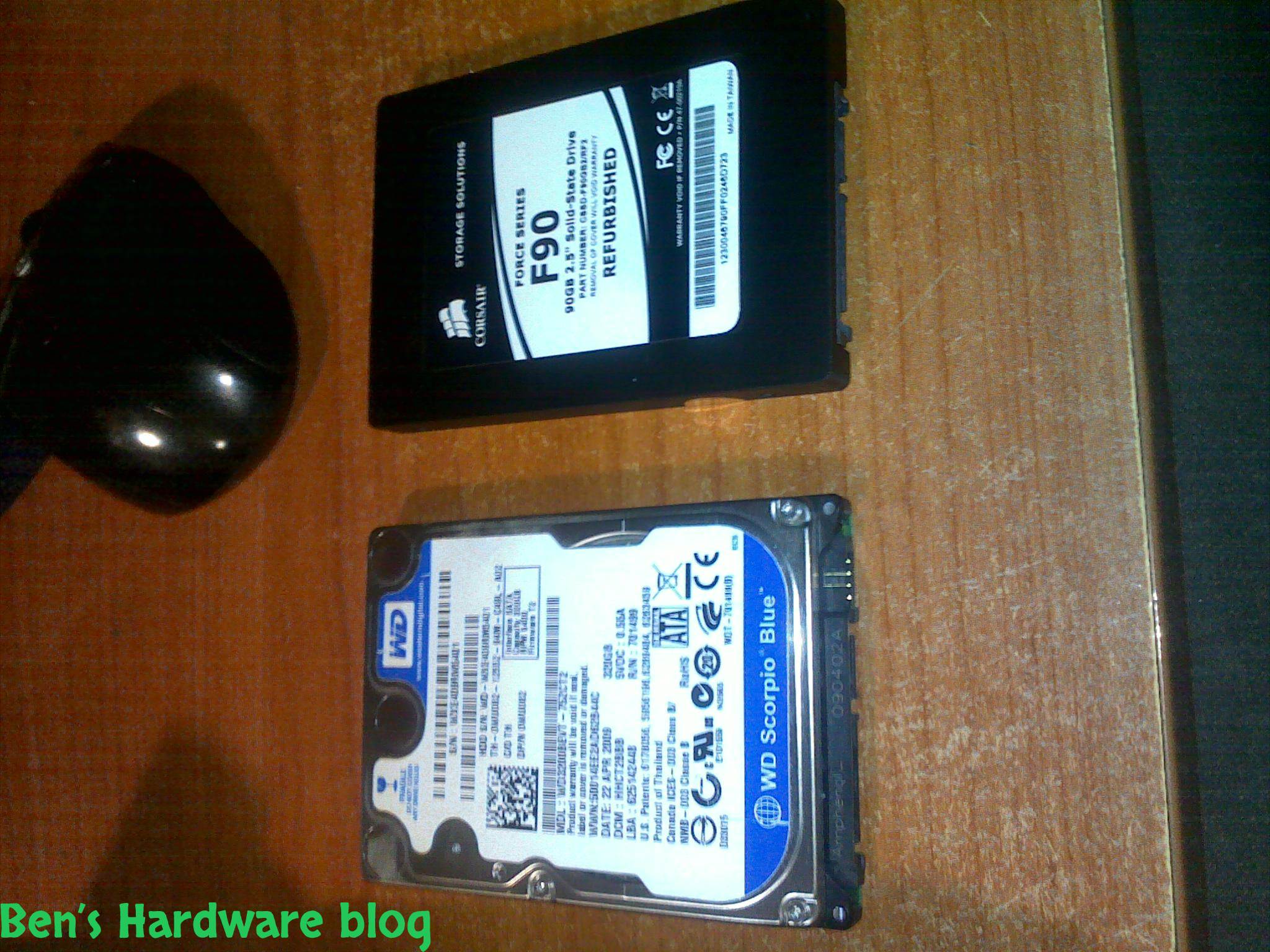
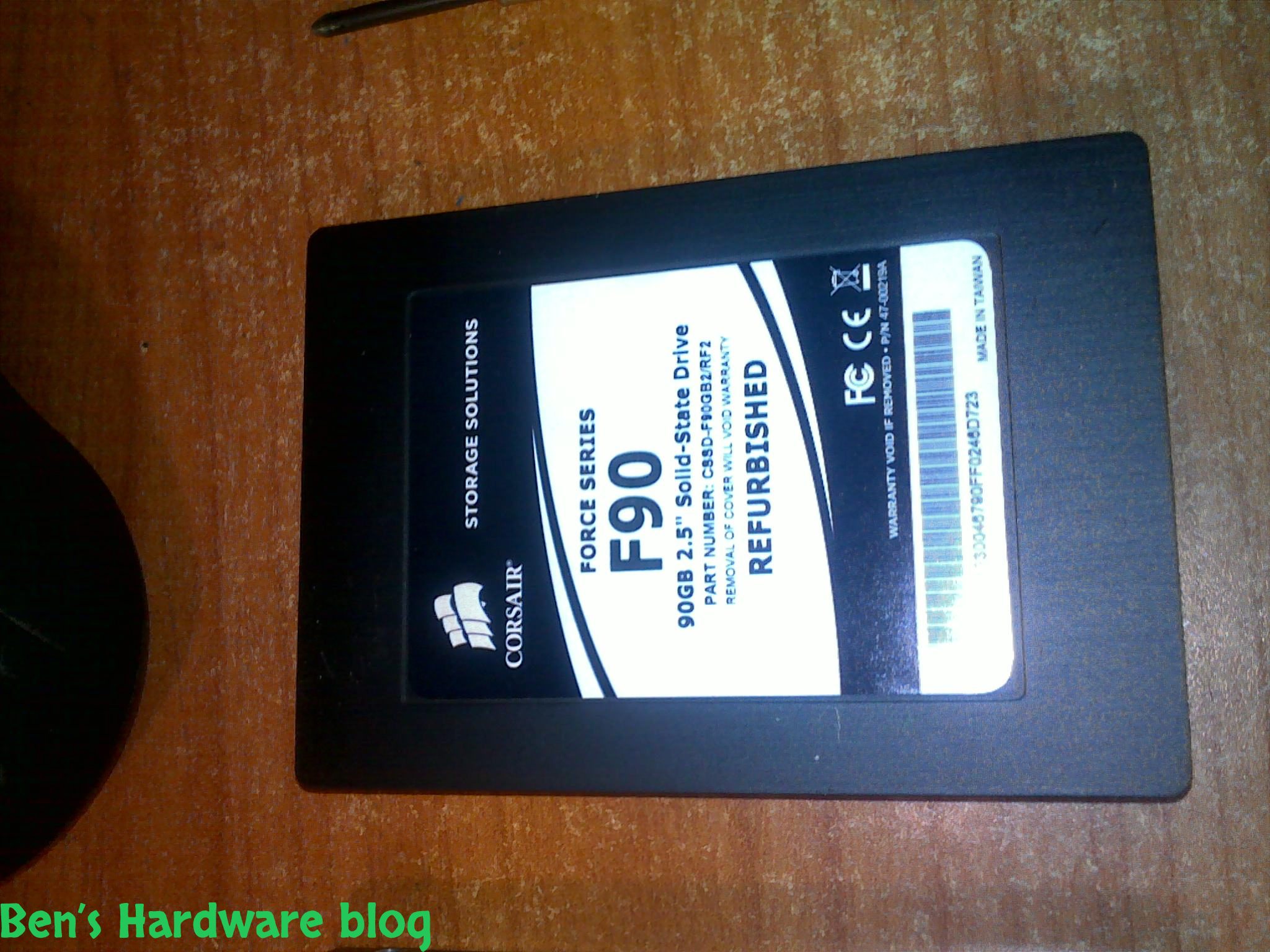
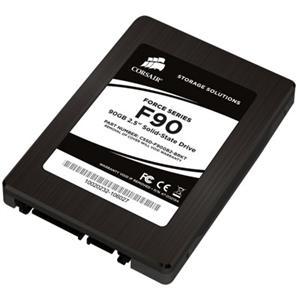
CORSAIR FORCE SERIES F90 90GB 2.5" SATA II INTERNAL SSD CSSD-F90GB2B
And here are the details as appeared on E-bay:
Corsair Force Series Features:
Fast Performance - Games, applications and files load faster, while your system is more responsive
Compatible - Proven technology with installations on tens of thousands of systems worldwide
Silent operation - No moving parts means zero noise and high reliability
Low Power - Extend battery life for notebook and netbook users
Reliable - Over 1,000,000 hours mean time between failures
Backed by Corsair - A respected name with a passion for great service and support
F90 Features:
Maximum sequential read speed 280 MB/second
Maximum sequential write speed 270 MB/second
Random 4K write performance of 50,000 IOPS (4K aligned)
Latest generation SandForce controller and MLC NAND flash for fast performance
Internal SATA II connectivity
TRIM support (O/S support required)
No moving parts for increased durability and reliability and quieter operations over standard hard disk drives
Decreased power usage for increased notebook or netbook battery life
2.5" form factor for your portable computer needs
Specifications:
SSD Unformatted Capacity: 90 GB
Max Sequential R/W (ATTO): 280 MB/s sequential read - 270 MB/s sequential write
Max Random 4k Write (IOMeter 08): 50k IOPS (4k aligned)
Interface: SATA 3Gb/s
Technology: High-reliability MLC NAND flash
Form Factor: 2.5 inch
DRAM Cache Memory: No
Weight: 80g
Voltage: 5V ±5%
Power Consumption (active): 2.0W Max
Power Consumption (idle/standby/sleep): 0.5W Max
S.M.A.R.T. Support: Yes
Shock: 1500 G, MTBF: 1,000,000 hours
Physical and Operating system Installation:
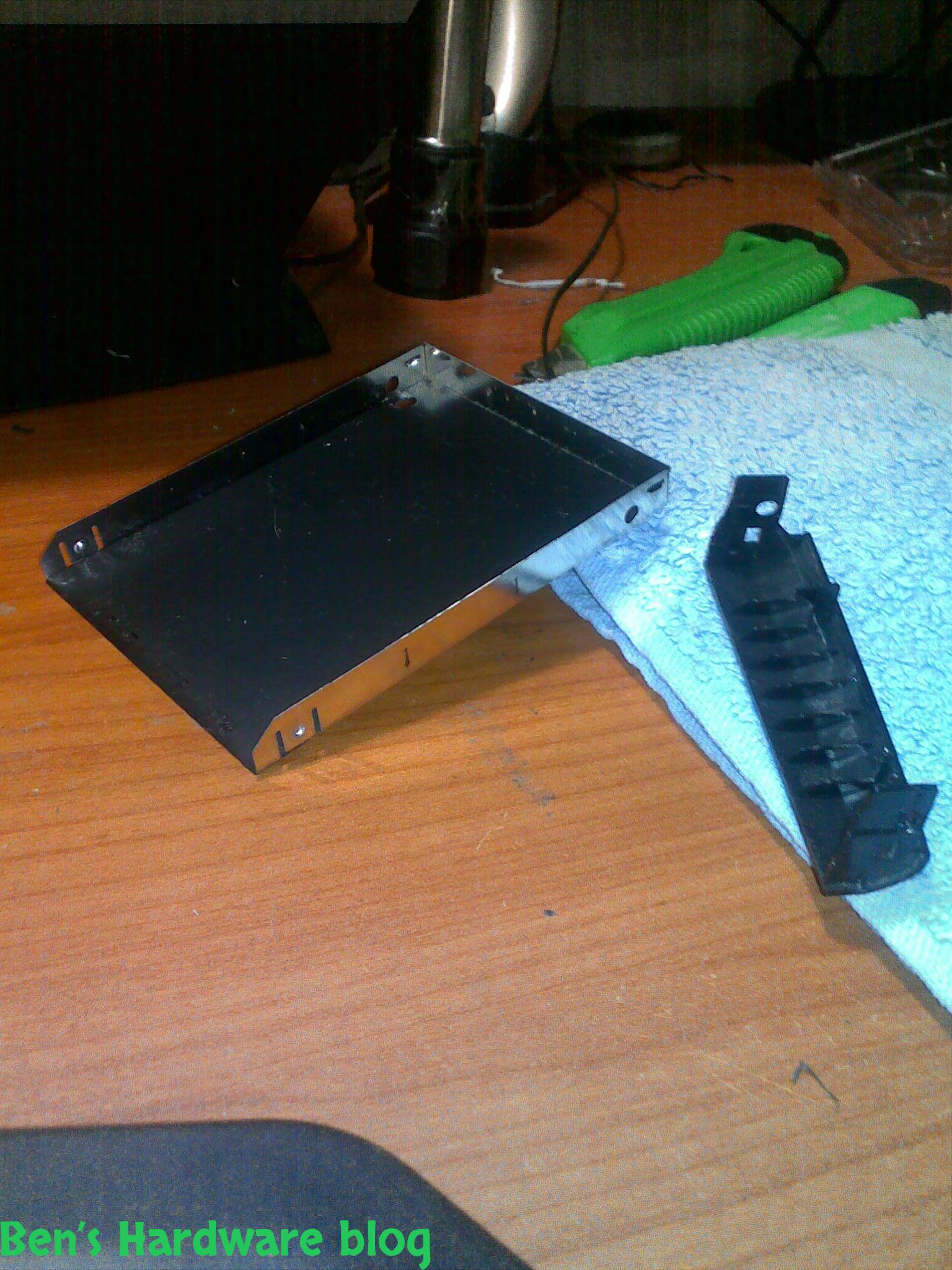
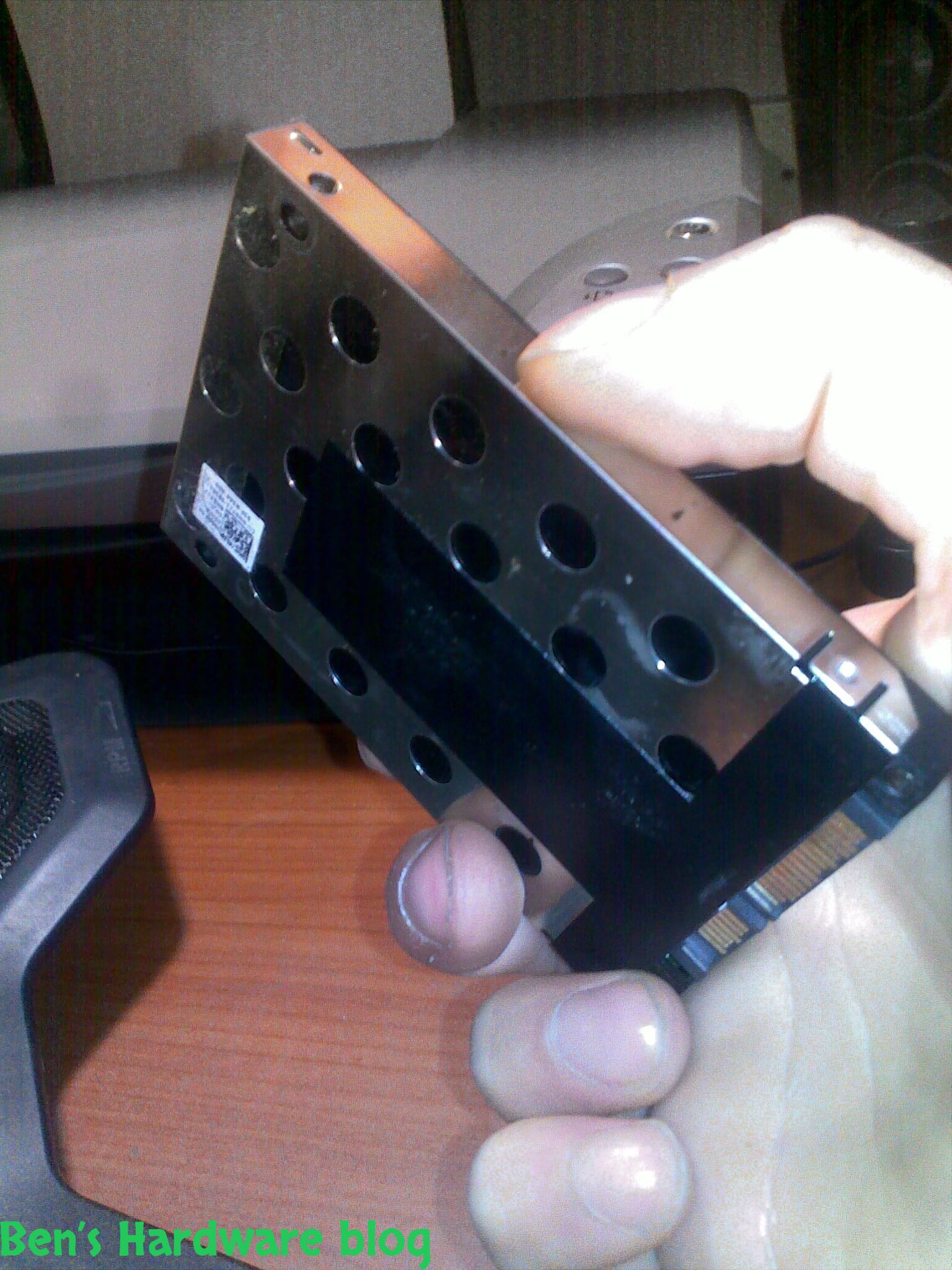
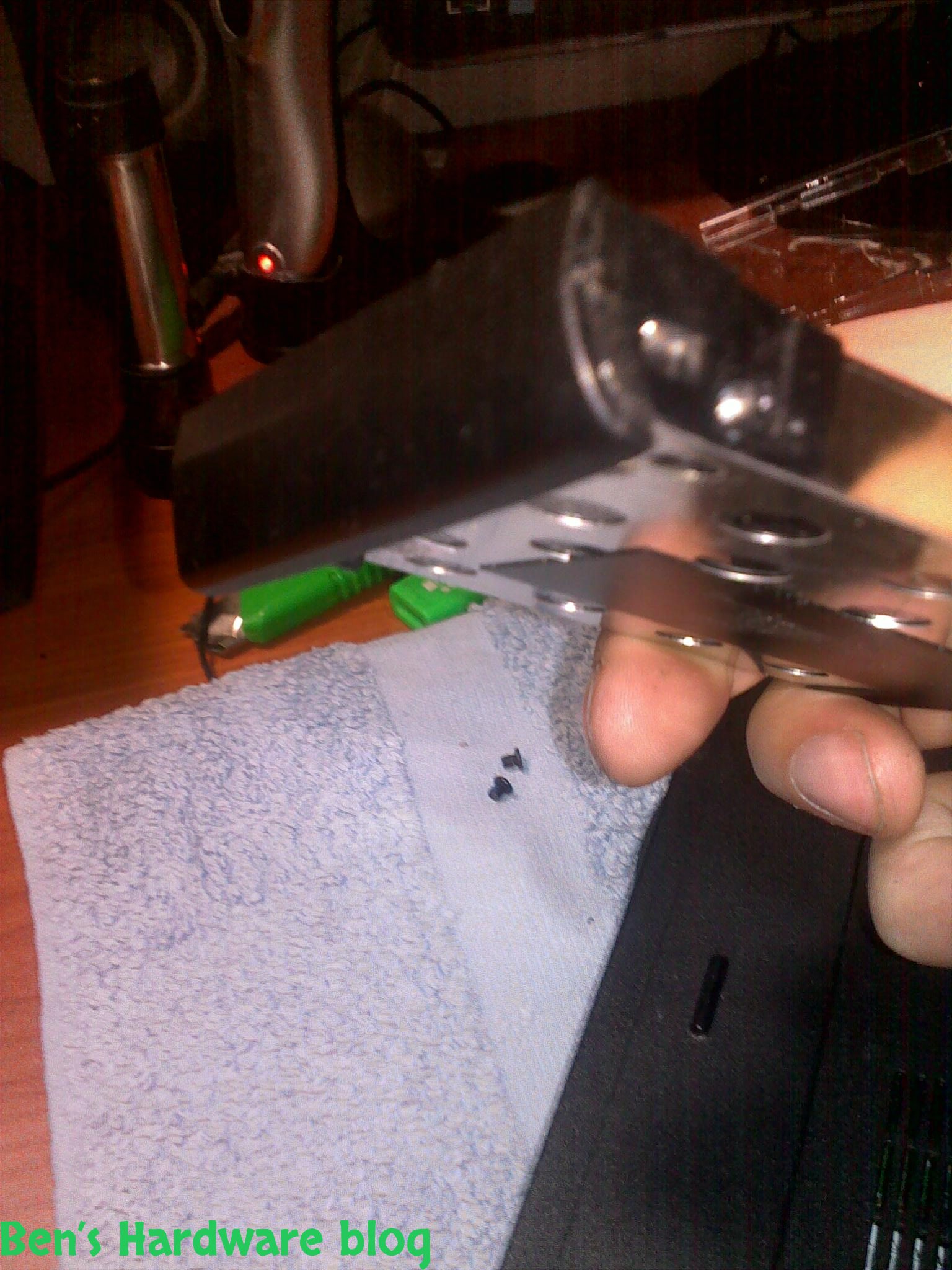
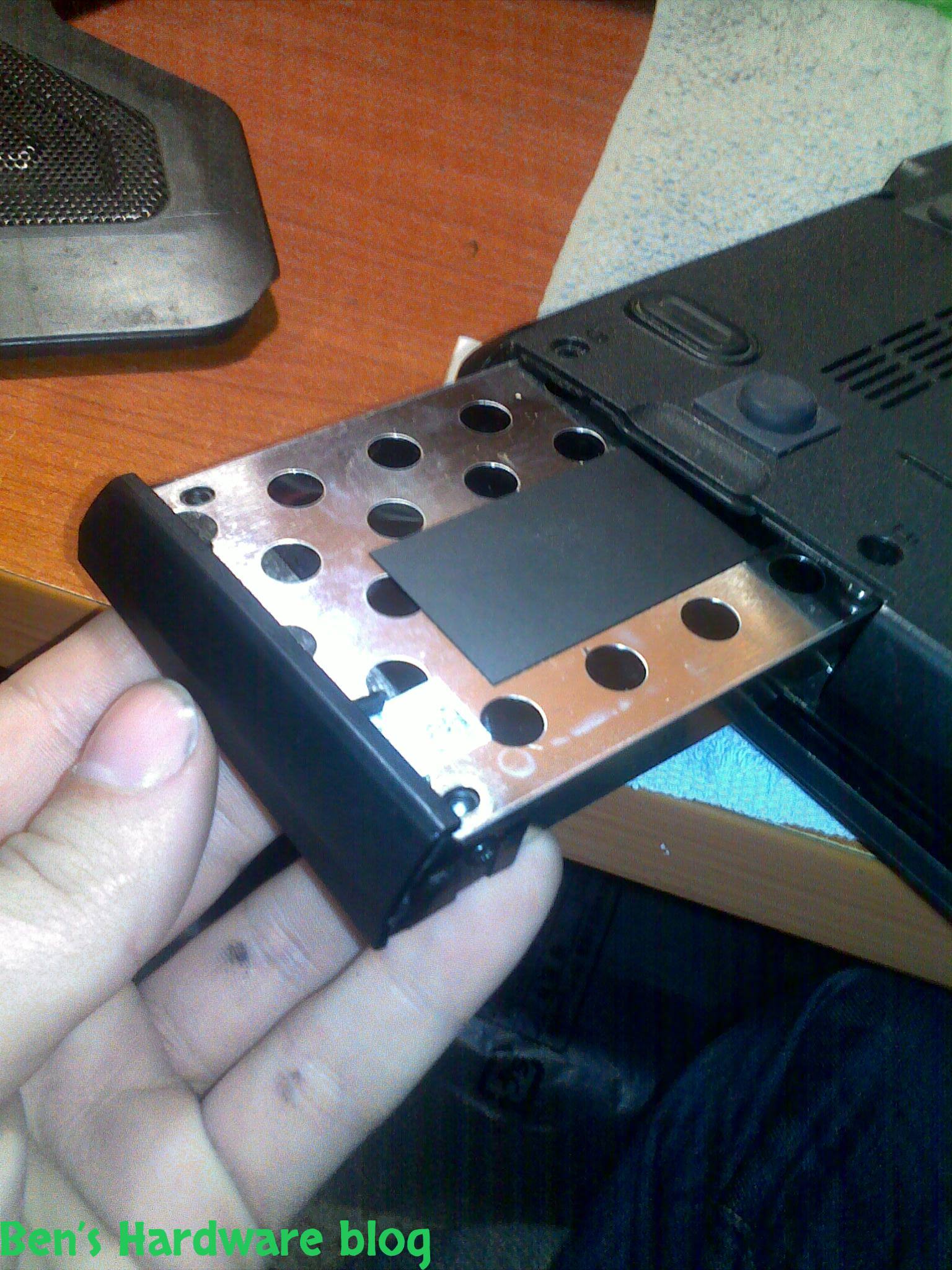
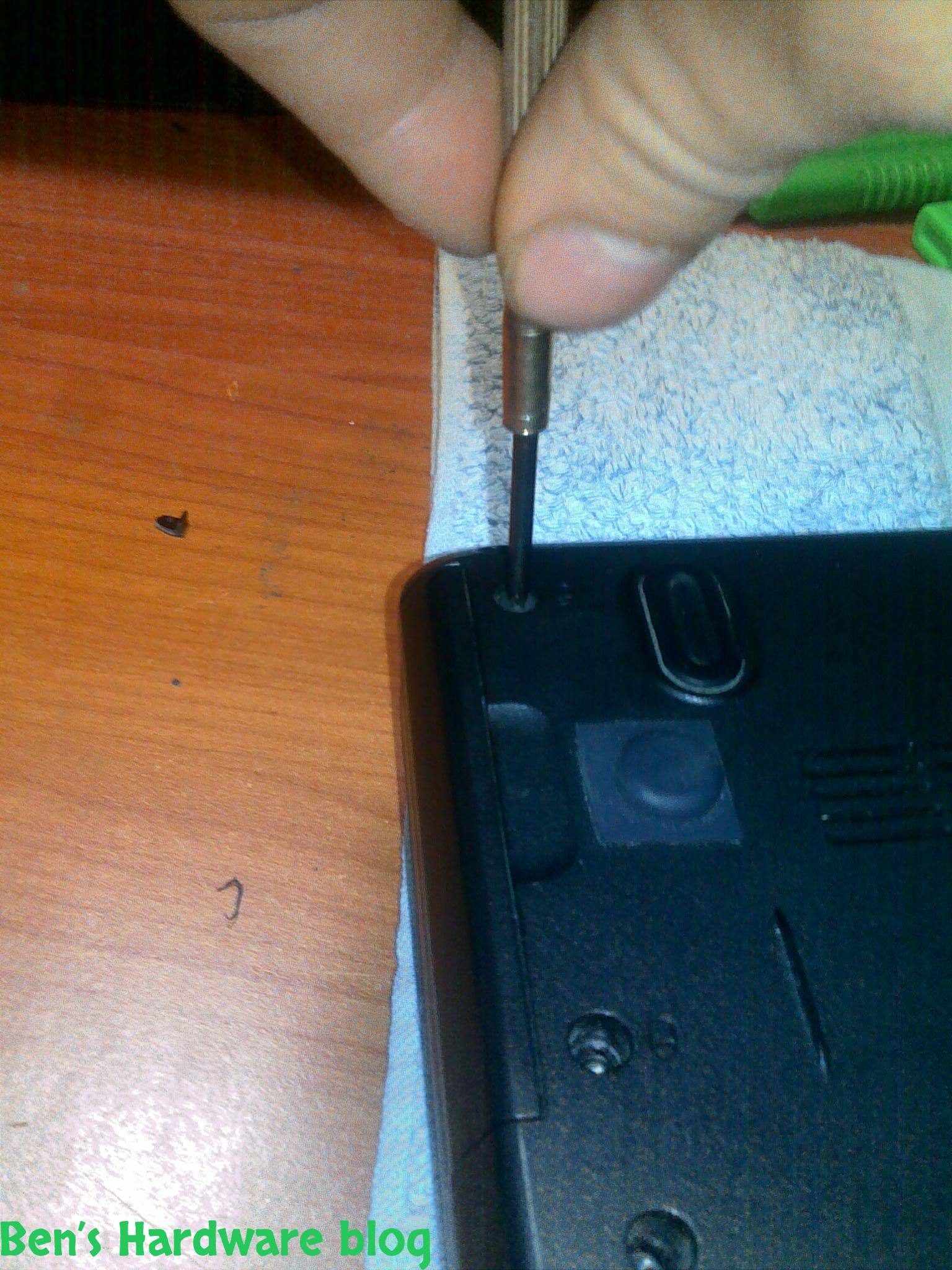
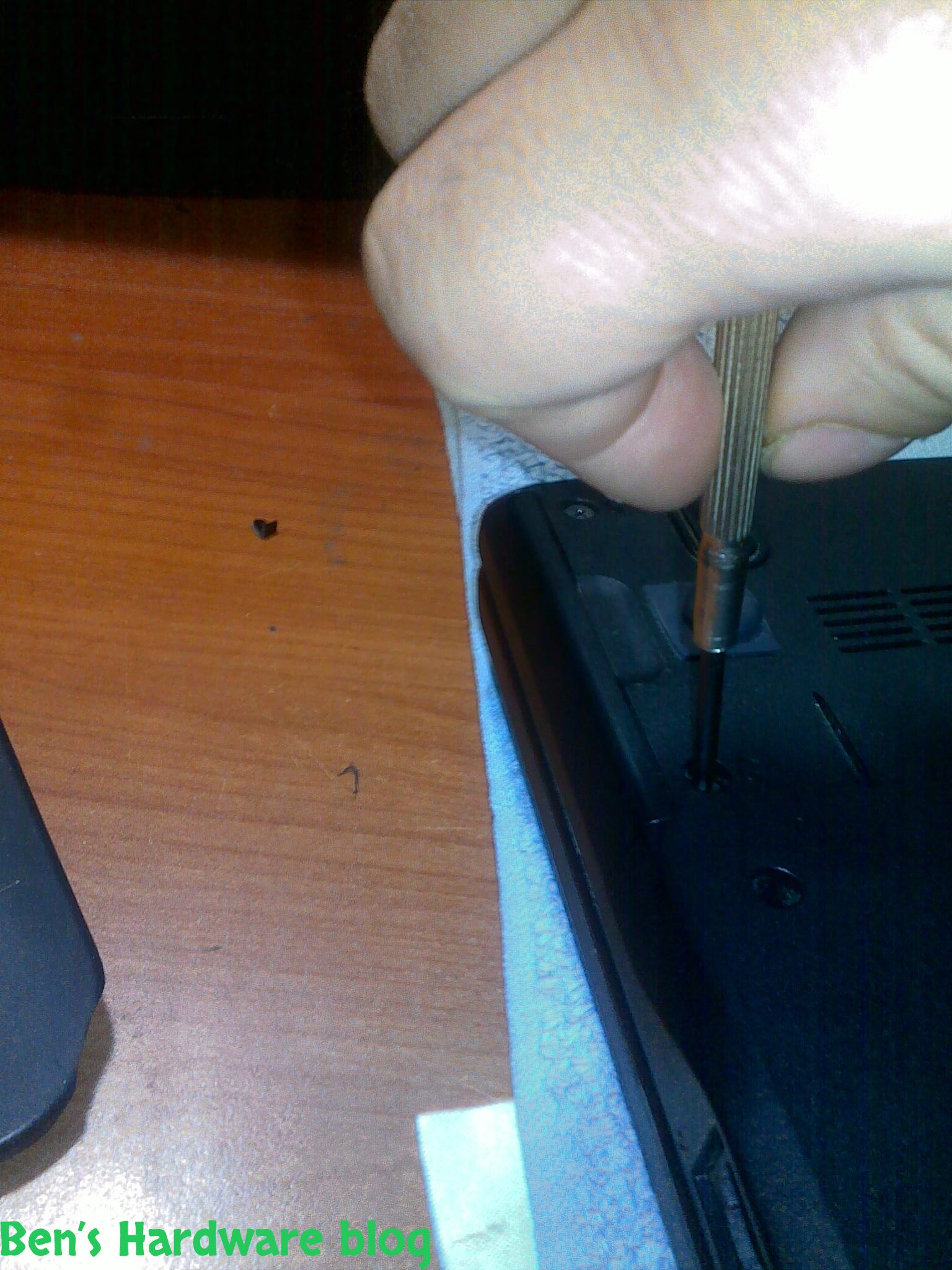
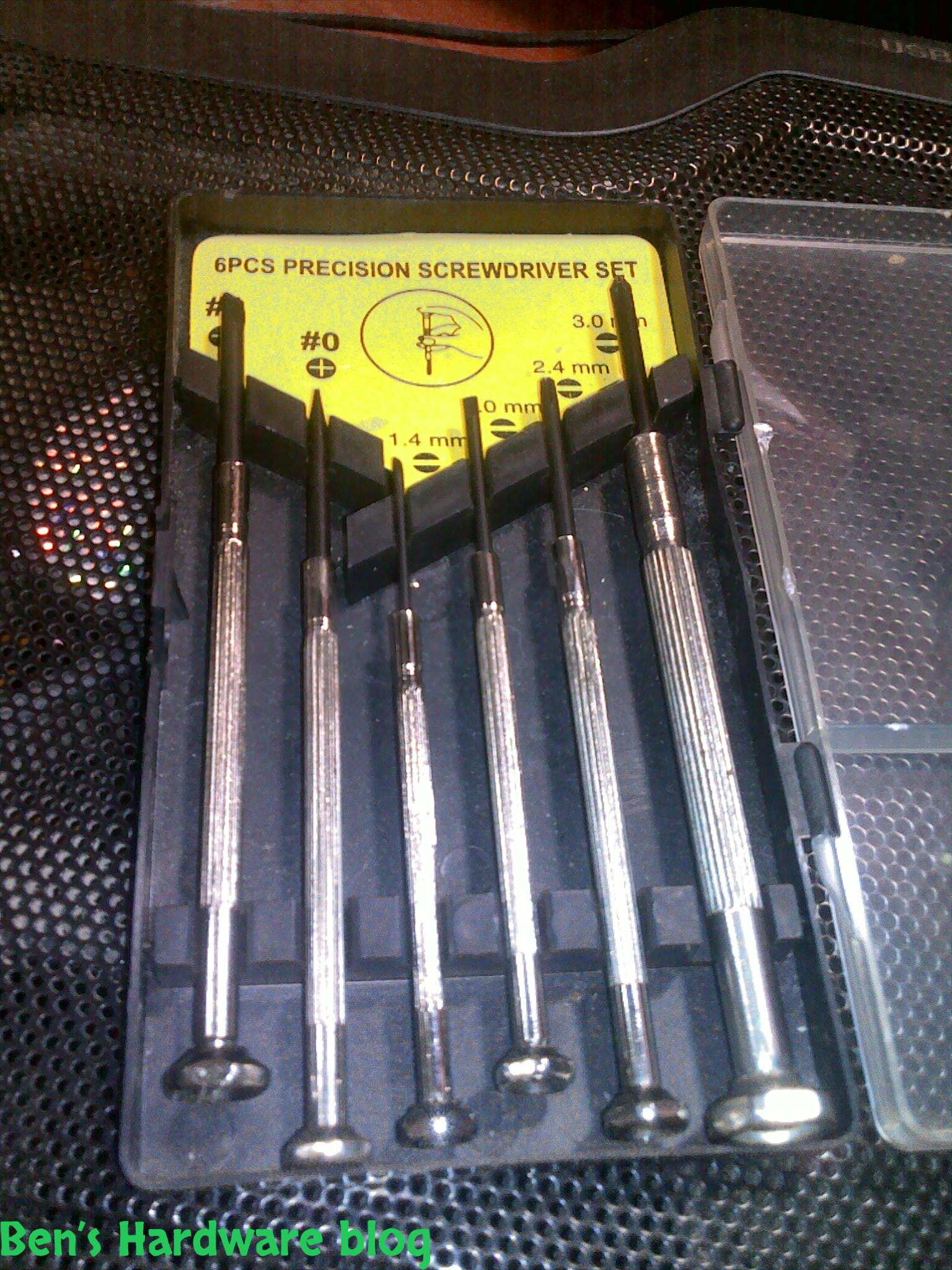
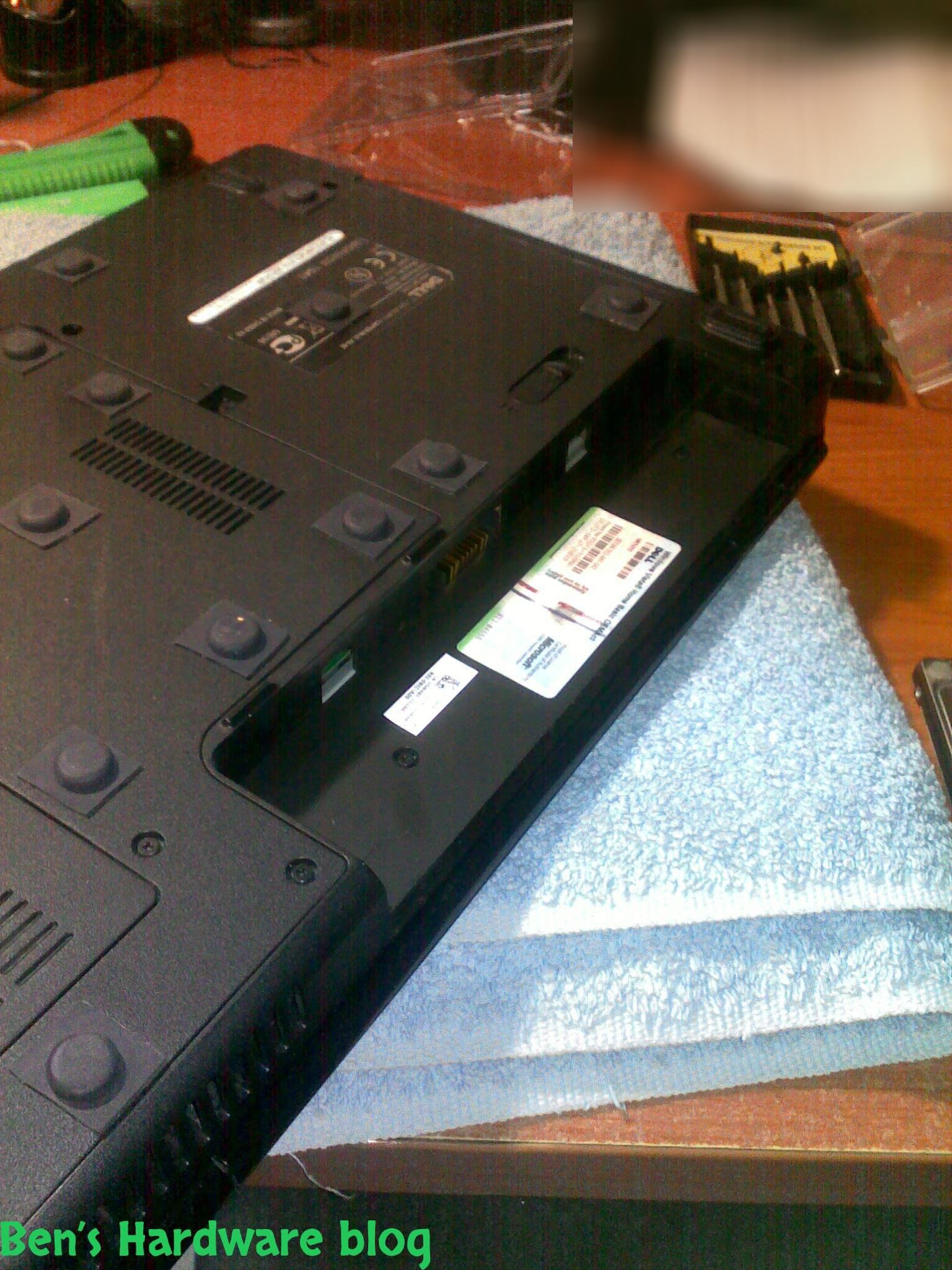
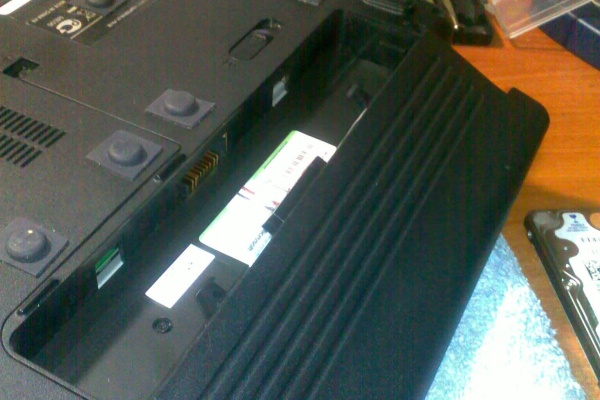
- It took me about 5 minutes to replace the old hdd with the new one. I just had to screw out 2 screws , pull out the old hdd , and push in the new one...
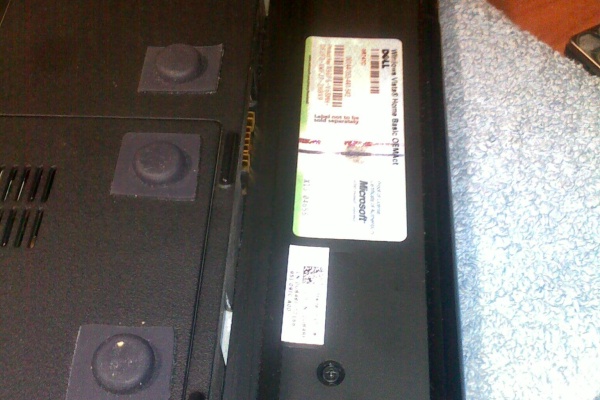
- The next thing was installing the operating system. At first I hesitated whether I should upgrade to Windows 7 or not...eventually i stayed with my old copy of Vista instead for no apparent reason except I got used to it.
- The installation process was noticeably shorter and after finishing with the installation of the OS , installing the other major applications took also less time than I was used to.
Performance:
- No doubt , my machine was FASTER , way faster than was it used to be before the upgrade.
Windows are opened in an instant instead of waiting 5-10 seconds before ; Adobe Photoshop CS6 takes about 15 seconds to generate the user interface (the splash screen stage).
- I could run many applications at the same time with ease and switching from on to other took less than a second. Here is a list of what I opened and worked with simultaneously :
Opera , Firefox , Chrome , FileZilla , Word , Winamp , Photoshop , Dreamweaver and of course all of the other applications that run in the background – Zonealarm firewall , Nod32 anti-virus , skype and Dropbox. The web browsers contained 5-15 tabs each , some with Flash player opened.
Power Consumption:
- When I installed the new SSD my battery was already depleted because of over usage. Before the upgrade, after a full recharge, it could sustain power for about almost an hour long with battery settings set to maximum saving (in Windows Vista). Again, this is after 2 years of usage, when it was new it could sustain power for almost 2 hours.
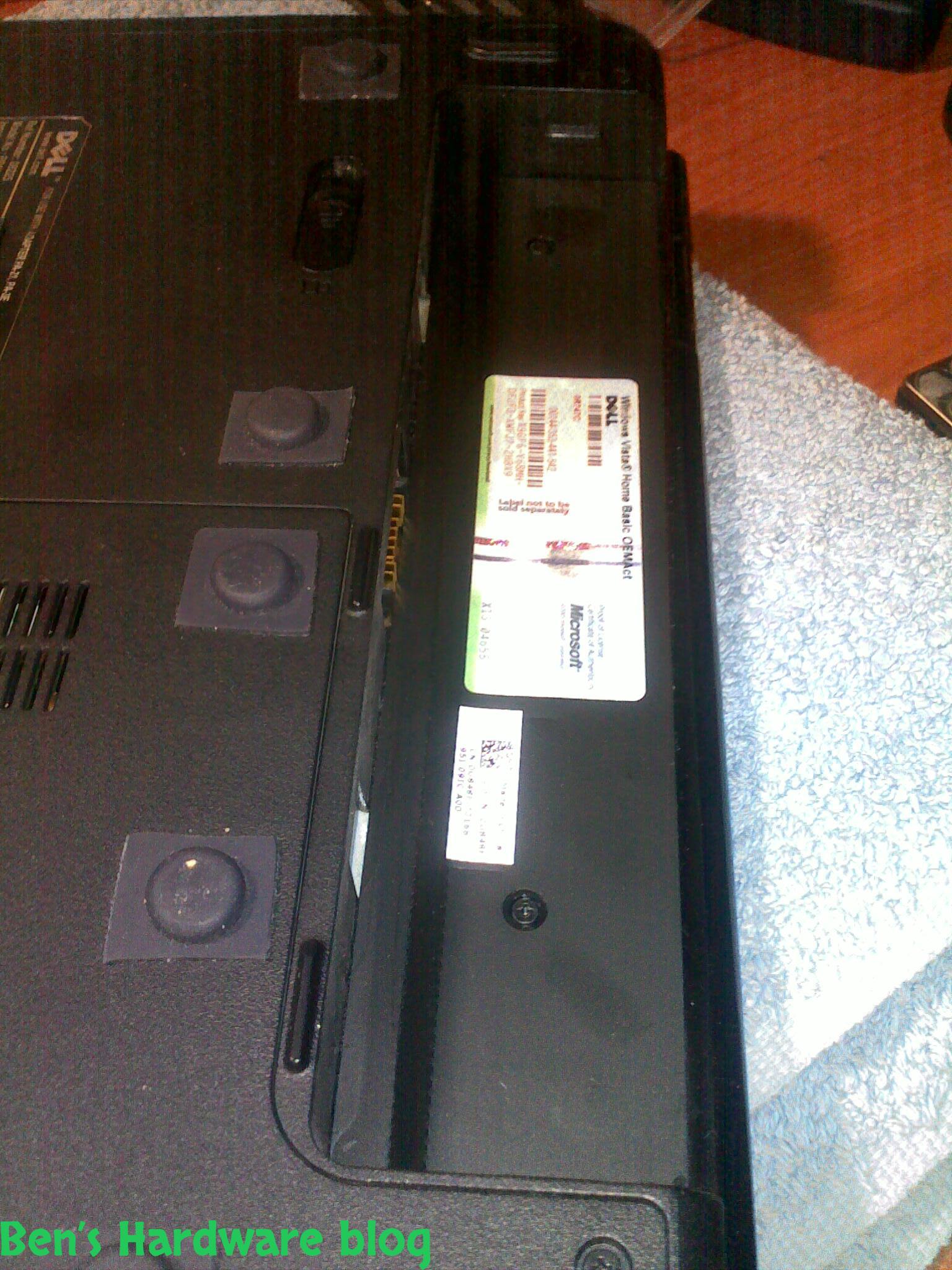
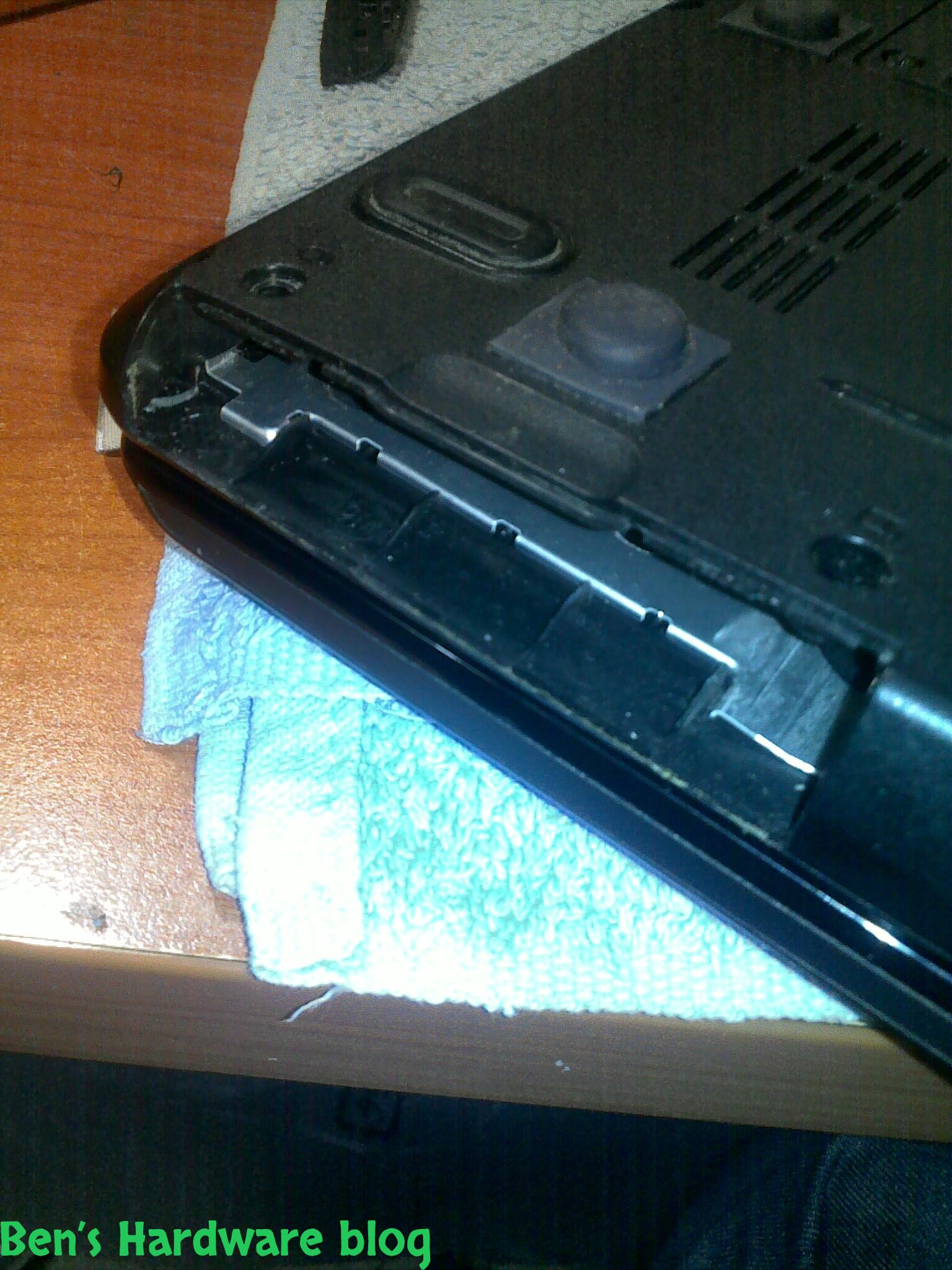
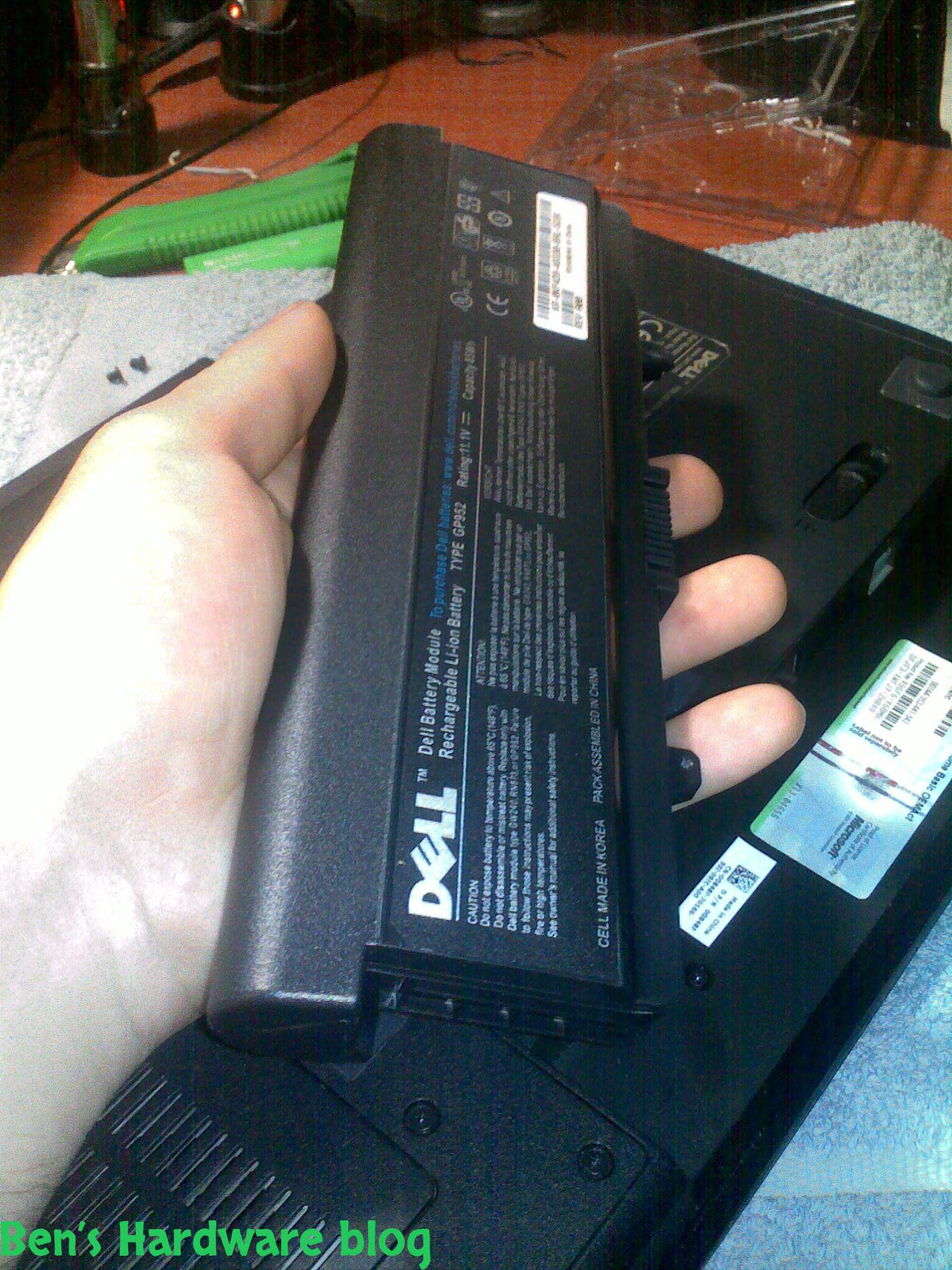
The old battery was a regular replica of a DELL with 6 cells.
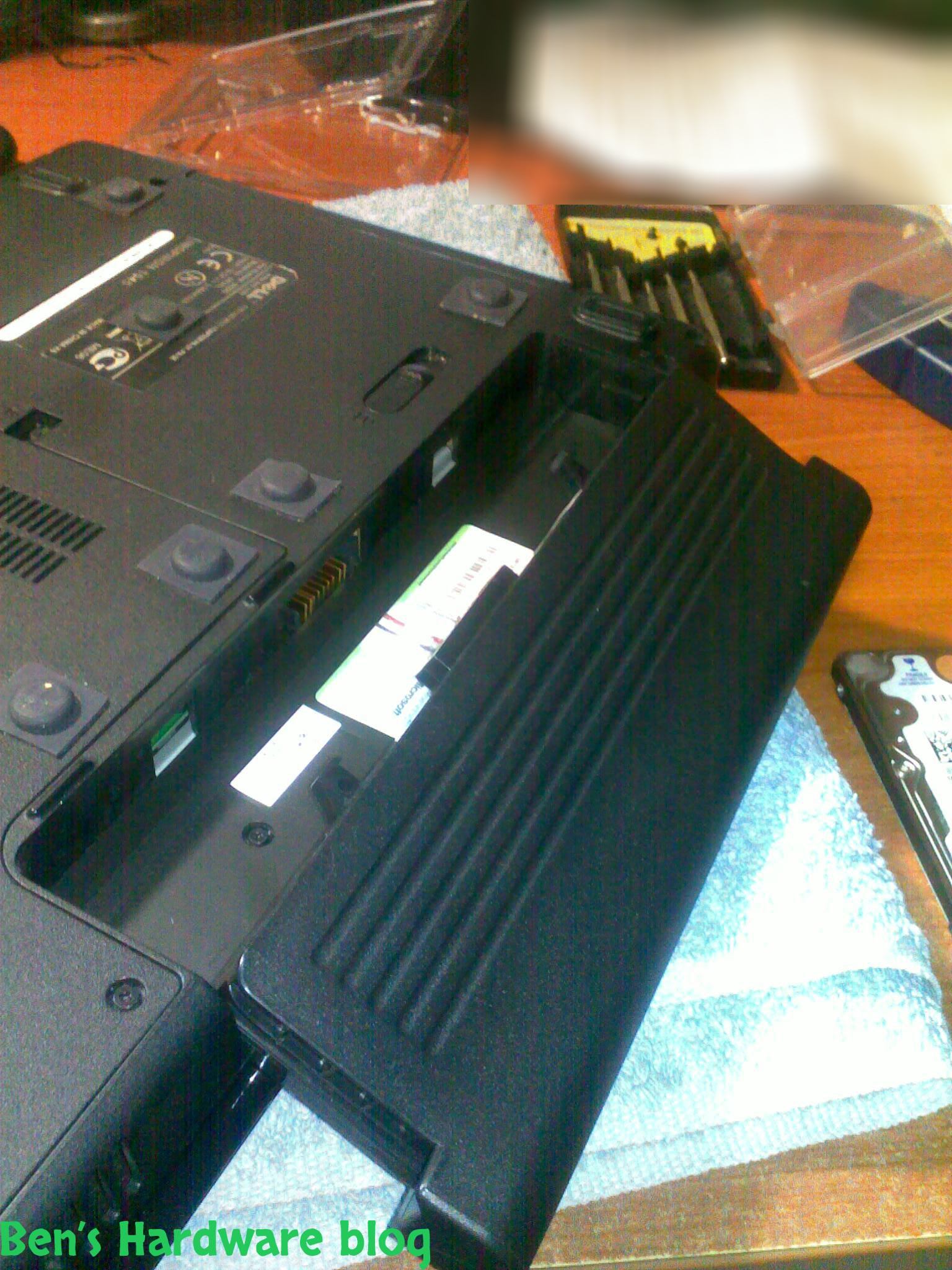
After installing the SSD I replaced the battery with a new 9 cell genuine DELL battery – the results were pretty surprising... after a full recharge in a maximum saving mode , the new battery along with the less power consuming SSD could sustain power for over 4 hours long...that's a big leap from barely 1 hour to over 4 hours...
Since my Dell is an old model it doesn't have a “monitor turn off” button, so I had to Google search on how to make one. Eventually I created a shortcut to a command that turns off the monitor. It sounds a little stupid and unnecessary, but it actually saves a lot of power... it's a much more logical solution in student environment when you don't really want to wait for the monitor to turn itself off or putting the machine into hibernation mode during a lecture.
To sum up , instead of buying a new laptop spending thousands of dollars , I spent just a little over 100$ turning my laptop from a slow , inefficient, power and time consuming machine to a fast , efficient and power saving one.