 Administrator







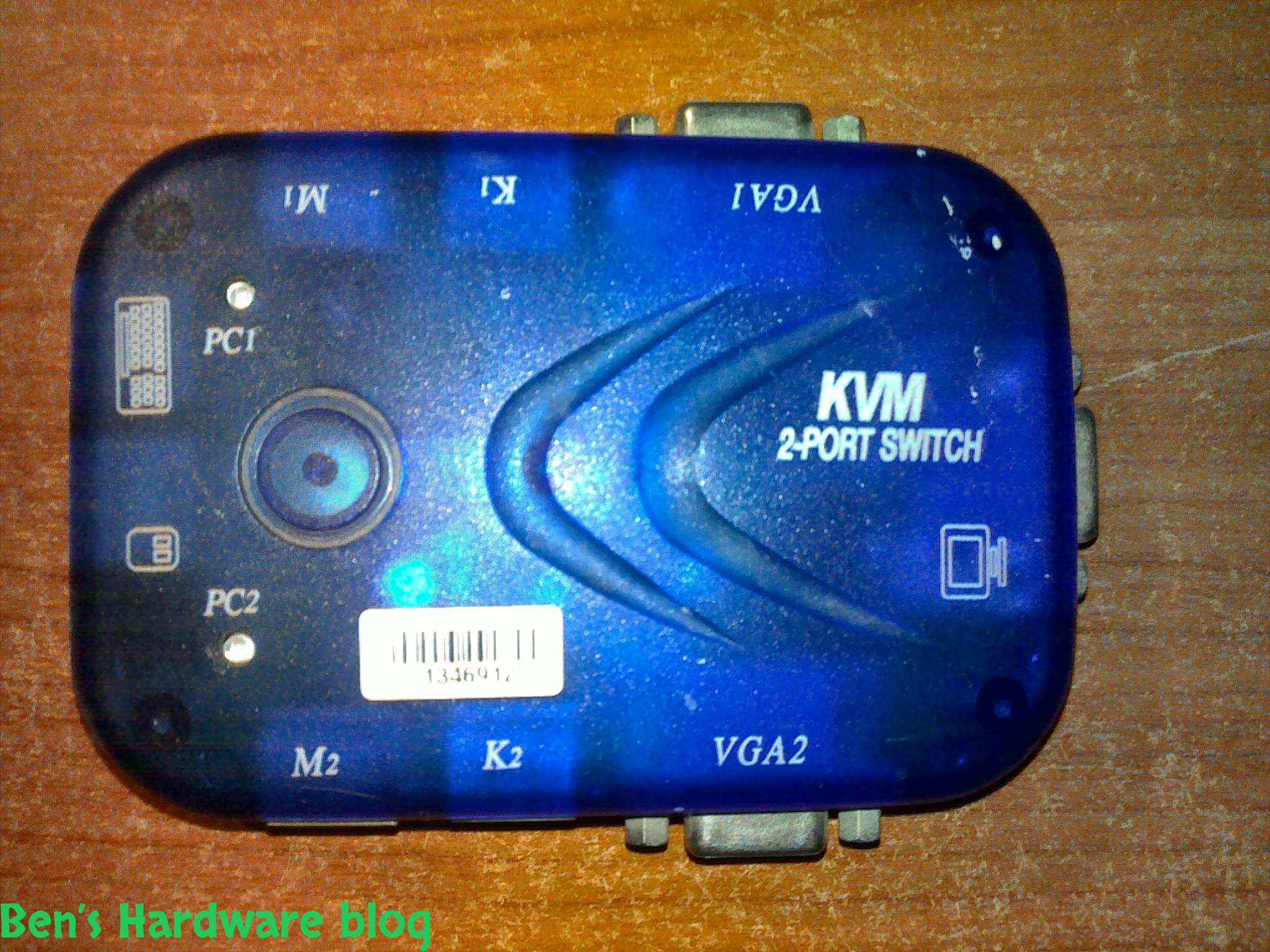
For people who are techjunkies or that work with a large number or computers is part of their job this would be a *must have* piece of electronics. Over all this product is very simple. It gives you the option of working with 2 computers , one at a time , with one set of interface hardware and that interface hardware is a mouse , a keyboard and a monitor.
Back in the day I have many machines (I think about 3-4) and each one of them had its own interface. It sucked badly because of many reasons; first of all all these monitors , keyboards and mice took up a lot of physical space around my room, it made the room look like a lab and not like an ordinary bedroom (a pretty uglIt sucked badly because of many reasons; first of all all these monitors , keyboards and mice took up a lot of physical space around my room, it made the room look like a lab and not like an ordinary bedroom (a pretty ugly and messy lab I might add) , I had to physically get up and move in order to work on a different machine , and of course the increased amount of CRT monitors in the room meant more heat dissipation and more power consumption.
I found the solution in this simple 2 machines switch. Using this simple instrument I saw an immediate impact on all the cons I mentioned in the previous paragraph; my room was the same room minus a set of monitor , keyboard and a mouse, power consumption and heat were lower and I could simply sit next to a single set of hardware interface without moving to another location around the room in order to work on a different machine. I was so well impressed with this product I purchased another one, this time it could control 4 machines from 1 single set of interface hardware.
Now for some technical details:
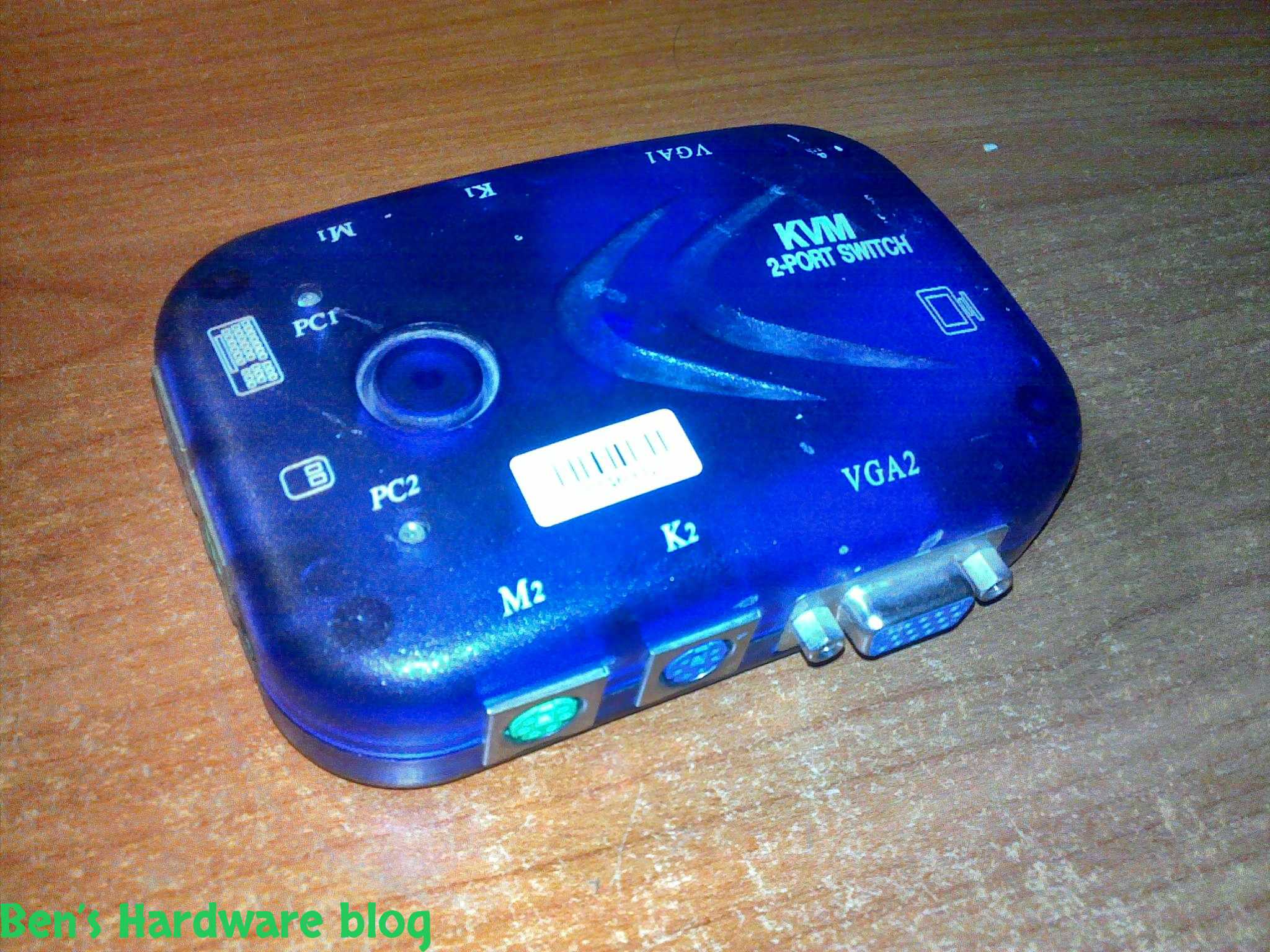
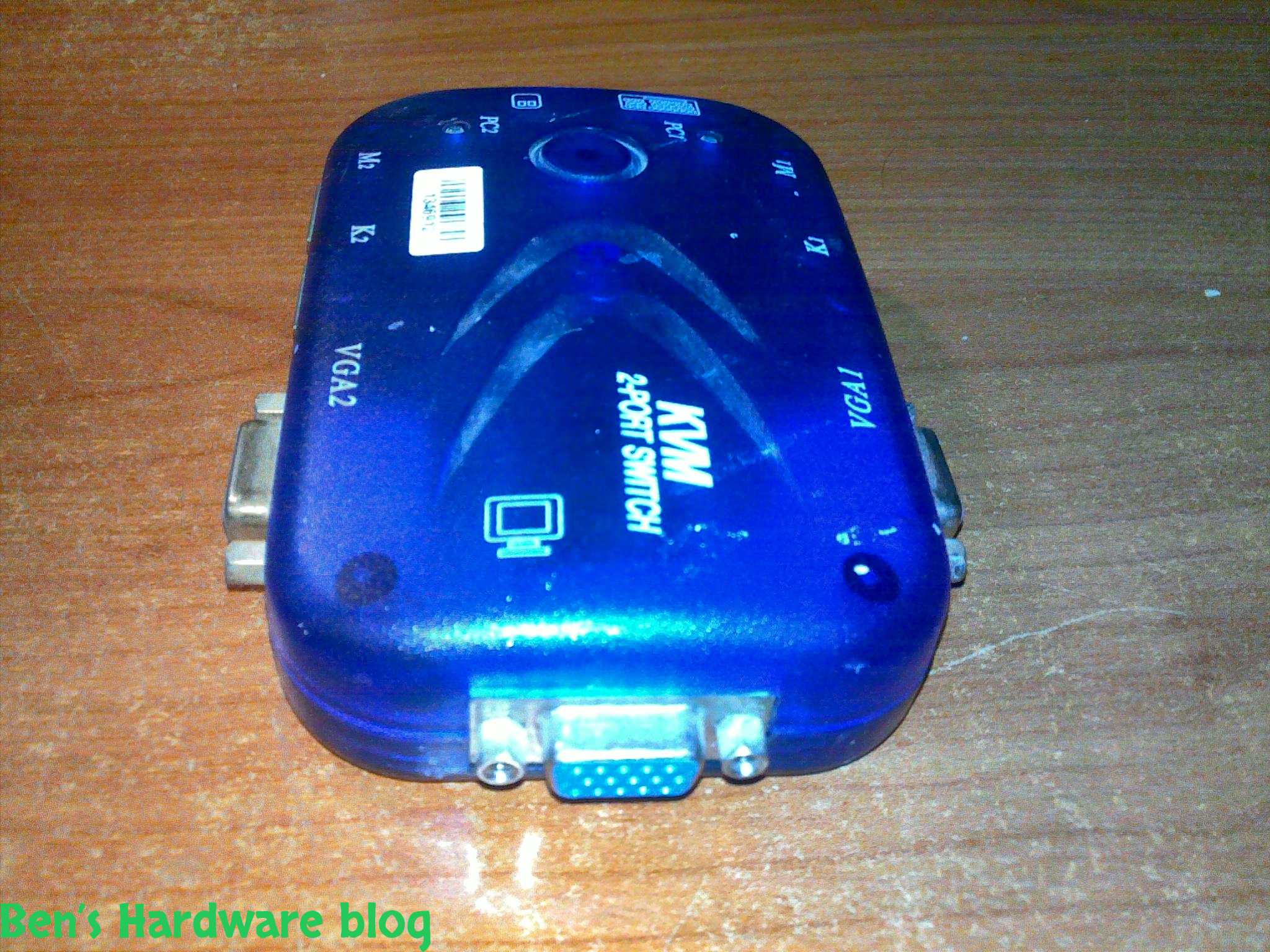
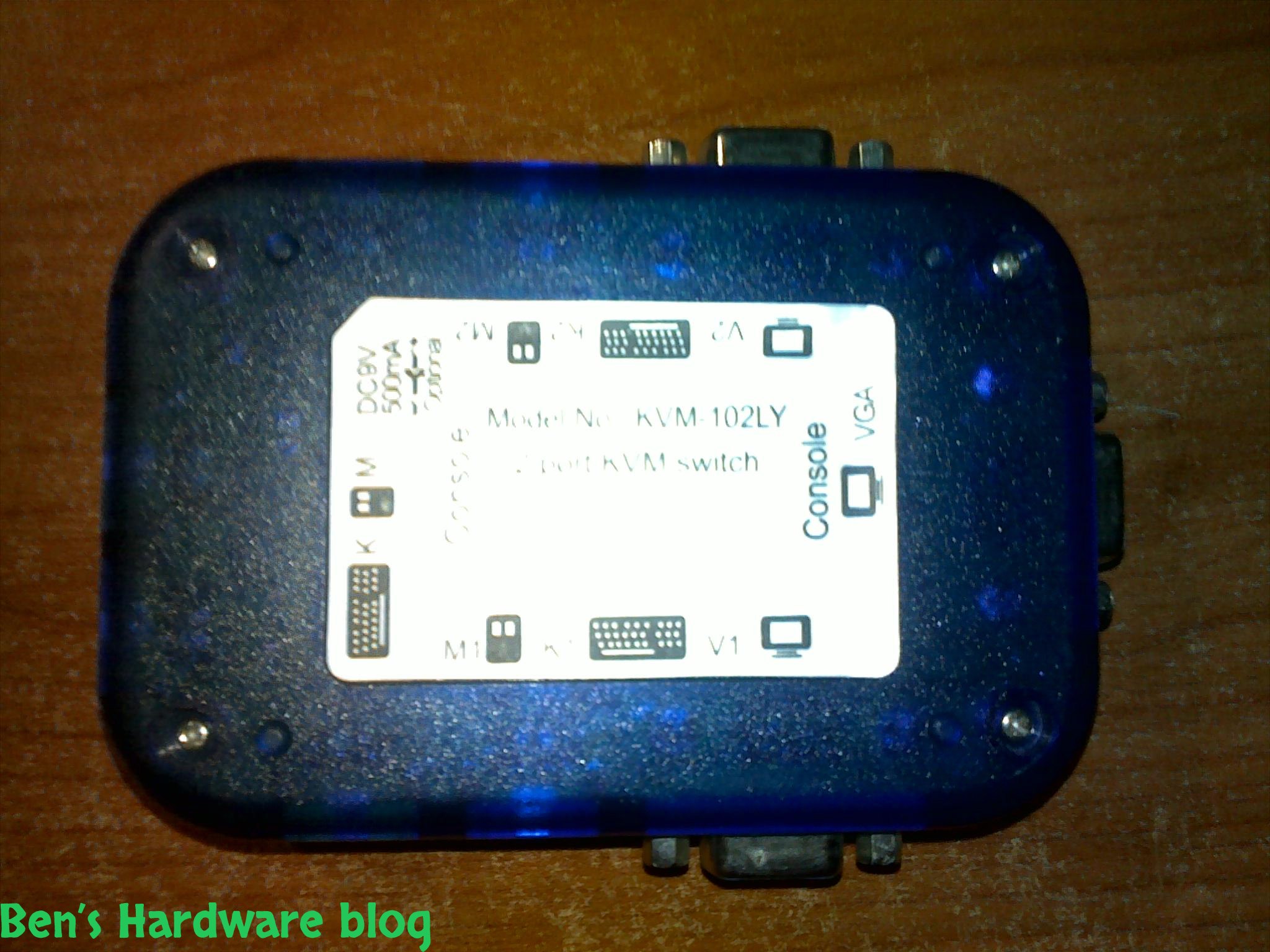
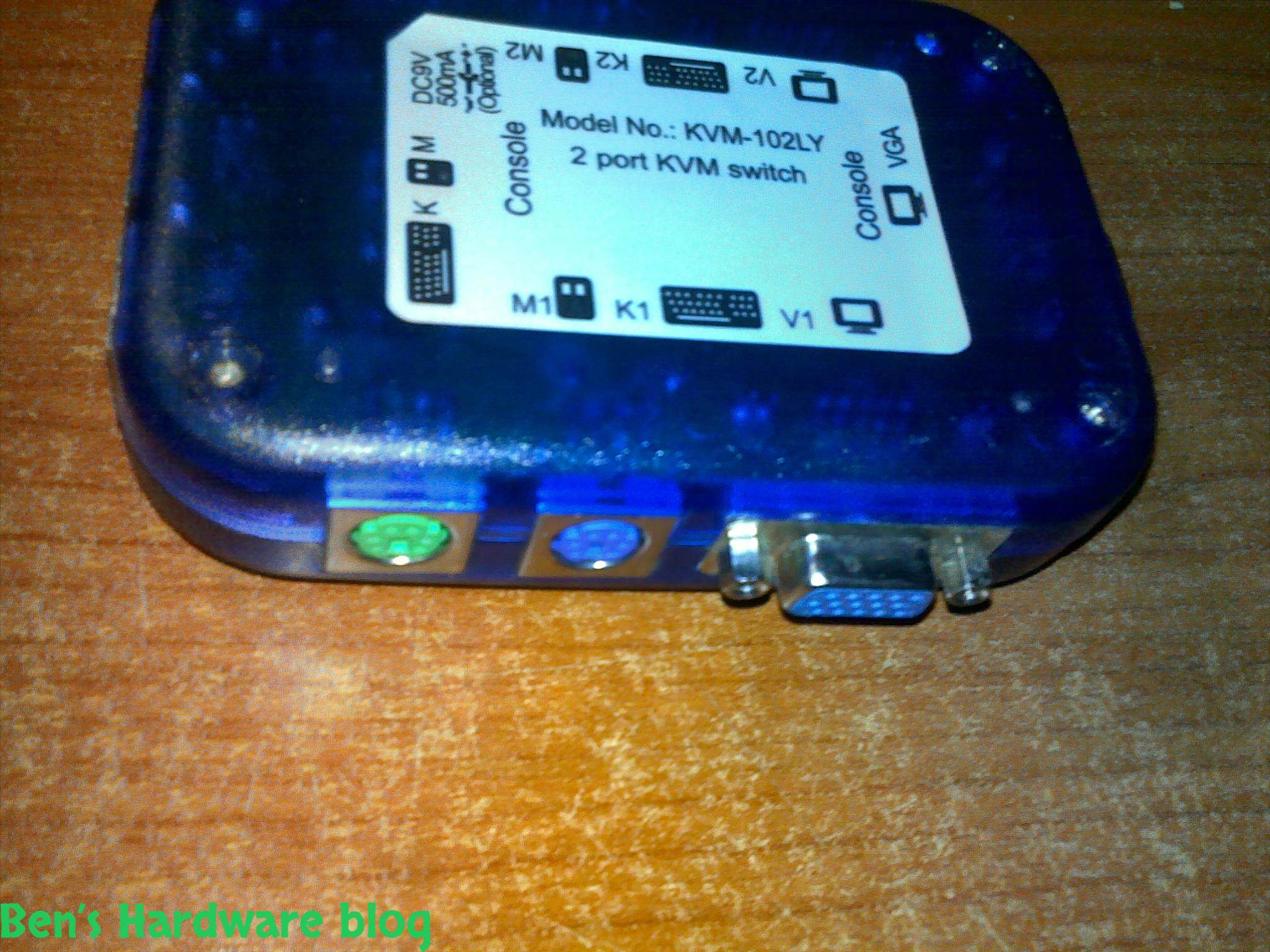
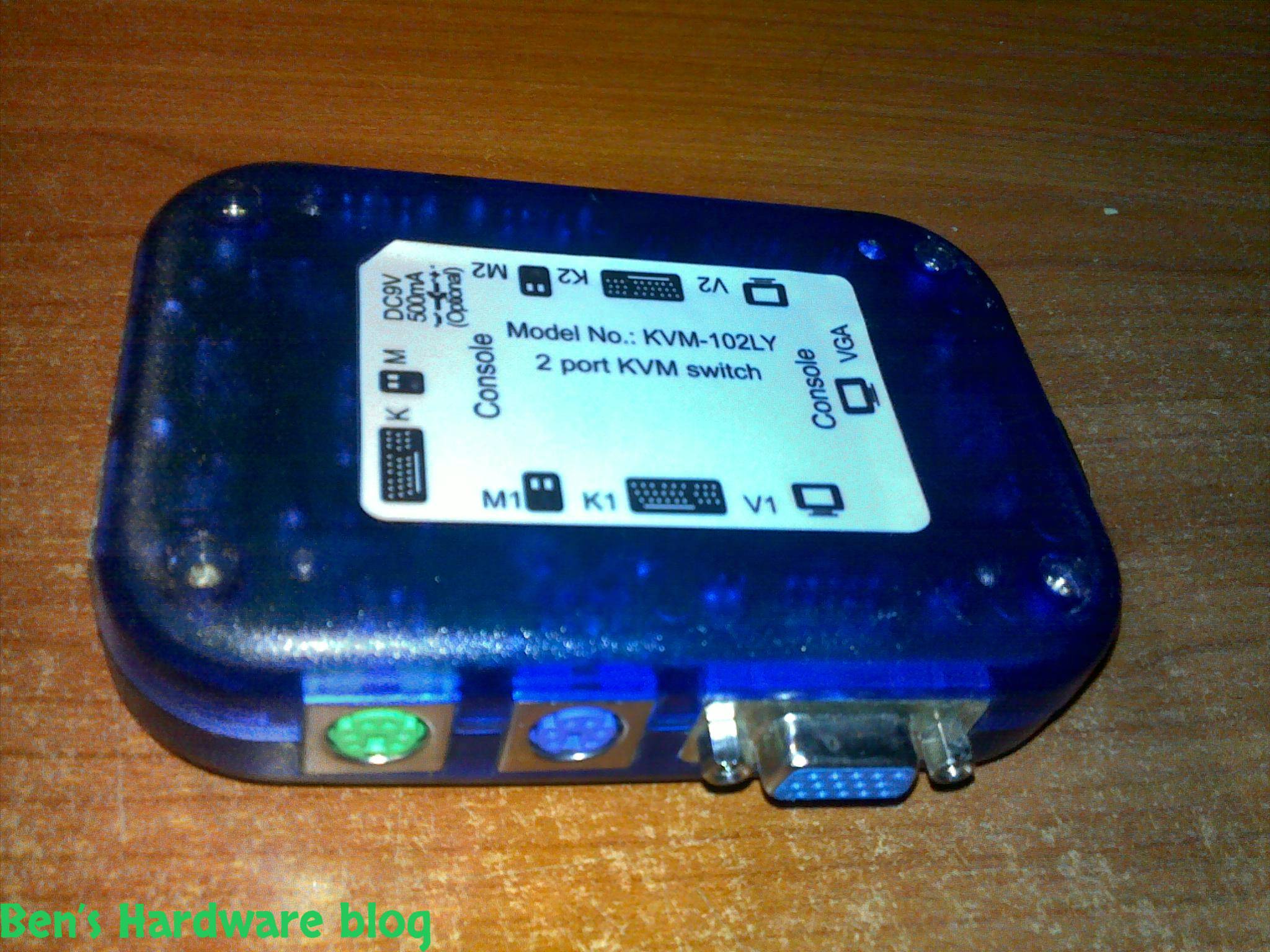
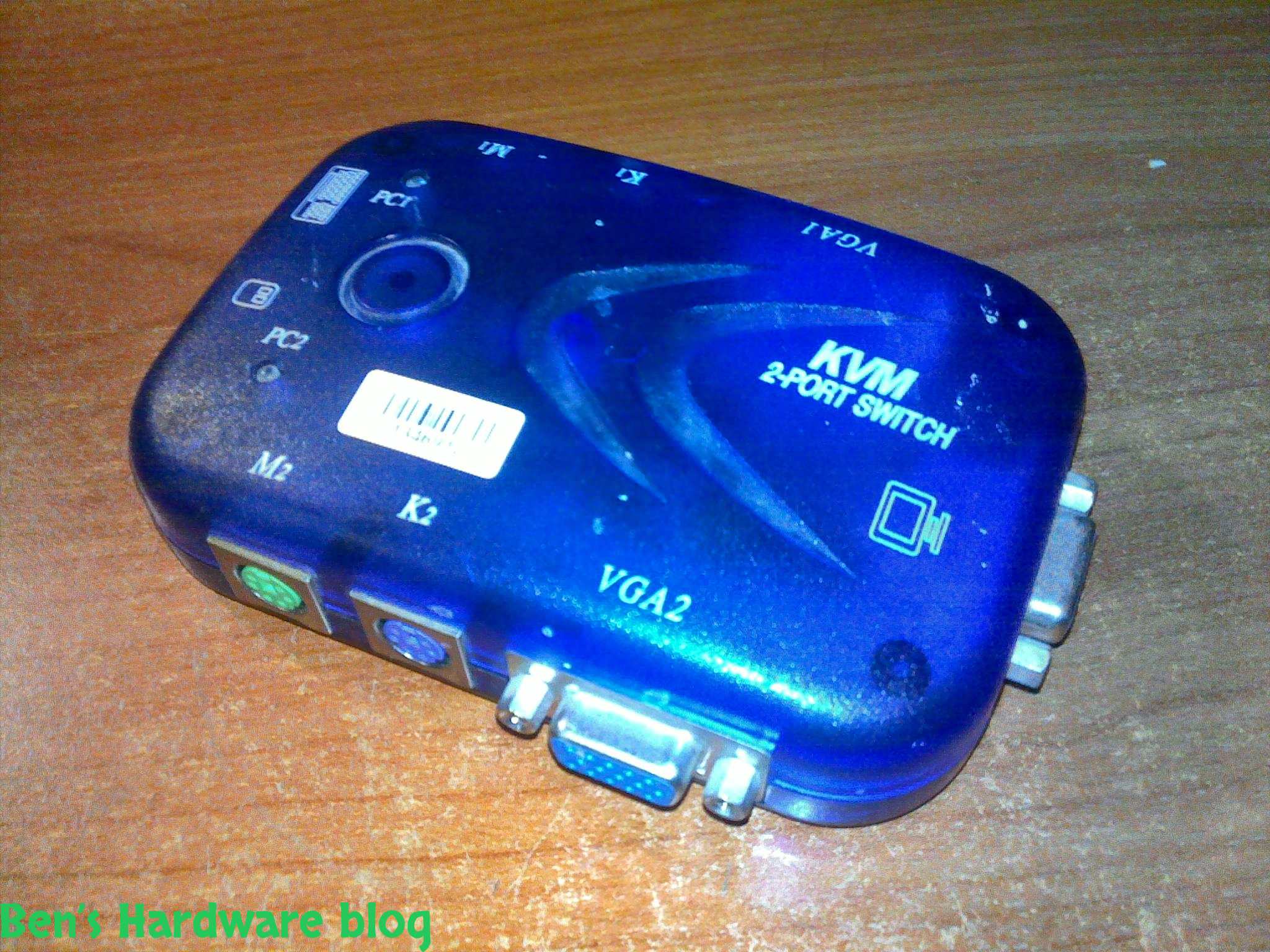
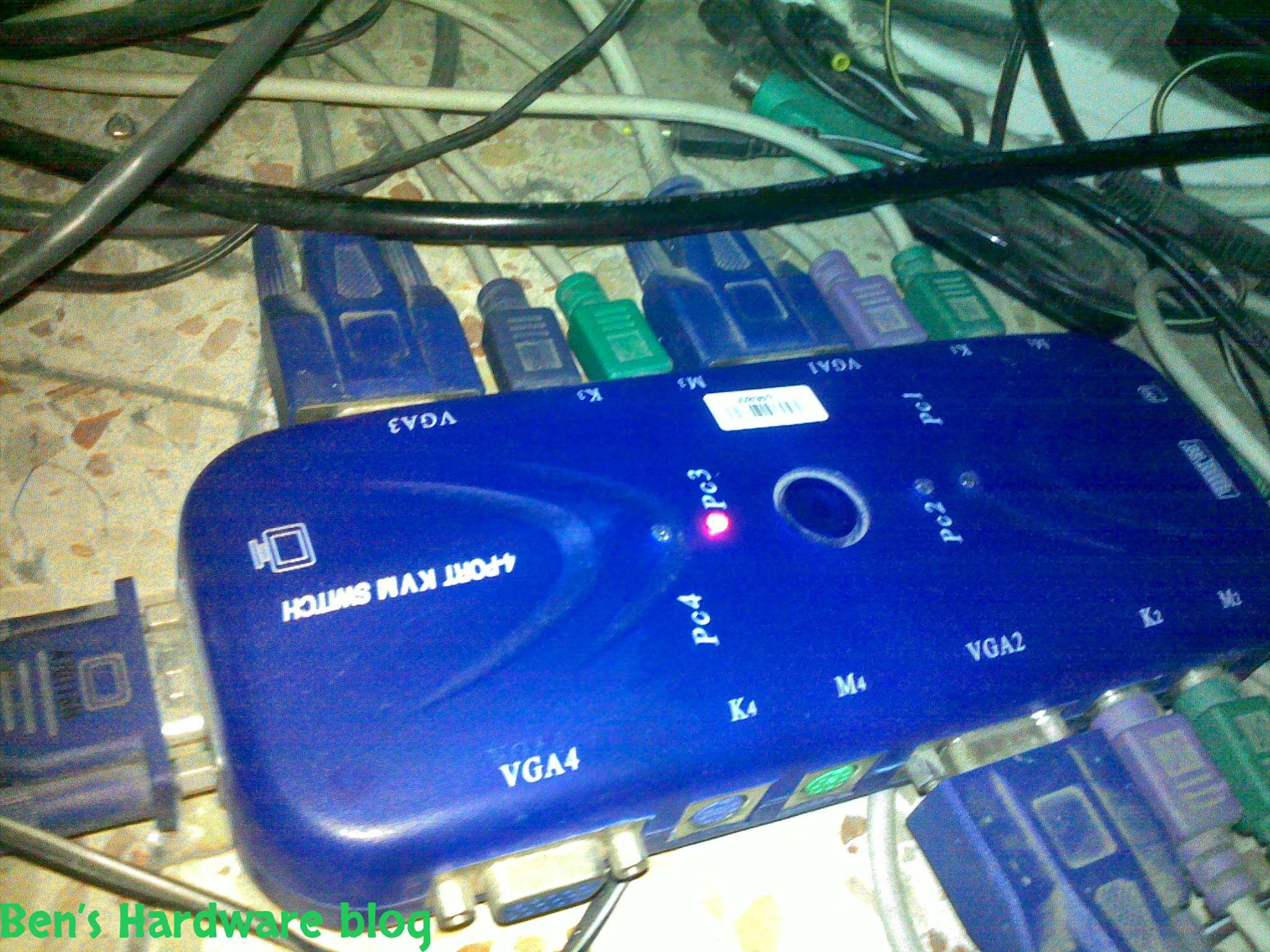
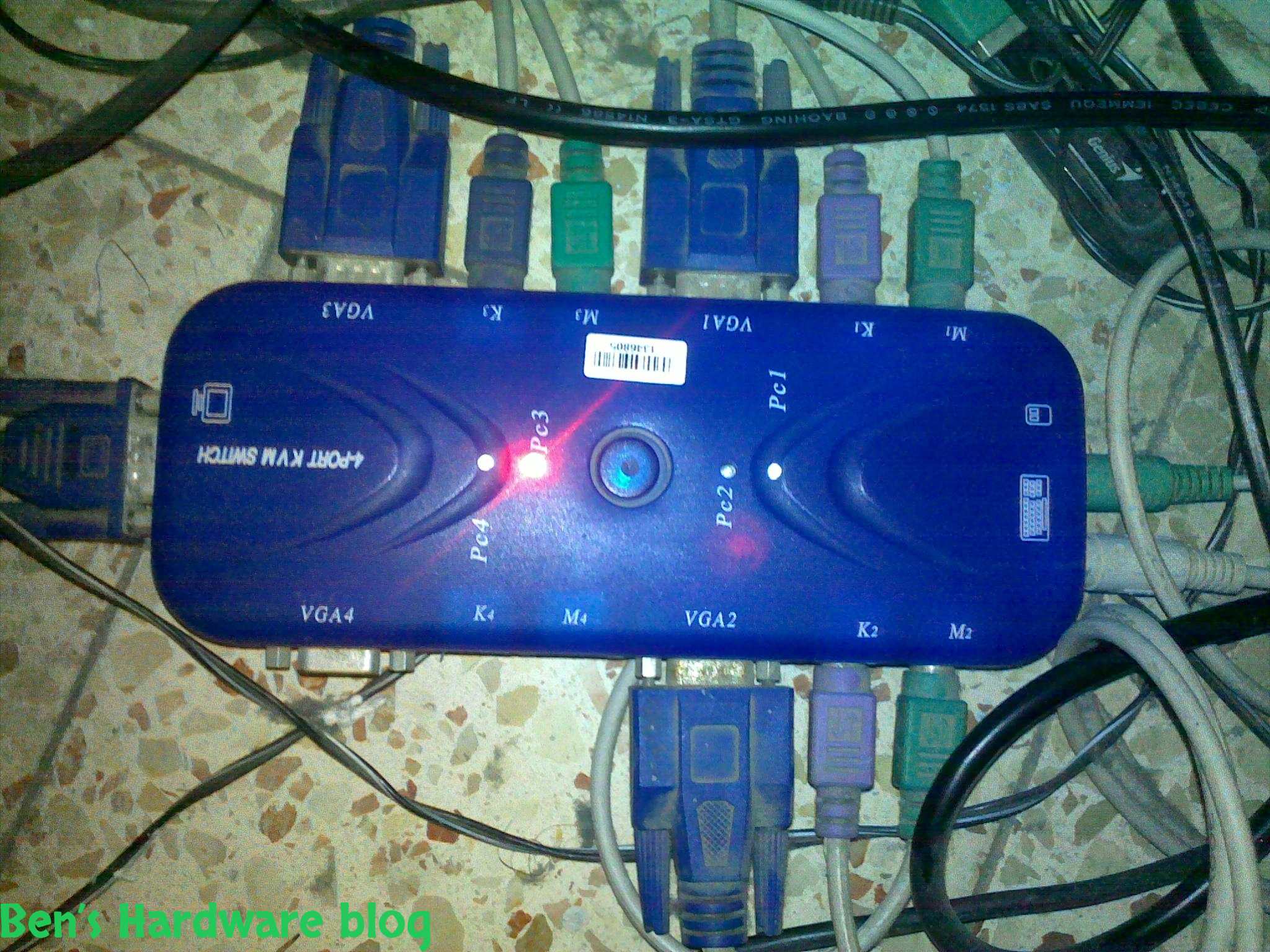
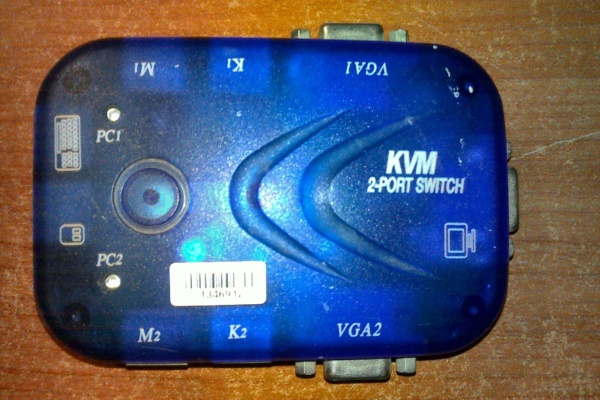
The KVM 2-PORT SWITCH can control 2 computers from a single set of hardware interface which include - a mouse , a keyboard and a monitor. The bigger version mentioned above can control 4 machines.
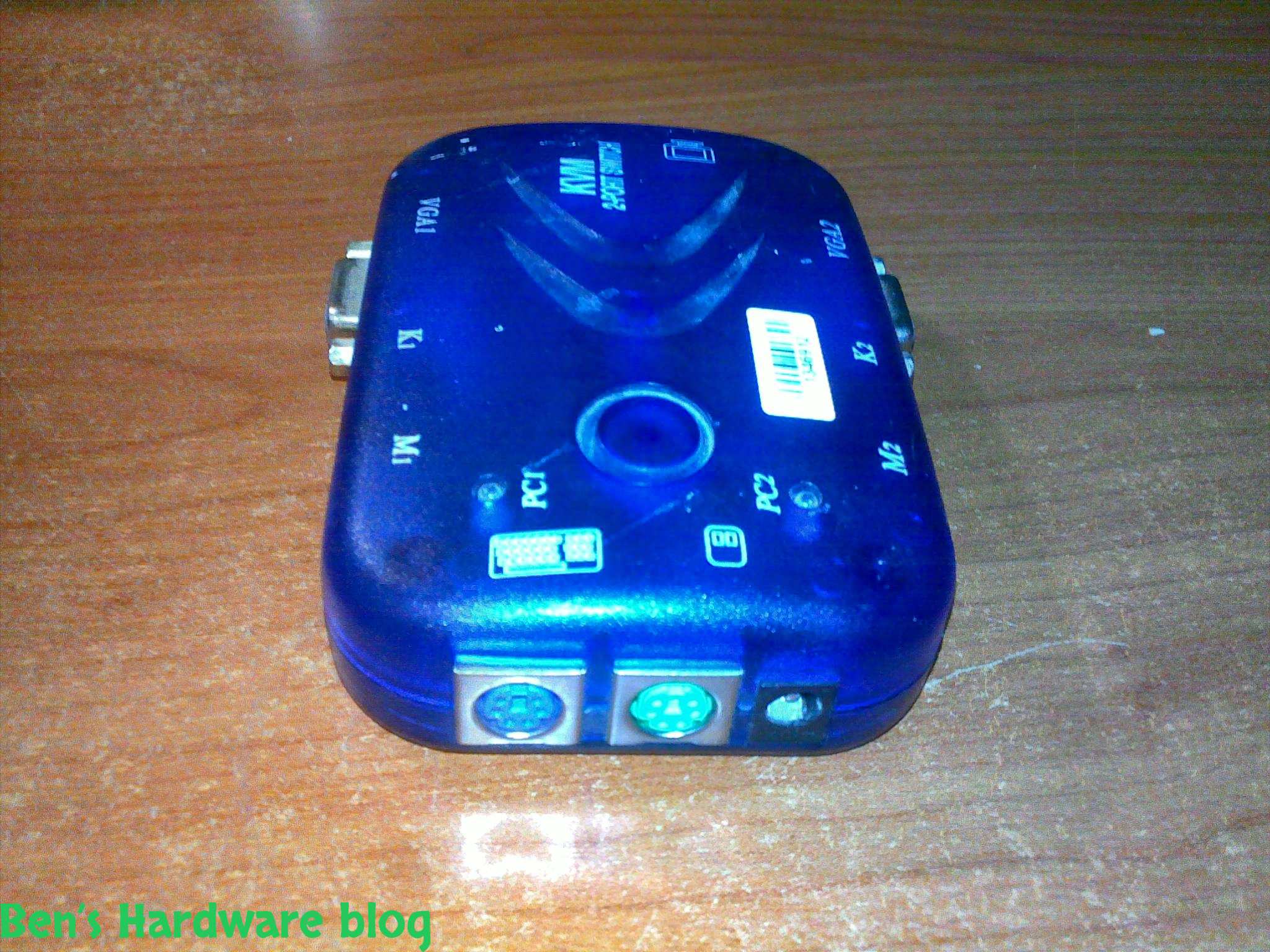
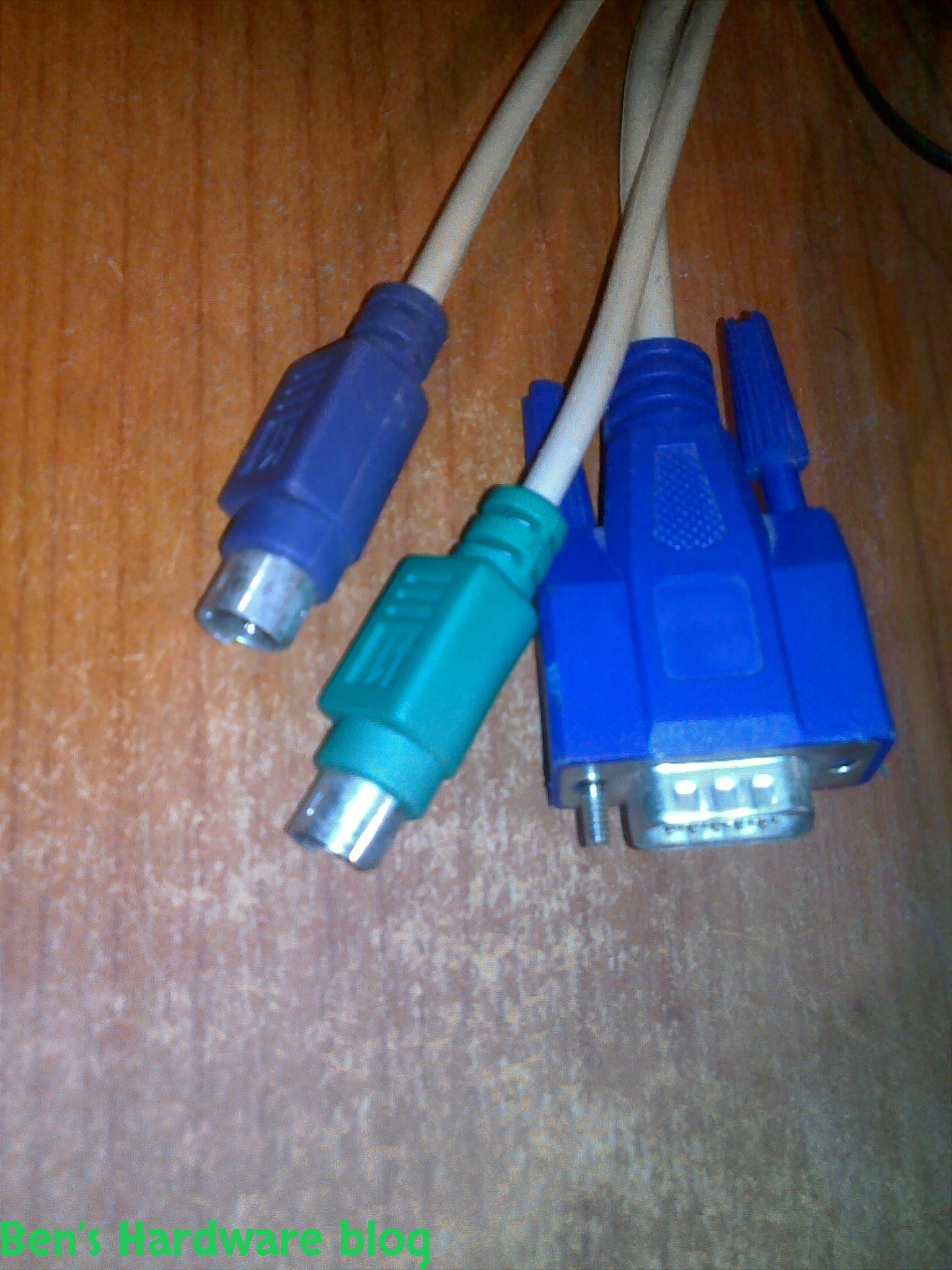
The interface of the hardware is a bit old - PS\2 for both the mice and the keThe interface of the hardware is a bit old - PS\2 for both the mice and the keyboards and VGA interface for the monitor plug.
Yet , I was successful connecting wired USB mice and keyboards to this product by using a USB to PS\2 converter. Some USB hardware required more power , power which this product could not deliver. Luckily the inventor of this product had thought about it before marketing it and it comes with a 9V direct curret (DC) 500mA socket.
Using this I was able to connect a silicon LED illuminated keyboard and use it properly. However , I was unsuccessful connecting a wireless hardware to the switch, it just didn't work.
LCD monitors can definitely be connected to this switch , either via the VGA port of via a VGA to DVI converter. The poorer VGA quality would stay the same but it's a decent price for being able to control so many machines from 1 interface at a static position.
Control and indicators:
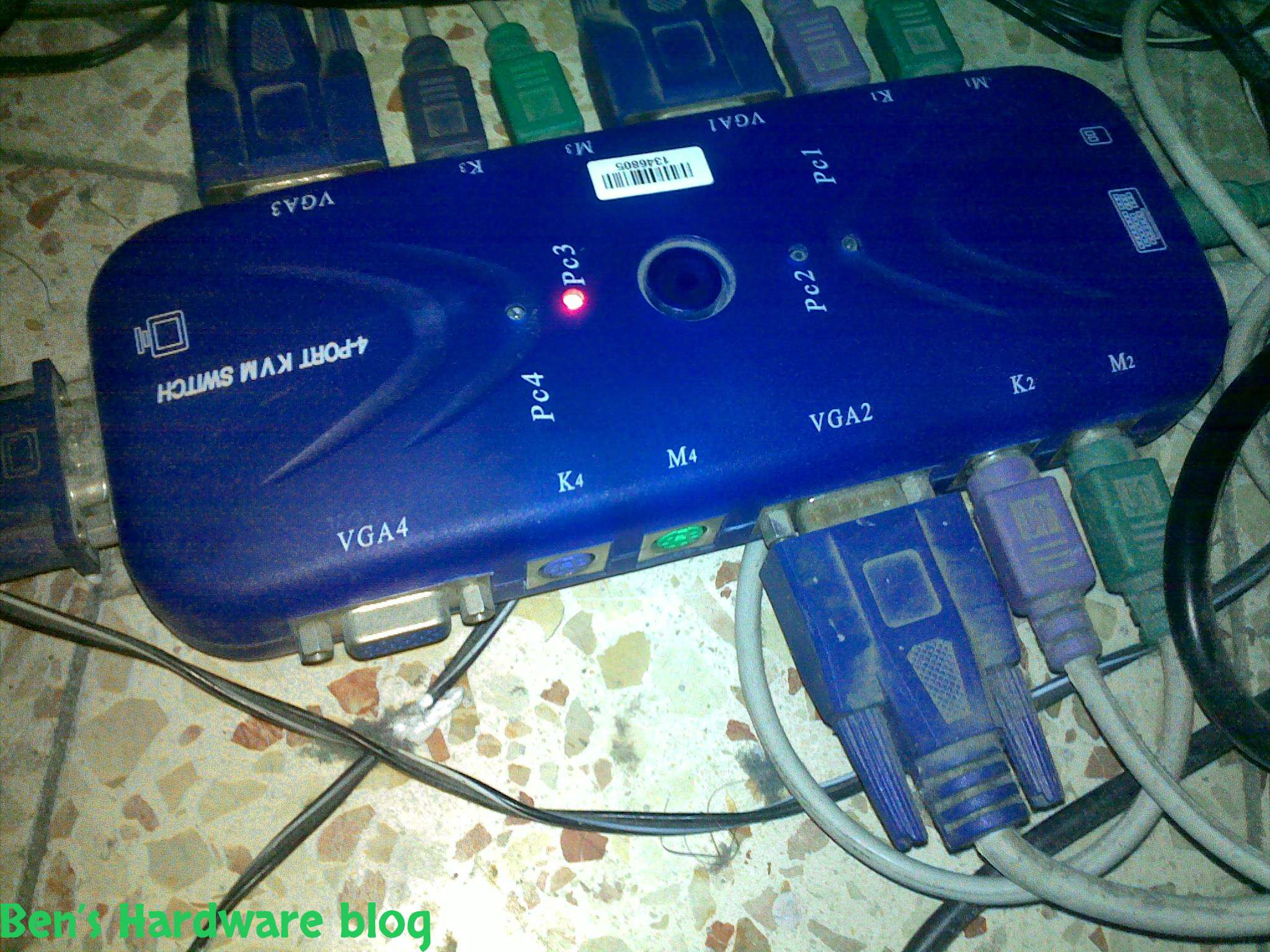
The switch has a button which is 1 CM in diameter right near the LED indicators. Clicking this button makes the product switch from one hardware set to another , that is from one computer to the next in line. Switching machines makes the correct red LED light turn on and blinking for about 2
seconds before staying solid red - indicating all 3 hardware connectors
of the current computer are connected well. If not , the red LED green would still be blinking.
In addition , hardware sets can be switched by clicking the Scroll Lock button on the keyboard twice and fast. After doing so the red LED indicator would start blinking , and a time frame of 5 seconds would be opened for the user to switch to the next computer in line by using the up and down arrow keys on the keyboard , going next or to the previous in line computer on the switch.
If during those 5 seconds none of the arrow keys is pushed - the red LED light would go back to be solid red again and pushing the arrow keys would not do any effect.
One piece of hardware like a mouse , not connected to the switch while the entire set is switched on - is enough to make the red LED indicator start blinking.
Overall I find this product very helpful for anyone who has to work with more than one computer for whatever reason.
Pros:
- Makes working with more than one computer very simple and easy
- Can support up to 4 computers ( and I believe there are bigger versions out there as well)
- Gives the freedom using 1 set of hardware (mouse , keyboard, monitor) to control computers that require 1 interface set each - saving physical space , time , power consumption and hassle.
- Computers can be switched by using the Scroll Lock key and up and down keys on the keyboard , adding to the ease of use
- Comes with a set of 2 or 4 VGA , mouse and keyboard wires ( that is 6 wires total in the 2 computer version and 12 in the 4 computer one)
Cons:
- Very ugly - once all 2 or all 4 computers are connected to the switch the nice blue switch turns into something similar to a wire spider monster and it looks bad… if you are concerned about appearance you would better hide it under or behind something. Personally I just put it on the floor so I will be able to see the red LED indicator
- Hardware recognition issues - I've had quite a lot of them, sometimes I had to turn all the computers off in order to find what set of interface causes the problem or error , sometimes an error in one hardware set influenced the others and sometimes I had to shut down power supply and connect computers one by one to make the switch work well again.
- Scroll Lock - it works but it has its share of erros. Sometimes the switch just didn't switch when needed to and sometimes it just didn't go to switching mode (red LED blinking).
- Obsolete connector interfaces - VGA and PS\2 (it's 2013 now)
- Wireless hardware cannot be used (at least from my experience)
Price:
I bought it for 17$ at a local computer shop , I believe I can found for a cheaper price on places like E-bay or any other online store.