Introduction: This article is going to discuss the significance and importance of the modern internet under the shado...

Read More...

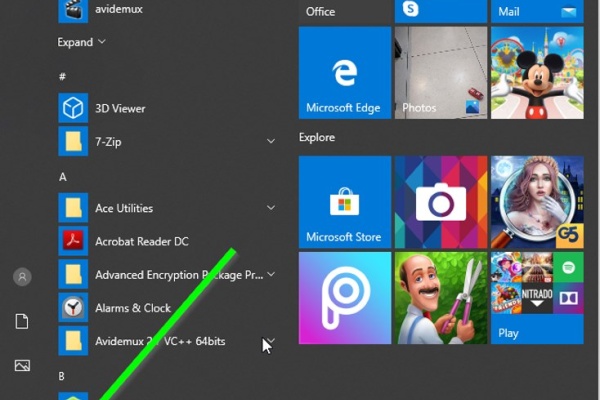
Introduction: The dymamic search feature of Windows has been a long anticipated one. unlike in older versions of Window...

Read More...

Introduction I cannot find any other reason for a gear shift lever to get bent except for a blunt force applied onto it...

Read More...

Introduction there are plenty of ways to start a motorcycle using various electrical methods that some and at least, th...

Read More...

Introduction In this article i will go over all of the possible ways to highten the performance of your computer and ge...

Read More...

Introduction: Dealing with car mechanics is inevitable for the tech savvy person and at some point he or she would reso...

Read More...

Introduction: In the following post I will demonstrate how I tried making an old and ugly kitchen be, well, less old an...

Read More...

Introduction: Computers. They have found their ways to almost every aspect of our lives it seems and have come a long w...

Read More...

Introduction Apart from armor and a helmet, usually a motorcycle rider doesn't need much in order to ride their horse. ...

Read More...

Introduction Noise. Its sucks, unless it comes in the form of music and sometimes it sucks even then. When it comes to ...

Read More...

Introduction: In this article i will go over an absolute nessesity for bikers who use their smartphones often while the...

Read More...

1. Introduction The Dell Latitude E-7450 is one of the easiest laptops to have its battery replaced, considering the fa...

Read More...

Intoduction: The product in this post is a must for everyone who would consider themselves a professional, an aspiring ...

Read More...

Introduction: Apple’s products are not guaranteed forever and just like any other mobile on the market, they too use an...

Read More...

This article is going to express something that has been beginning to annoy not just me, but probably millions of other ...

Read More...

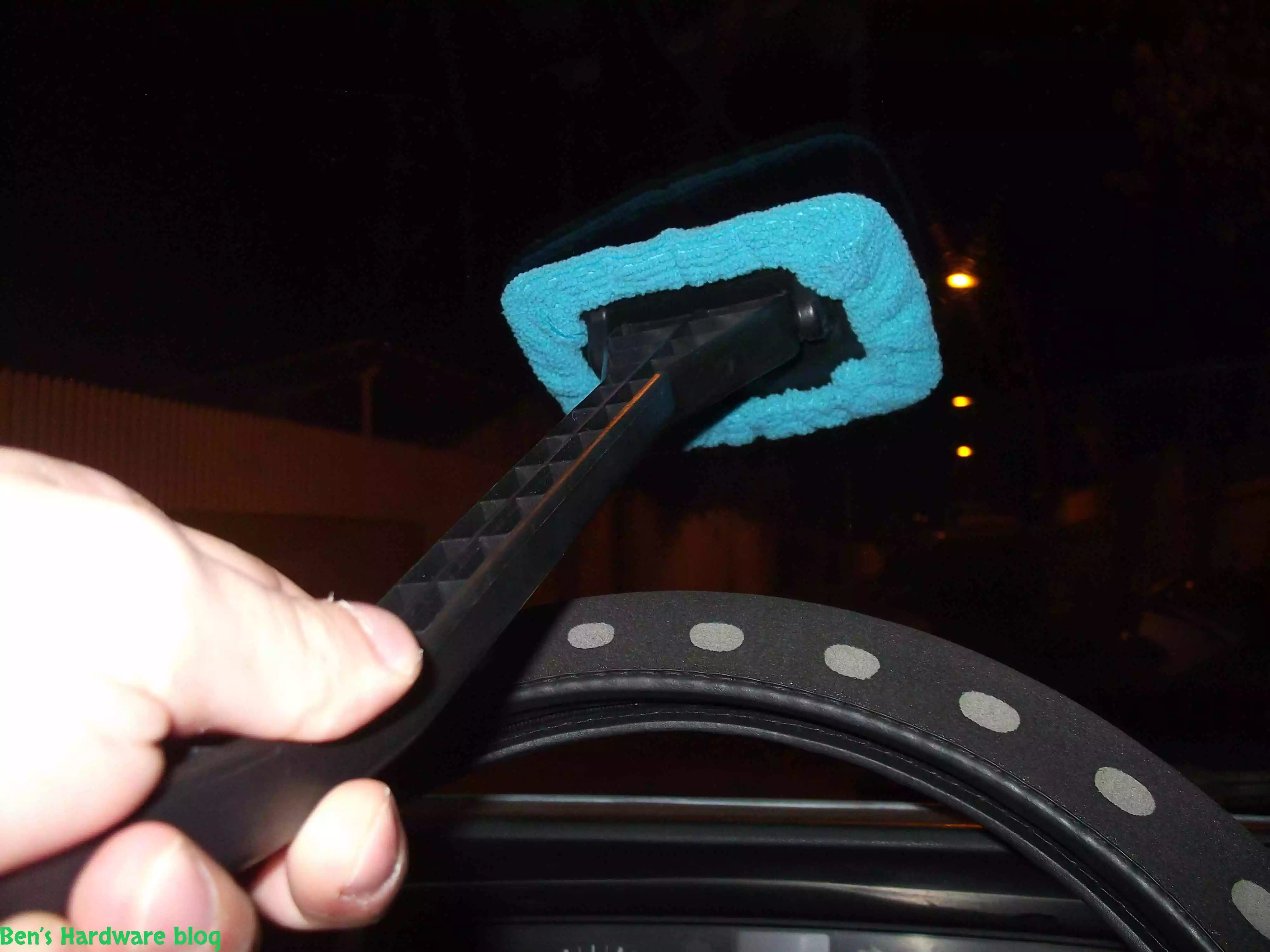
Have you ever tried to clean your car’s front windshield from the inside of it? It’s annoying and not easy and whoever t...

Read More...

If you are like me, and you don’t carry around a fancy touch screen smart phone such as an Iphone,  or a Galaxy, an...

Read More...

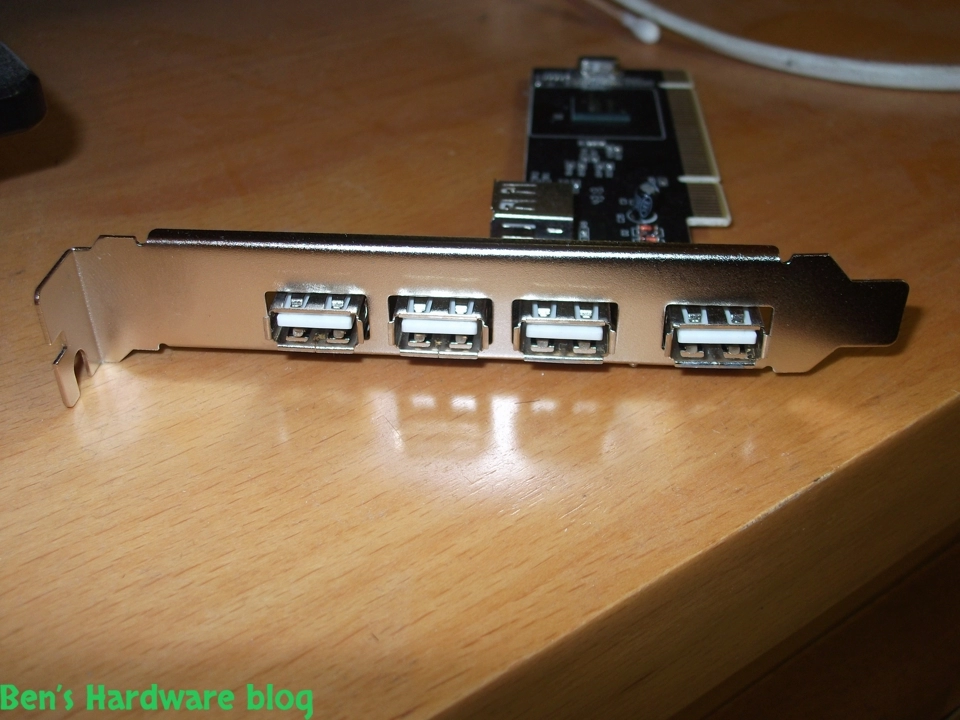
Need more USB ports? This is a great solution for those who just have and use a lot of devices that connect to the PC w...

Read More...

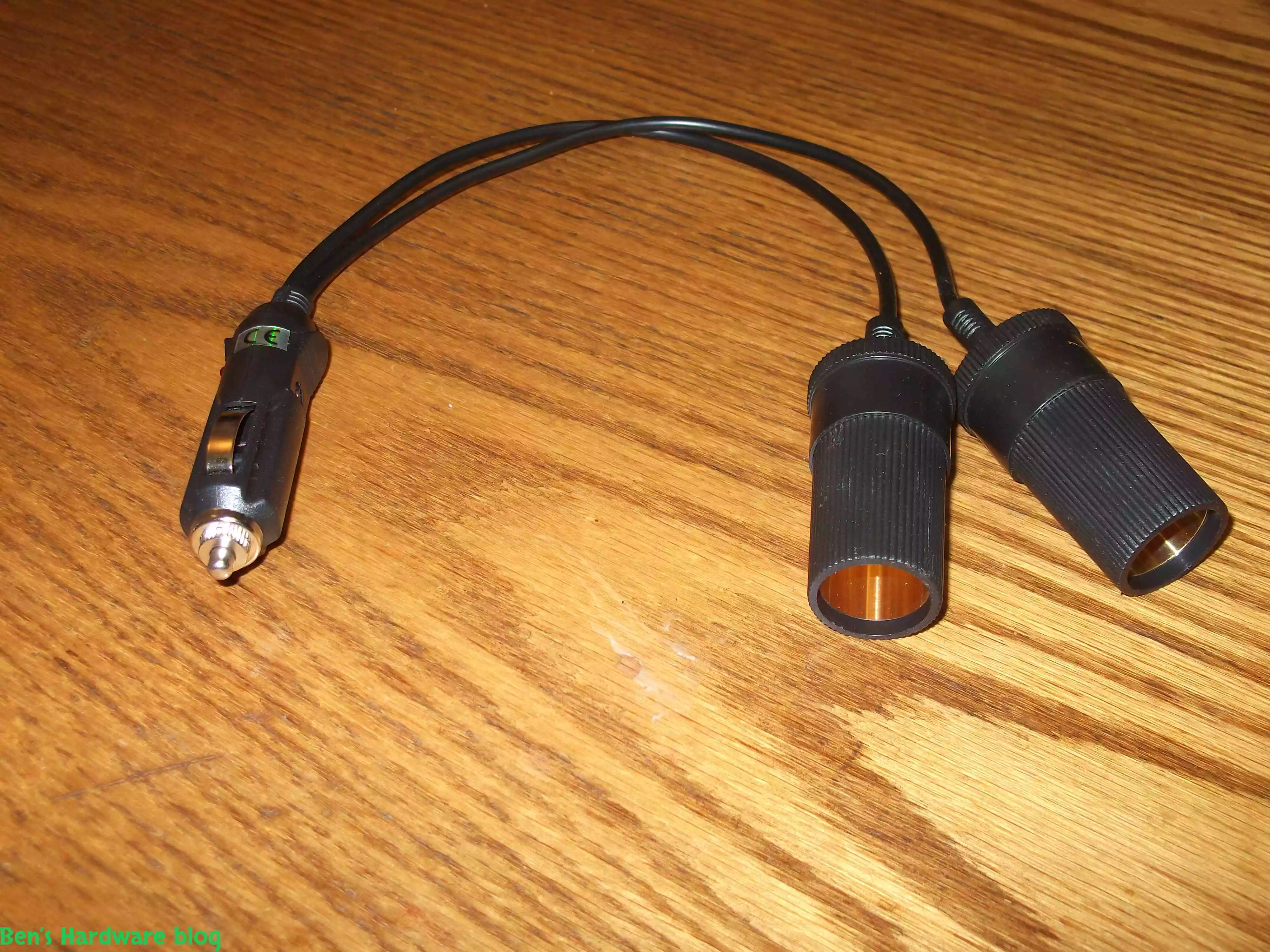
After installing more than one 4 way power splitter in my car I have decided not to connected them on series in order no...

Read More...

My dear Dell Inspiron 1545 keeps getting old and slow on me. I have replaced my old HDD hard disk with a new SSD one and...

Read More...

I have been using this old cellphone on daily basis for over 3 years now and time has taken its price on it. when I say ...

Read More...

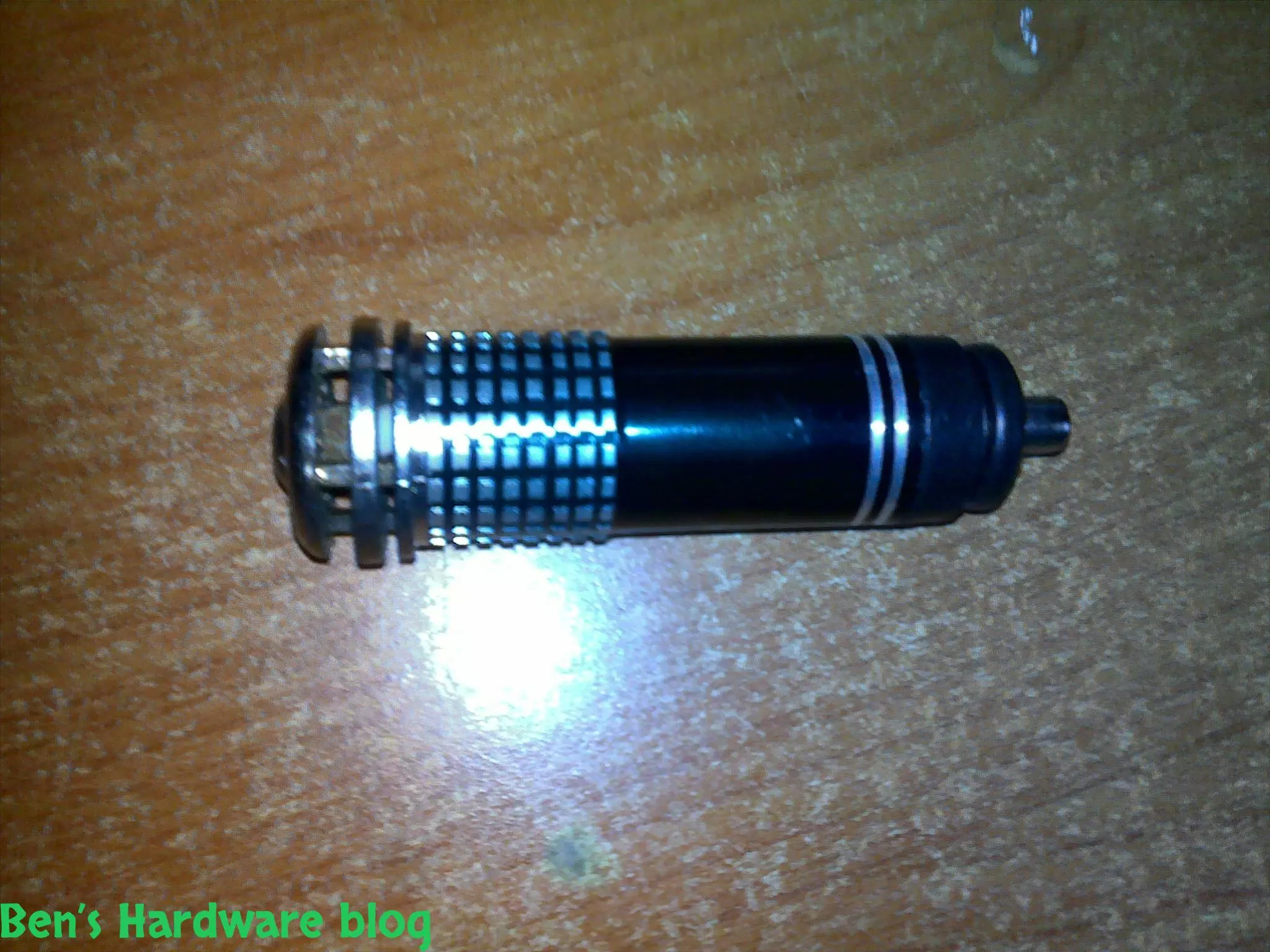
I bought this little car gadget in order for my car to be less stinky on the inside when driving with no air circulation...

Read More...

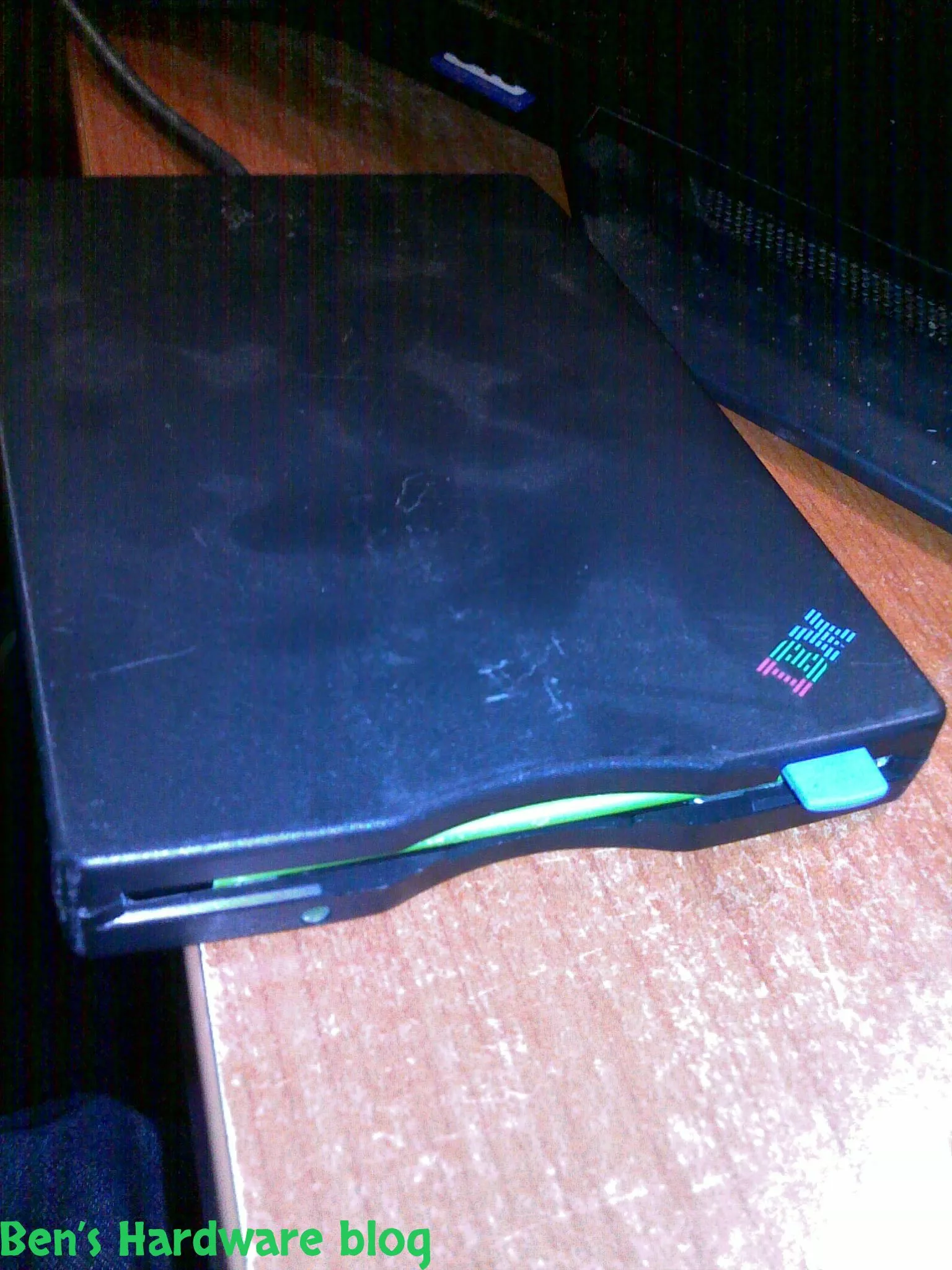
I got this piece of antique from my dad and yet as I'm typing these words he still doesn't have a clue where he found it...

Read More...

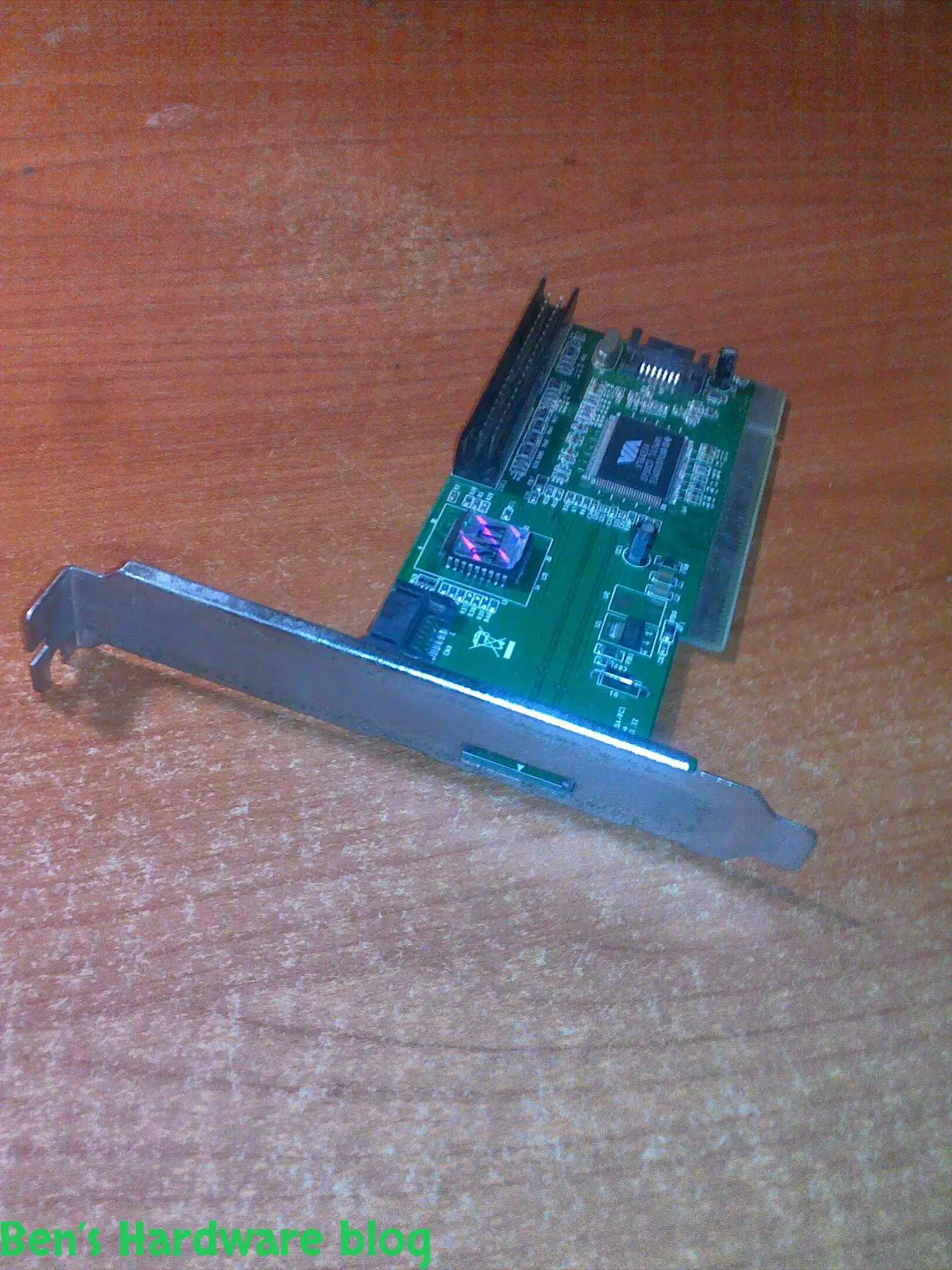
I got this card from a friend who just didn't need it , I didn't really need it either but I said thanks to the dude and...

Read More...

LED and optical fibers are a really good combination and this product really shows it. if you want to be a bit original ...

Read More...

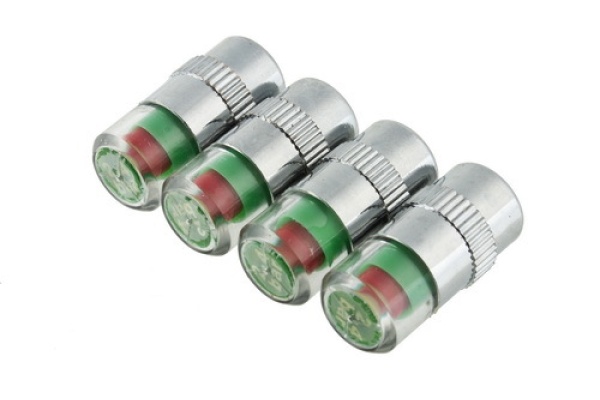
This is a great product that saves time and fuel by making your vehicle's tires pressure visually noticeable without hav...

Read More...

This is a great product that saves time and fuel by making your vehicle's tires pressure visually noticeable without hav...

Read More...

I admit - my car is full of gadgets and they require power don't they? This is why I bought this: Over time I added a l...

Read More...

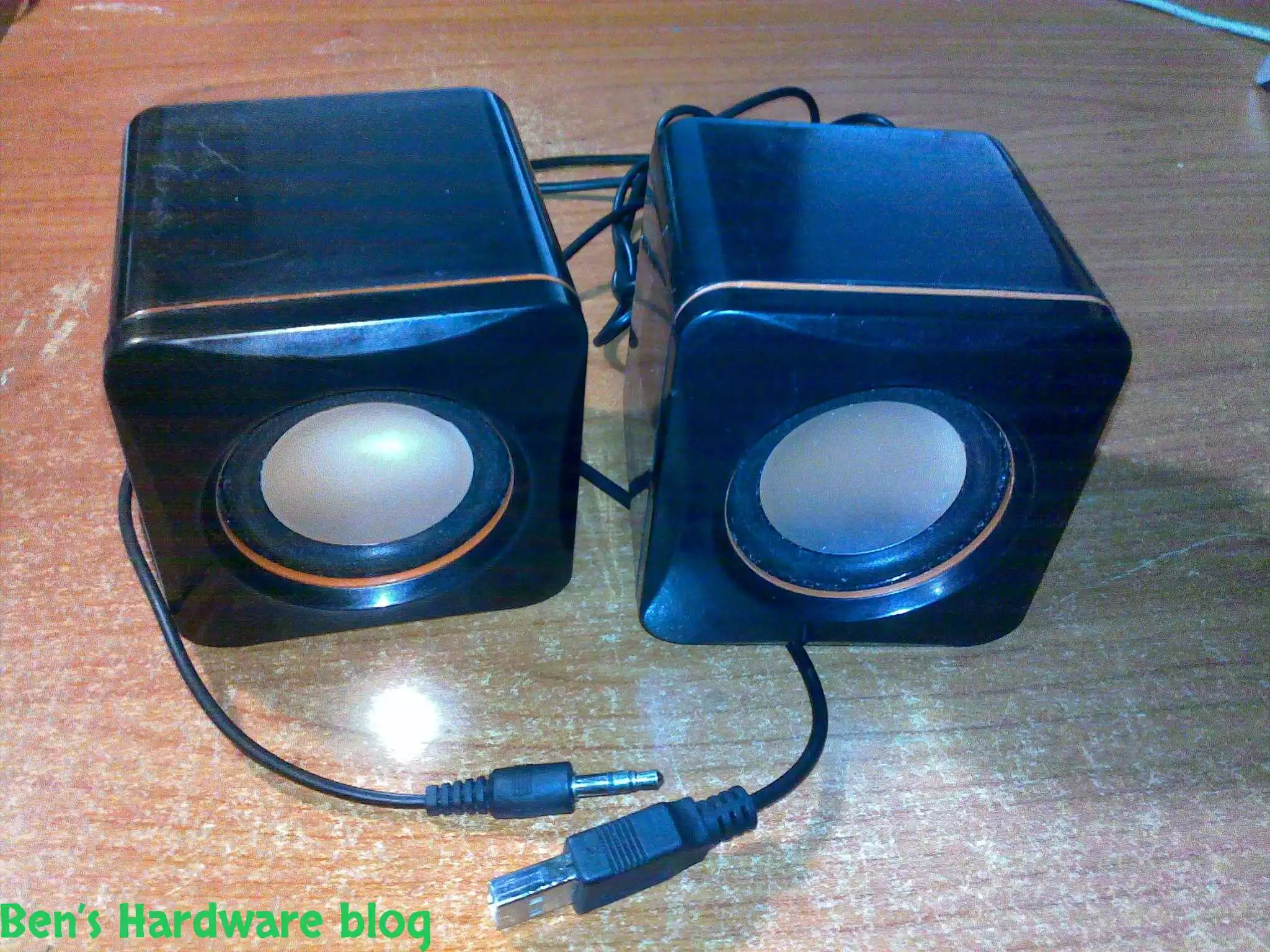
In this post I will demonstrate a simple fixing method of simple 2 computer speakers. I got these speakers from my uncl...

Read More...

as a result of being mobile some items tend to "fall" from your beg , hand , the coffee table you are sitting next to et...

Read More...

You gotta maintain and take care of your possessions – that's my motto , and one of my possessions which I deeply care a...

Read More...

This is by far one of the most useful and cheap gadjets out there. As long as you have a generic car power socket in you...

Read More...

If you are mobile , like me , you might like this simple gadget... in today's world many mobile electronic devices are ...

Read More...

For people who are techjunkies or that work with a large number or computers is part of their job this would be a *must ...

Read More...

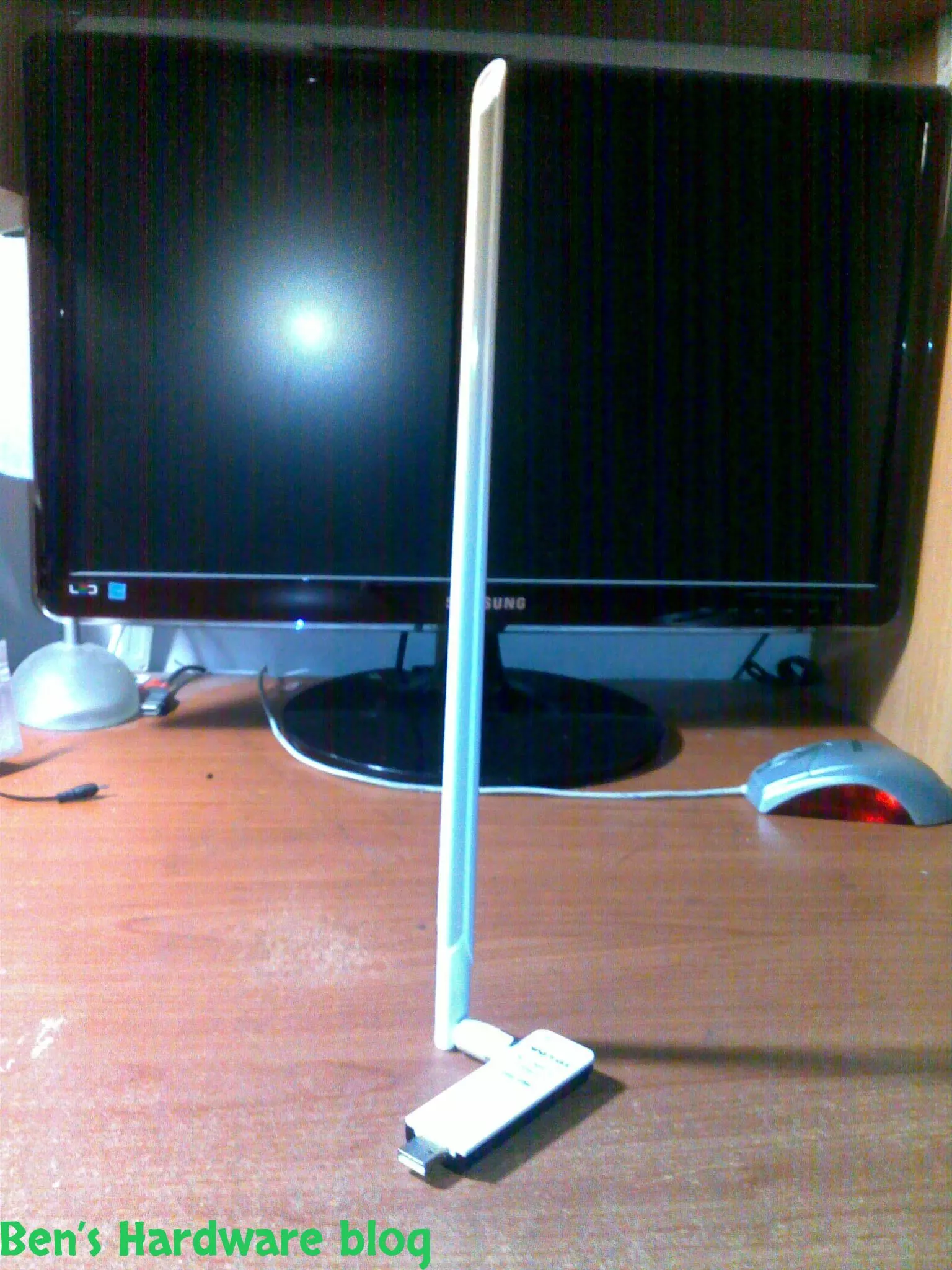
Wifi is everywhere today and with it comes many problems, among those - the problem getting and maintaining a proper rec...

Read More...

Simple, small and elegant. These are the main words I can use to describe this product. While the words are being typed ...

Read More...

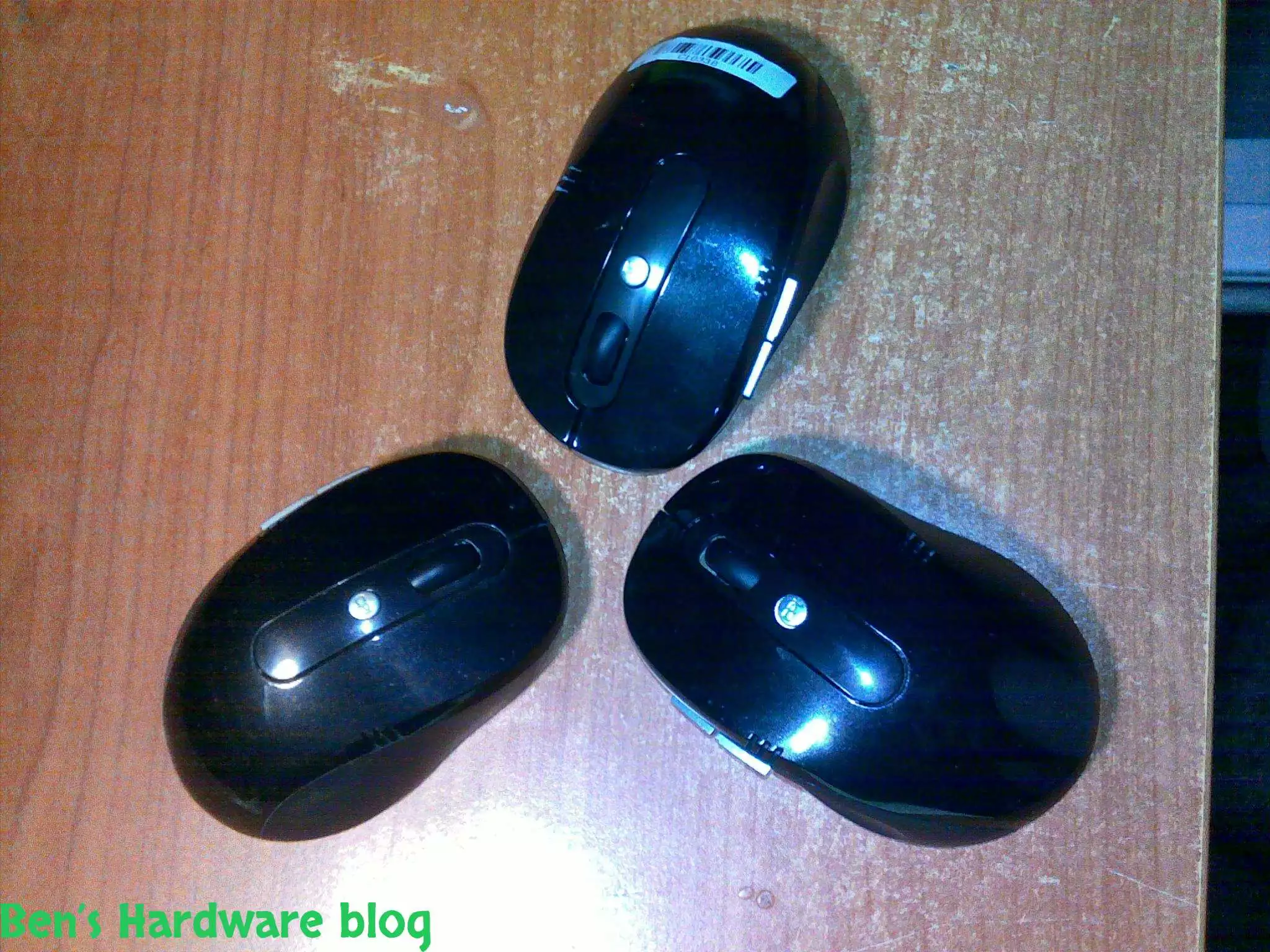
Cheap, simple, precise and looks pretty good,  I bought this mouse off E-Bay for 4.6 USD and it does the job w...

Read More...

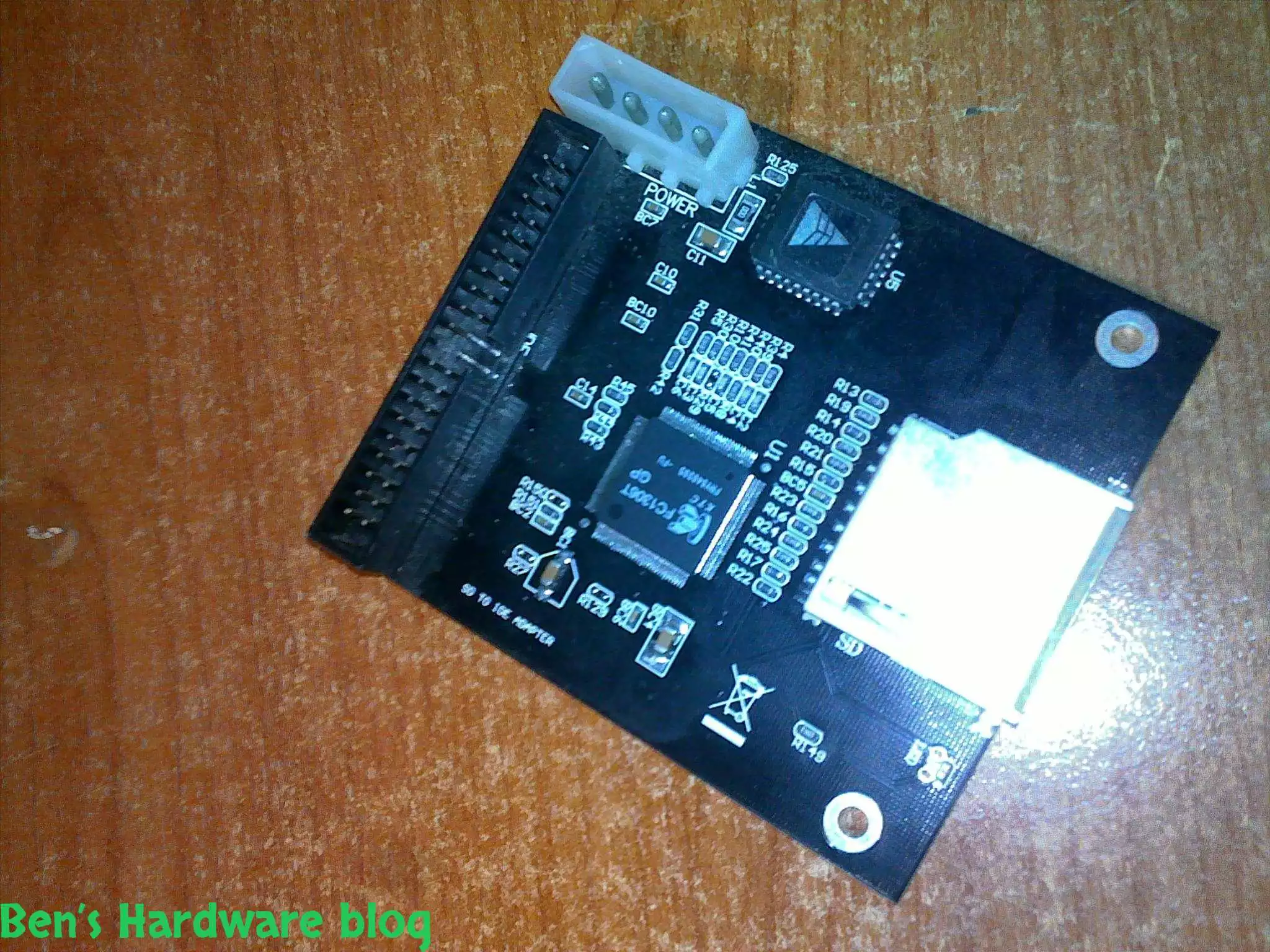
I bought this SD card to IDE converter in order to install a Windows XP operating system on it so one of my file servers...

Read More...

In this post i will demonstrate how i used spare cables i scavenged from an old power supply unit, to create a power cab...

Read More...

This product is just awesome! At first I was very skeptic about its abilities because up until I bought it I had known t...

Read More...

During the past month some annoying noises began emerging from my pc ... After carefully eliminating the source of the...

Read More...

If you read my "Upgrading a Dell Laptop" post then you'd know why i bought this product for. For those who you who didn...

Read More...

in this post I will demonstrate how you can use some old fans and build an effective cooling solution to any high-end 3d...

Read More...

Since I am a gadget freak and a security freak as well I decided to look online for a nice addition to my already over p...

Read More...

Upgrading a Dell laptop with an Solid State Drive (SSD): In this post i will show how you can take an old laptop (3-4 y...

Read More...

This is a very cheap and yet a very useful product. I bought it for mainly 2 reasons: 1 –my laptop would get very hot ...

Read More...

The more data you gather - video files, games, software backups etc. the more space you need. It's one thing to buy an a...

Read More...

Up until now I used to buy only 6 cell batteries. This time I decided to go with a 9 cell one. My main reason was the l...

Read More...
No More Articles

Introduction:

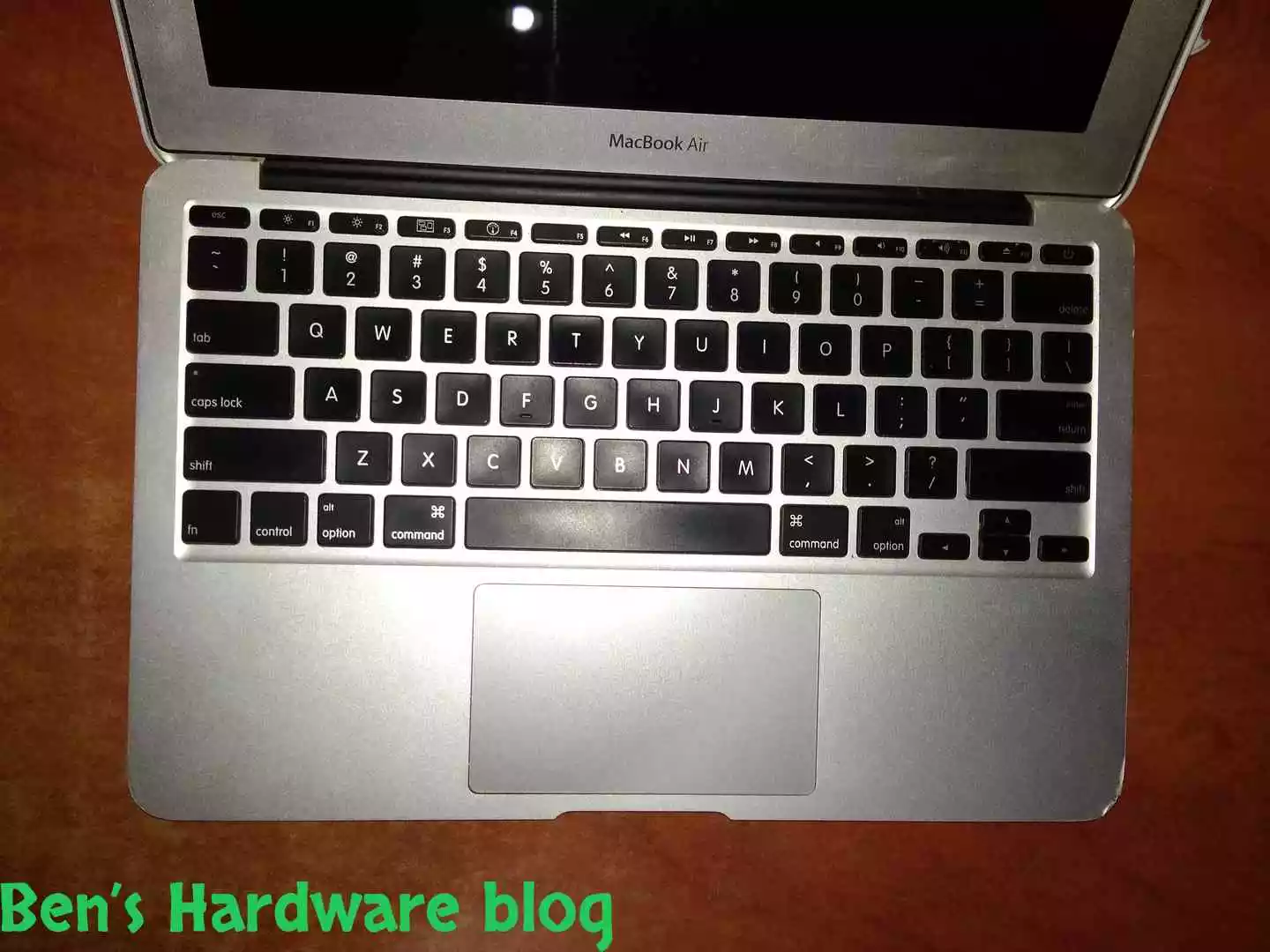
Apple’s products are not guaranteed forever and just like any other mobile on the market, they too use and need batteries in order to stay mobile. No different is the product I will going to fix in this post, The MacBook air A1370.

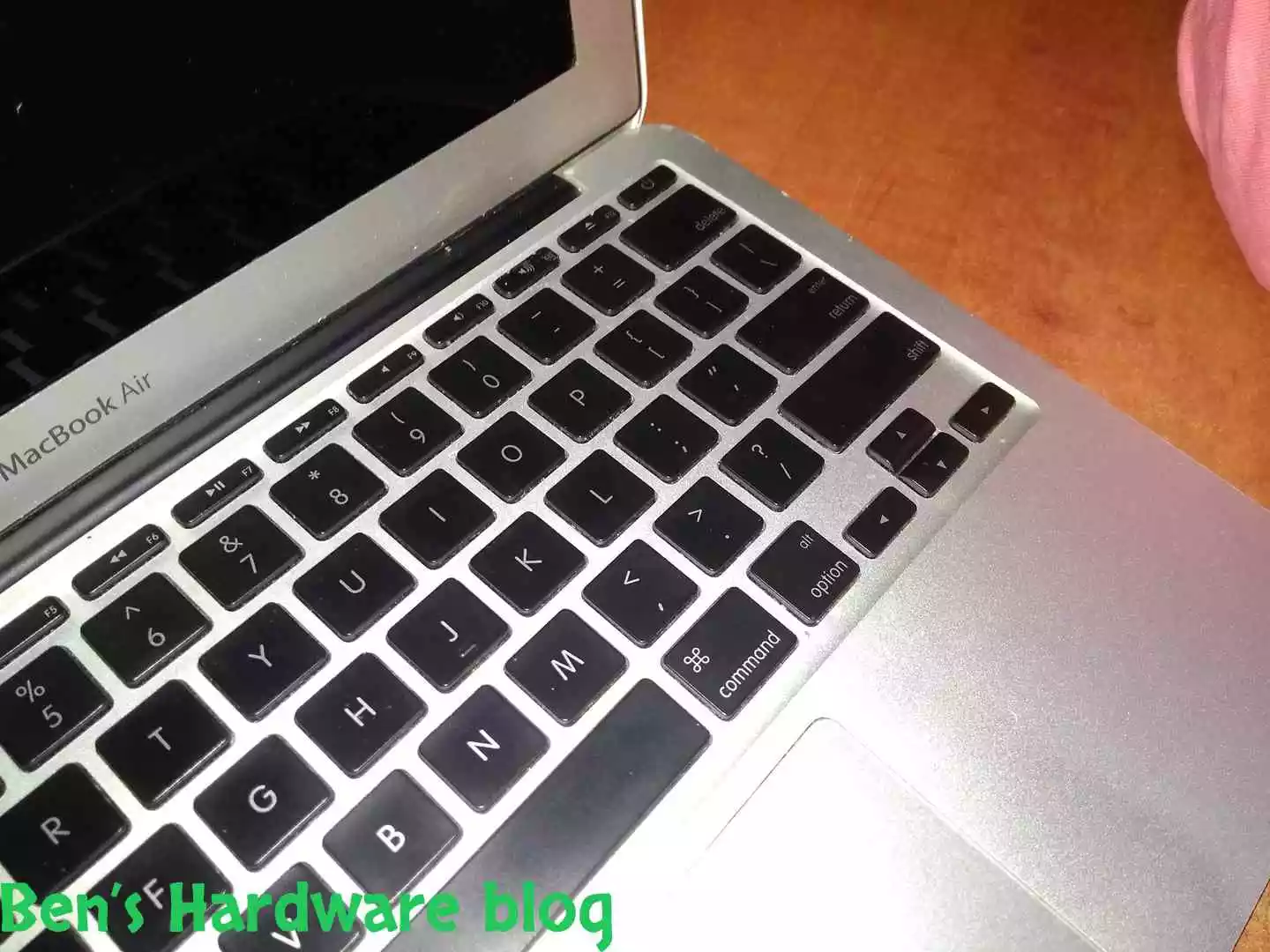
This product is very impressive. Very thin, very sleek and neat looking while packs a relatively decent computing power that would be adequate for the regular average user, even when writing this post.

The specific MacBook air presented here has been in use for almost 10 years if not more. We’ve bought it already second handed from Ebay and its battery seems to survive well throughout this time. It is fair to mention that an intensive use of this computer only occurred between 4-5 years of this time frame, mainly due to college J.

The fact that there were no issues with this battery for so long is very impressive and shows that when you buy a Mac, you stay for the long haul, at least hardware-wise.

Backstory:

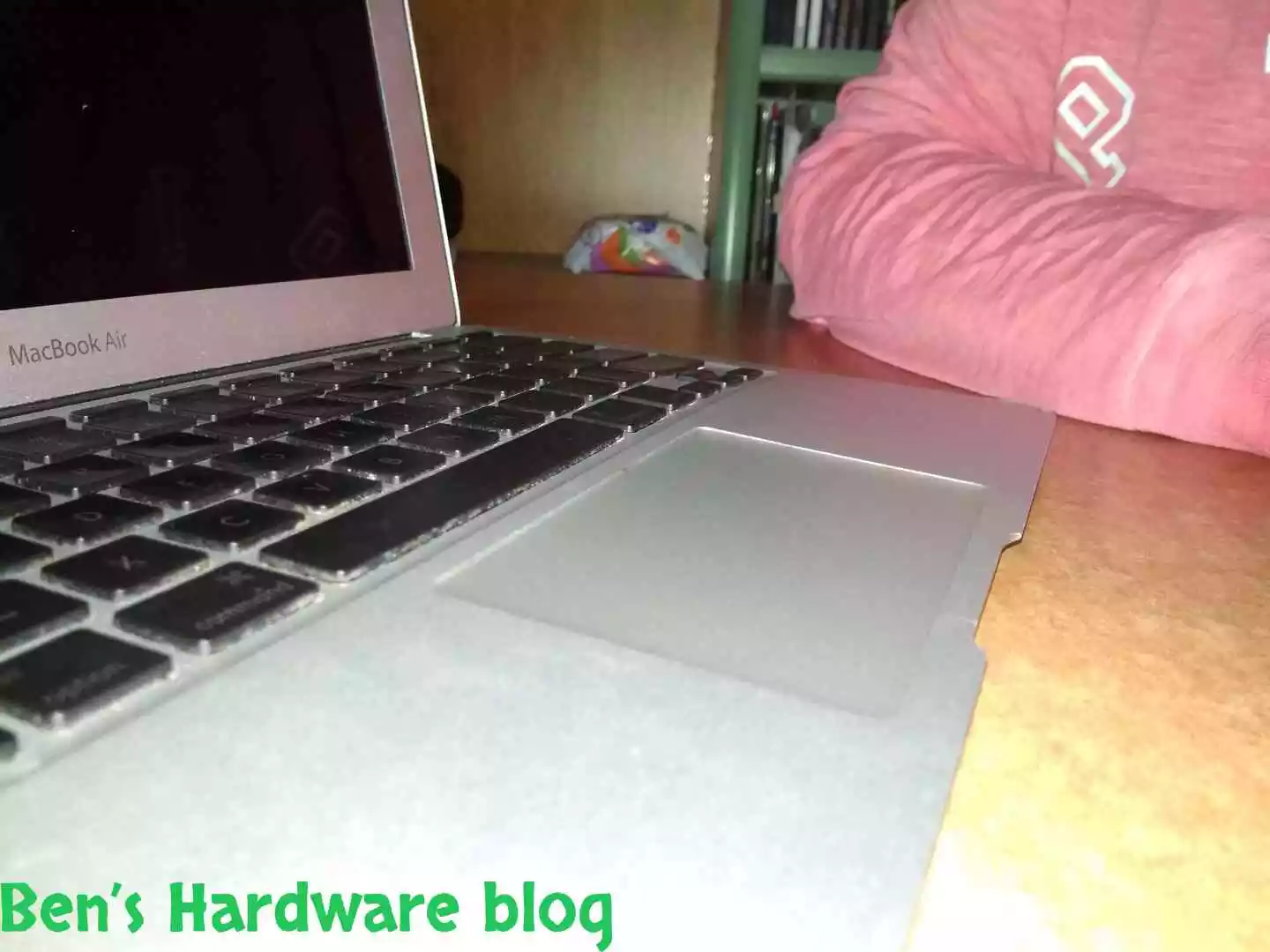
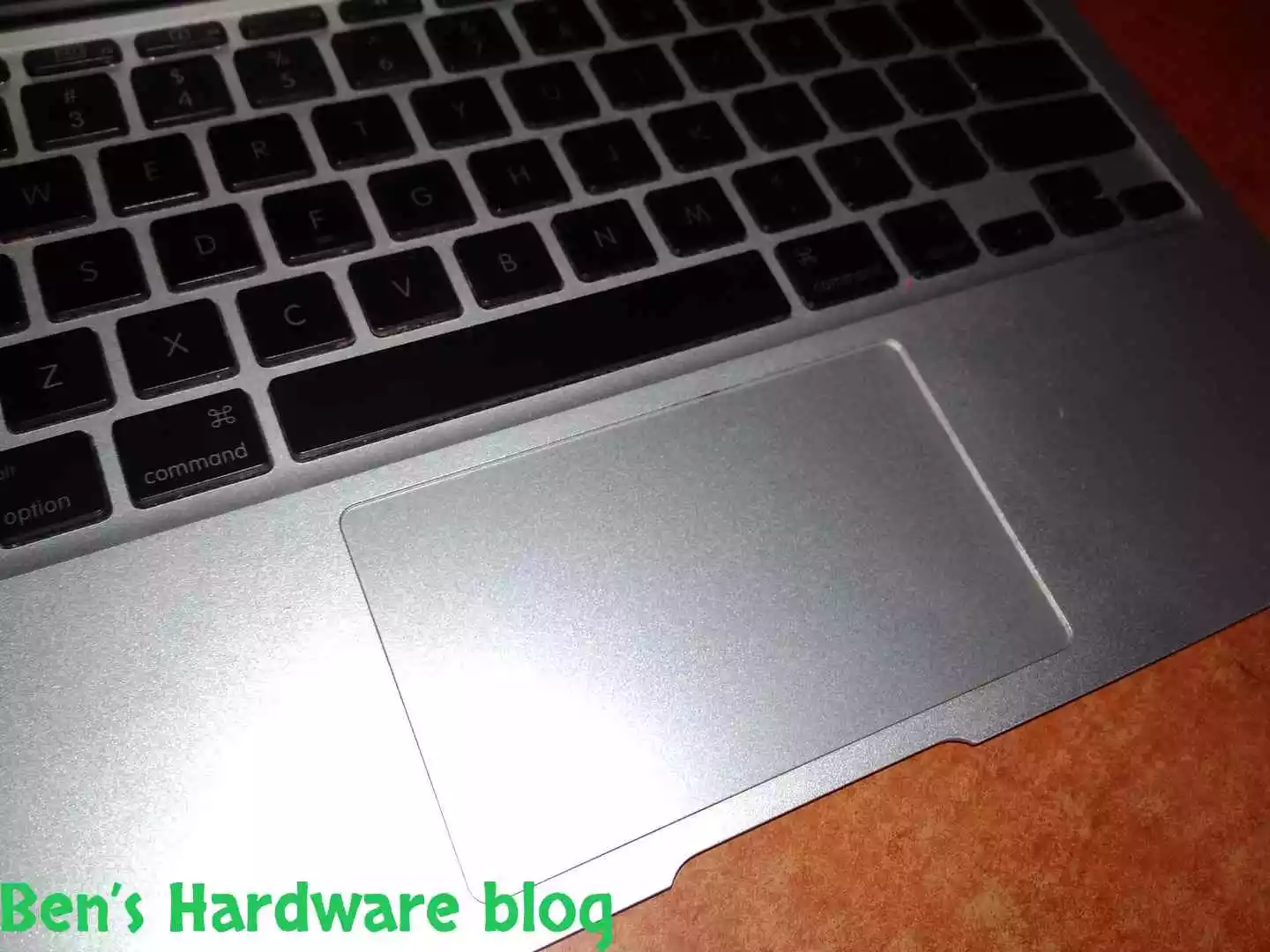
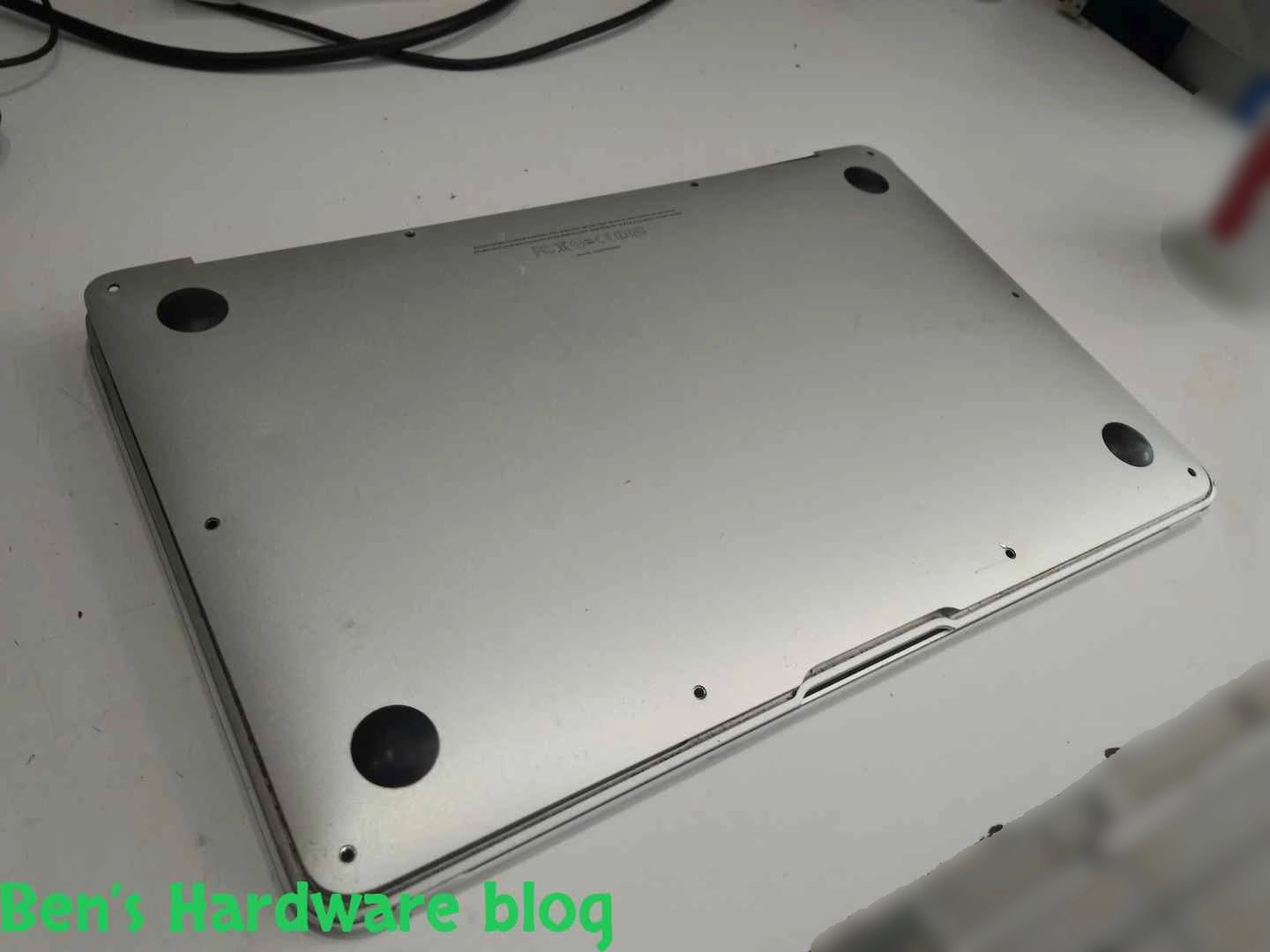
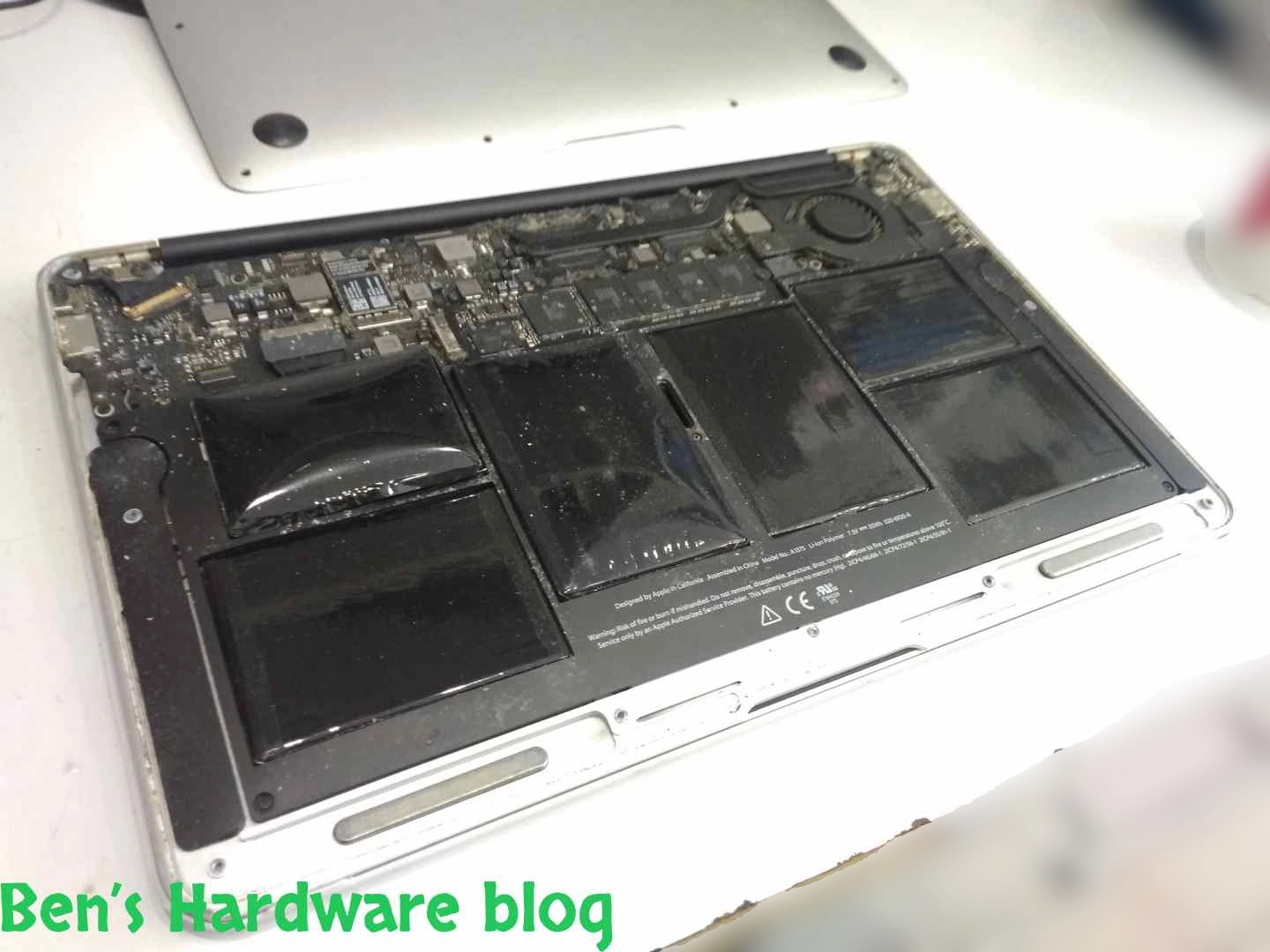
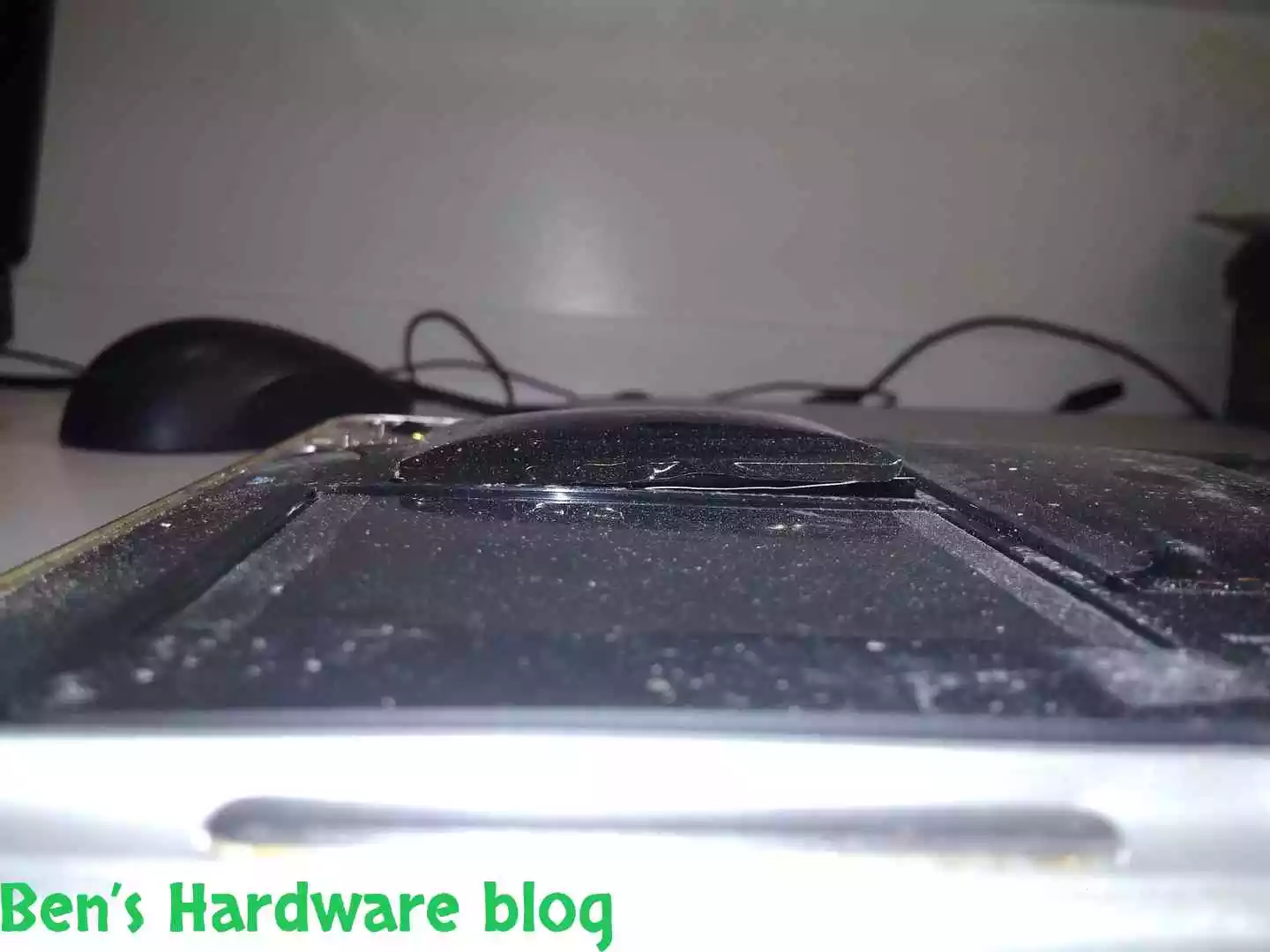
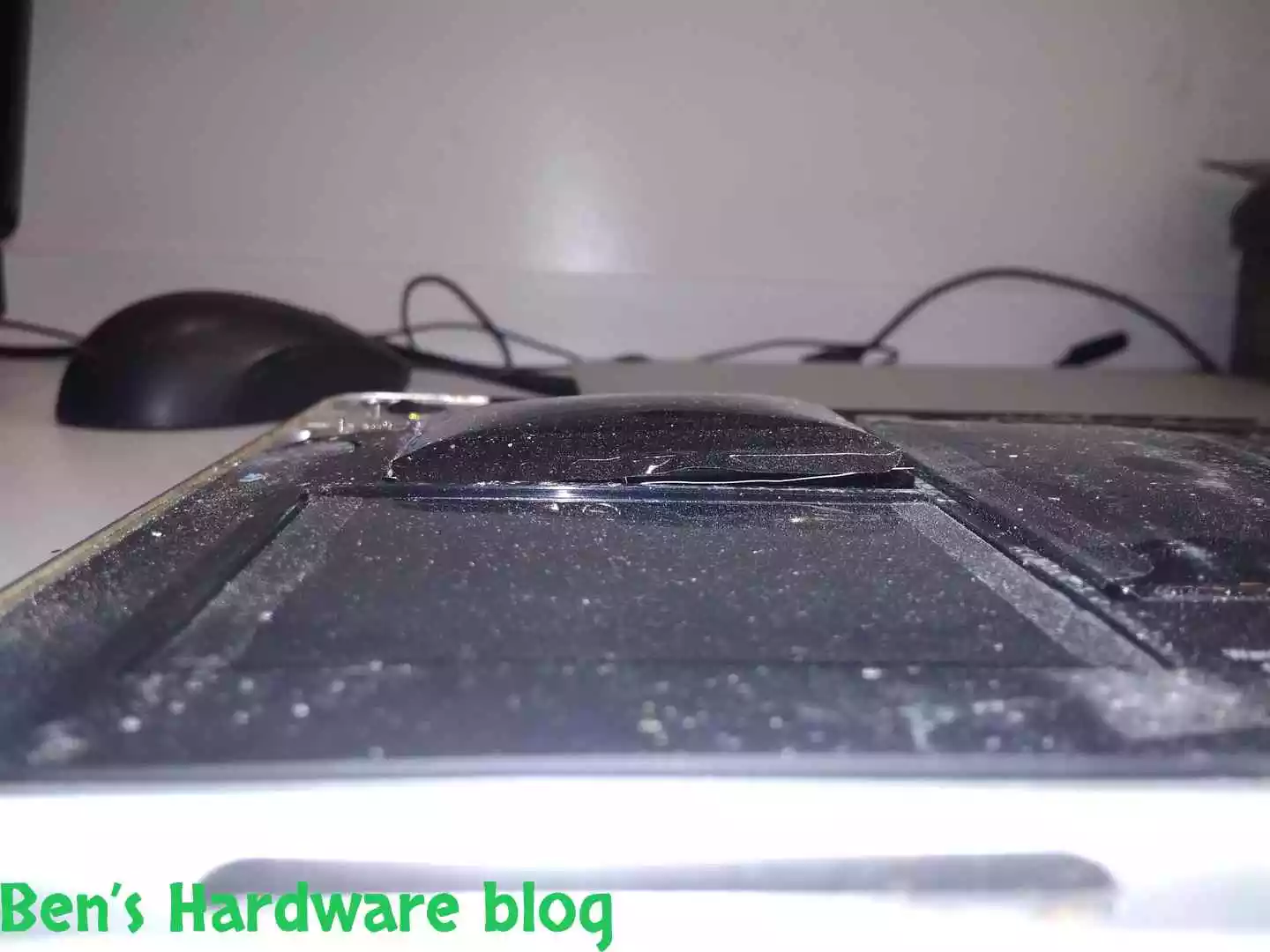
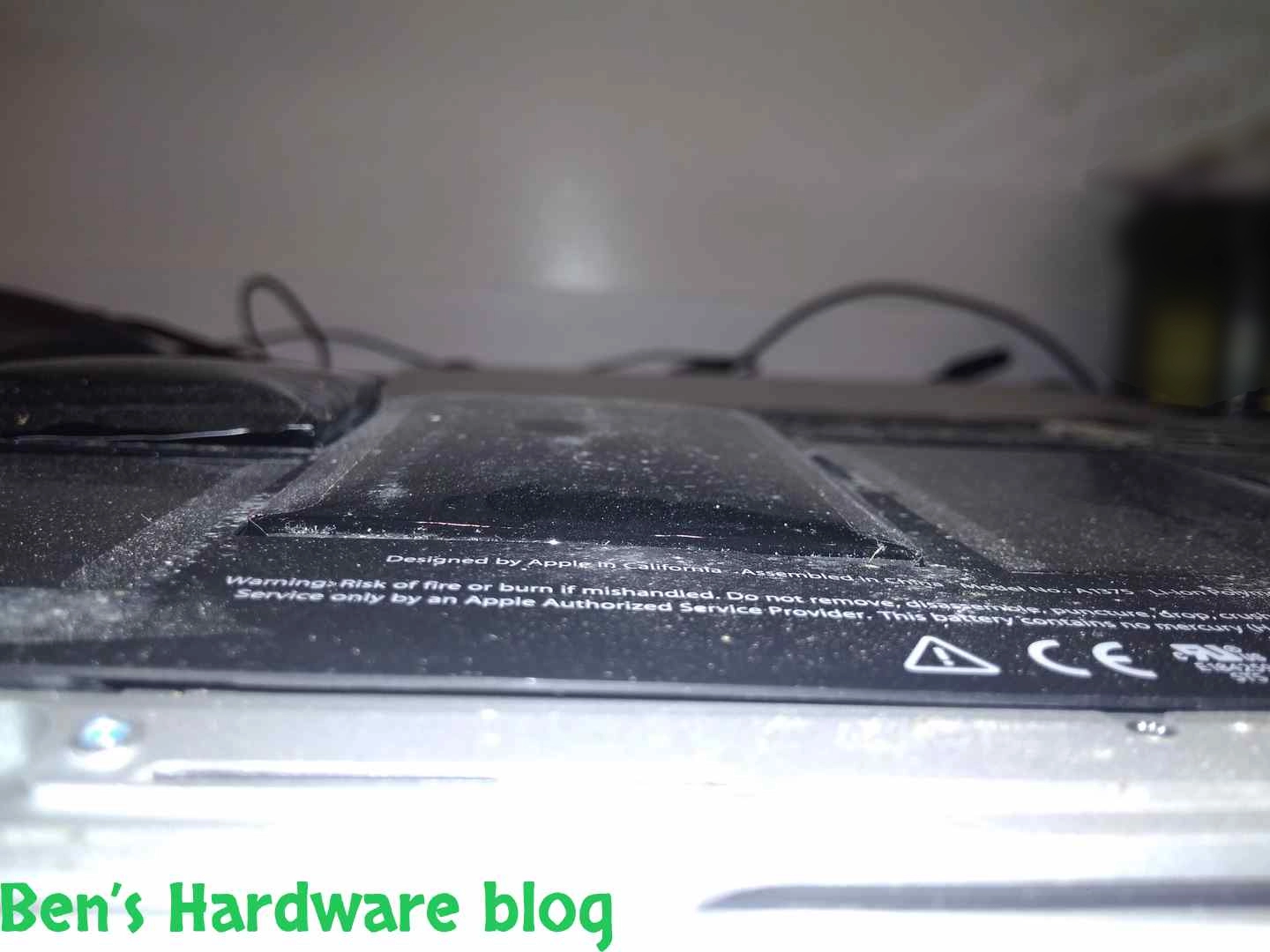
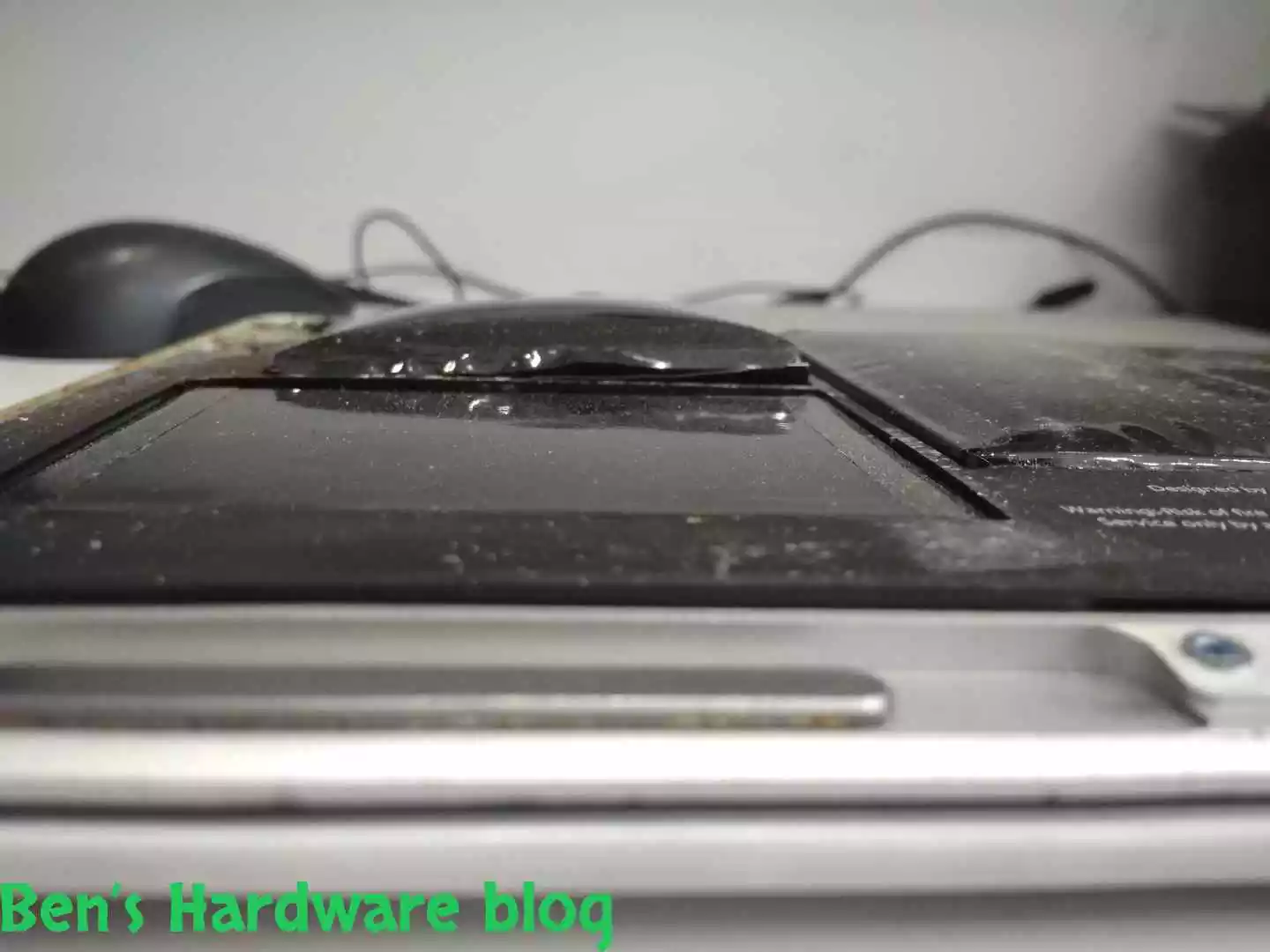
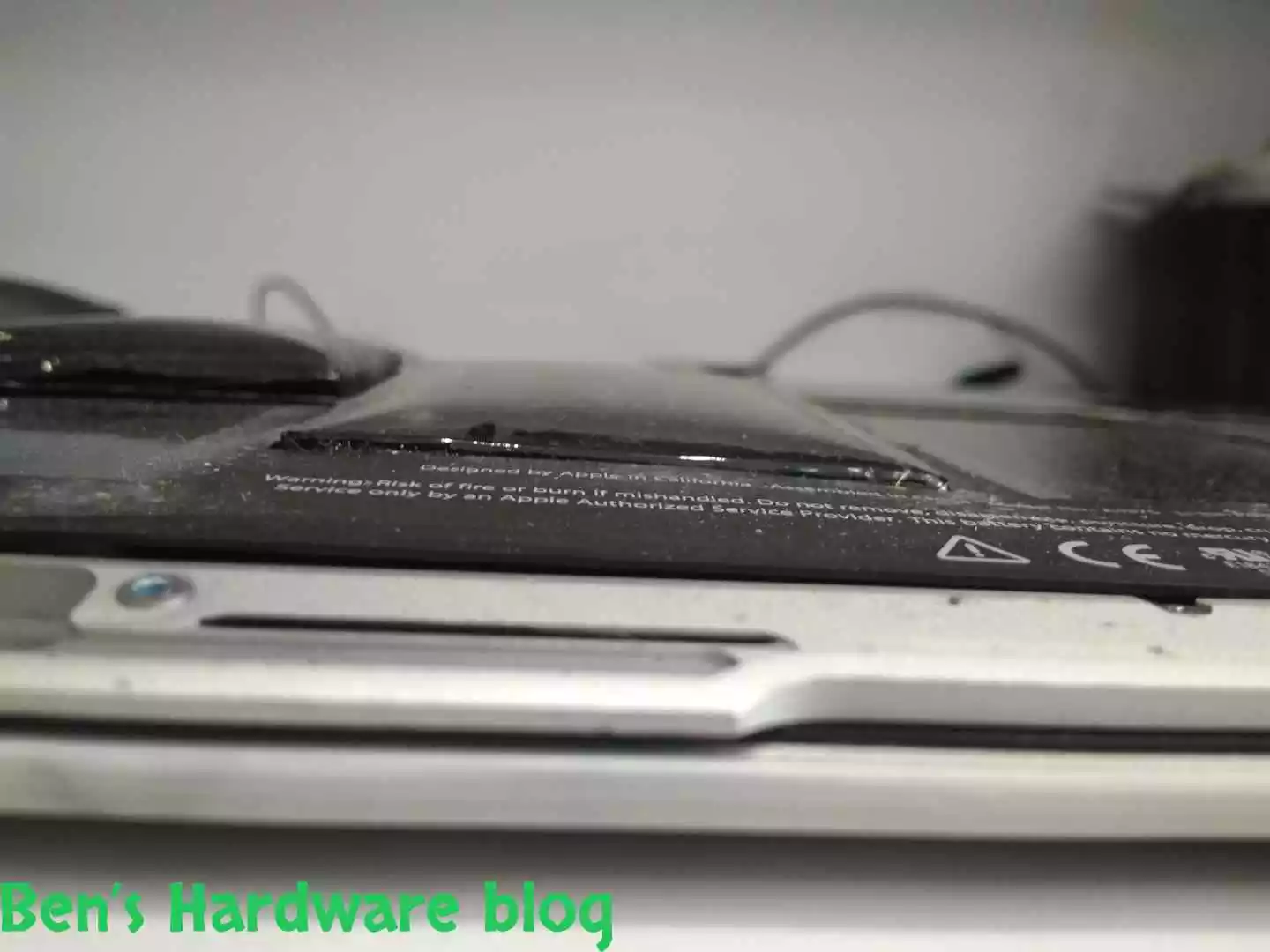
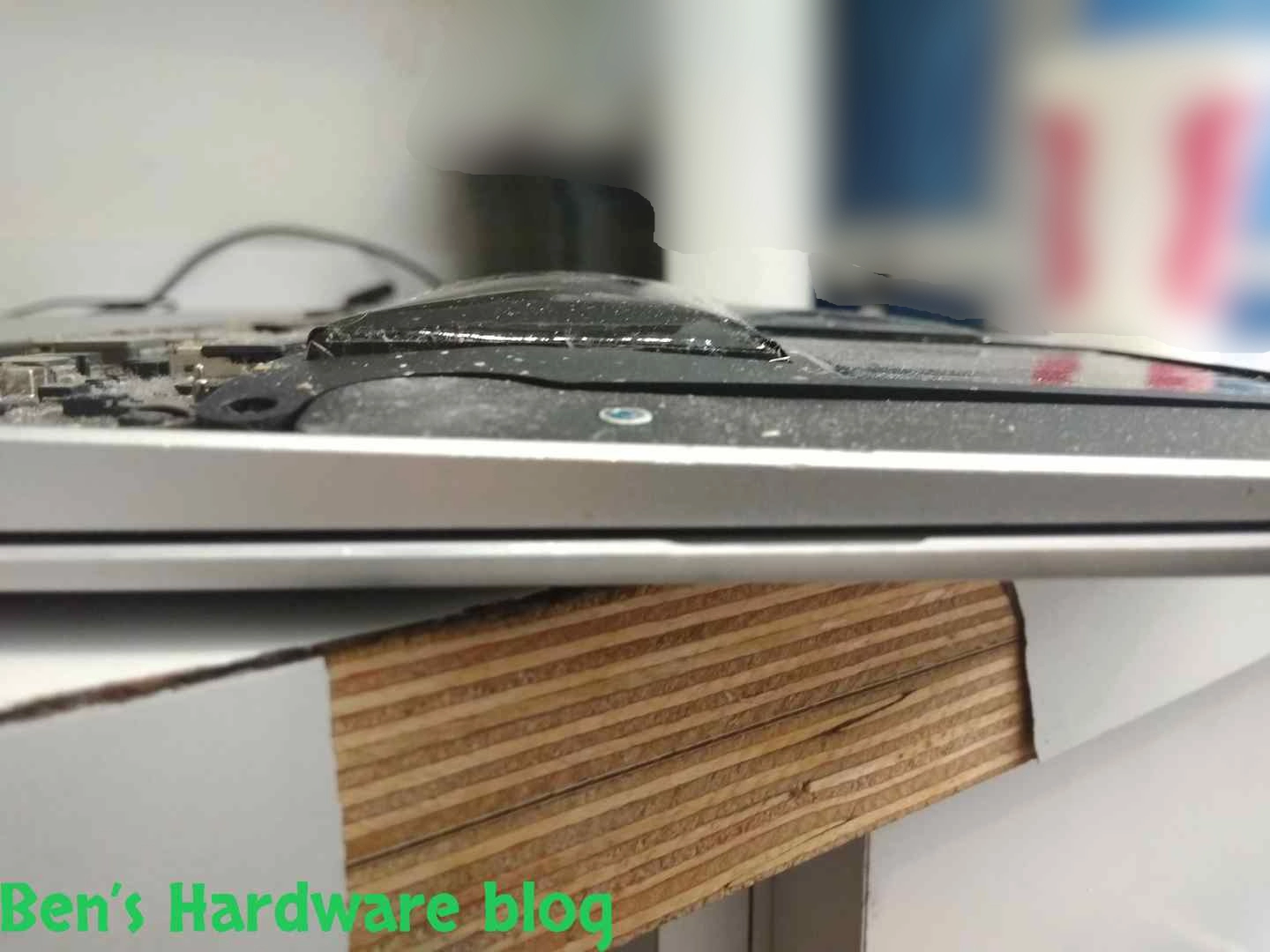
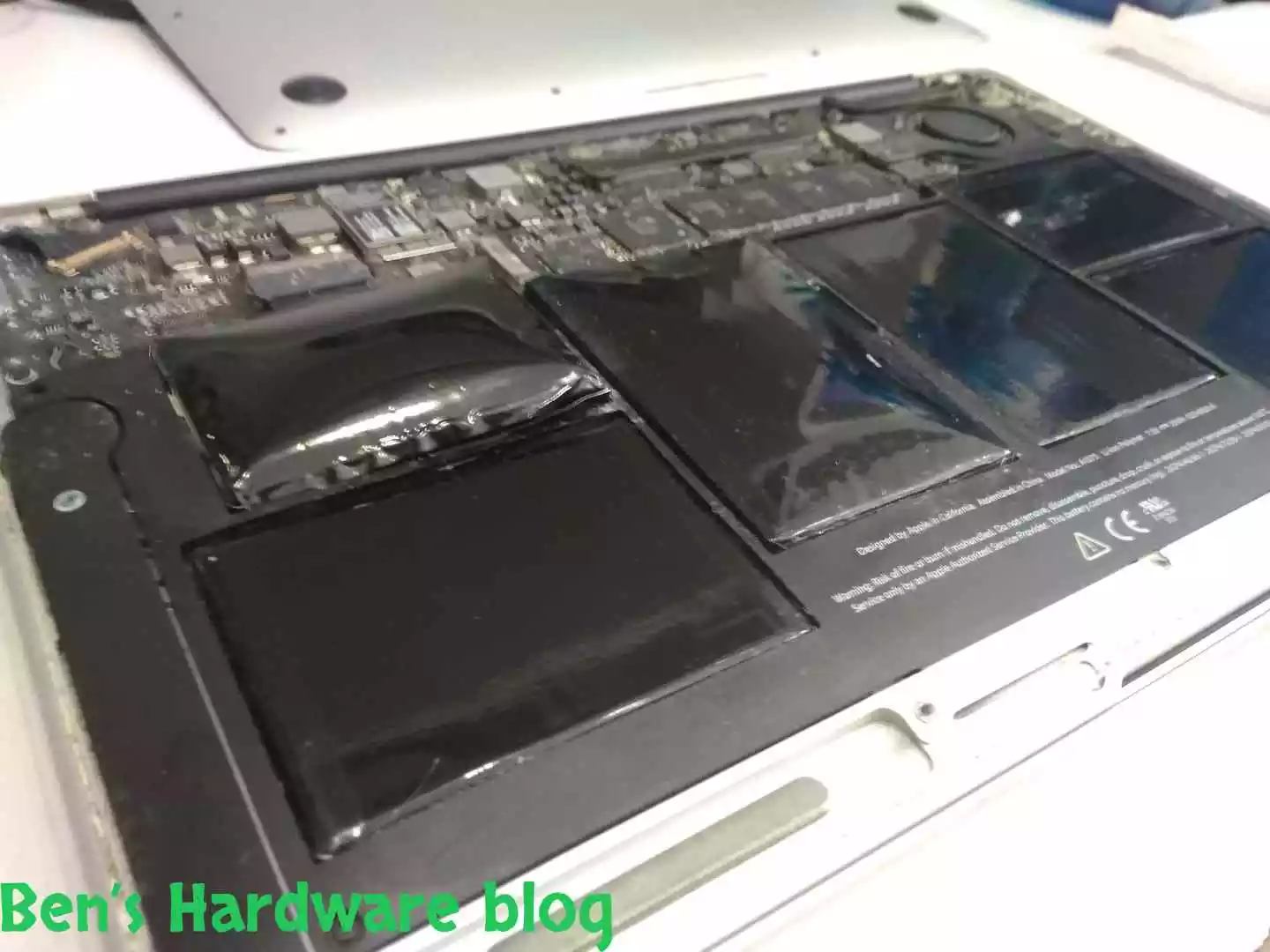
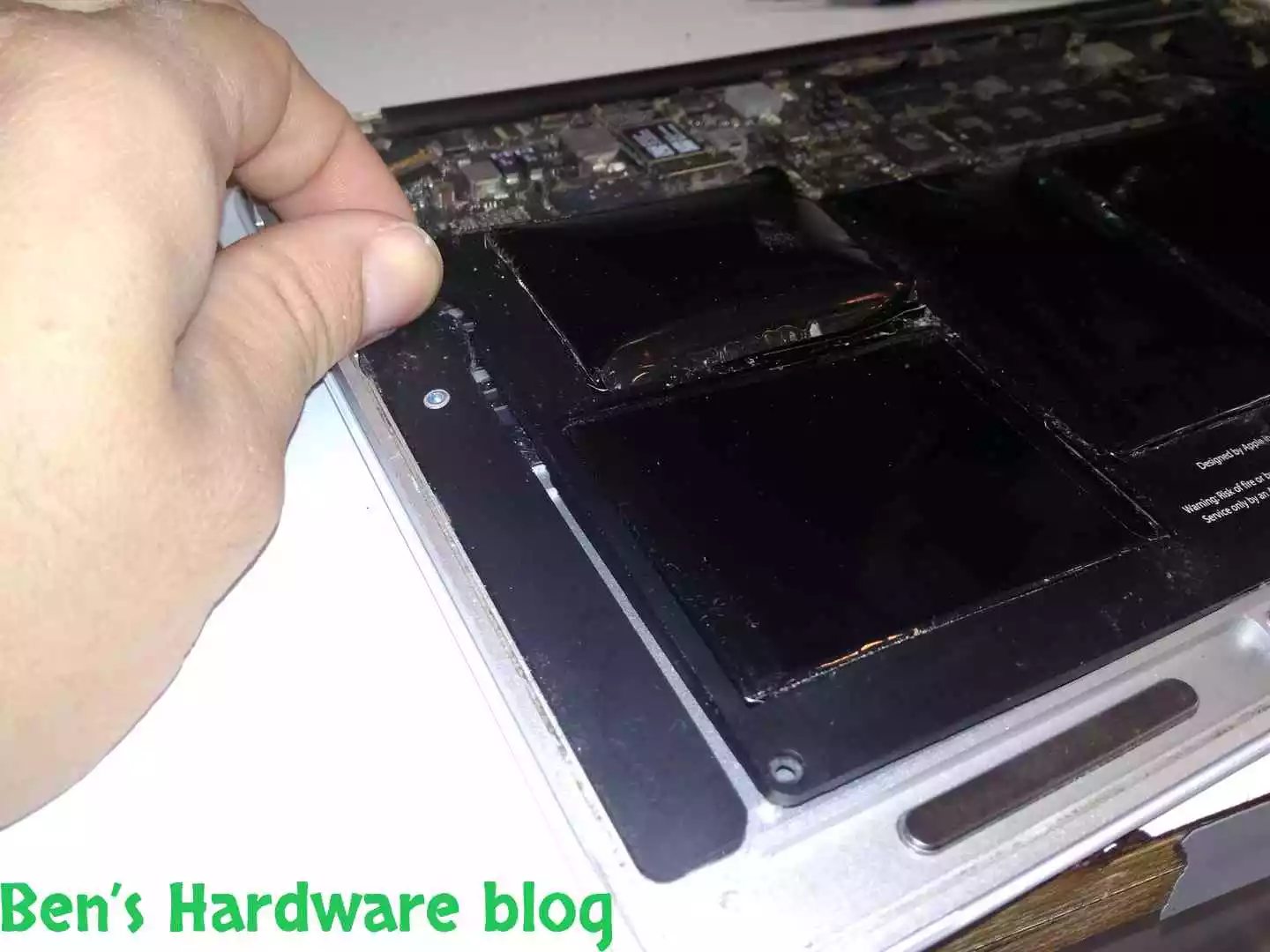
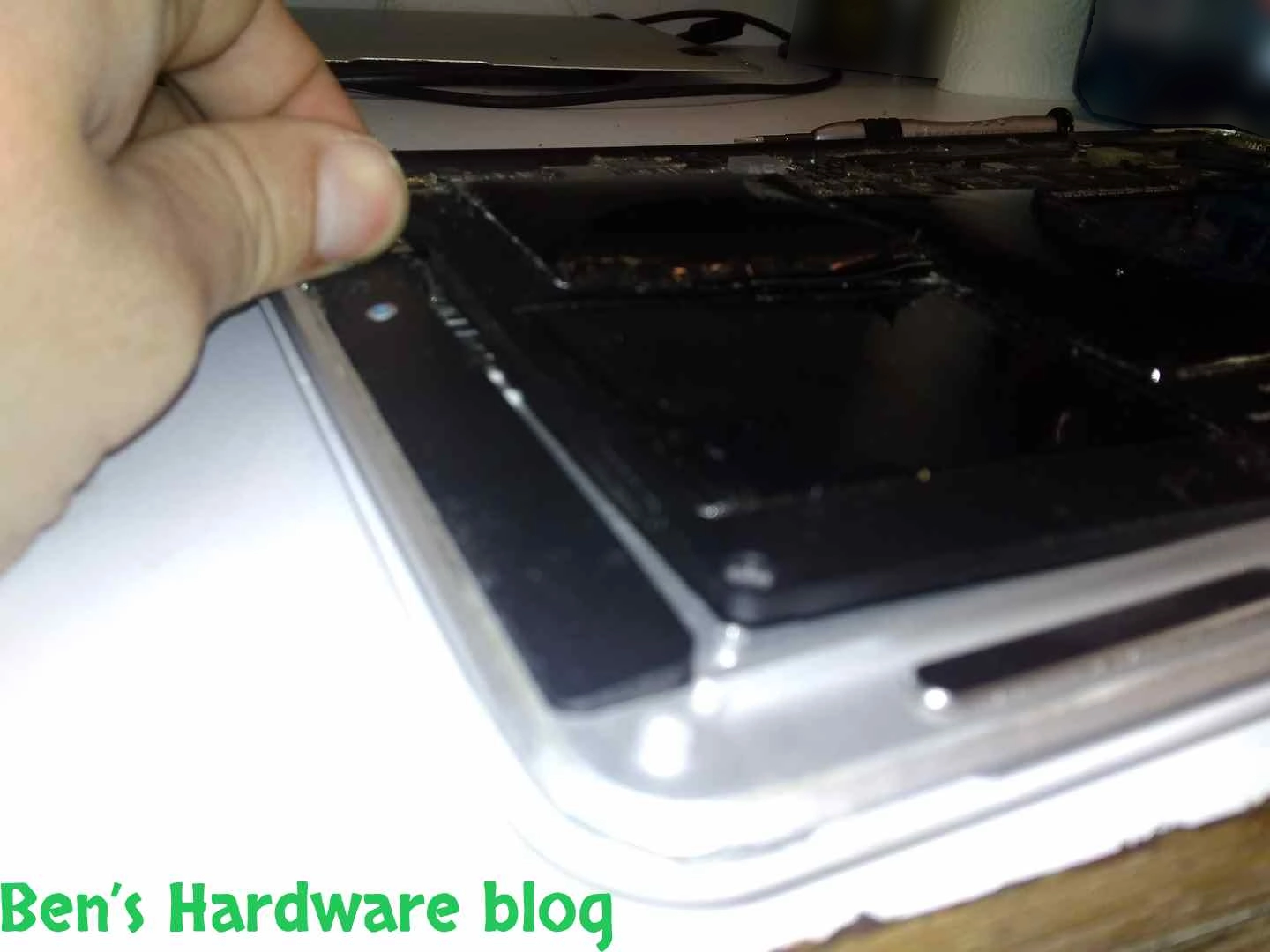
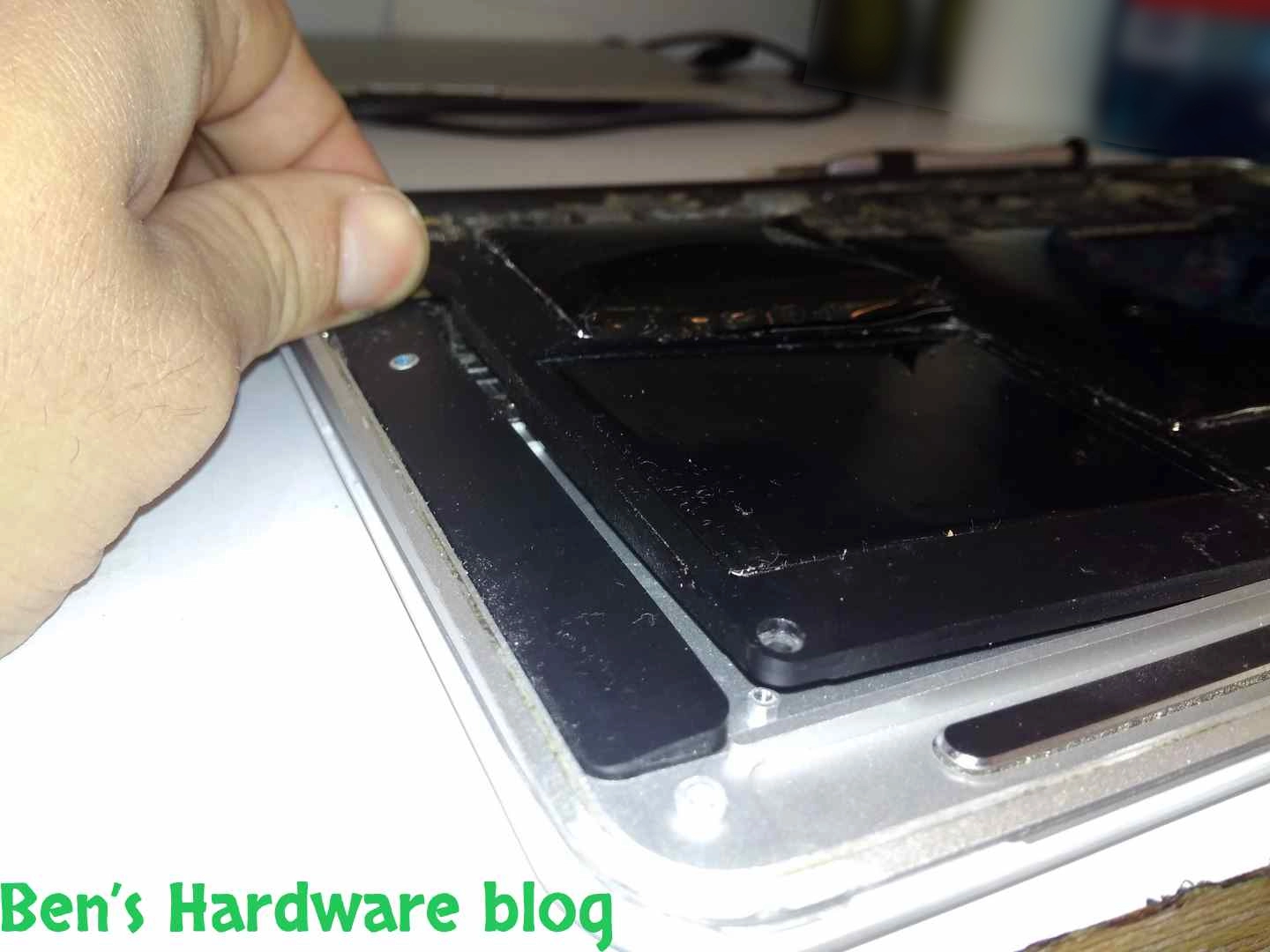
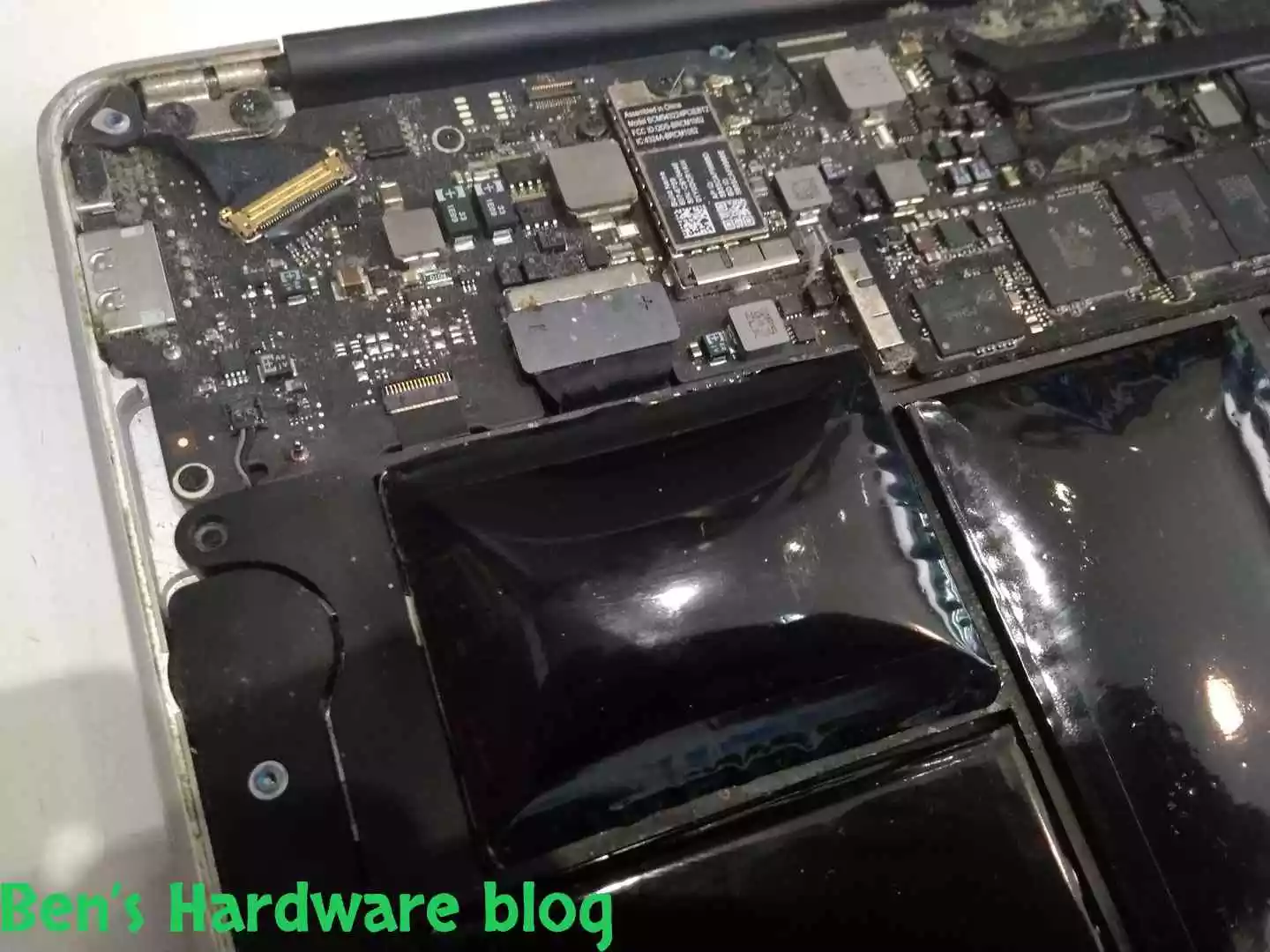
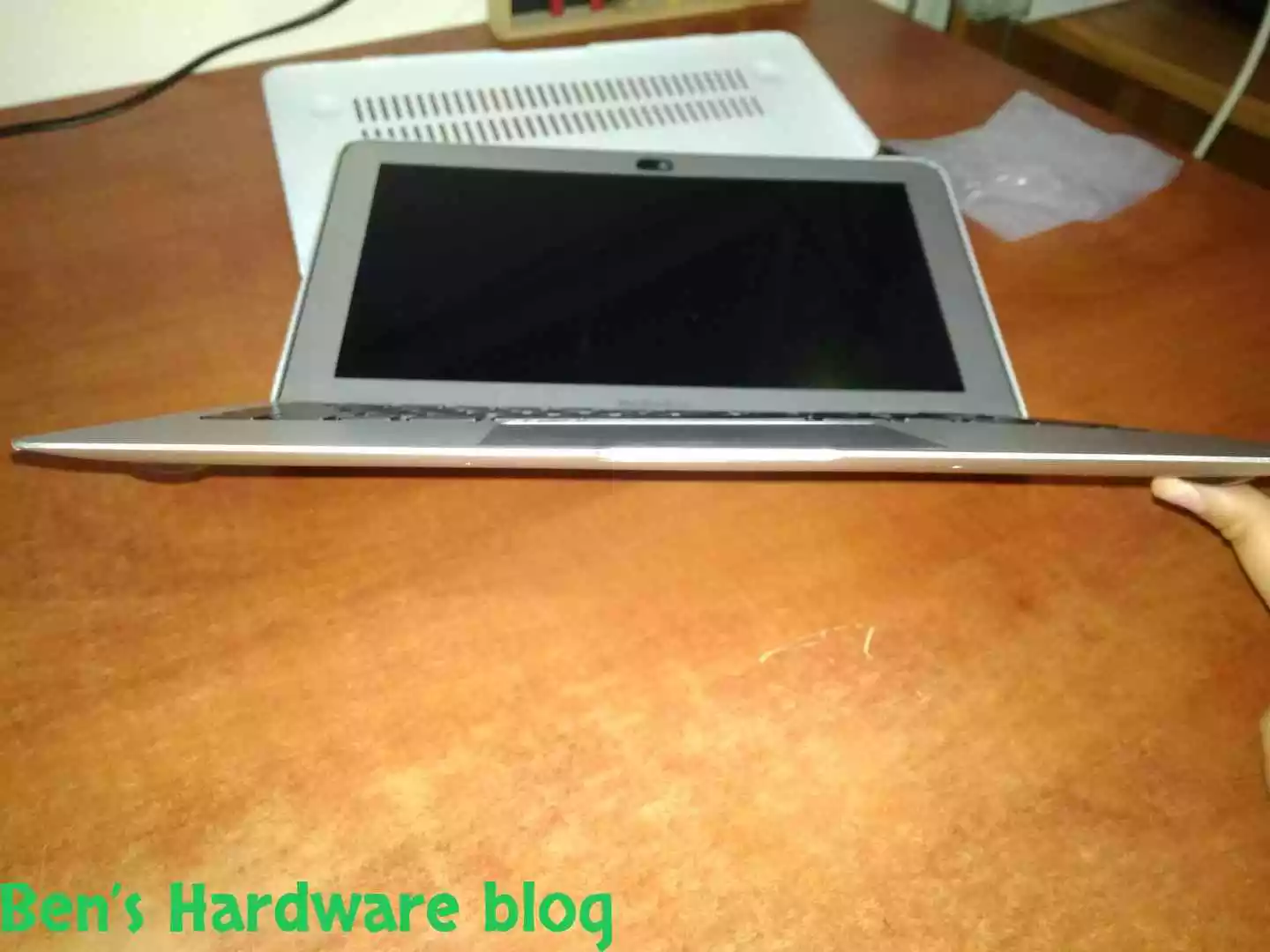
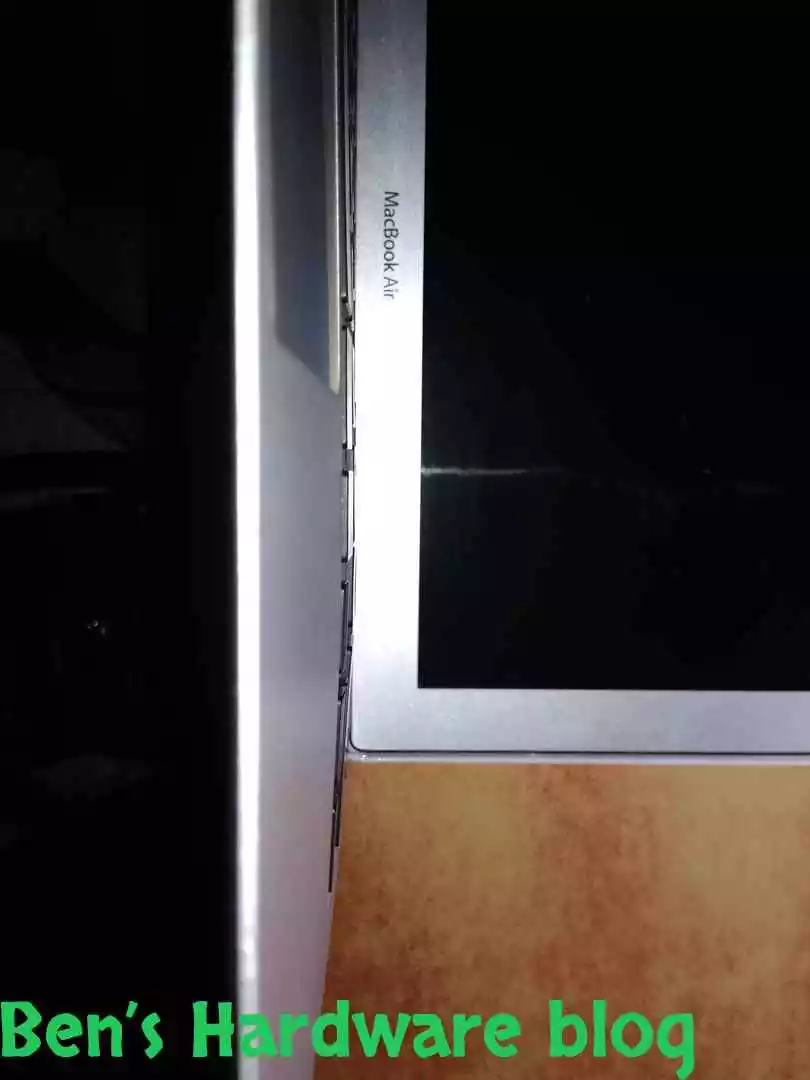
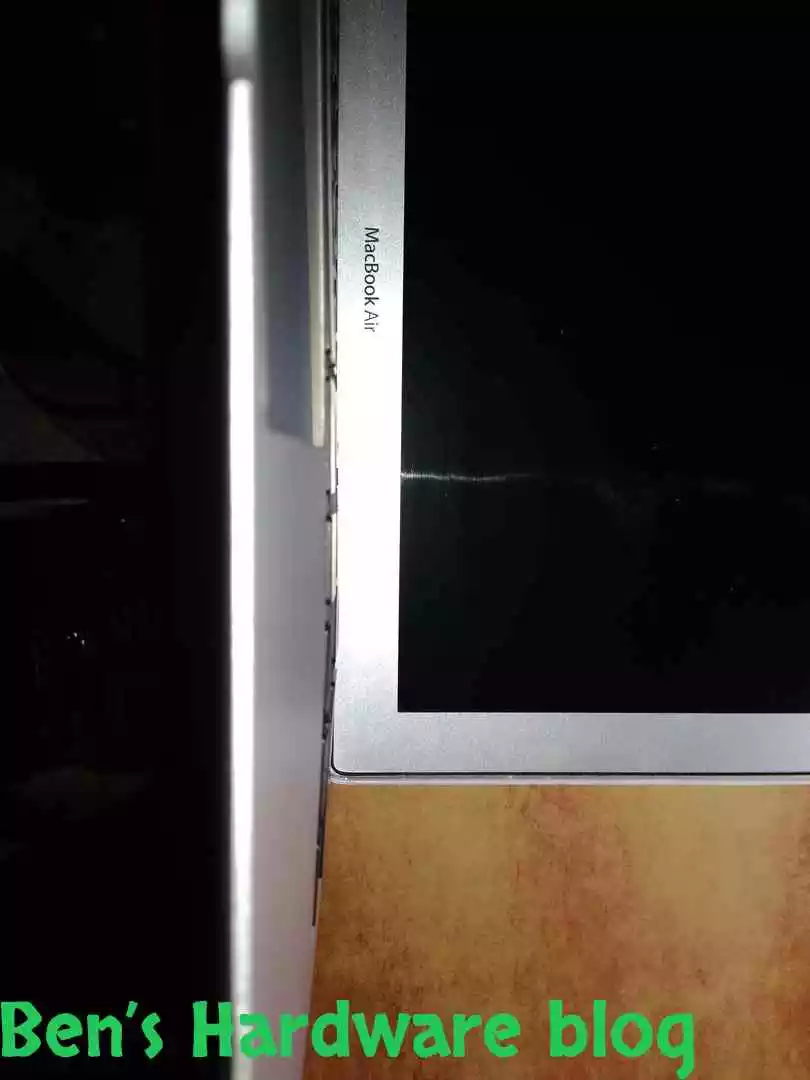
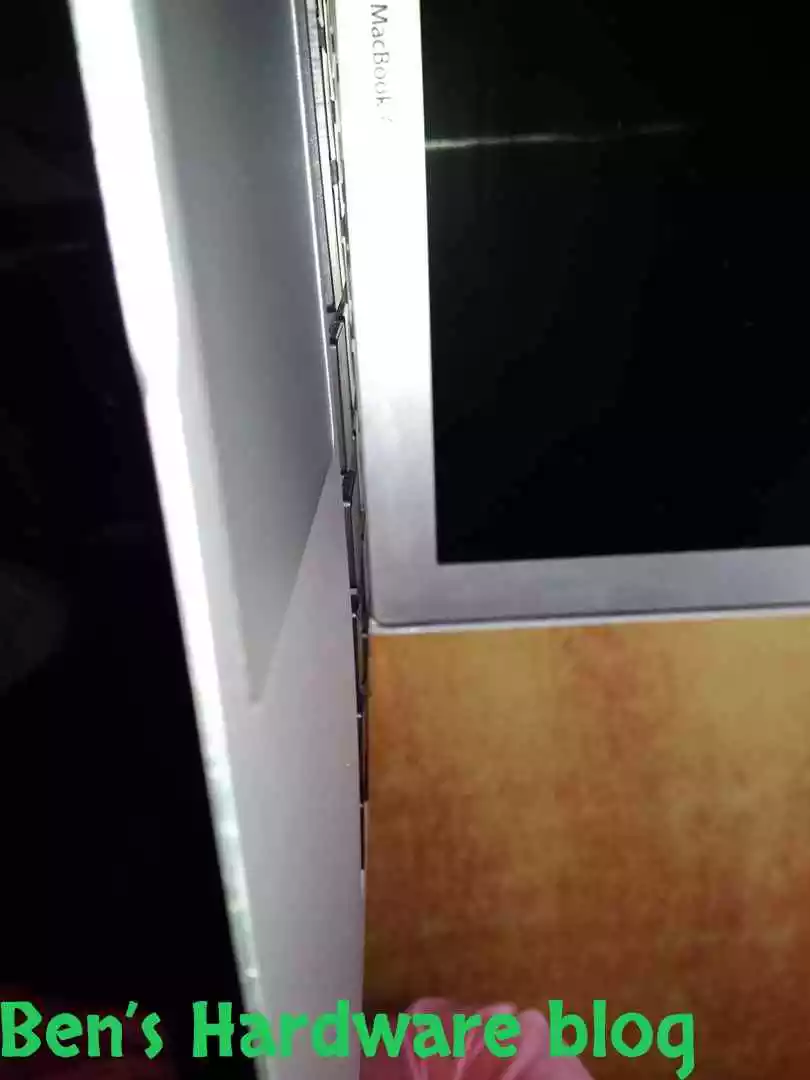
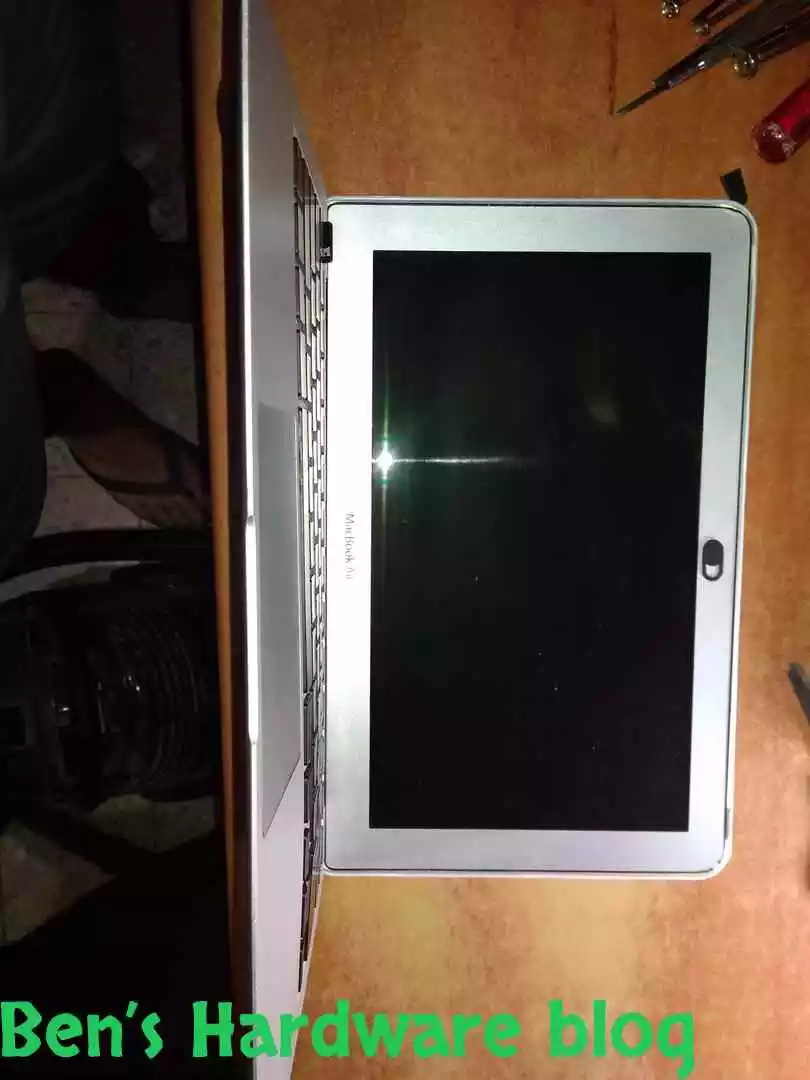
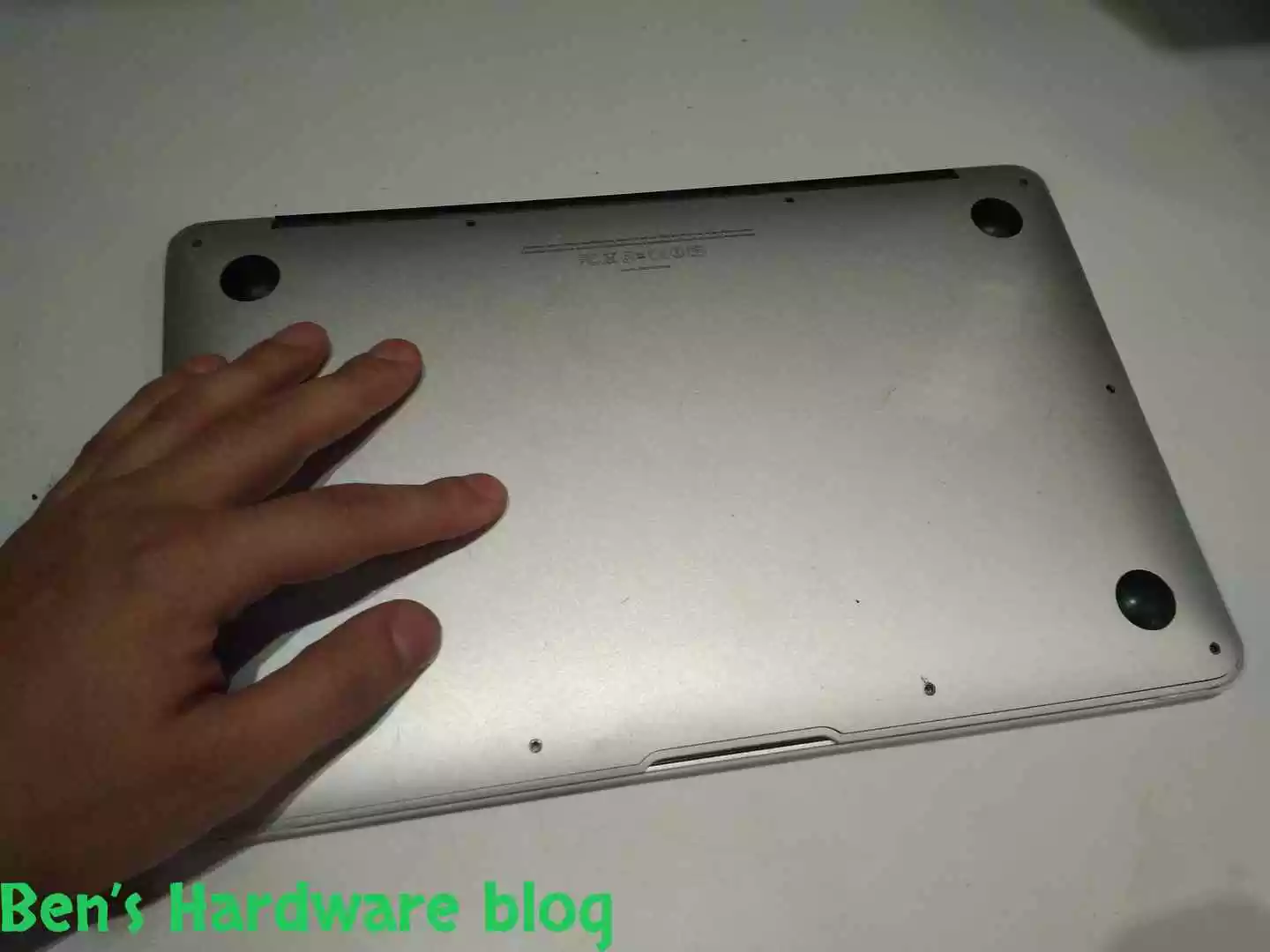
The A1370 is a very thin machine. After using it for a few years as a user you get used to it and any changes in its shape, weight or form are easily noticeable. We woke up one day to discover that our nice little thin machine has gotten knocked up and her belly couldn’t keep up with the fast growing baby inside of her.

BHB A1375REPLACE3 BHB A1375REPLACE4
BHB A1375REPLACE6 BHB A1375REPLACE7
BHB A1375REPLACE8 BHB A1375REPLACE9
BHB A1375REPLACE11 BHB A1375REPLACE13

As an experienced person with IT and everything it entails, I kind of knew quickly what happened inside our thin machine, I just never came across in such an unusual case before.

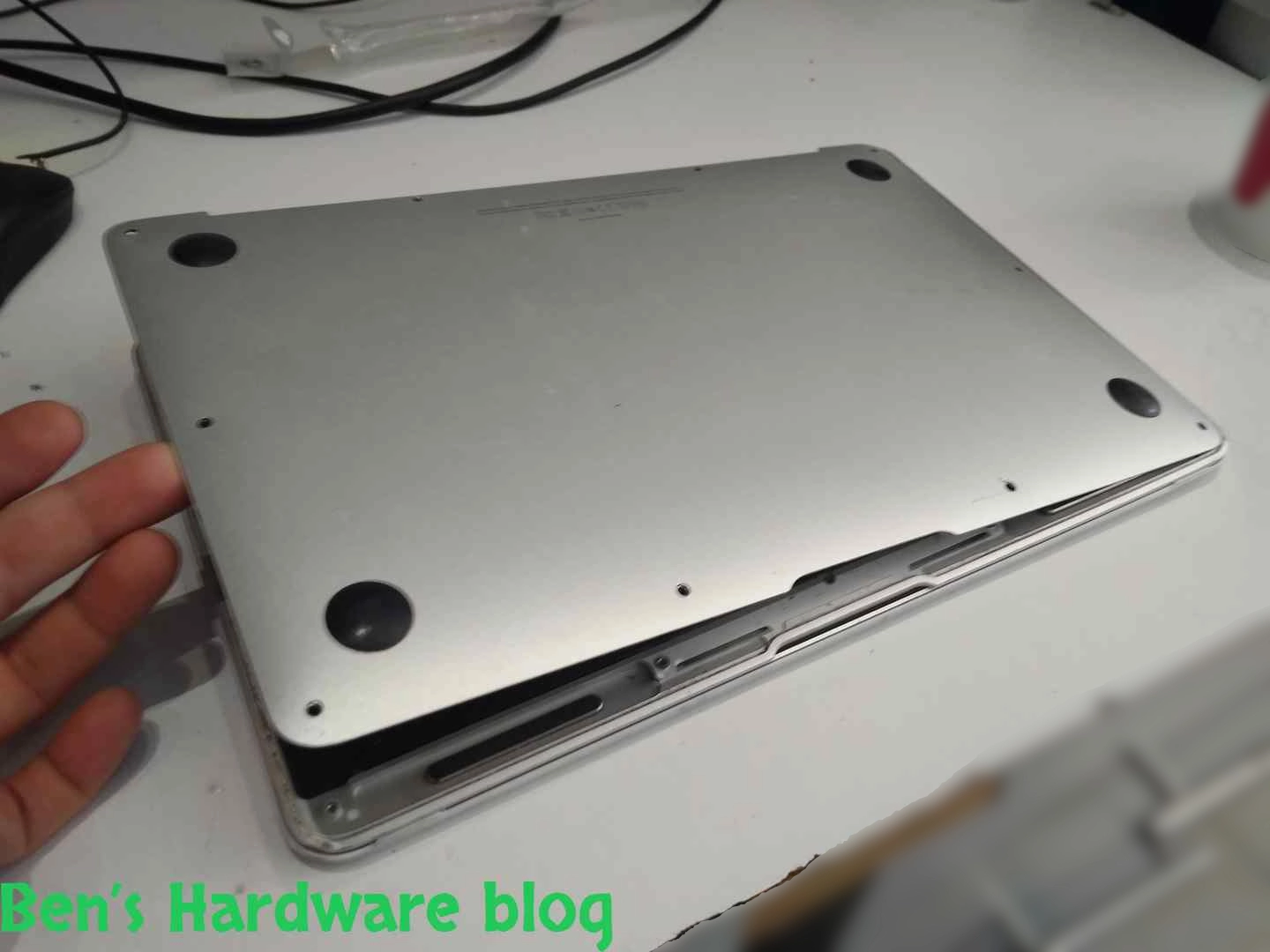
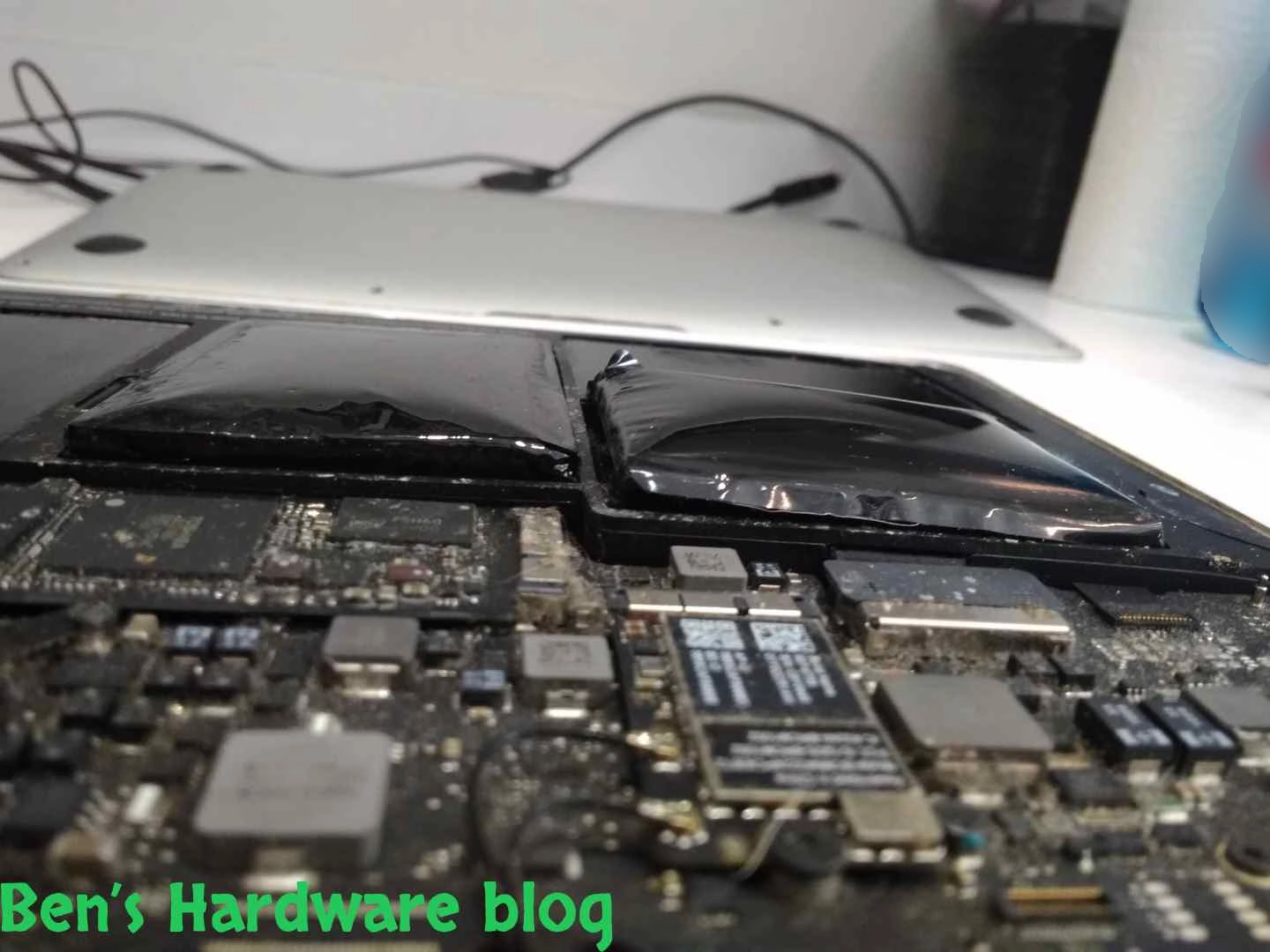
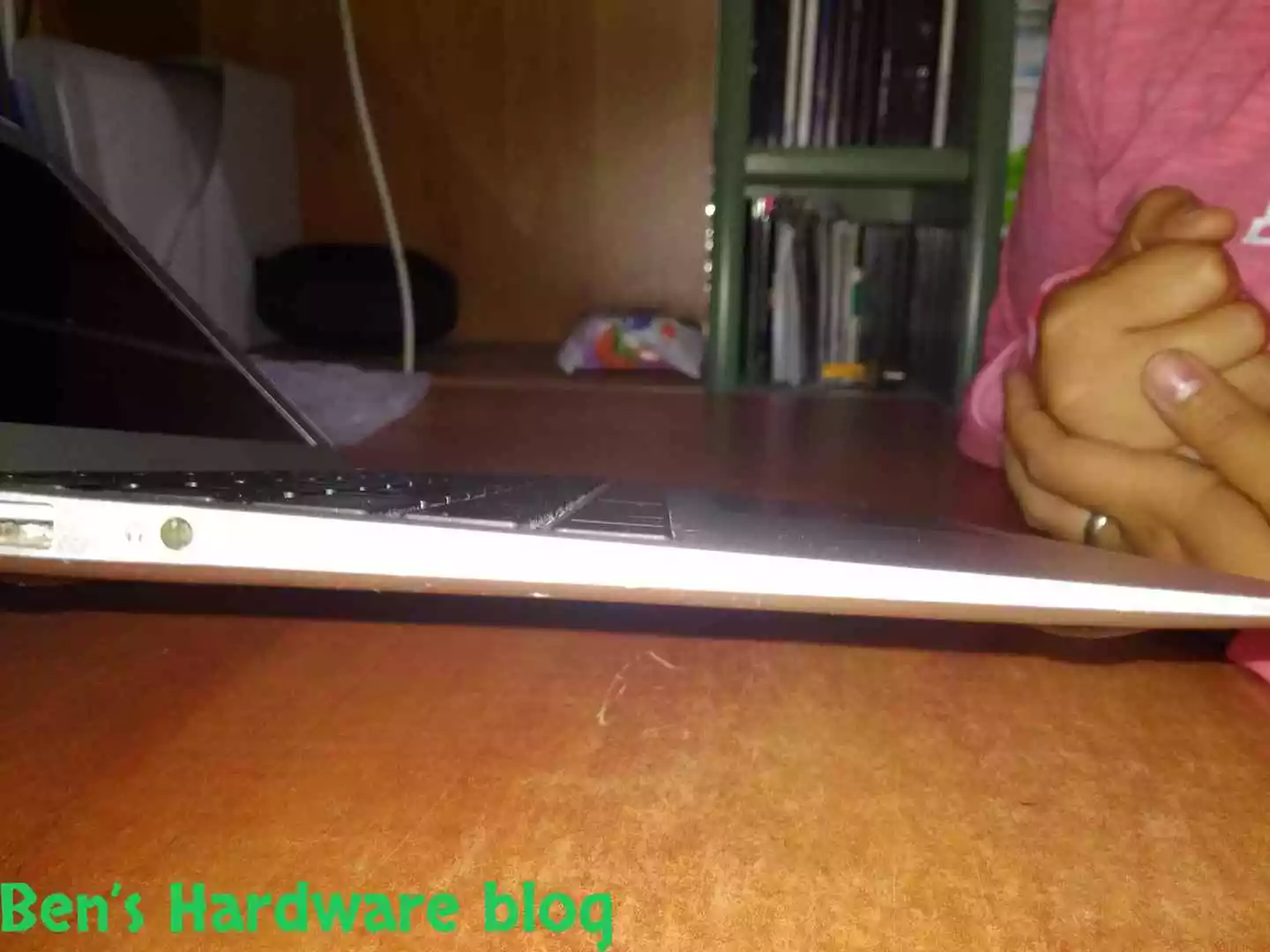
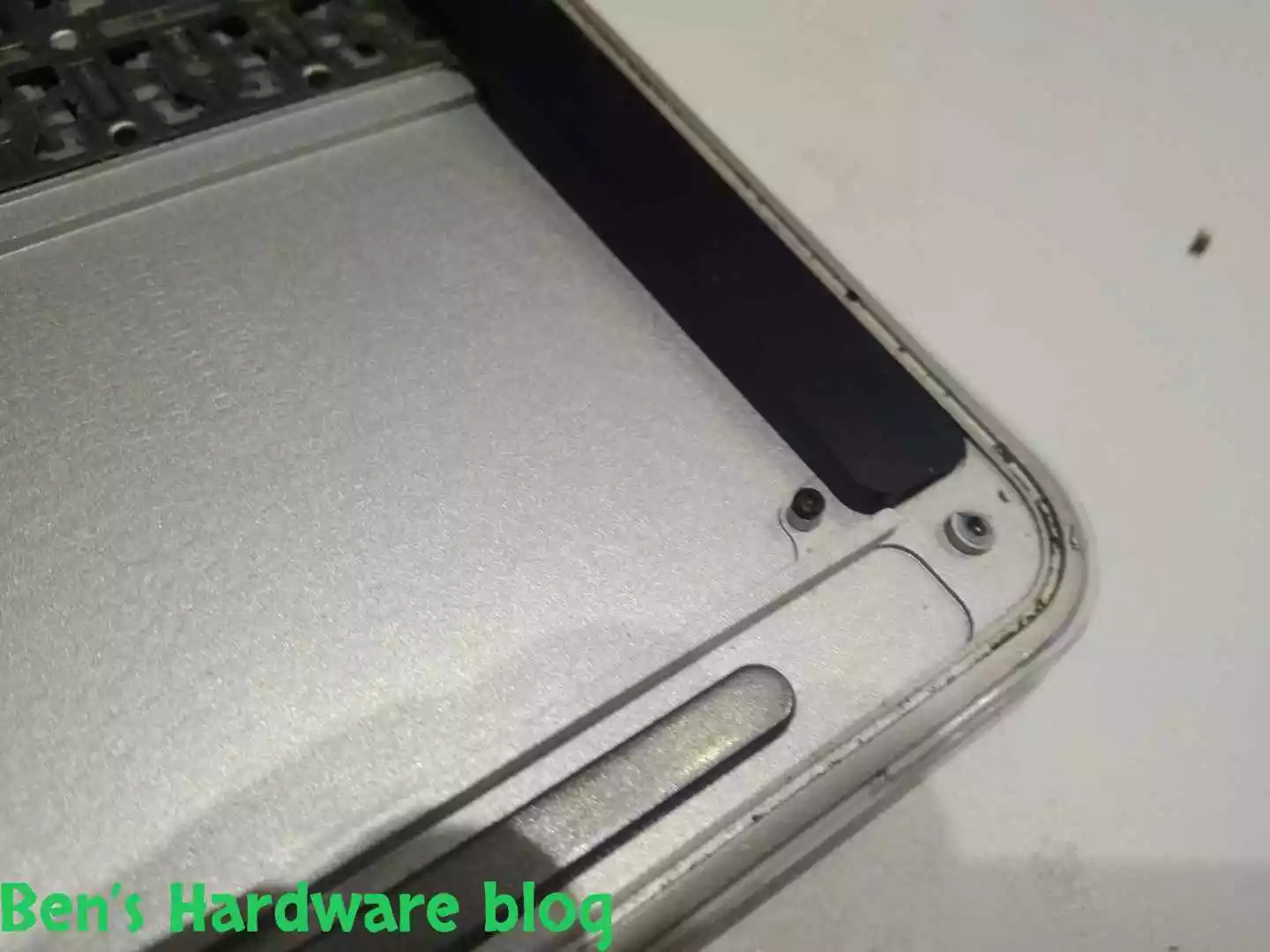
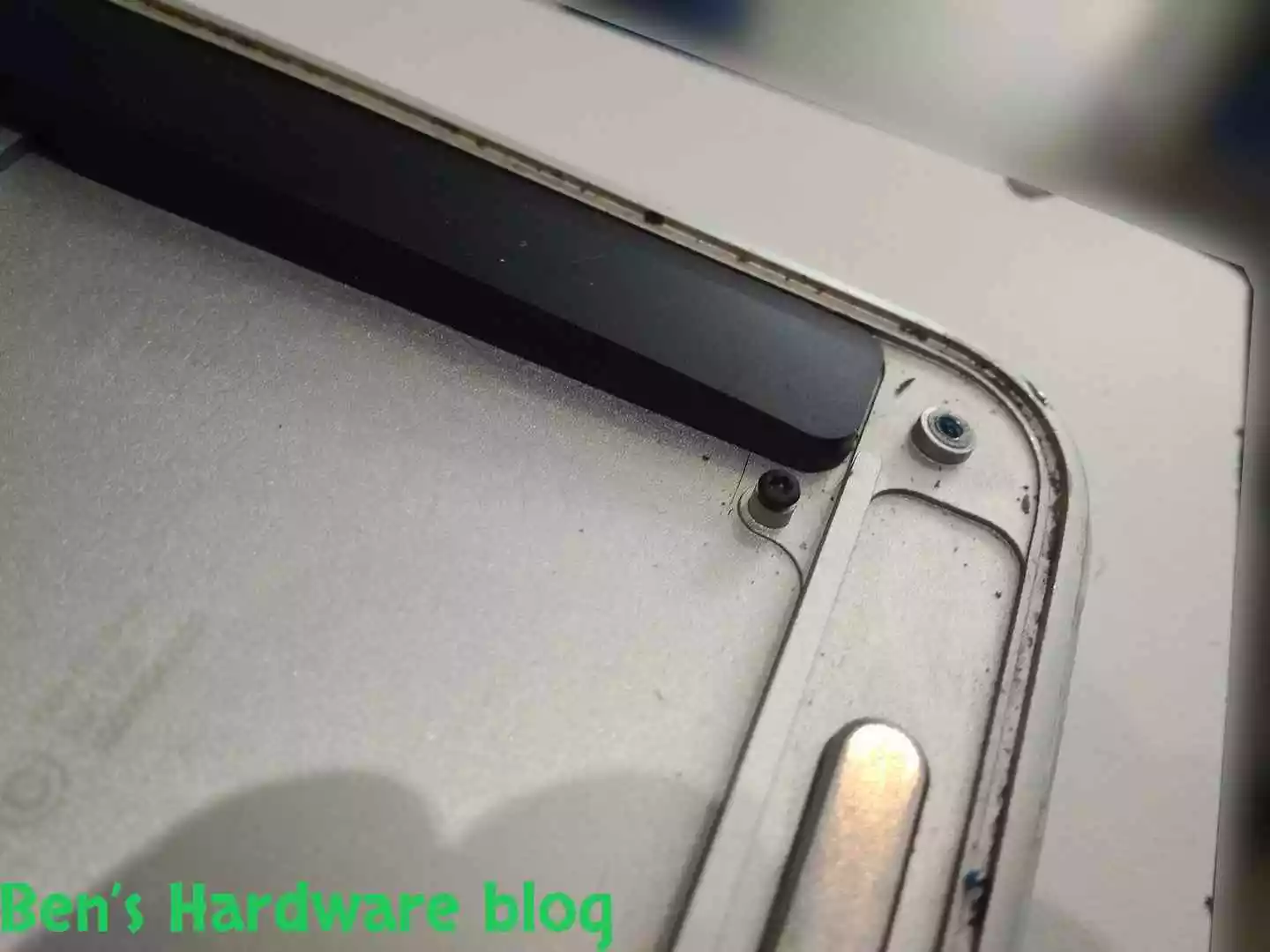
It looked like, from an external point of view, that the battery expanded aggressively. Kudos to the firm casing of the MacBook air and the screws holding it.

We wondered would it be worth for fix this MacBook due to its age and the expected high price of any replacement battery.

Disassembly:

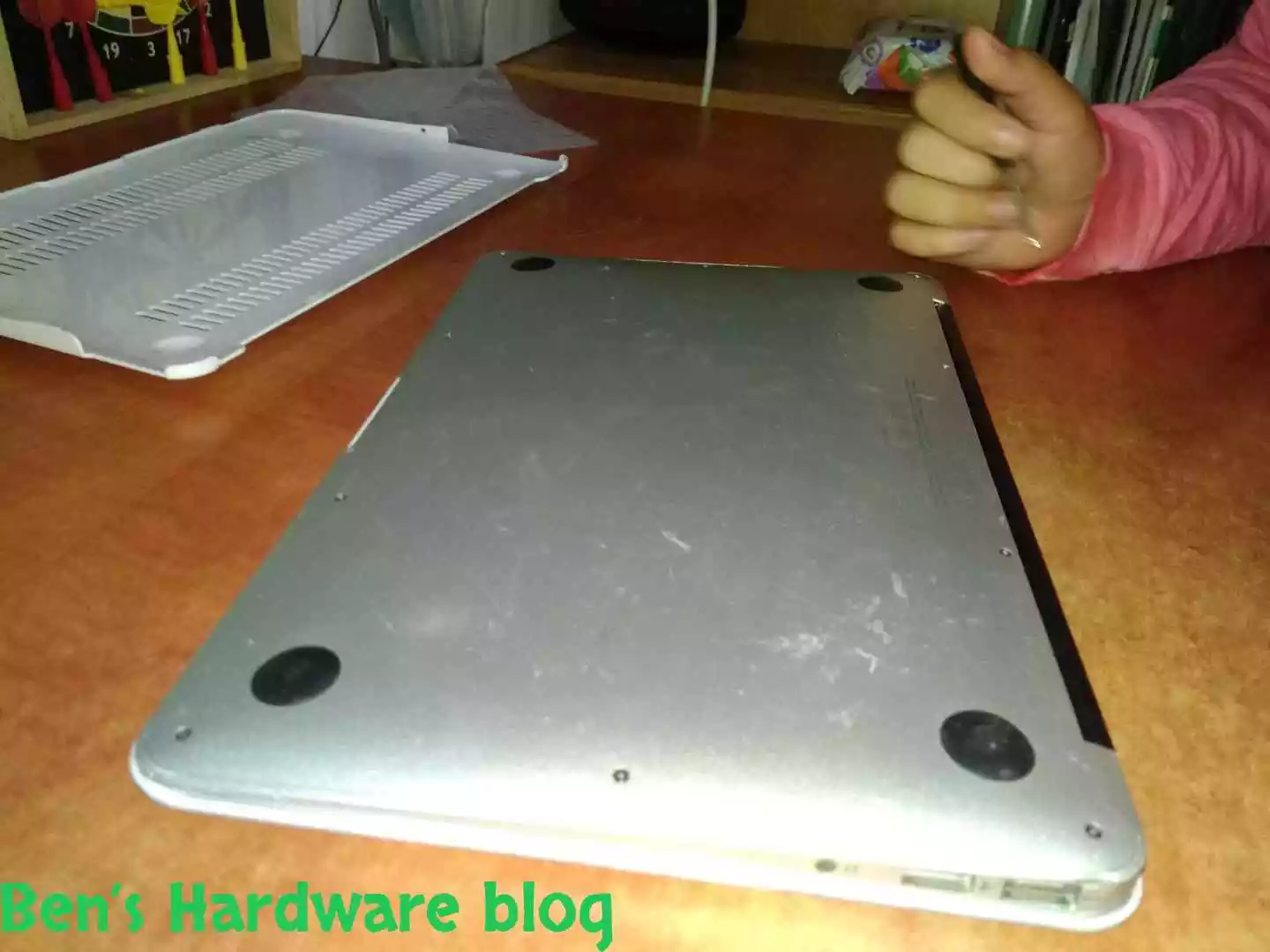
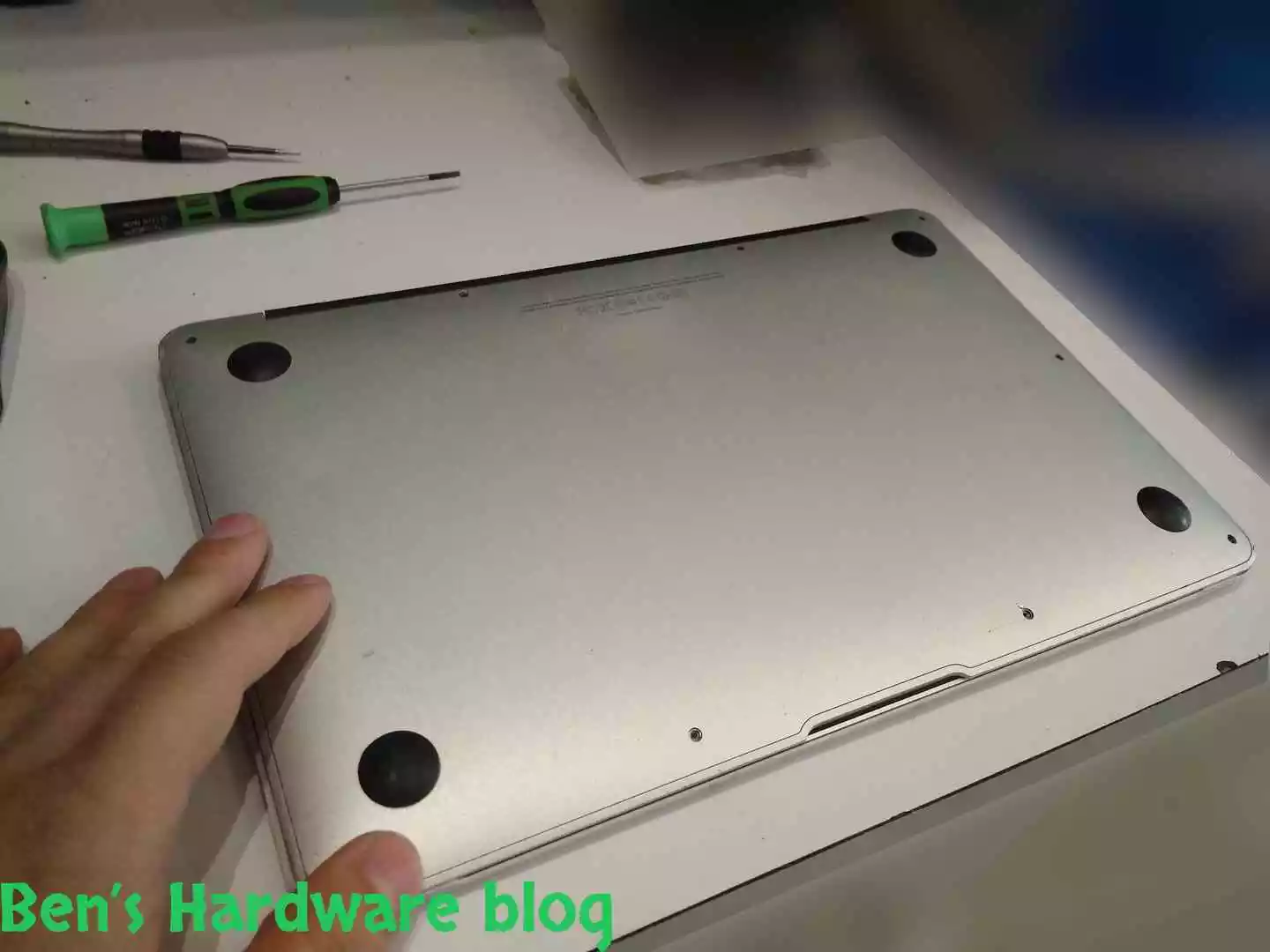
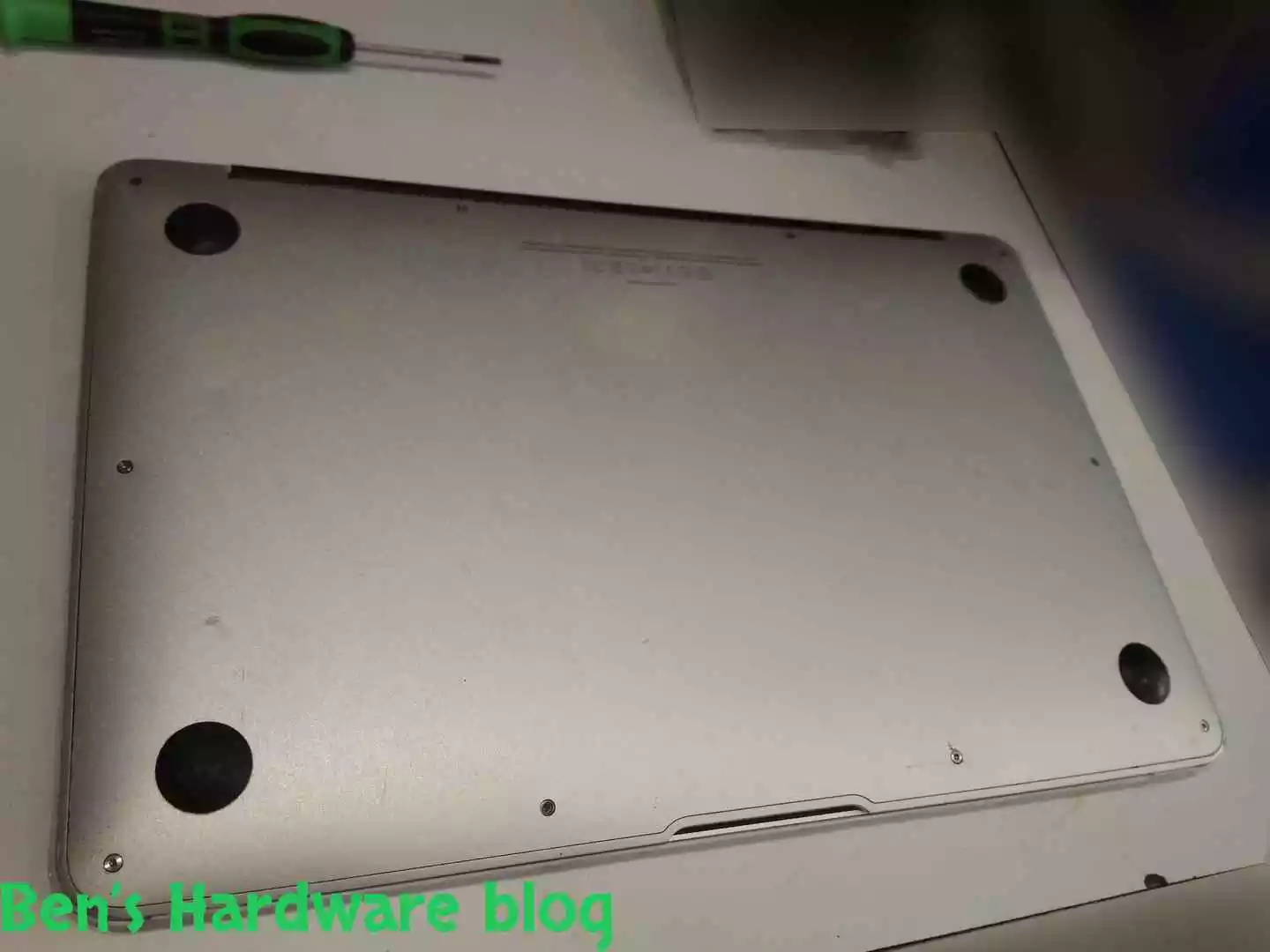
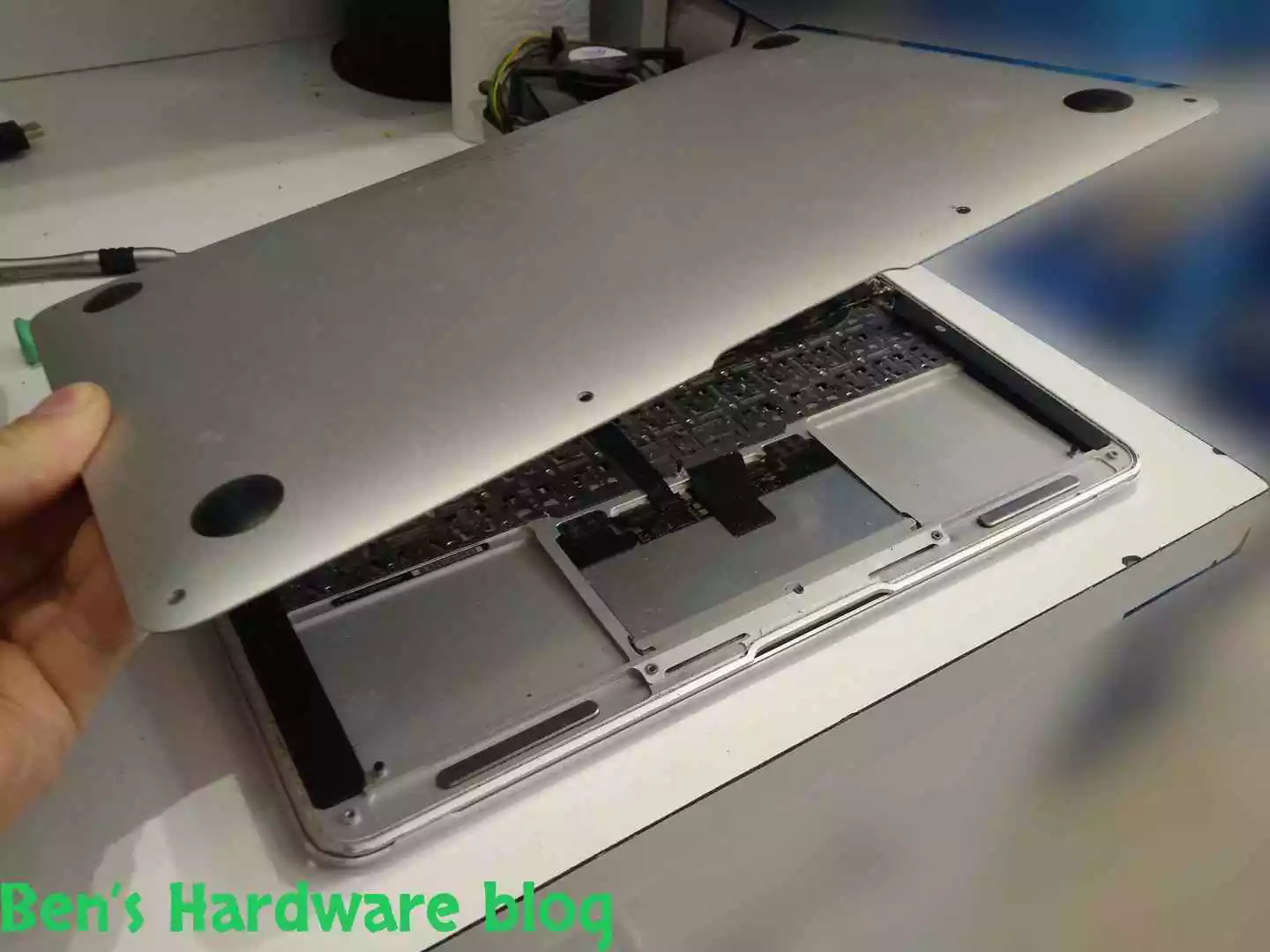
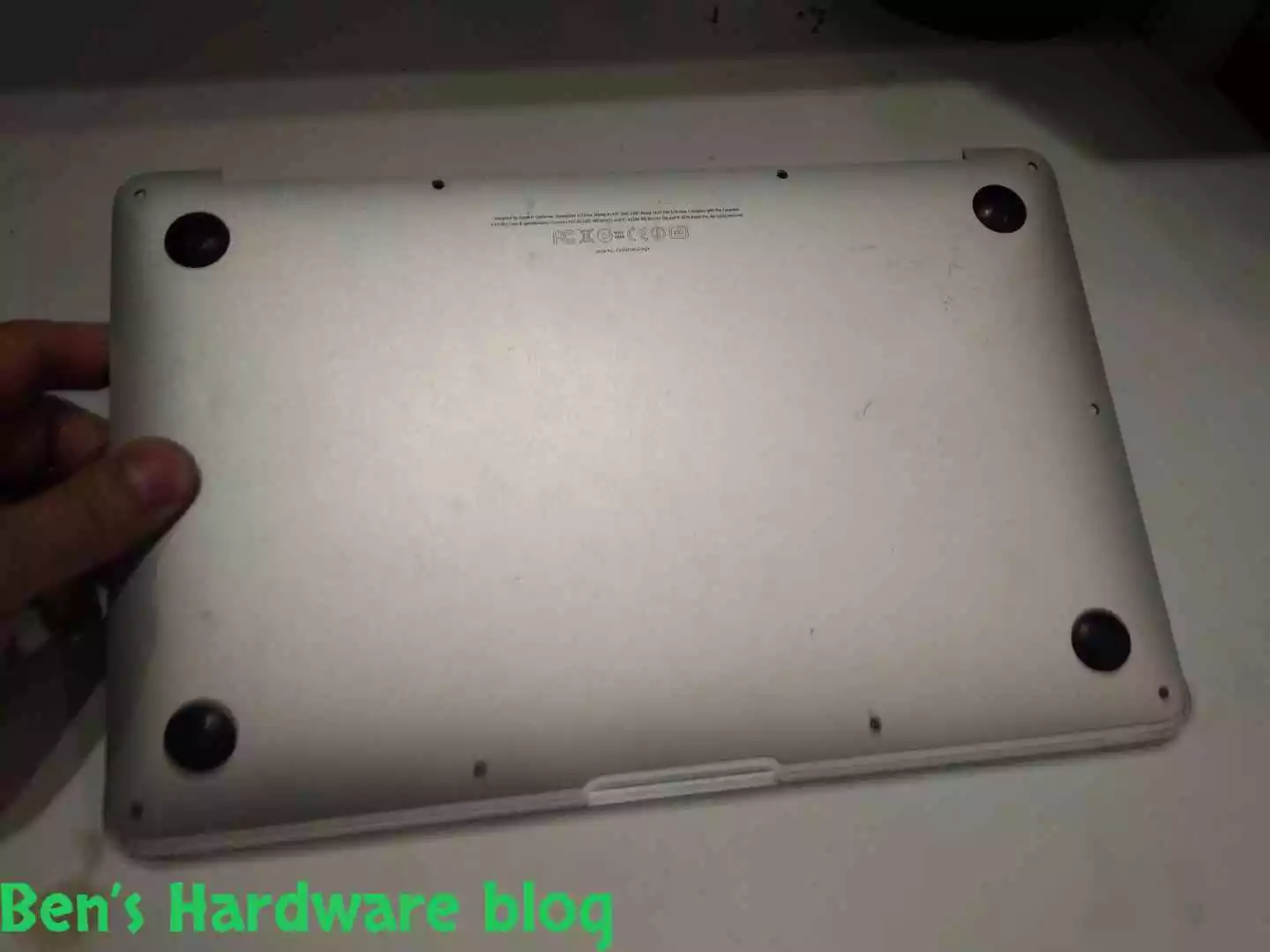
After looking online I noticed that there are a few different types of those batteries (obviously). The best way to find out what exact part I needed was to take apart the bottom casing of the MacBook and just see for myself.

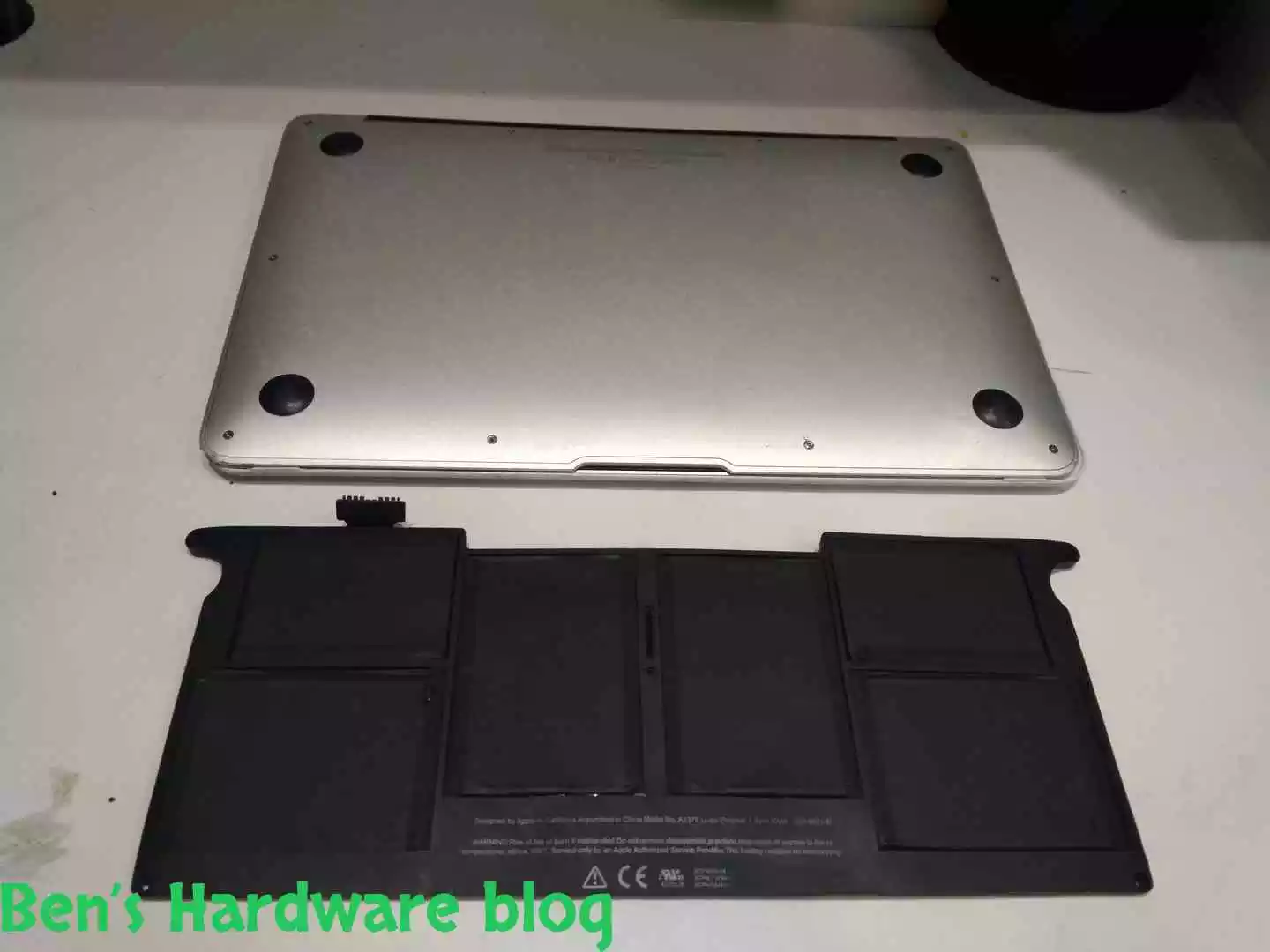
Taking apart the bottom cover:

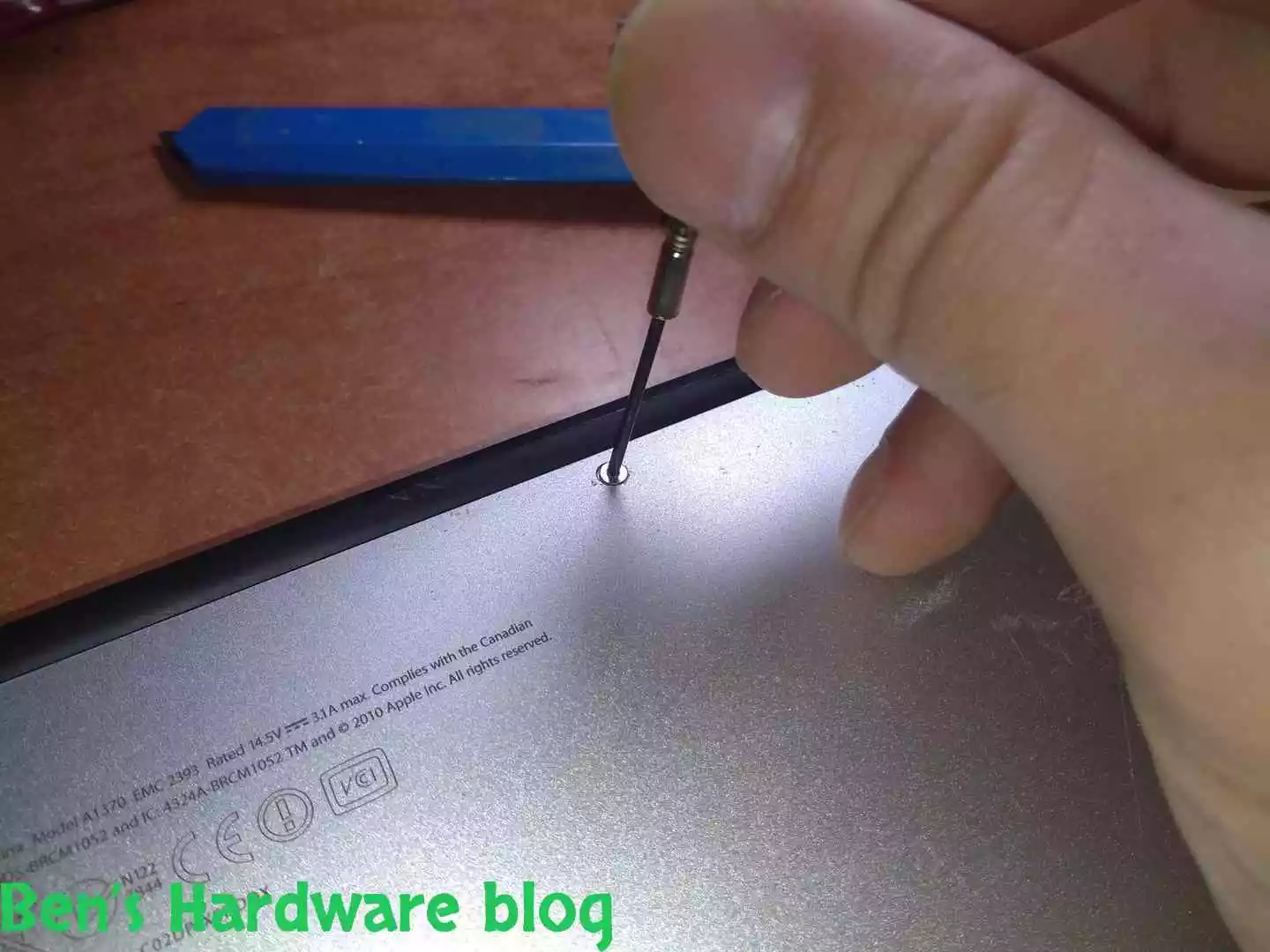
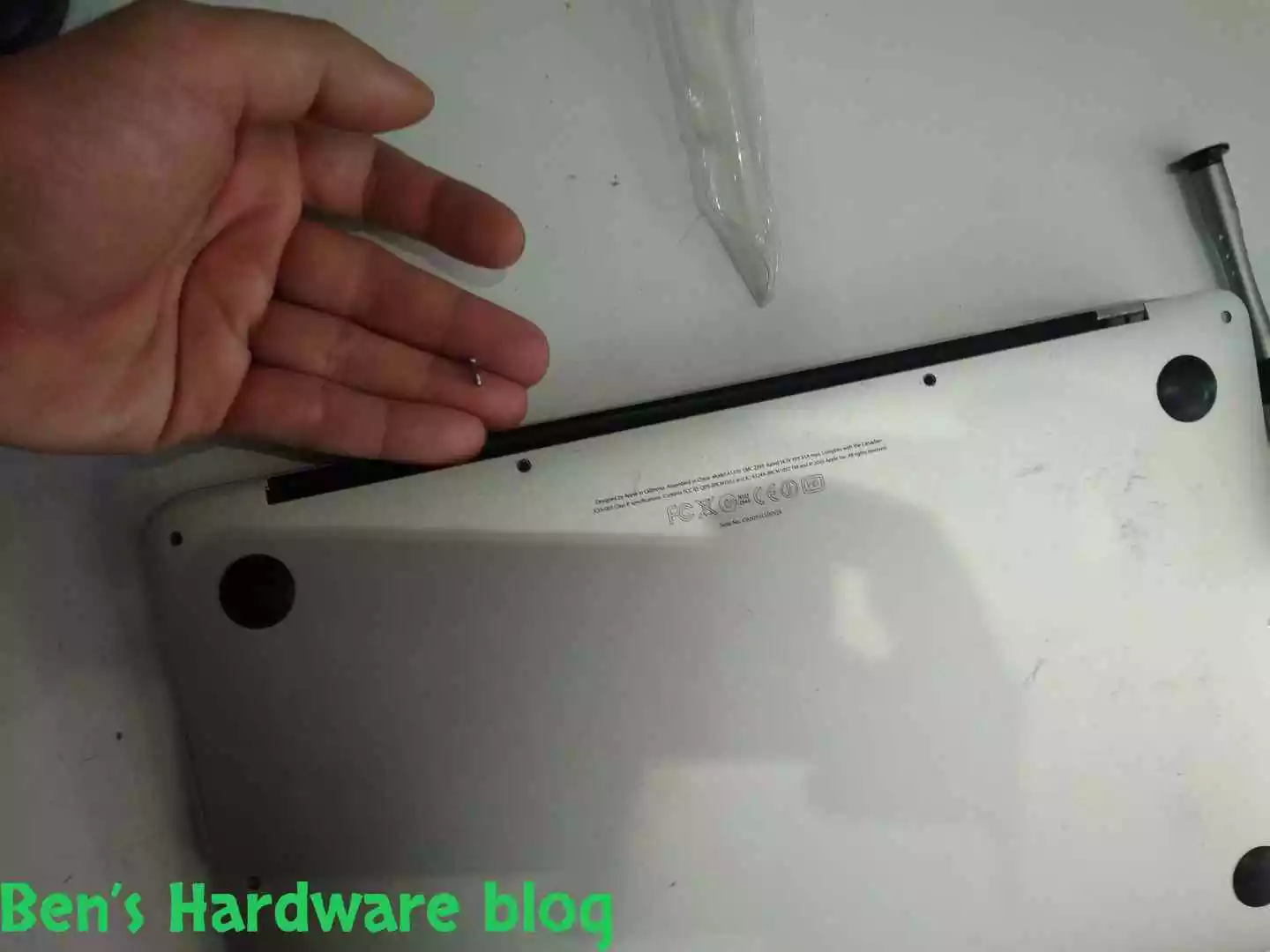
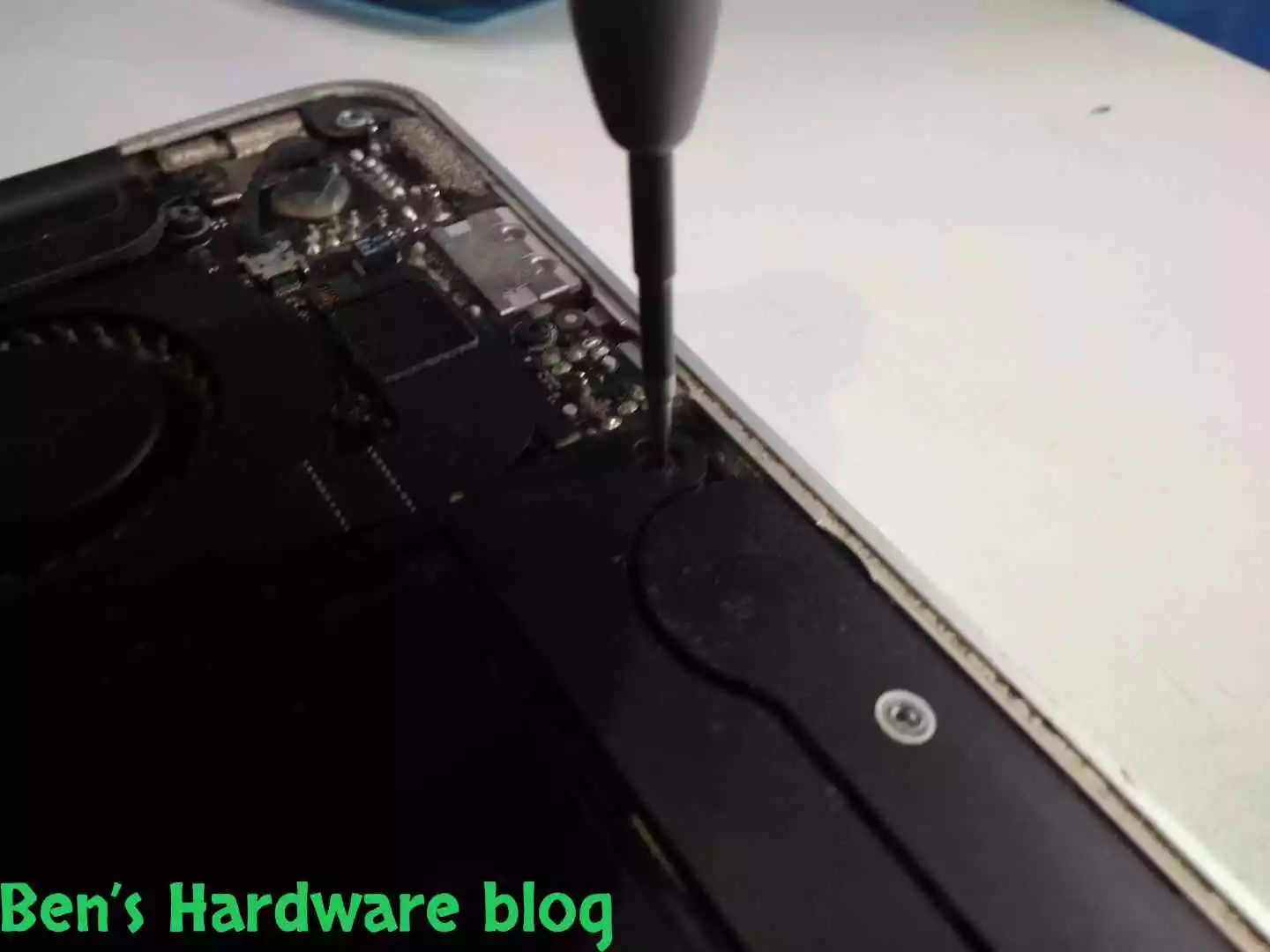
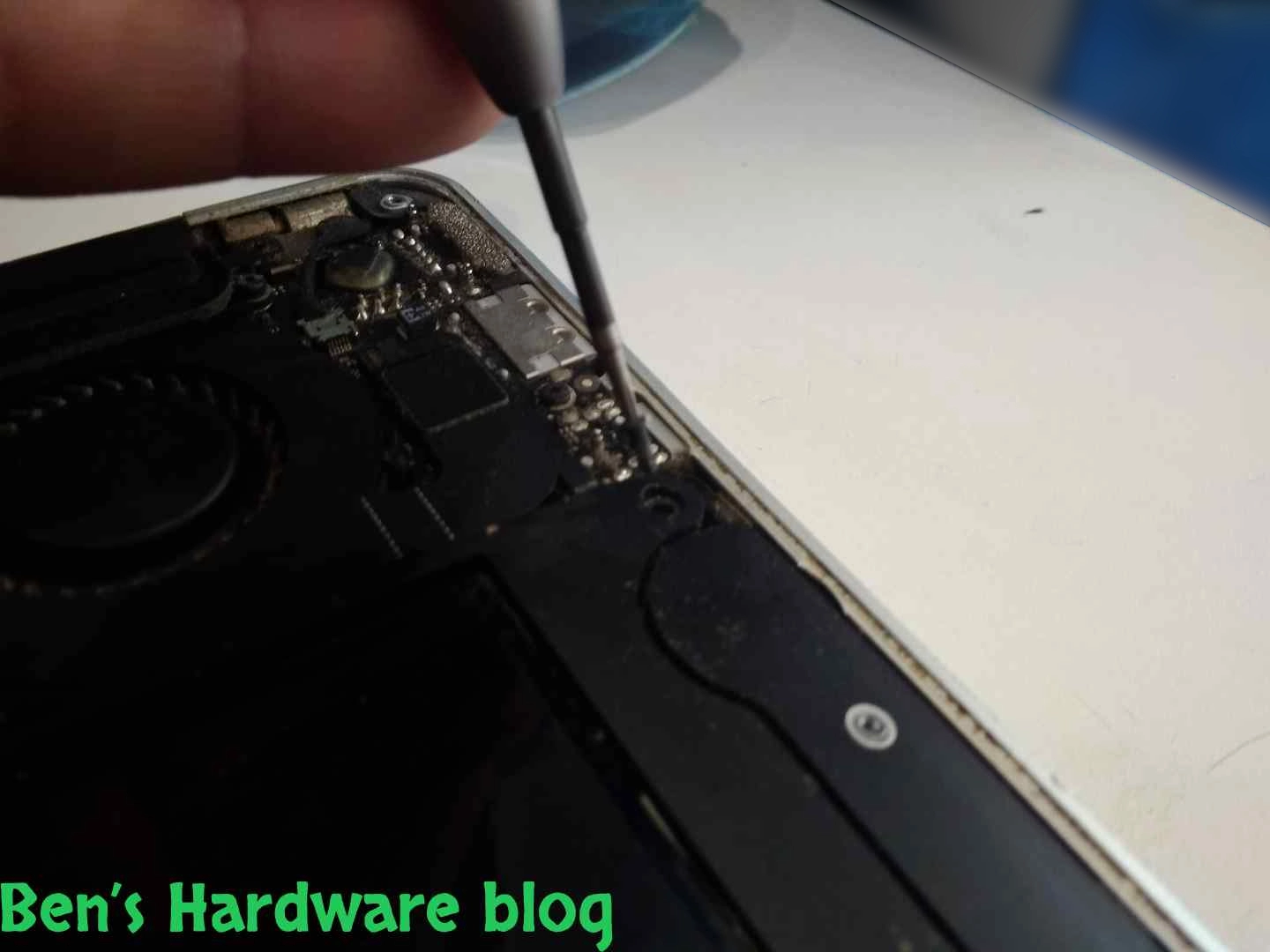
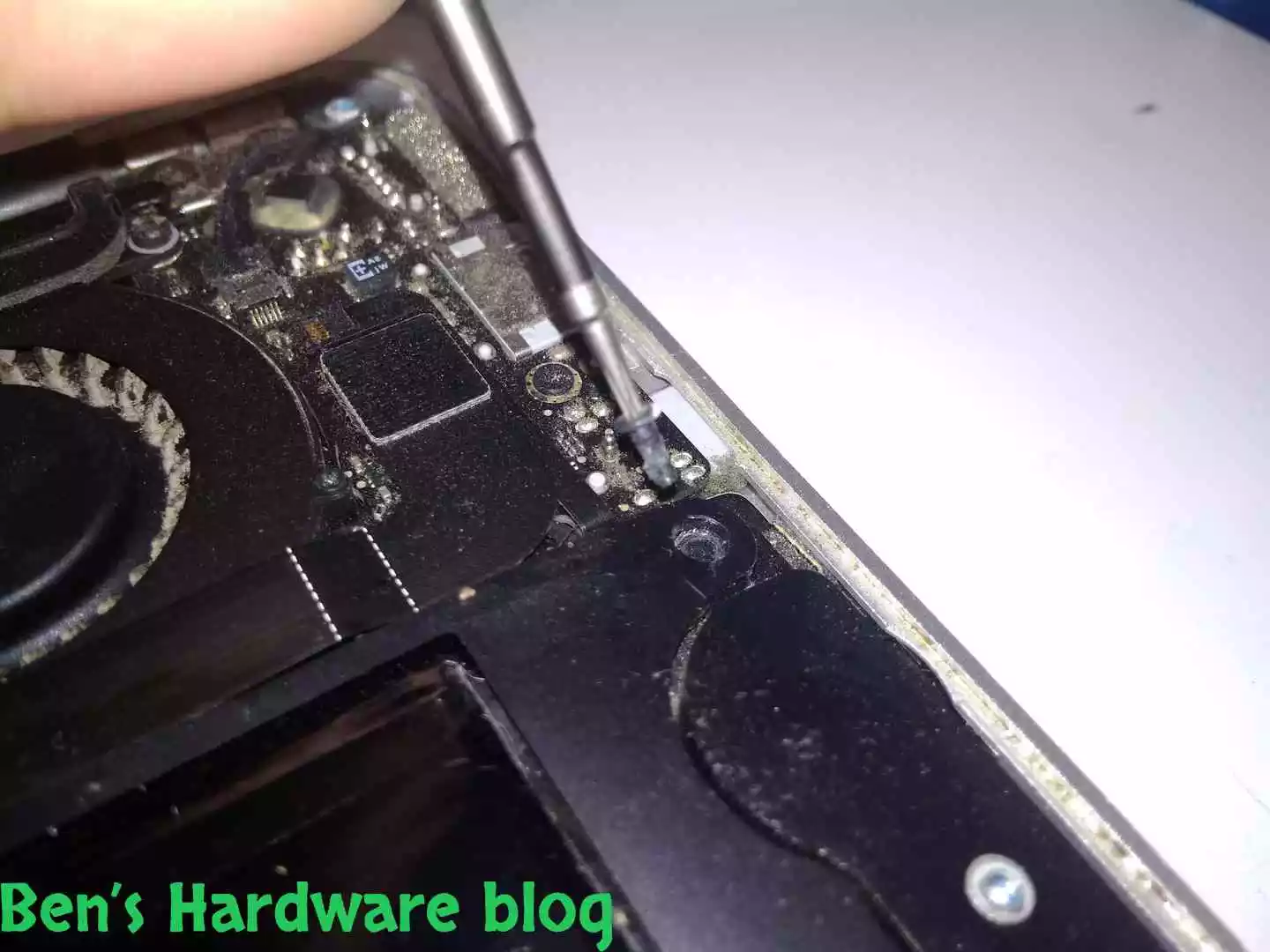
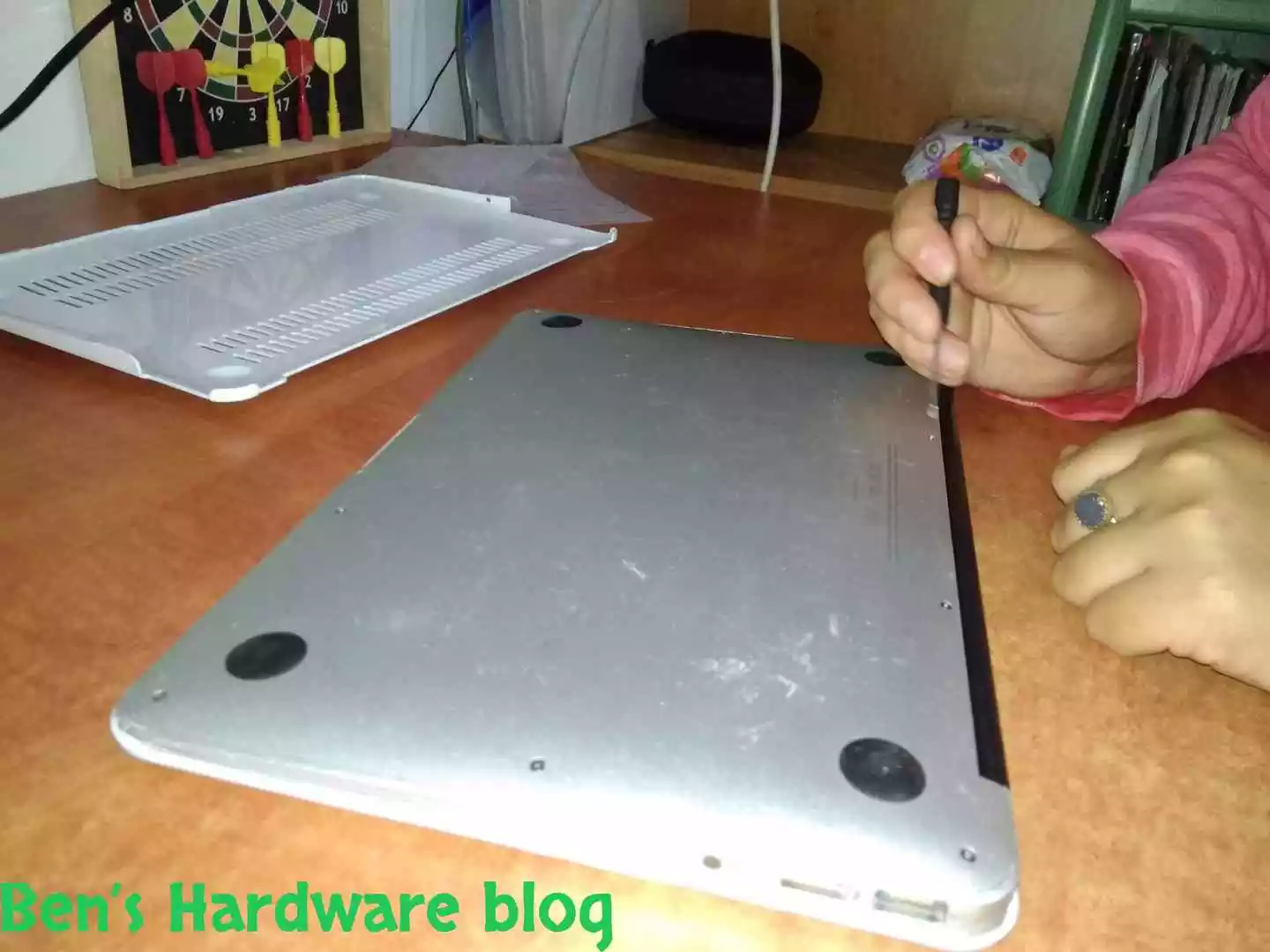
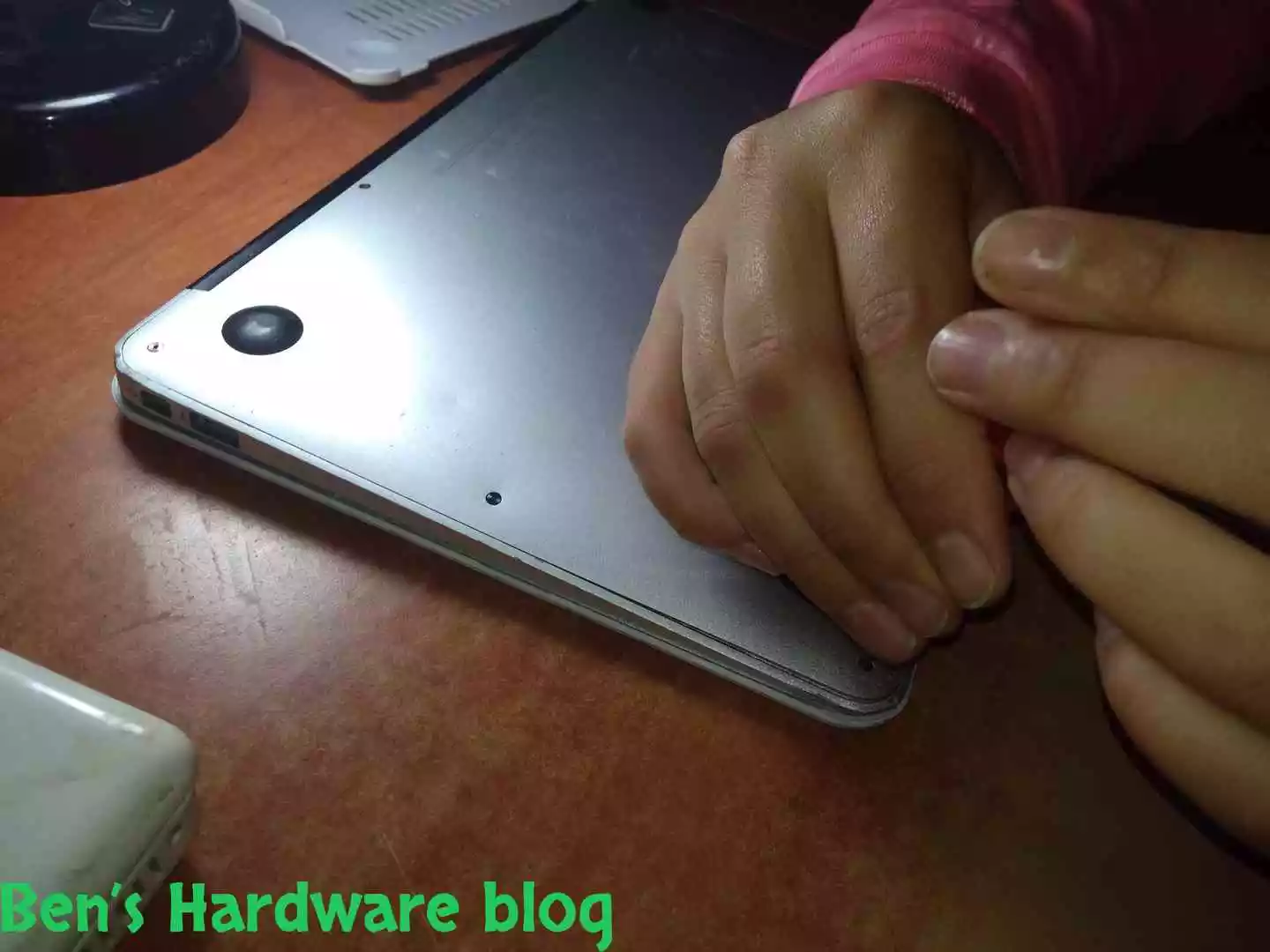
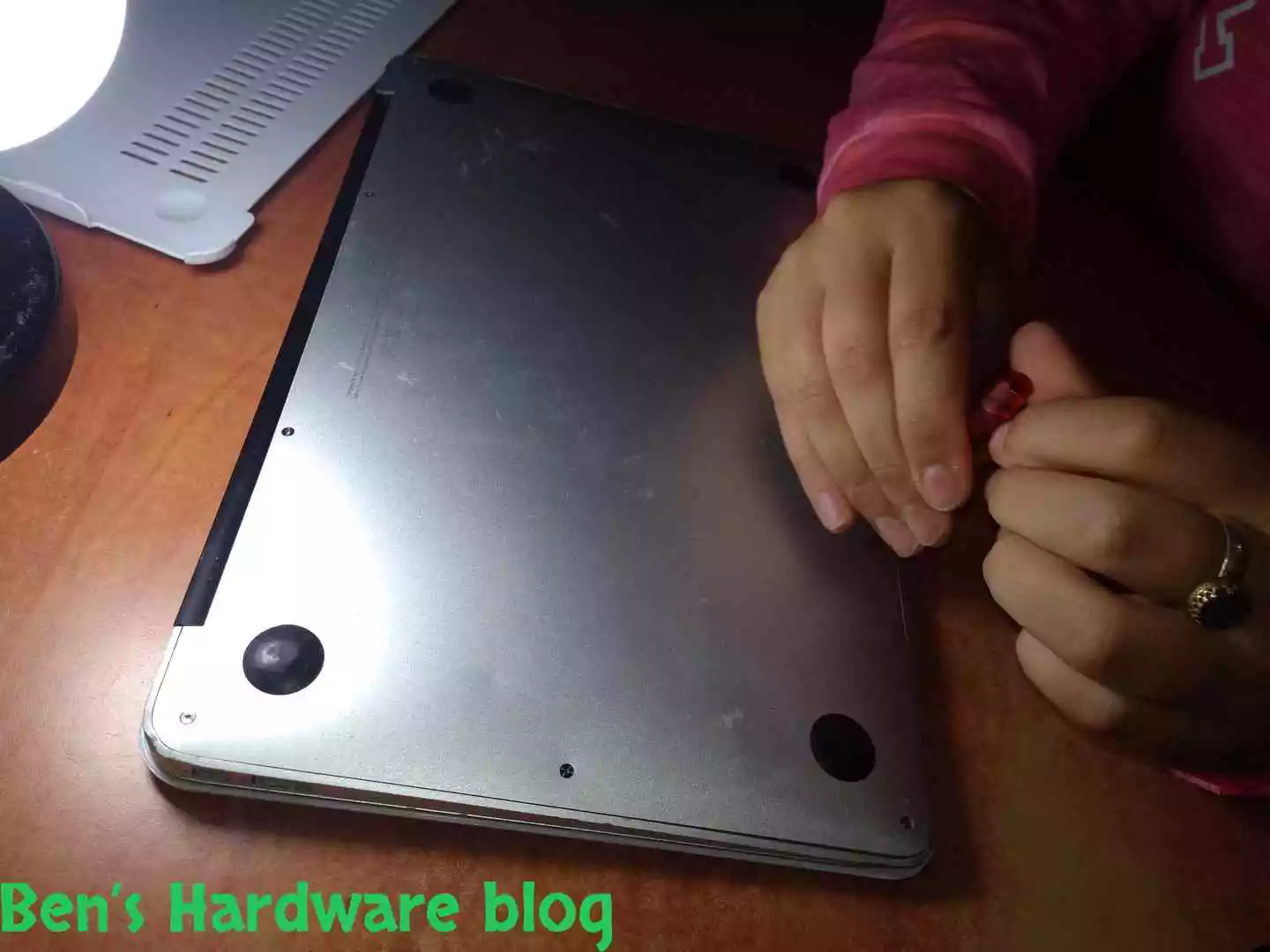
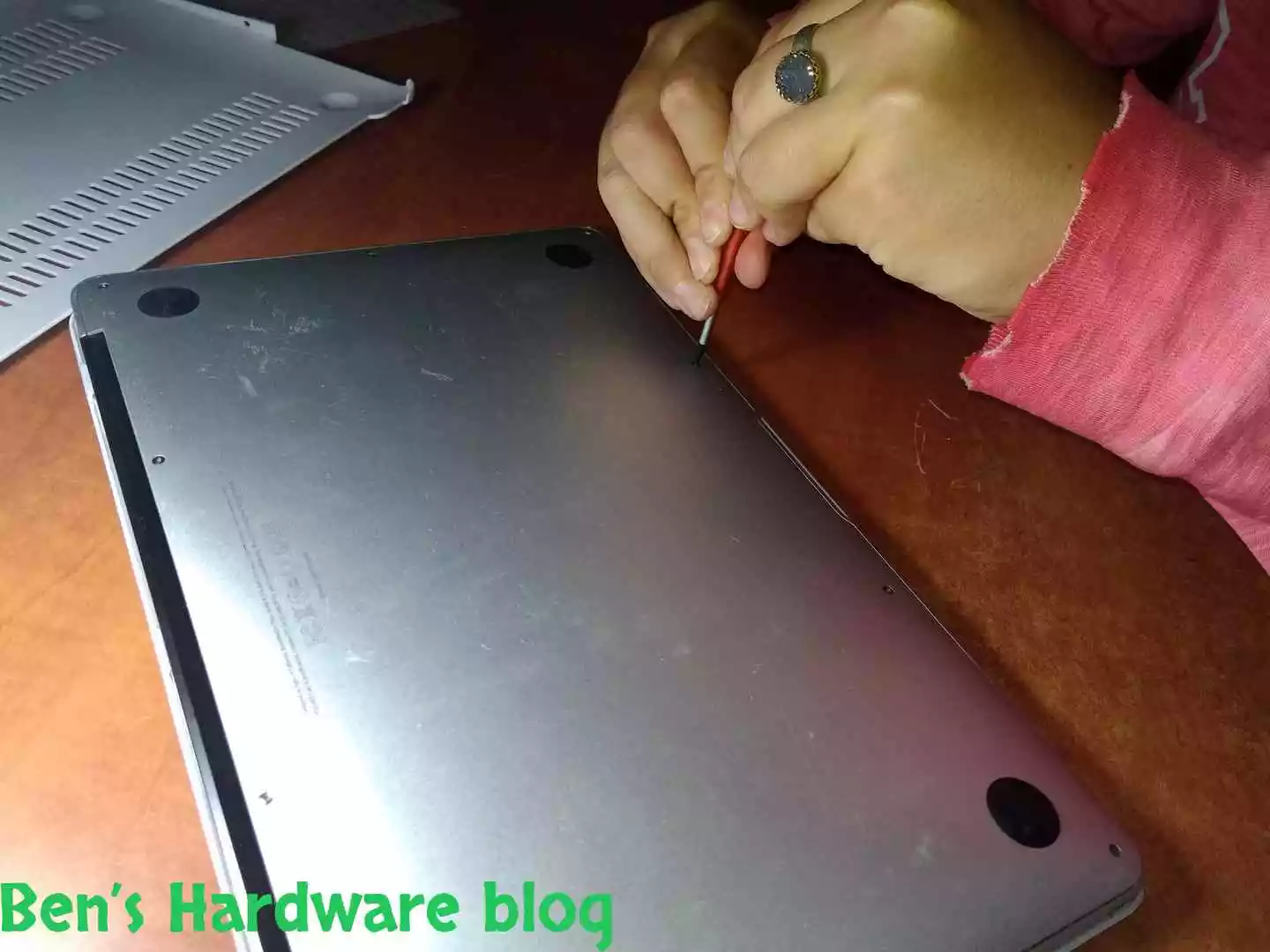
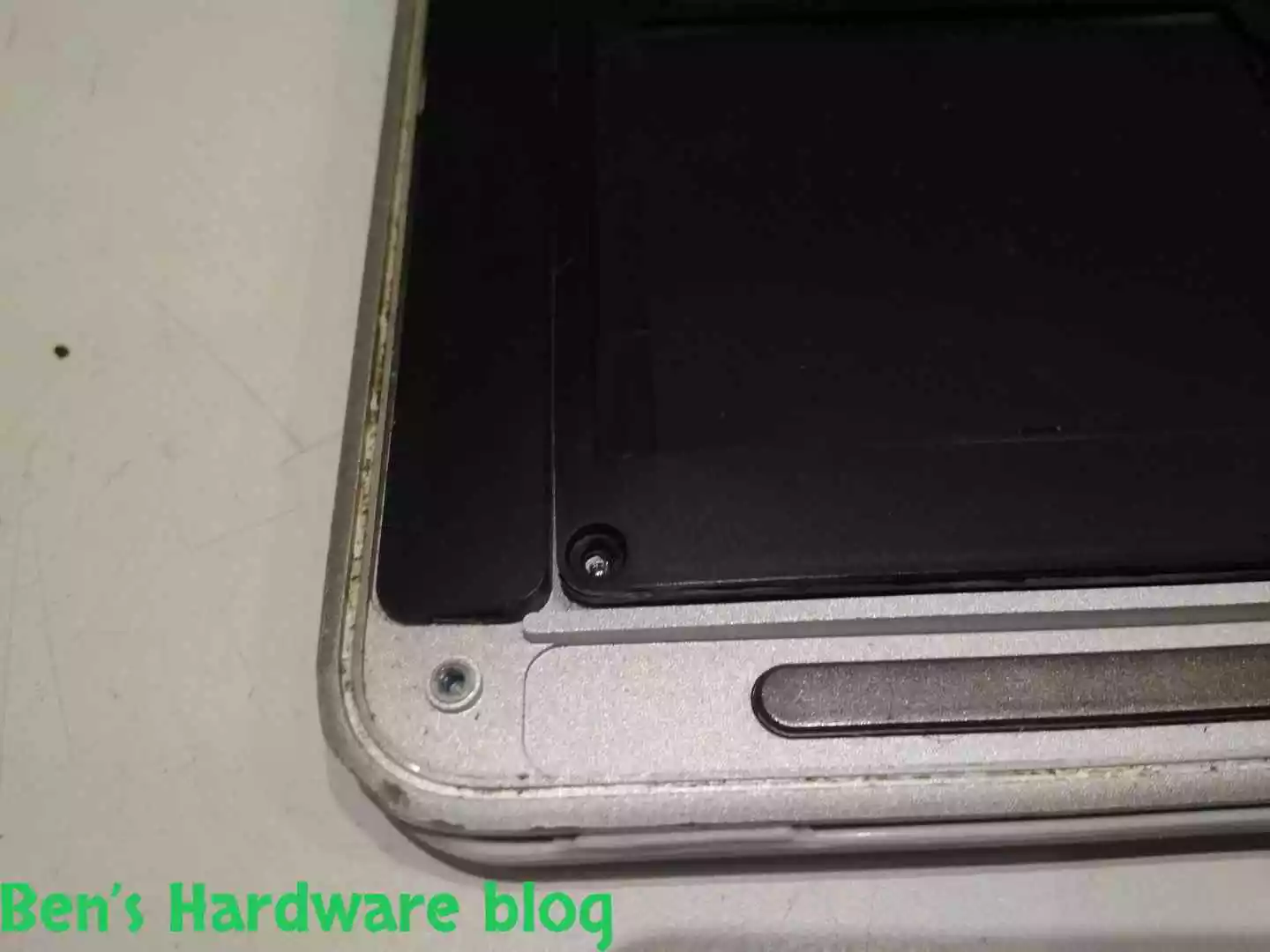
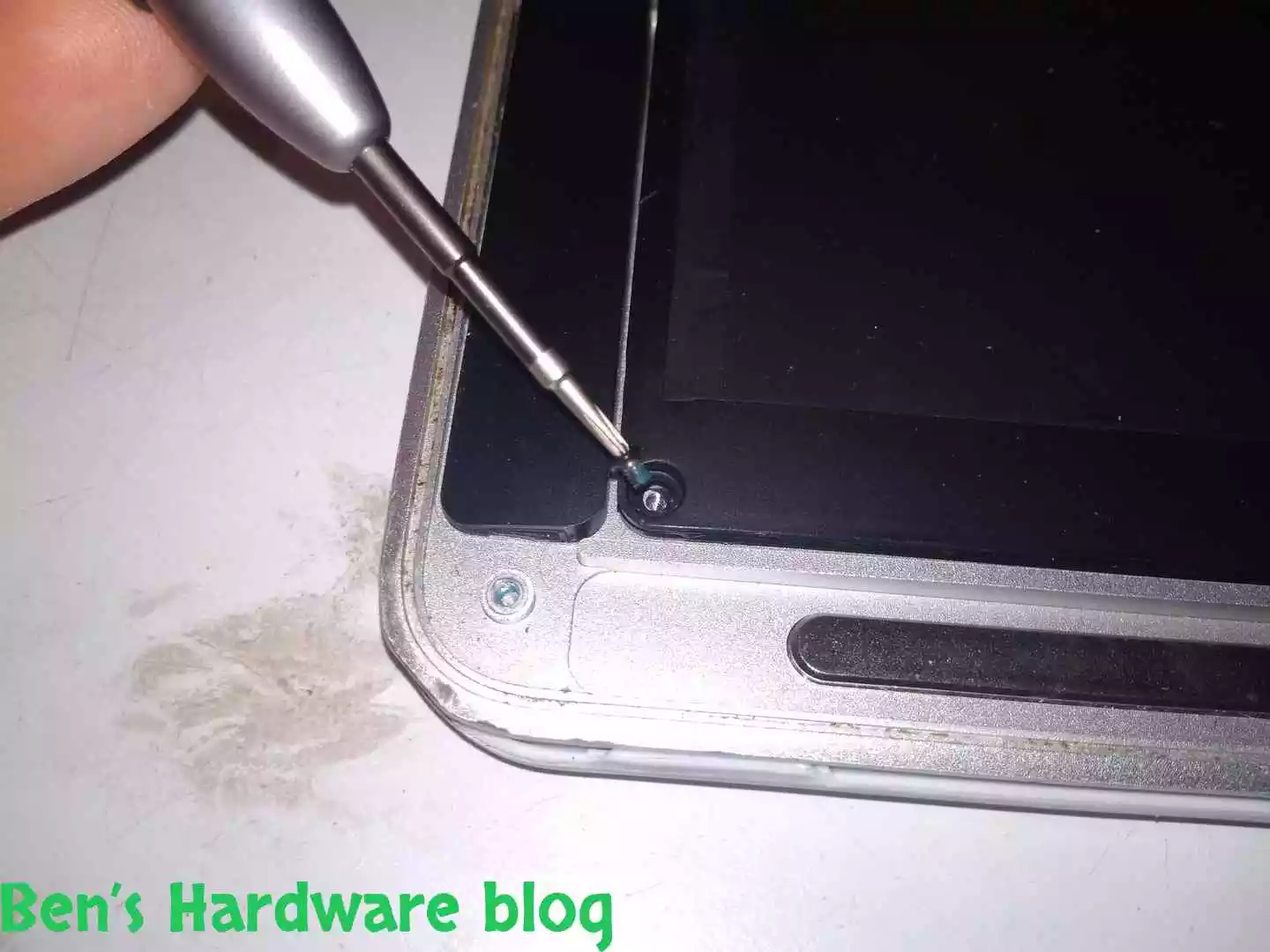
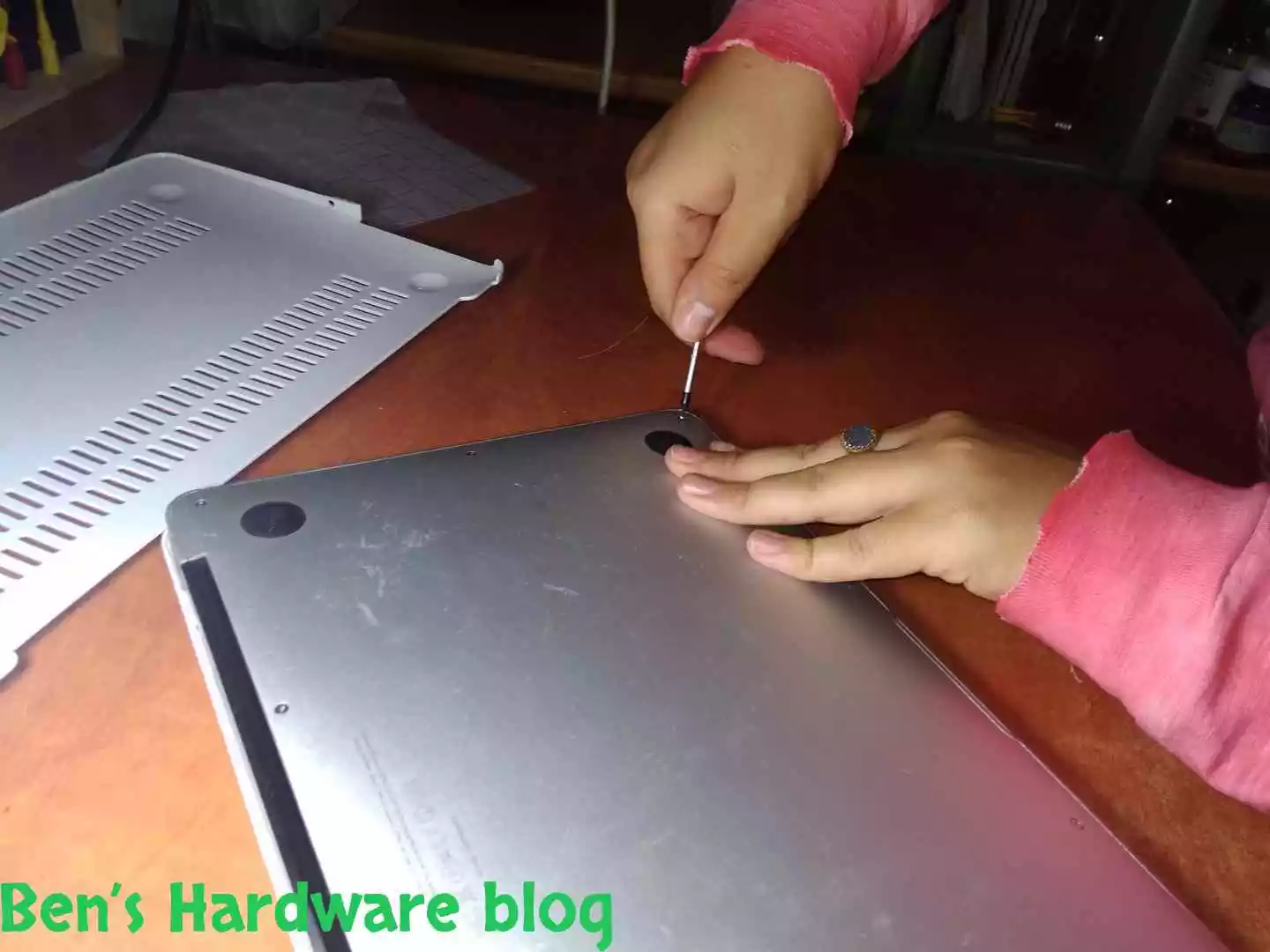
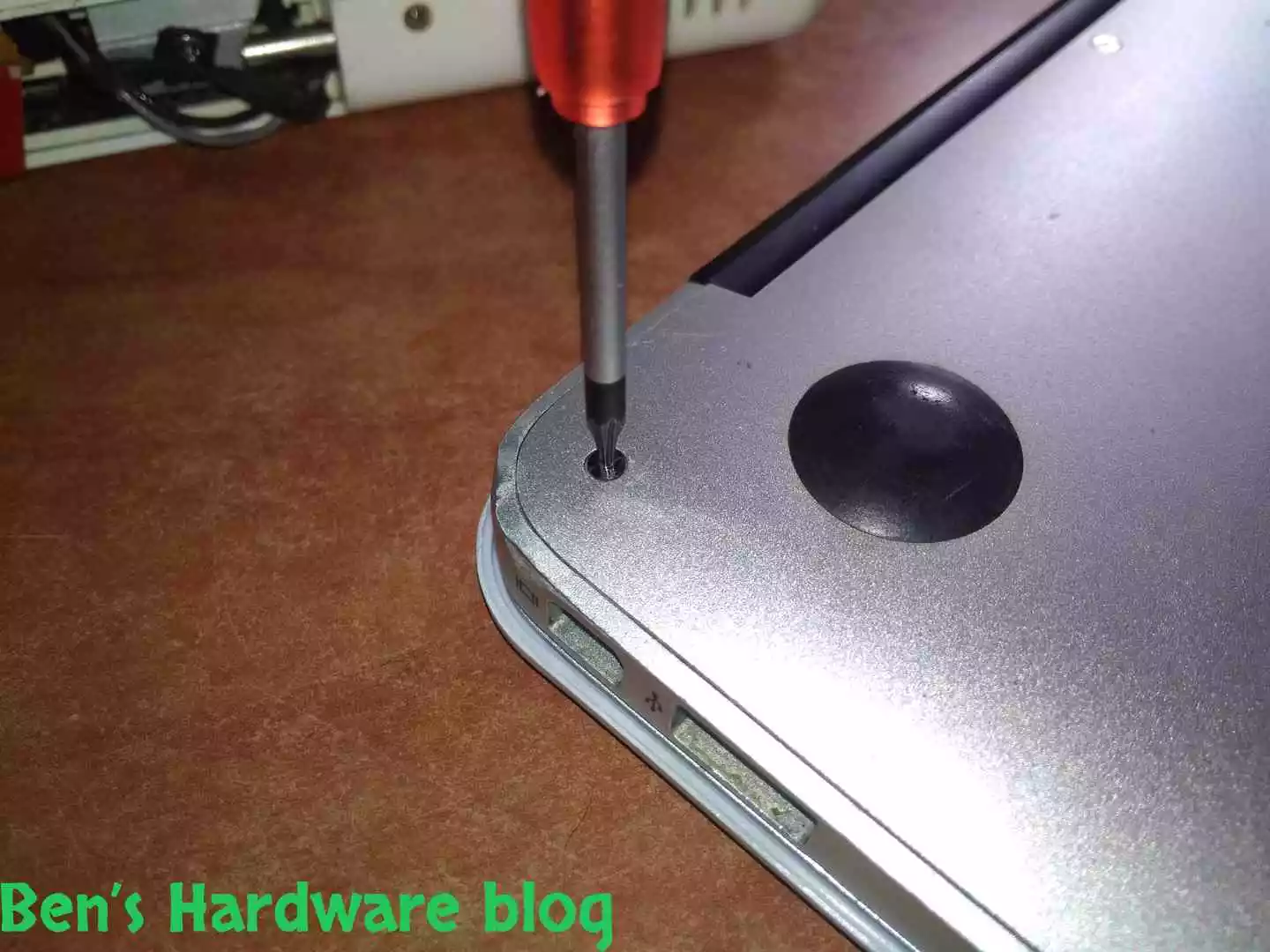
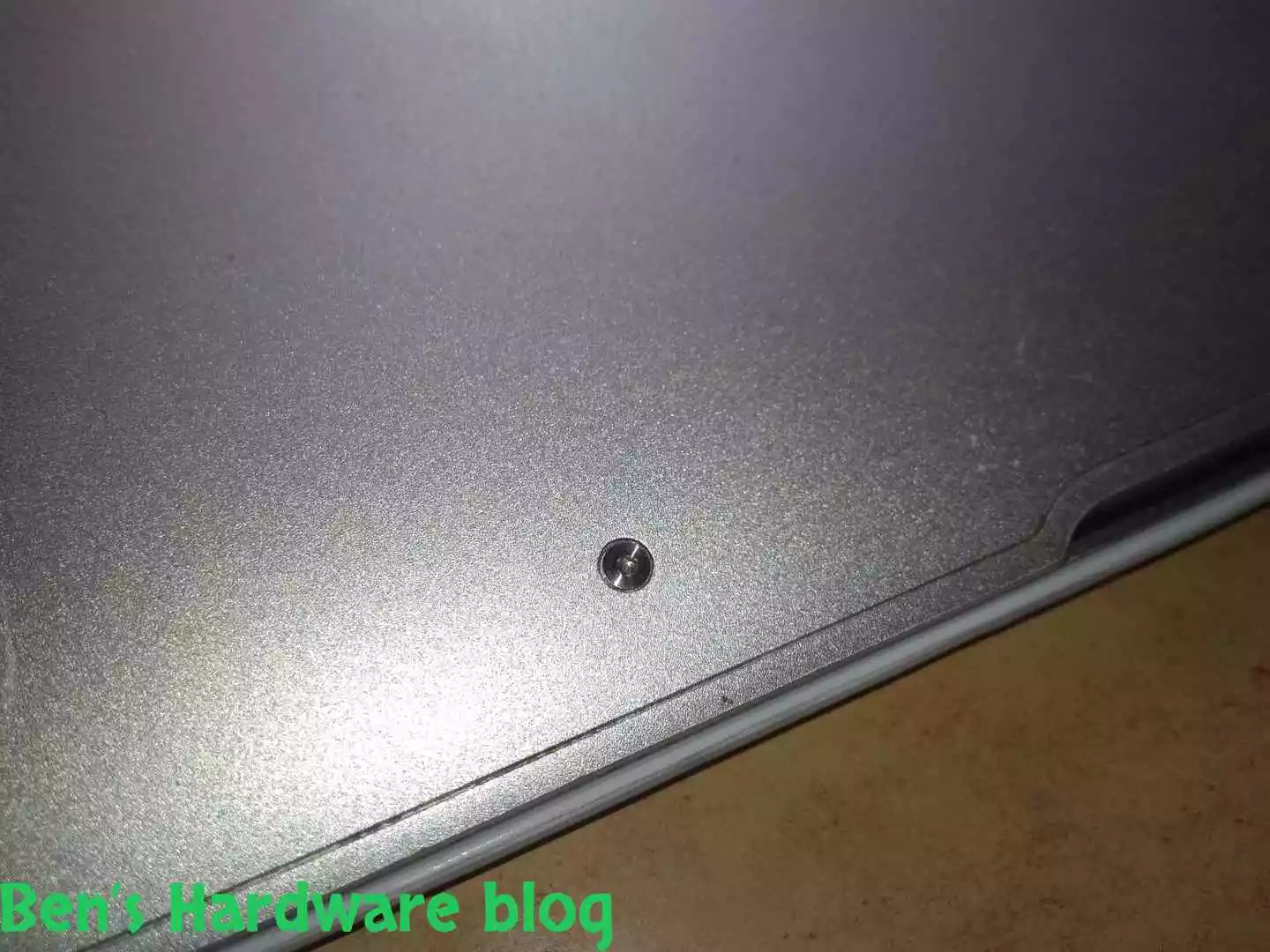
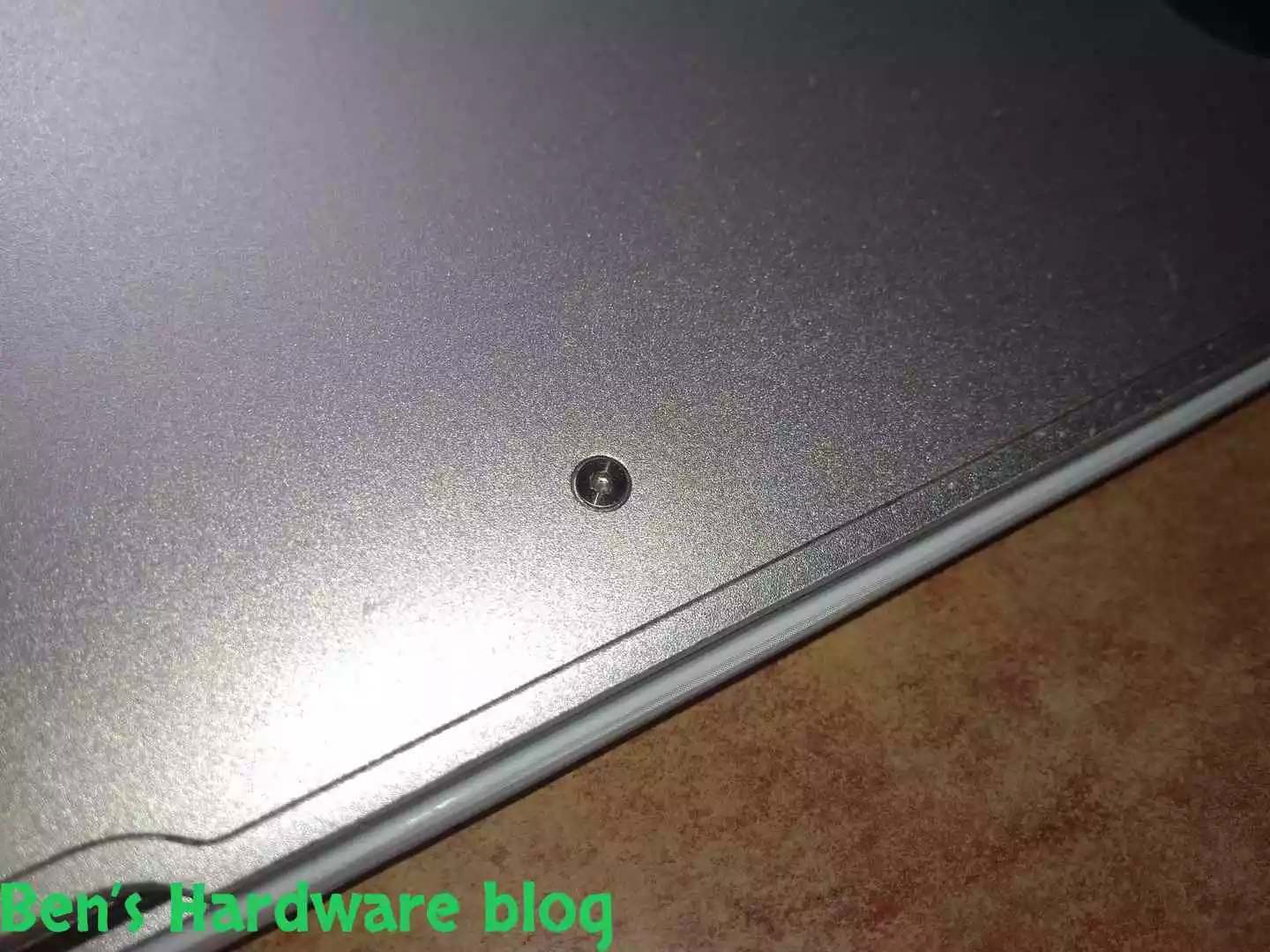
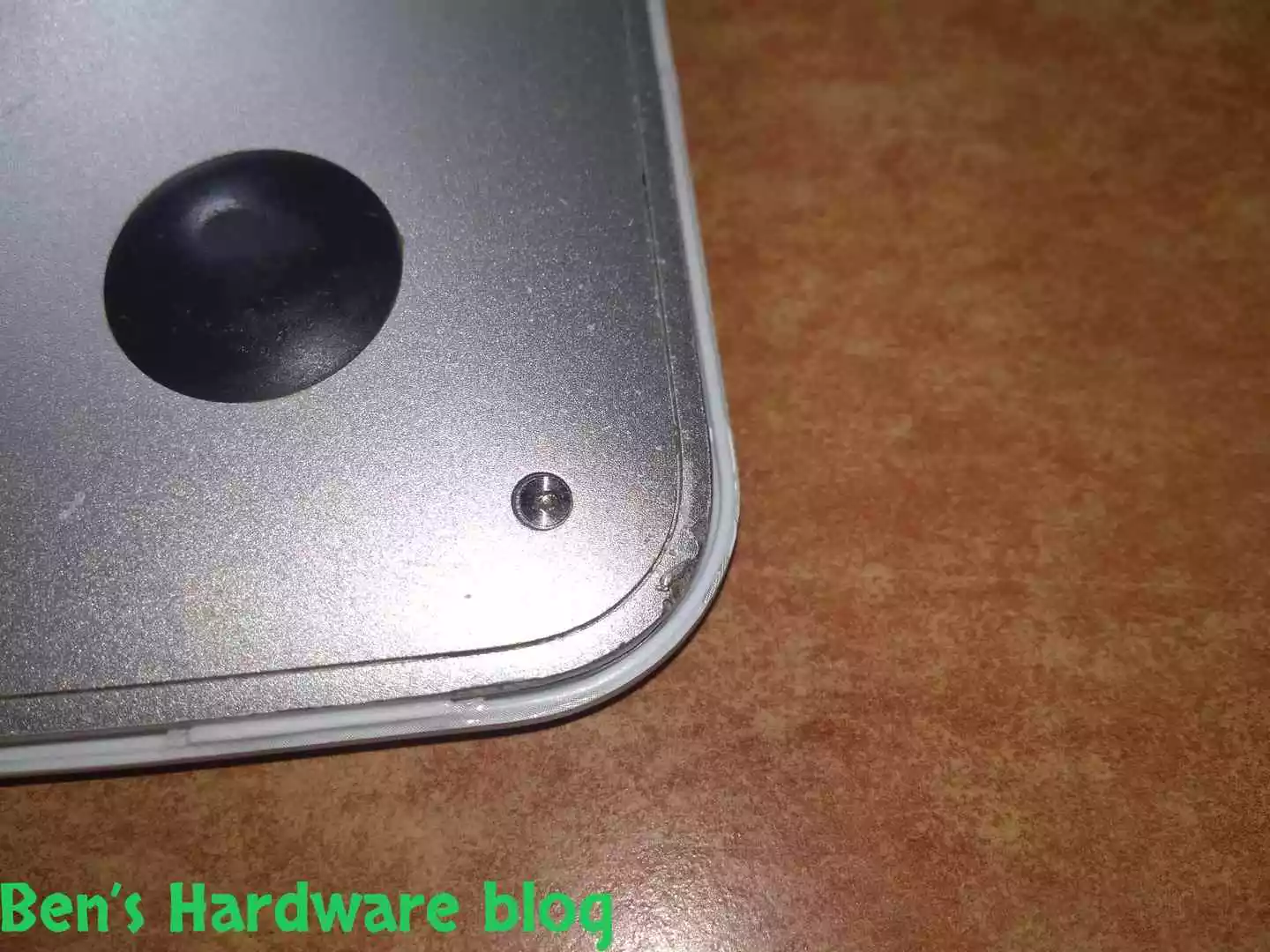
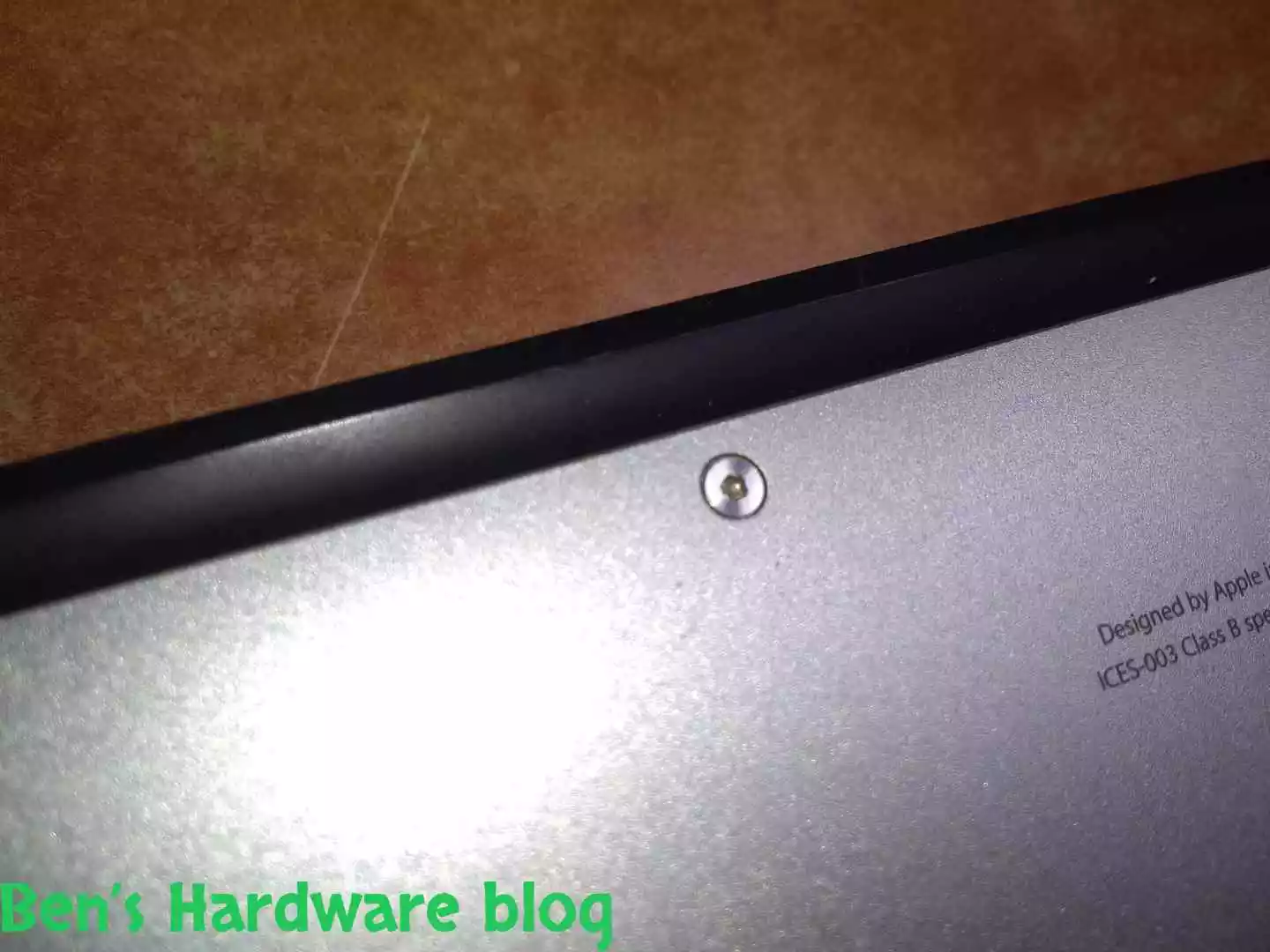
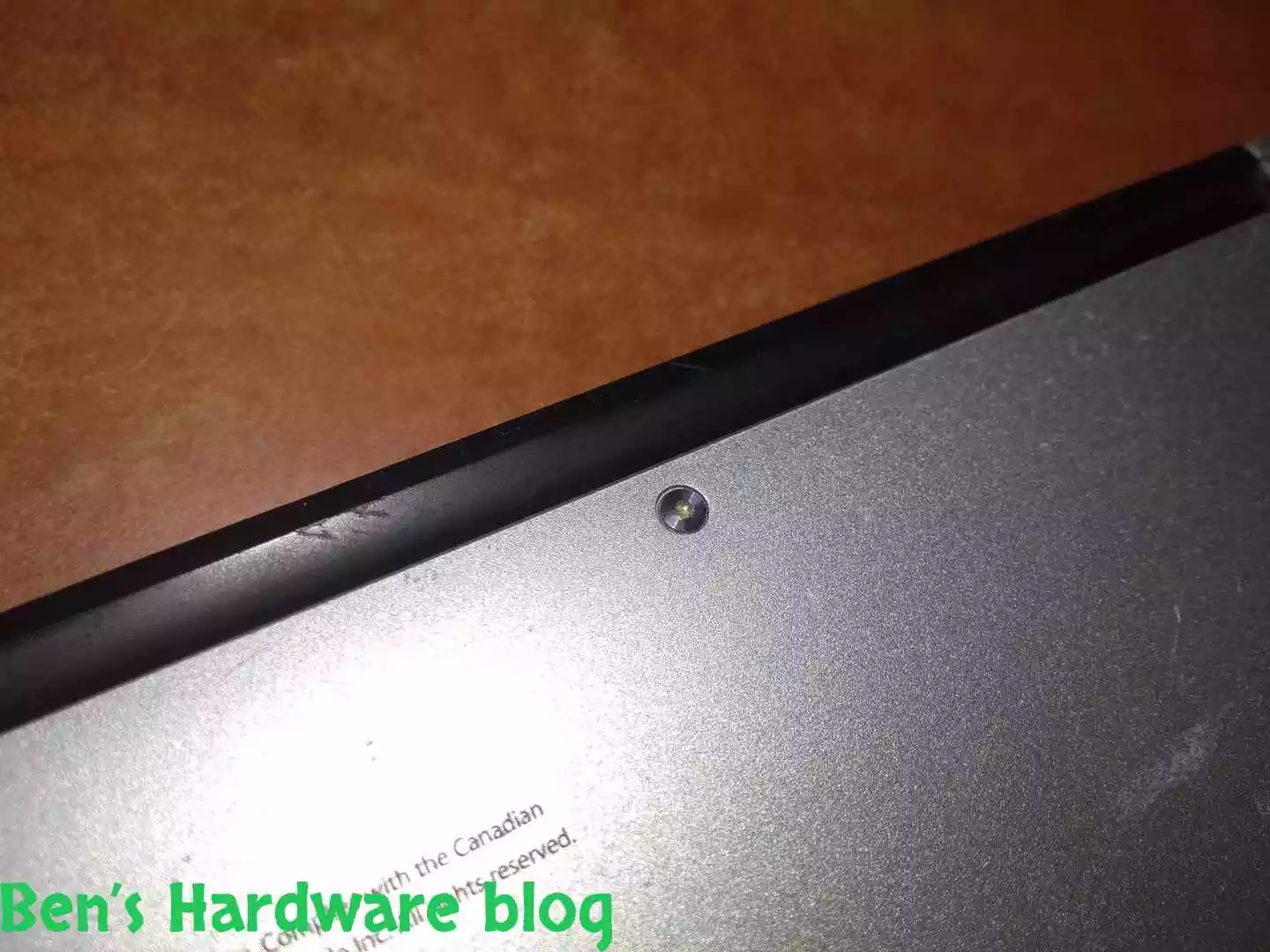
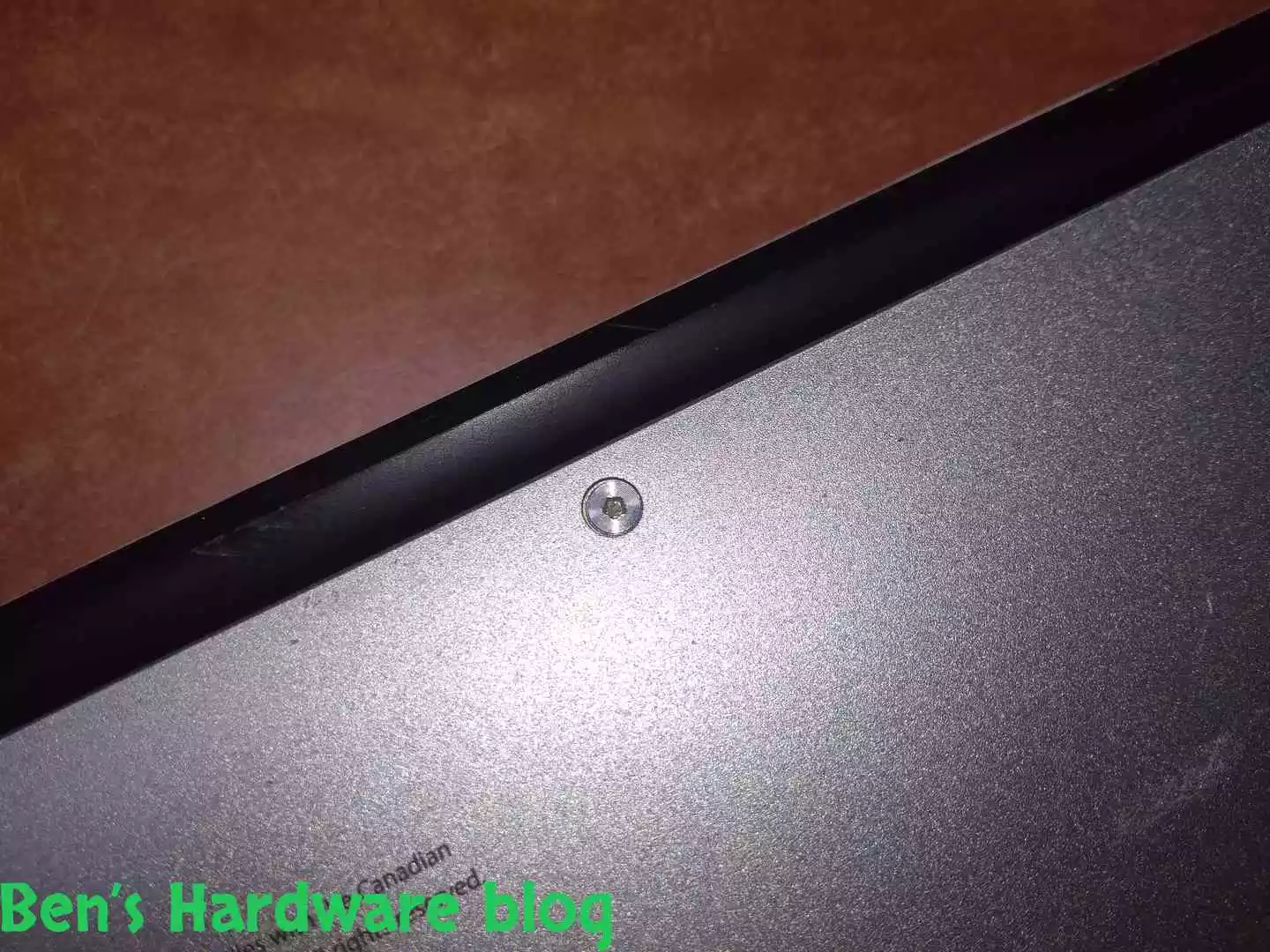
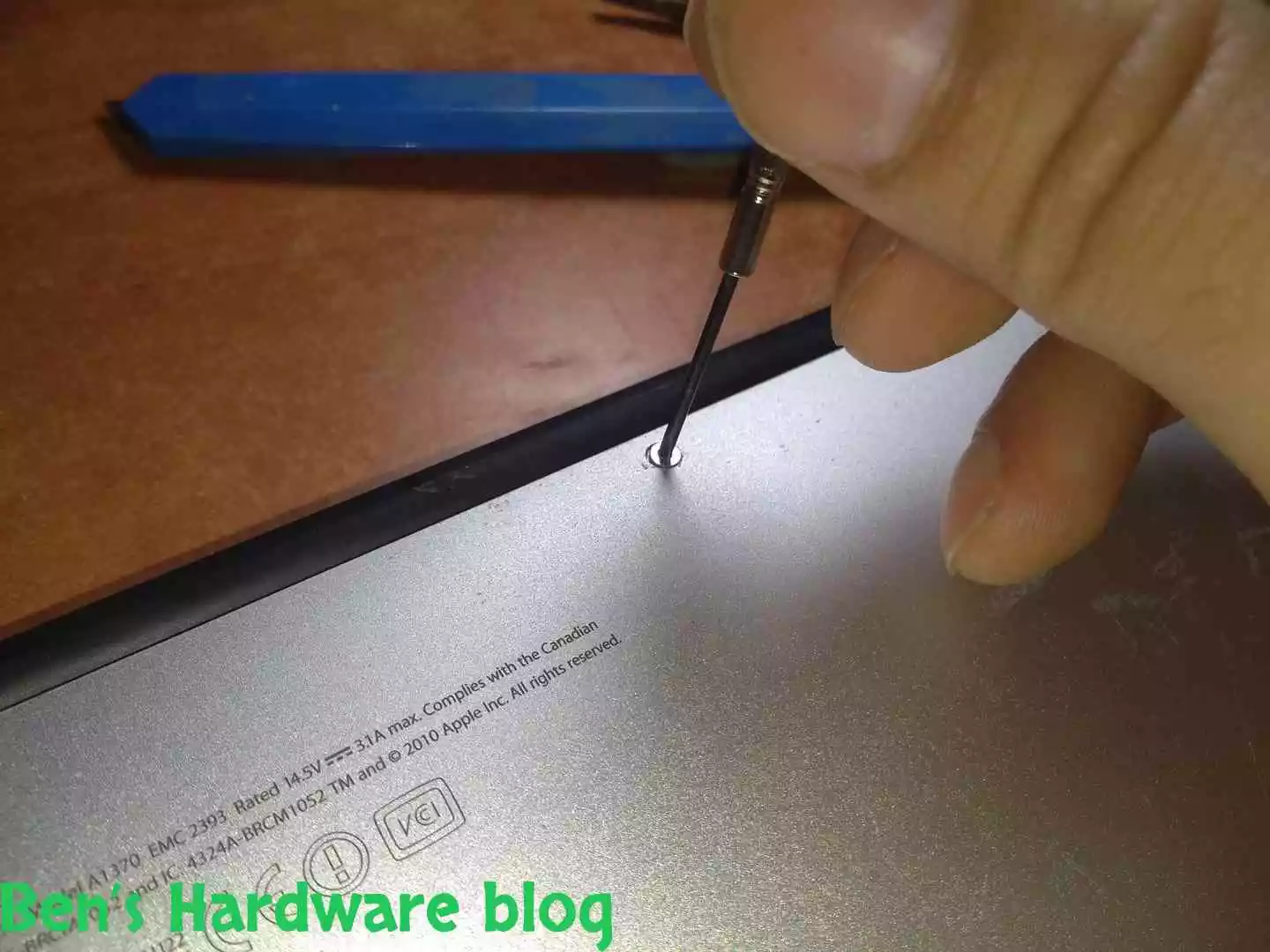
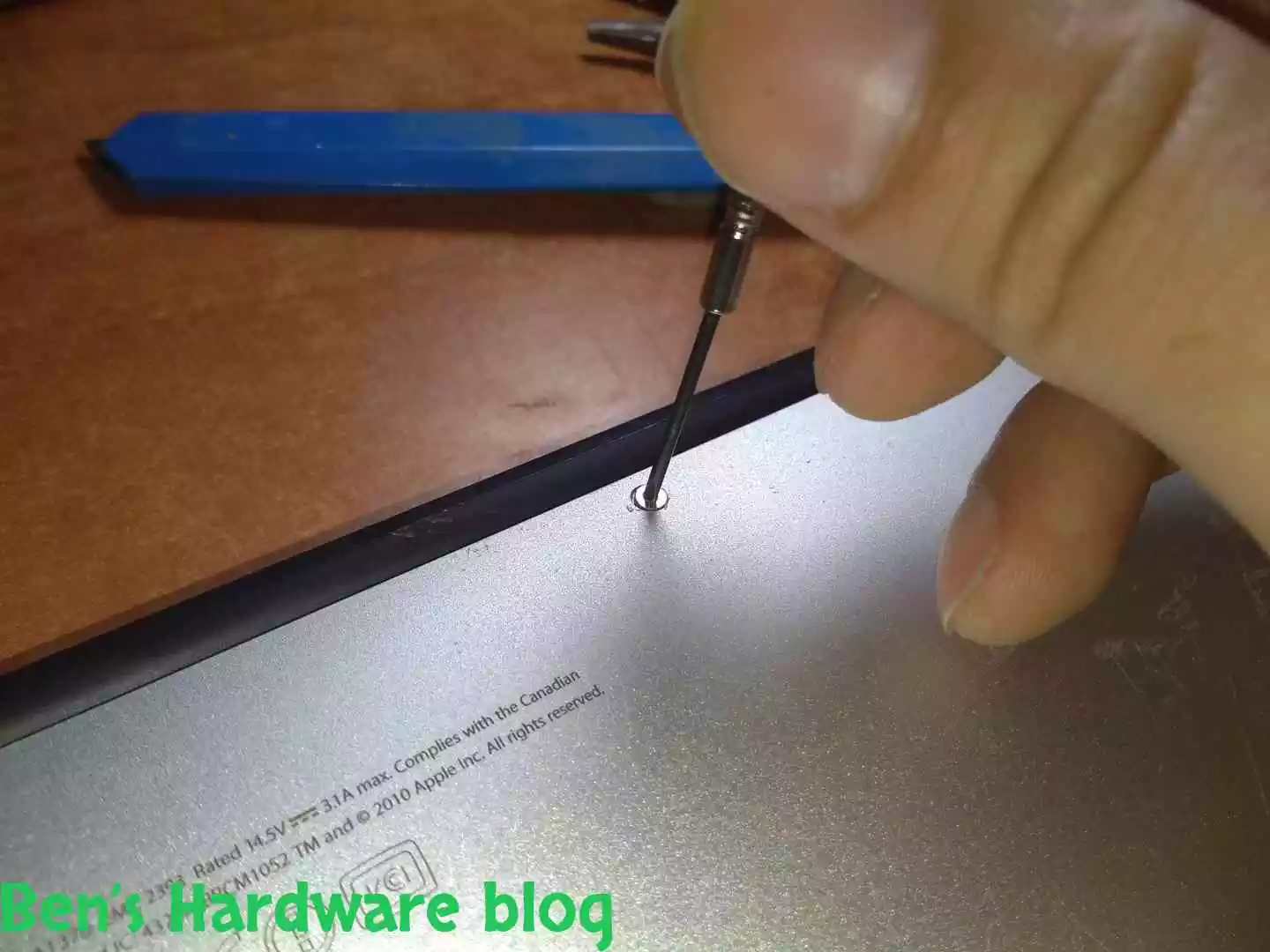
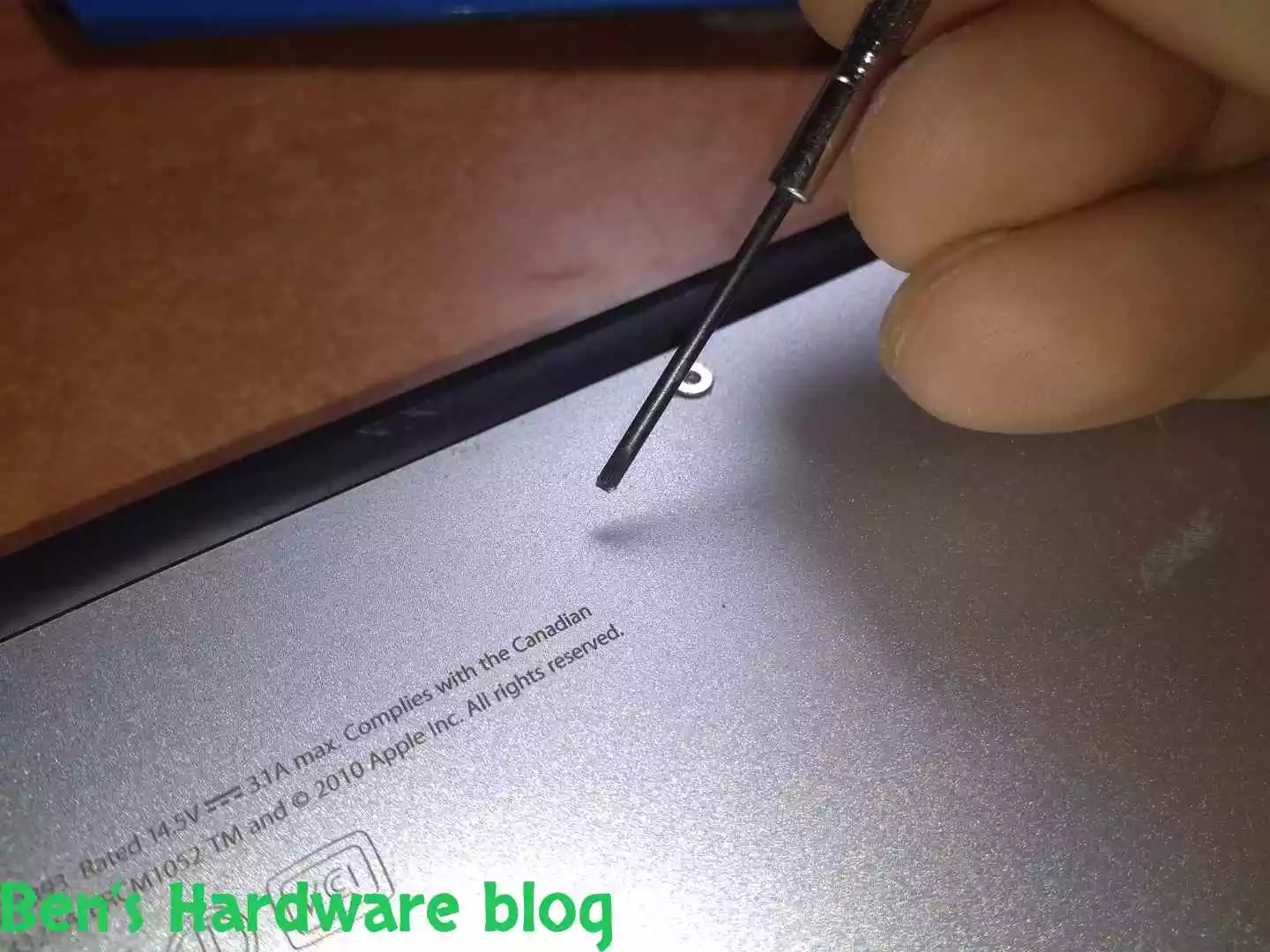
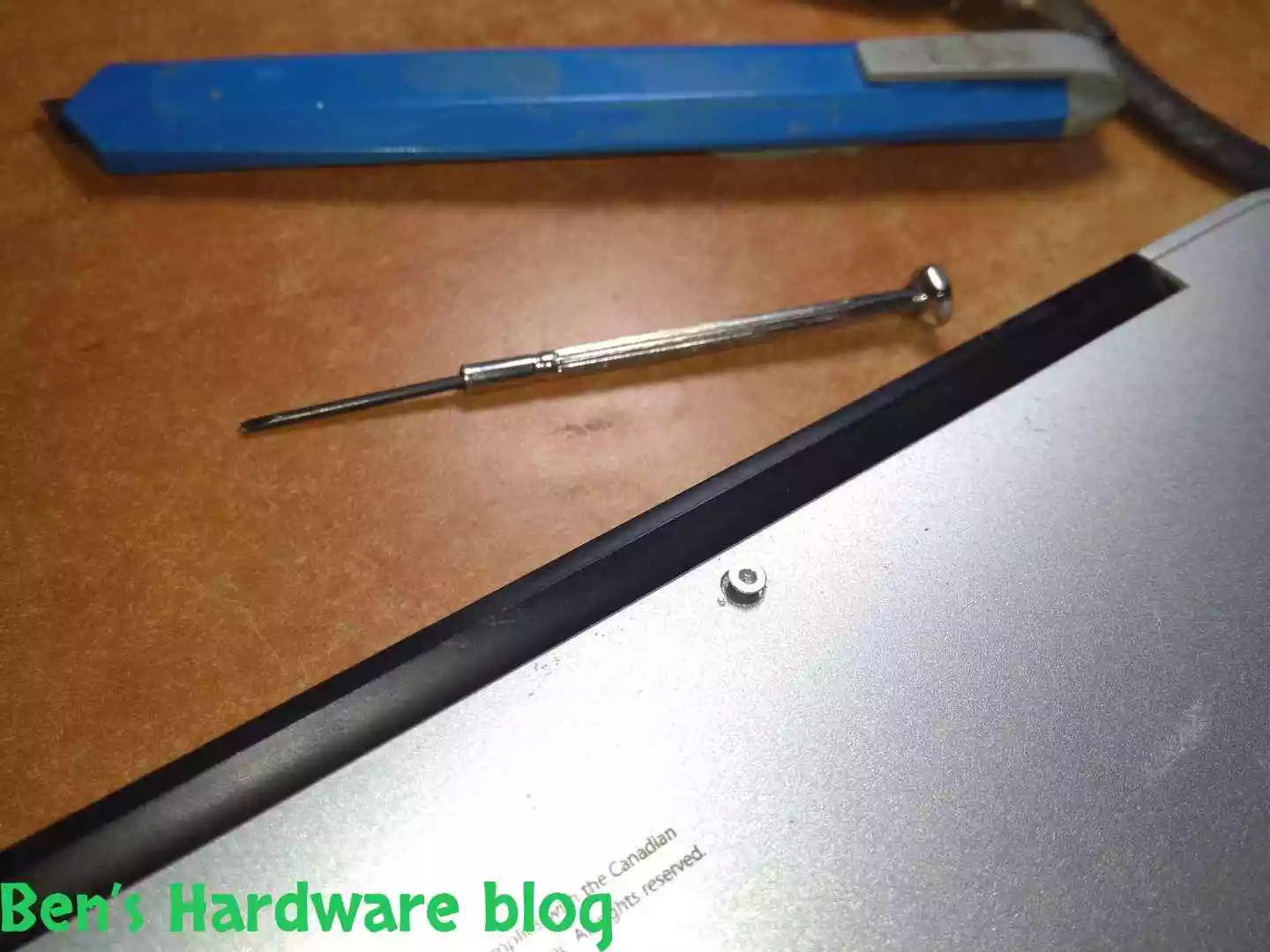
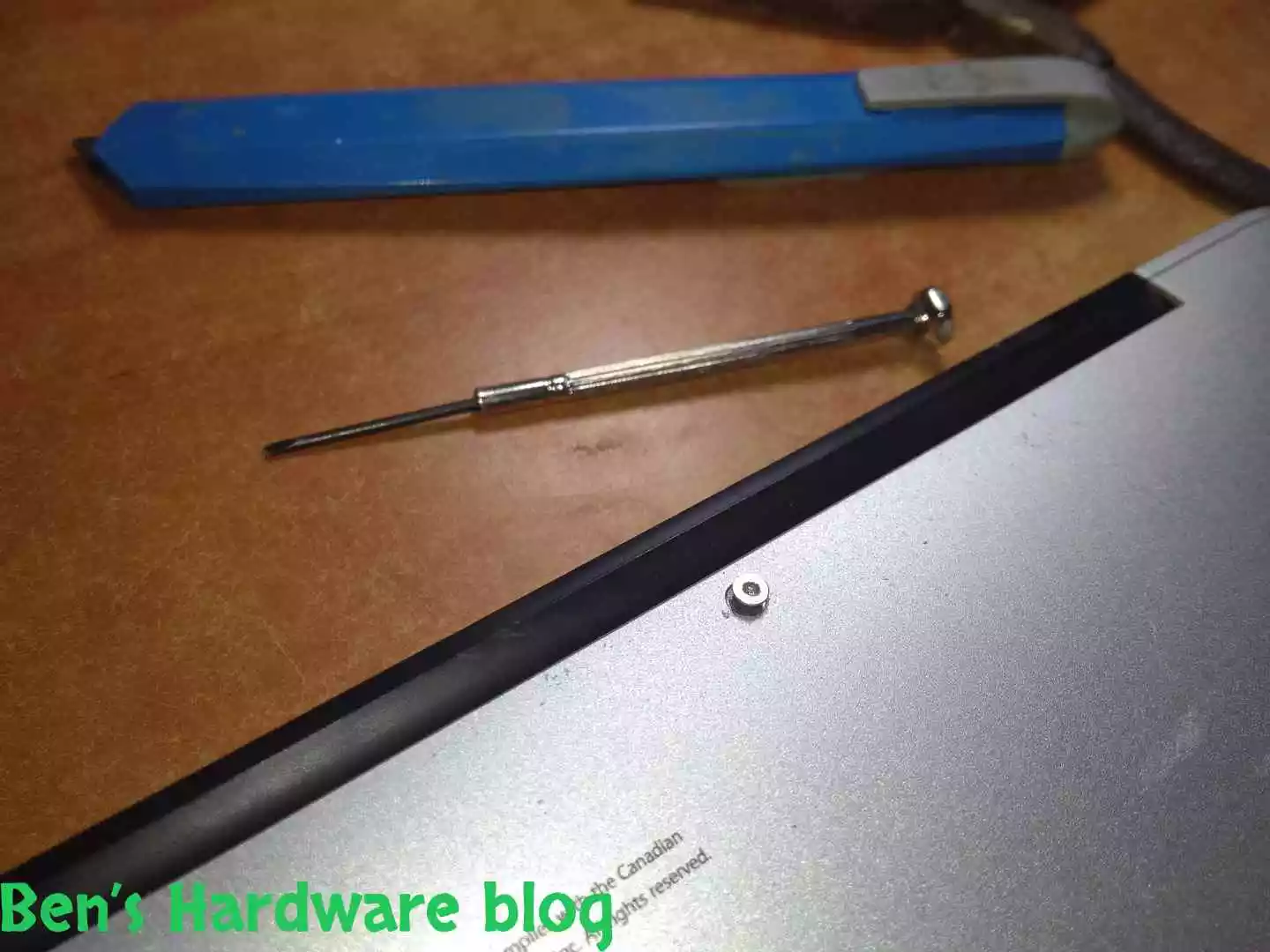
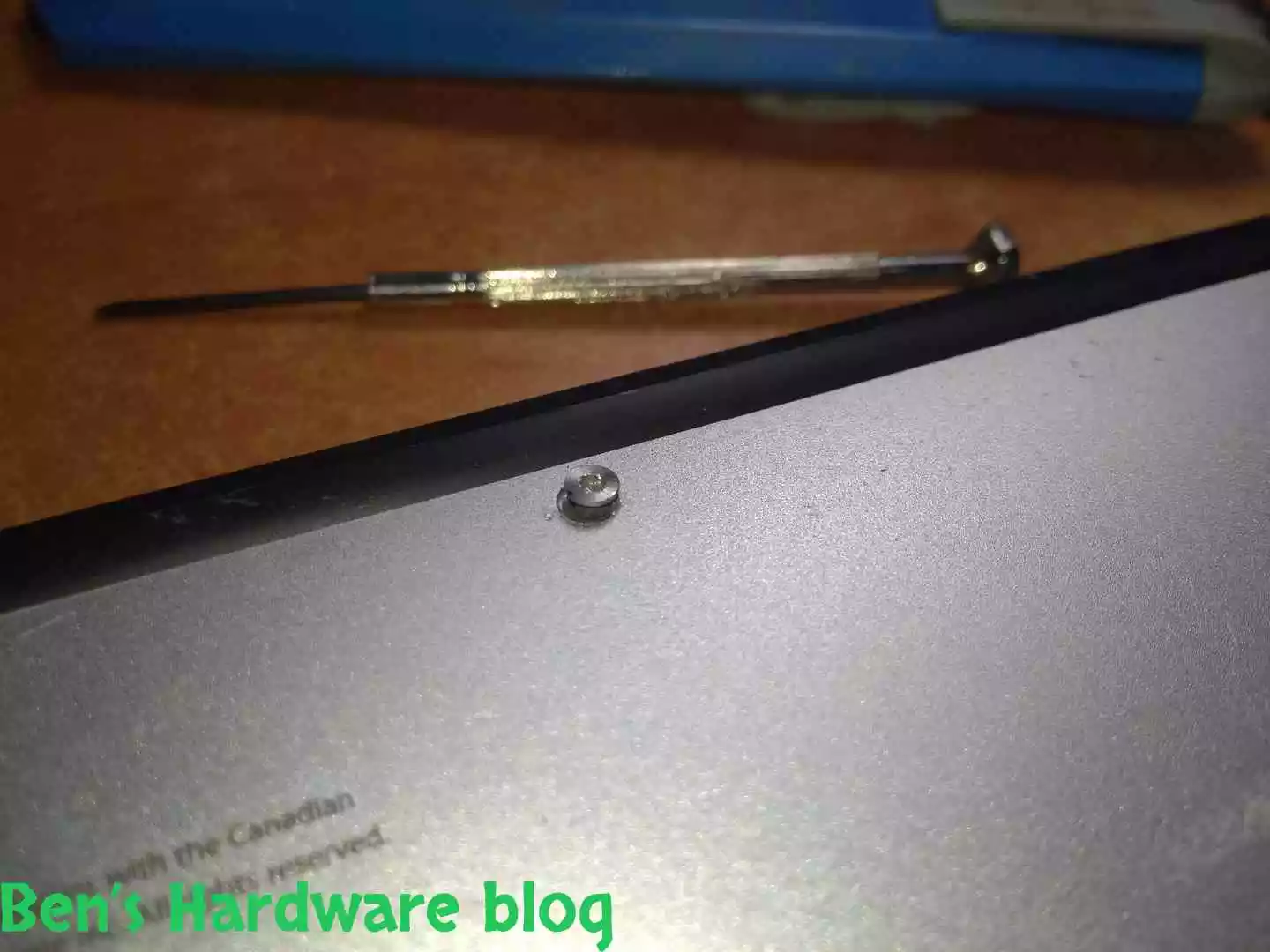
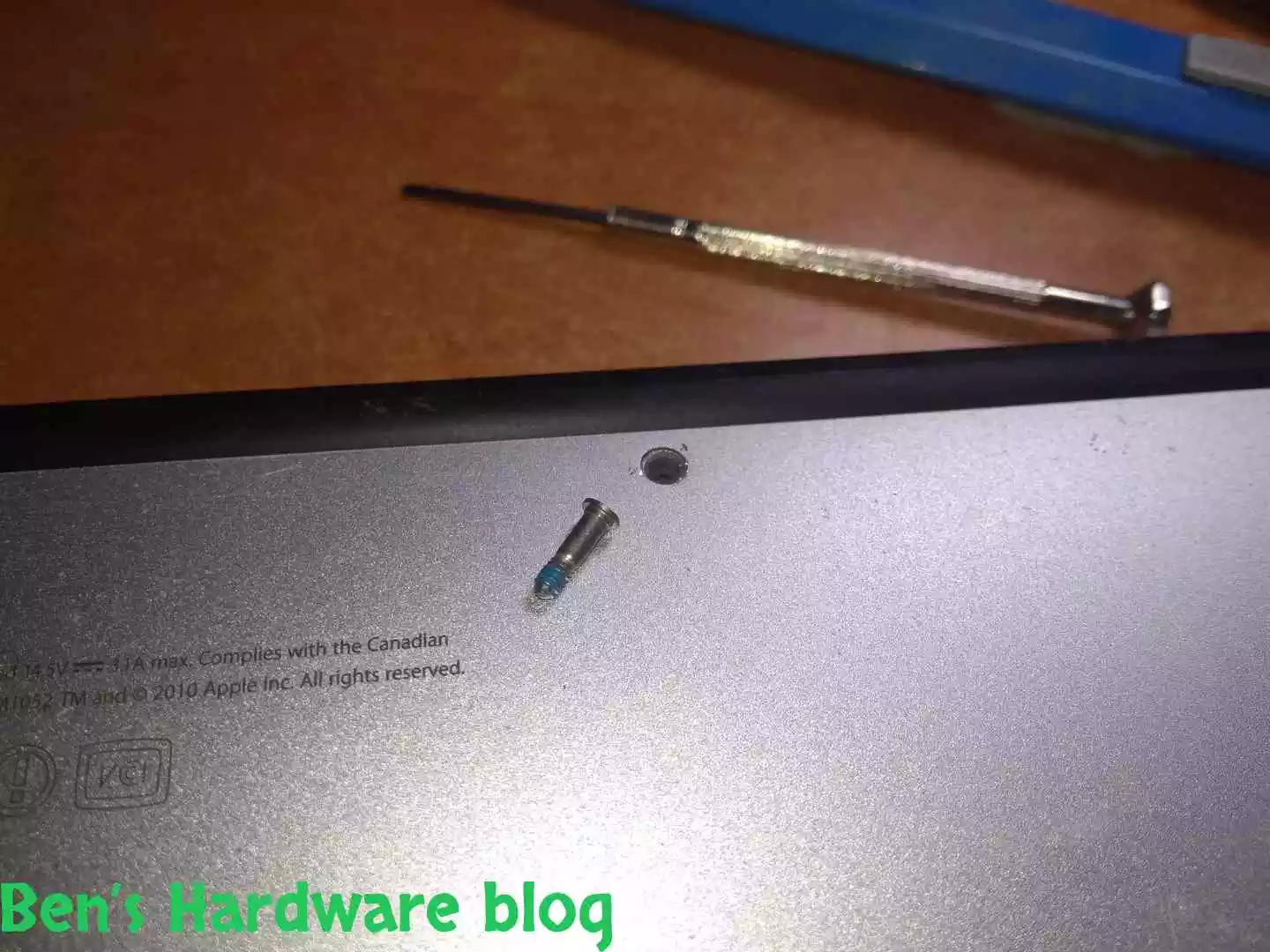
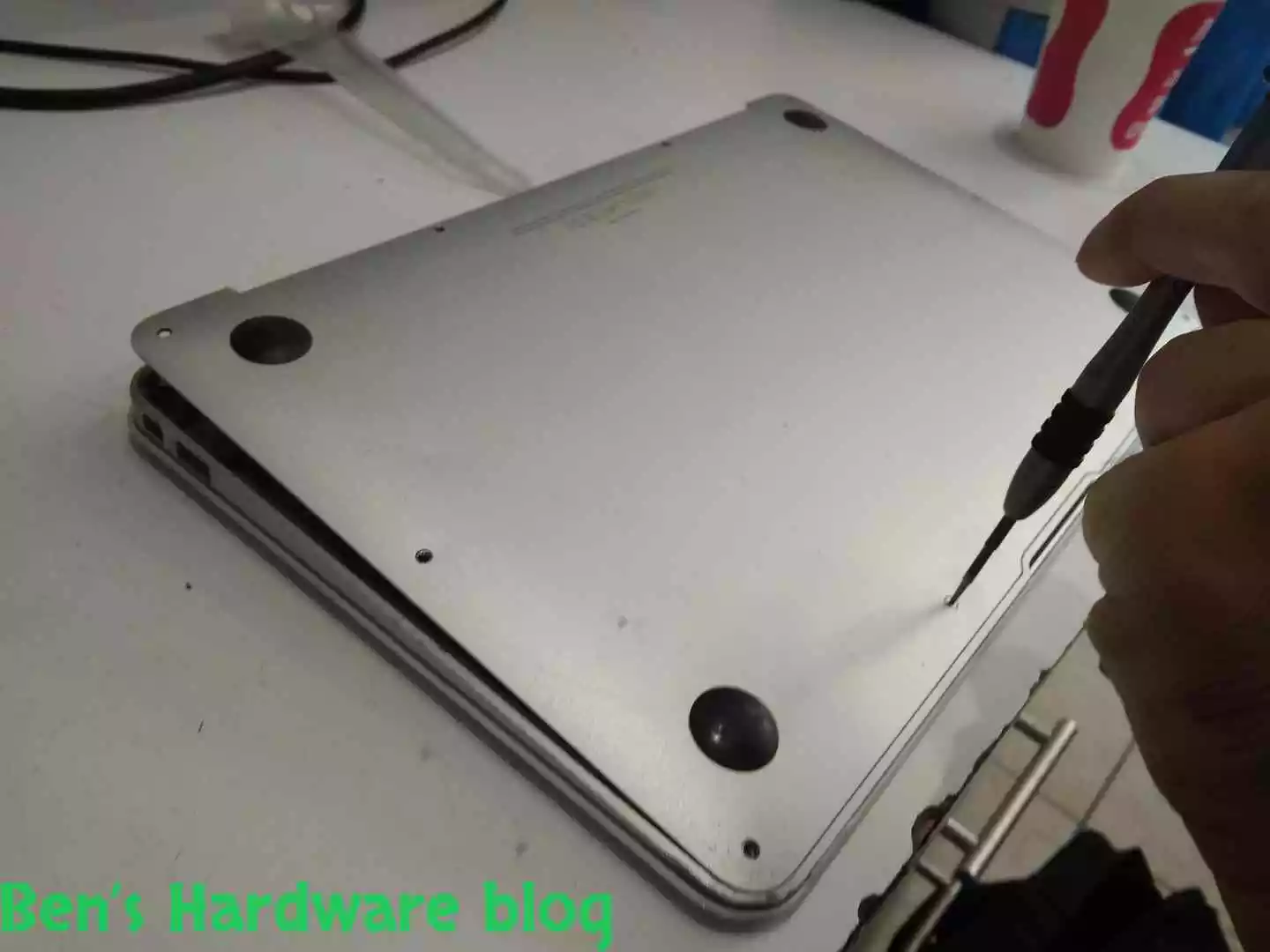
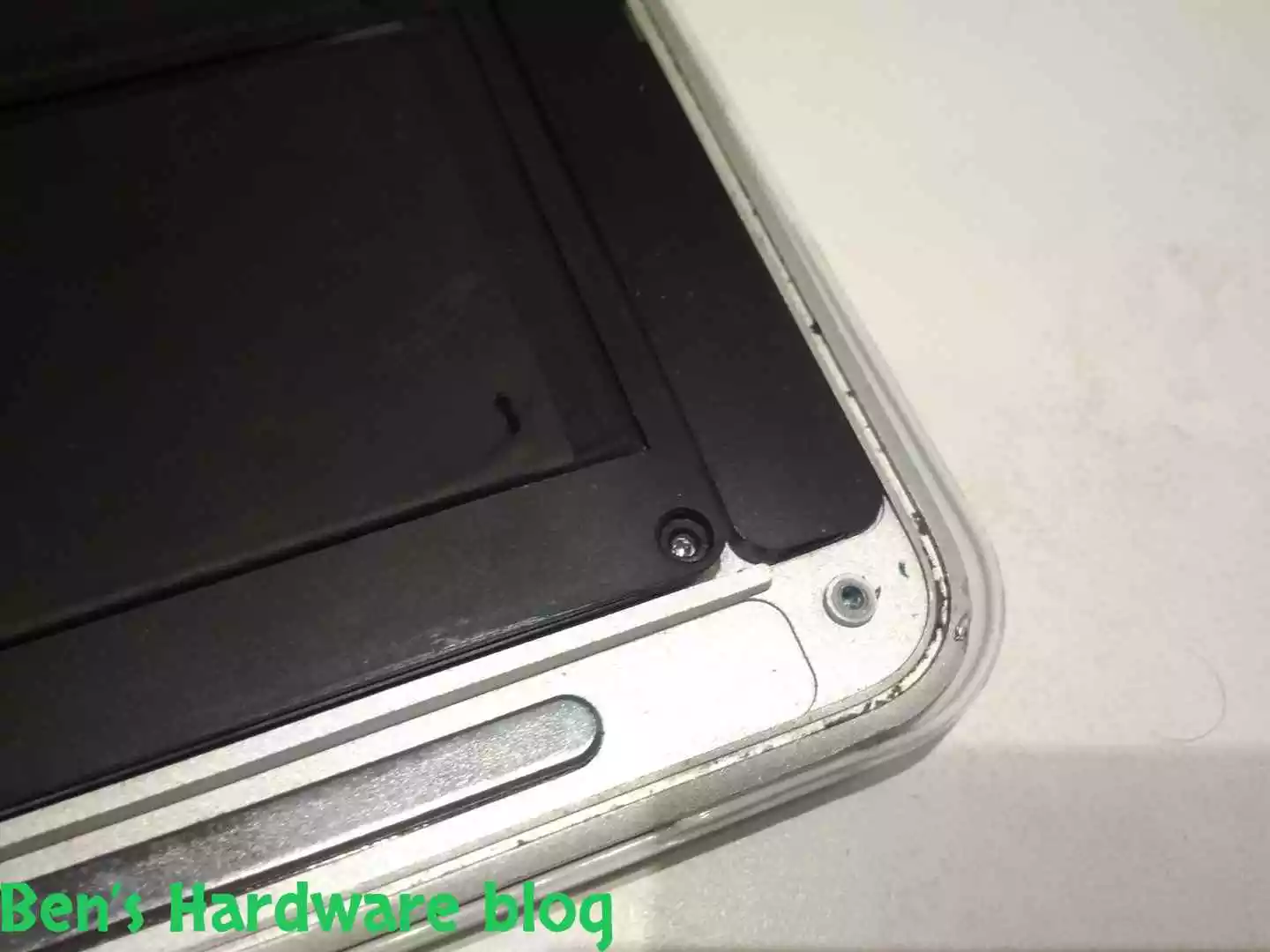
At a first glance it seems that the screws are pentagon screws. I went ahead and took my good old magnetic pentagod screw I used on various cell and smartphone before and tried to unscrew the screws to no avail. The screws were simply too grinded and worn out for some unknown reason.

BHB A1375REPLACE20 BHB A1375REPLACE21

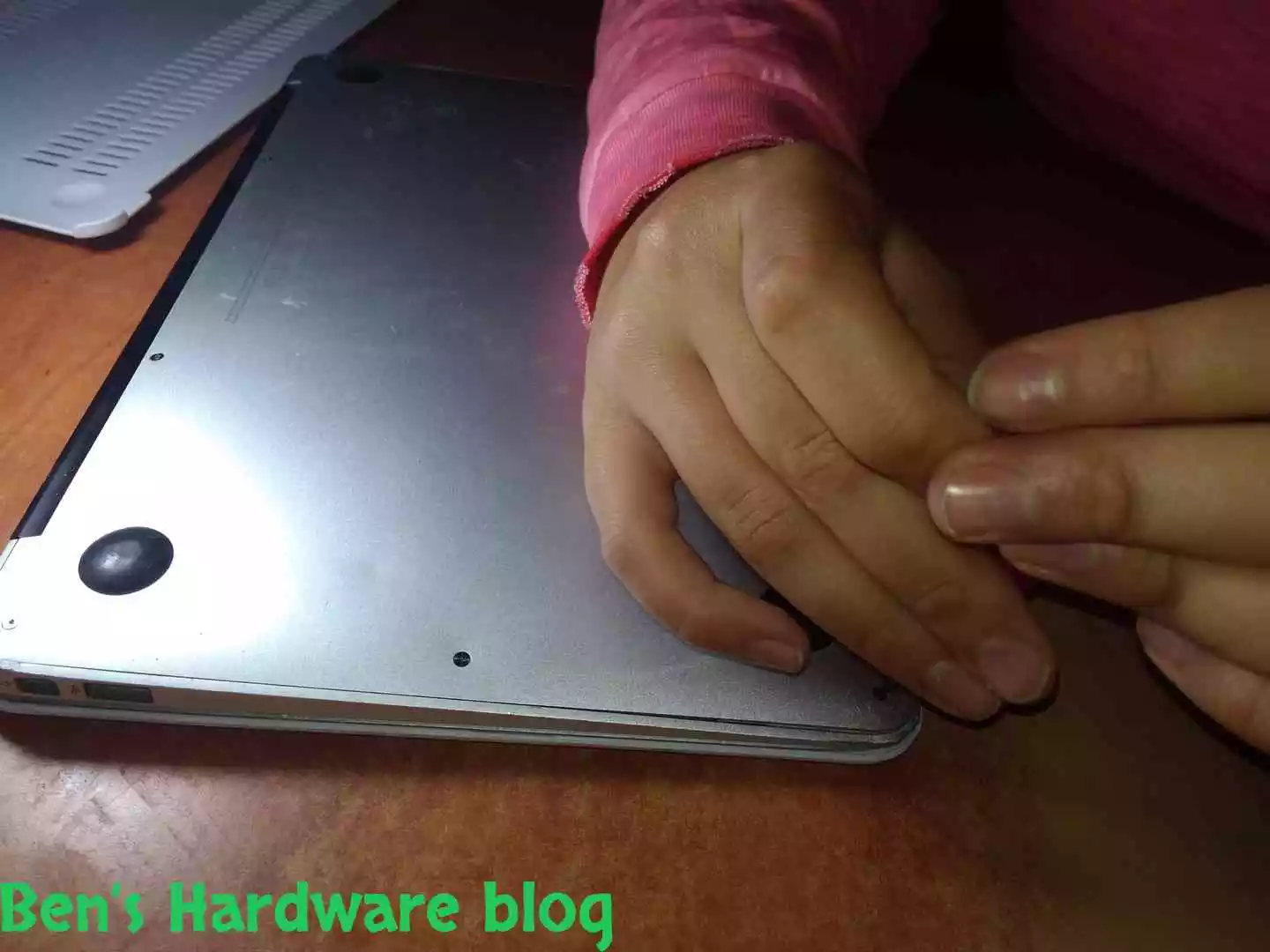
Trying using a flat head didn’t help much either.

BHB A1375REPLACE28 BHB A1375REPLACE29
BHB A1375REPLACE30 BHB A1375REPLACE31
BHB A1375REPLACE32 BHB A1375REPLACE33

I had to find better tools.

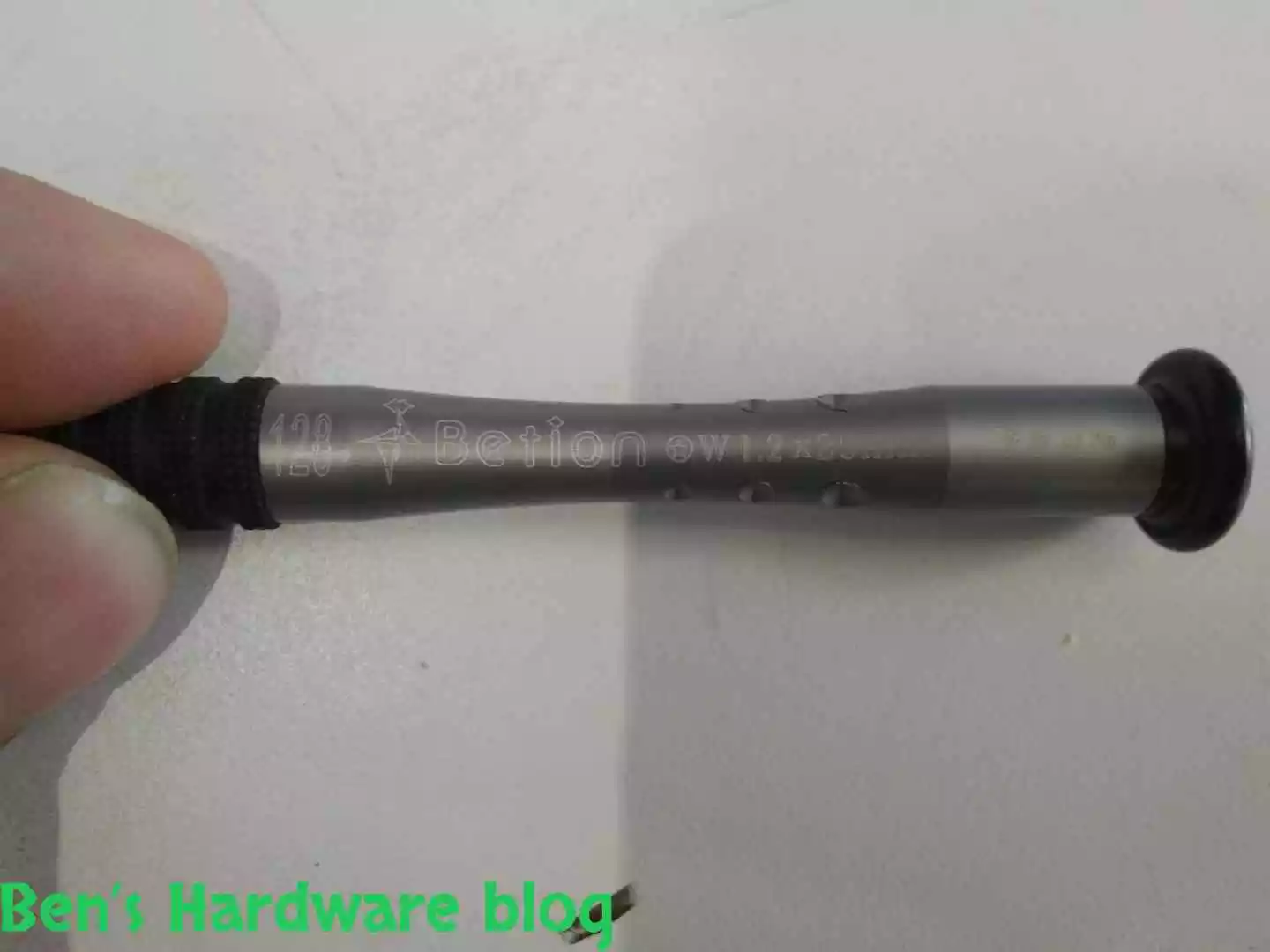
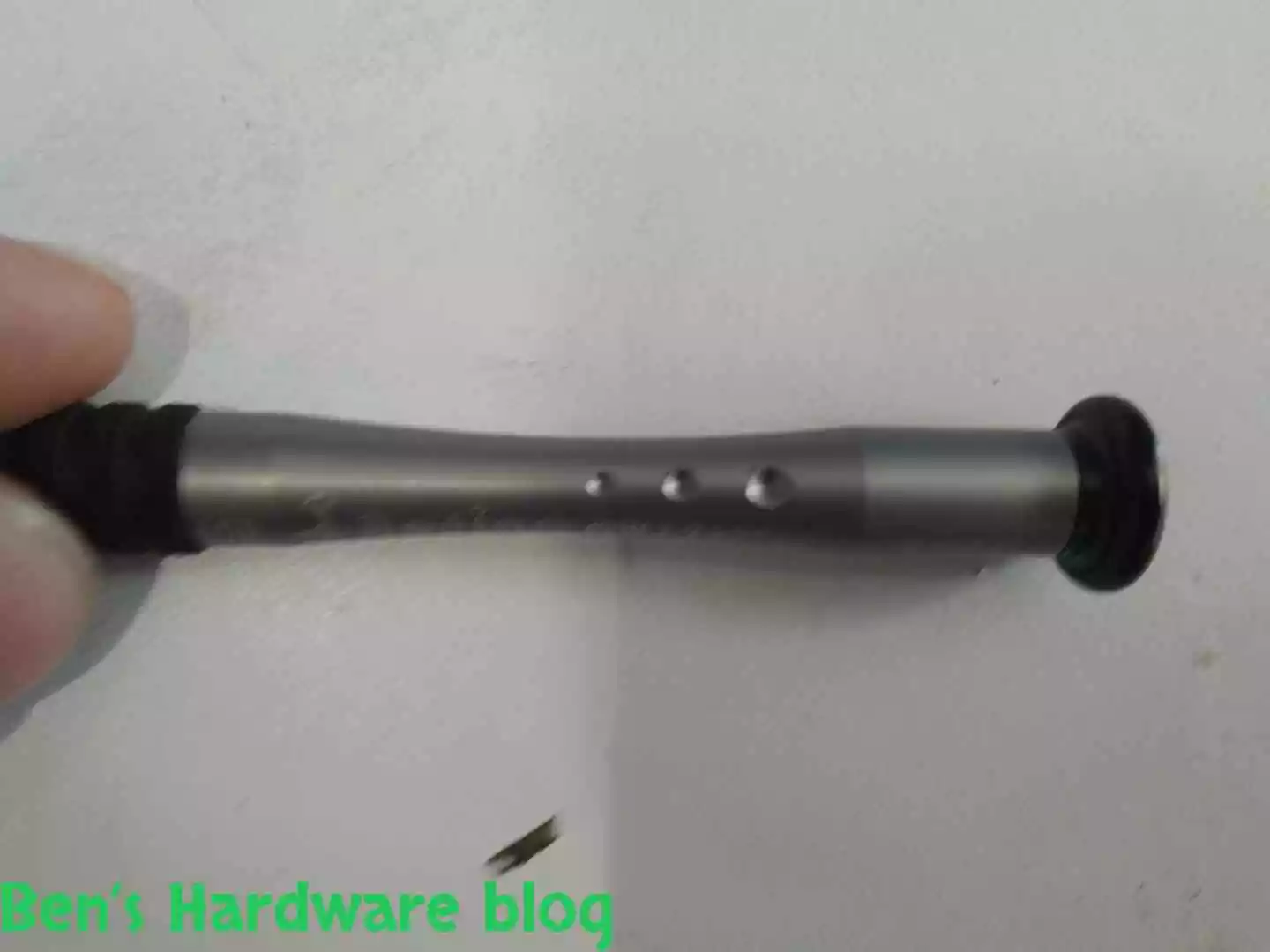
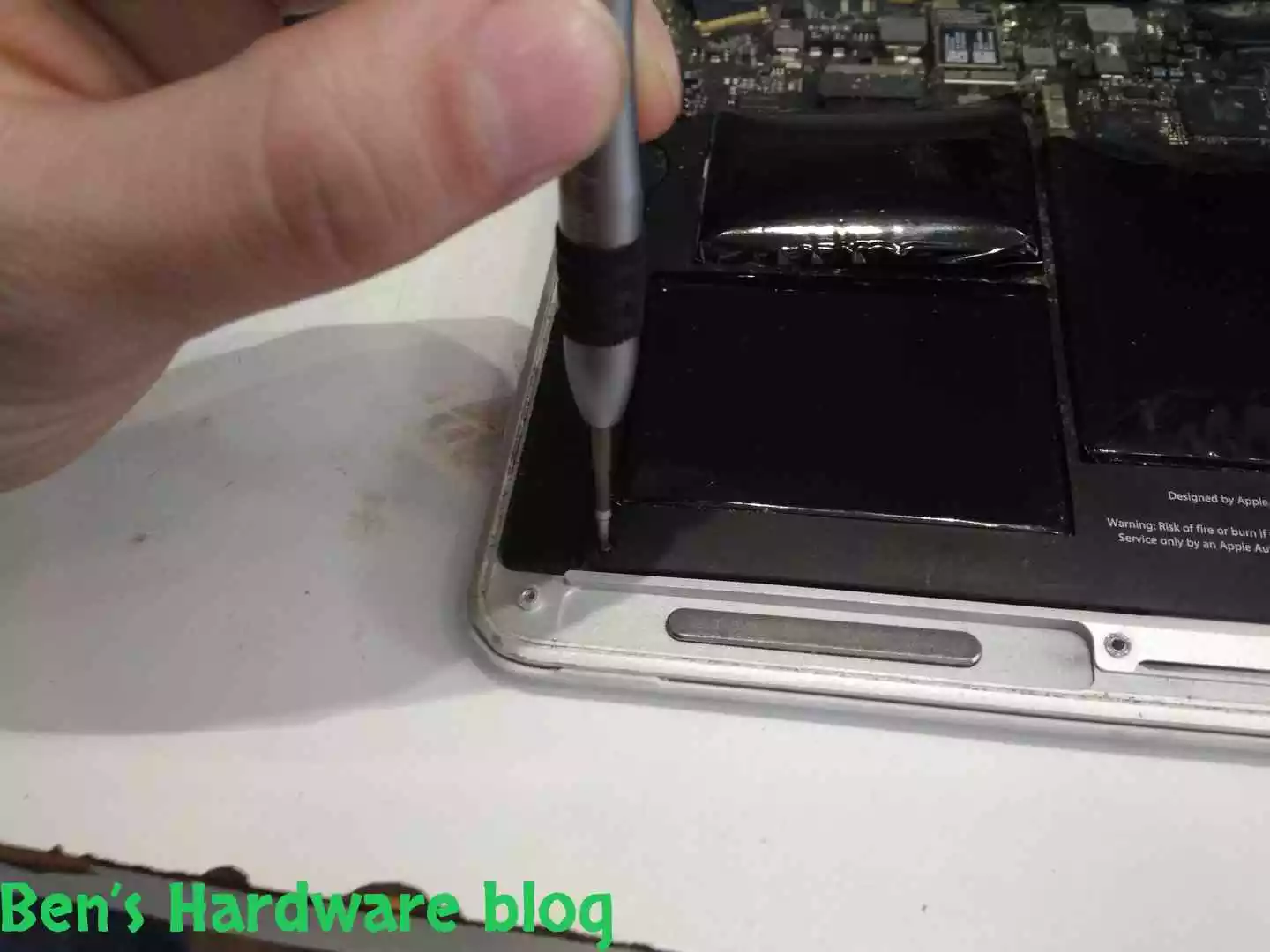
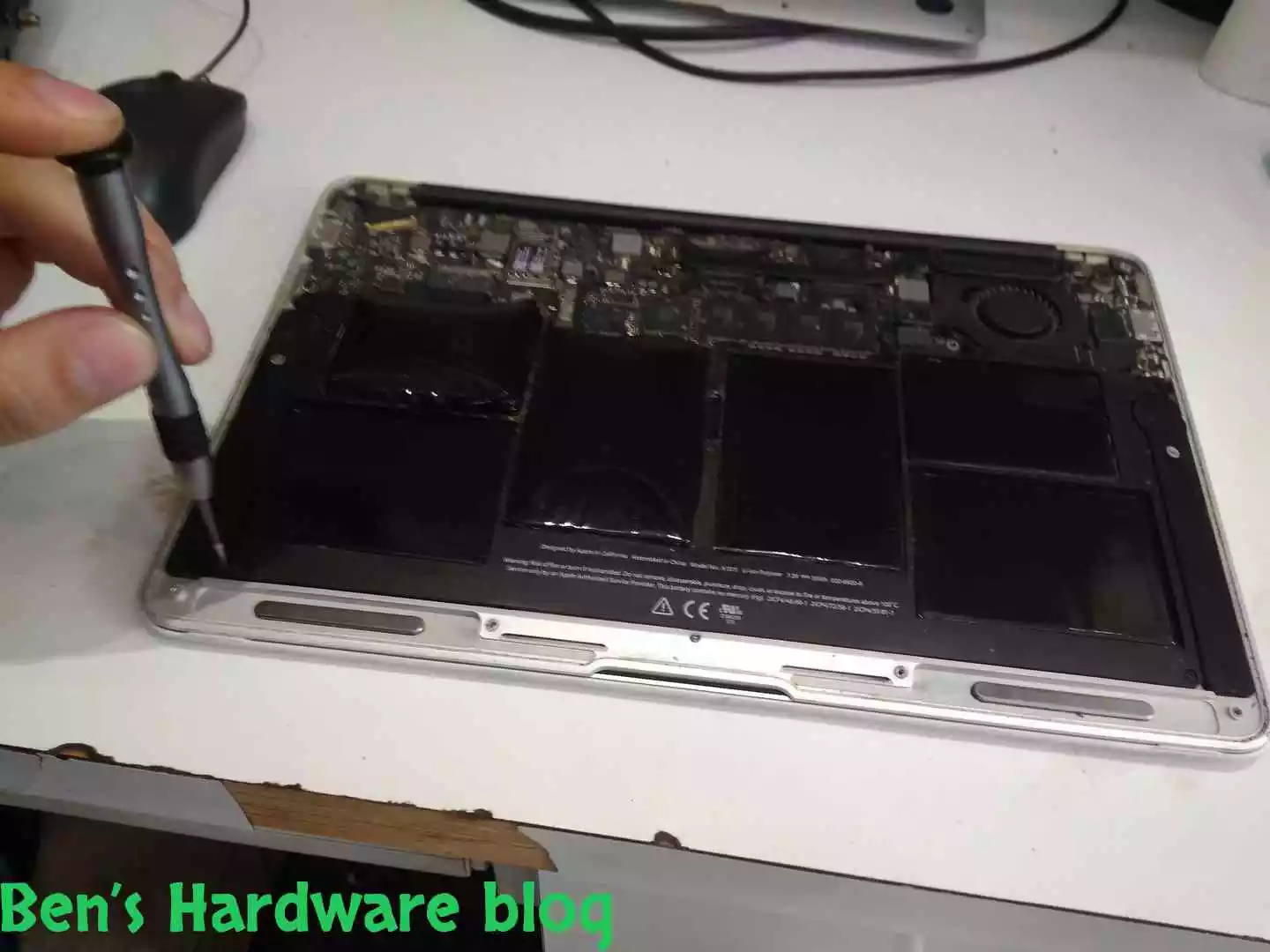
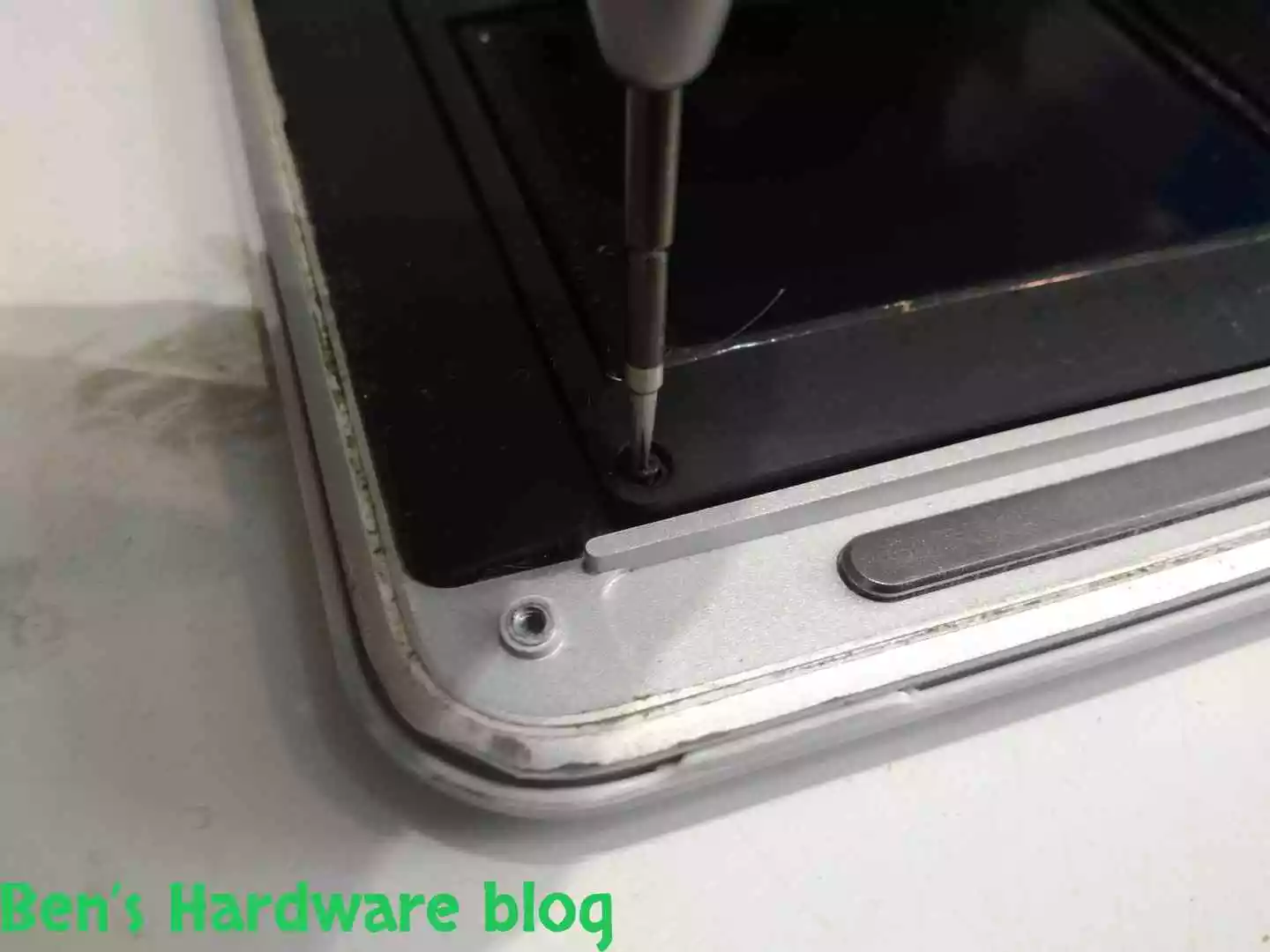
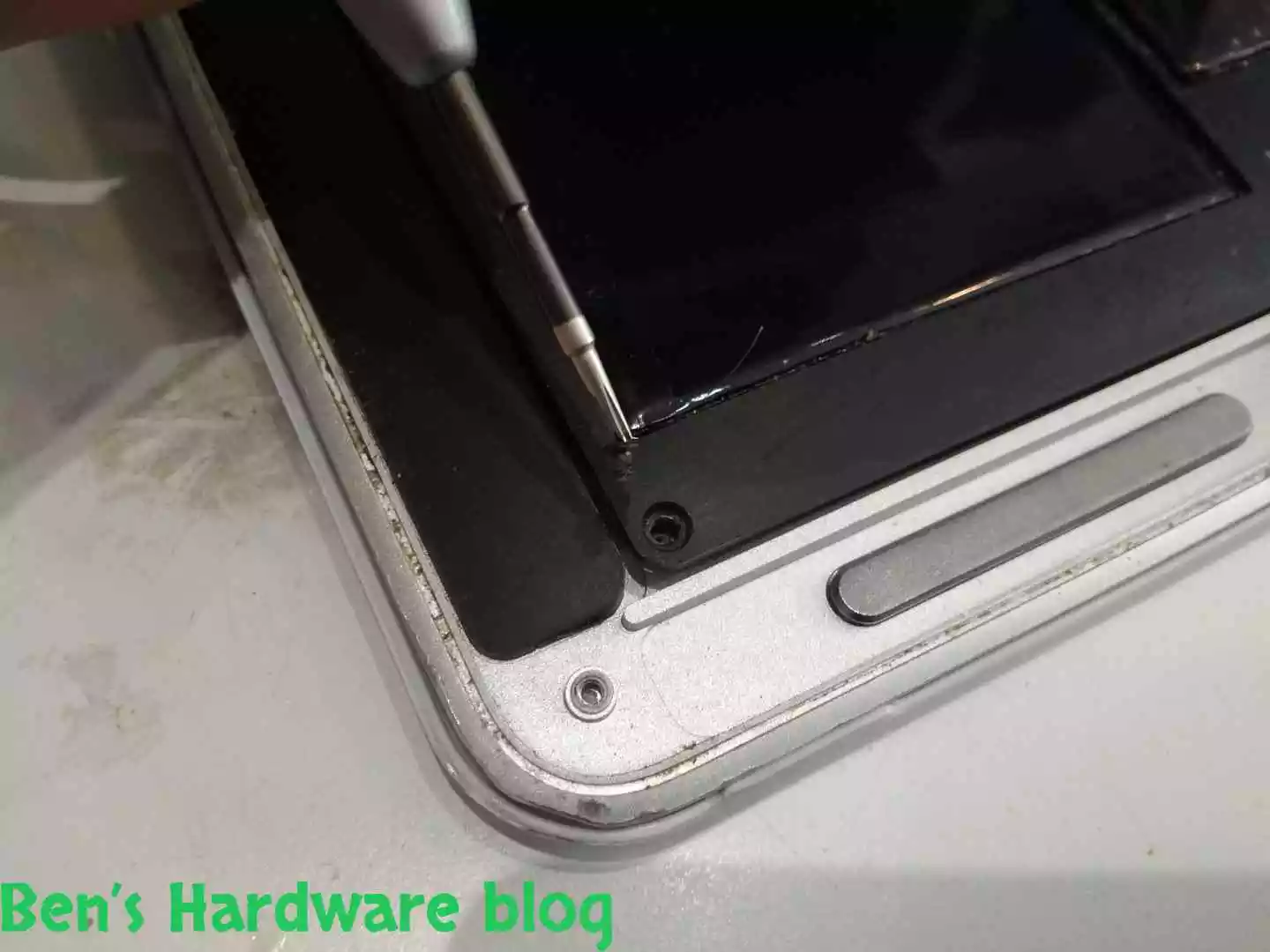
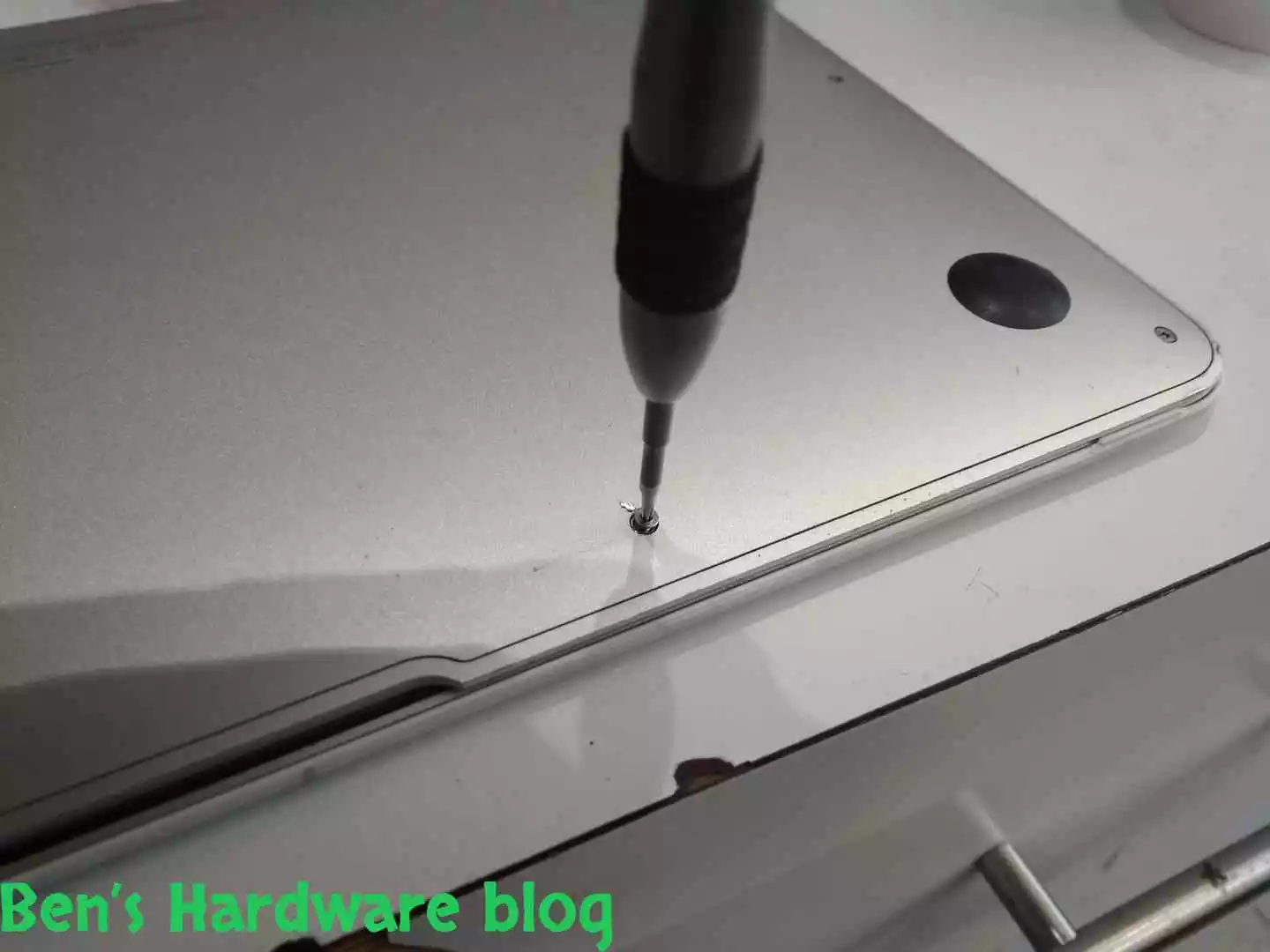
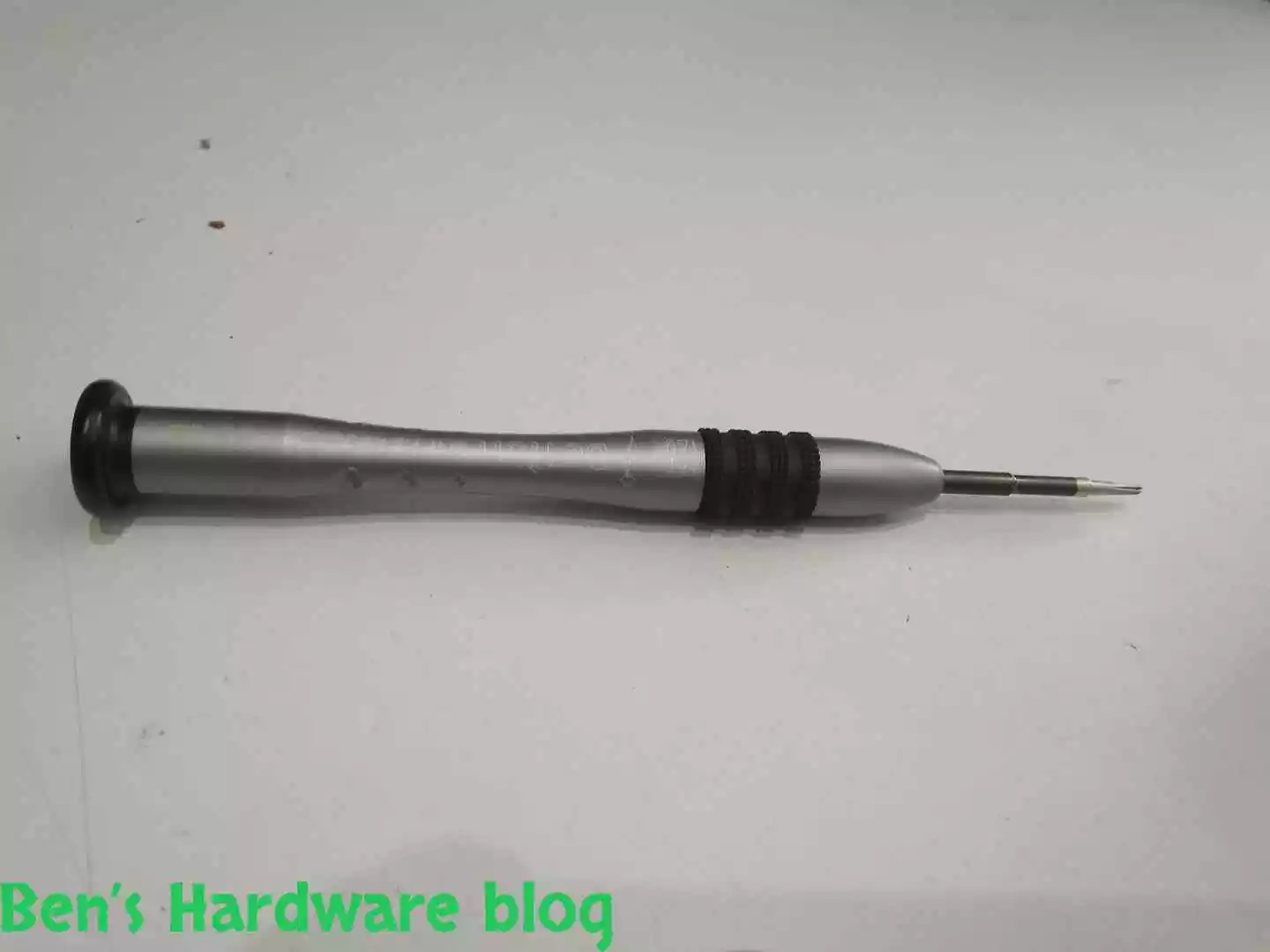
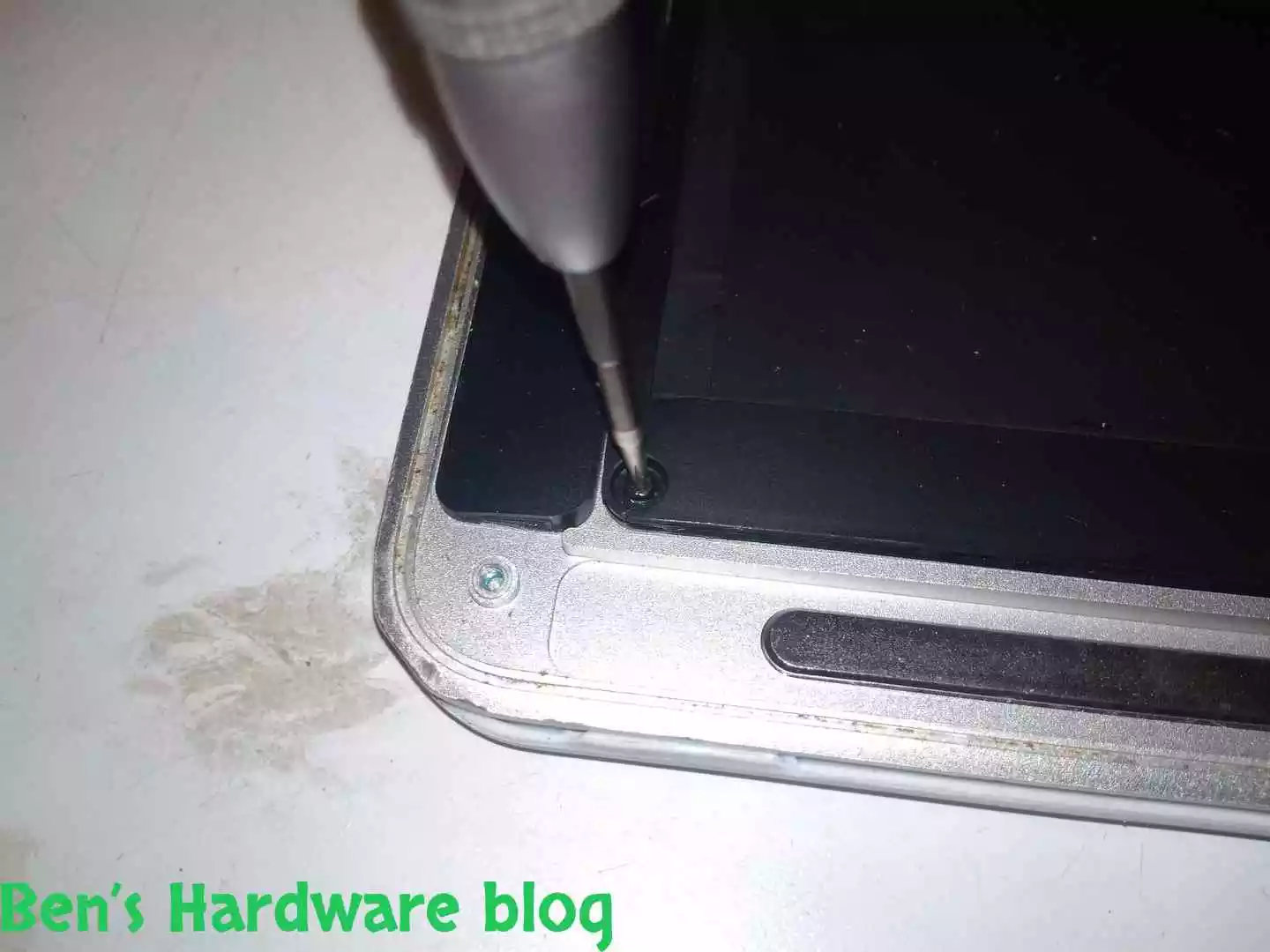
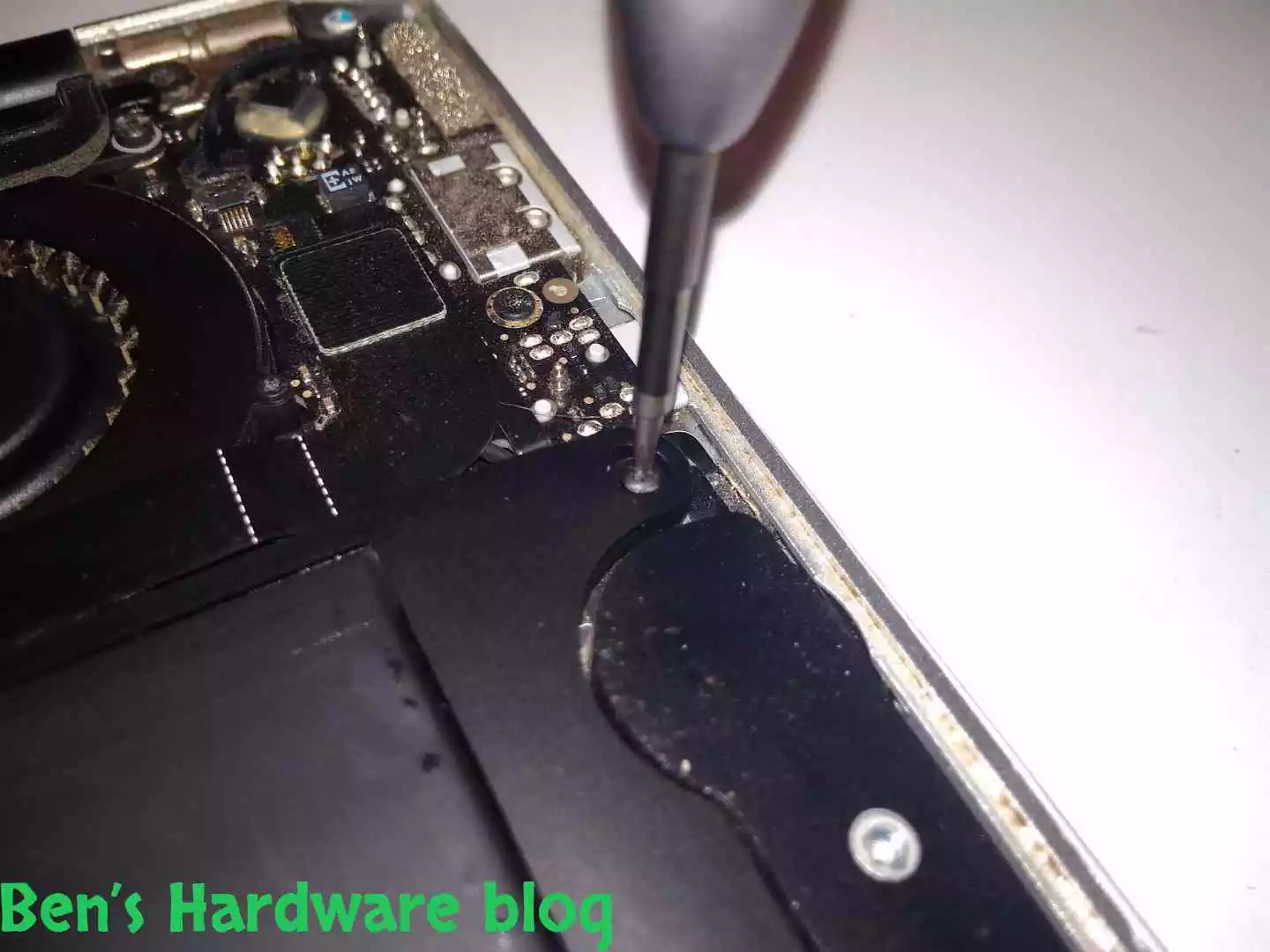
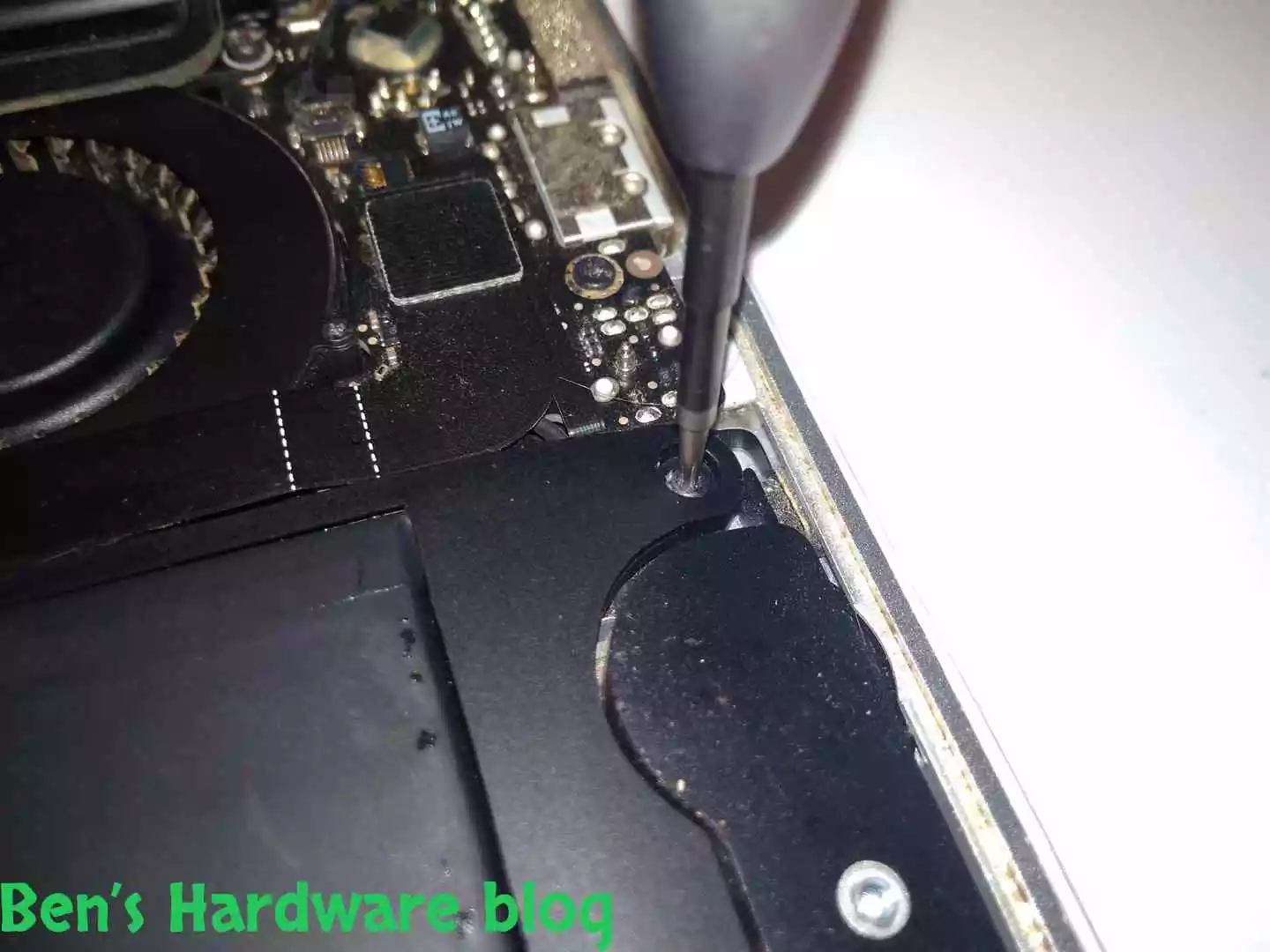
Salvation came in the form of this futuristic medical looking tool. This tool is a special tool for MacBooks and is sold online as one. I found it was very efficient in opening those stubborn screws and it was very comfortable and easy to use. Worth every penny and for sure will be used in the future.

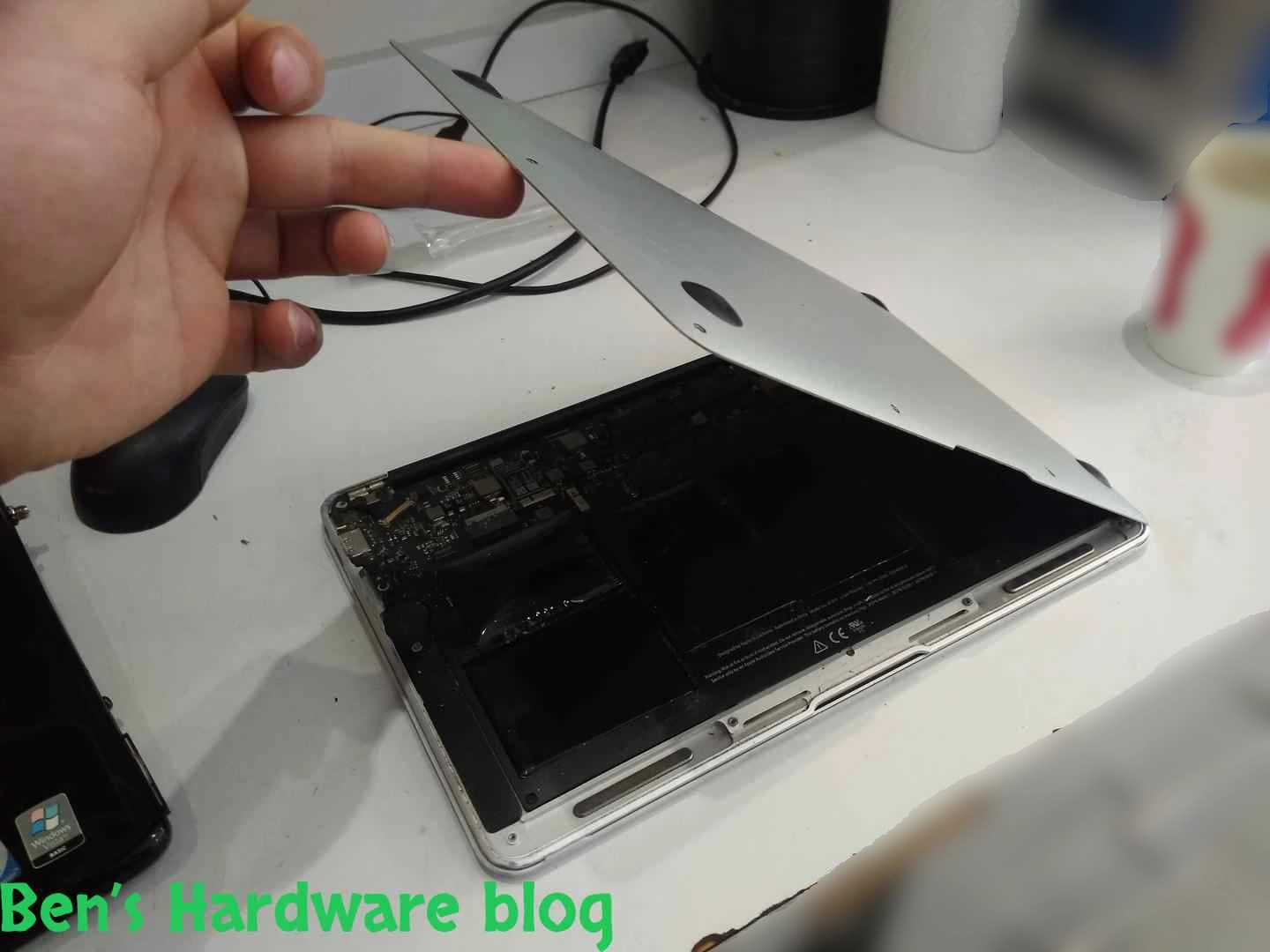
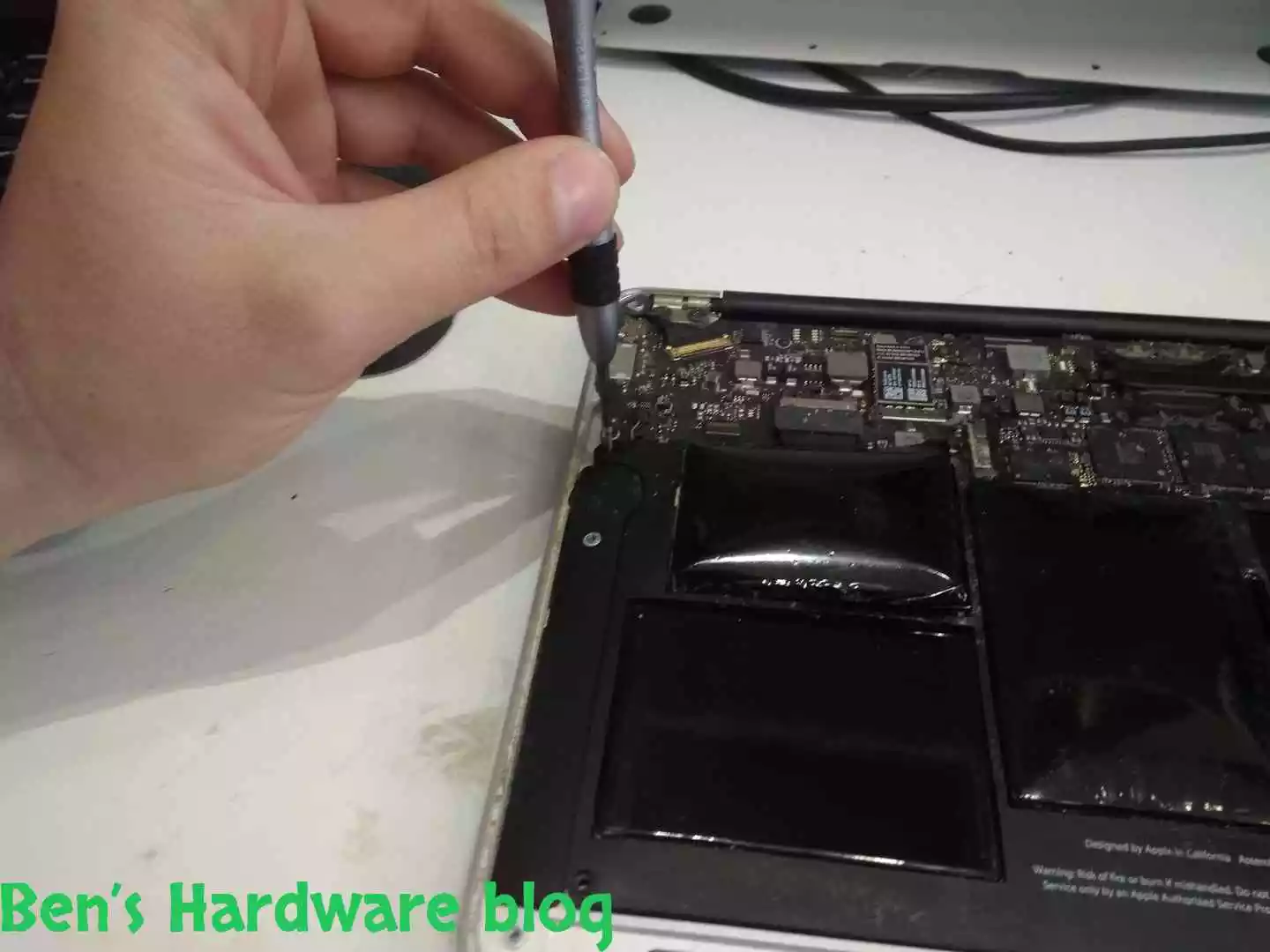
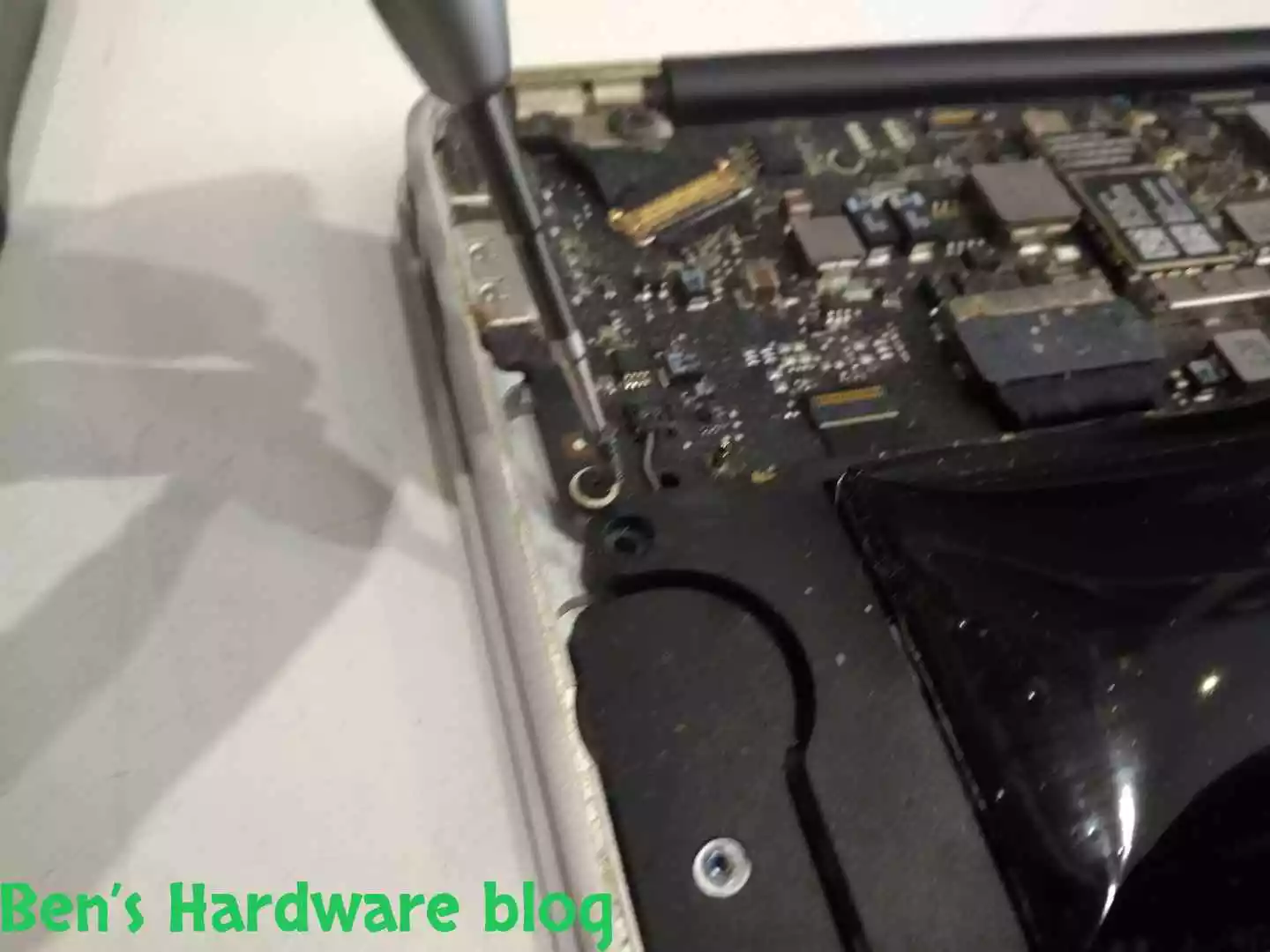
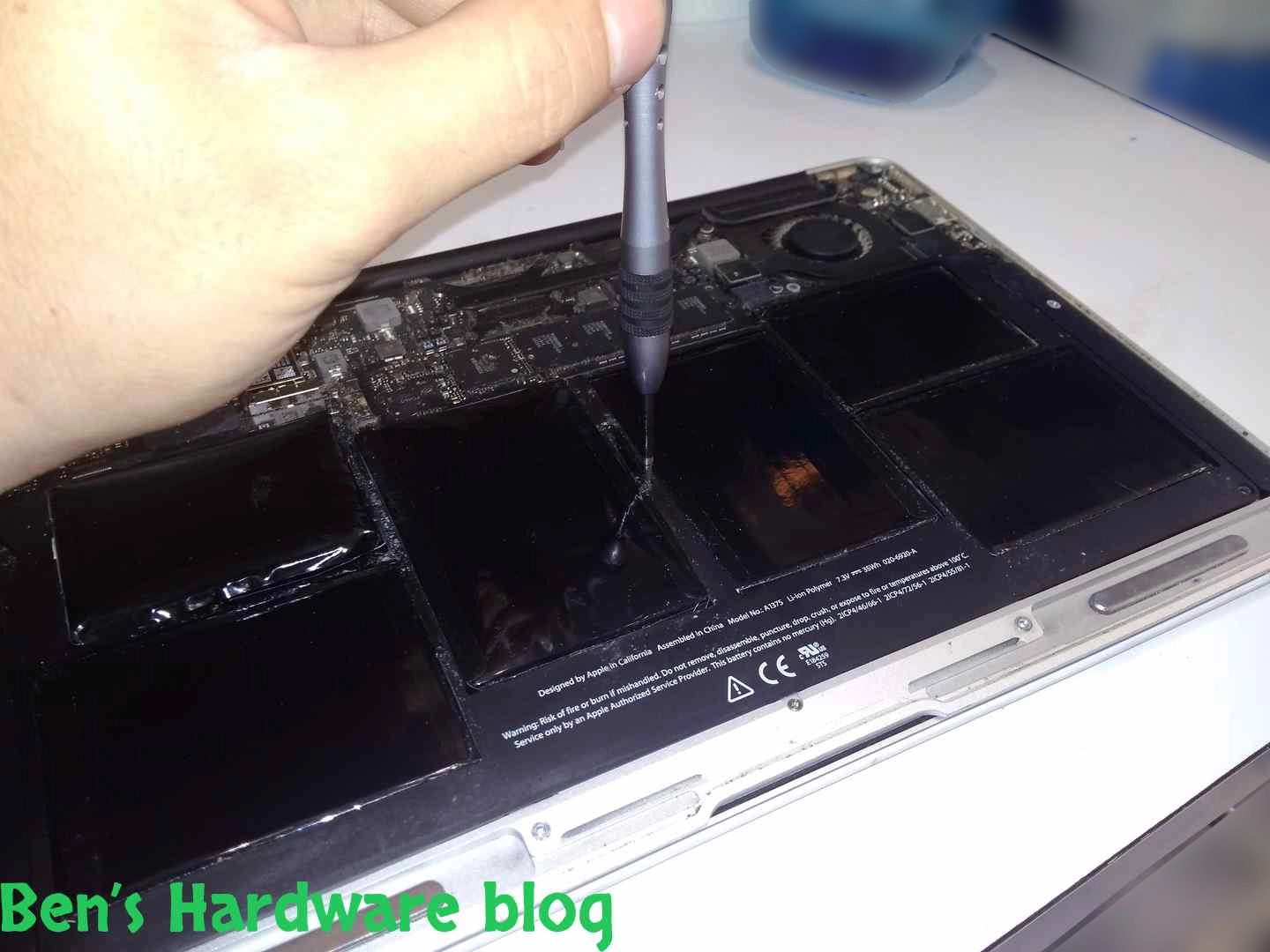
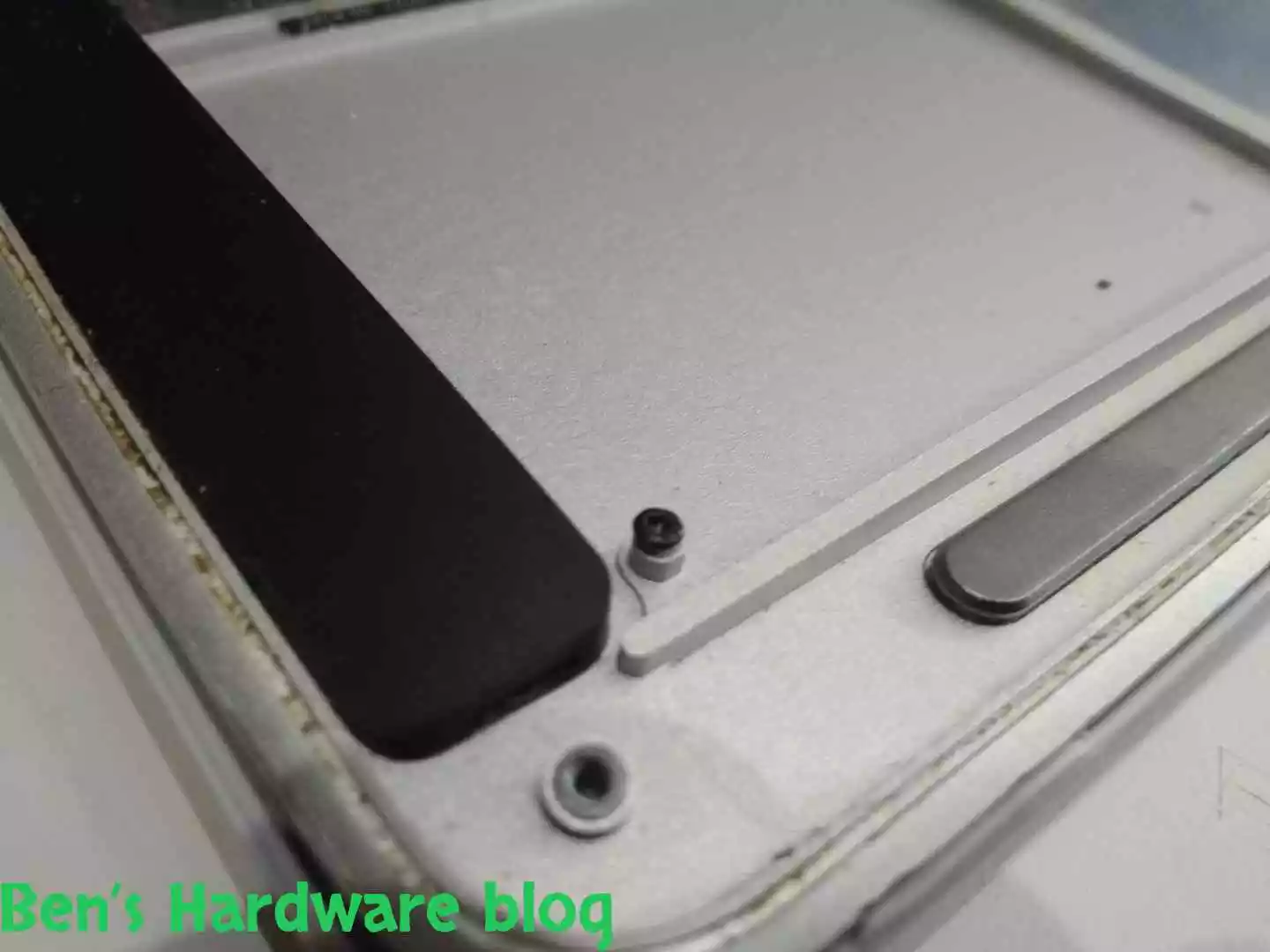
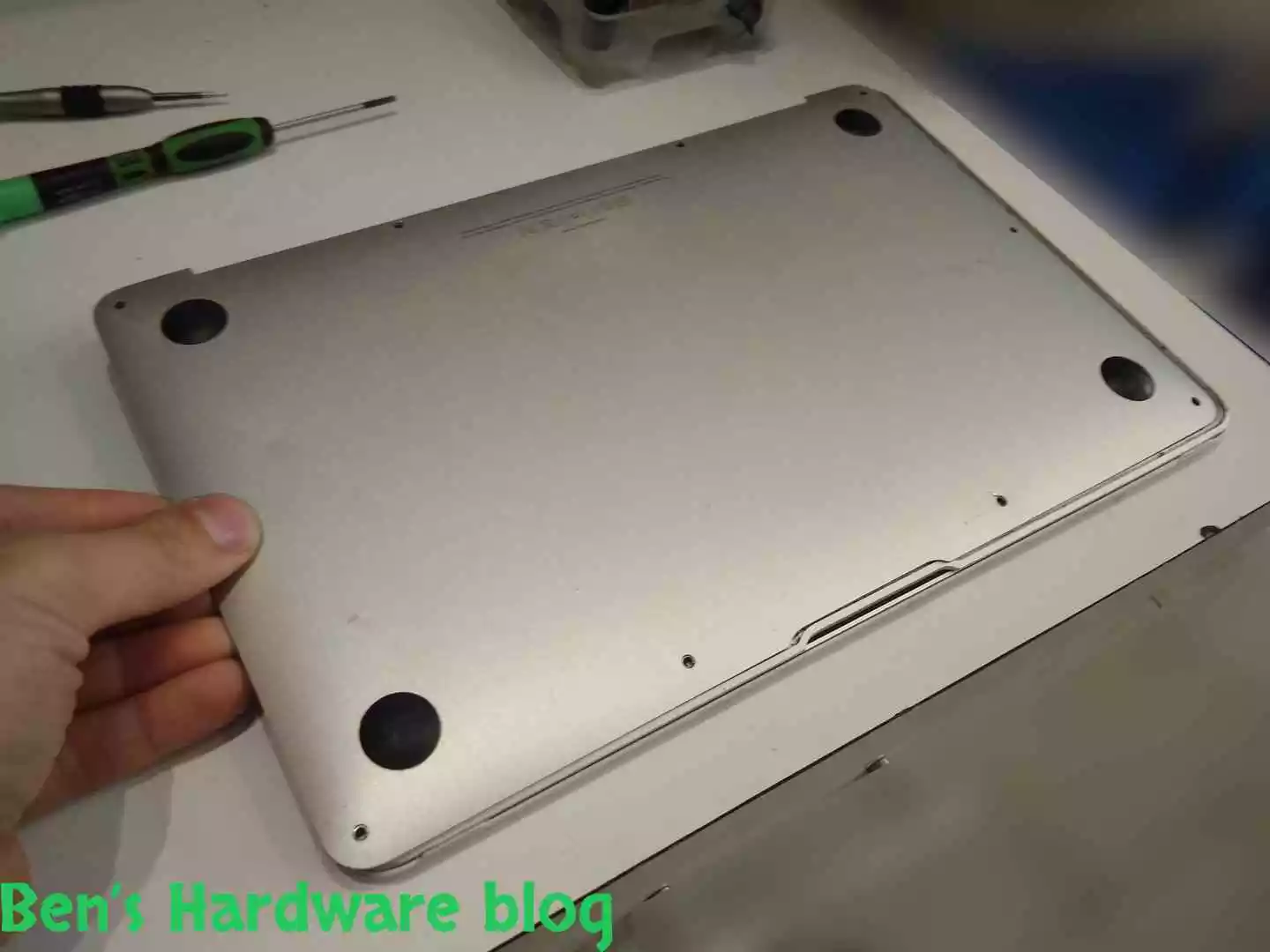
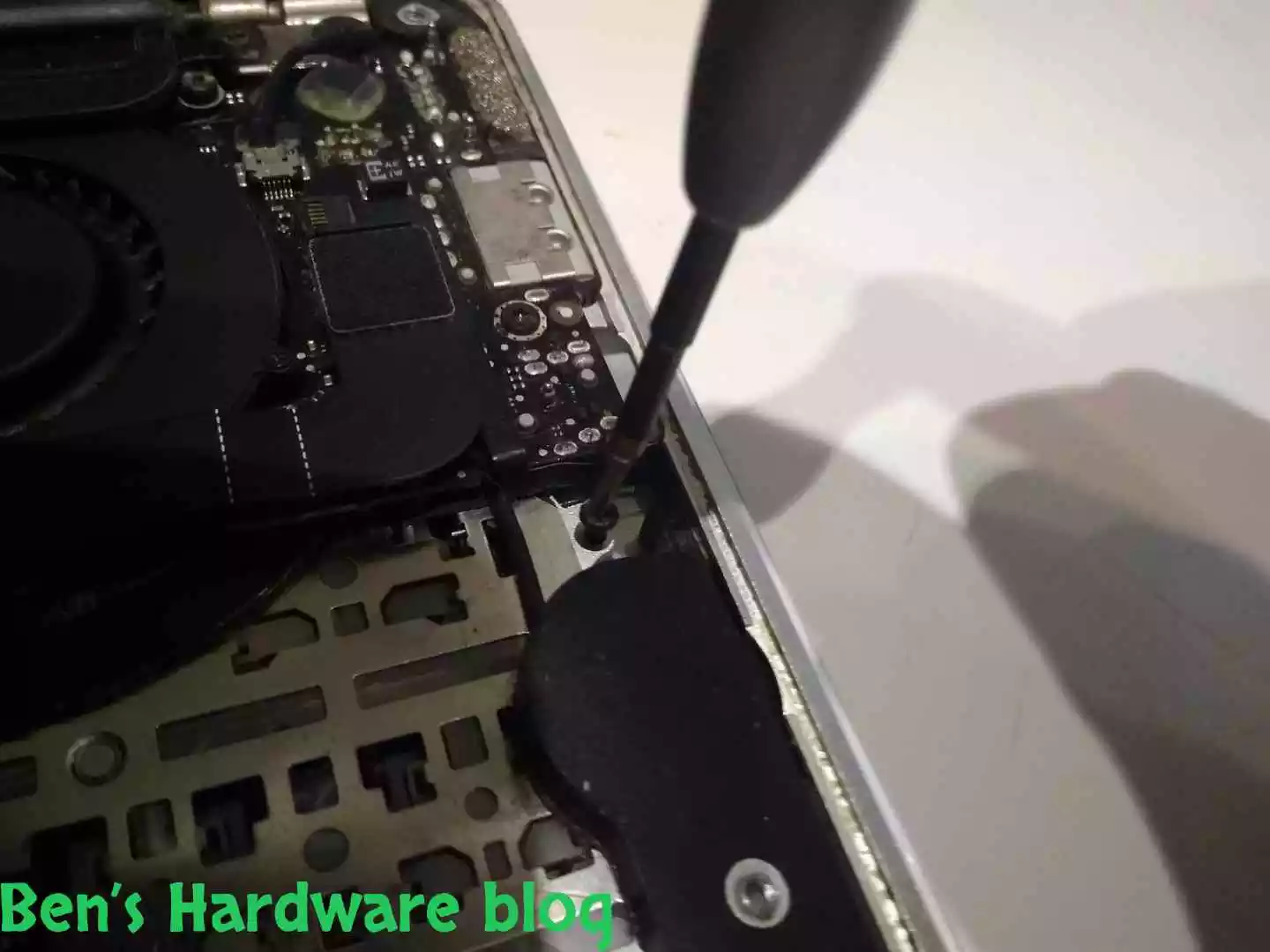
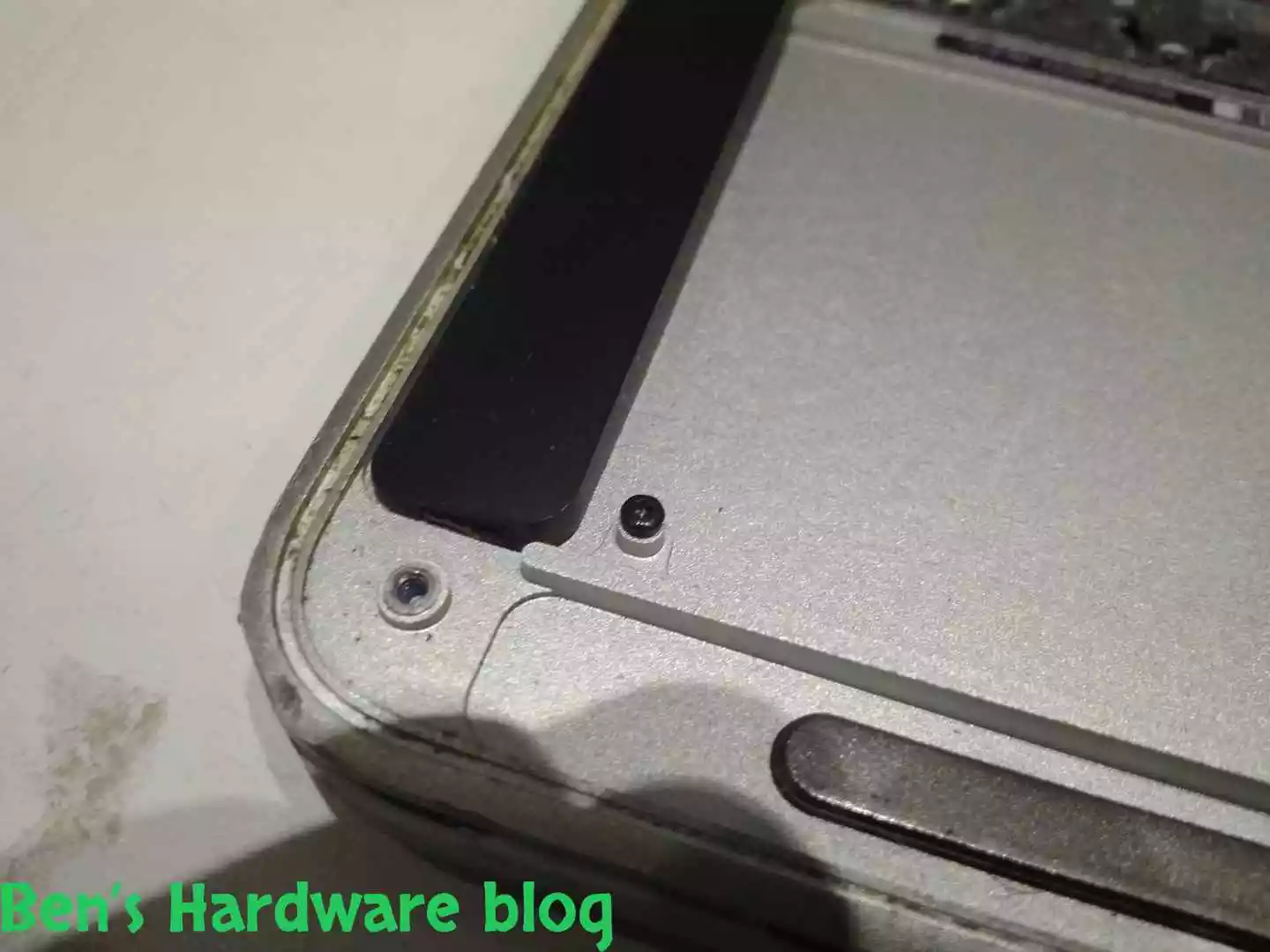
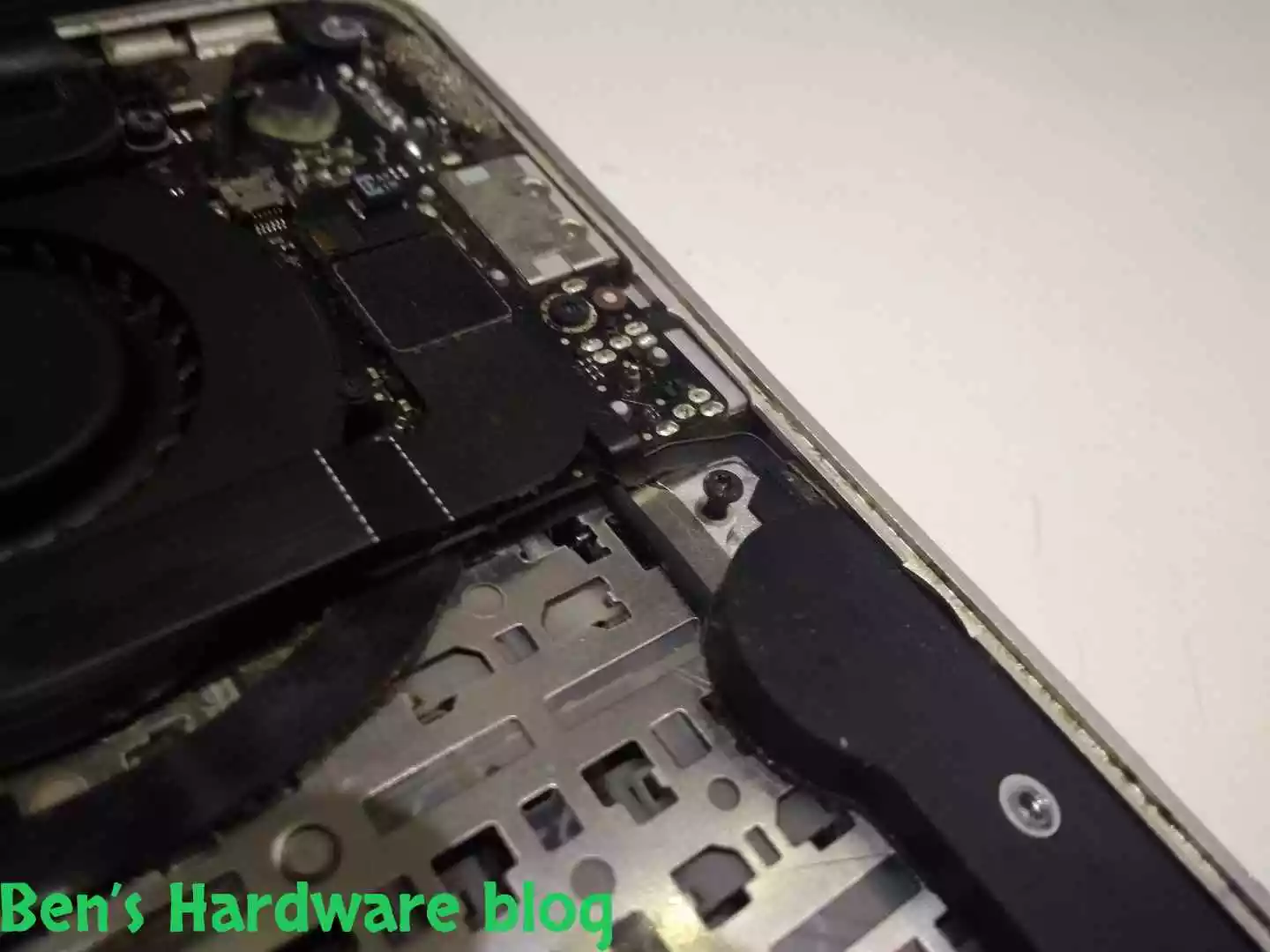
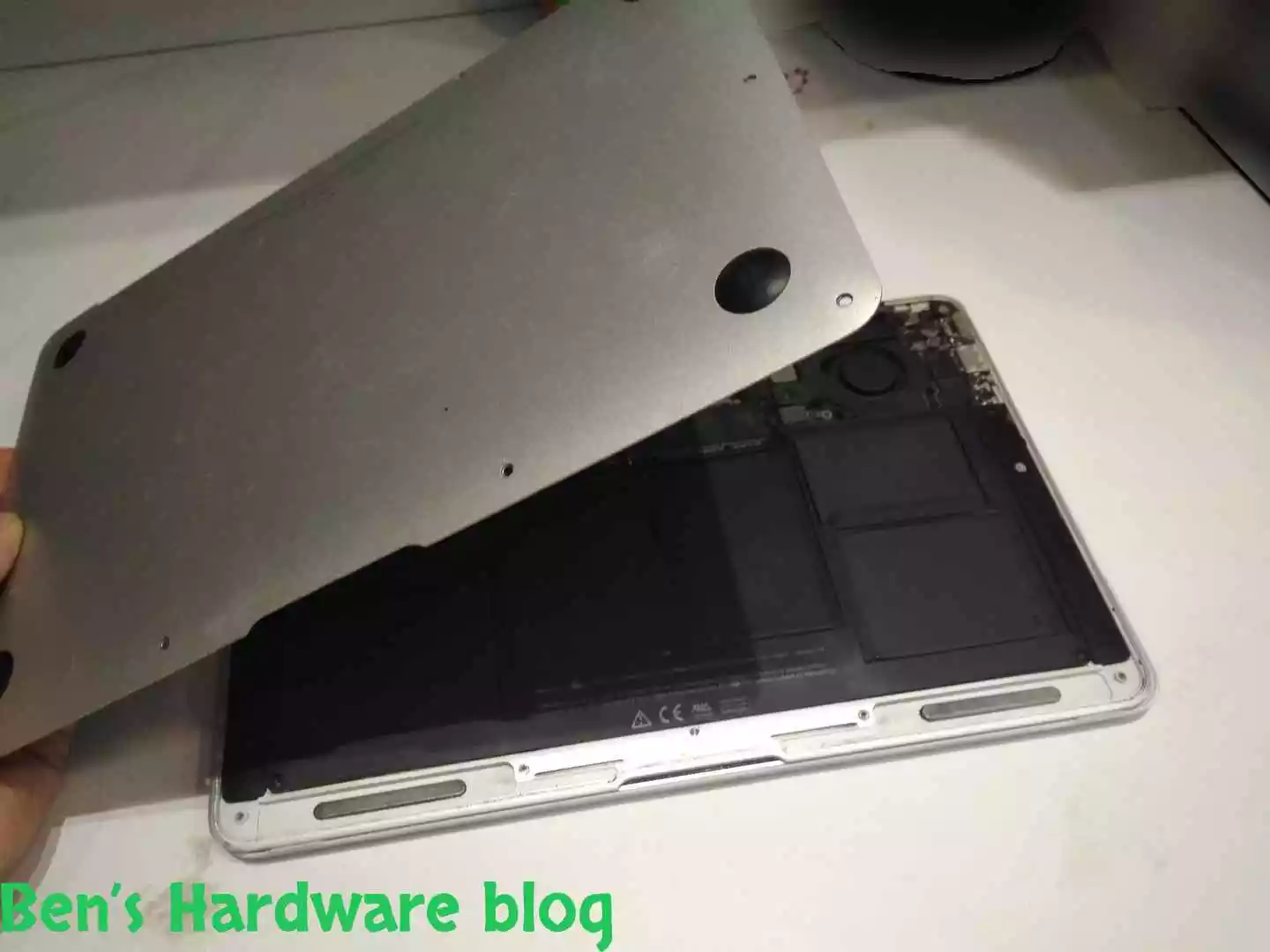
Finally I could take the bottom cover apart after unscrewing all of the 10 screws. It was difficult to unscrew the ones that were adjacent most to the swollen battery due to the pressure the cover in that area was under. I had to push down the screwdriver tool a bit in order to get a firm unscrewing motion and to finally release the screws.

Releasing those tighten screws was sudden due to the swollen battery.

BHB A1375REPLACE36 BHB A1375REPLACE38
BHB A1375REPLACE39 BHB A1375REPLACE40

Inspection:

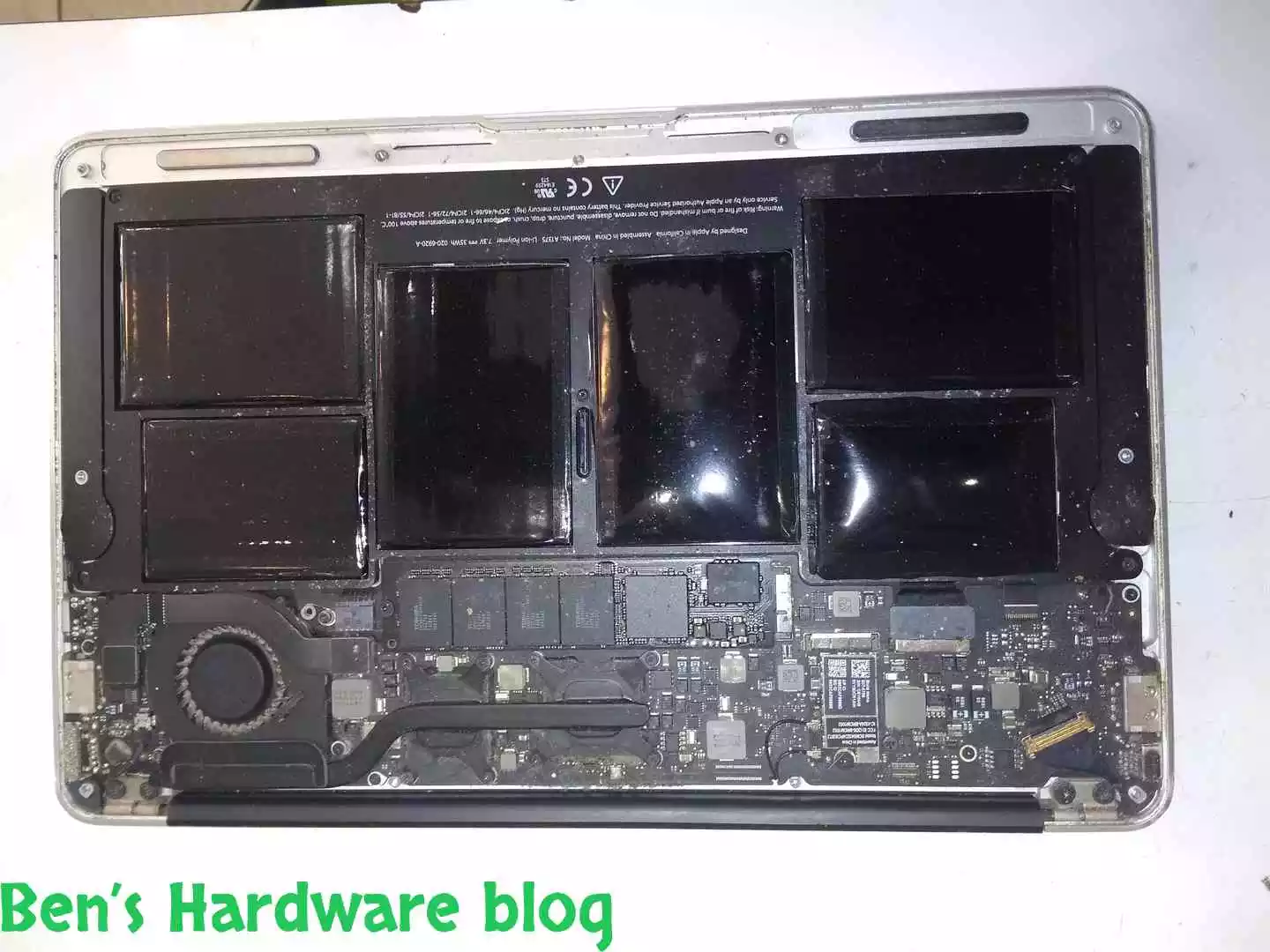
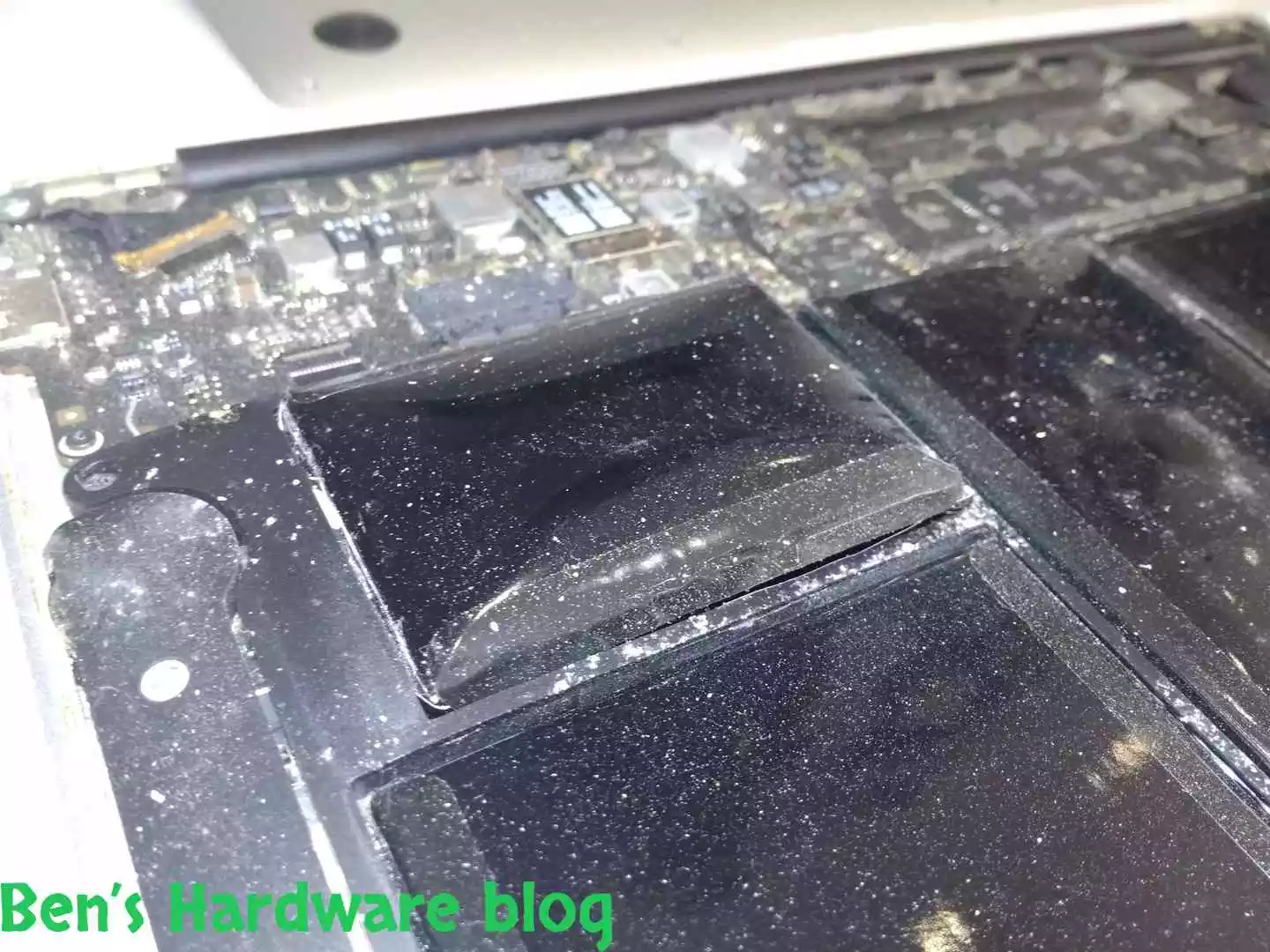
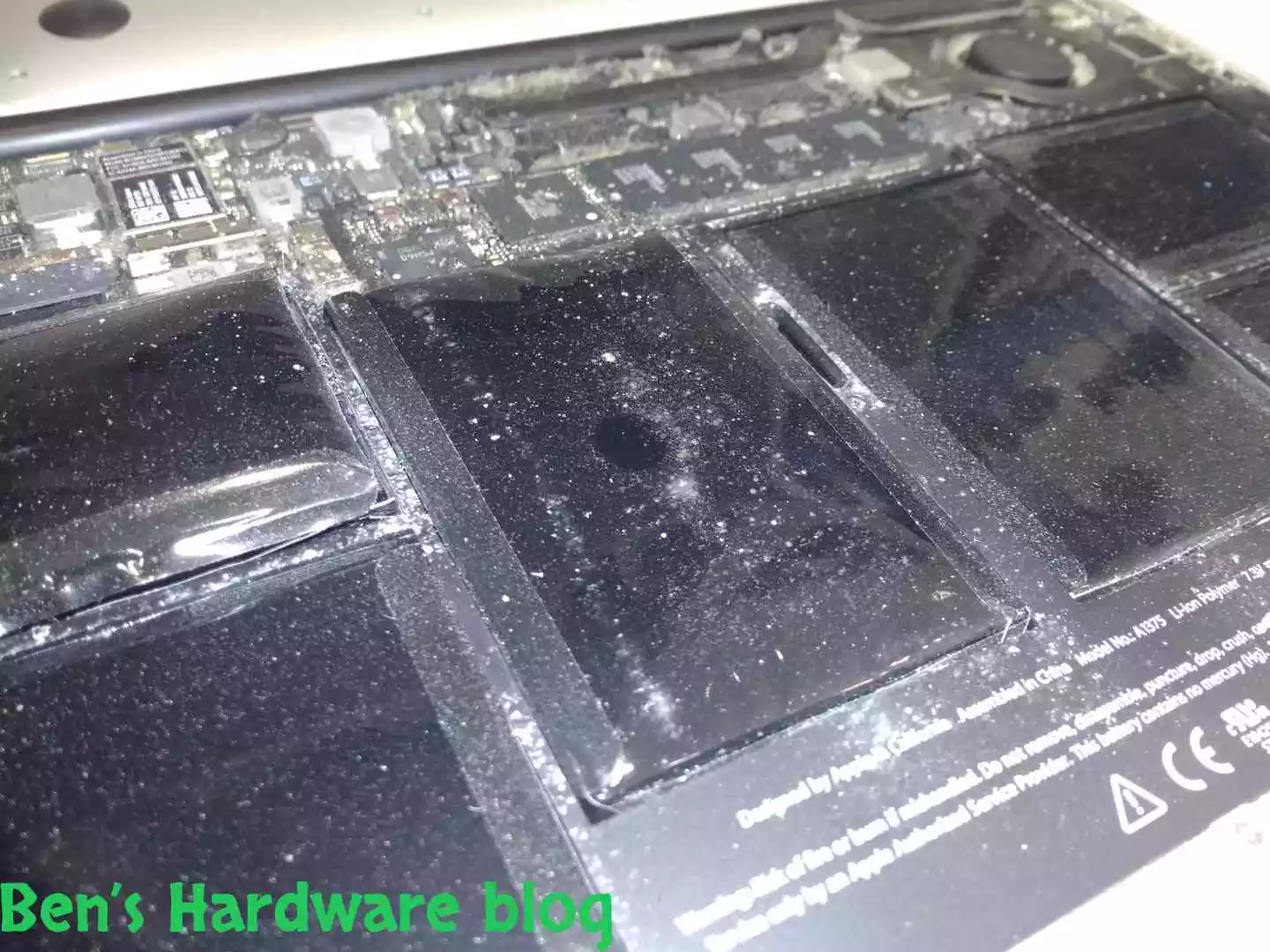
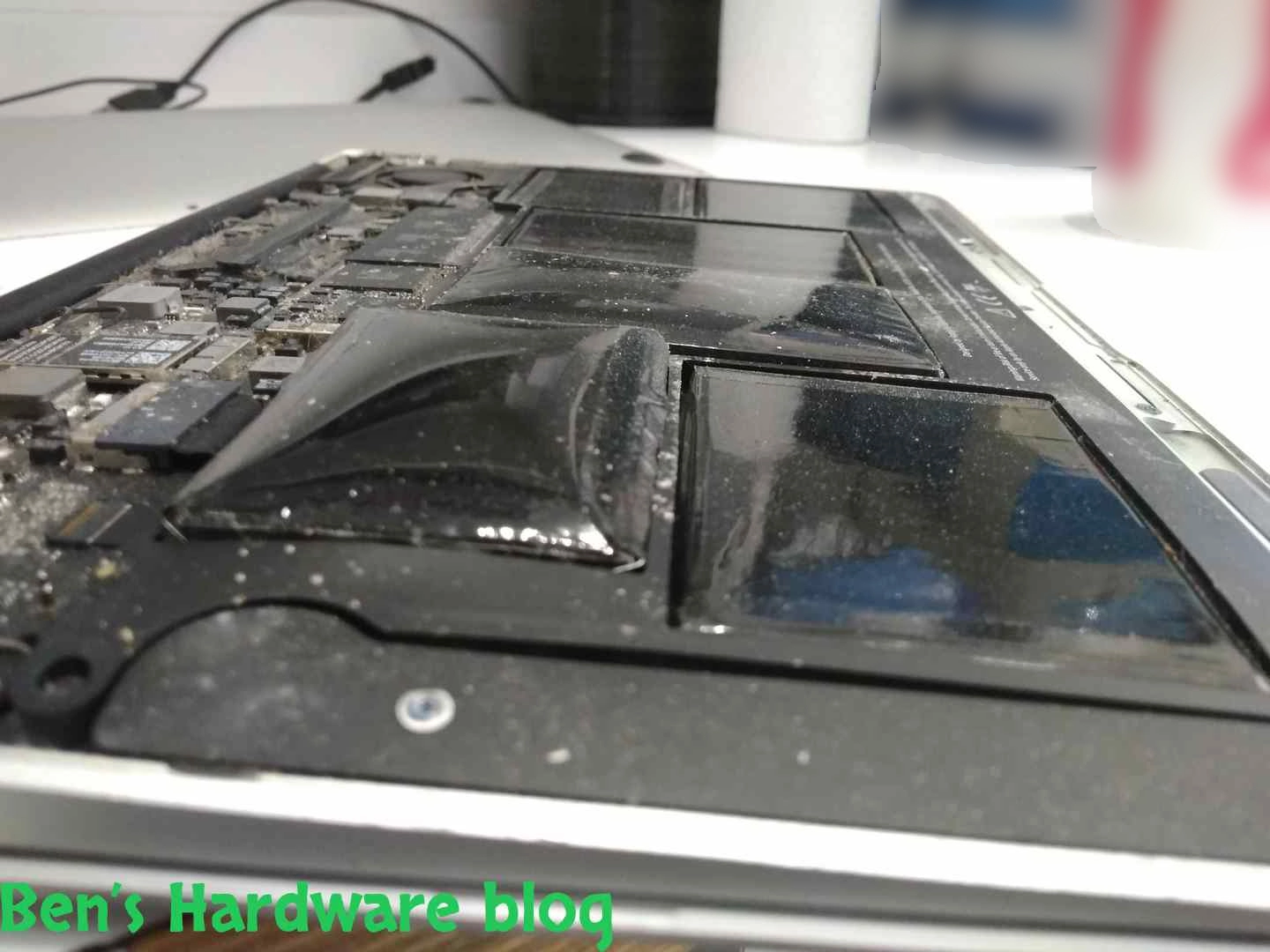
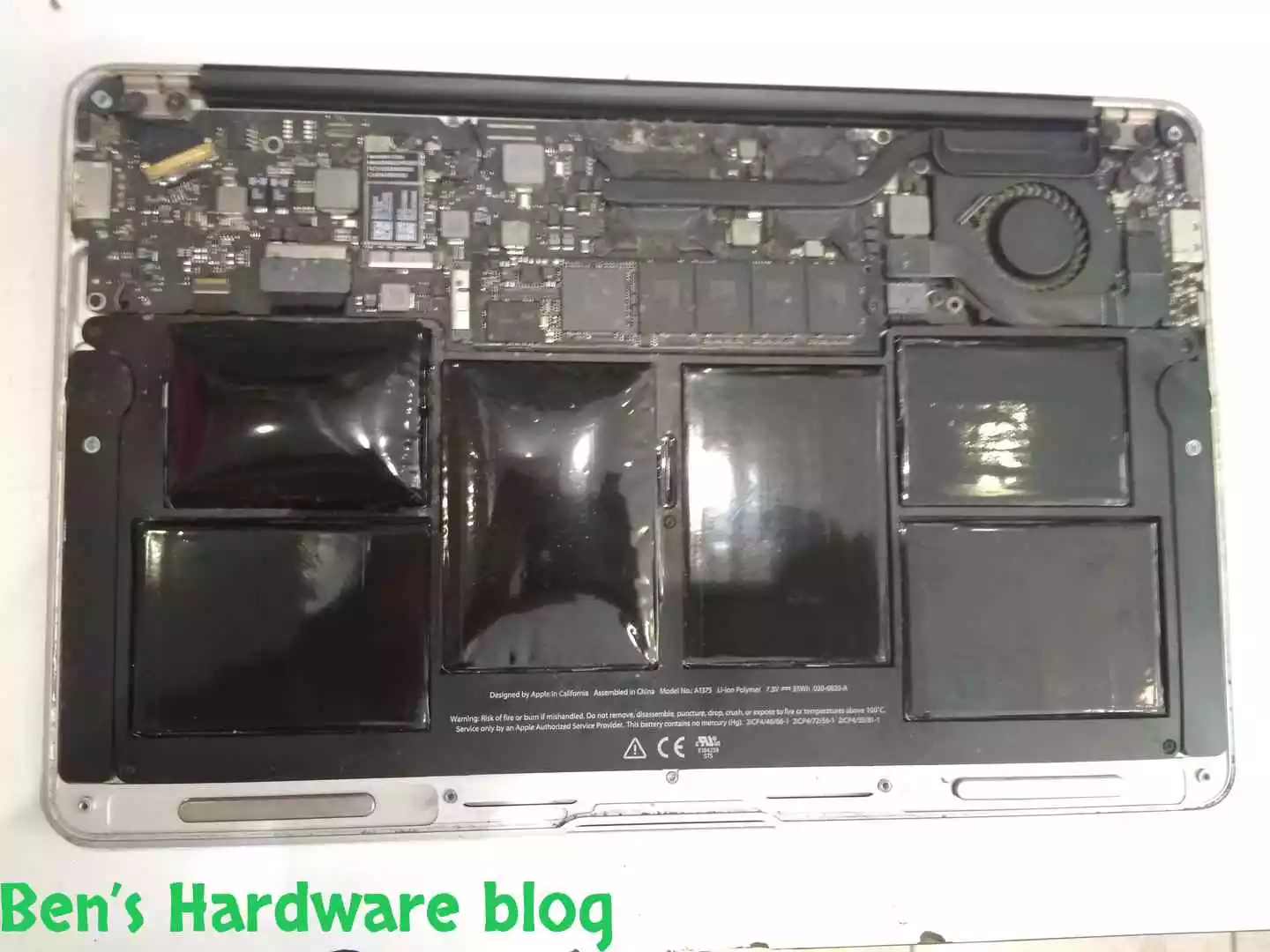
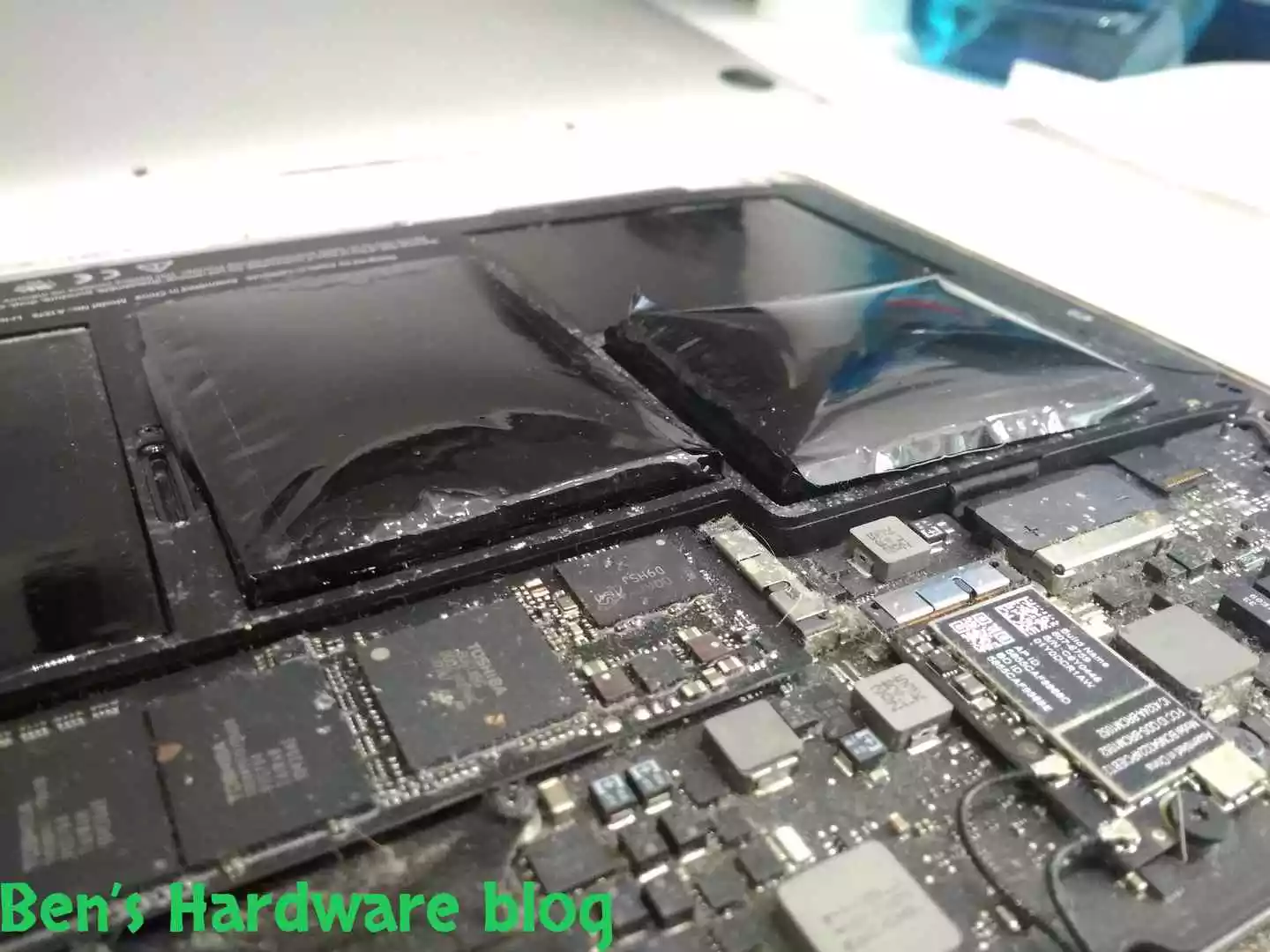
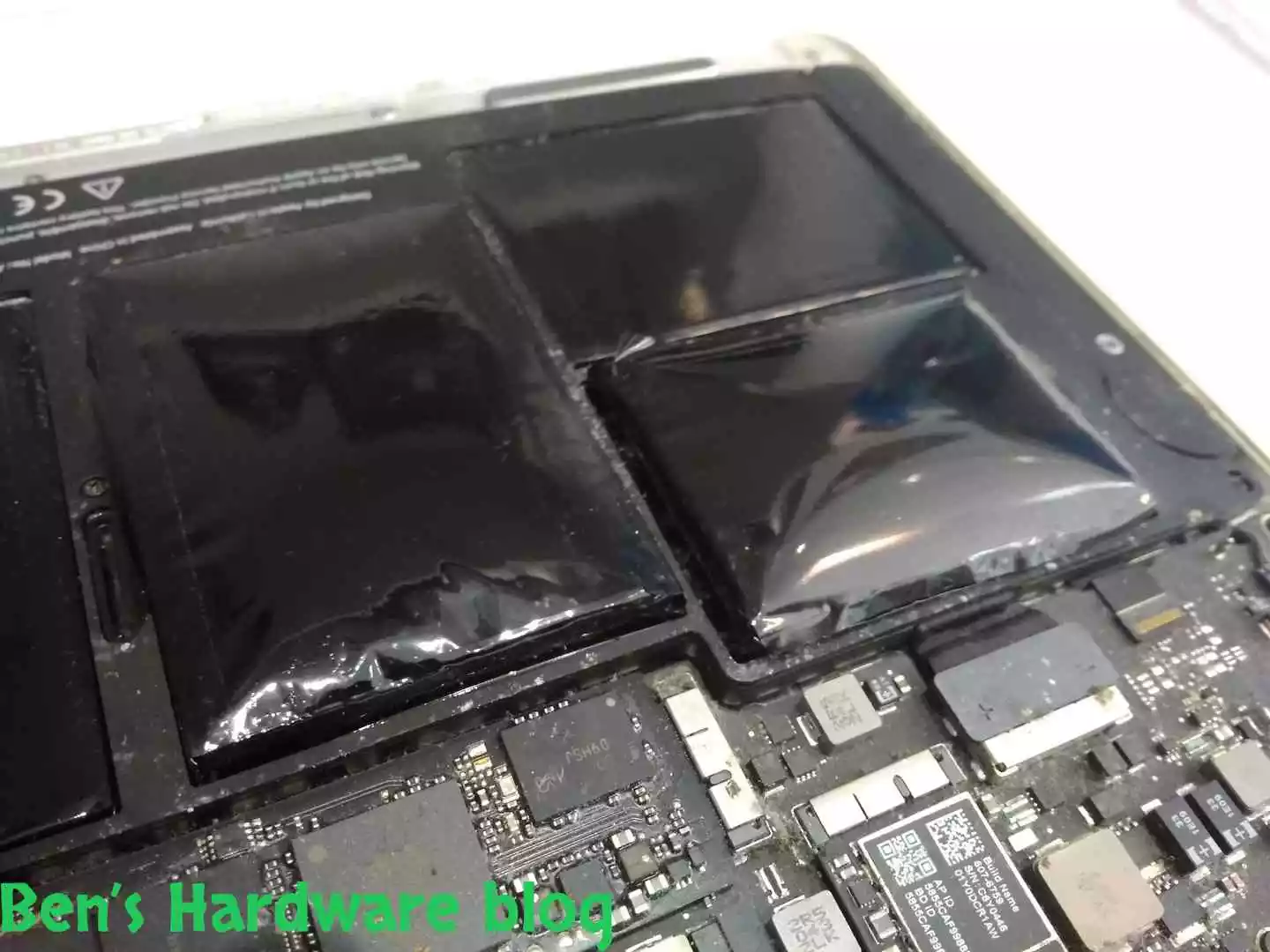
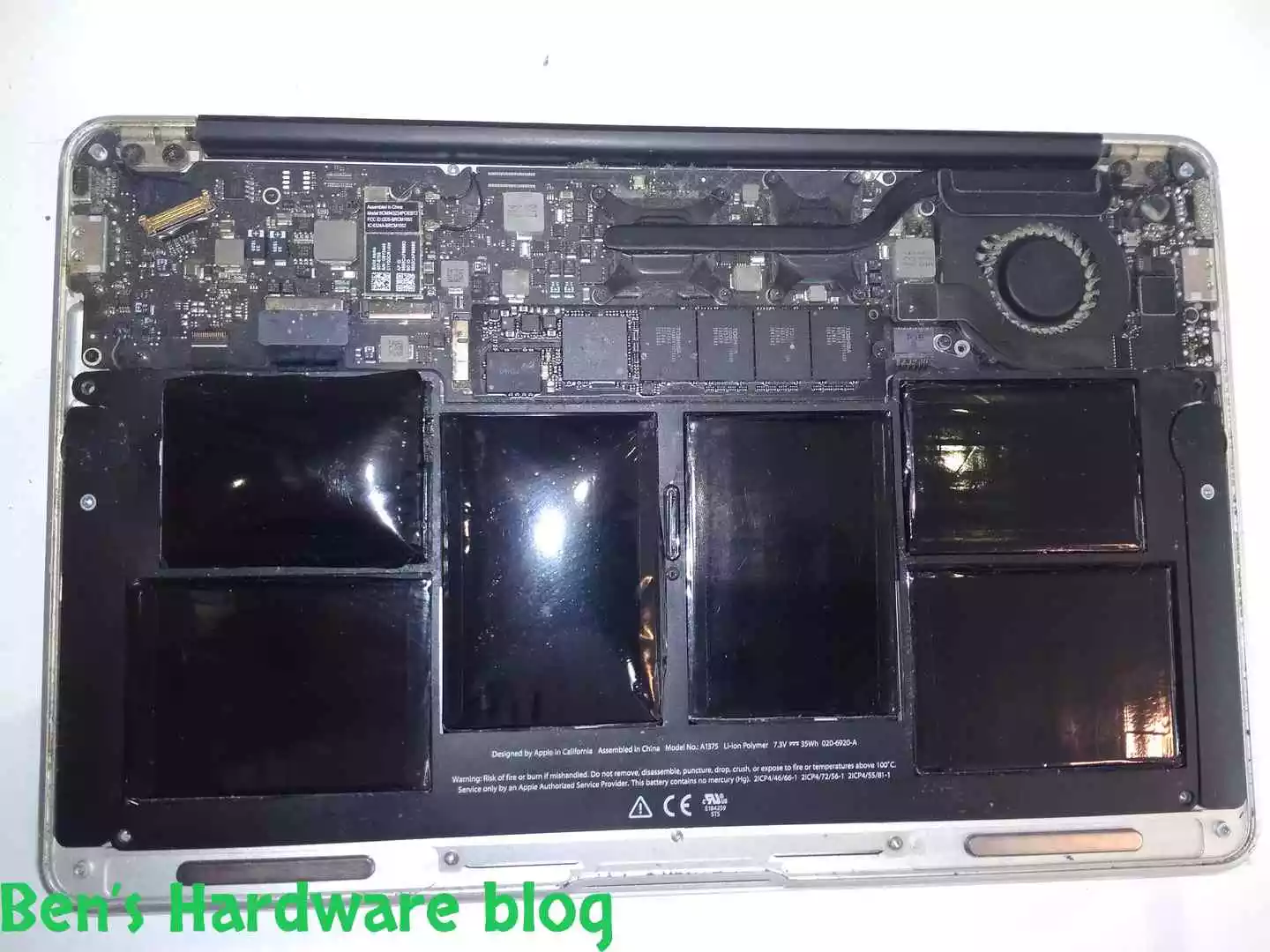
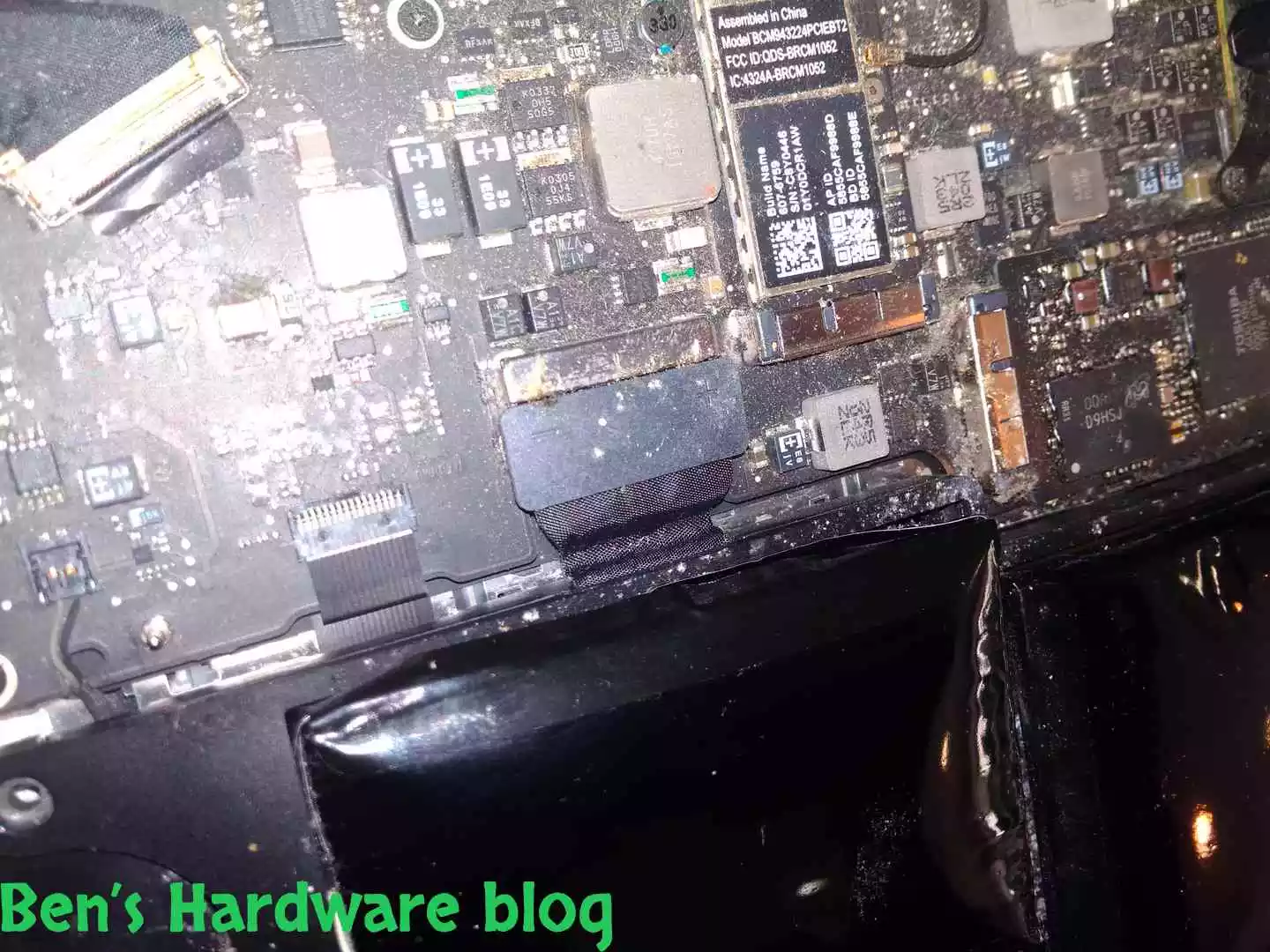
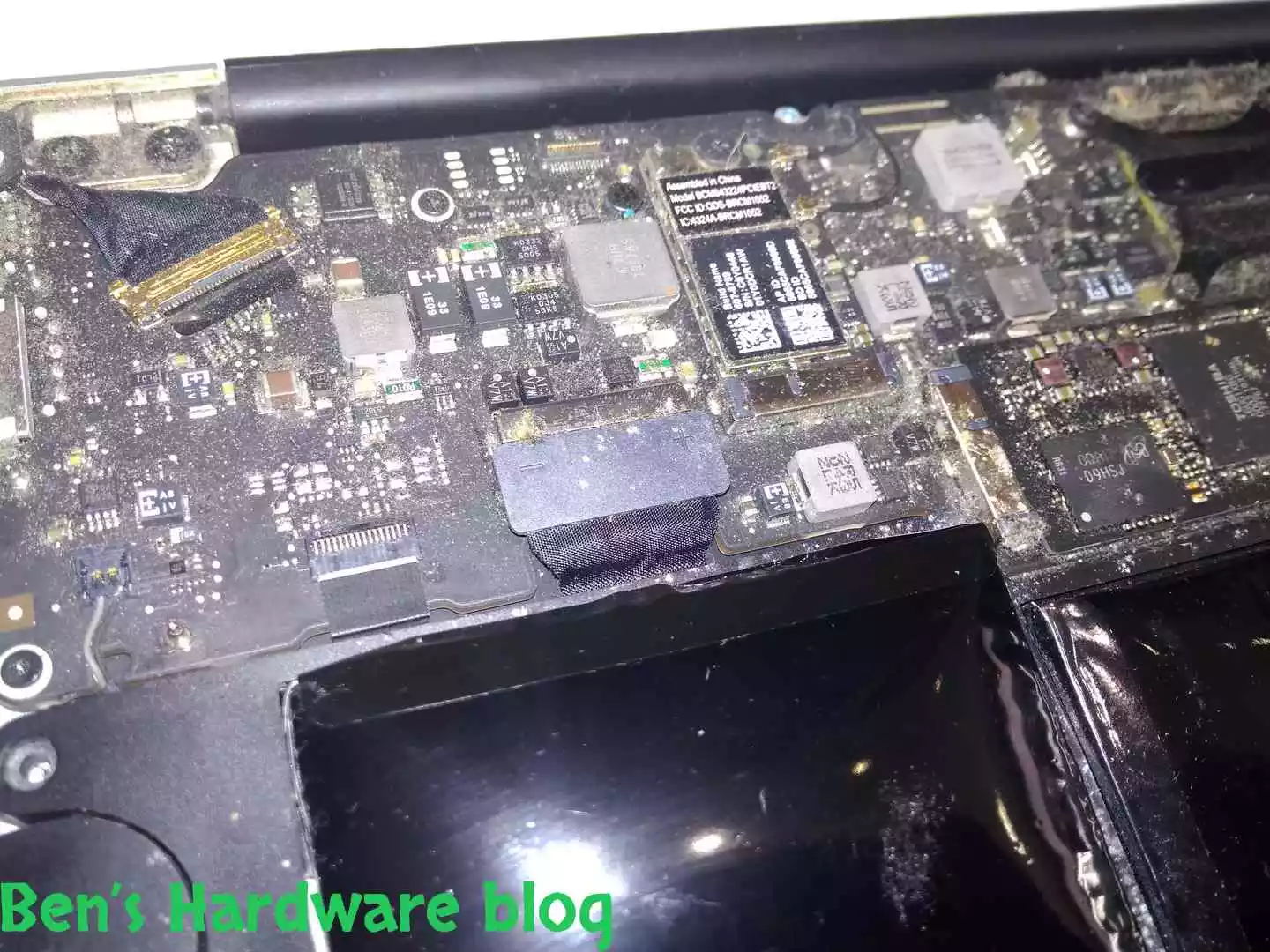
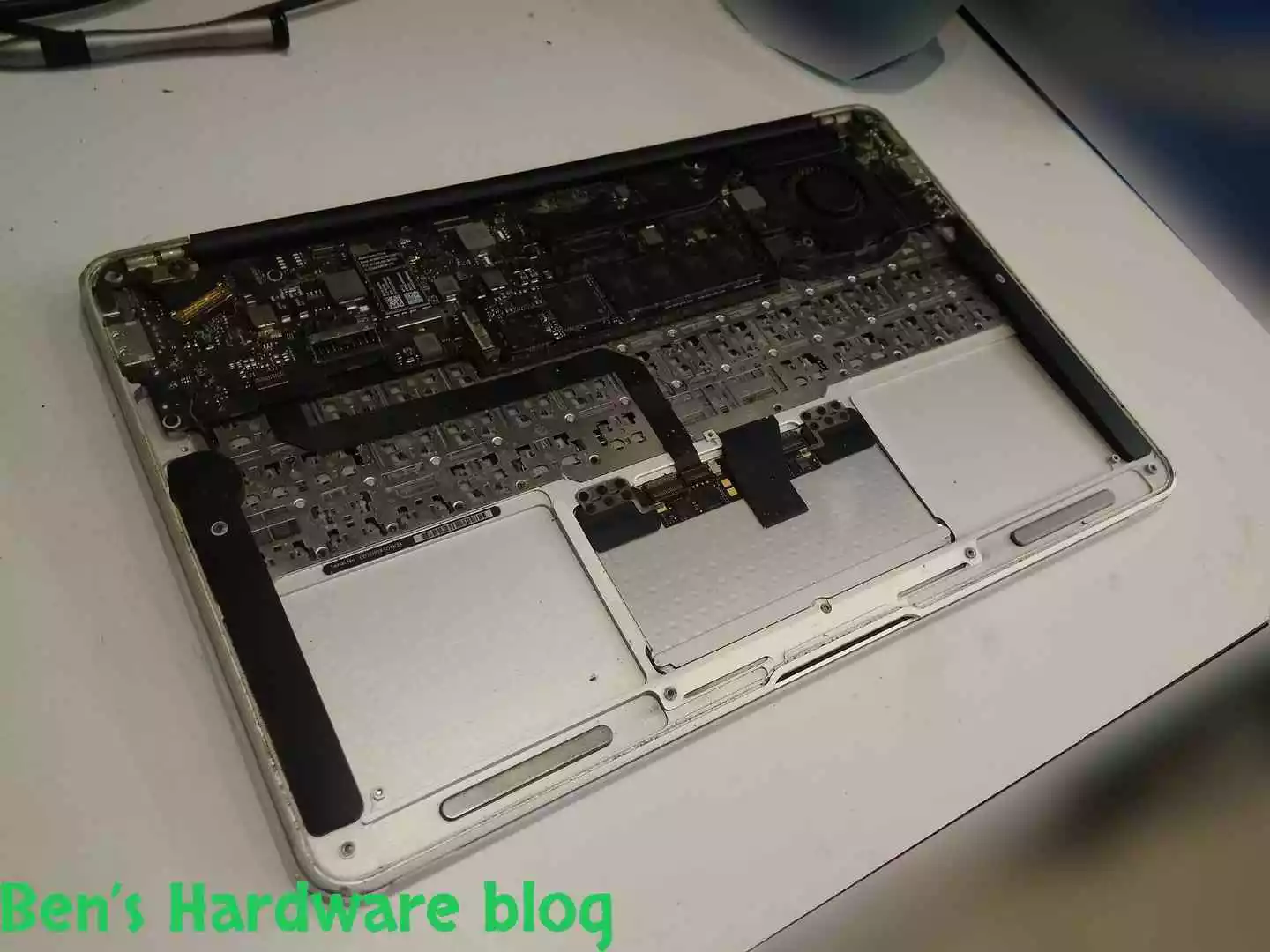
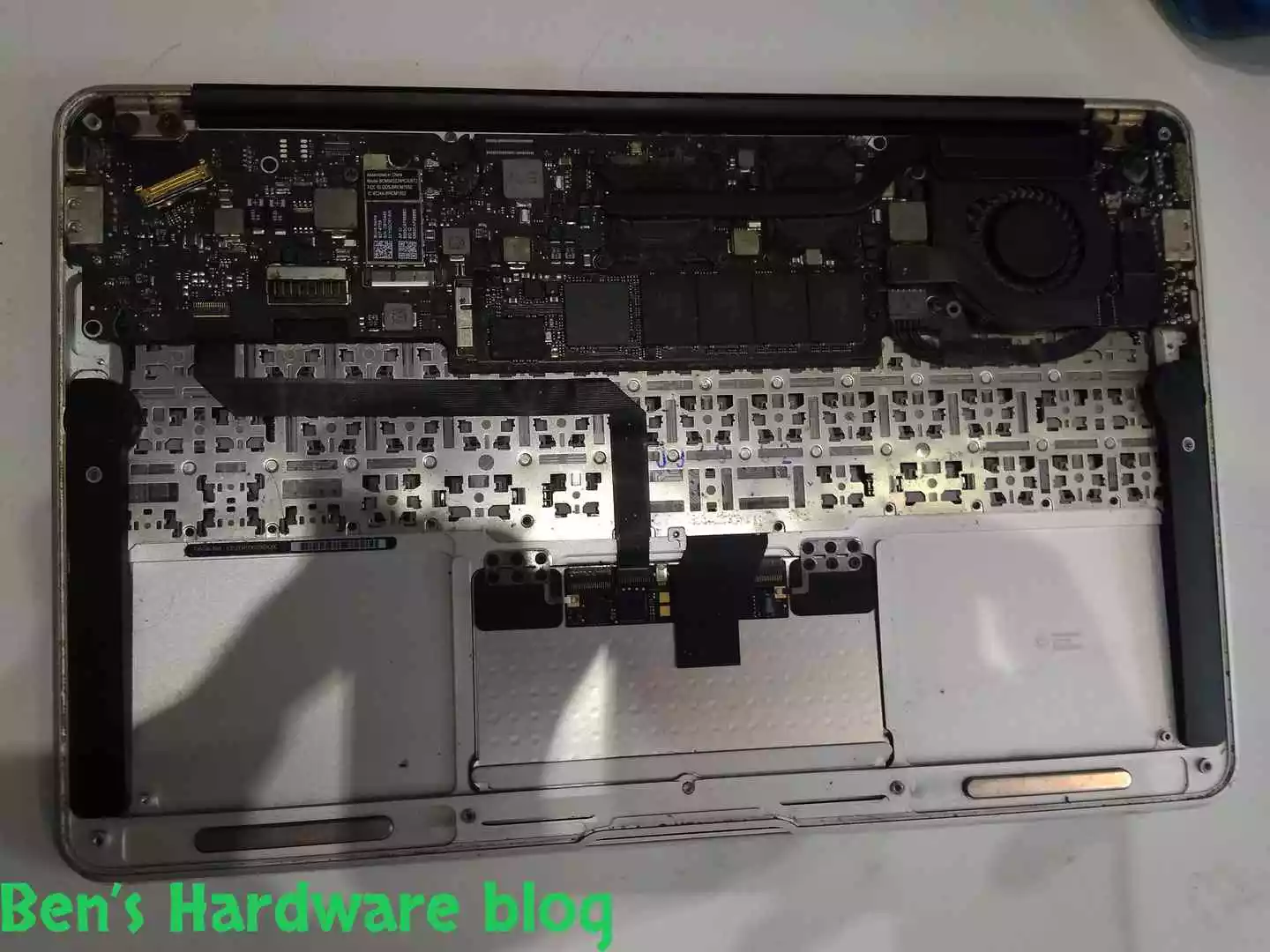
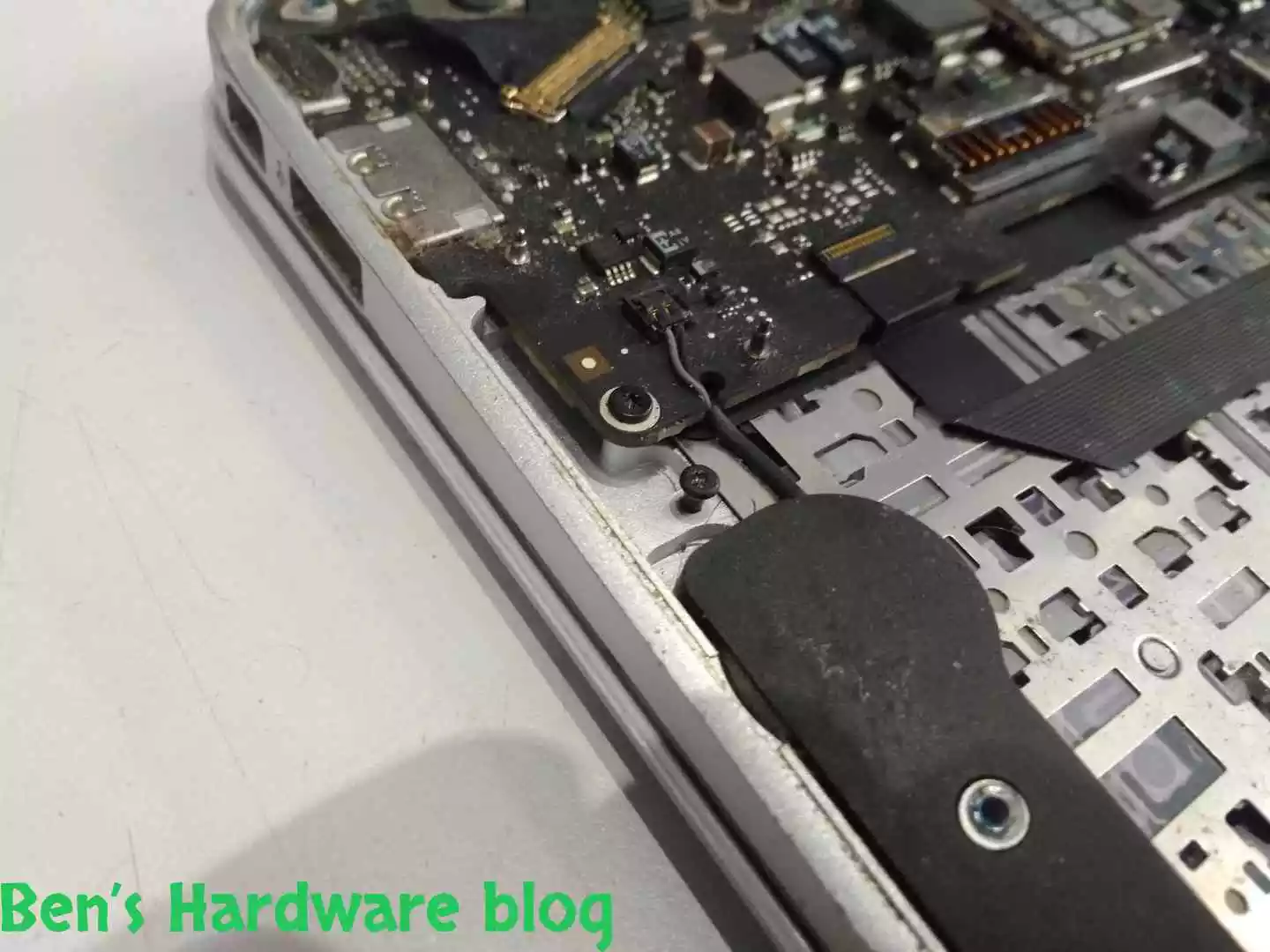
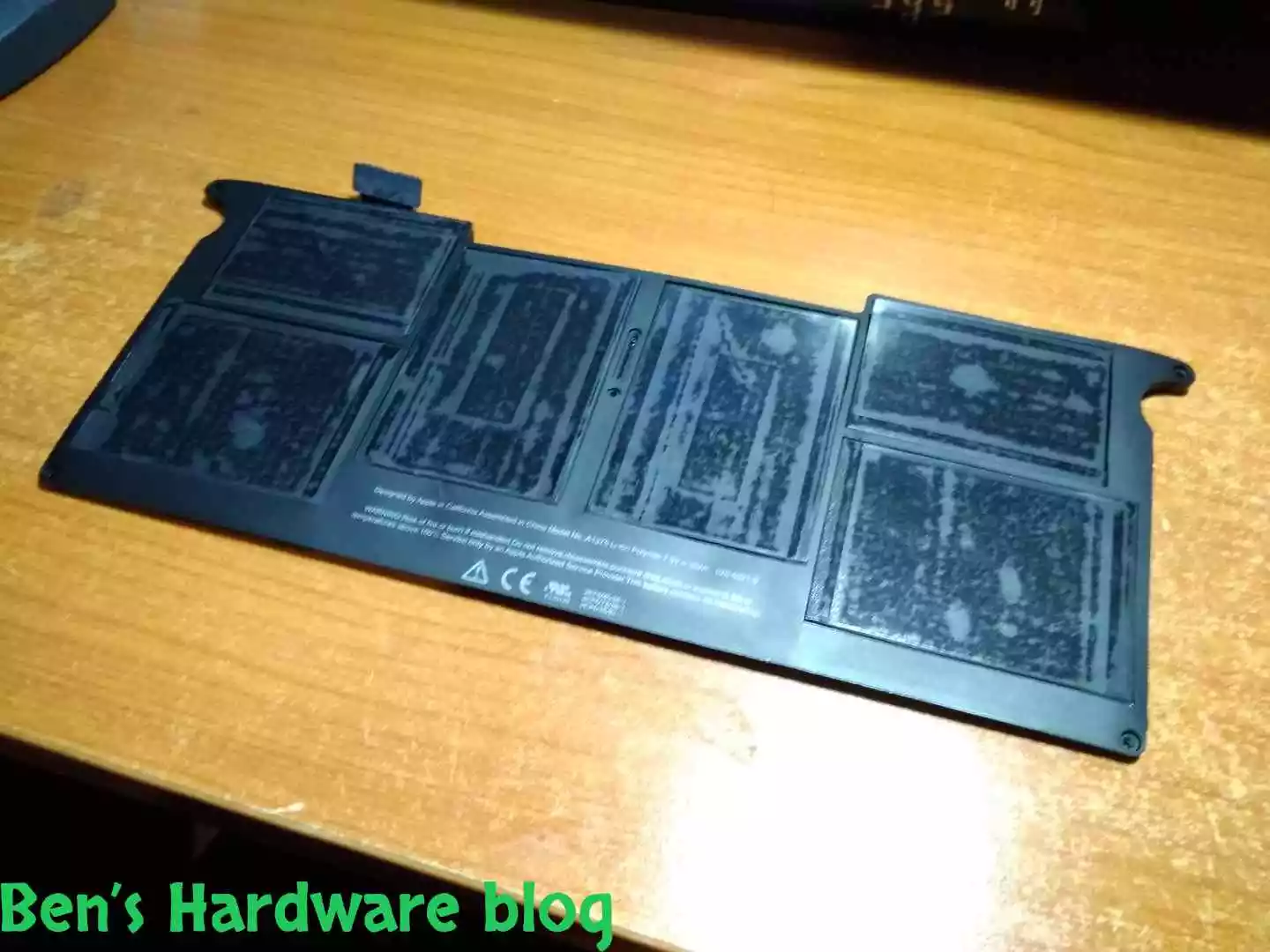
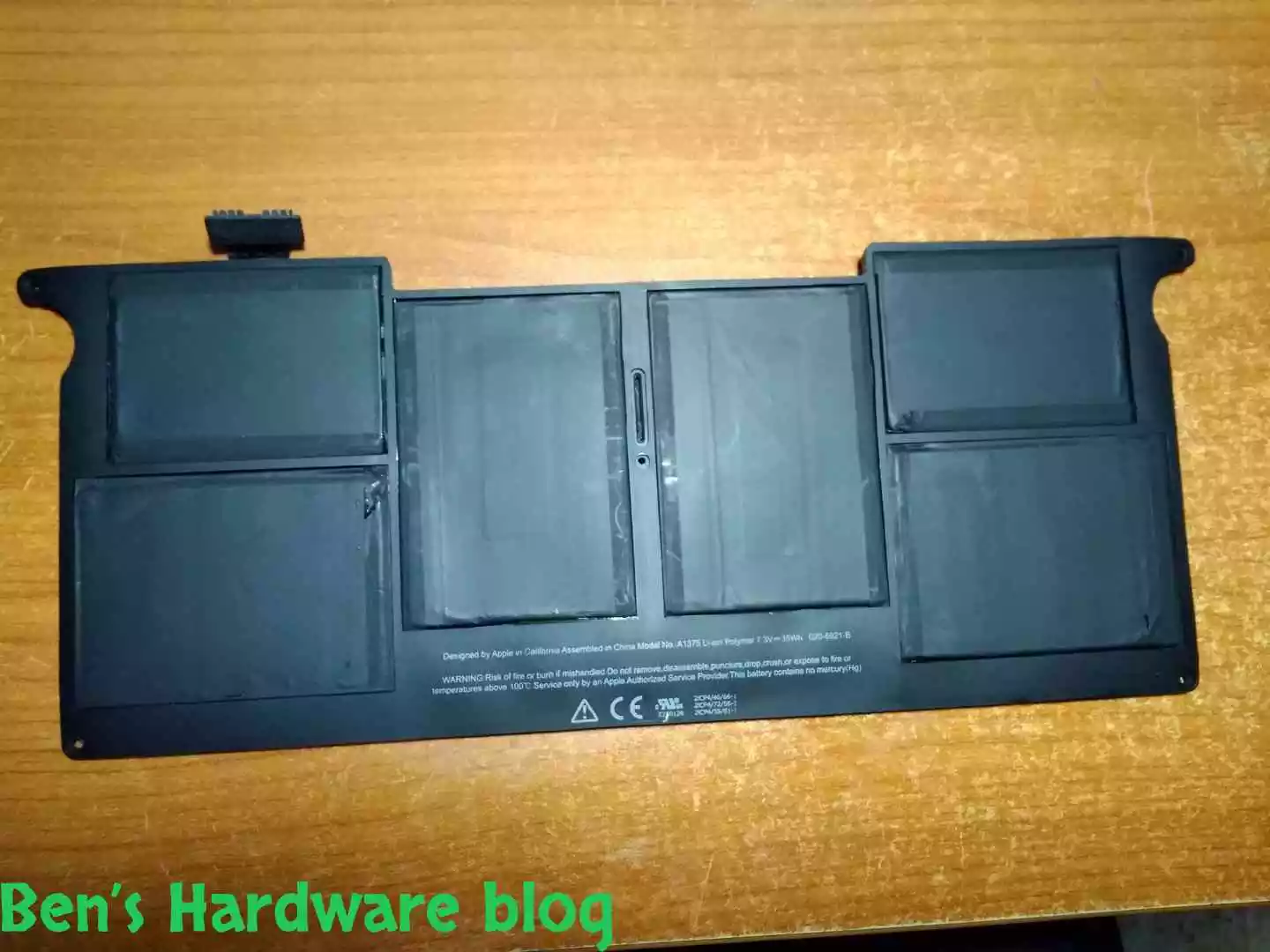
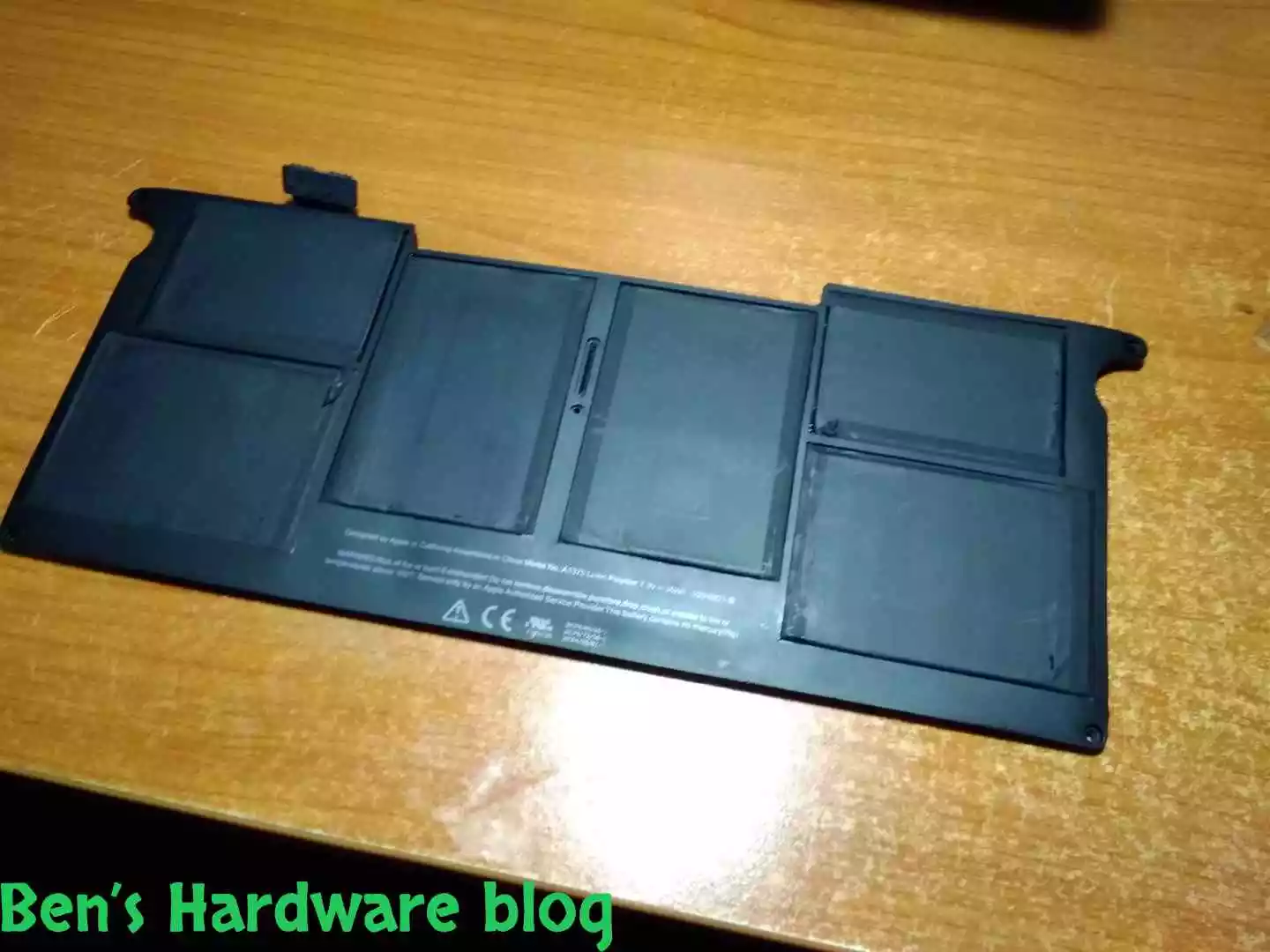
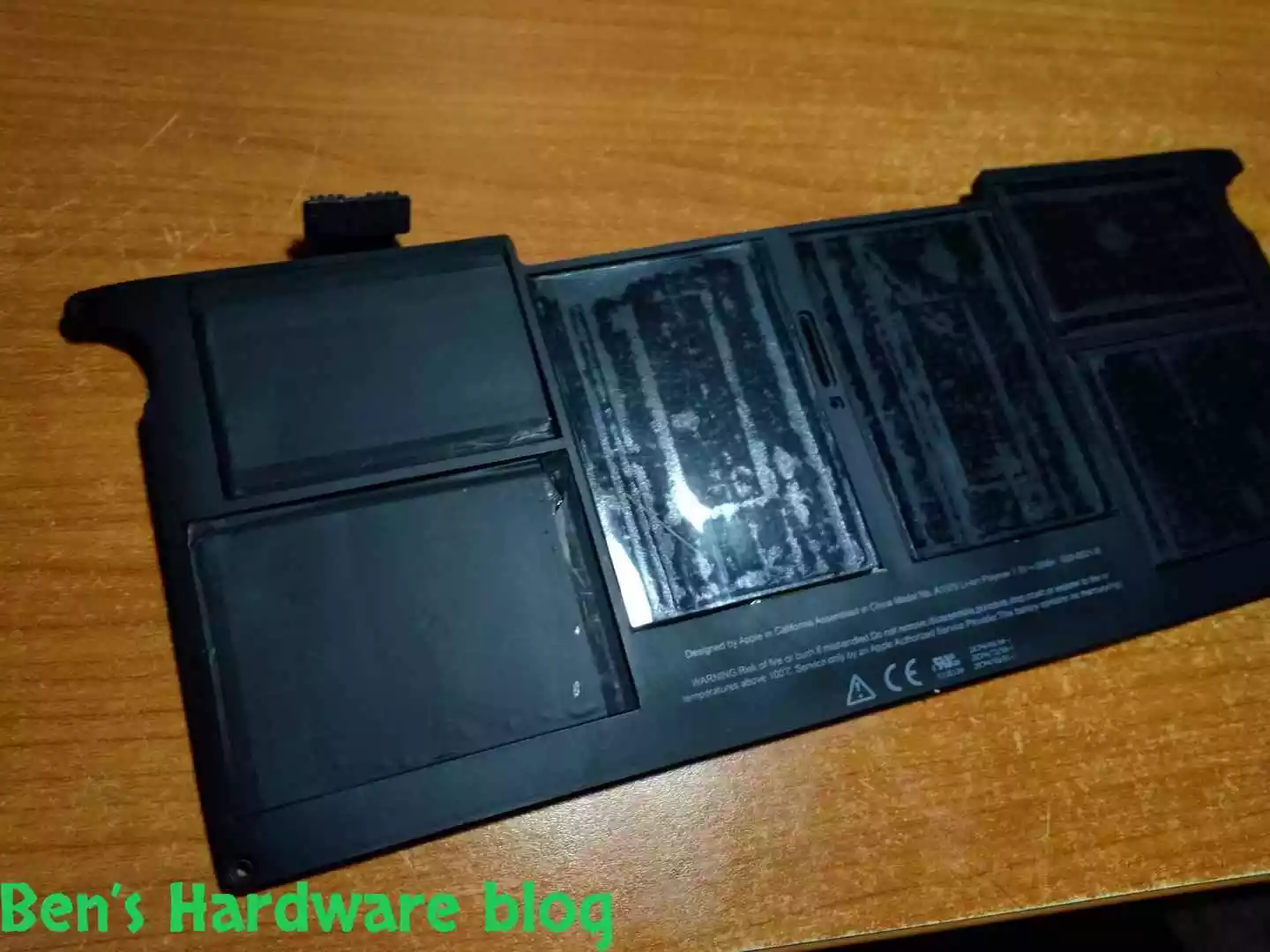
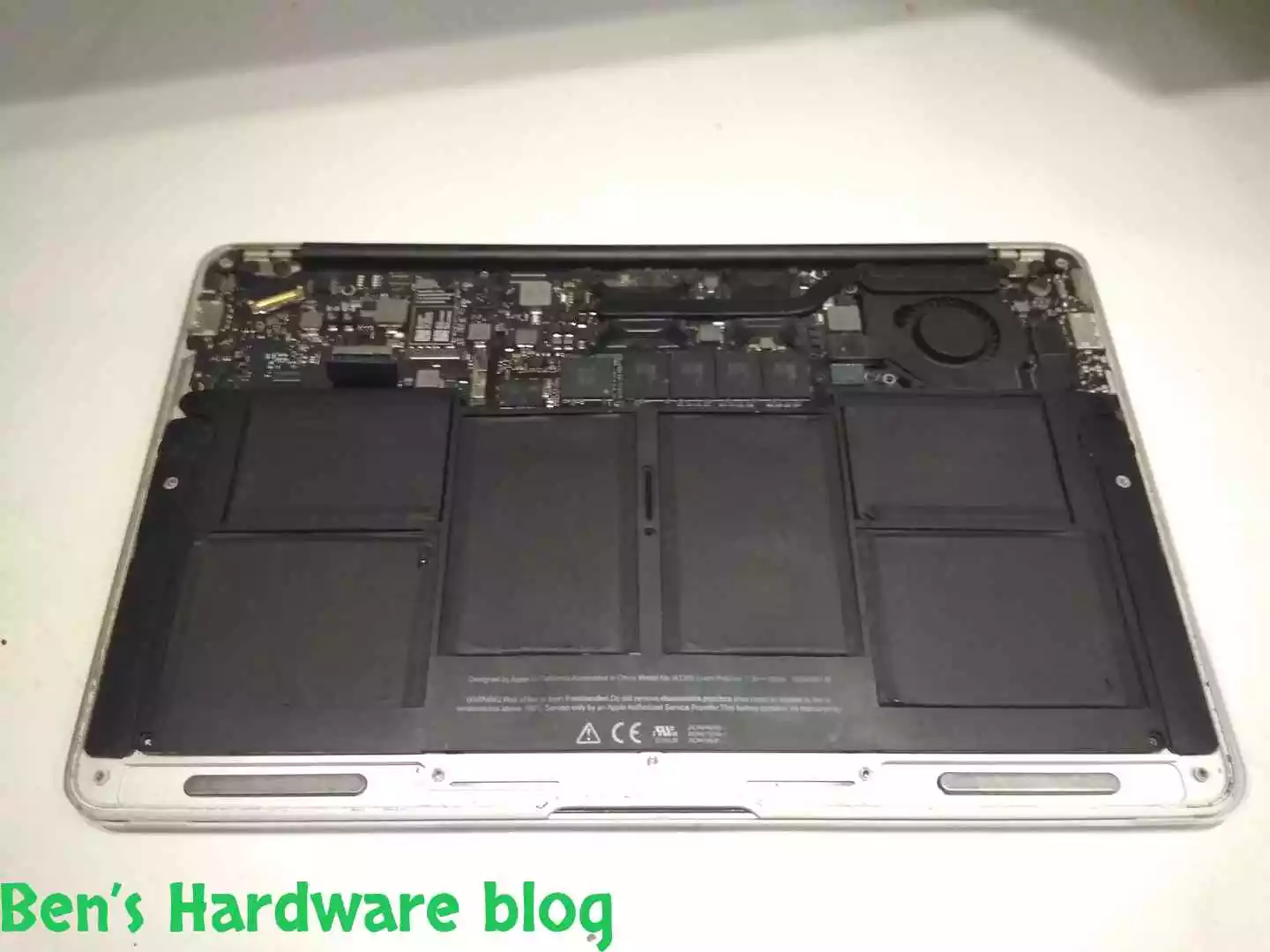
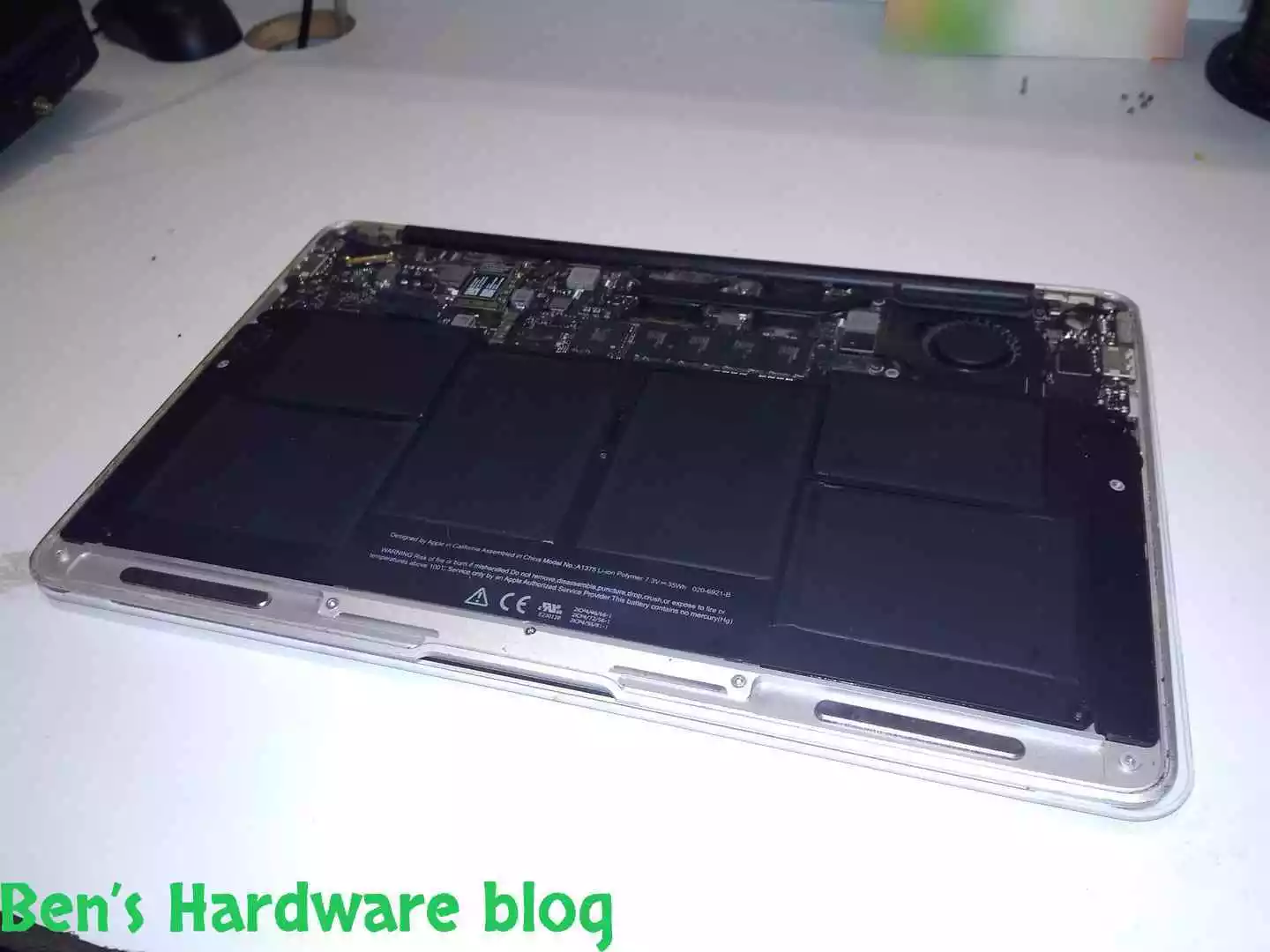
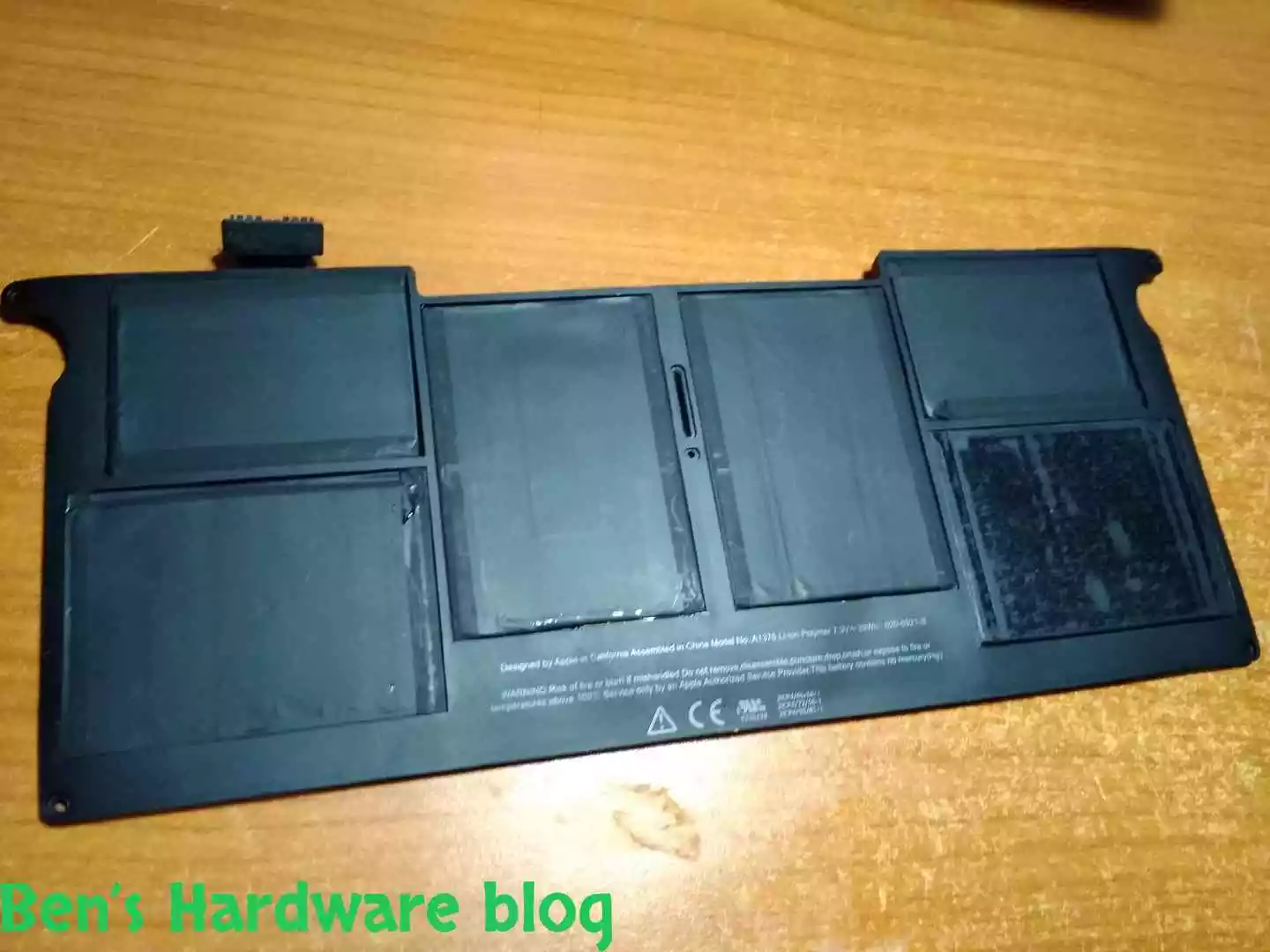
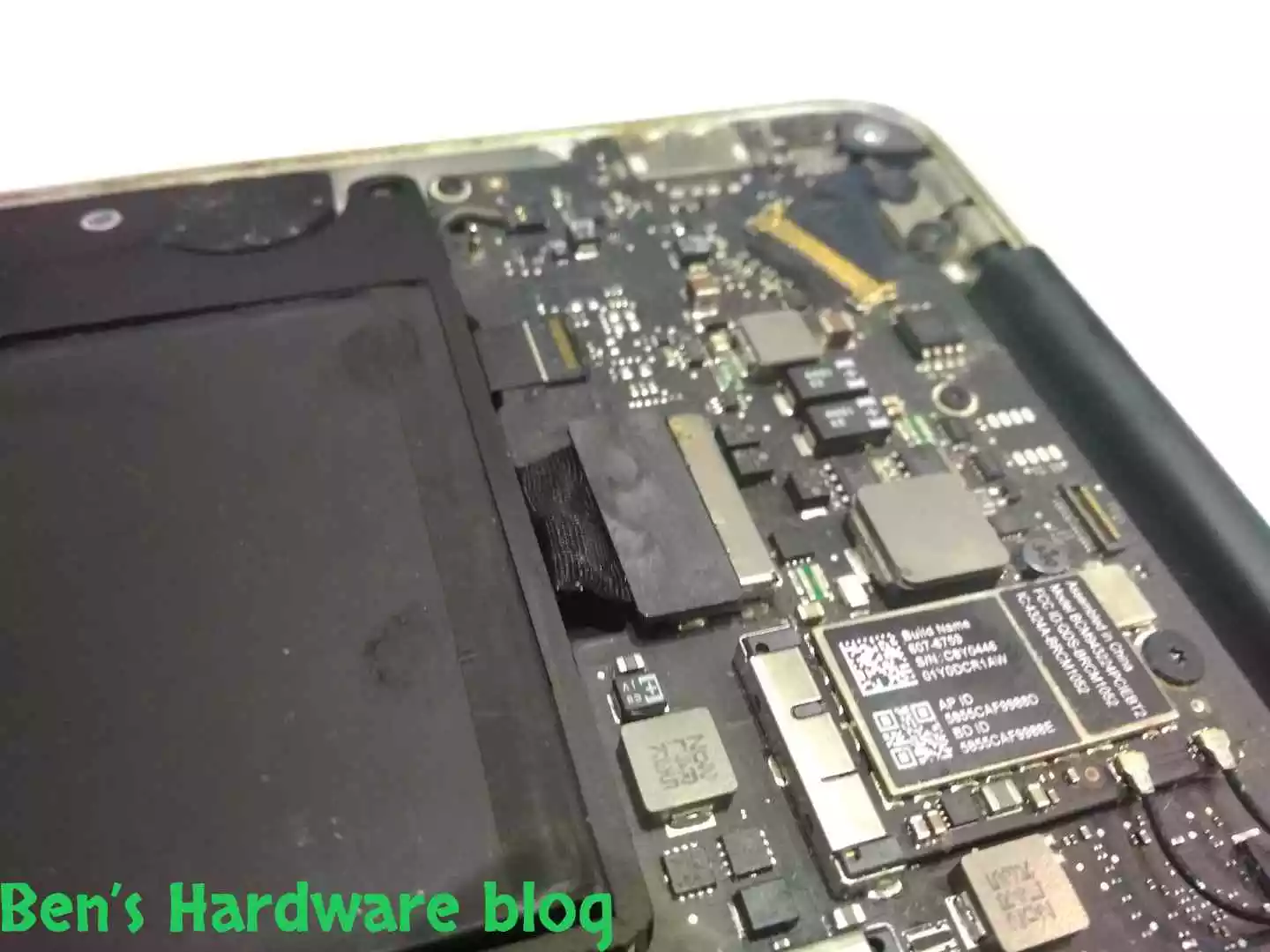
Upon first inspection it very easy to notice the faulty parts of the battery. It seemed there were only two of them, the rest were, at least visually, seemed just fine. Though, after 10 years of usage I wouldn’t be surprised if those battery parts were also approaching a similar ending as well.

BHB A1375REPLACE42 BHB A1375REPLACE43
BHB A1375REPLACE44 BHB A1375REPLACE45

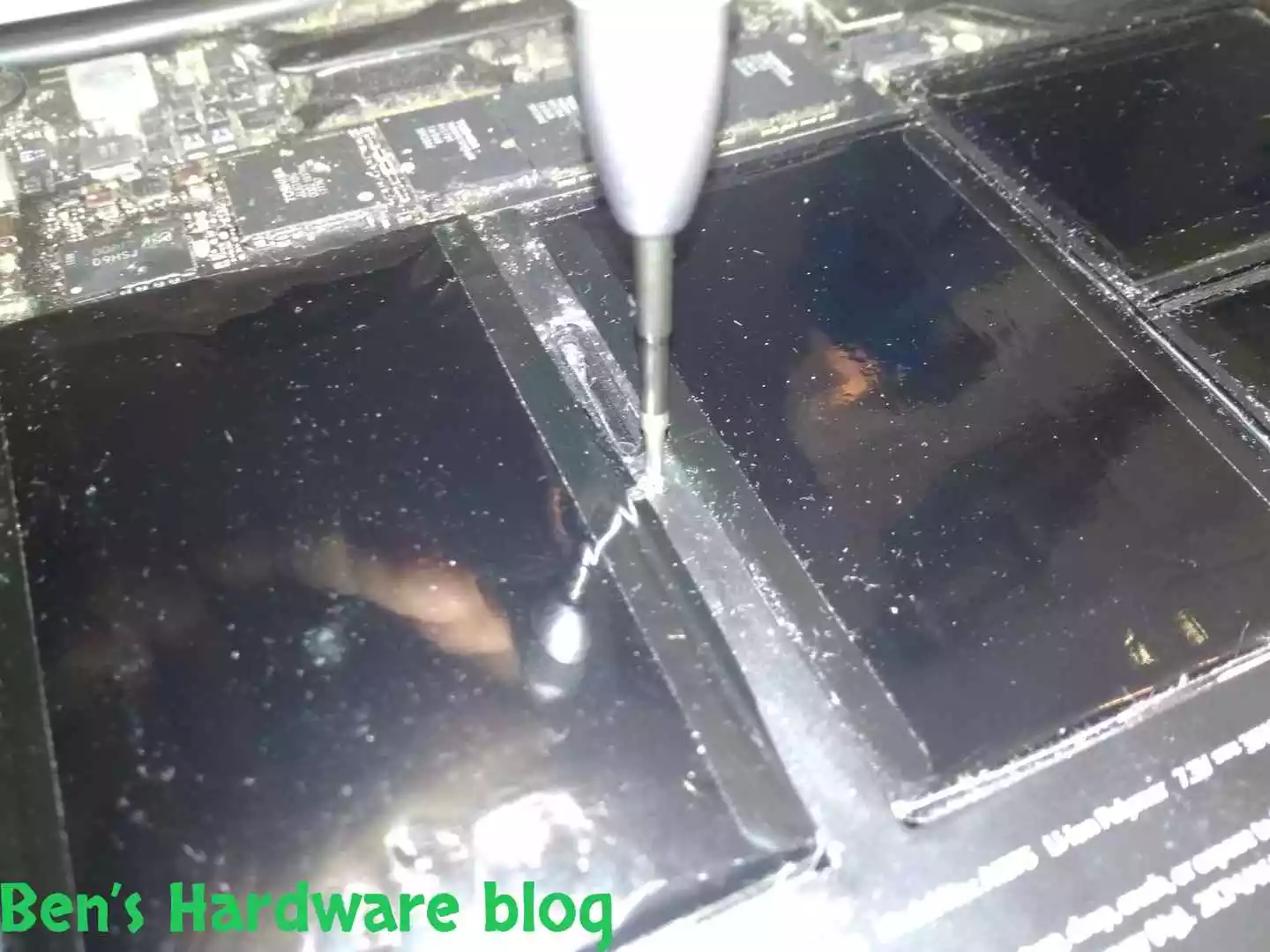
It can be clearly seen here that the outer casing of this battery cell was torn off of the cell’s frame.

BHB A1375REPLACE56 BHB A1375REPLACE57

In this picture the cell’s level of swelling can be seen relatively to the MacBook’s width.

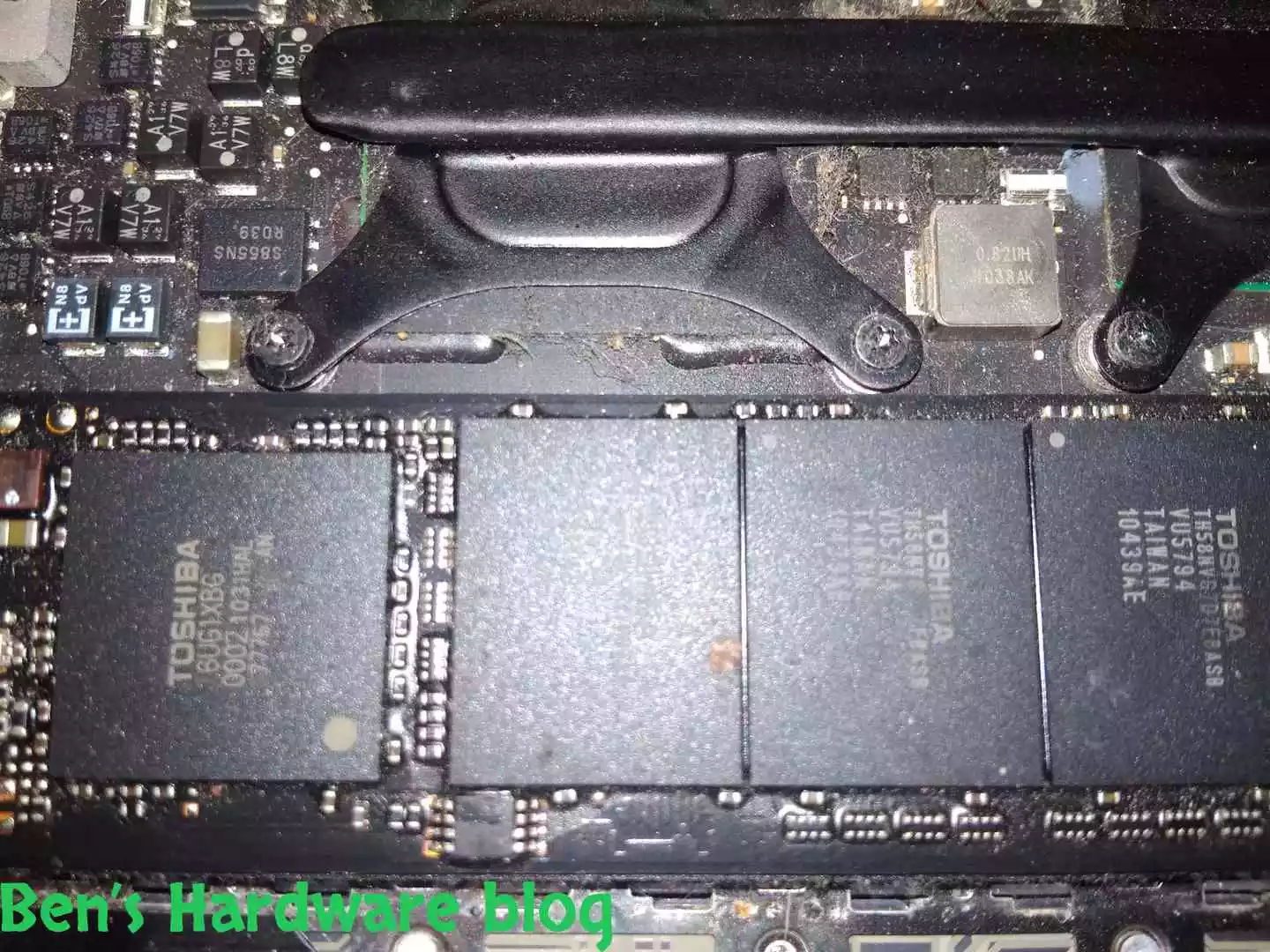
As far as it goes regarding the acid in the faulty cells, I believe either not much was left of it in the to begin with and whatever left just got vaporized, or it just remained in the cells somehow. I would’ve expected to see signs of acid on the motherboard’s parts and perhaps some visual damage to the PCB and plastic parts that would’ve gotten damaged very easily.

It seems here that, at least in the naked eye, there was no acid damage or acid just did not escape from the cells.

Unscrewing the battery from the case:

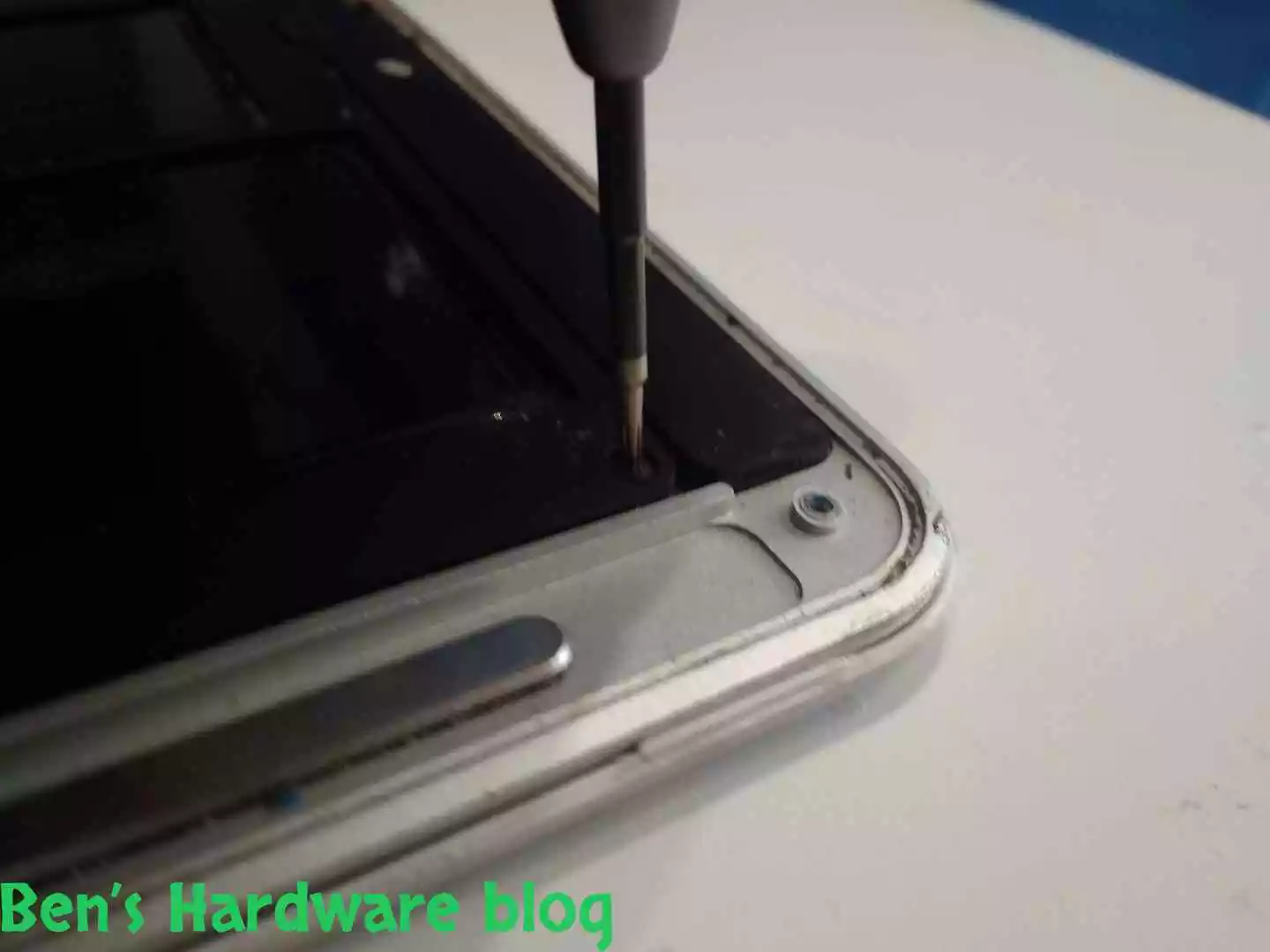
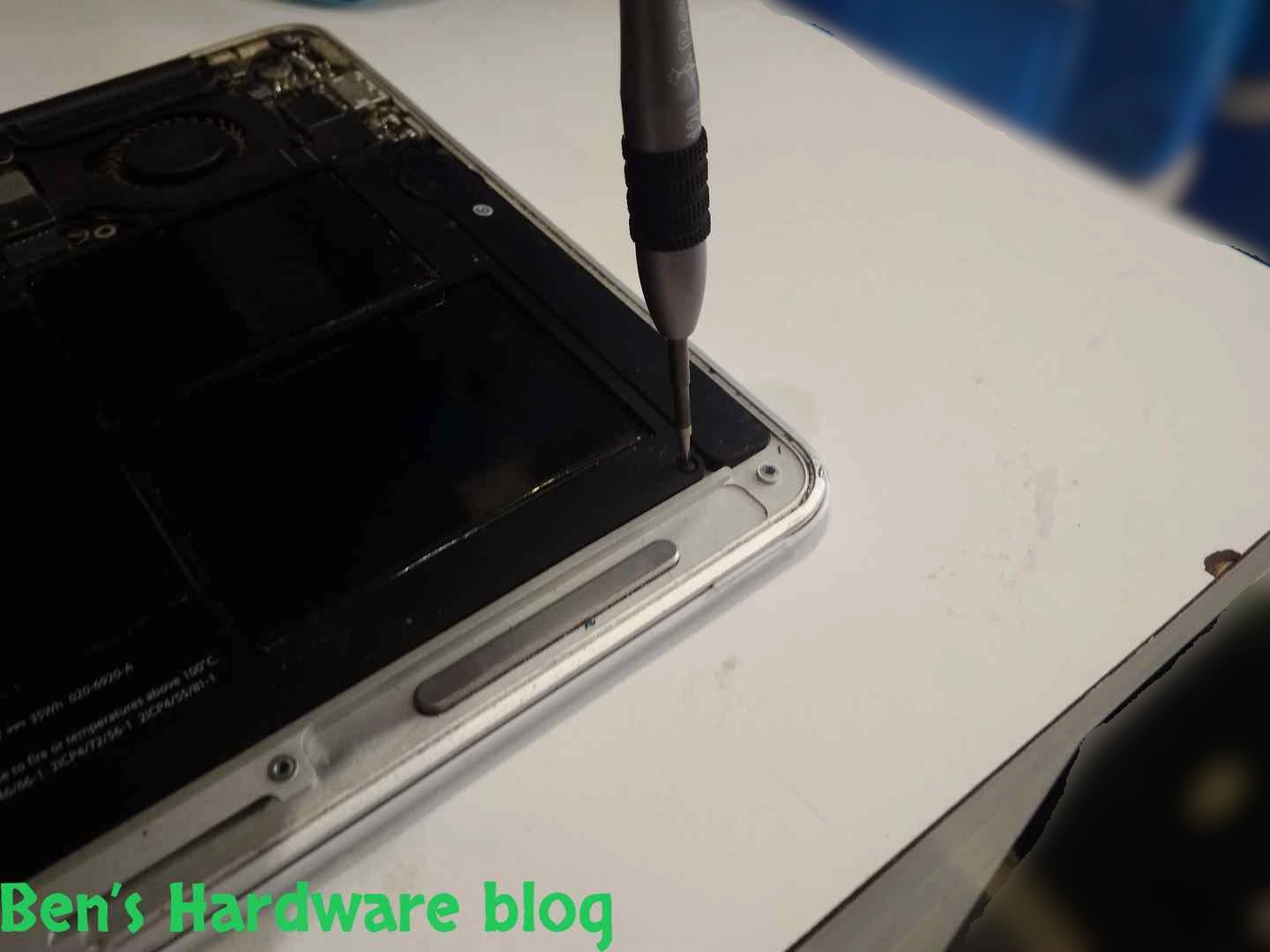
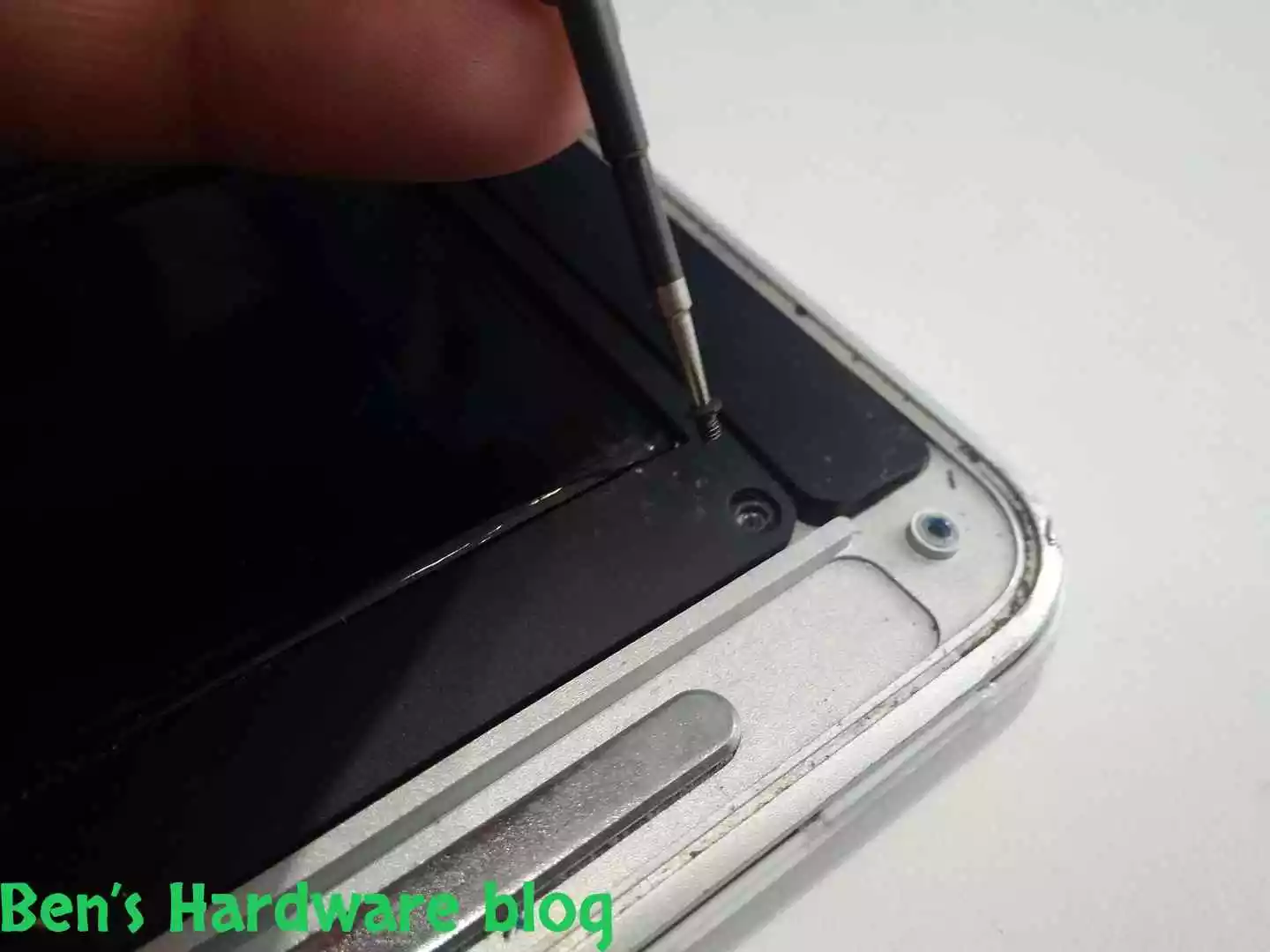
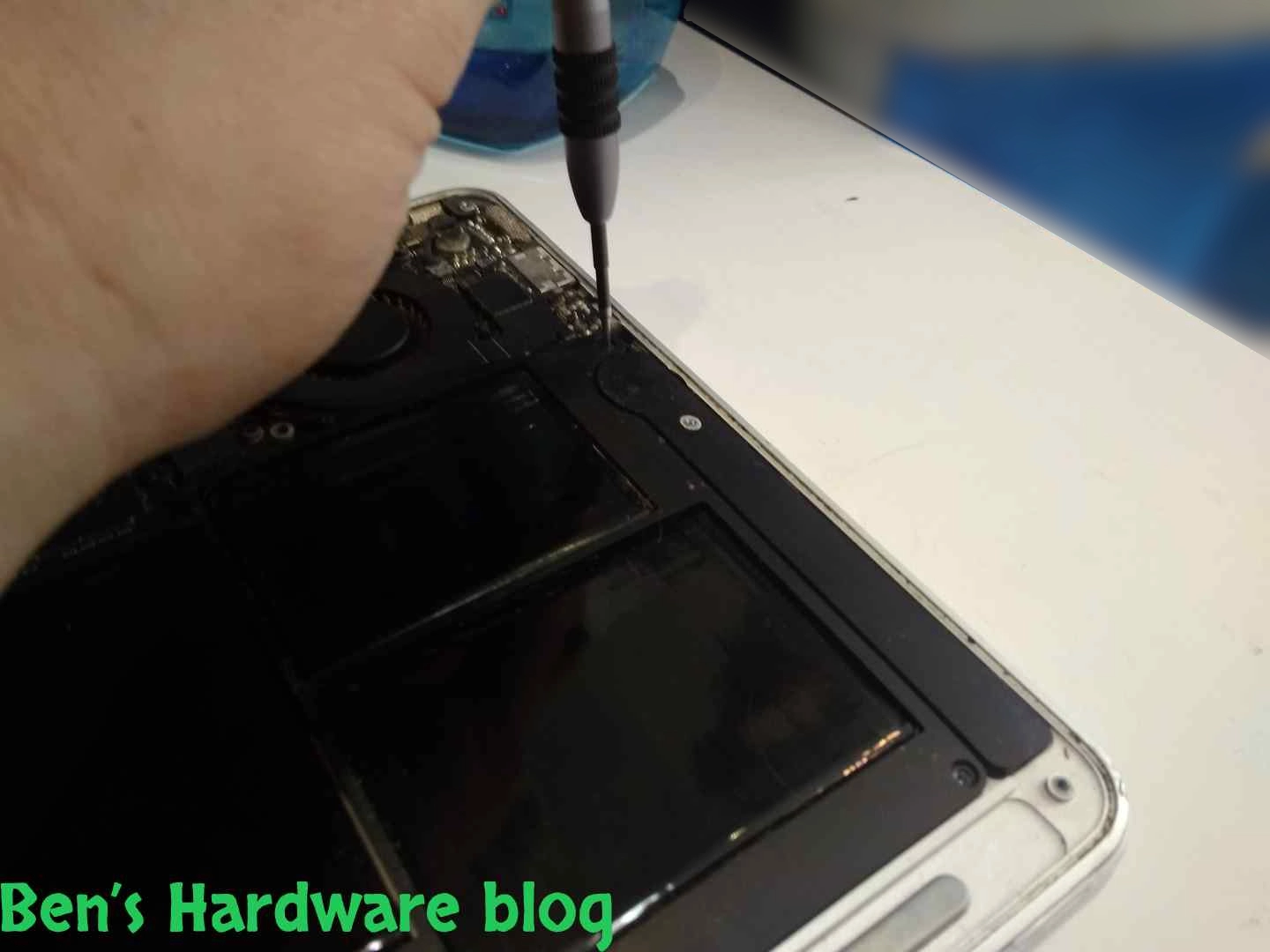
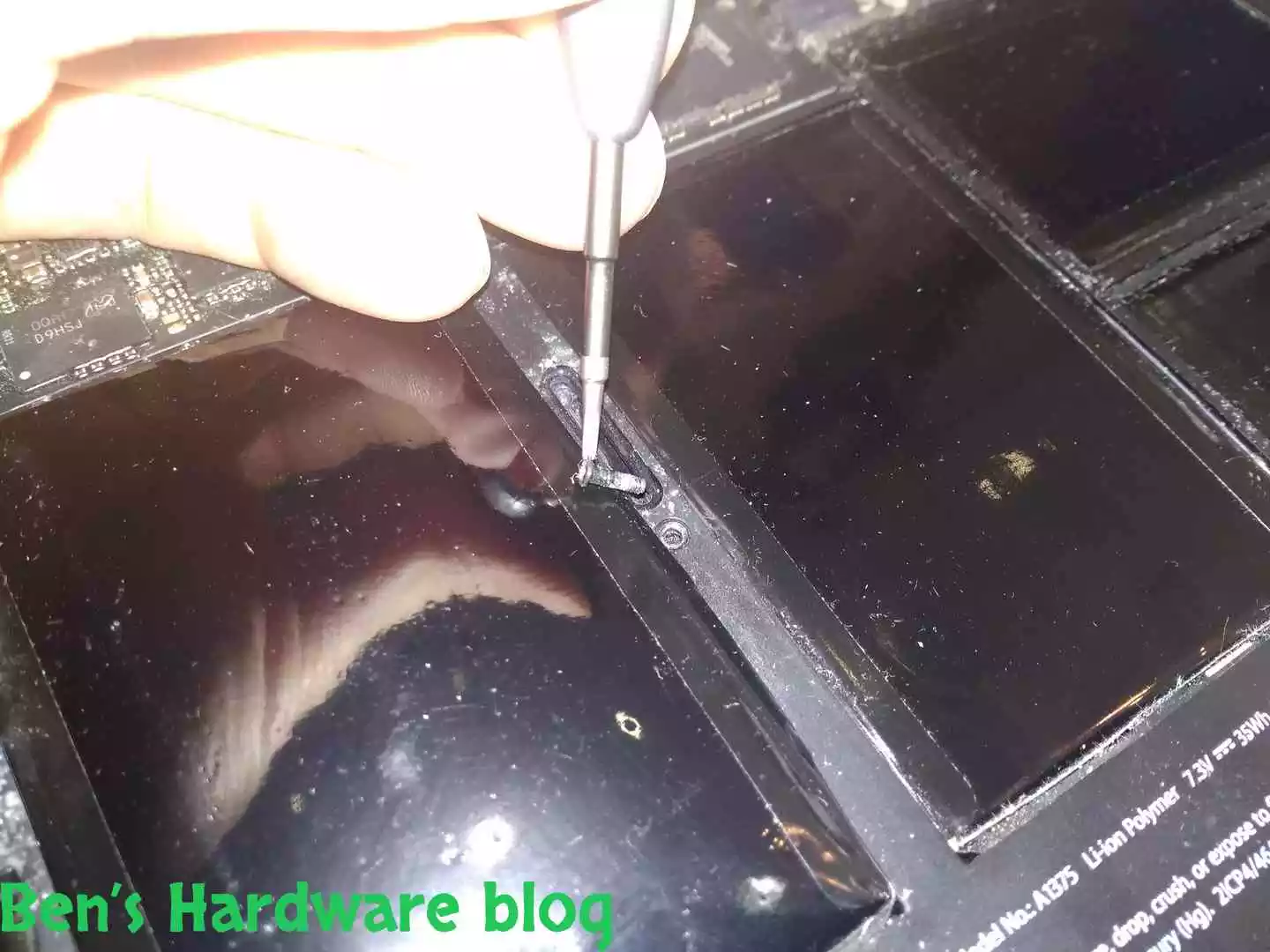
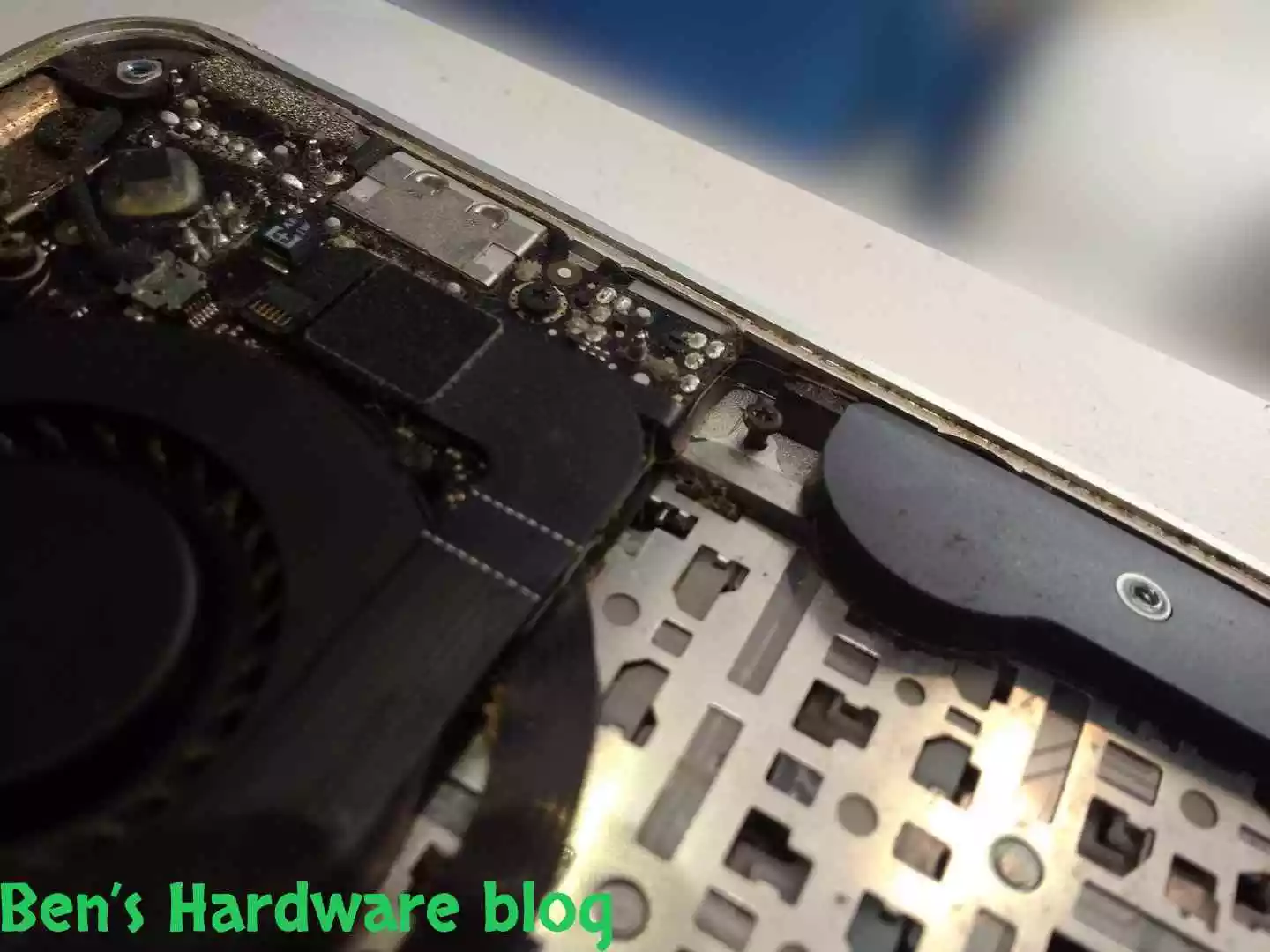
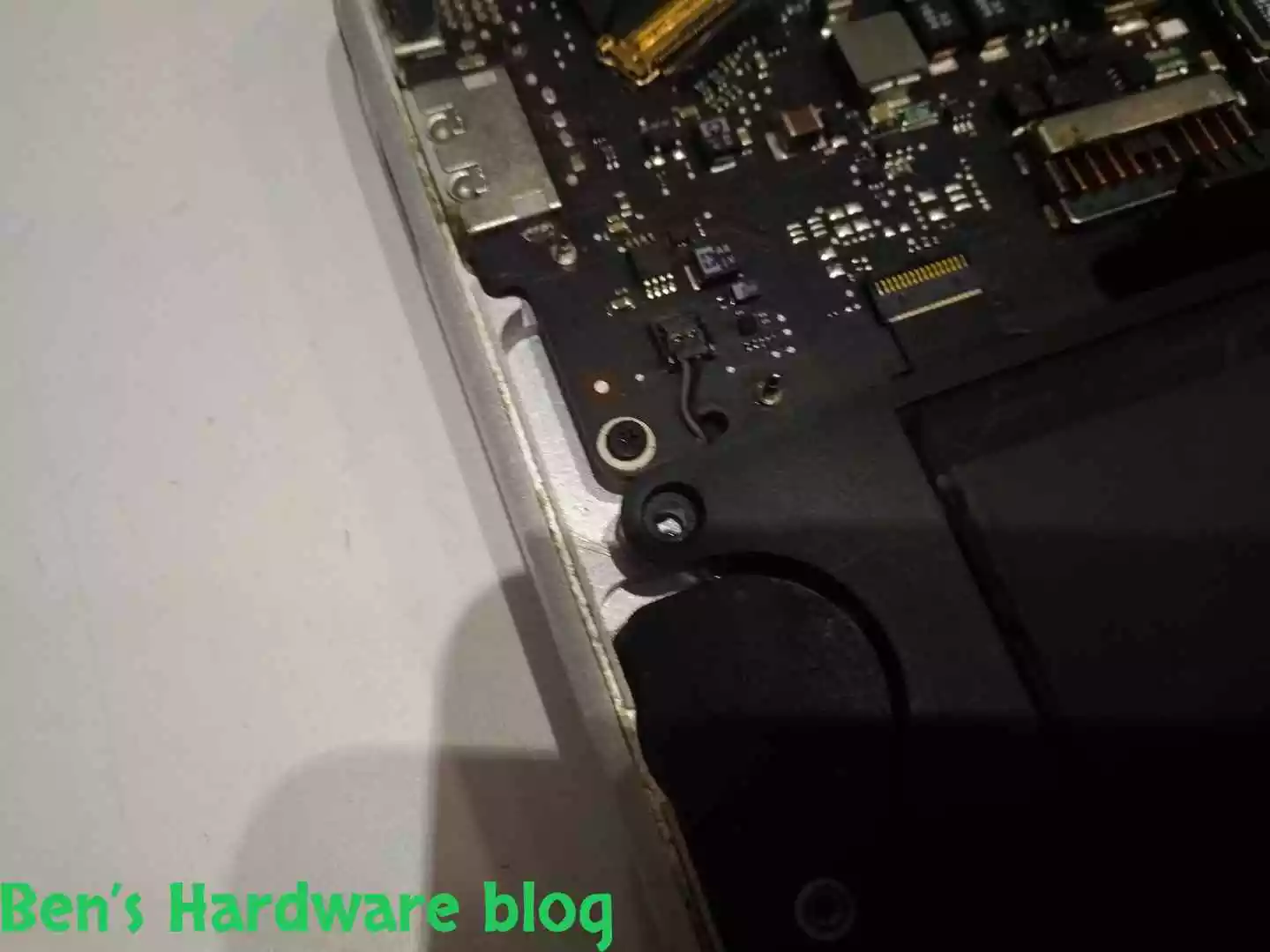
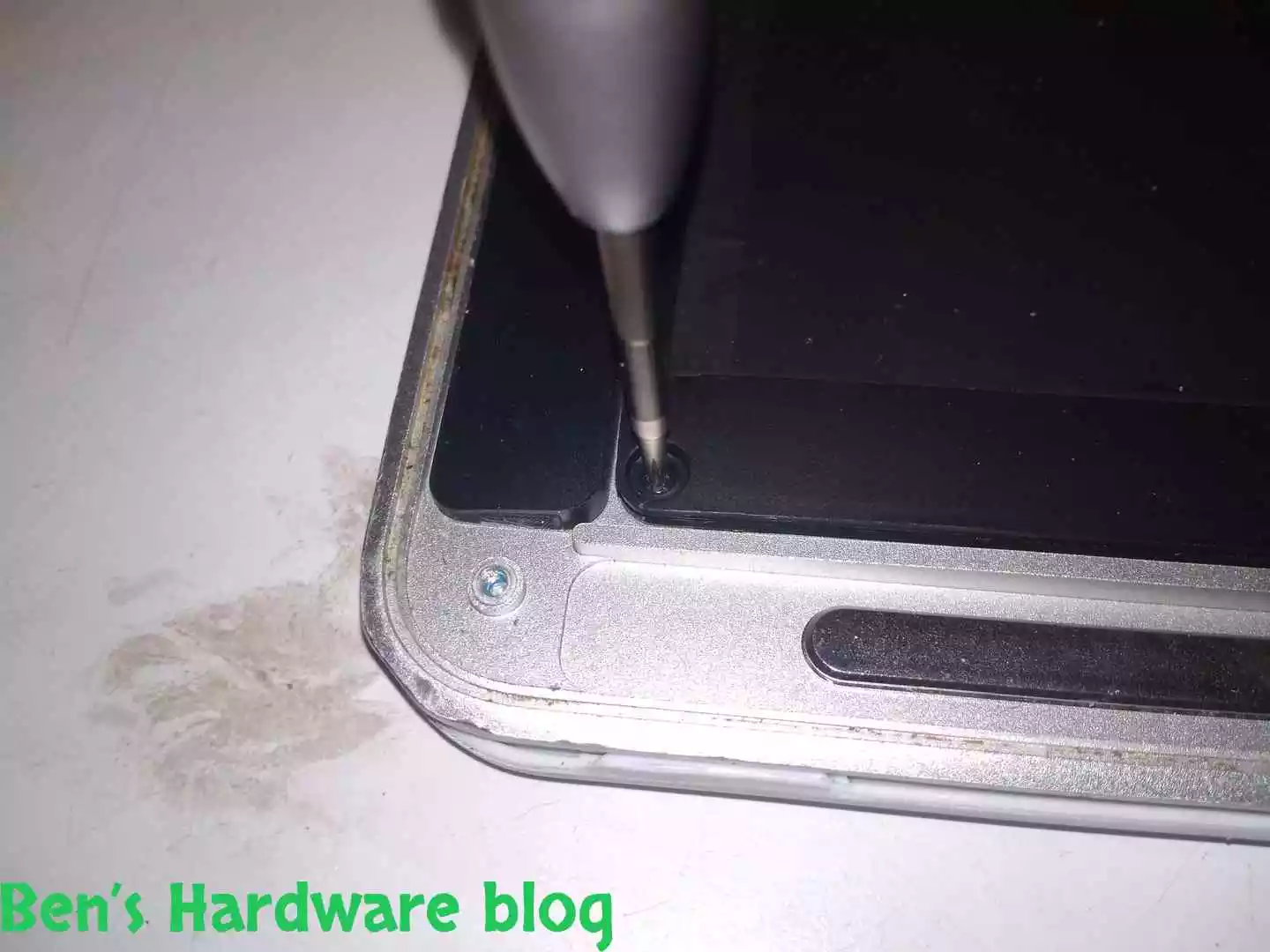
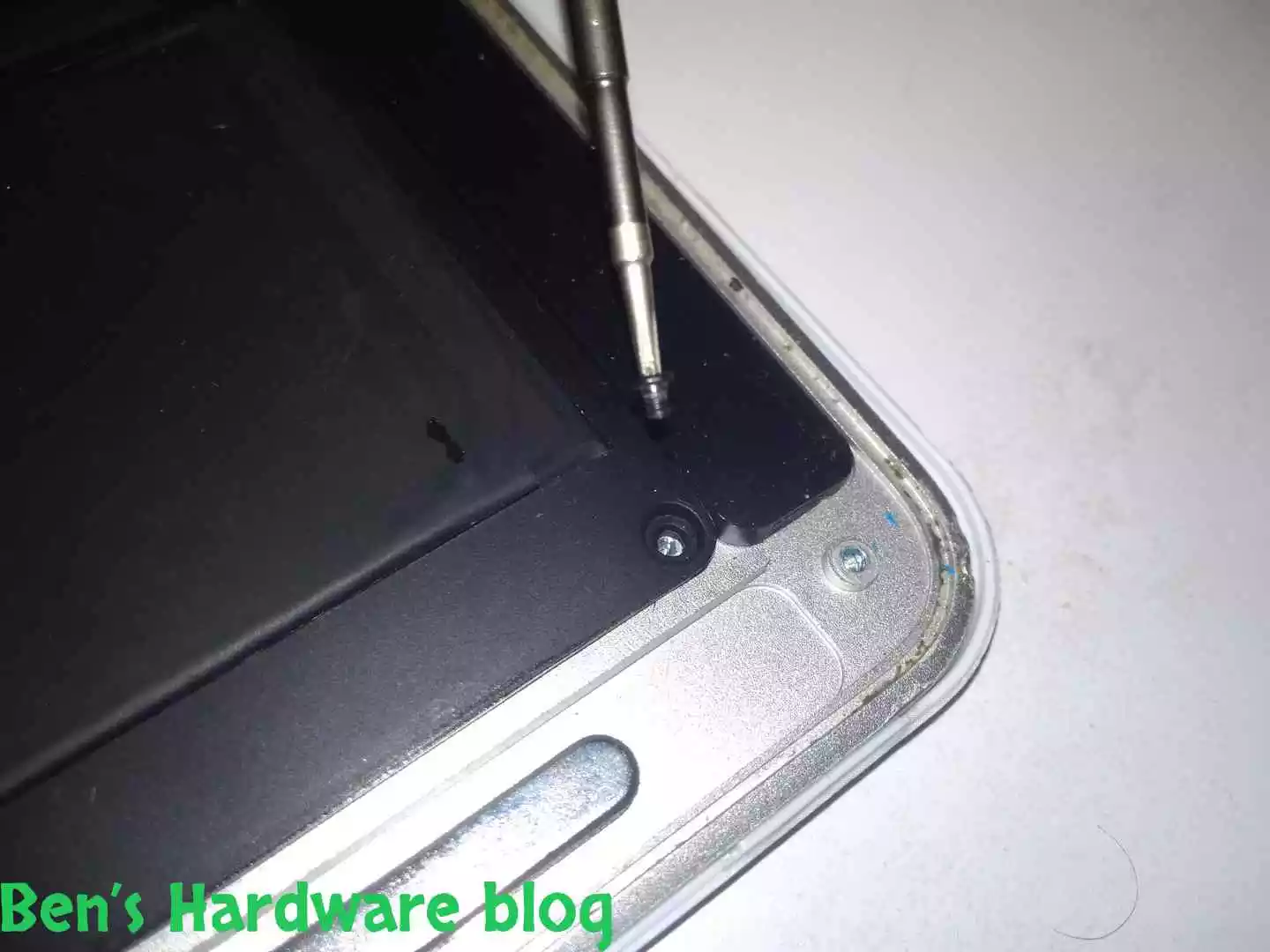
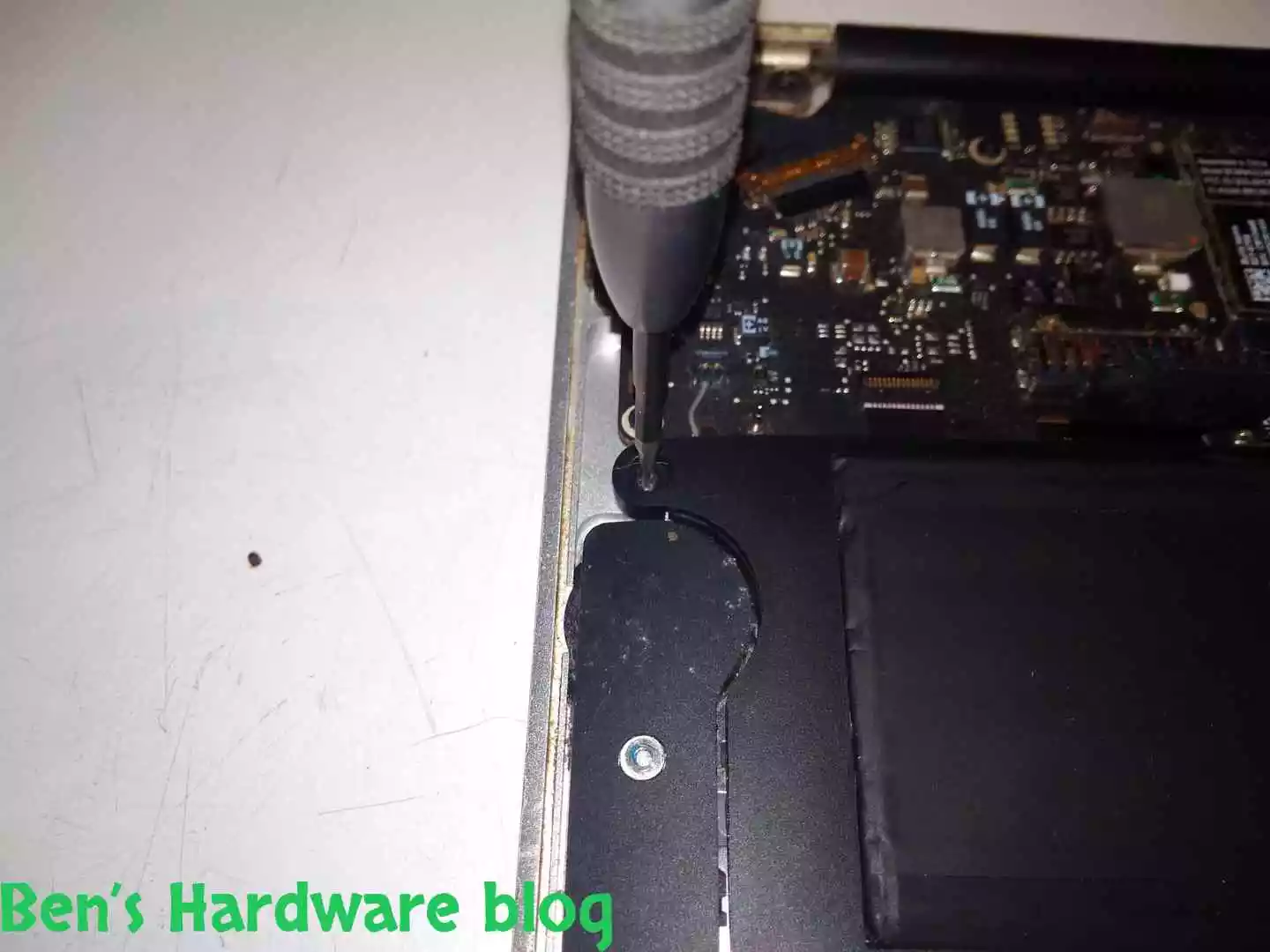
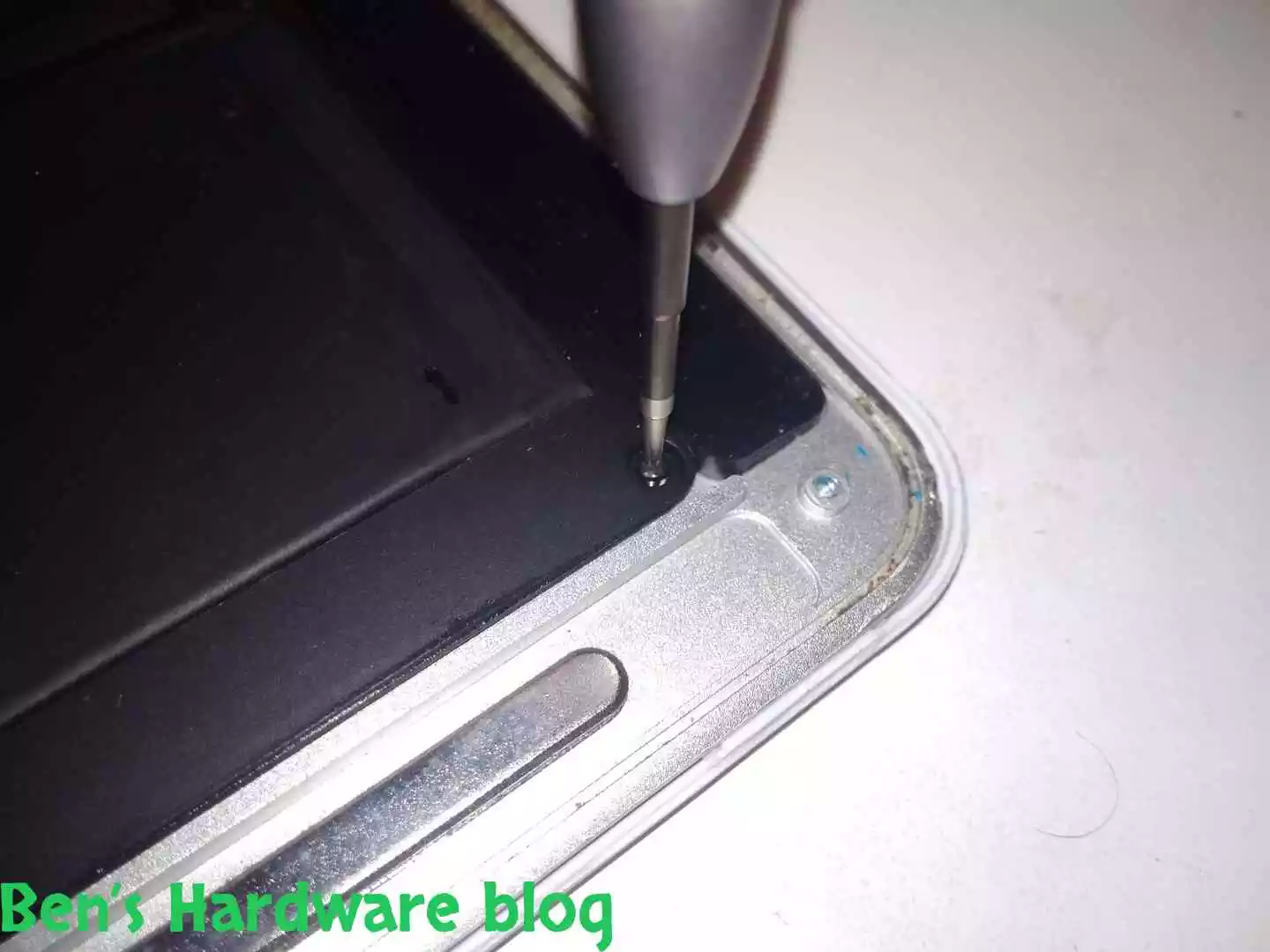
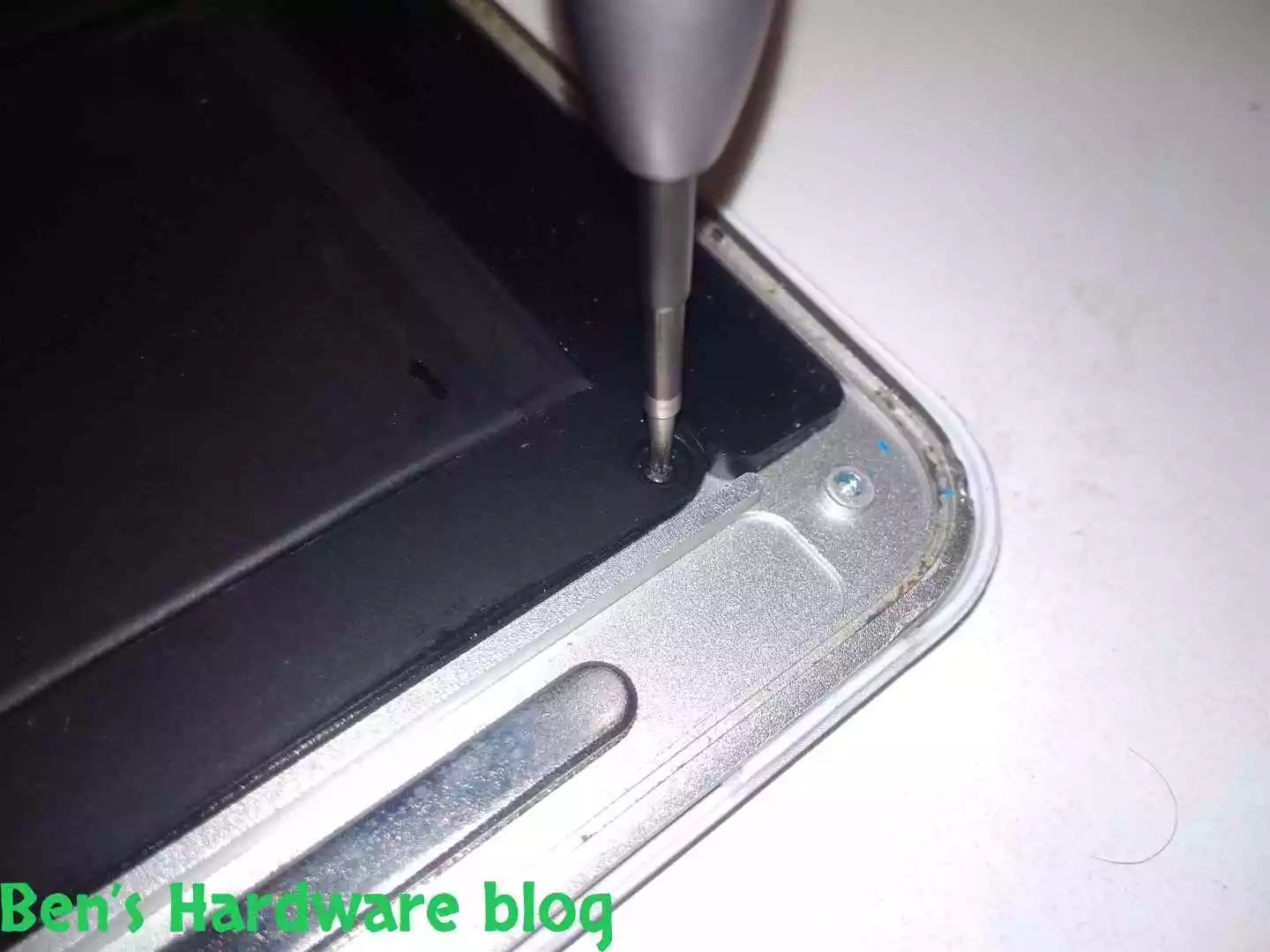
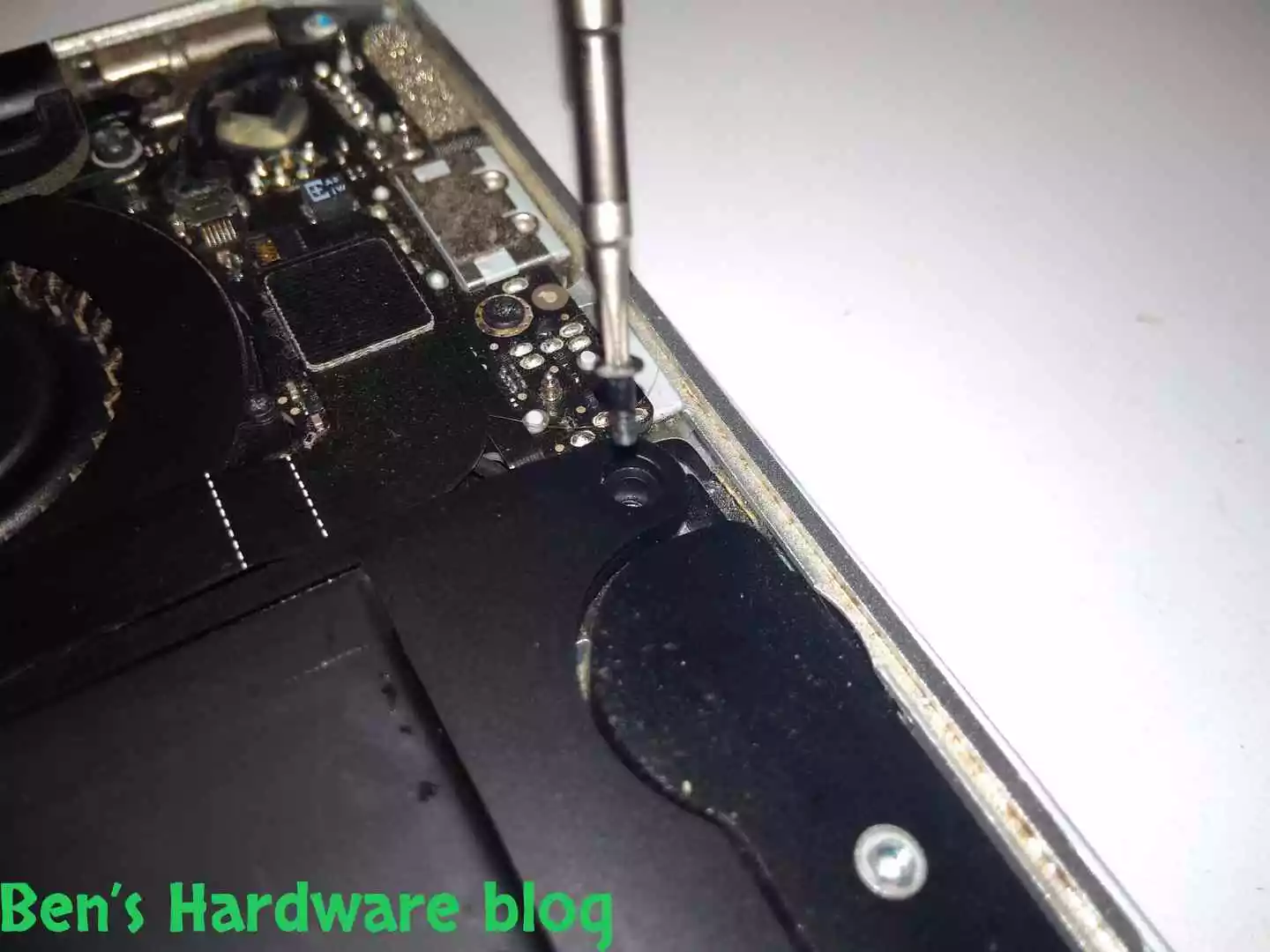
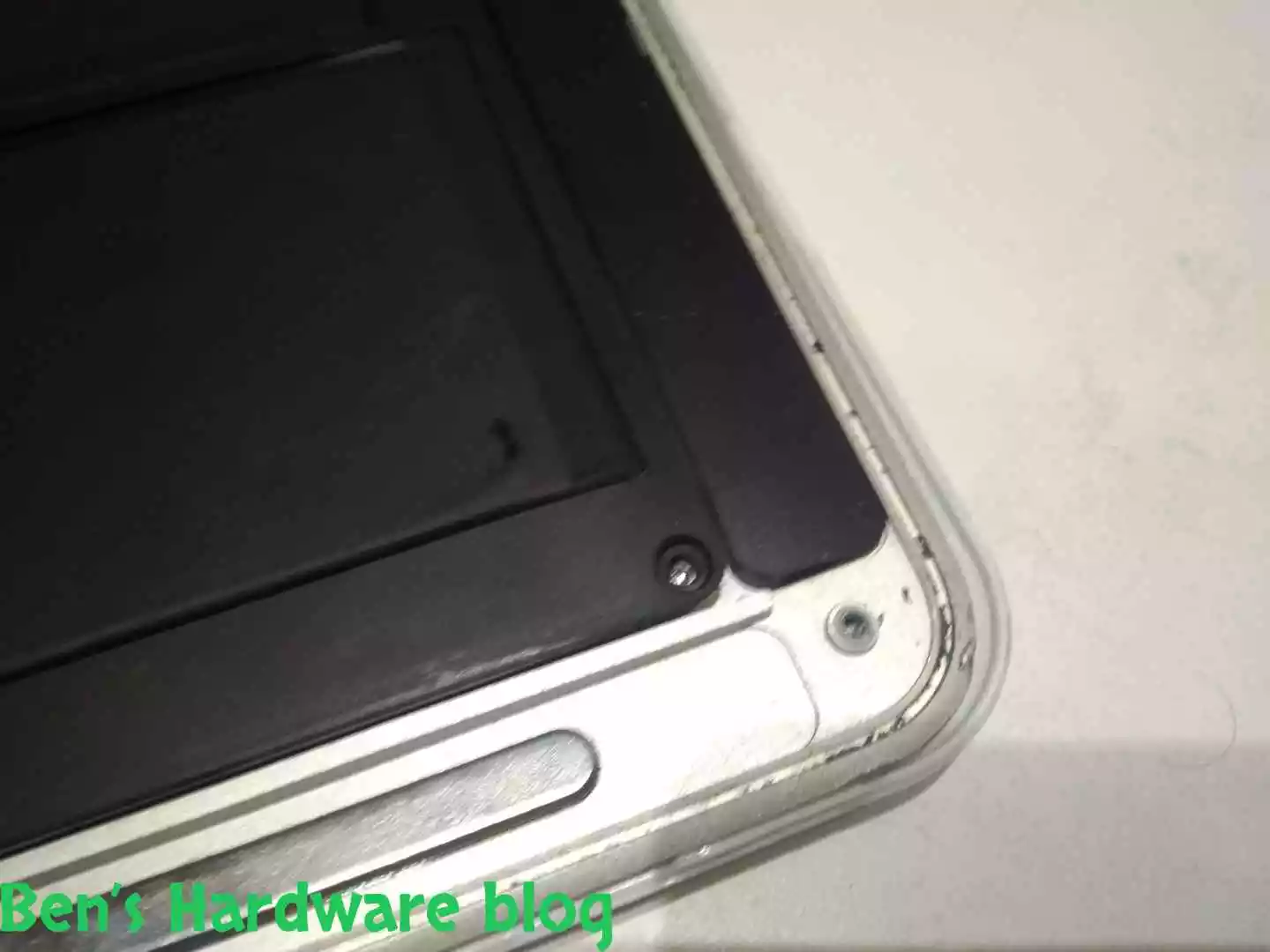
There are total of 5 screws at each corner of the battery. At first I thought there were only four screws. After getting four screws out and not being able to easily and gently lift the battery, I realized that either the battery’s faulty cell’s acid had found its way out and dried between the bottom part of the battery and the underlining panel, essentially gluing it in, making it hard to separate from the panel, or either I’m just missing an hidden screw…

BHB A1375REPLACE68 BHB A1375REPLACE69
BHB A1375REPLACE70 BHB A1375REPLACE72
BHB A1375REPLACE66 BHB A1375REPLACE65

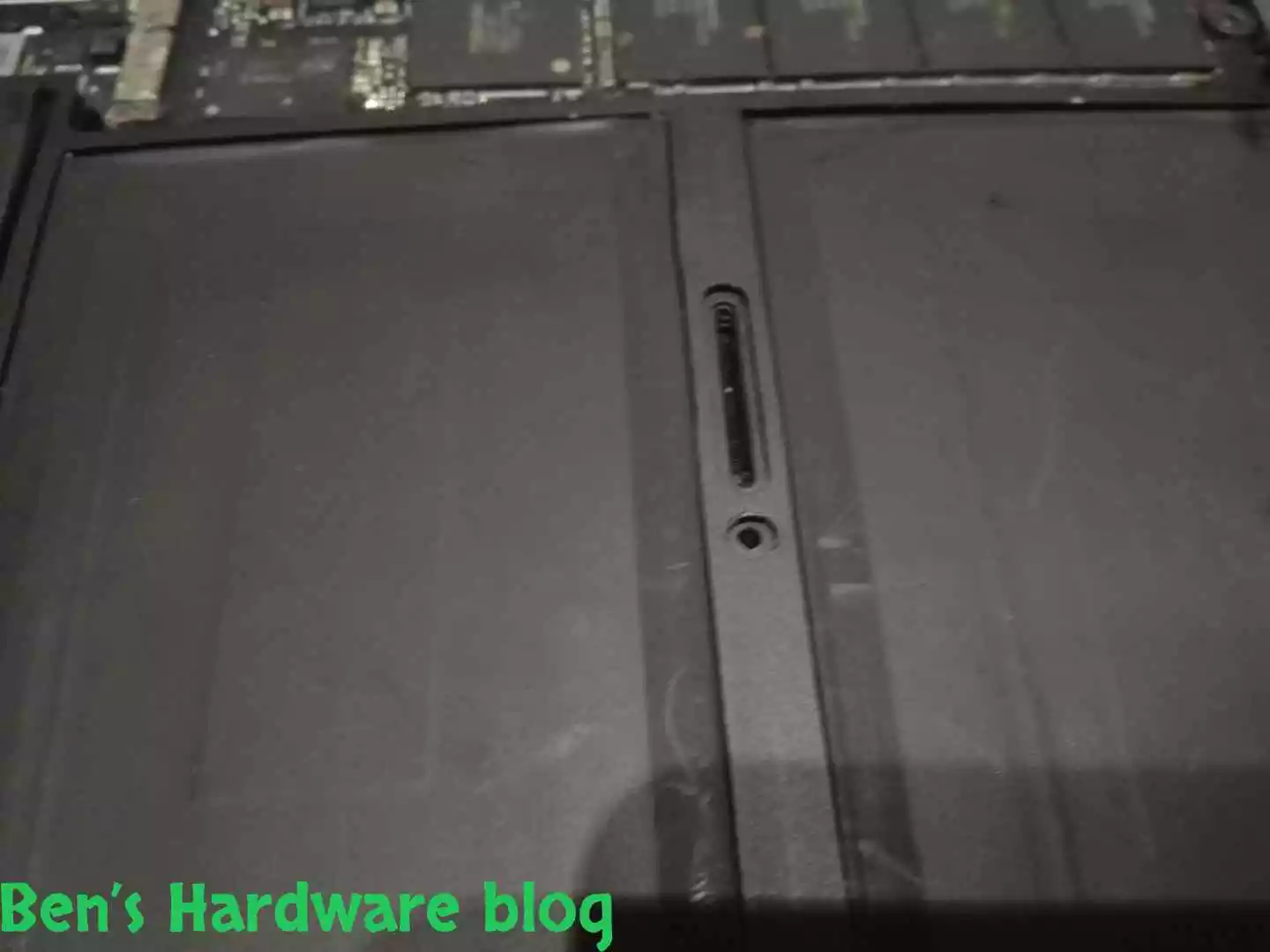
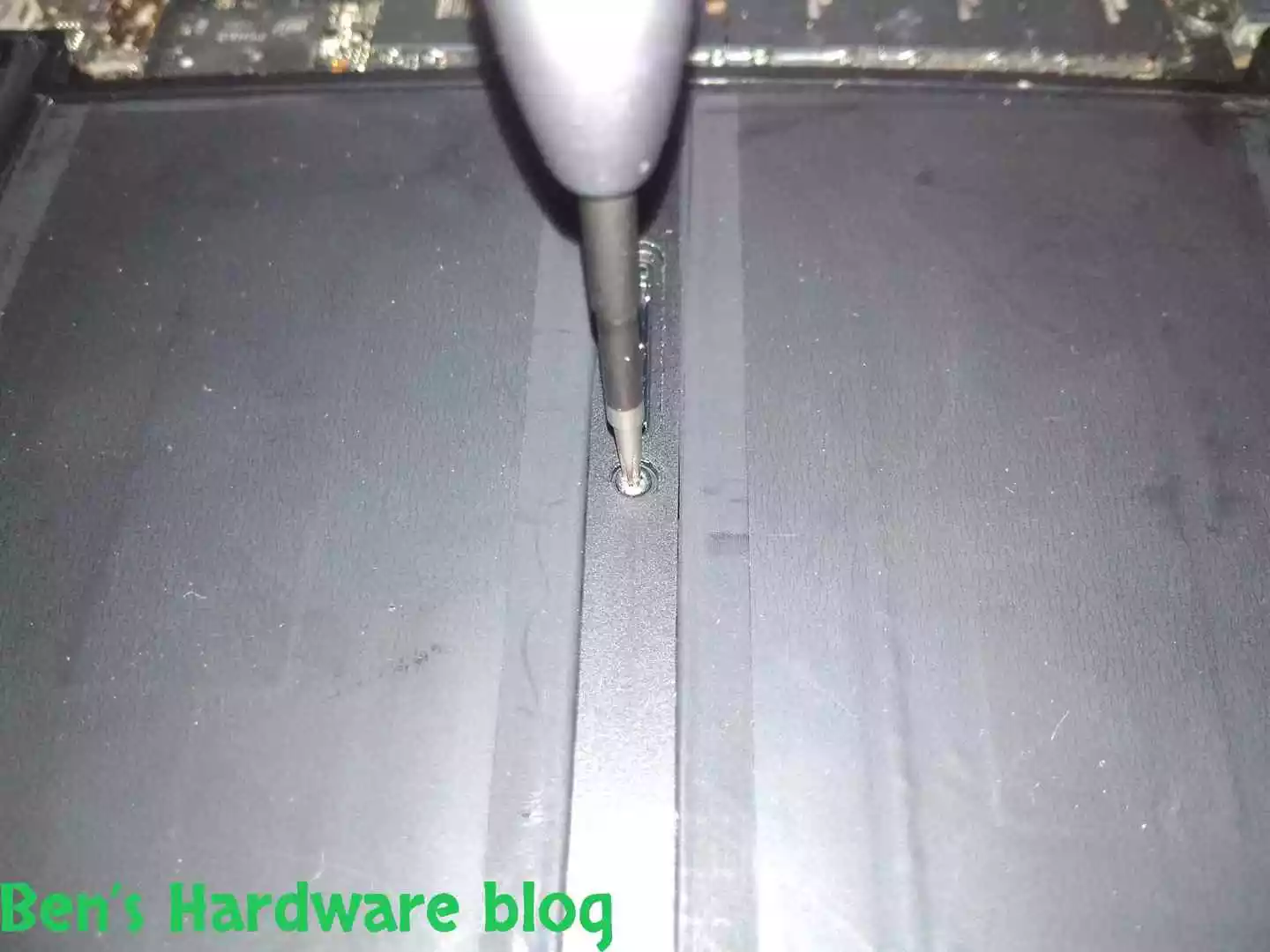
I found it eventually. The 5middle screw was kind of hidden away, disguised by its black color that blended it very well with the battery’s overall dark looks.

BHB A1375REPLACE78 BHB A1375REPLACE80
BHB A1375REPLACE79 BHB A1375REPLACE80


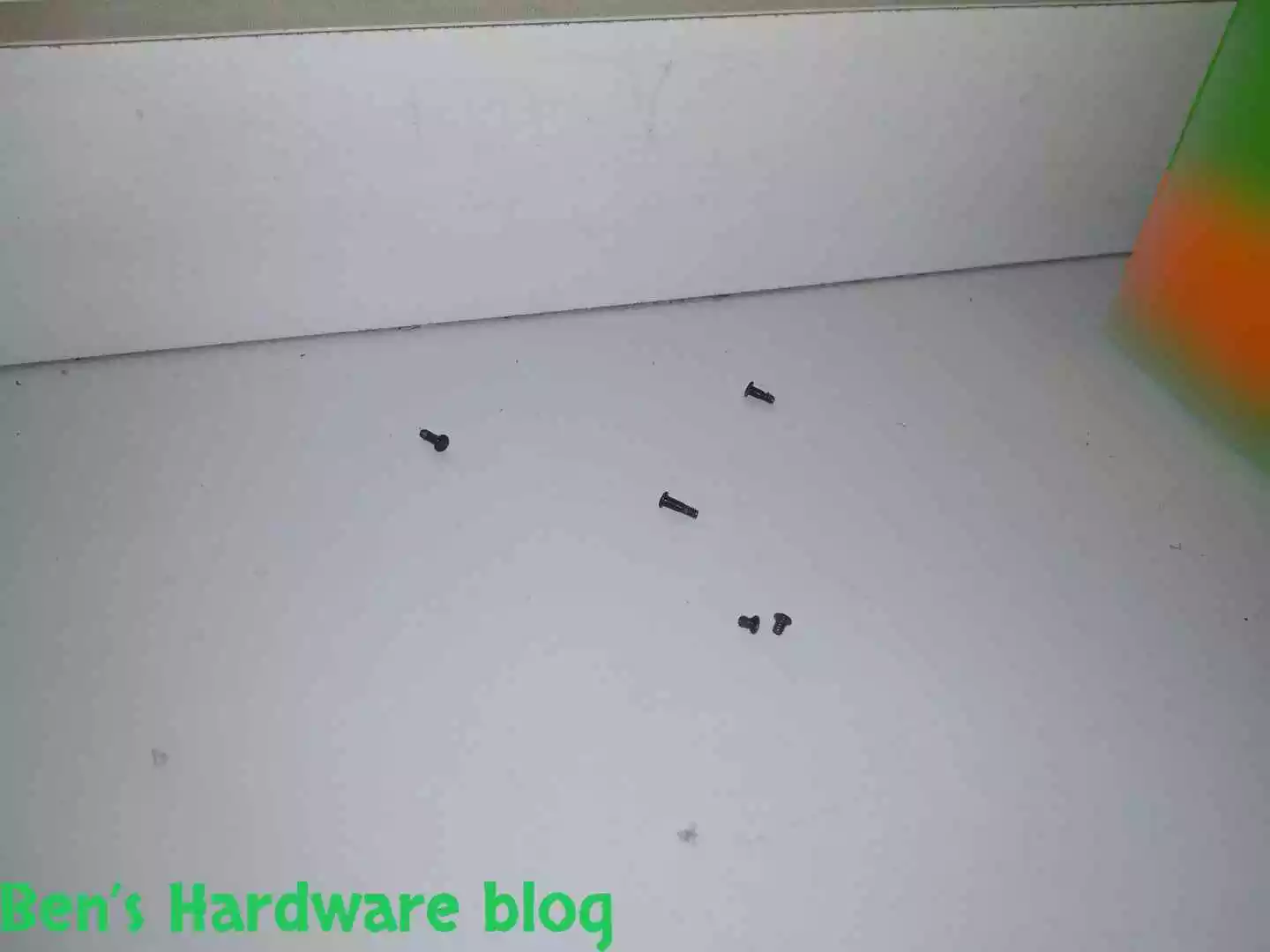
The 5 screws of the battery divide into 3 types:

  • 2 short ones that connect to the bottom part of the battery unit
  • 2 longer ones that connect to the upper part of the battery unit
  • 1 longest screw that connect to the middle part of the battery

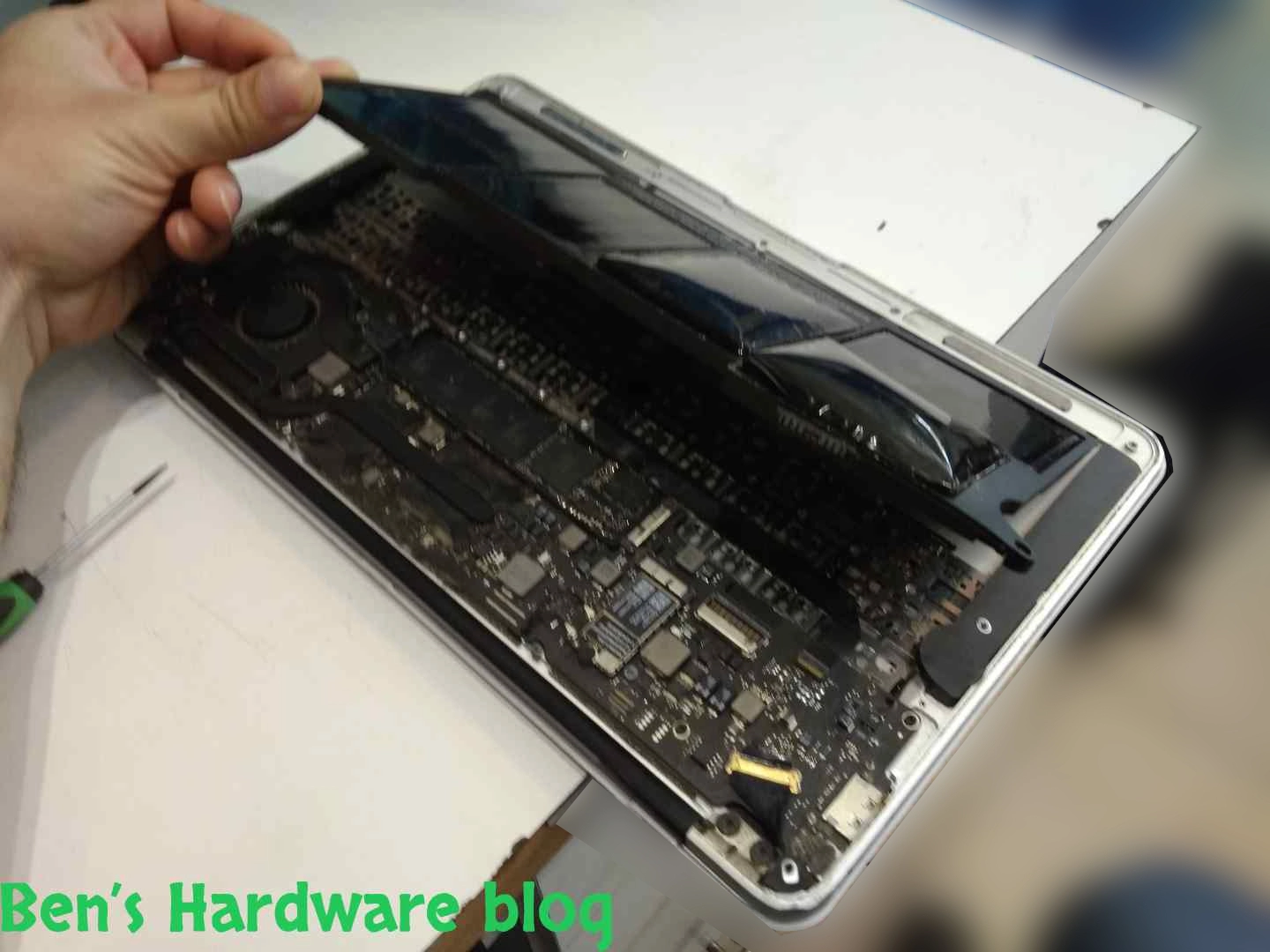
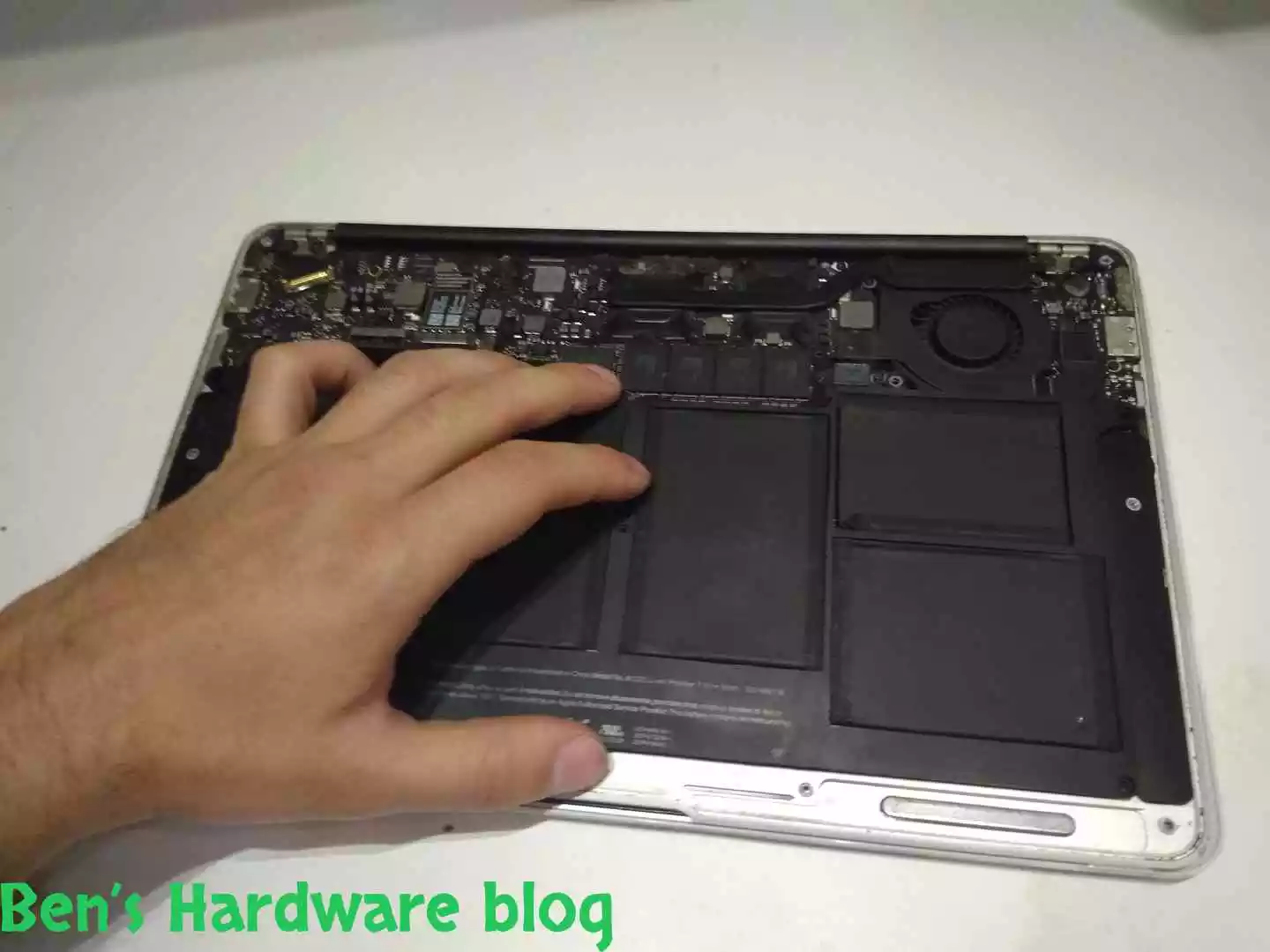
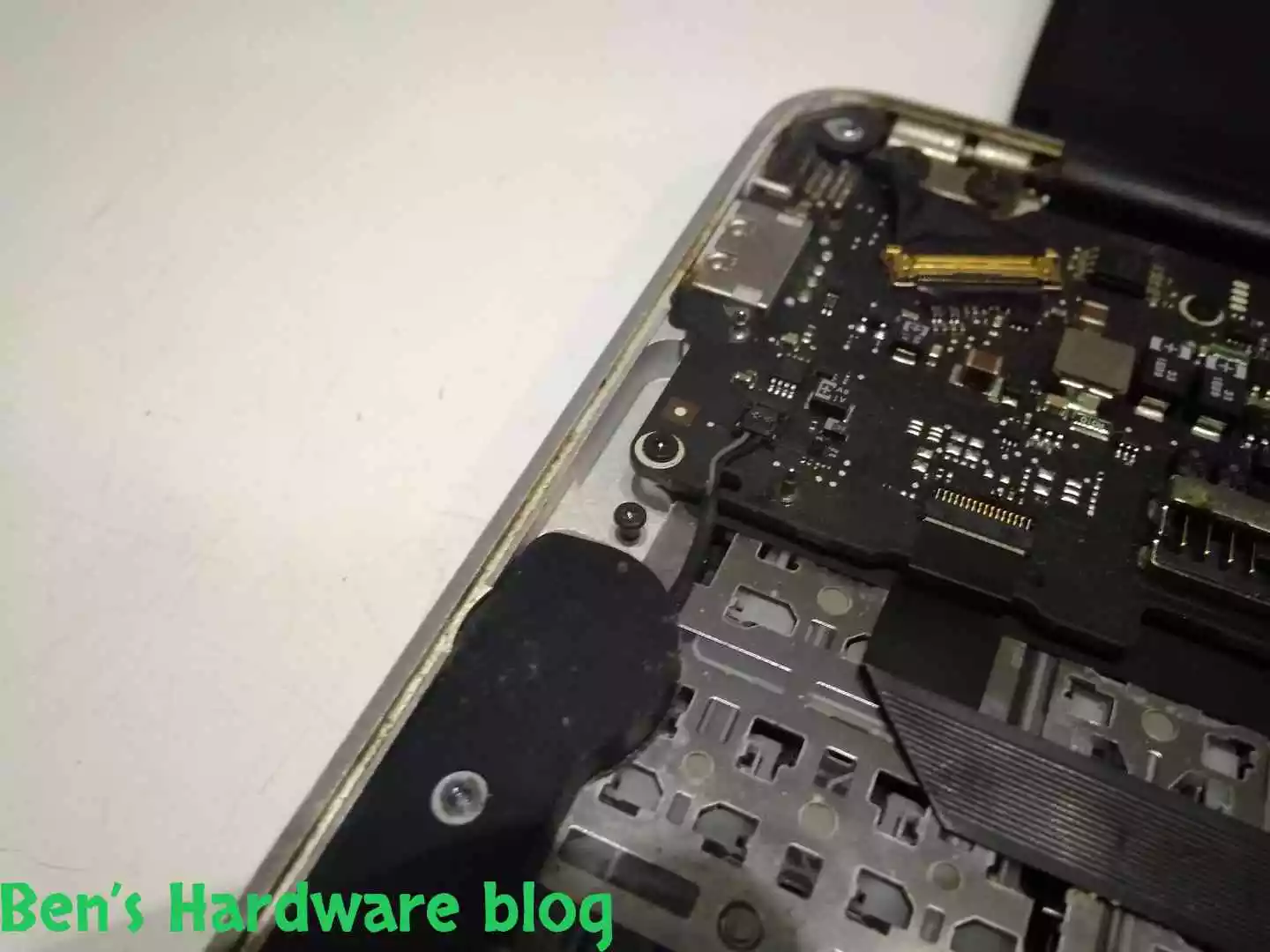
After removing the last 5th screw, I lifted the battery a bit just to check if the battery was completely loose and to double check there is not any leaked acid underneath. To my surprise – there was none.

BHB A1375REPLACE81 BHB A1375REPLACE82
BHB A1375REPLACE83 BHB A1375REPLACE84


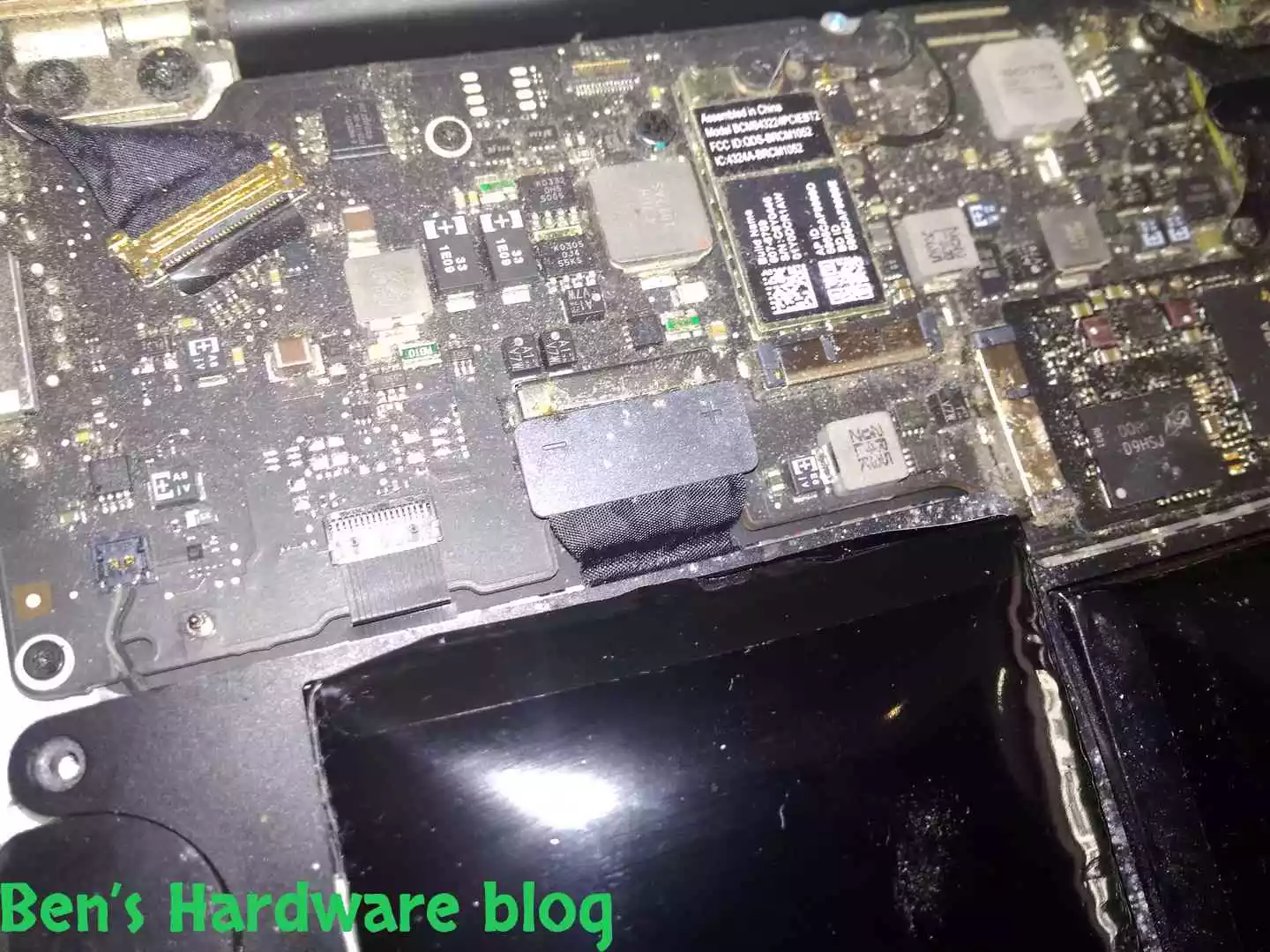
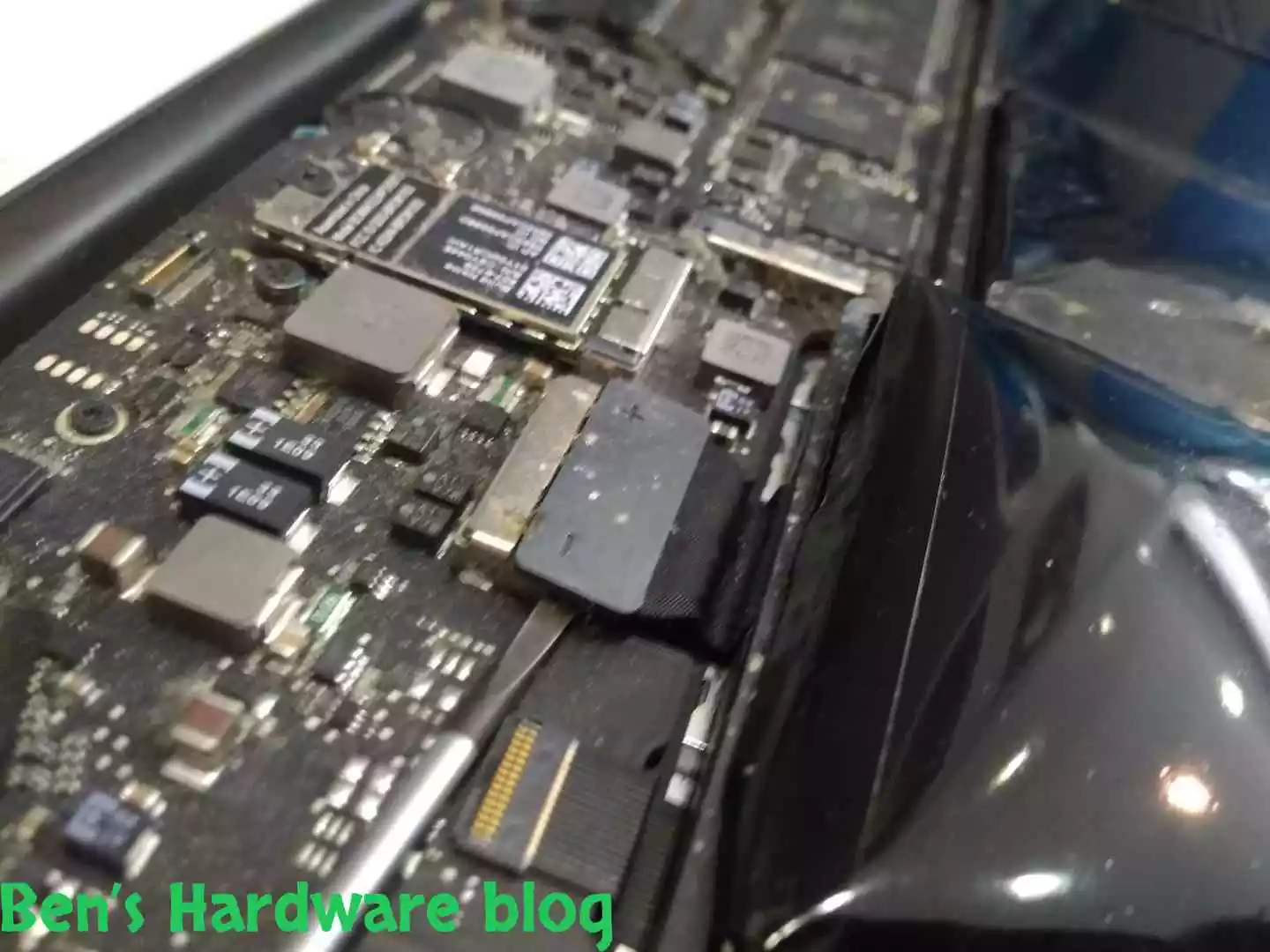
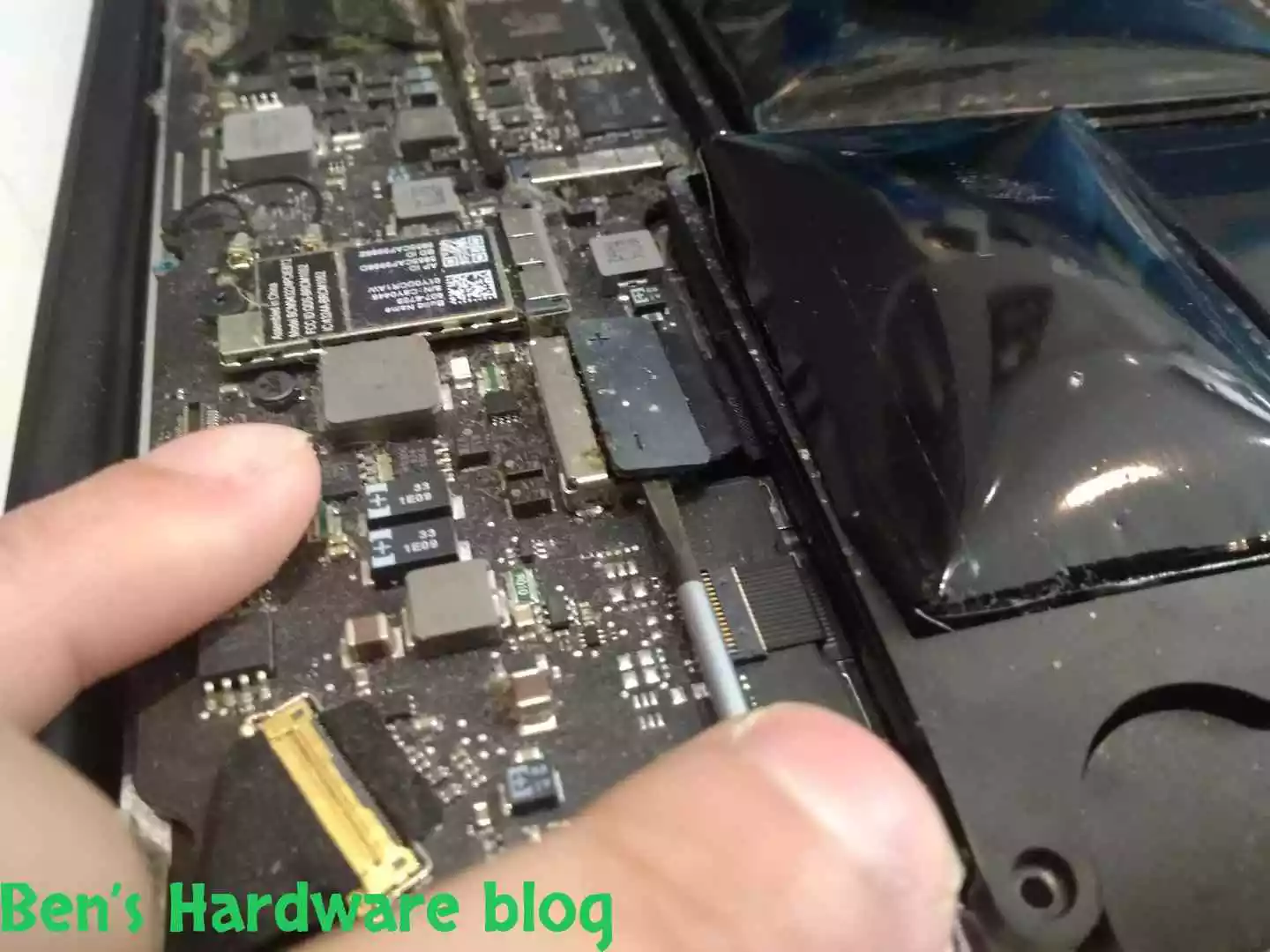
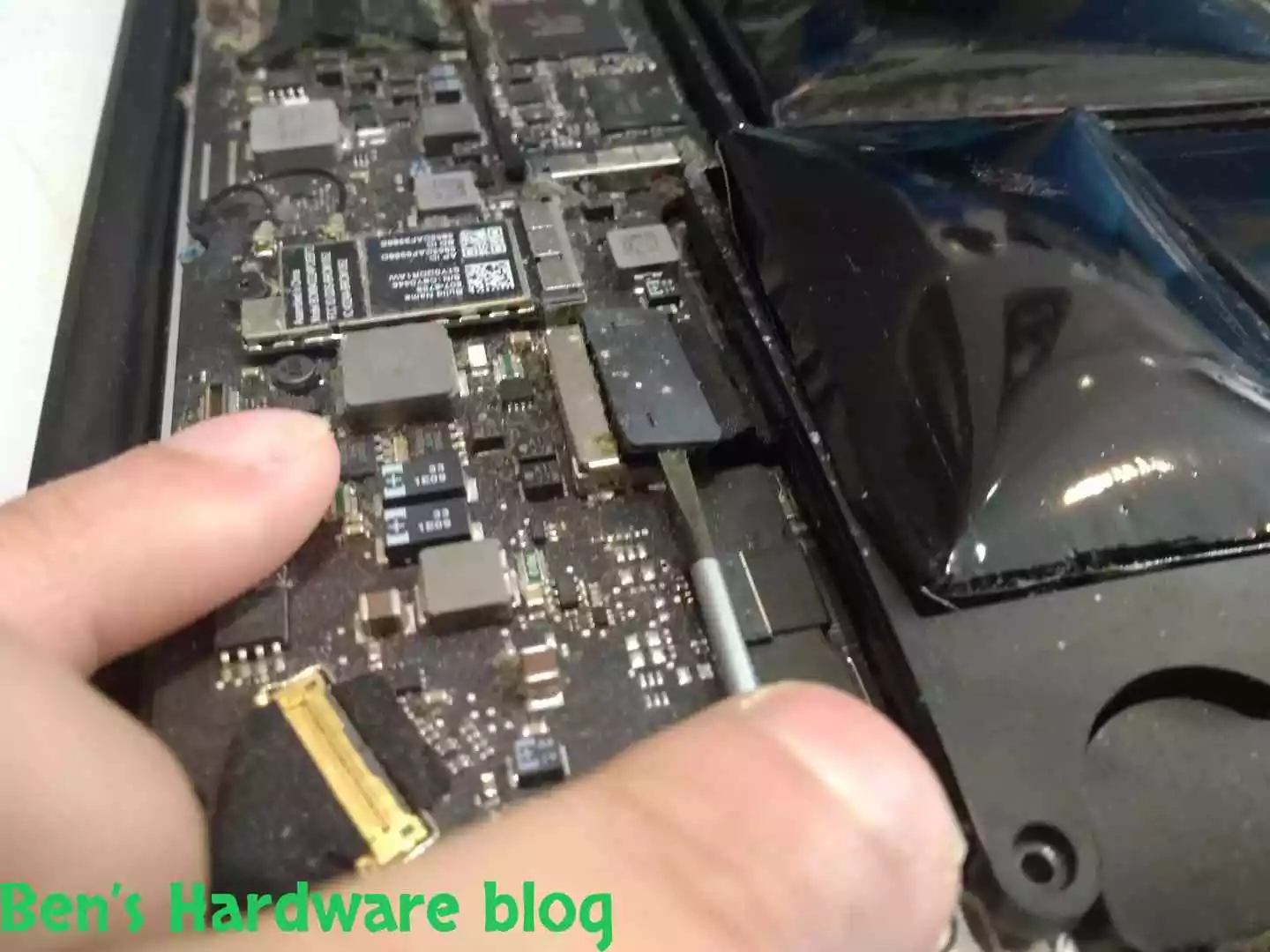
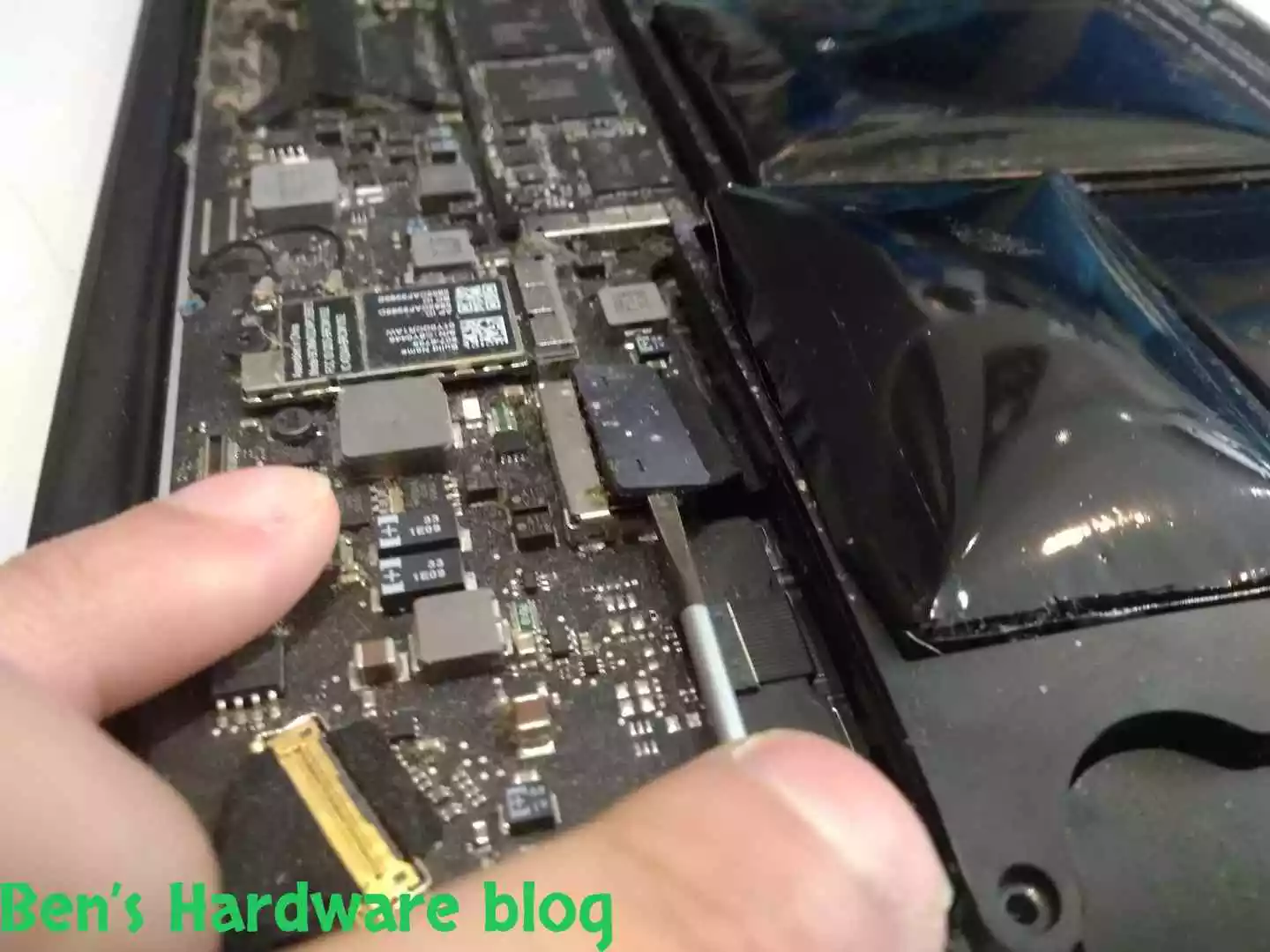
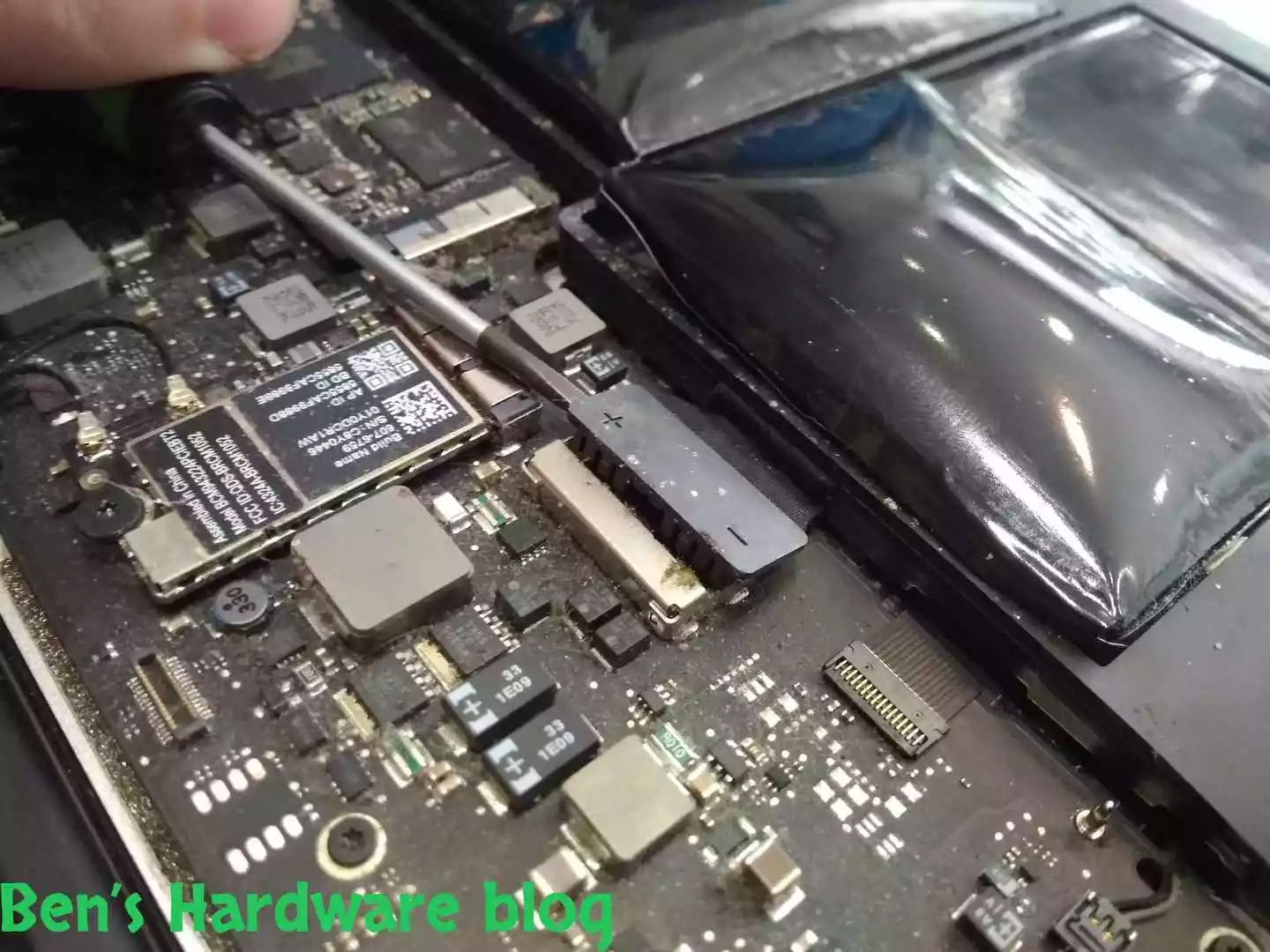
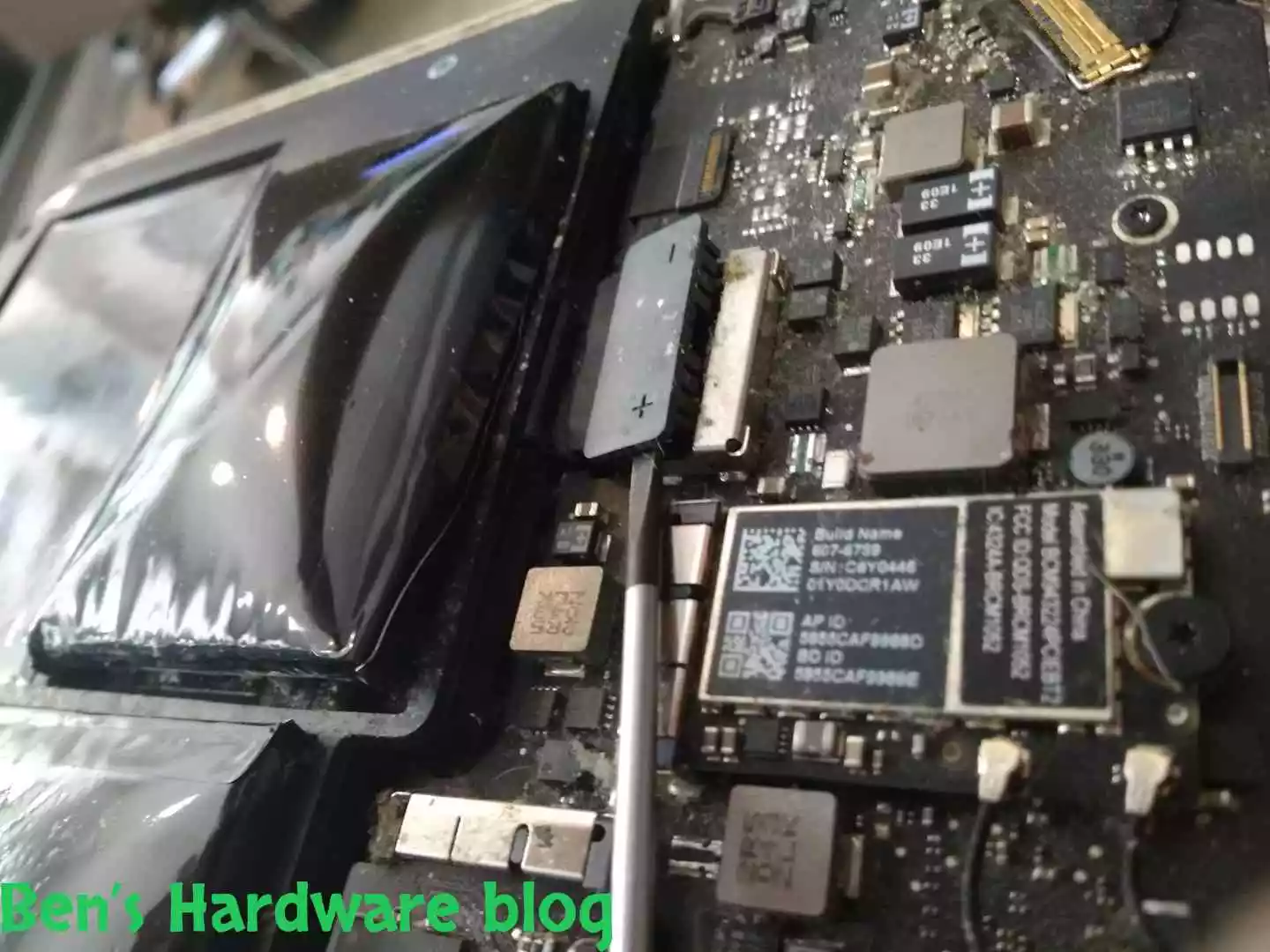
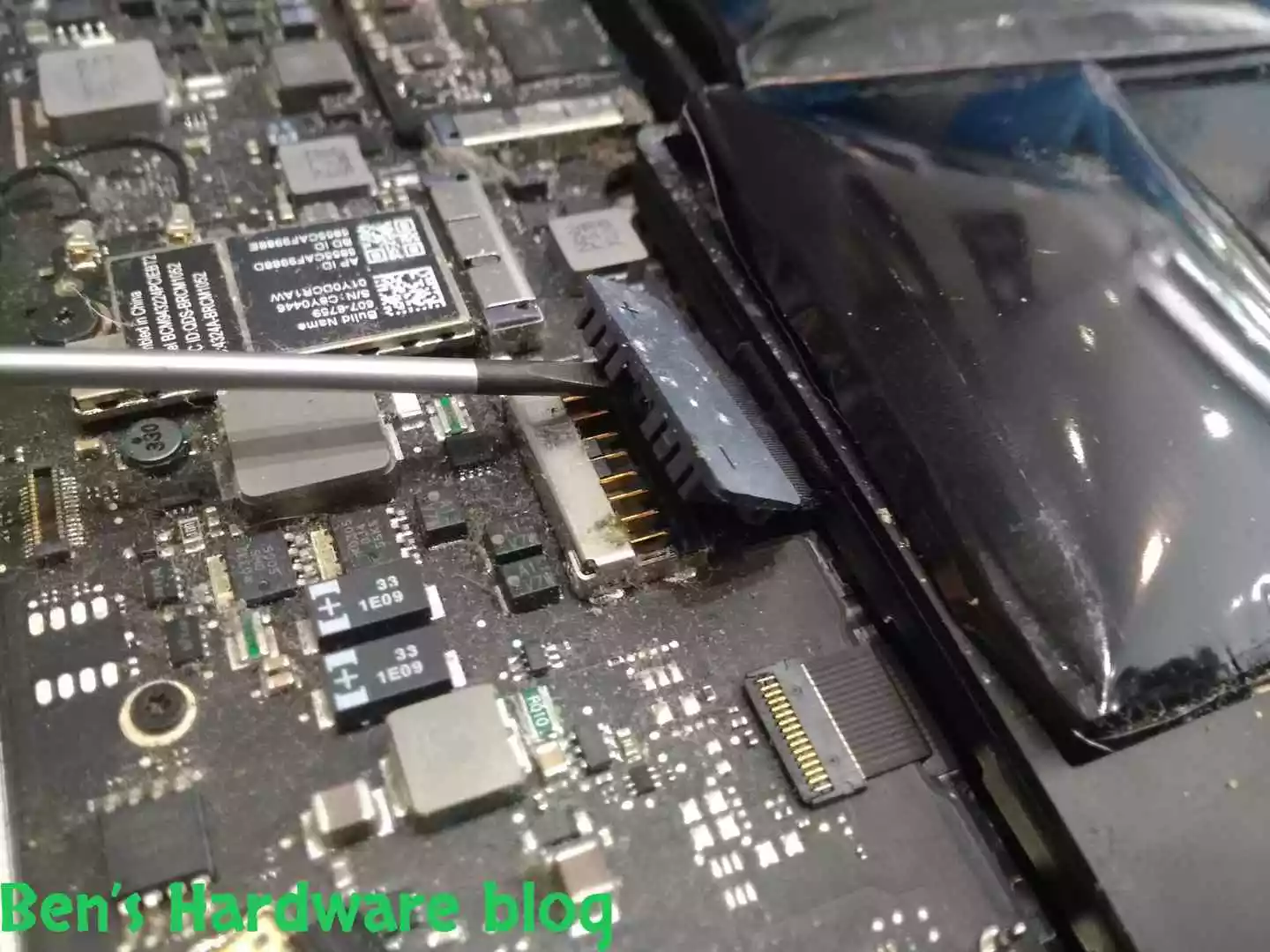
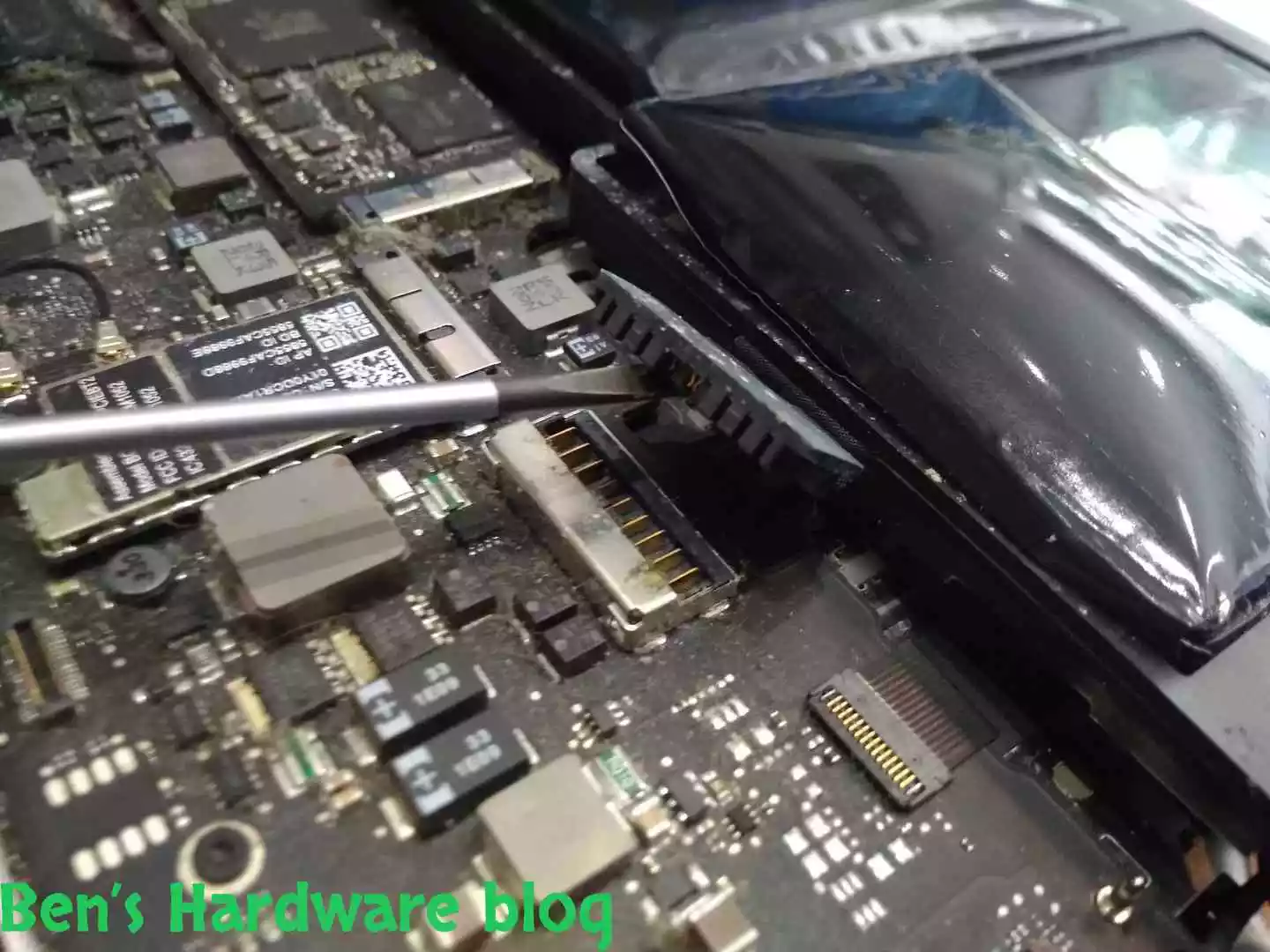
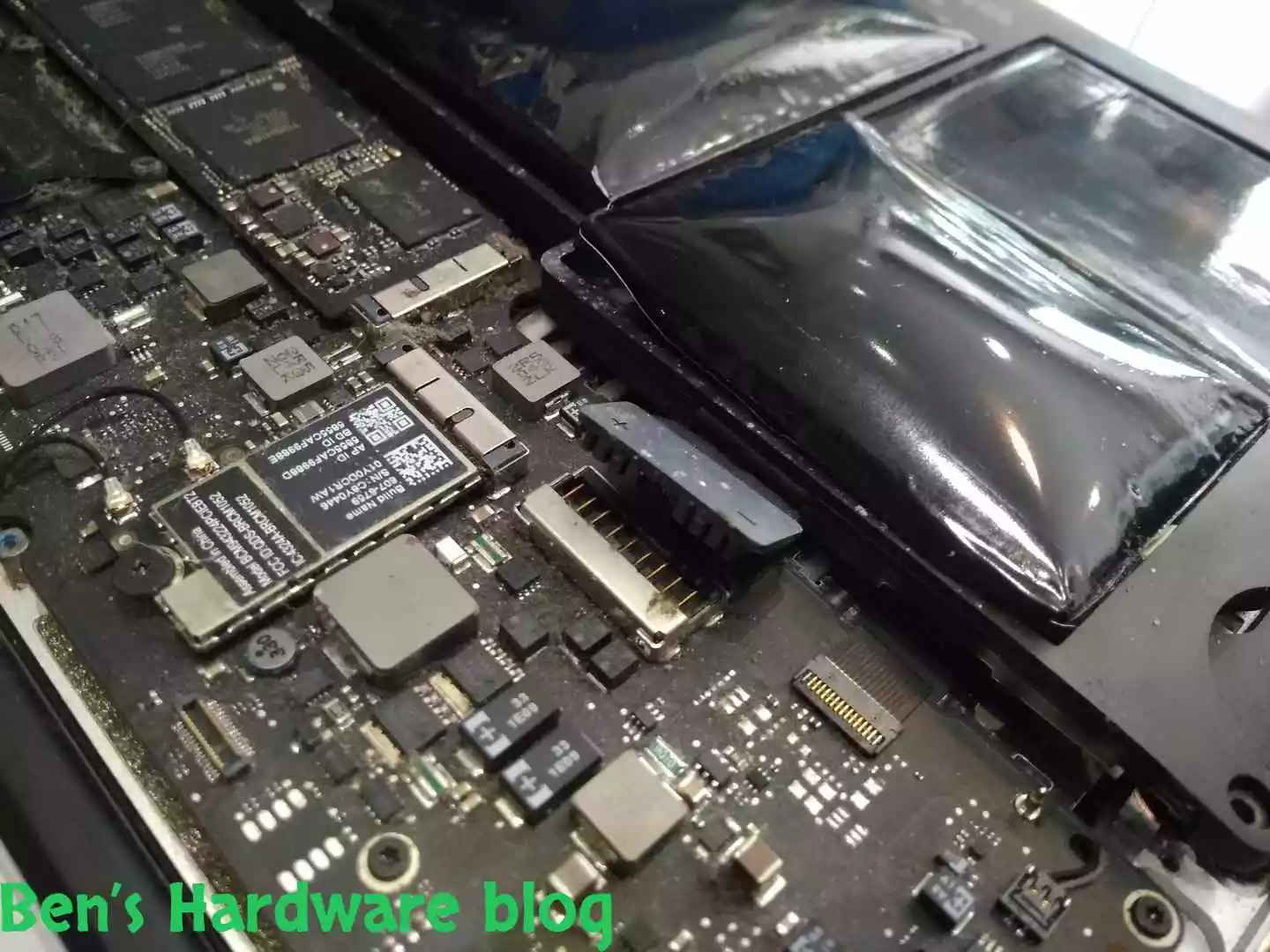
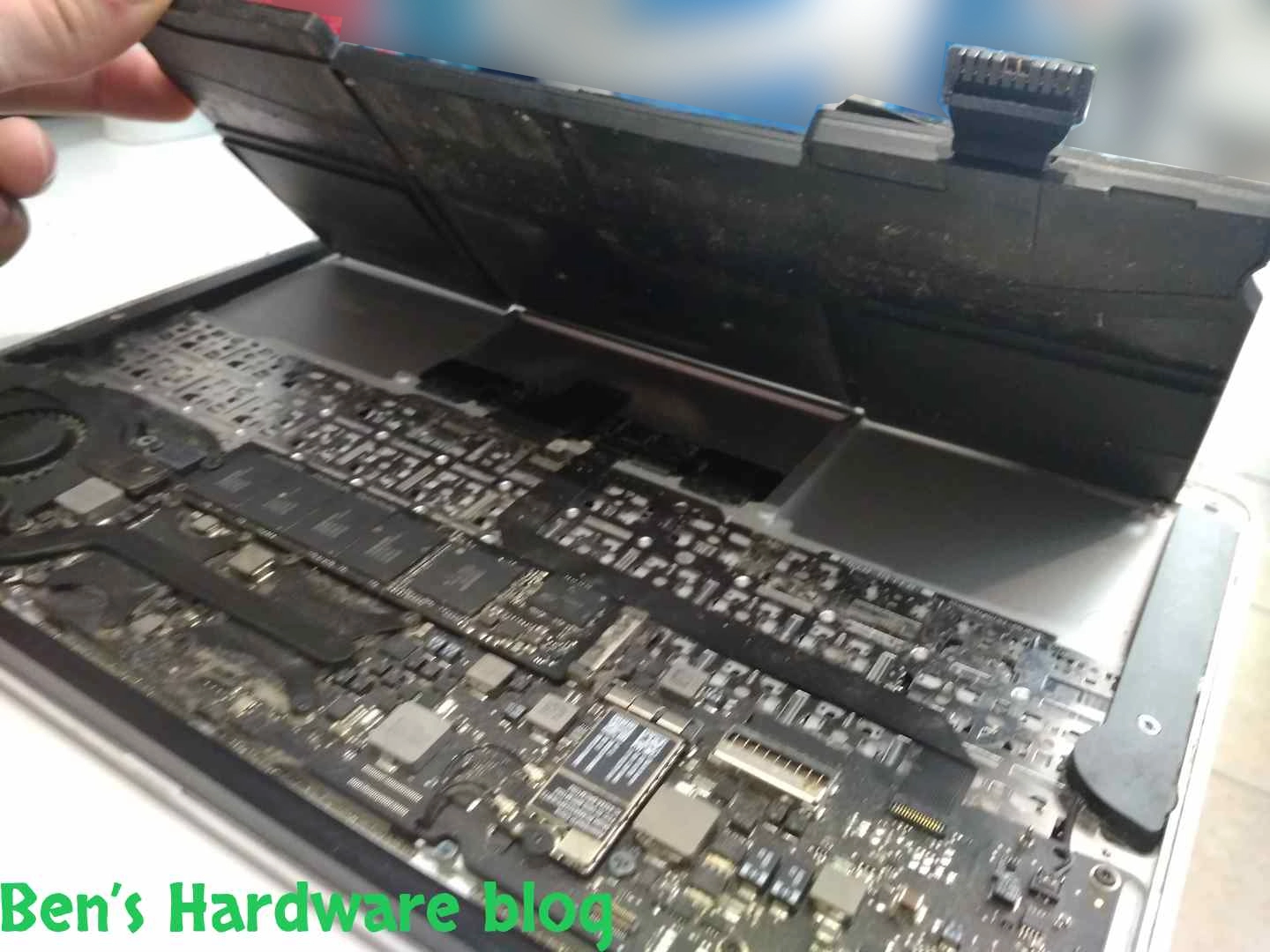
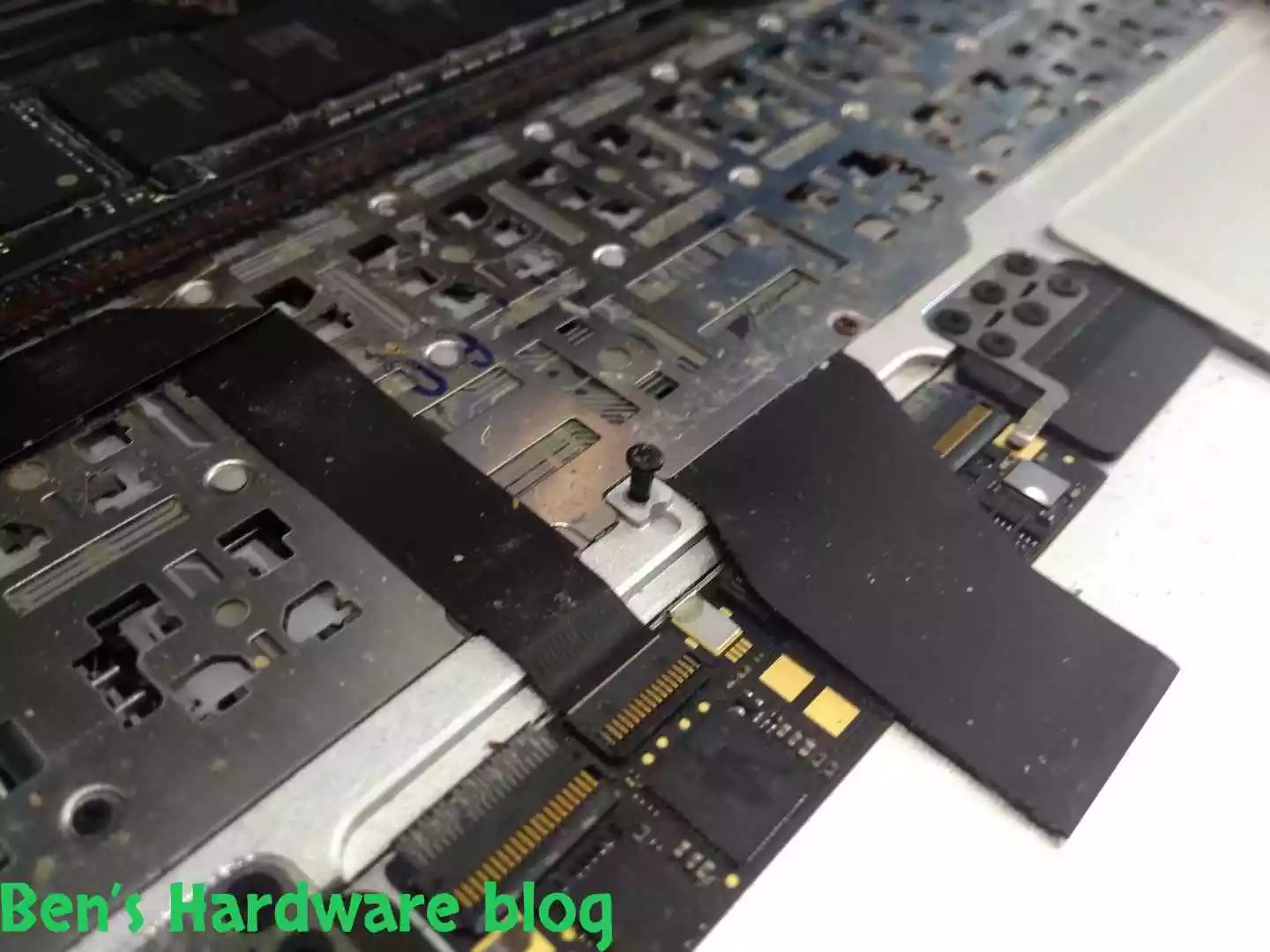
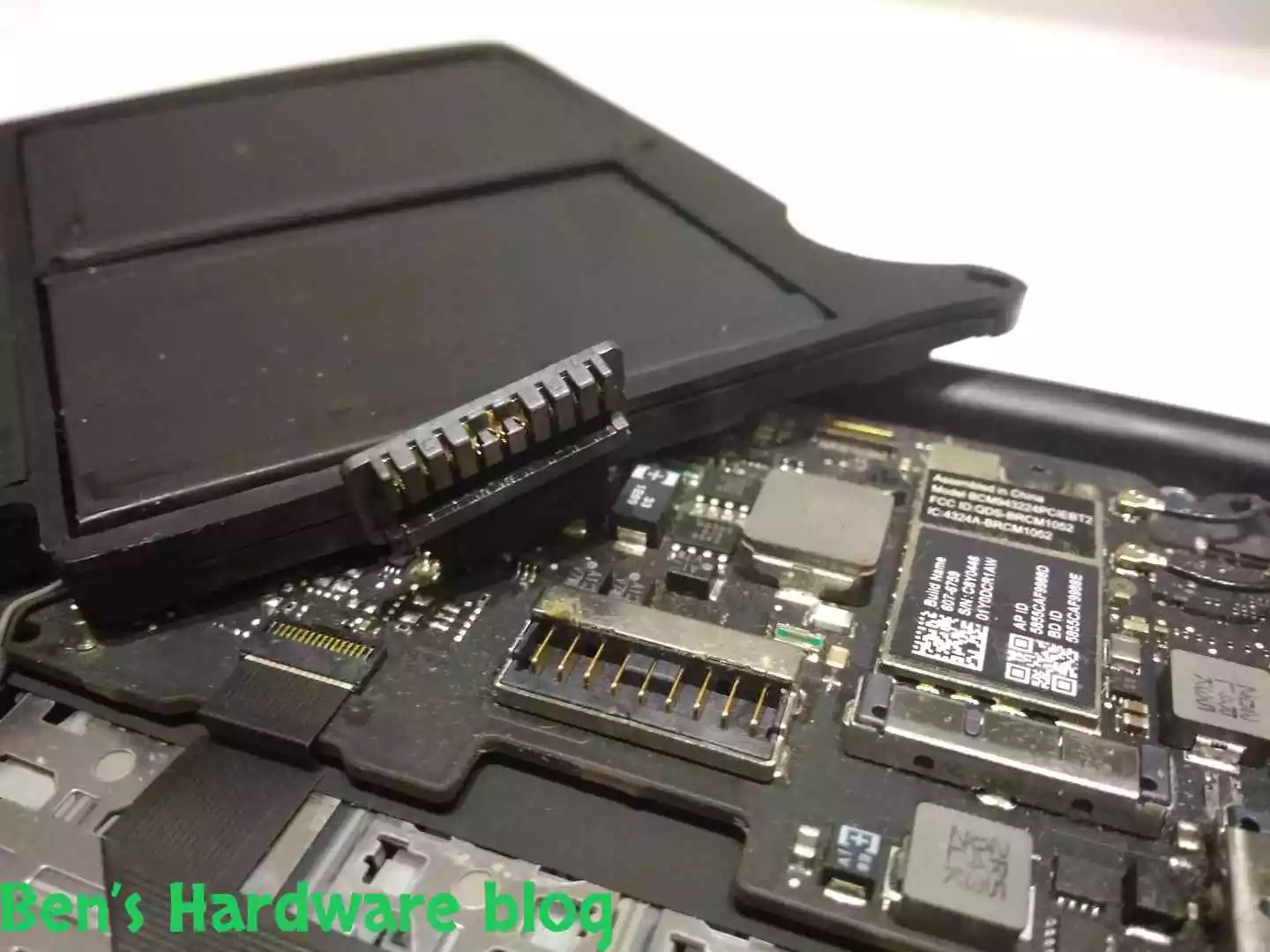
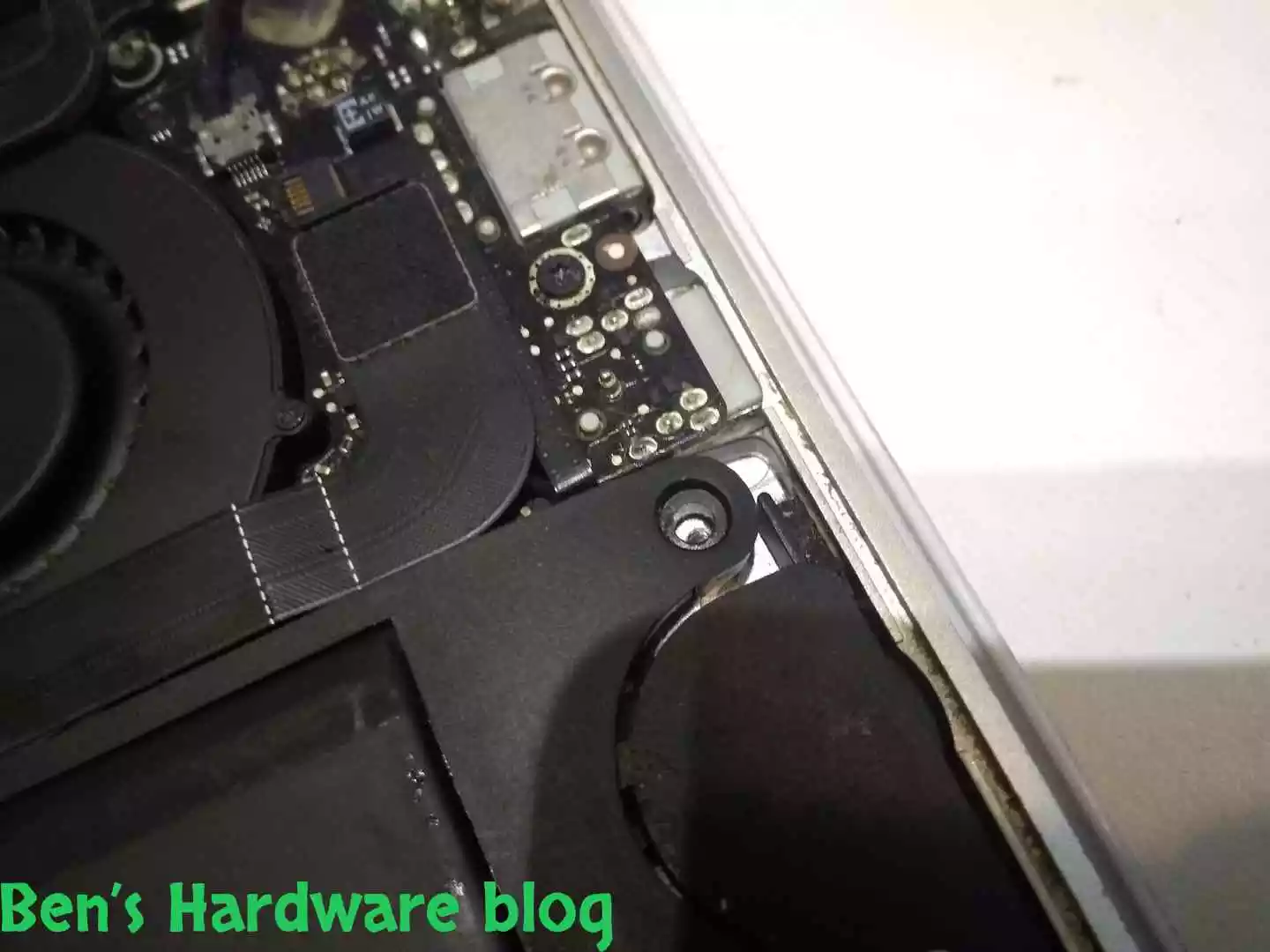
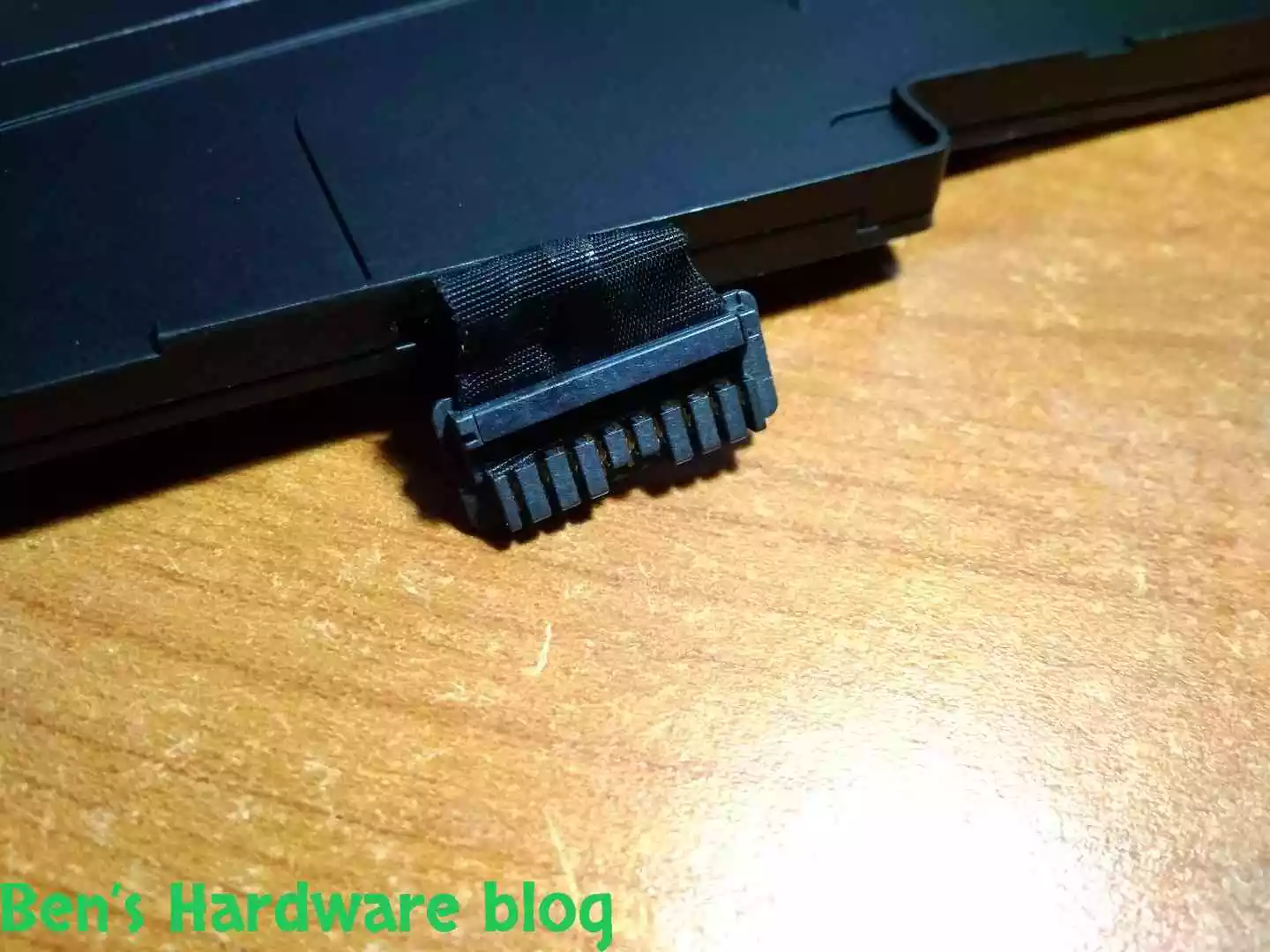
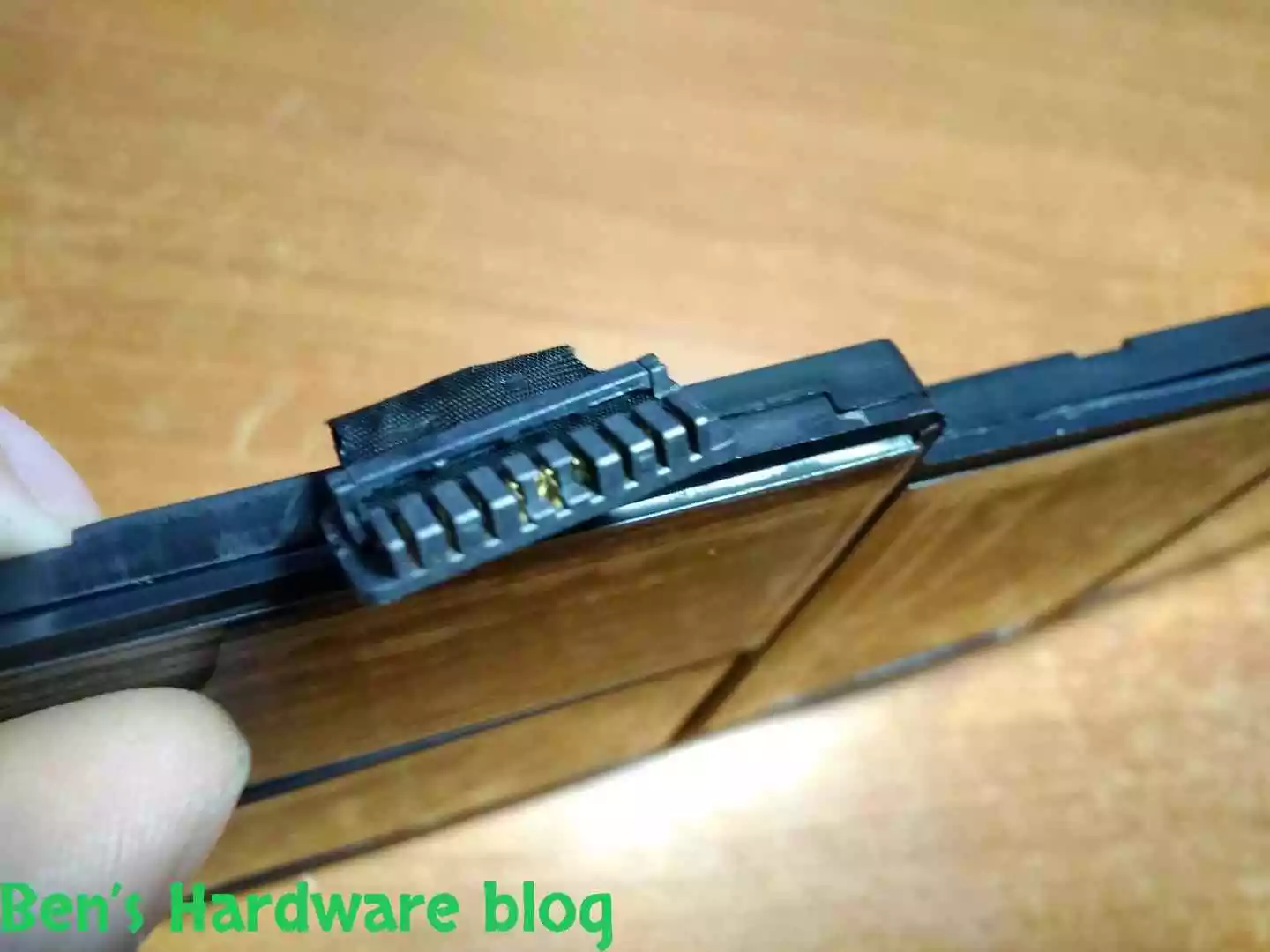
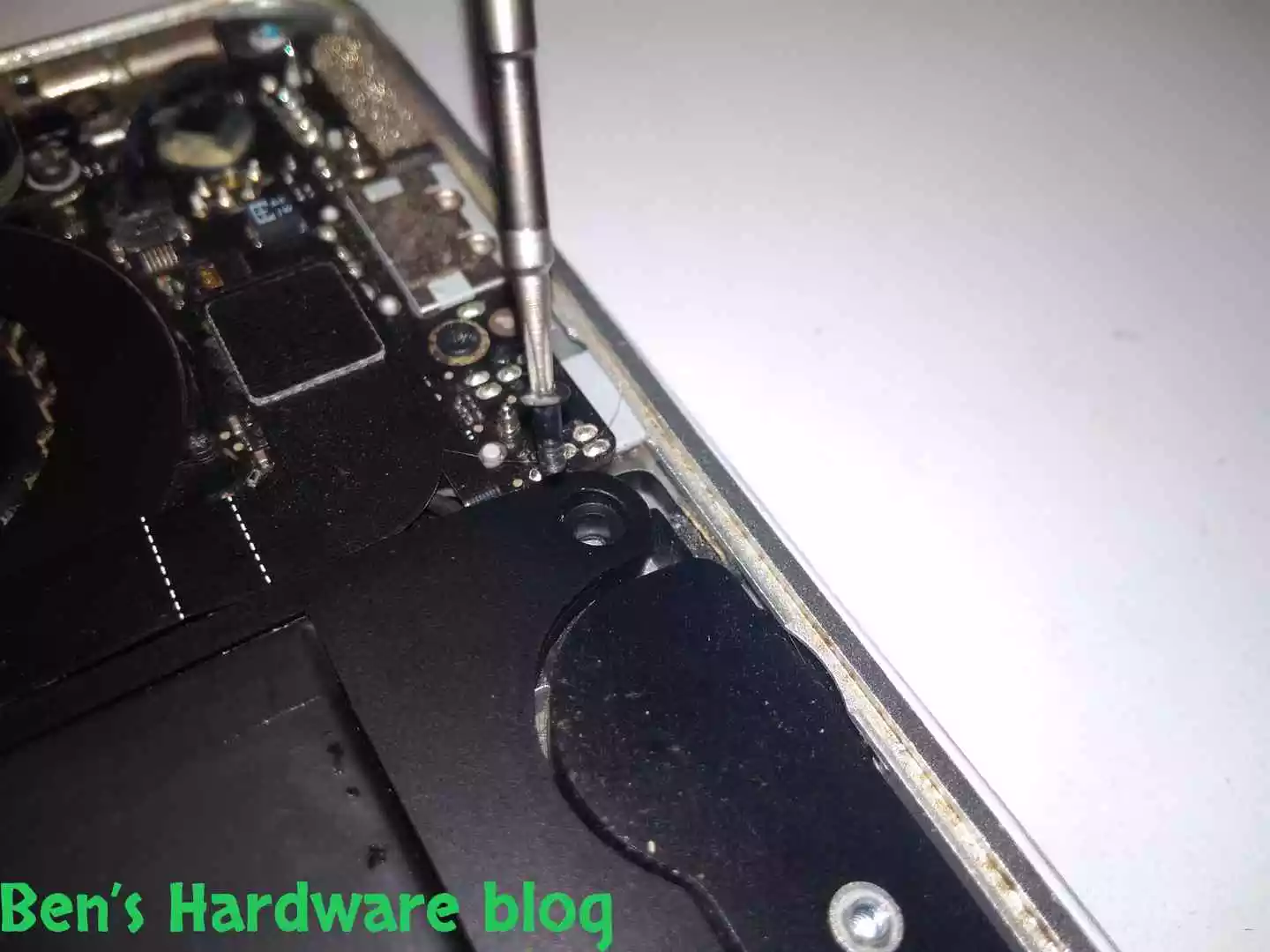
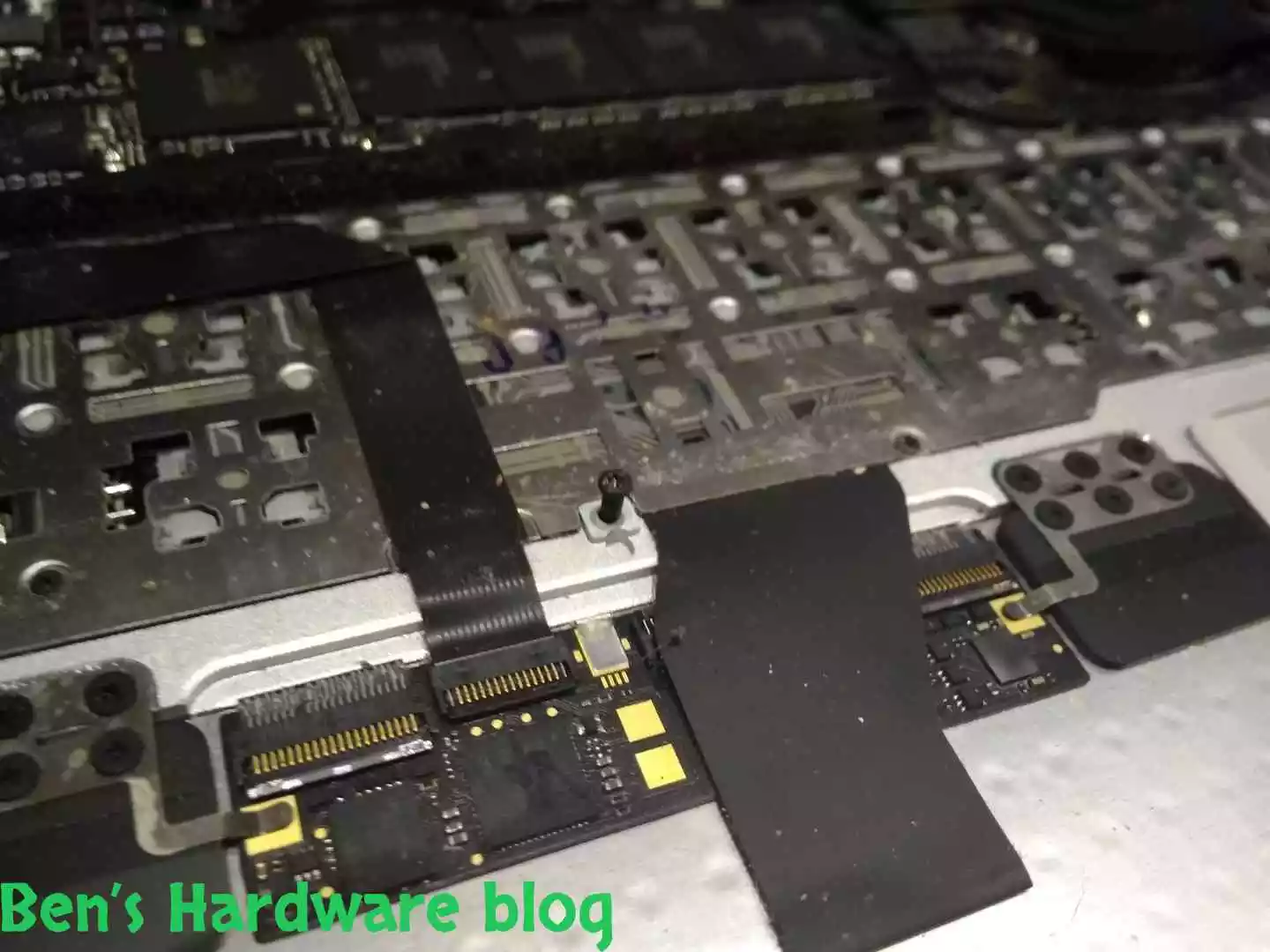
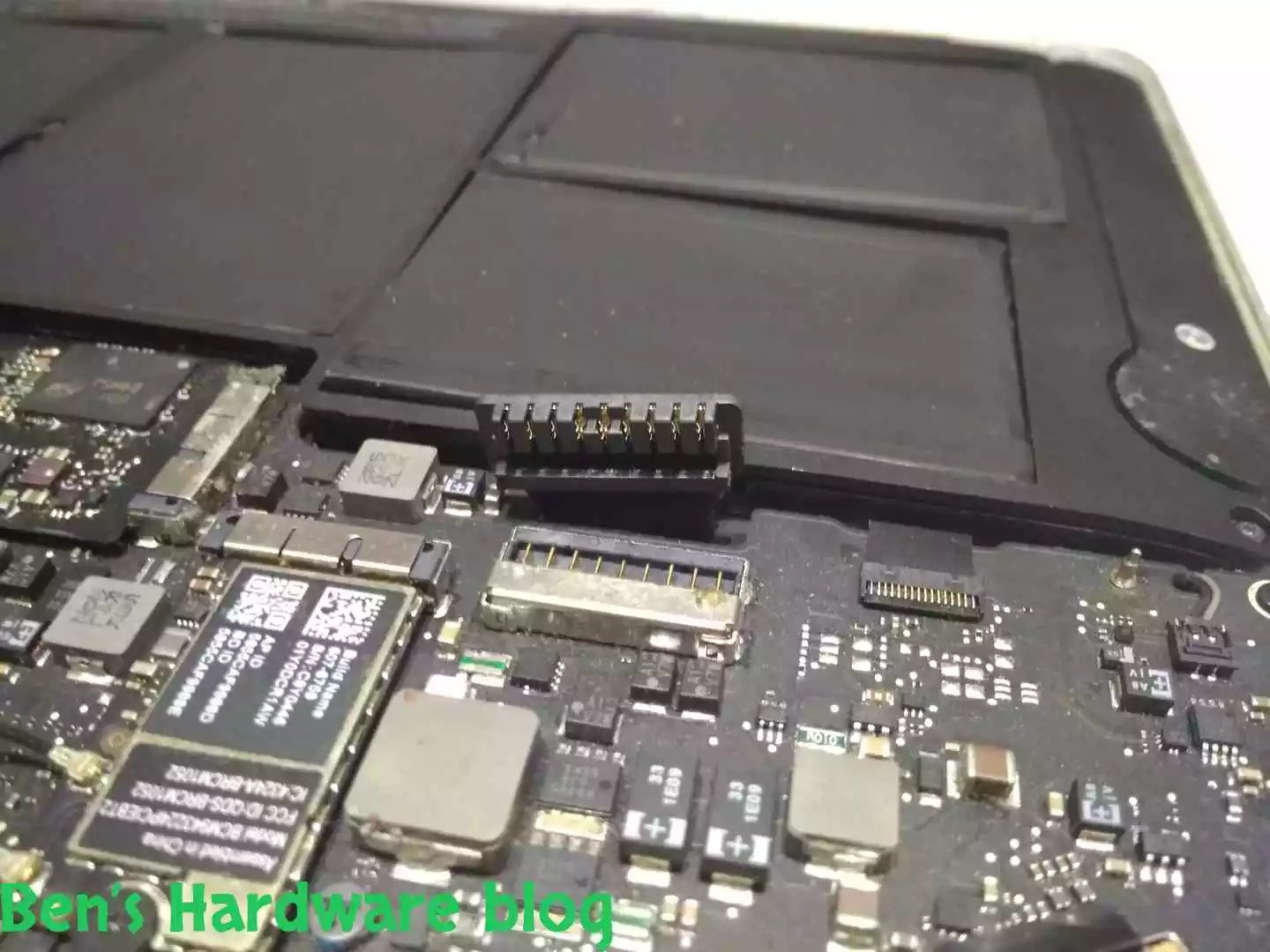
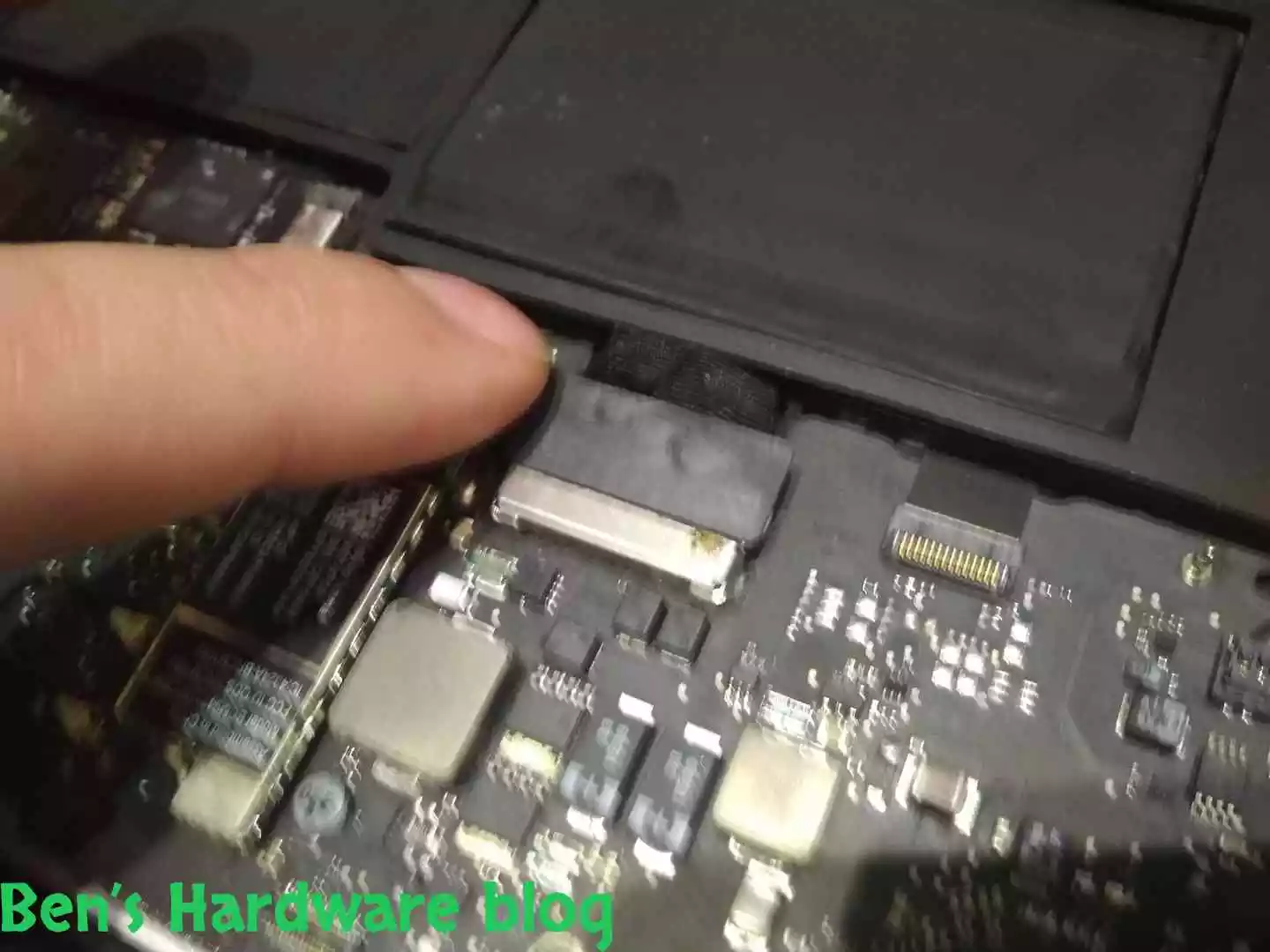
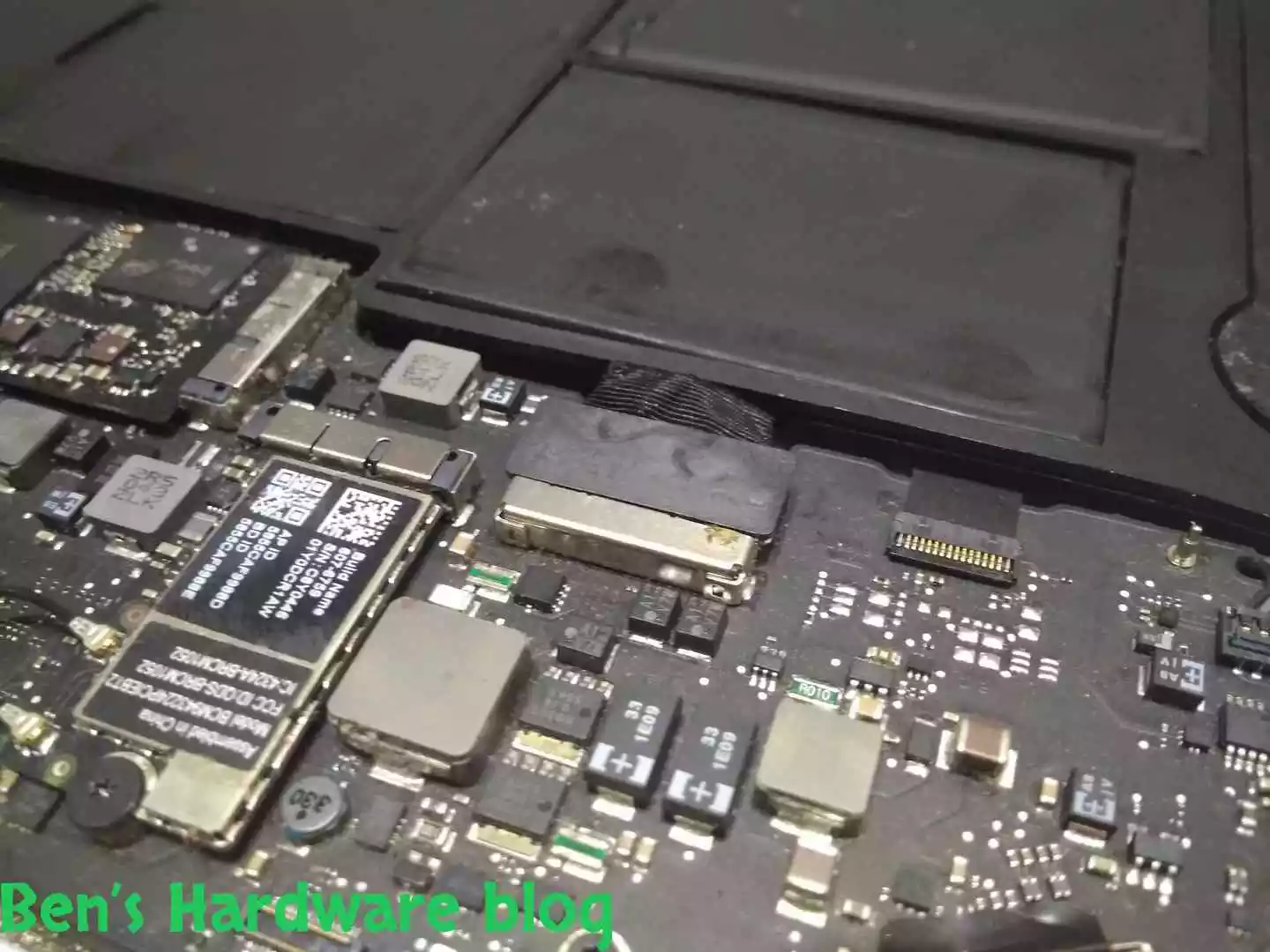
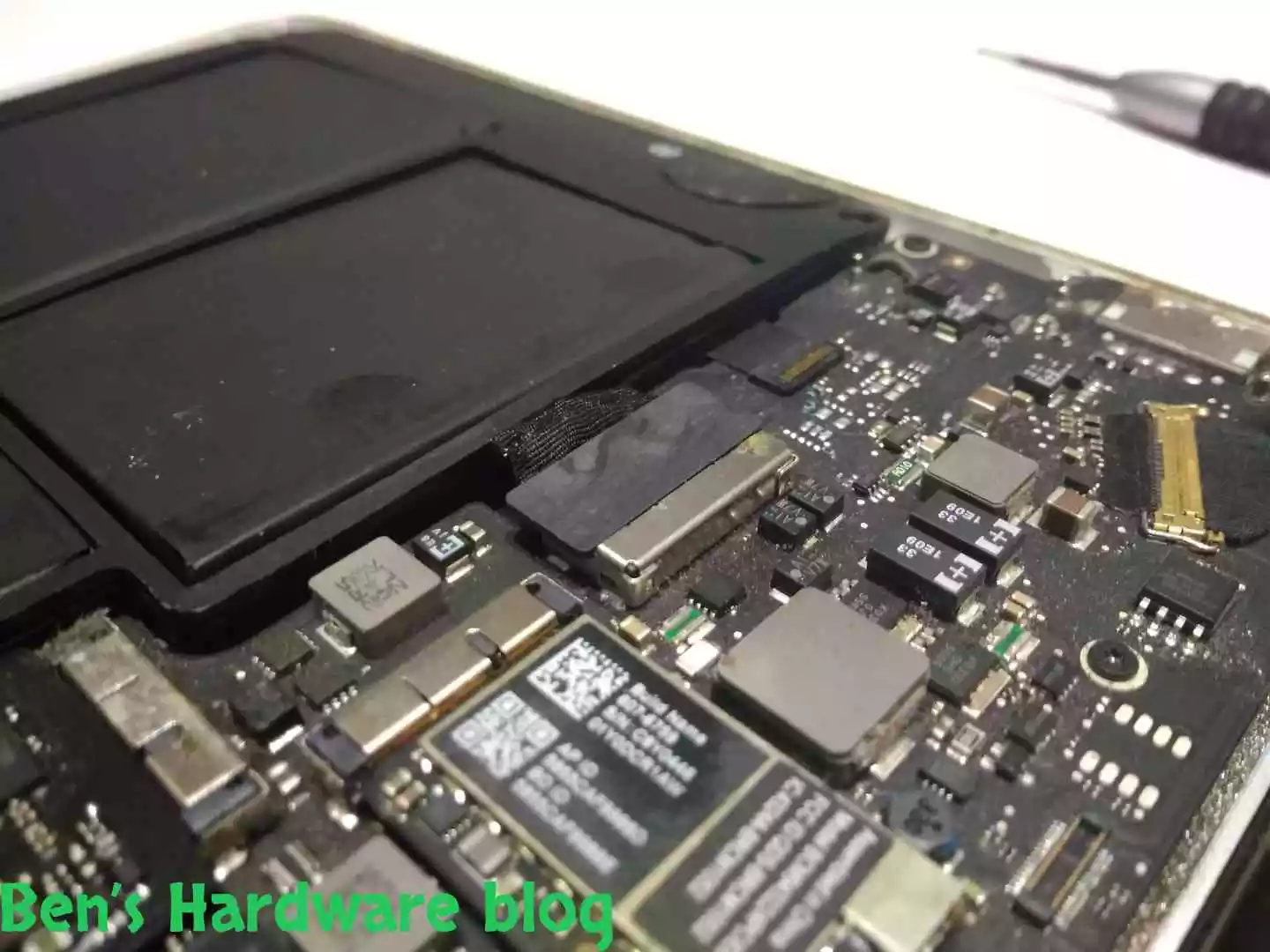
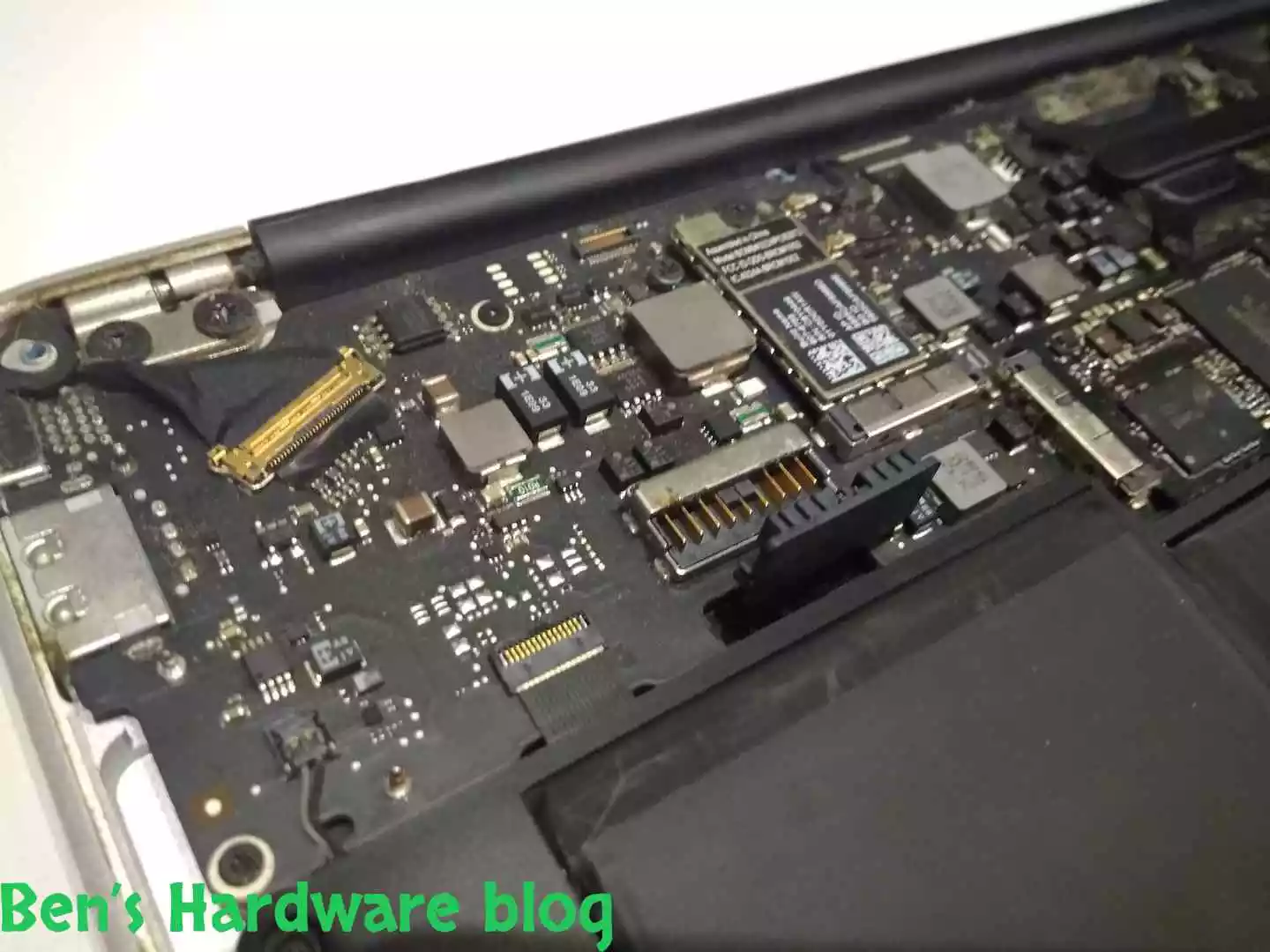
The last connection that needs to get loosen is the power connector that connects the battery as one unit to the MacBook’s motherboard. There are clear markings on the connector indicating the positive and the negative sides. Given the way the connector was built’ I really don’t think there is a way to connect it in the wrong way, but just to be on the safe side, it is recommended to take a picture of the connector prior to disconnecting it or at the very least, draw and copy the way it looks.

BHB A1375REPLACE89 BHB A1375REPLACE86


Disconnecting the connector was done by using a flathead screwdriver that used a lever (my fingernails just weren’t long enough that day). I had to use a bit force to pull the connector upwards. I guess being connected for 10 years accumulating debris and dust did its own. After the initial pulling, lifting the connector was easier.

BHB A1375REPLACE90 BHB A1375REPLACE91
BHB A1375REPLACE92 BHB A1375REPLACE93
BHB A1375REPLACE94 BHB A1375REPLACE95
BHB A1375REPLACE96 BHB A1375REPLACE97

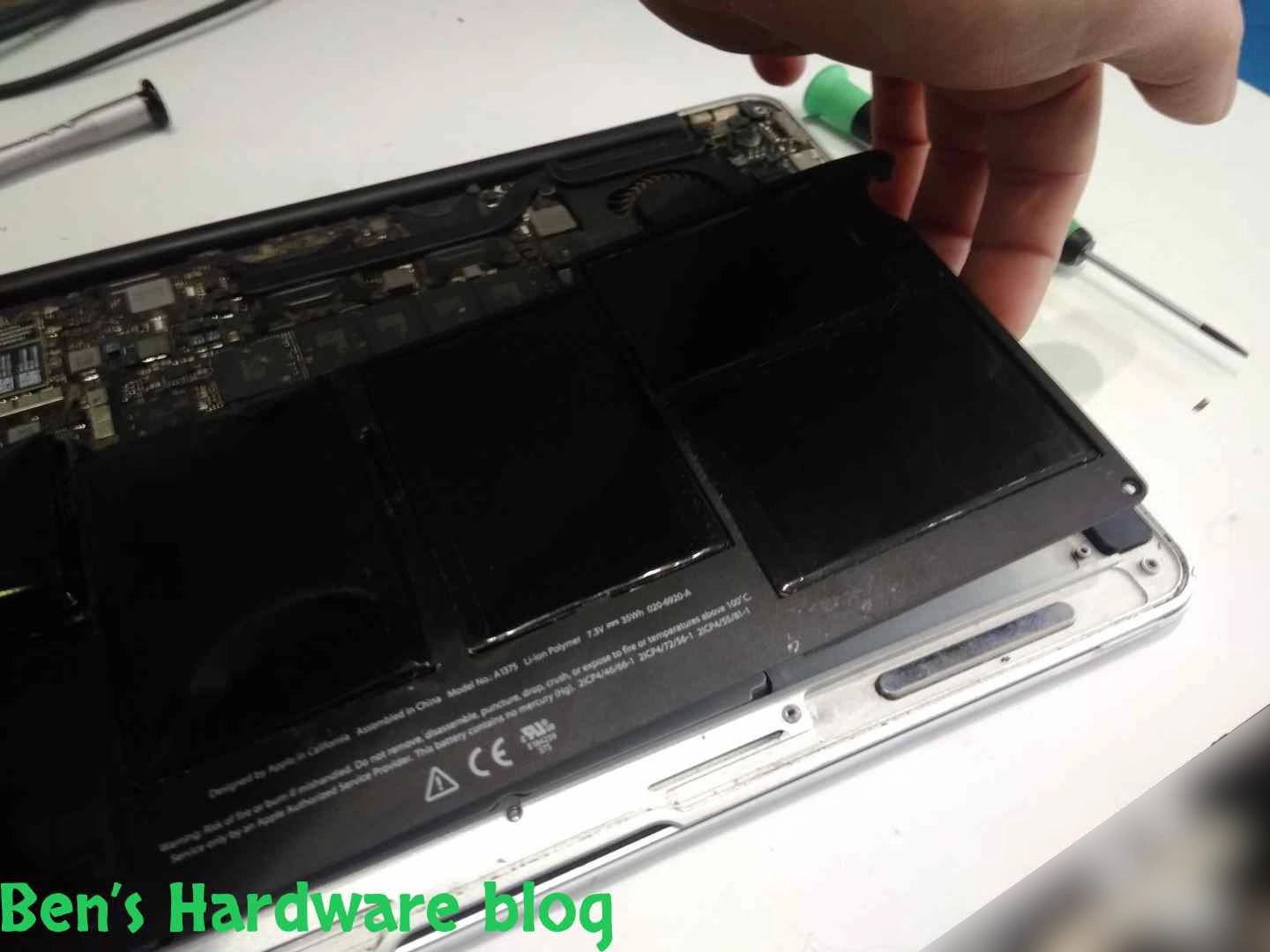
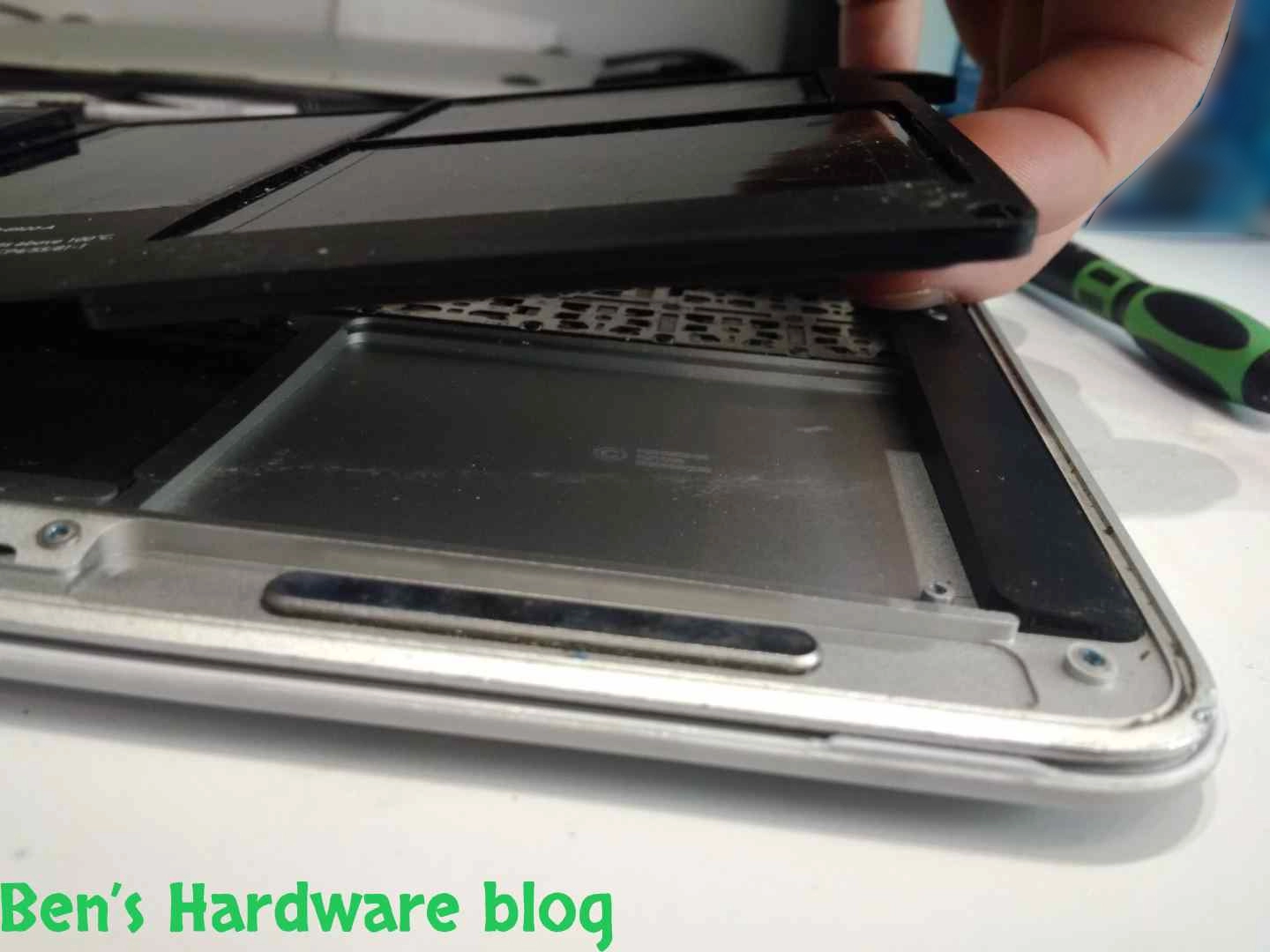
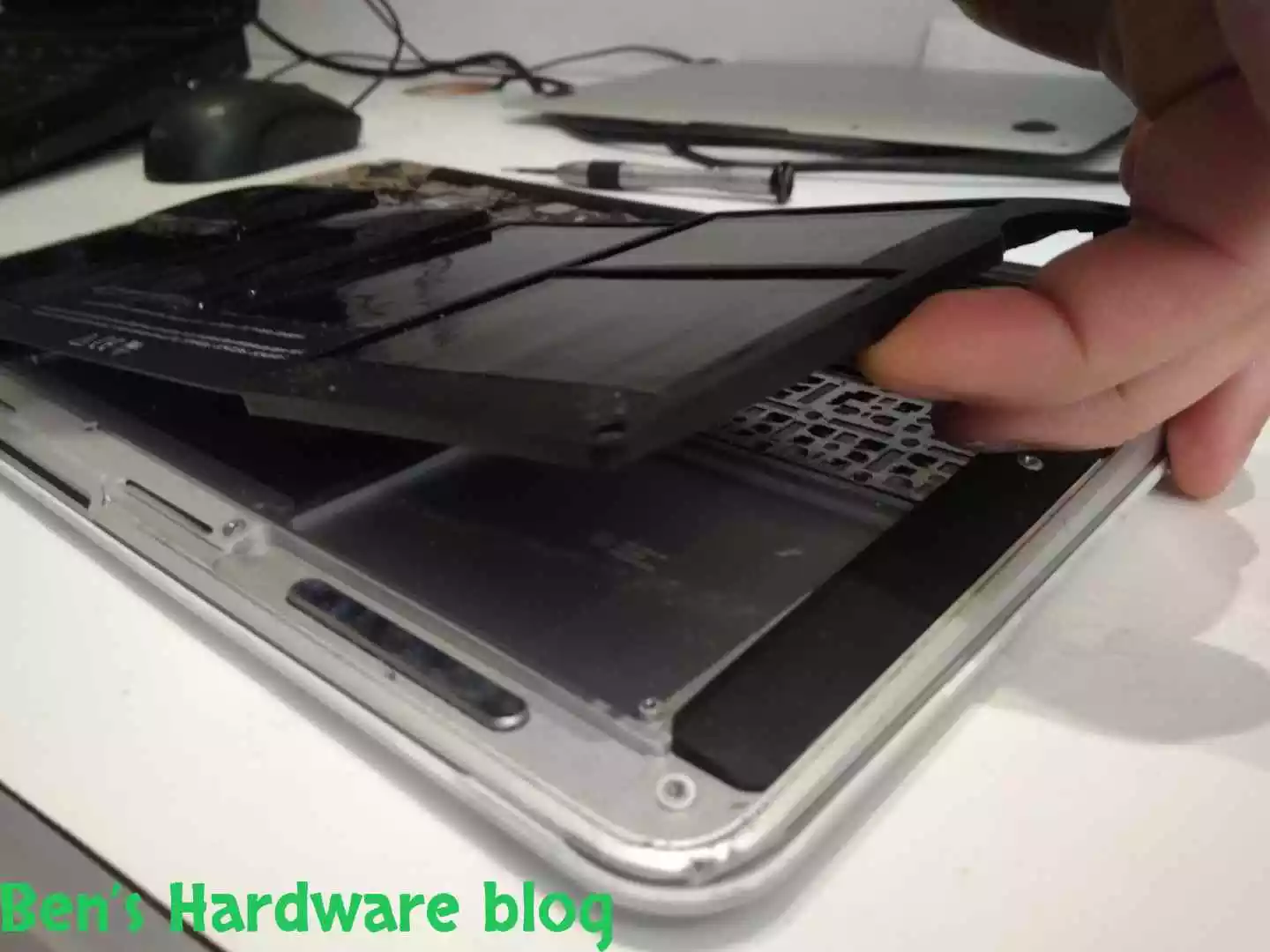
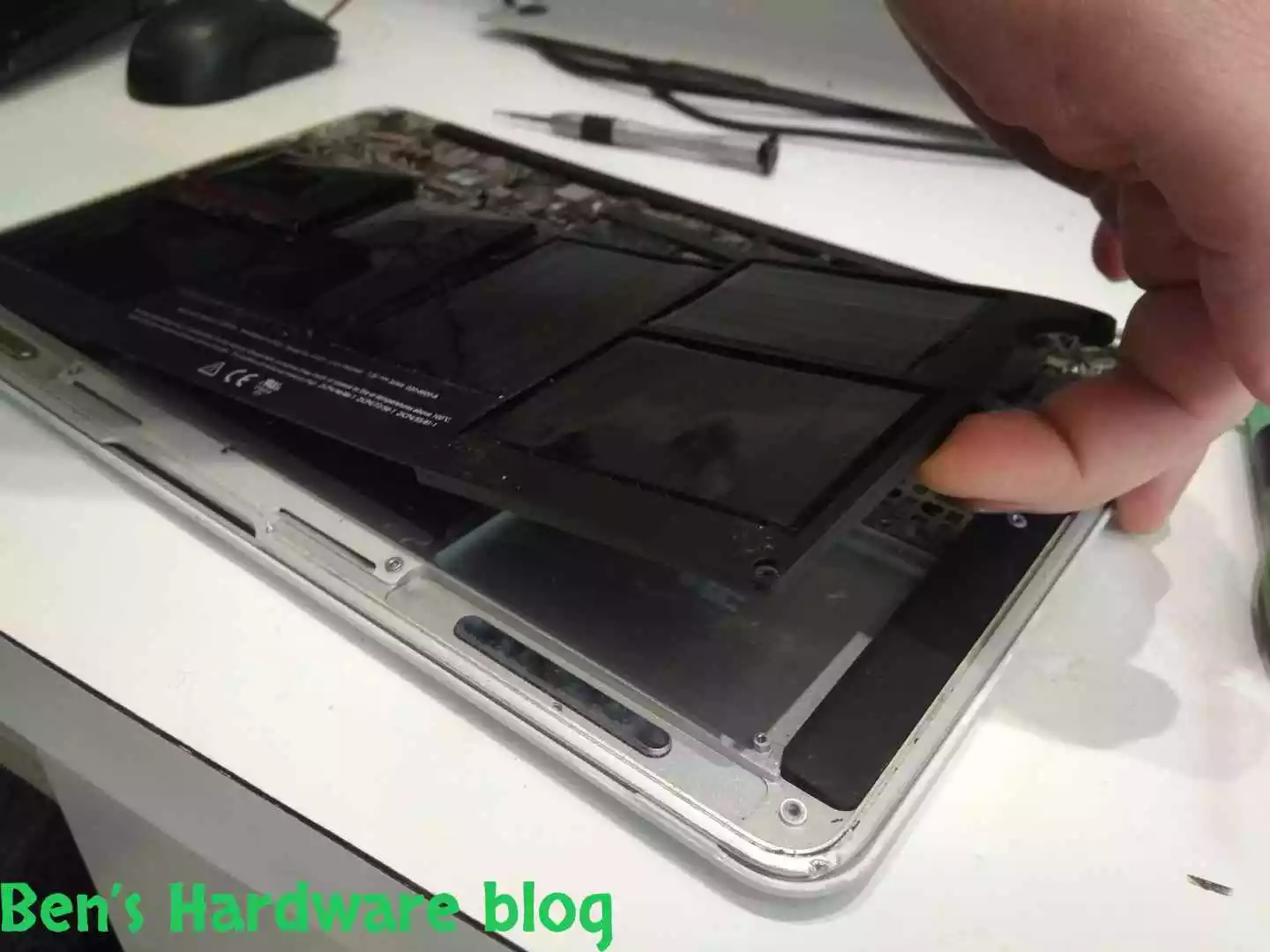
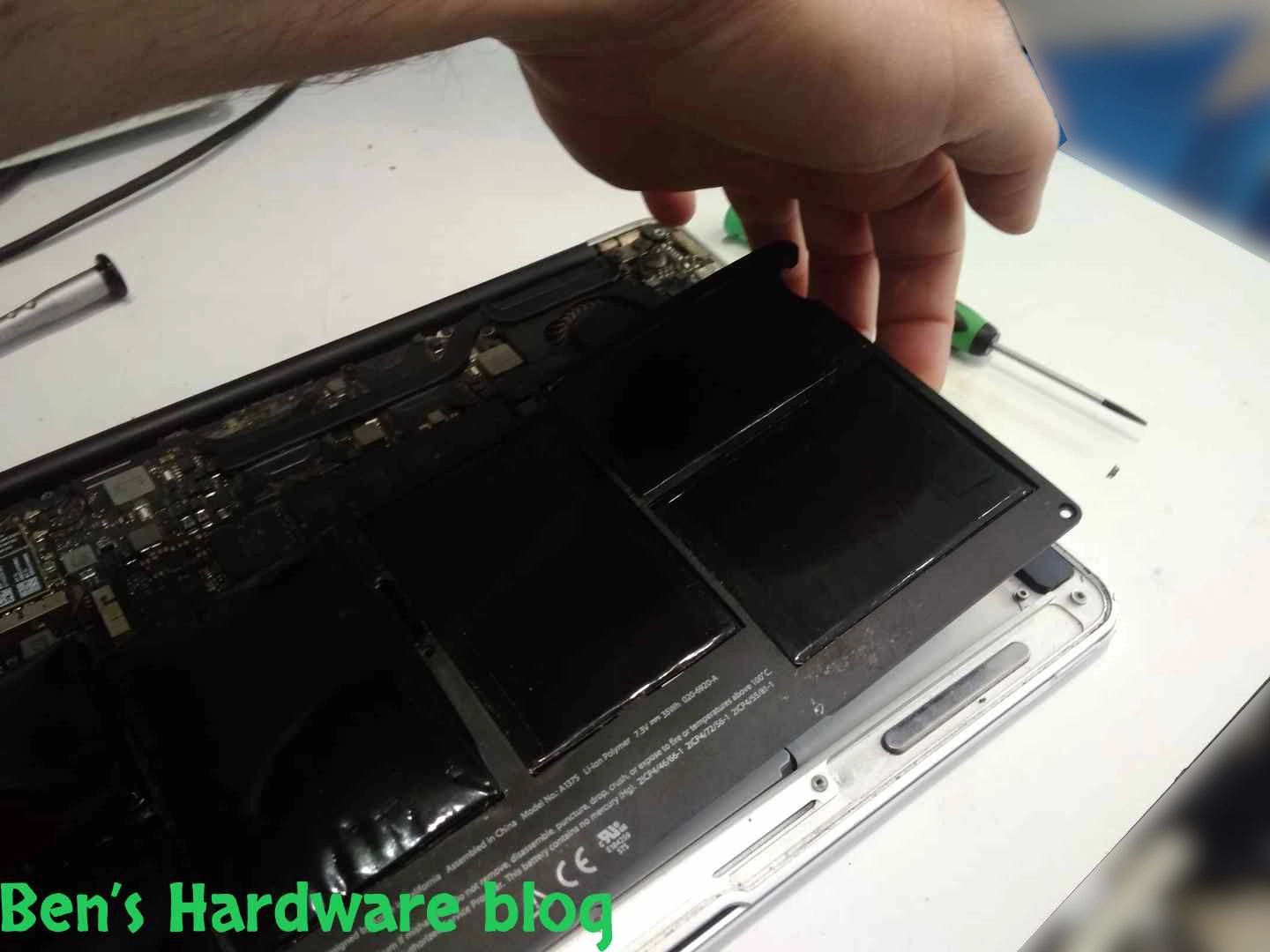
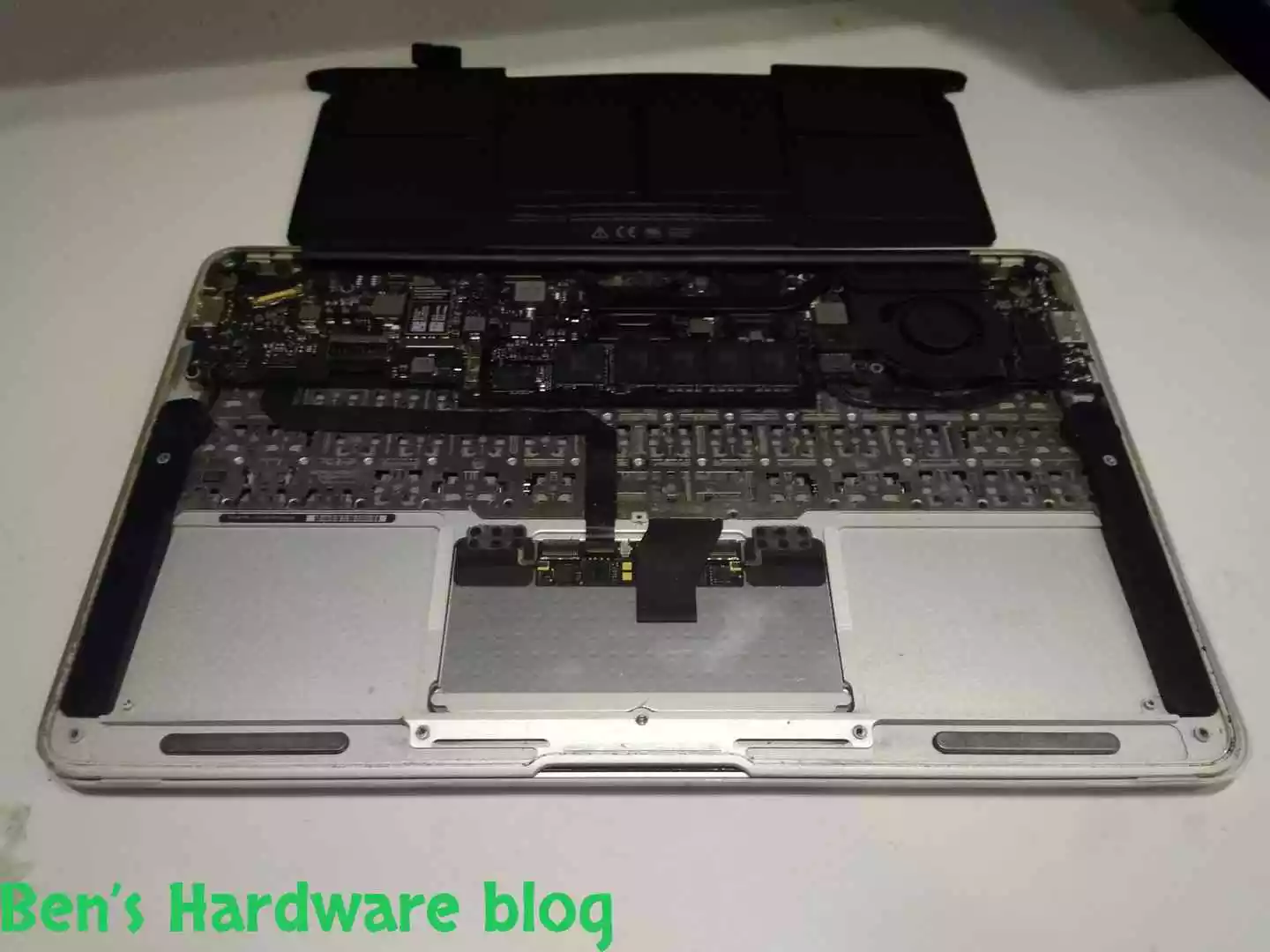
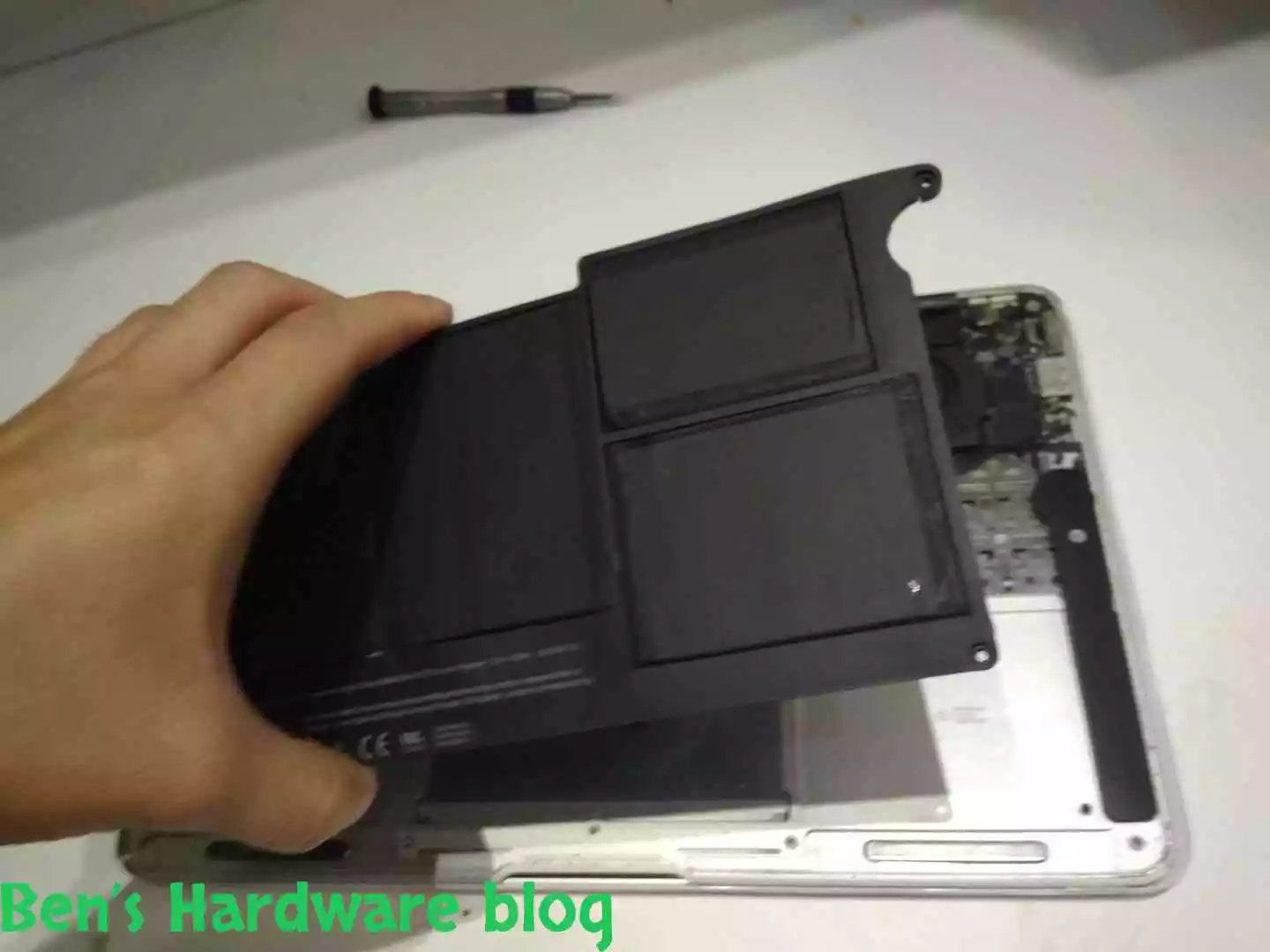
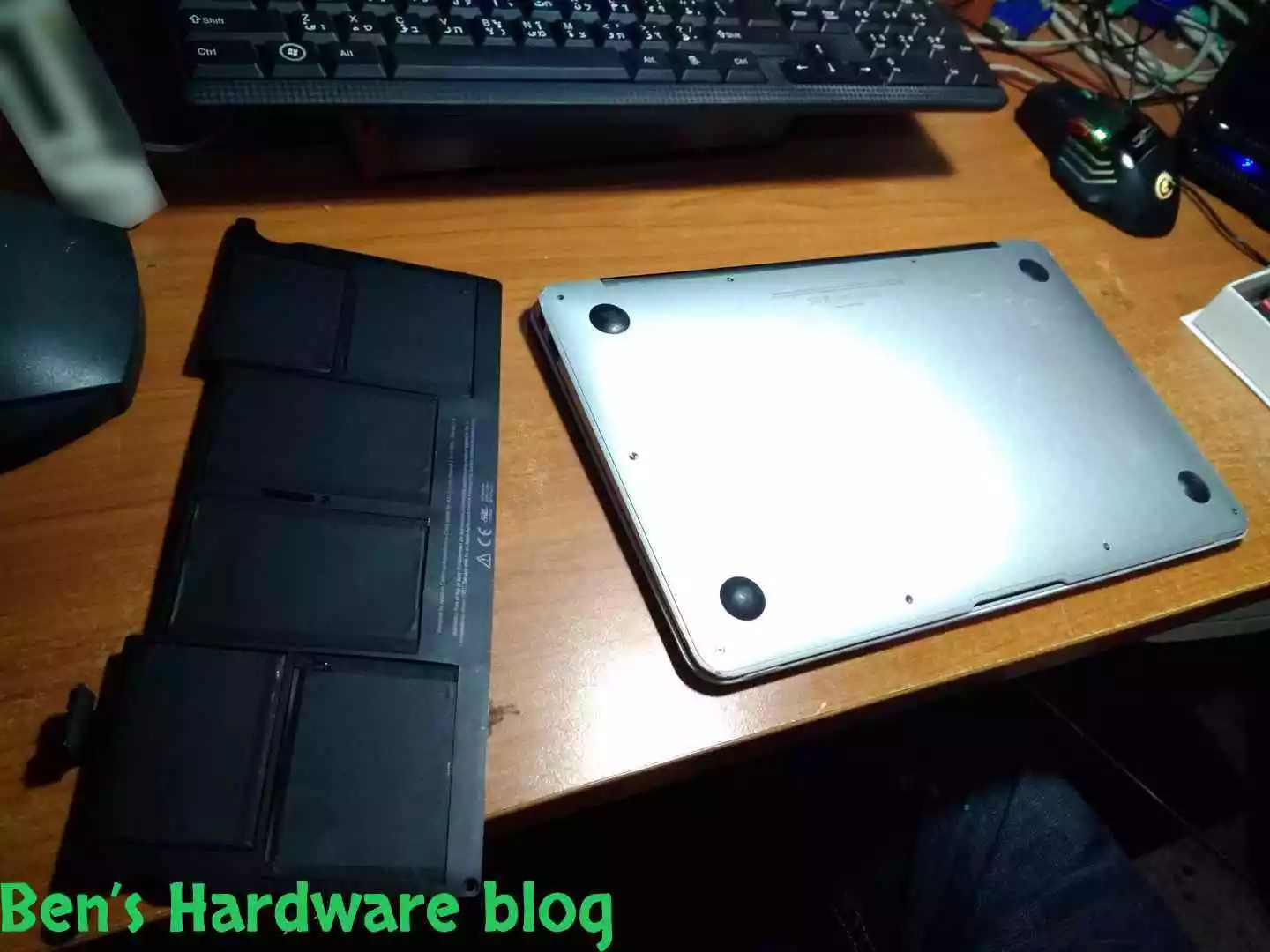
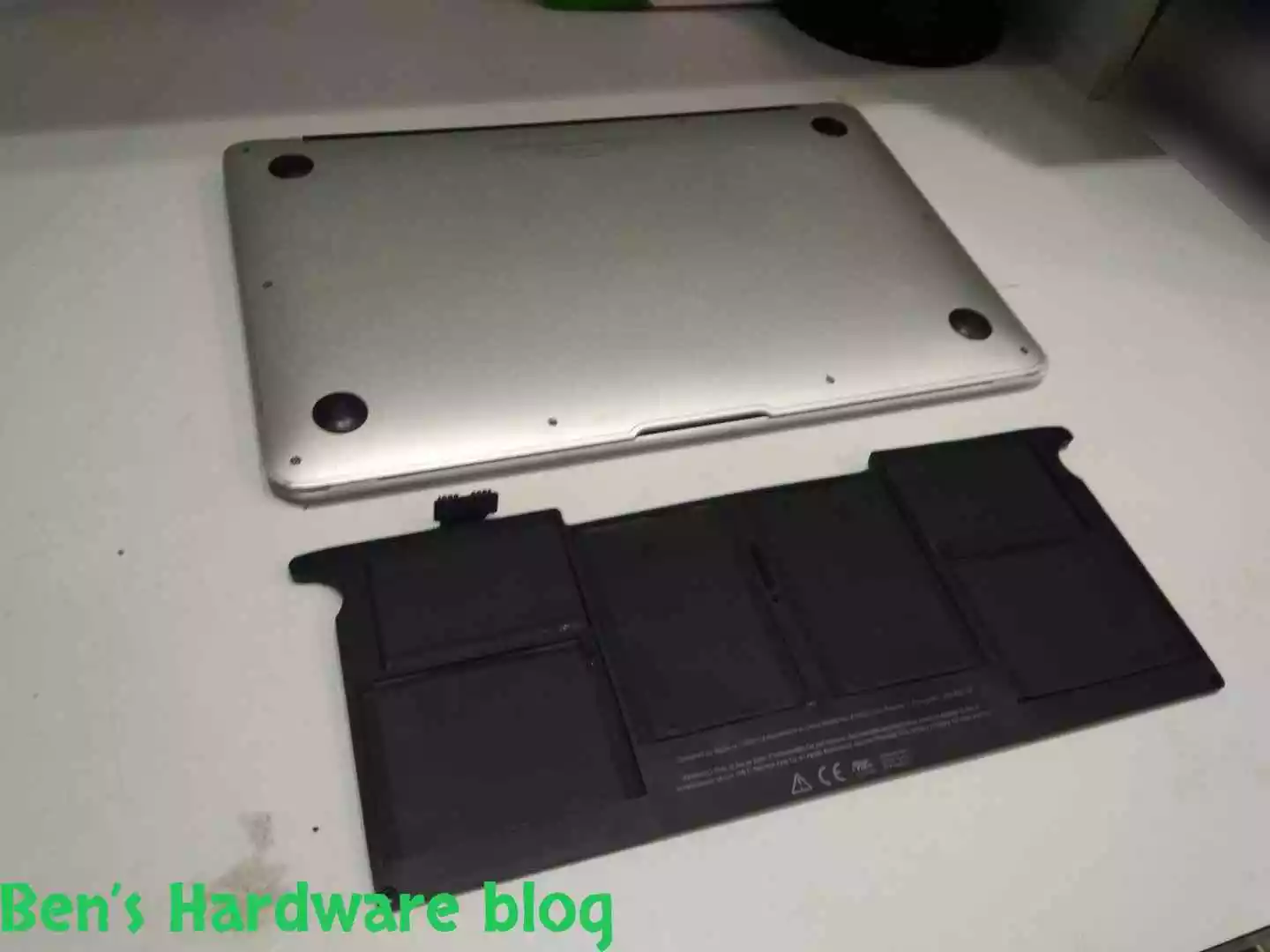
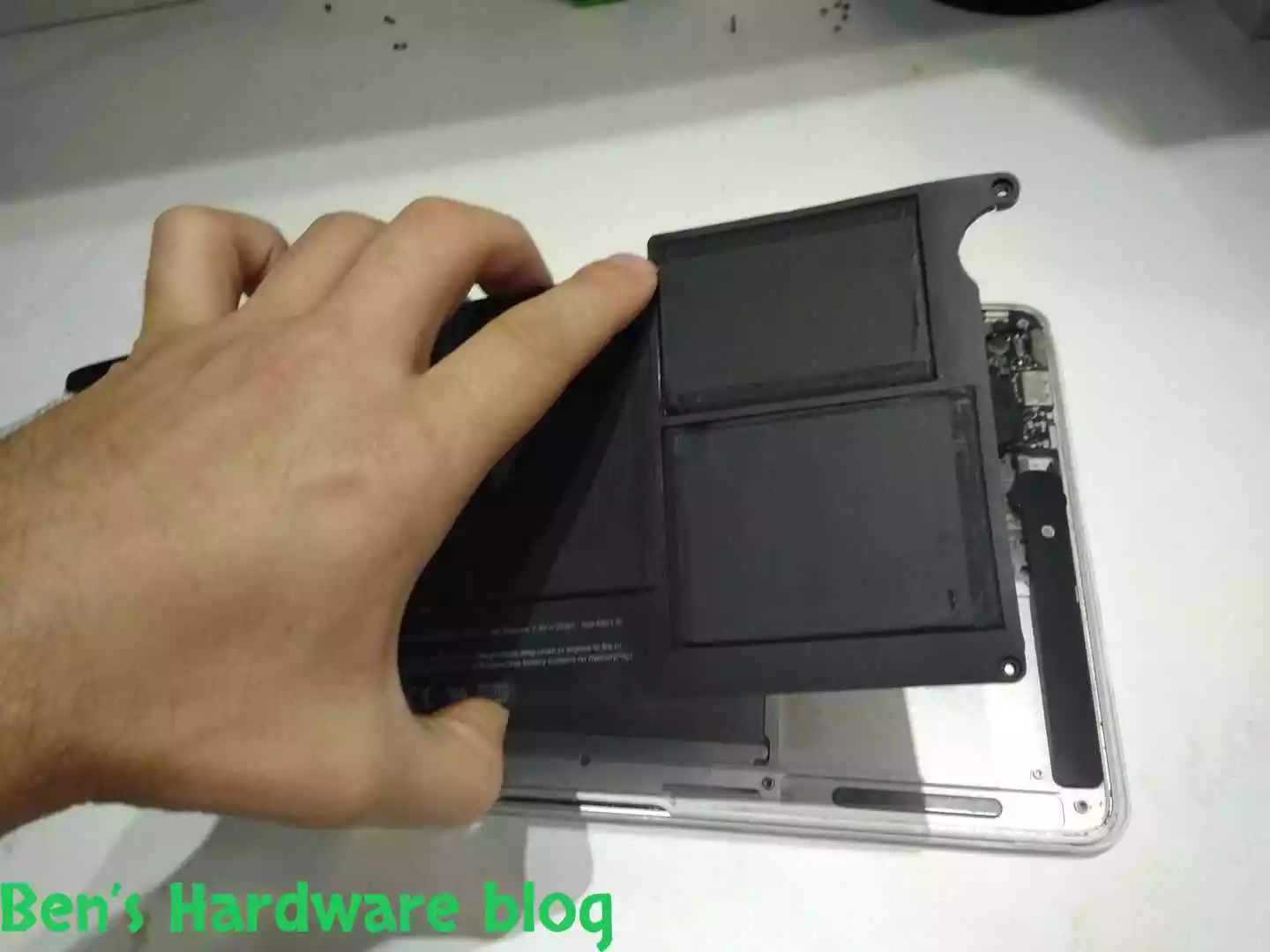
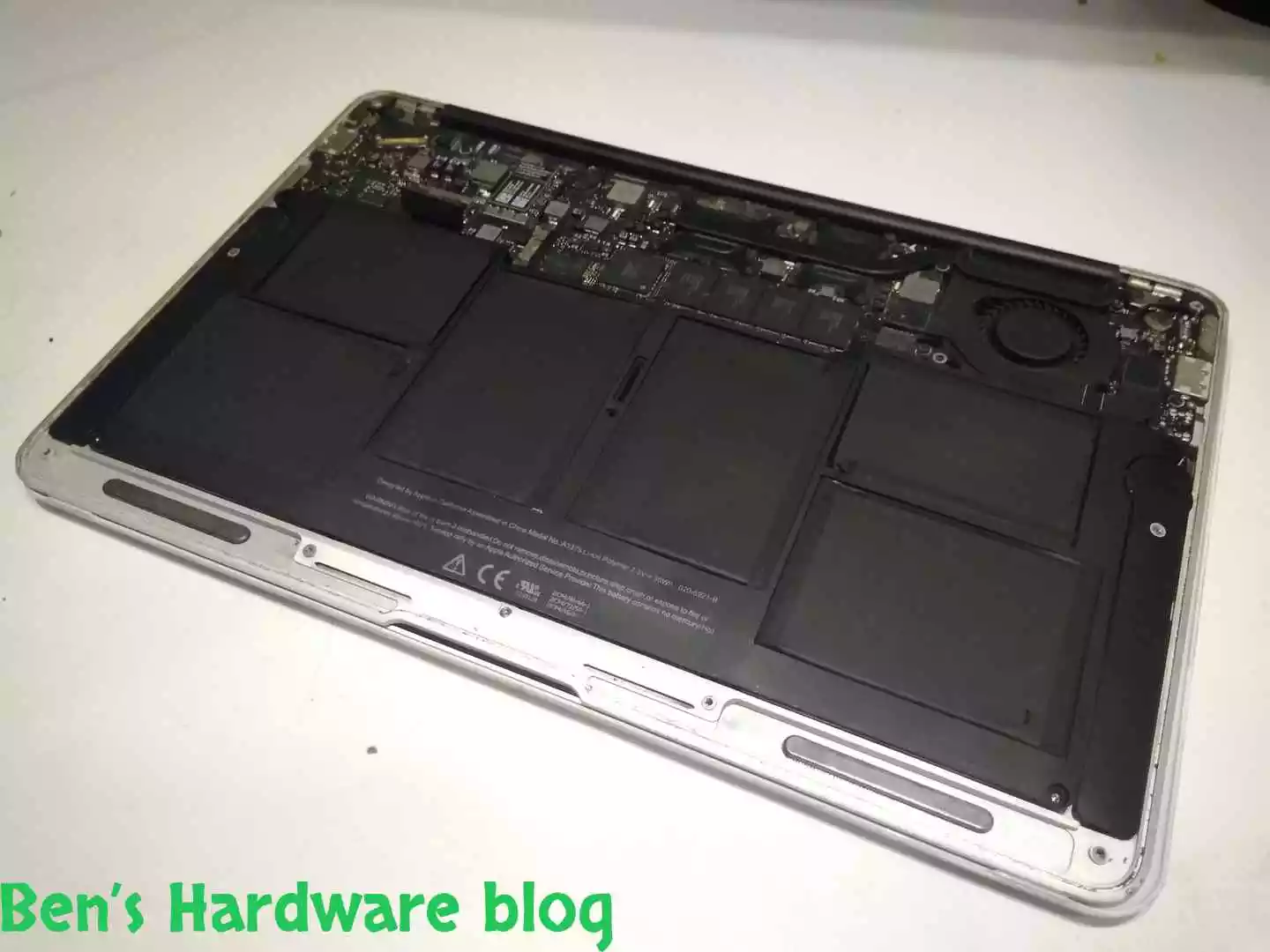
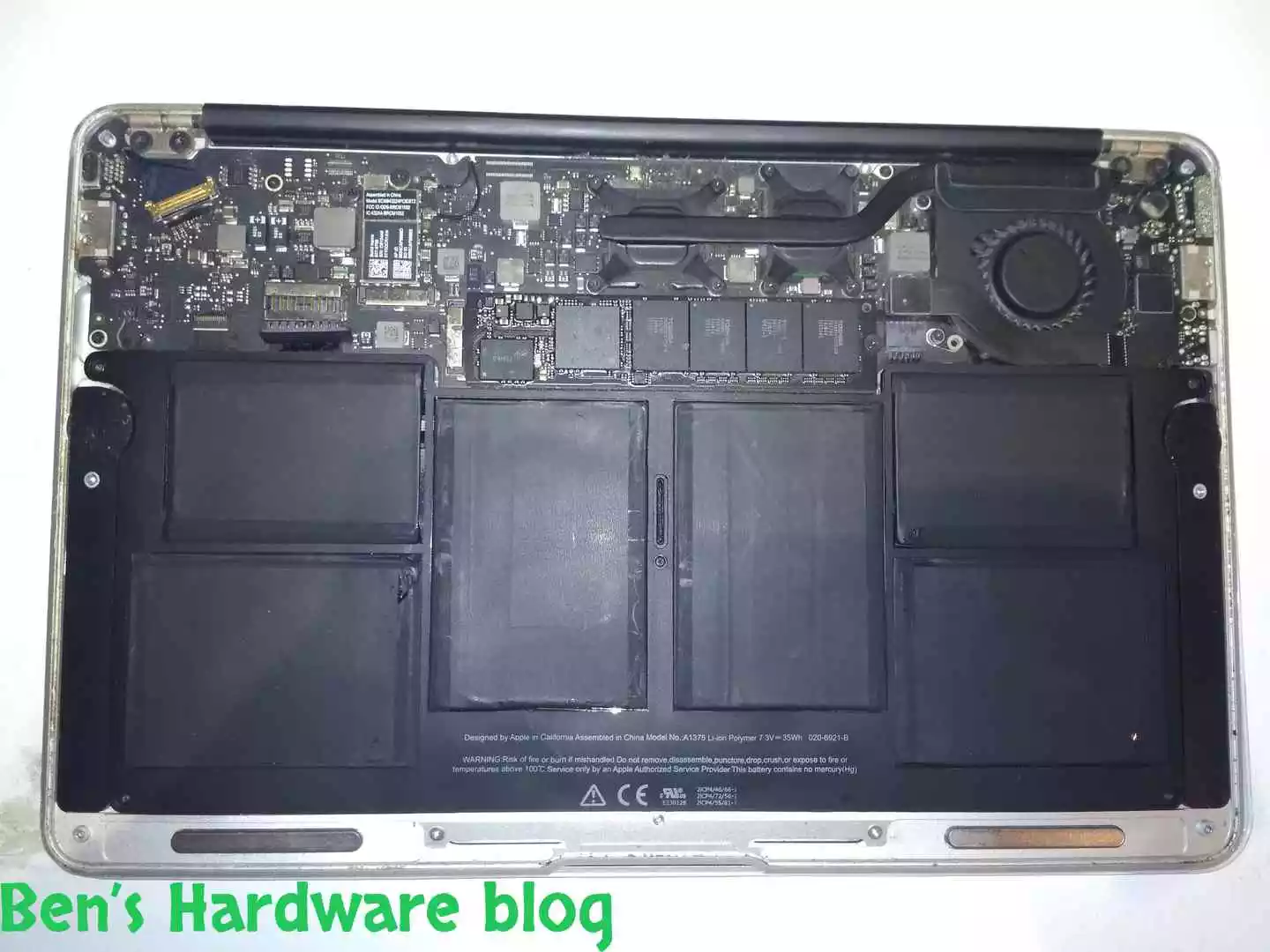
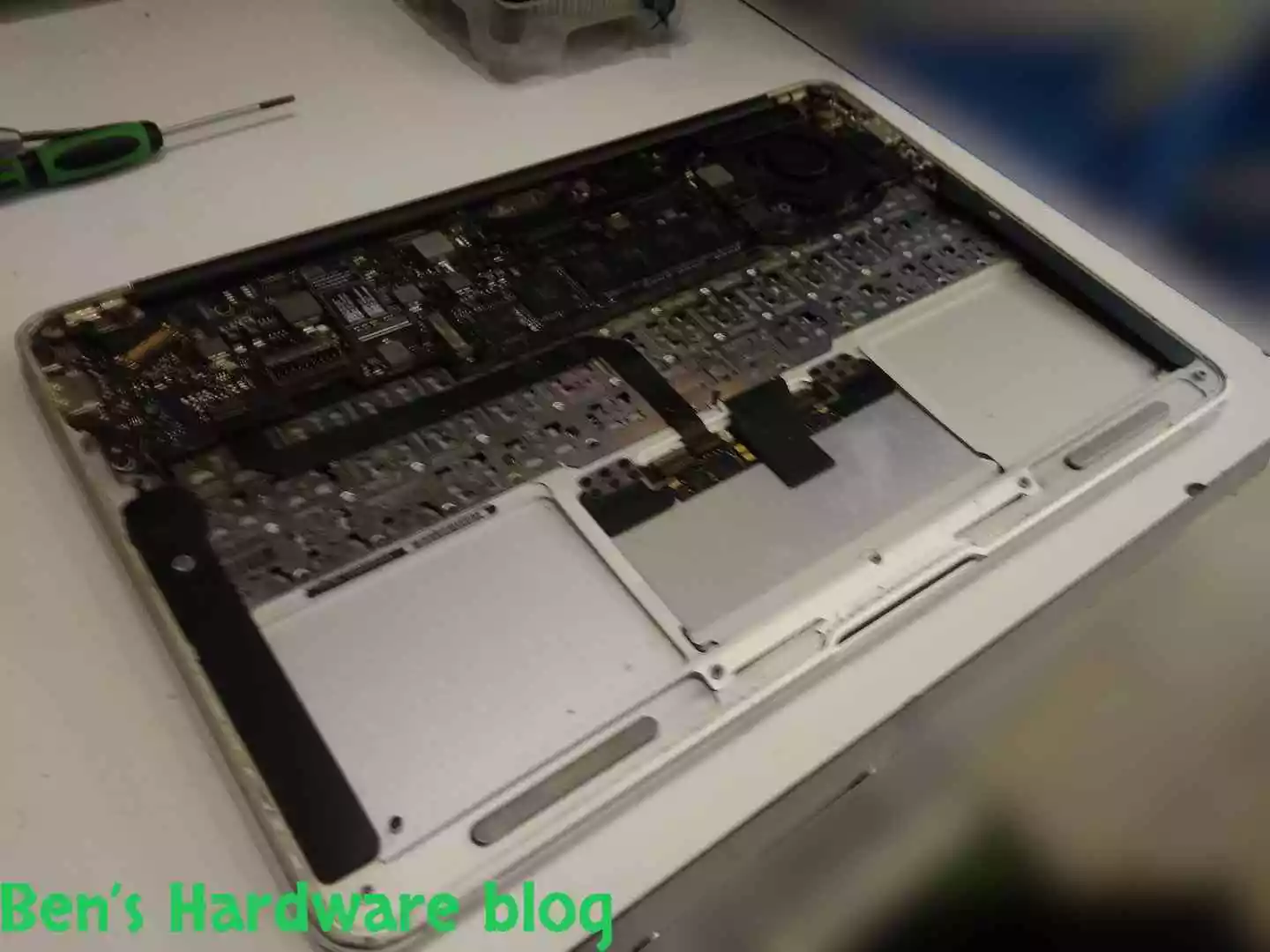
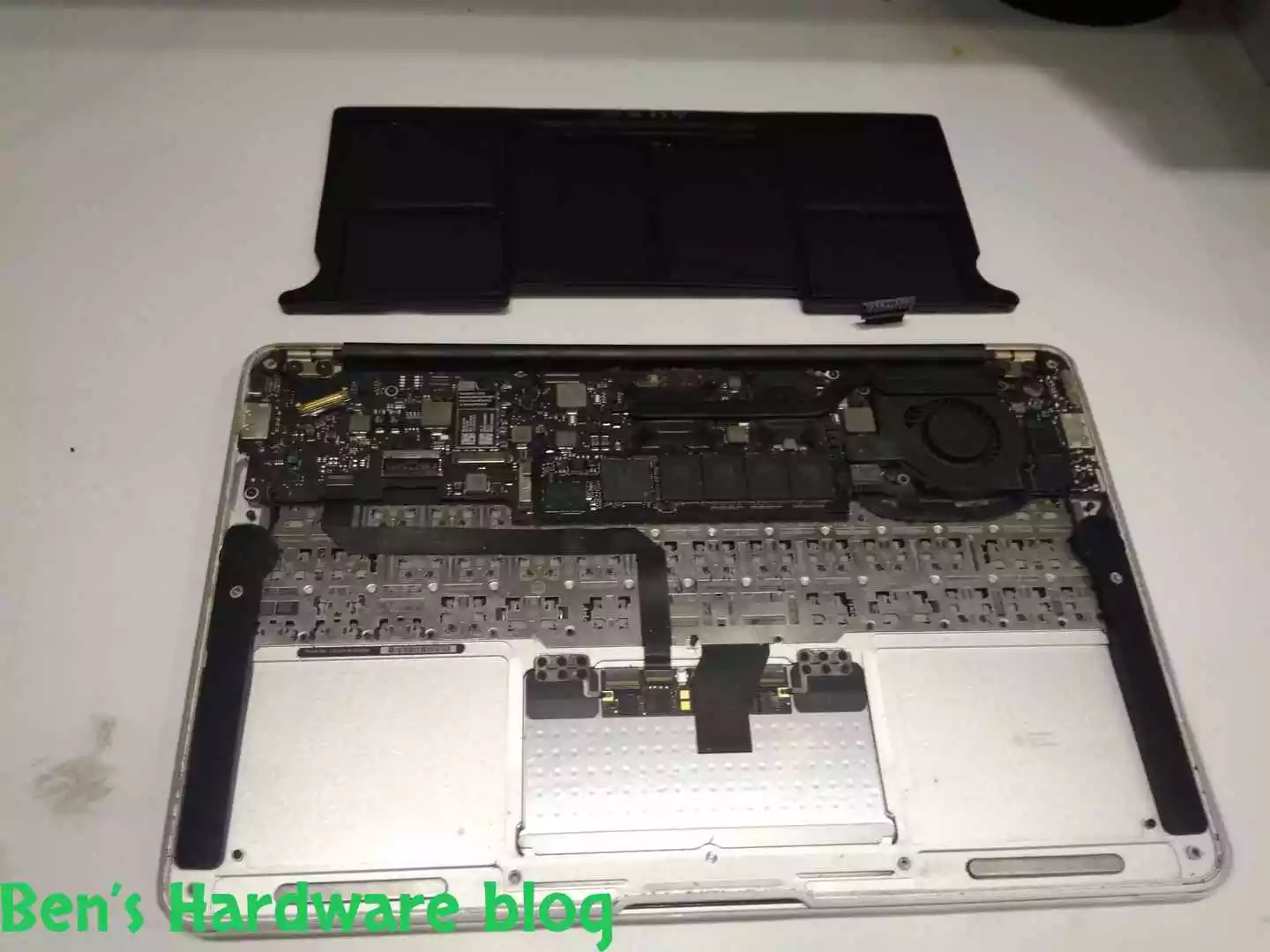
After all of the 5 screws and the power connector were disassembled, the battery unit could be finally lifted. This should be done with care and patience.

BHB A1375REPLACE99 BHB A1375REPLACE100


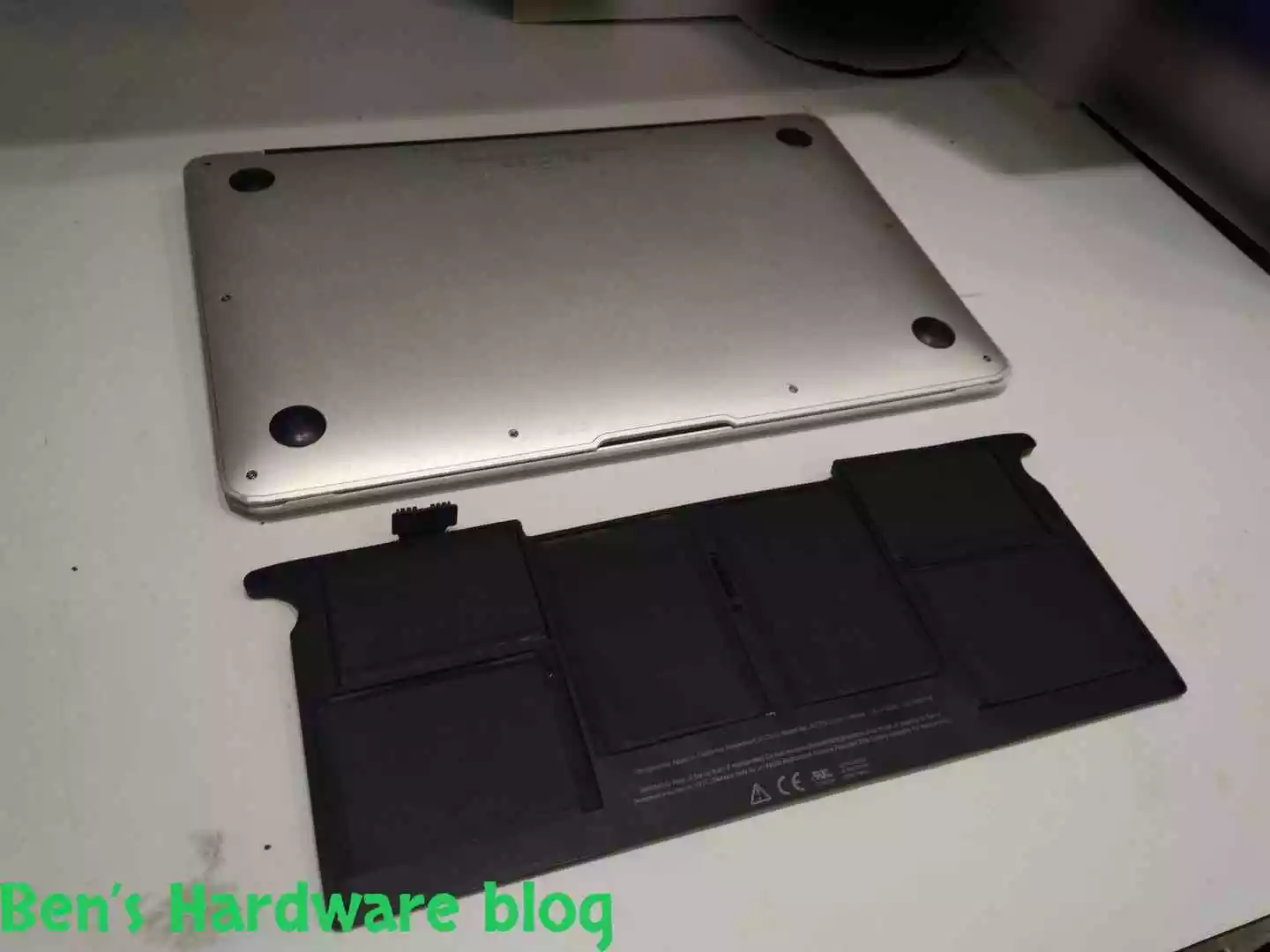
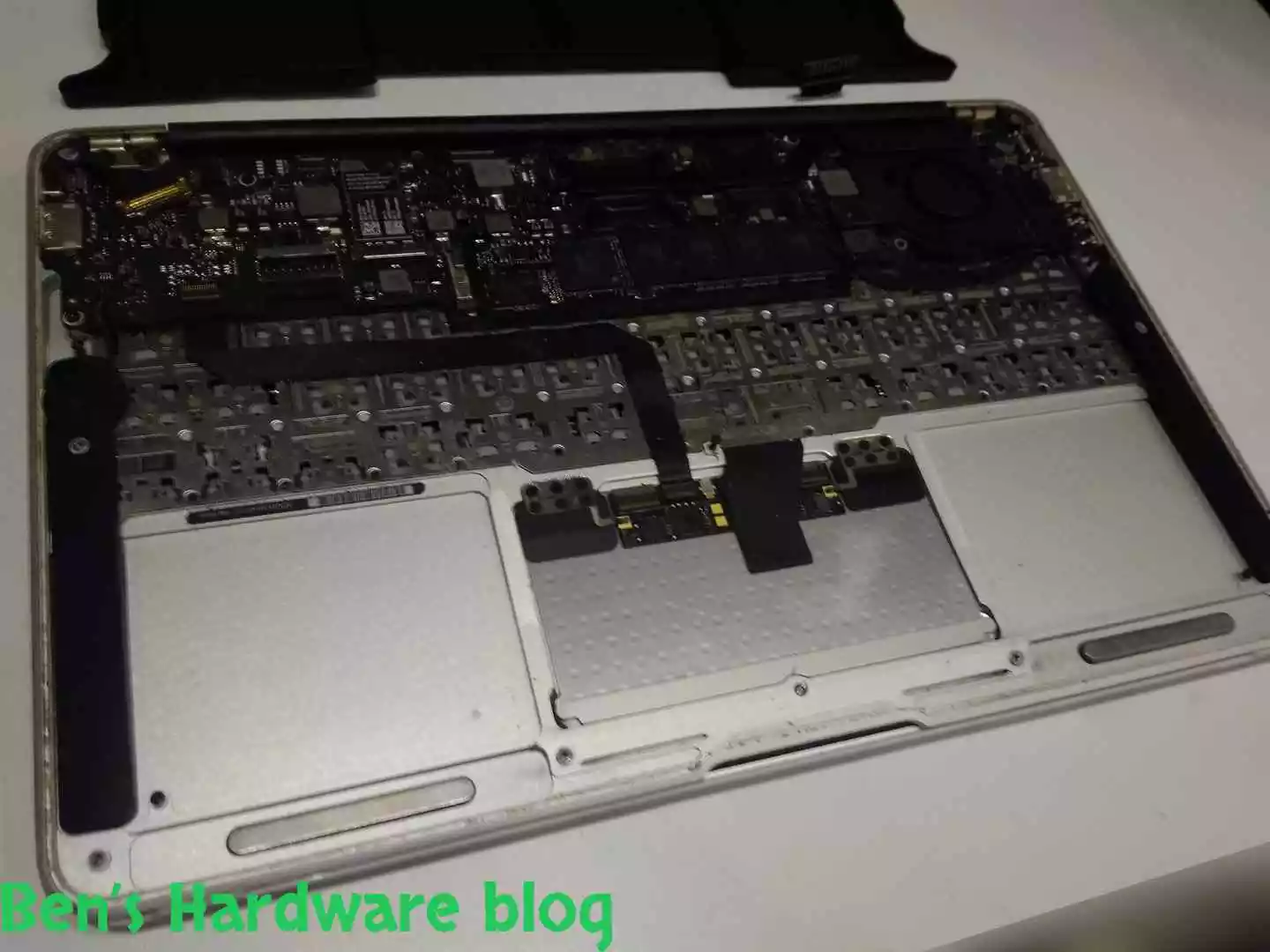
It seems the battery unit takes a very significant space of the bottom level of the MacBook case. No acid could be seen in the naked eye.

BHB A1375REPLACE101 BHB A1375REPLACE102

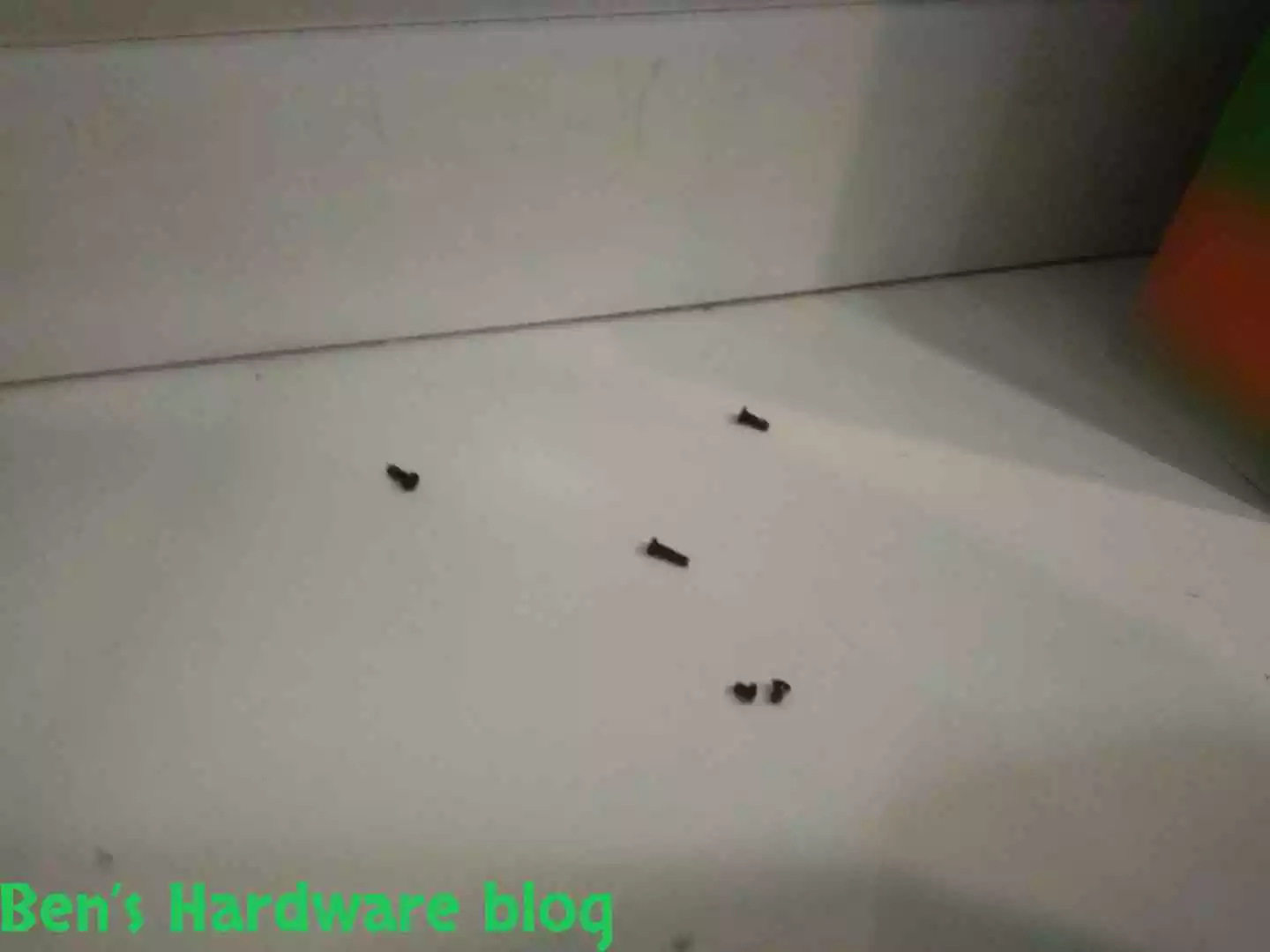
I screwed the 5 screws, not all the way in, back in their matching holes. I did this cause I knew it would take time for the new battery to arrive. Till then, losing screws wouldn’t be such a hard task. Of course, jars or little boxes could be used as well as a temporary storage, but this way is better since the screws are already there.

BHB A1375REPLACE103 BHB A1375REPLACE104
BHB A1375REPLACE105 BHB A1375REPLACE106

I closed the bottom cover and screwed the remaining screws back since the laptop was still needed to be used and in the meantime that could be done by just using the external charger. The down side was that it would be limited when it comes to mobility, that is, till the new battery arrives.

Note: some of the bottom cover screws were not screwed back due to wear and tear.

BHB A1375REPLACE109 BHB A1375REPLACE110

Packaging:

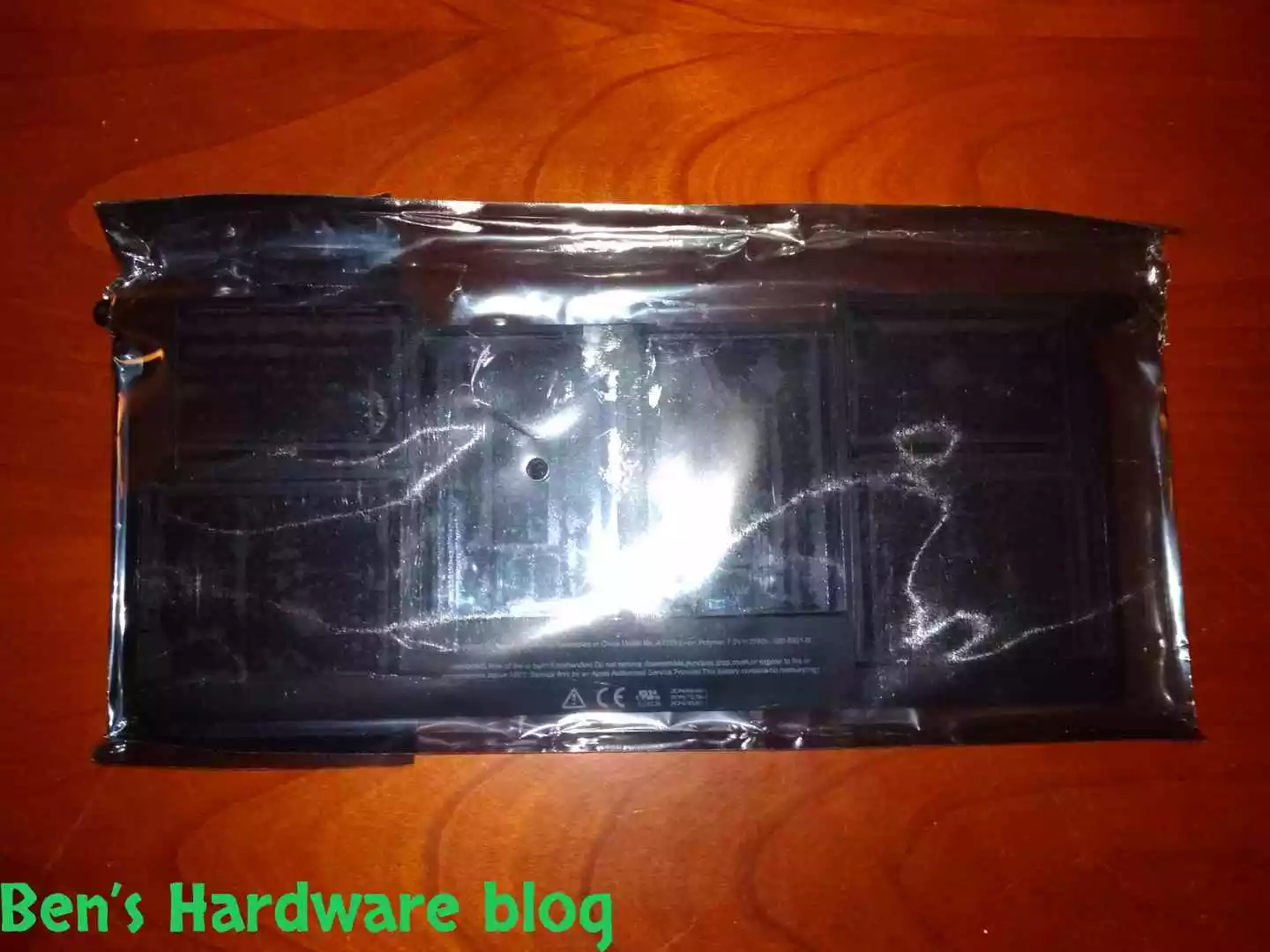
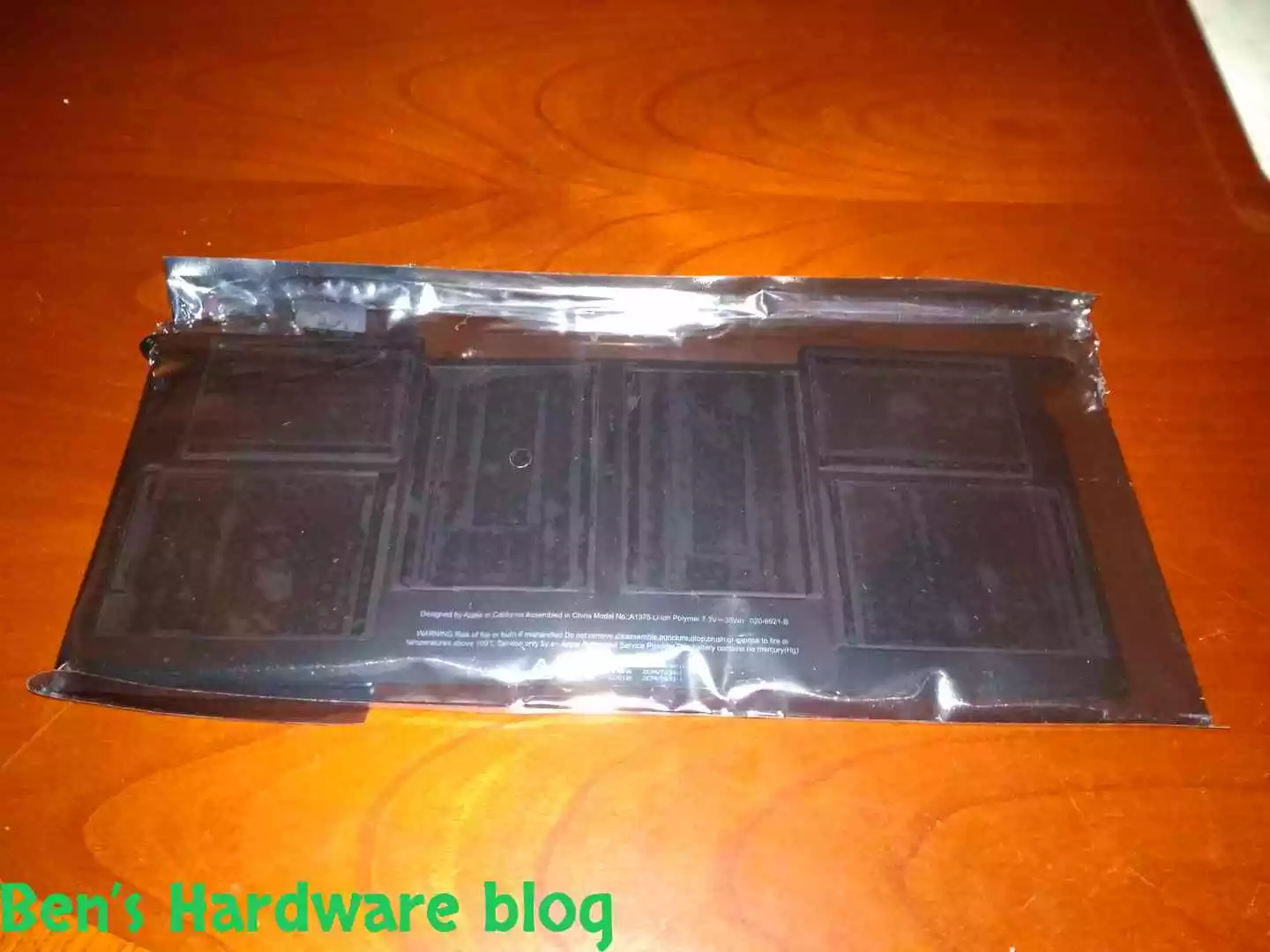
Besides the cardboard box it came with and the wrapping material, the new battery’s packaging was a sealed and secured standard thick electronics nylon, making it look very professional.

Parts:

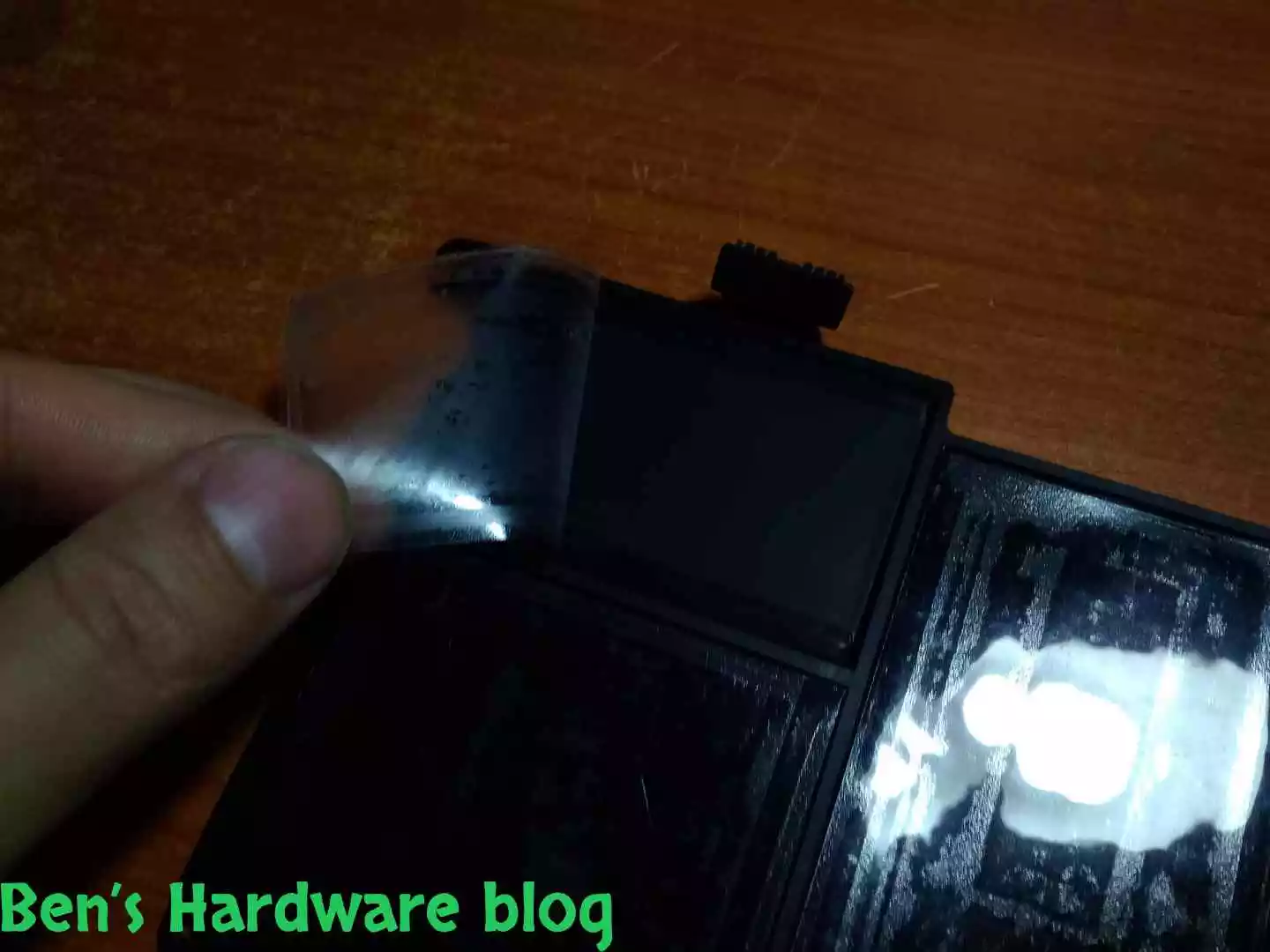
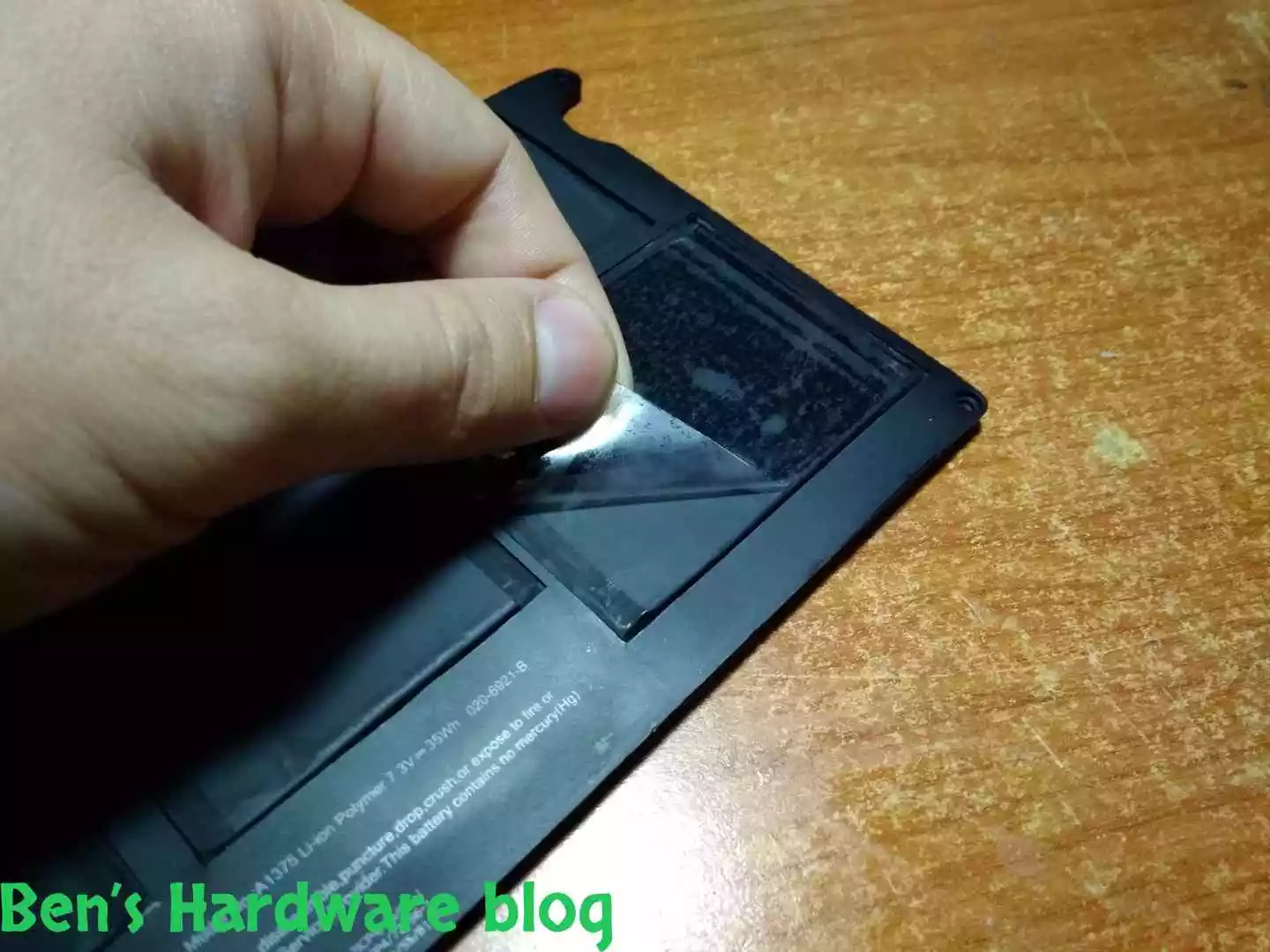
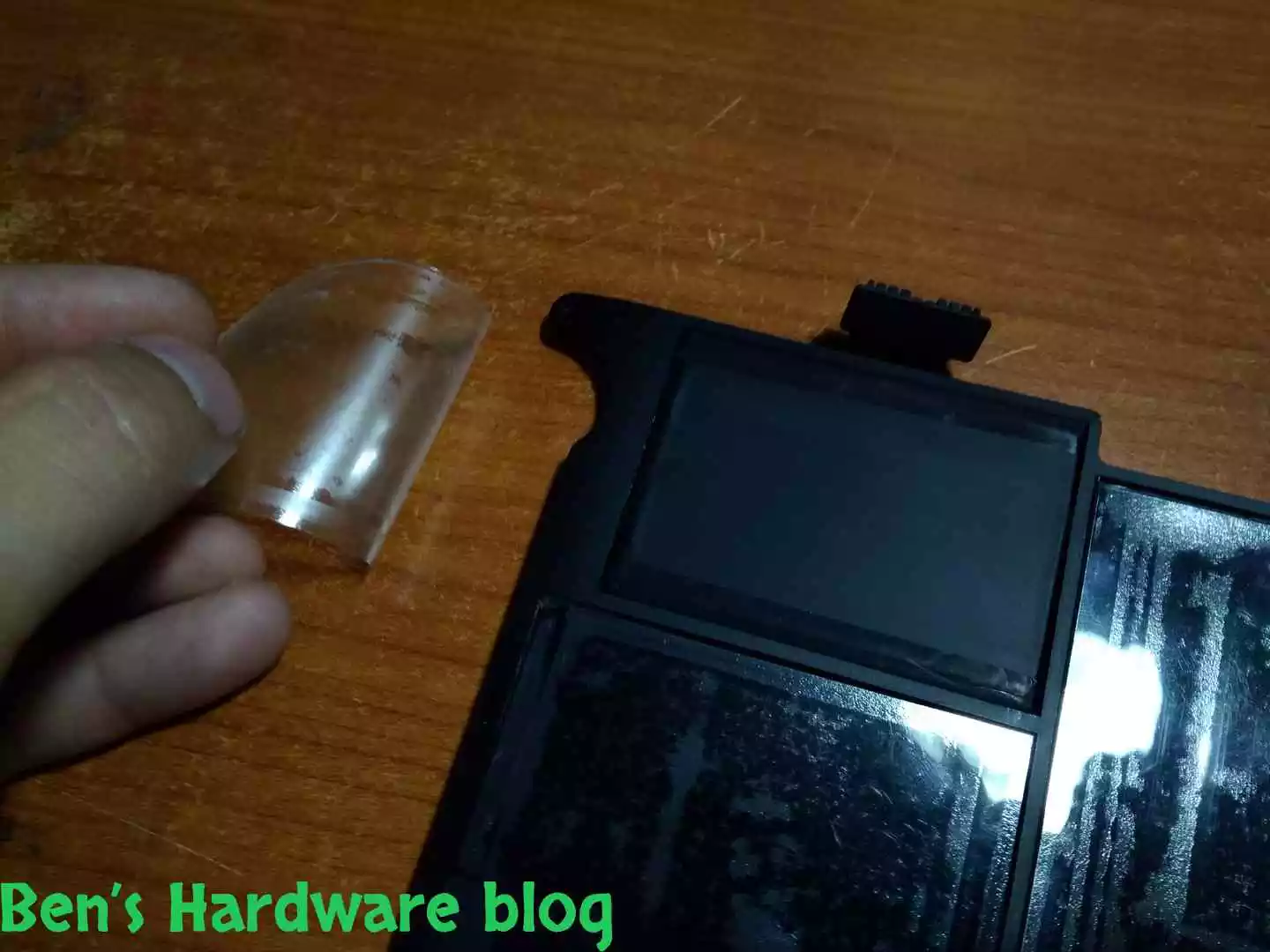
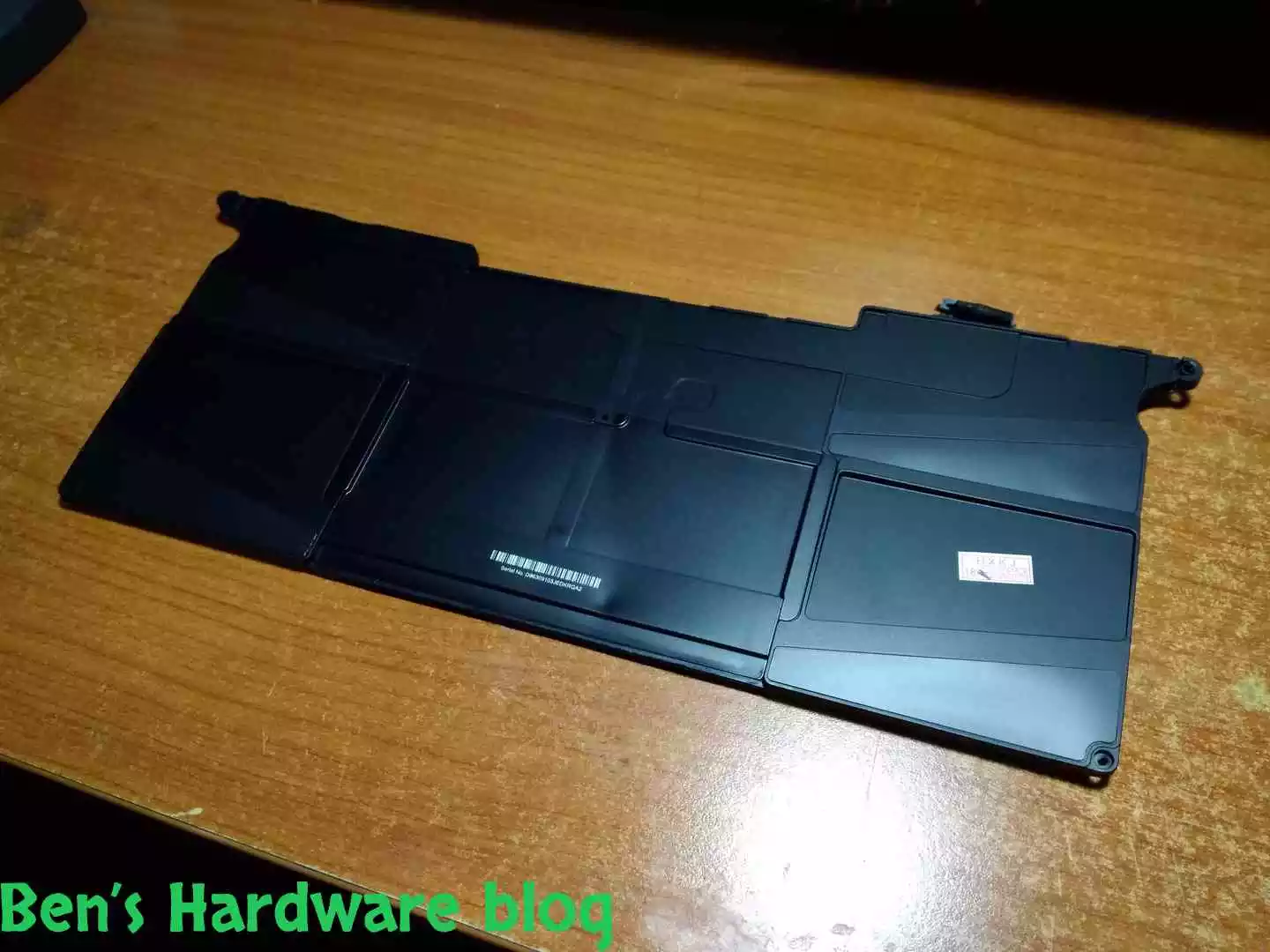
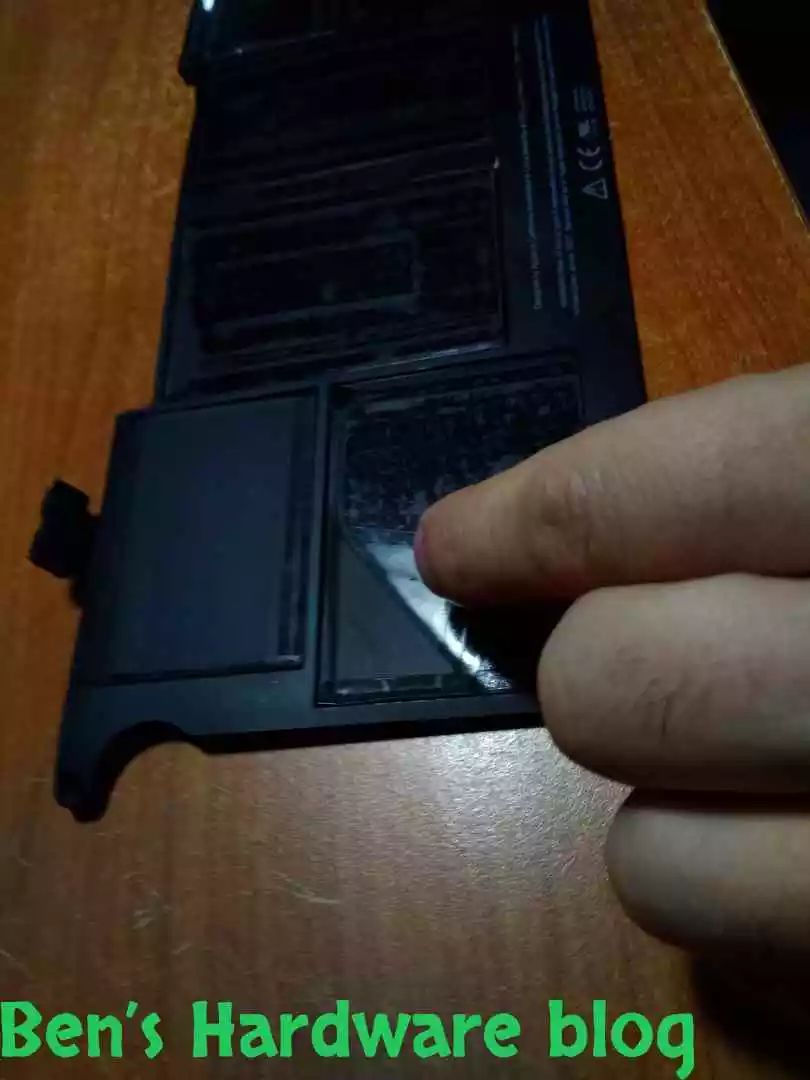
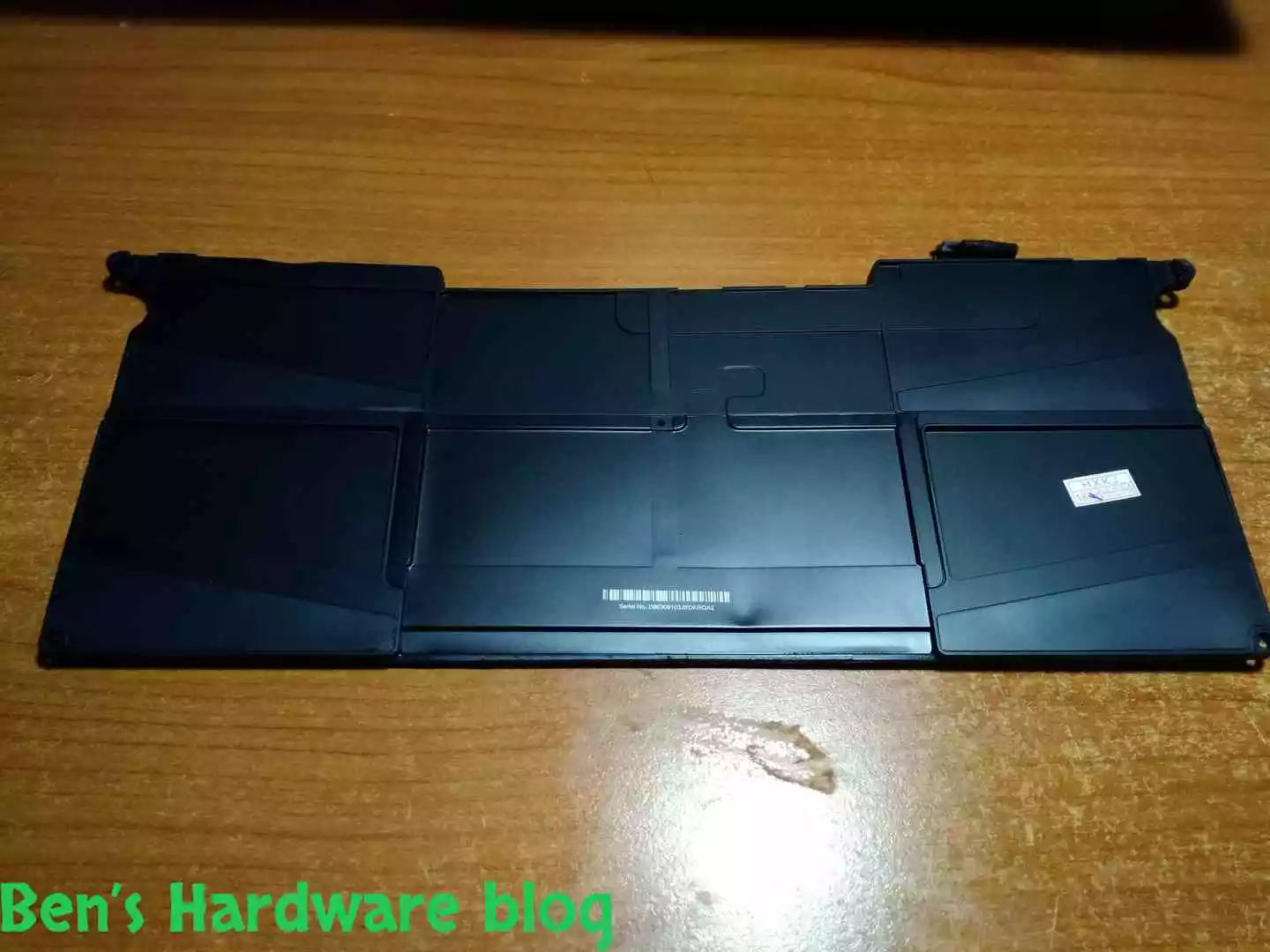
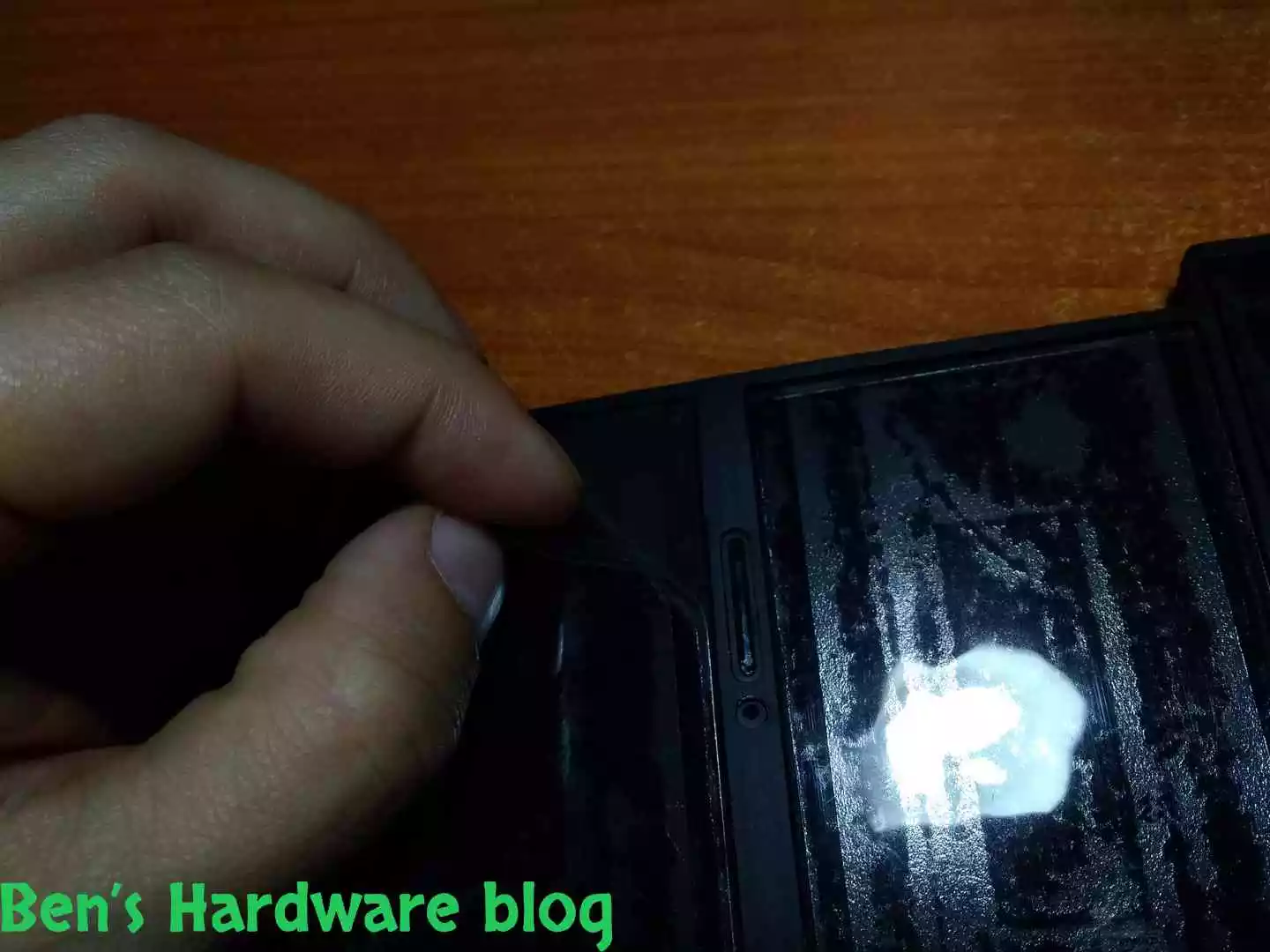
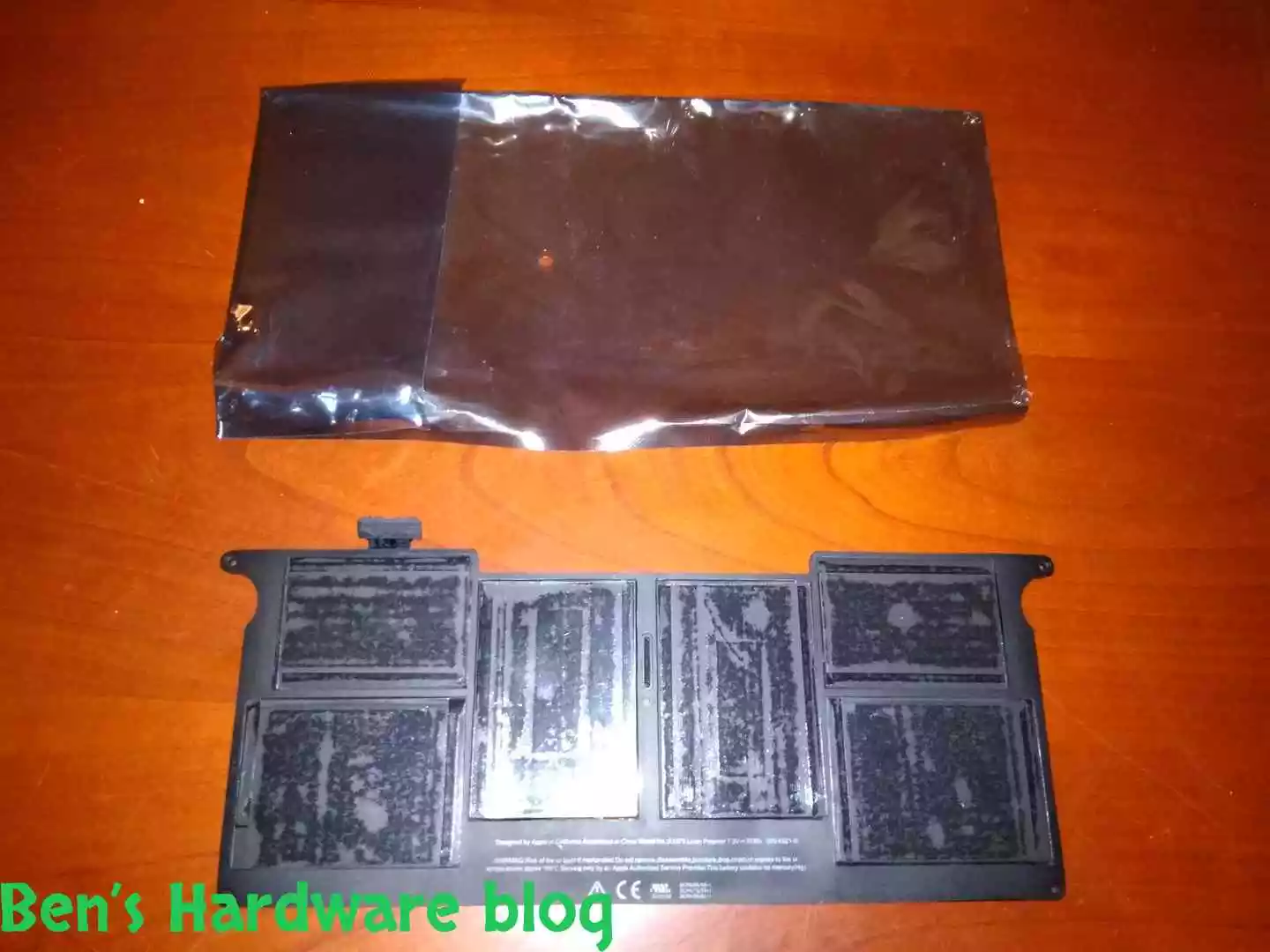
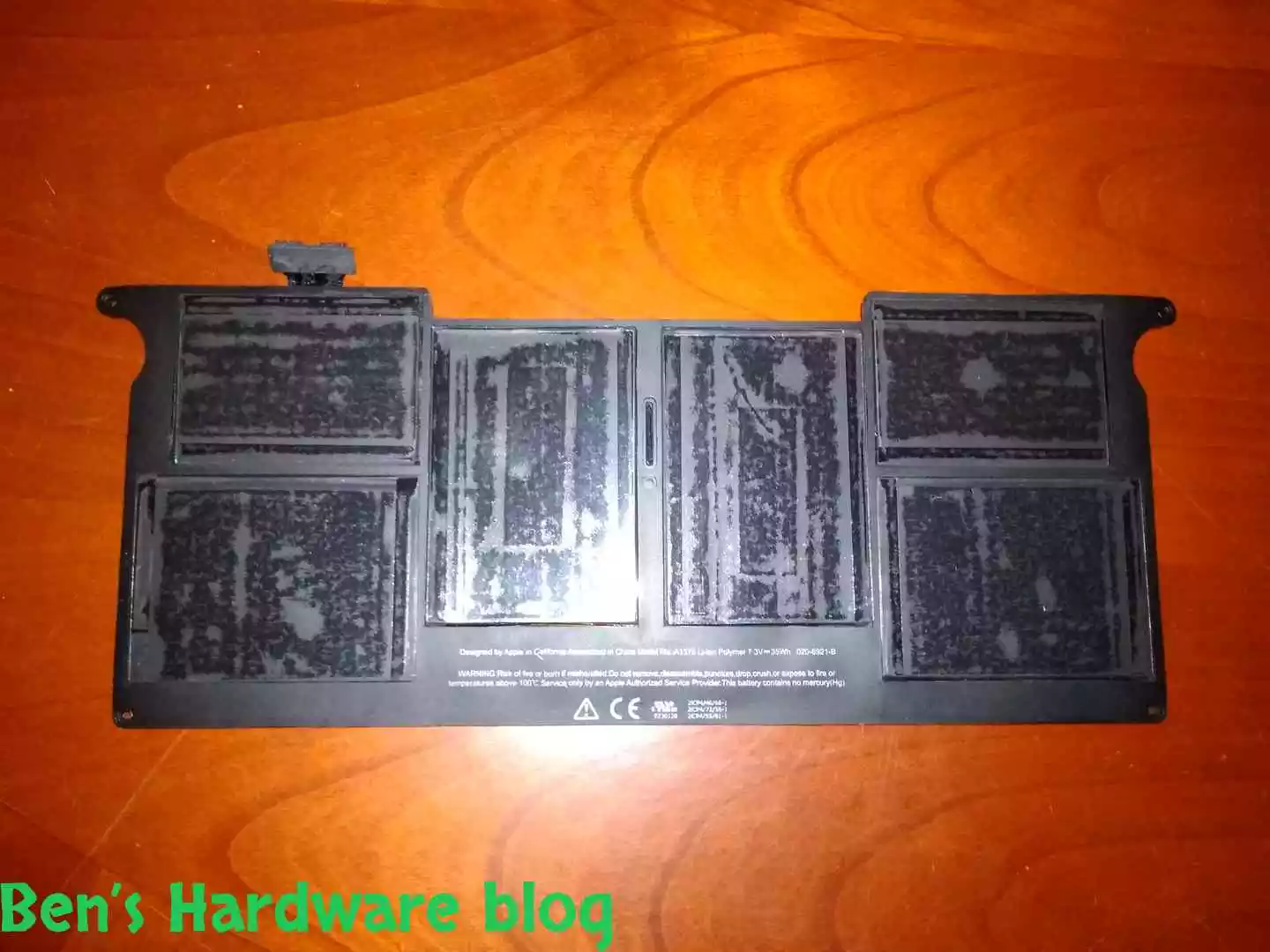
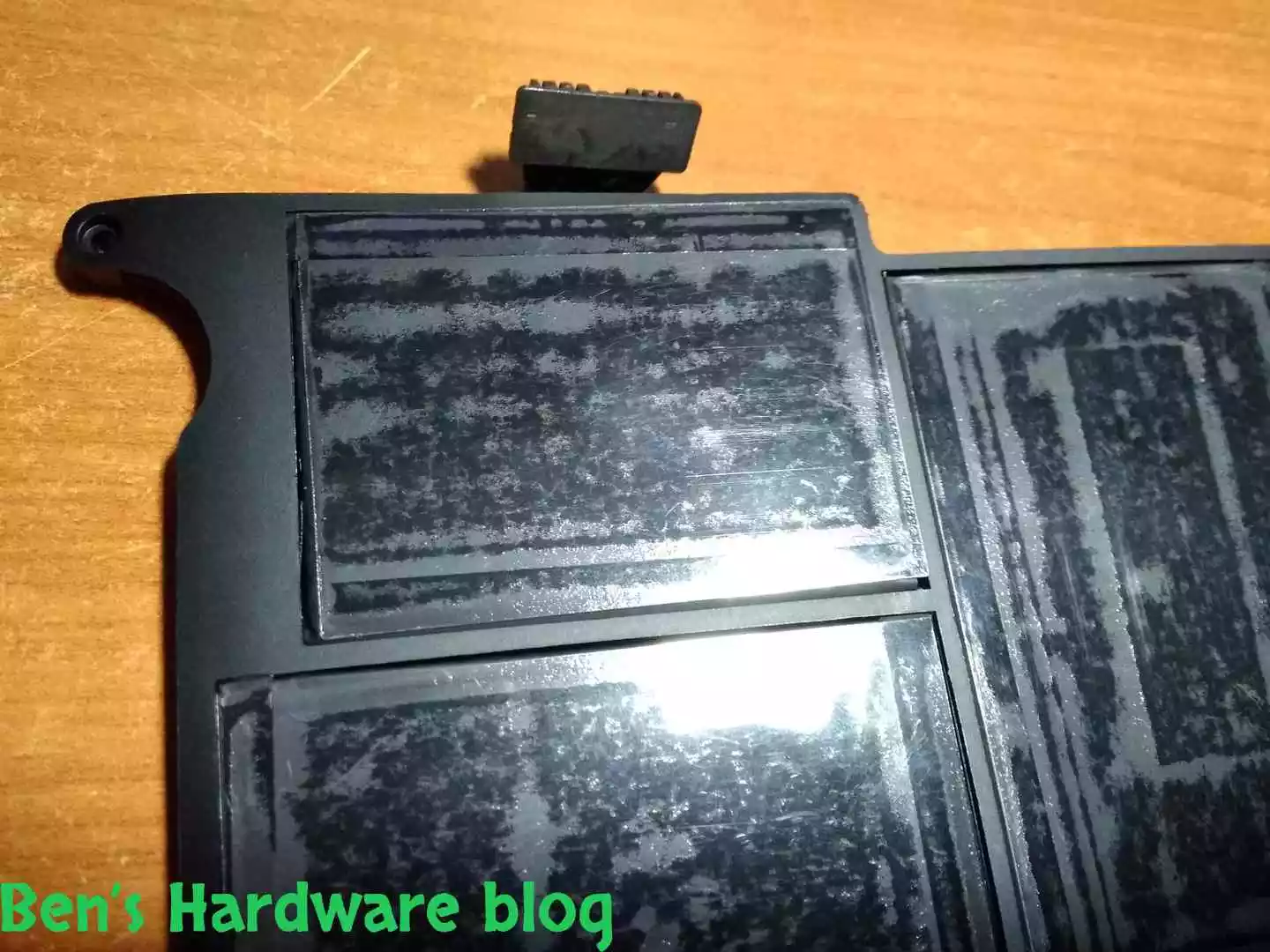
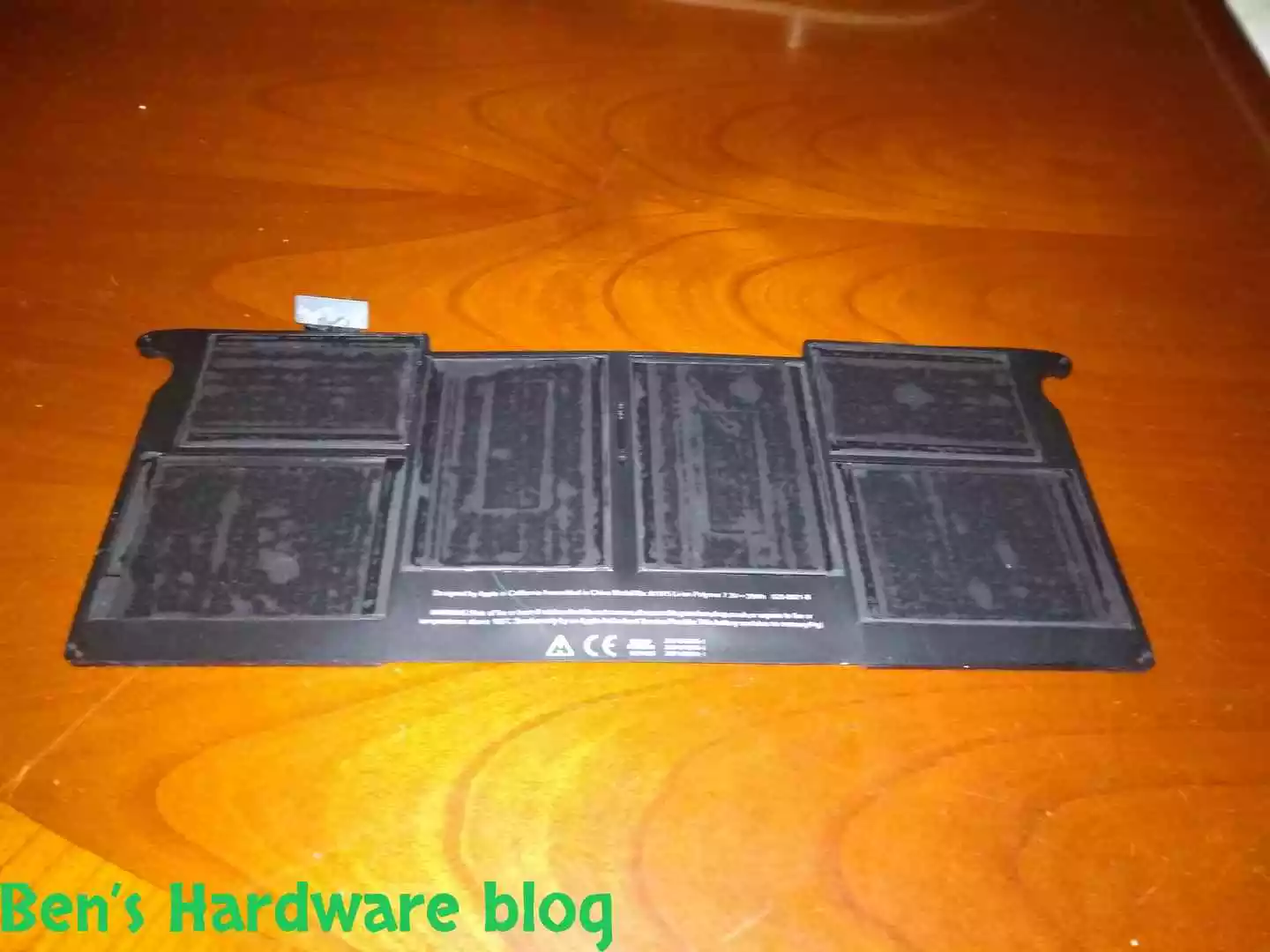
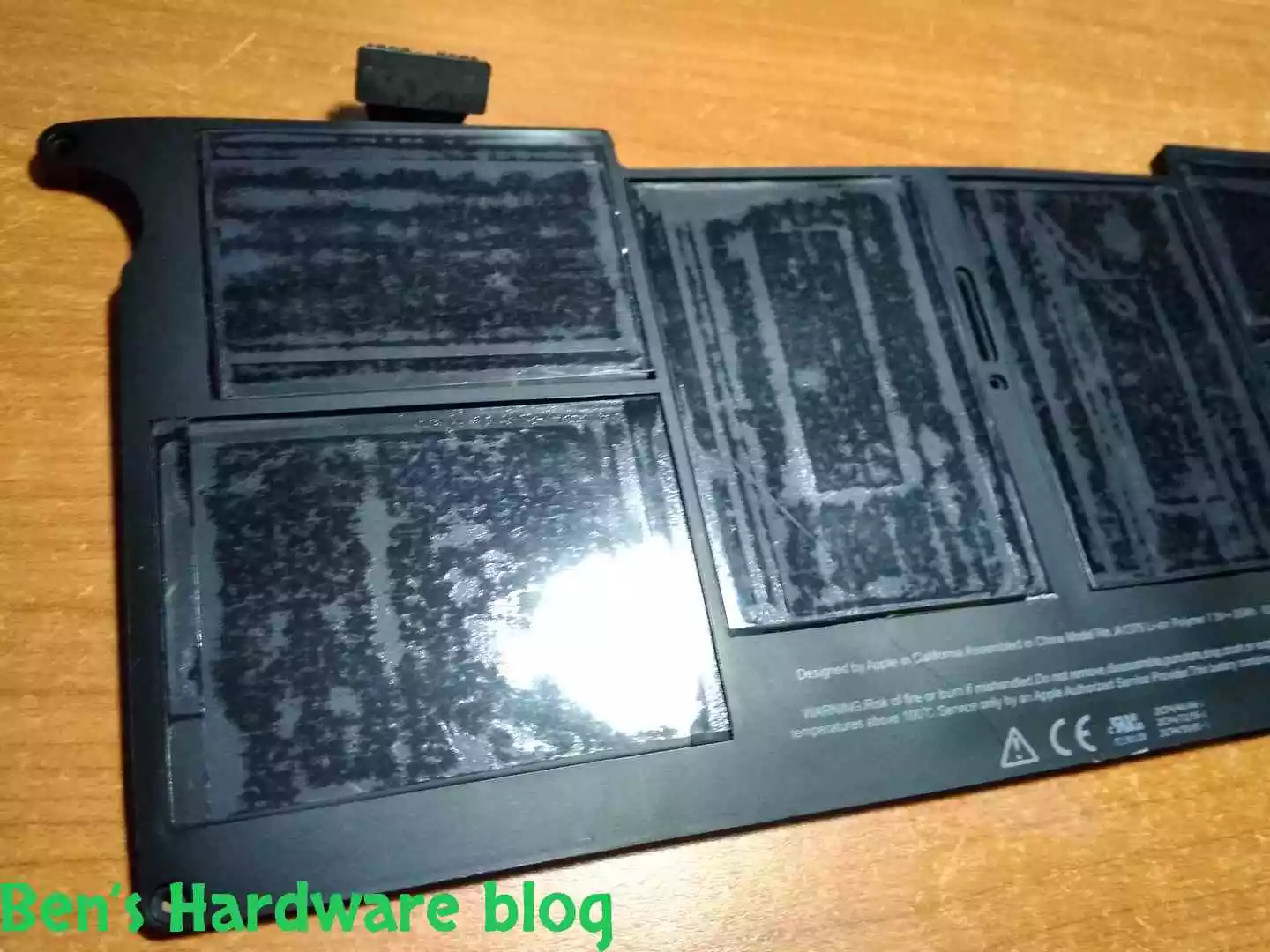
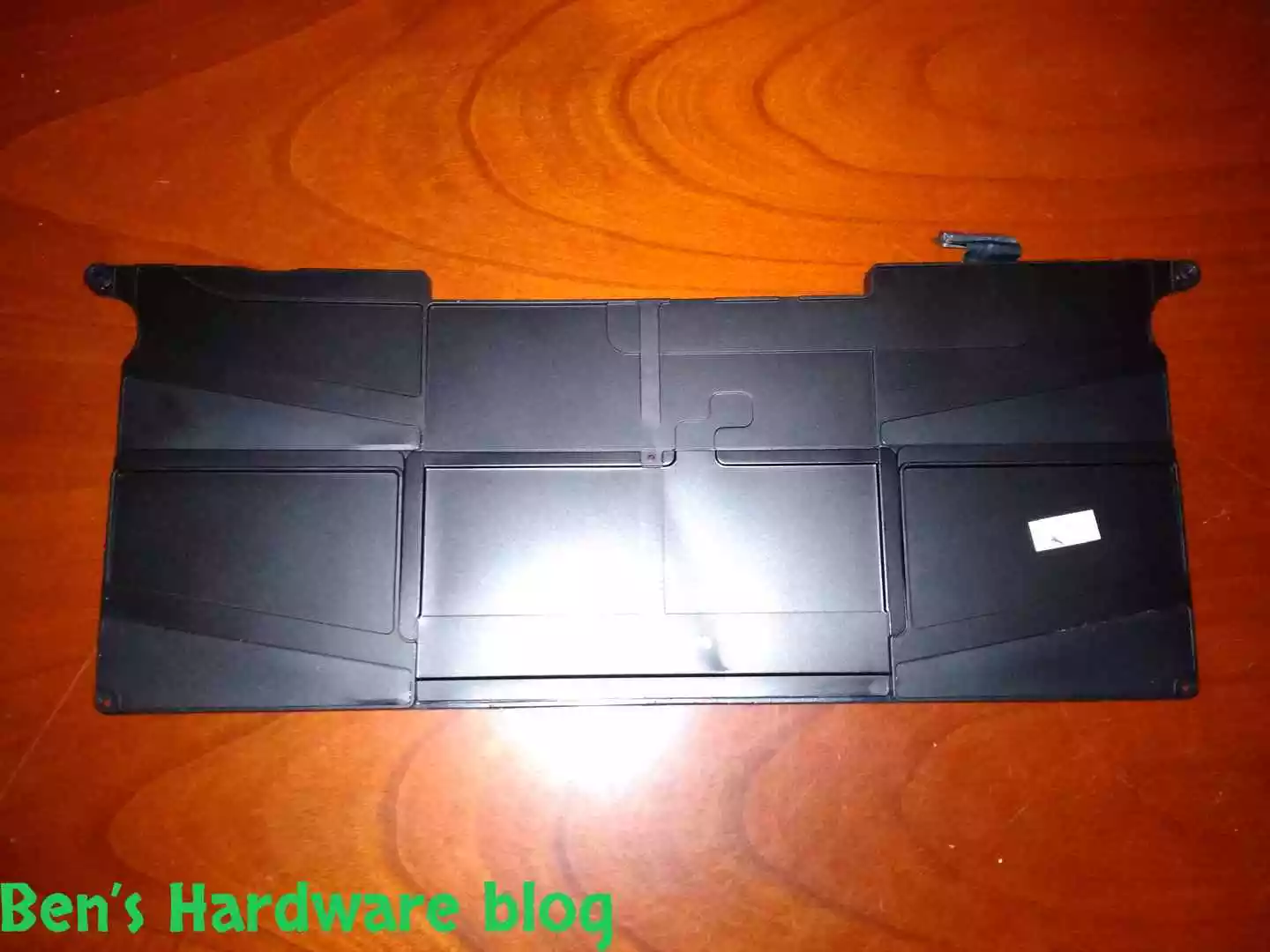
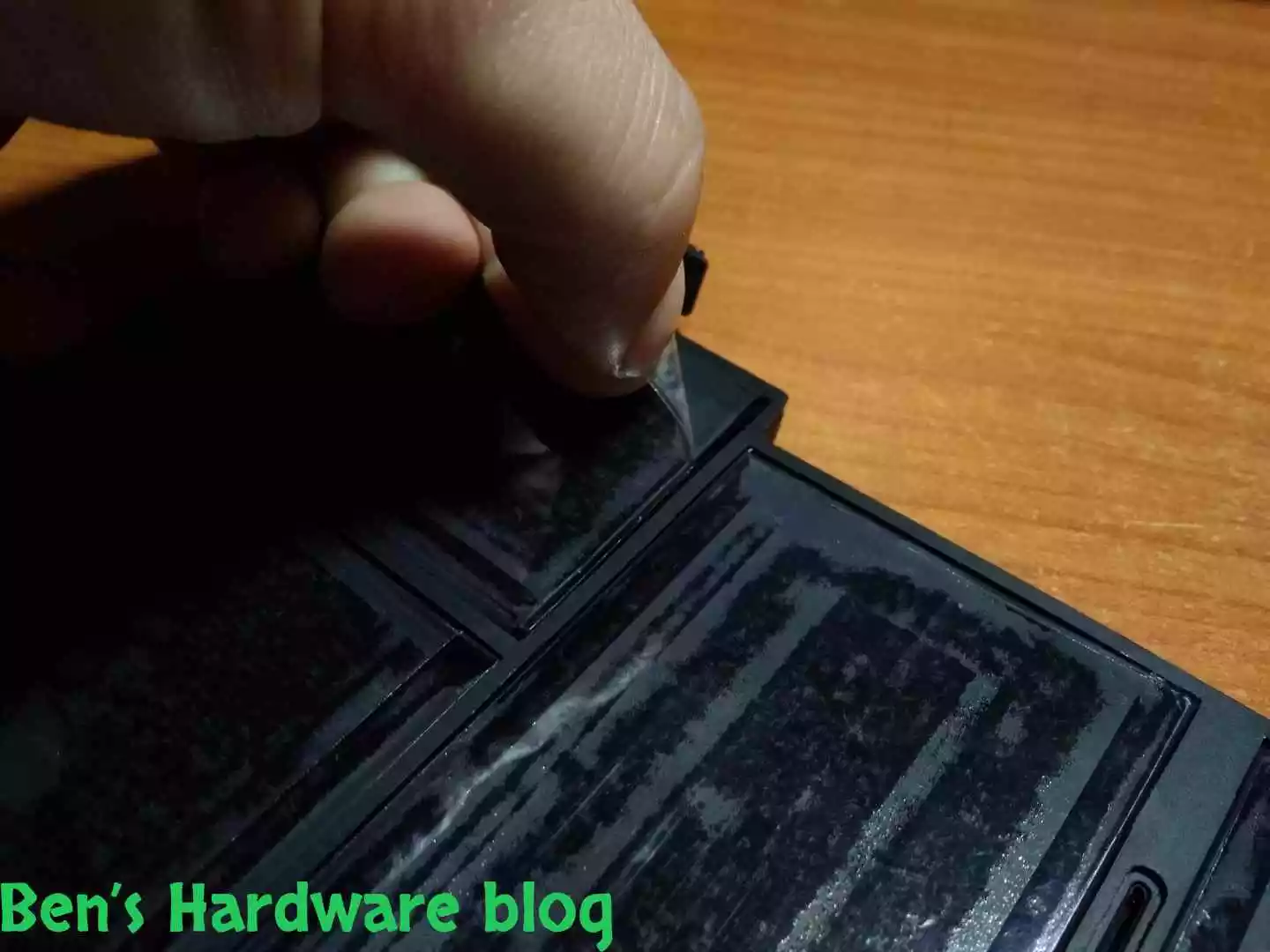
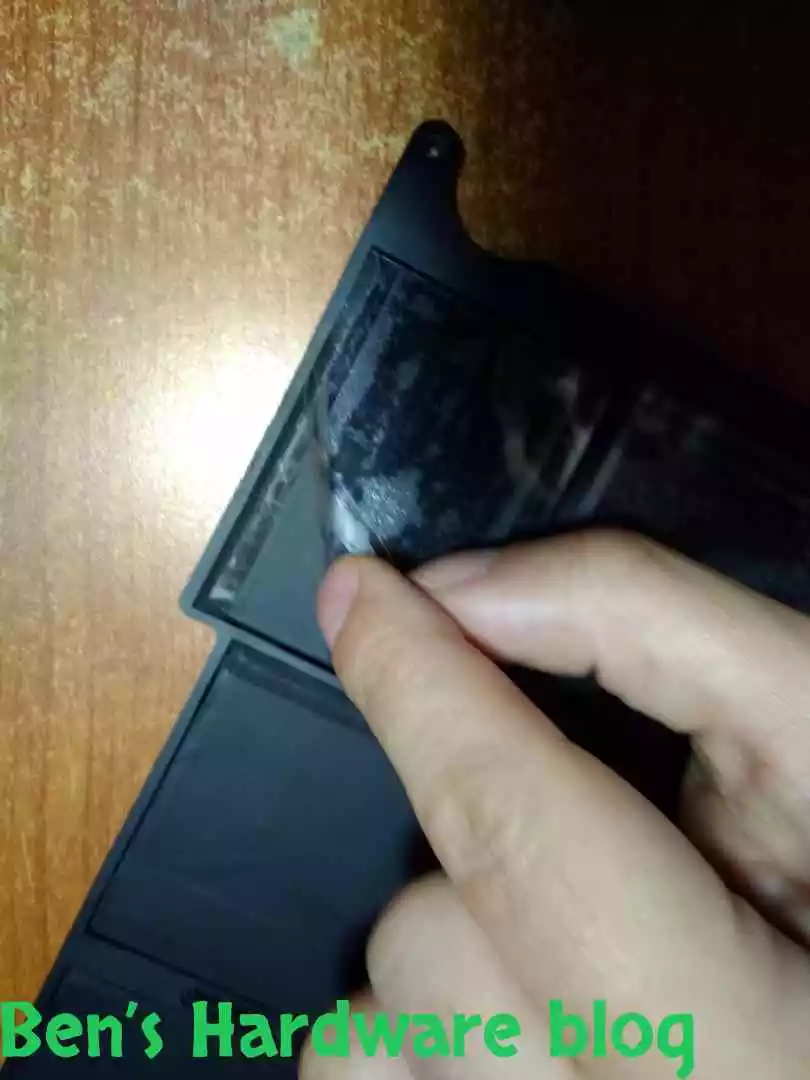
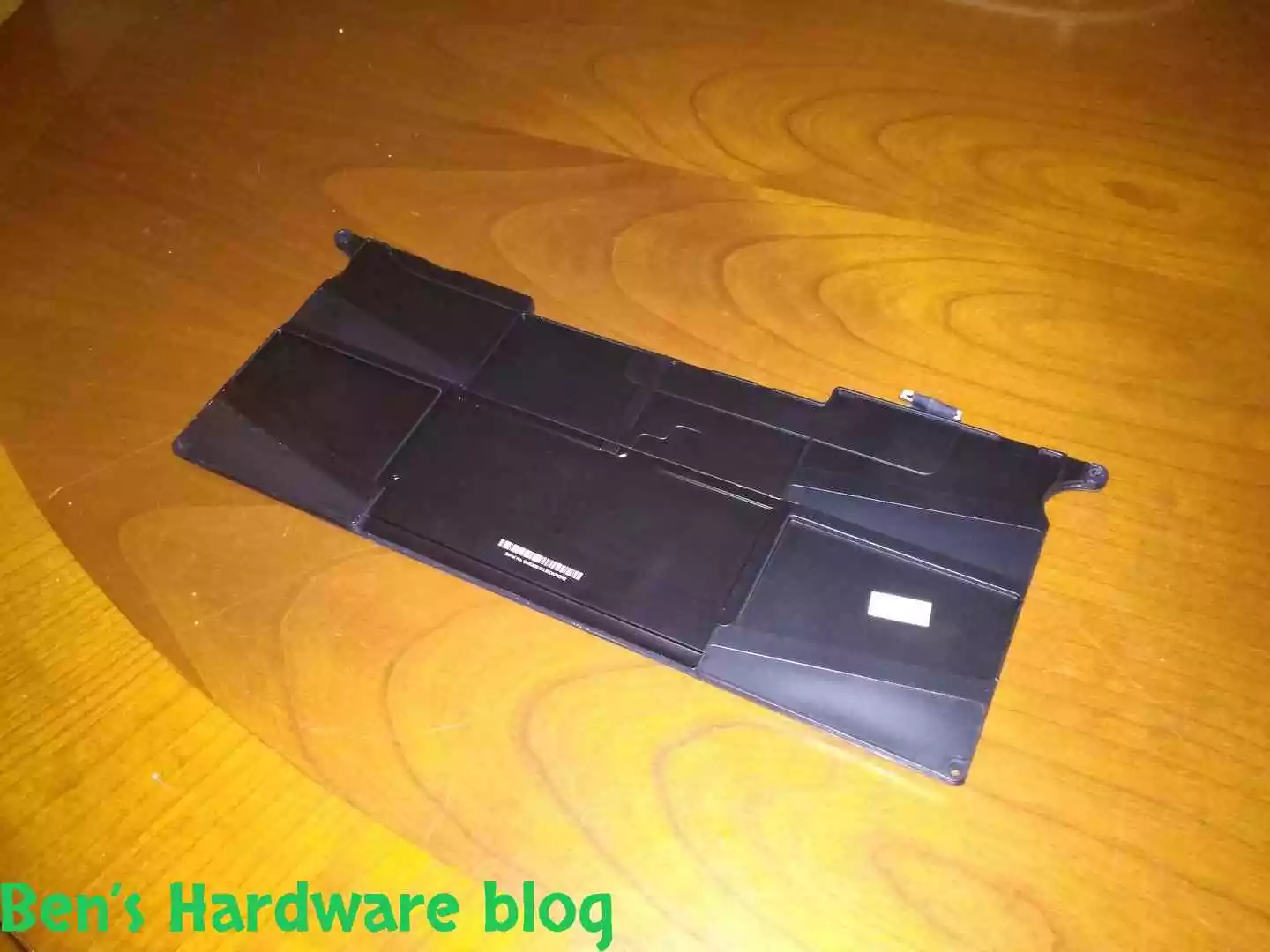
The battery unit came as a one single part along with the power connector. The 6 cells were covered by an adhesive thick transparent protective nylons, one for each cell unit.

BHB A1375REPLACE115 BHB A1375REPLACE116

Quick Overview:

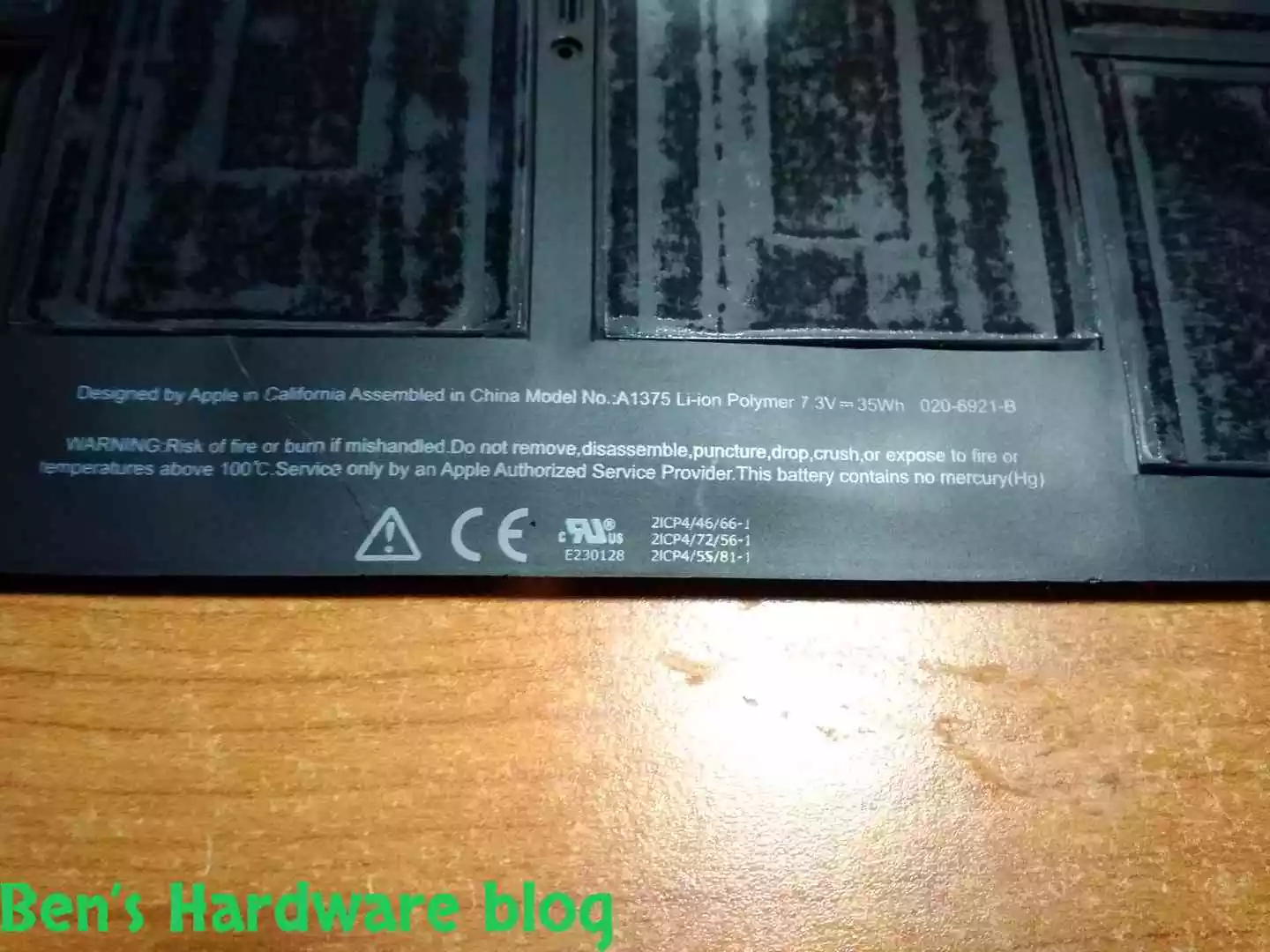
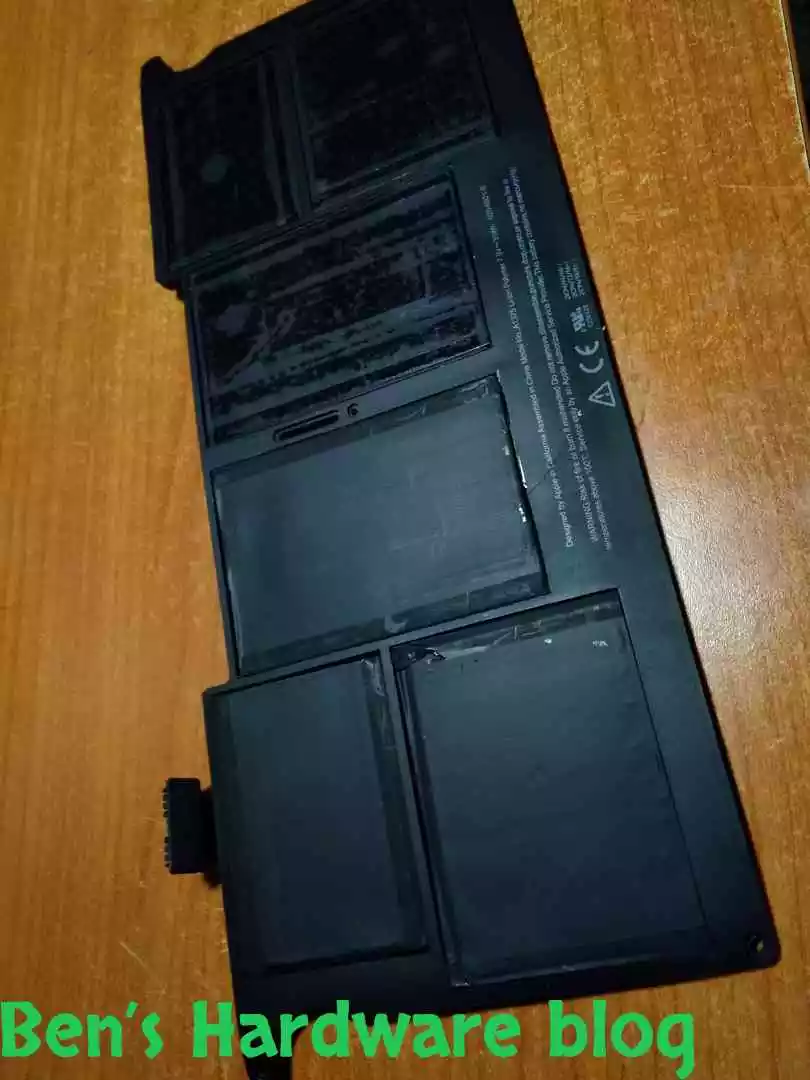
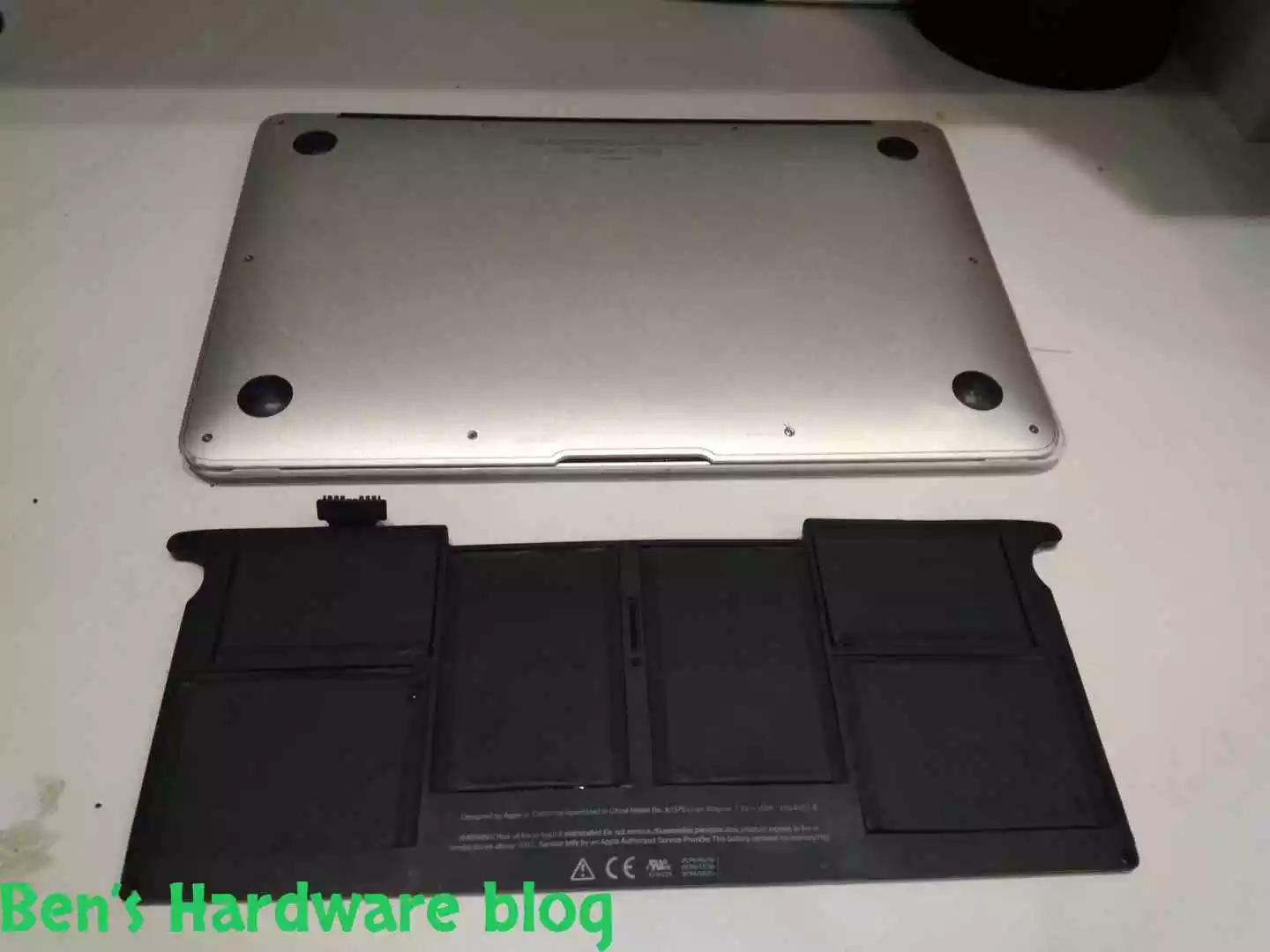
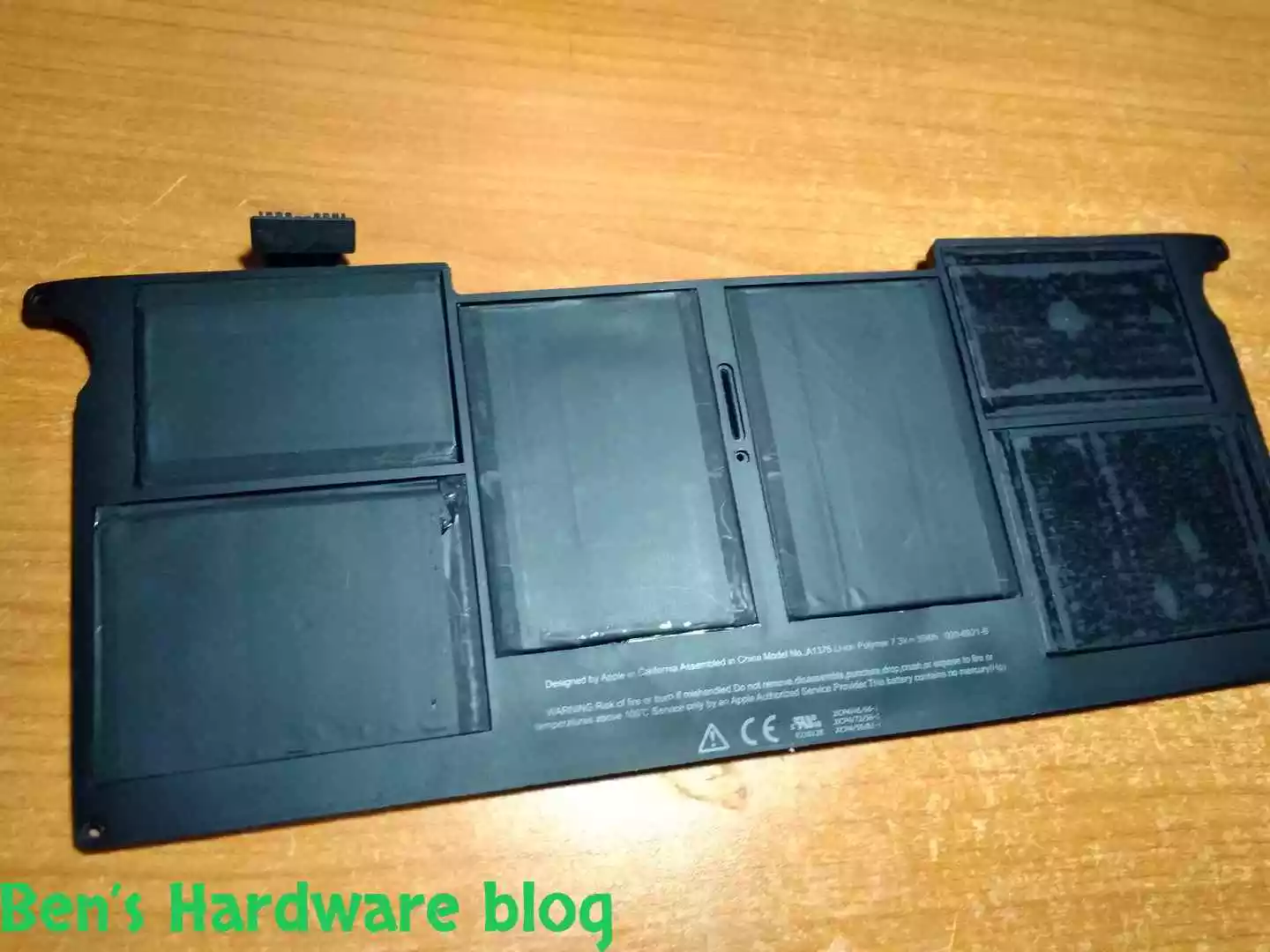
It was obvious to me that this battery wasn’t genuine when ordering it, mainly because of the price. Apple’s stuff is expensive not to mention spare parts and upgrades. This was no genuine Apple spare part, it sure looked like one I must say. They even included the writing the old faulty battery has. The writing at the bottom of the battery was different. 

The general looks of the battery was very sleek, after all, it was new. The cell’s exterior covers were the first thing that looked a bit different. The old Apple battery’s cells had a smooth exterior coating while the new generic battery’s were  dull.

BHB A1375REPLACE117 BHB A1375REPLACE119
BHB A1375REPLACE122 BHB A1375REPLACE123
BHB A1375REPLACE124 BHB A1375REPLACE125
BHB A1375REPLACE126 BHB A1375REPLACE127

Assembly:

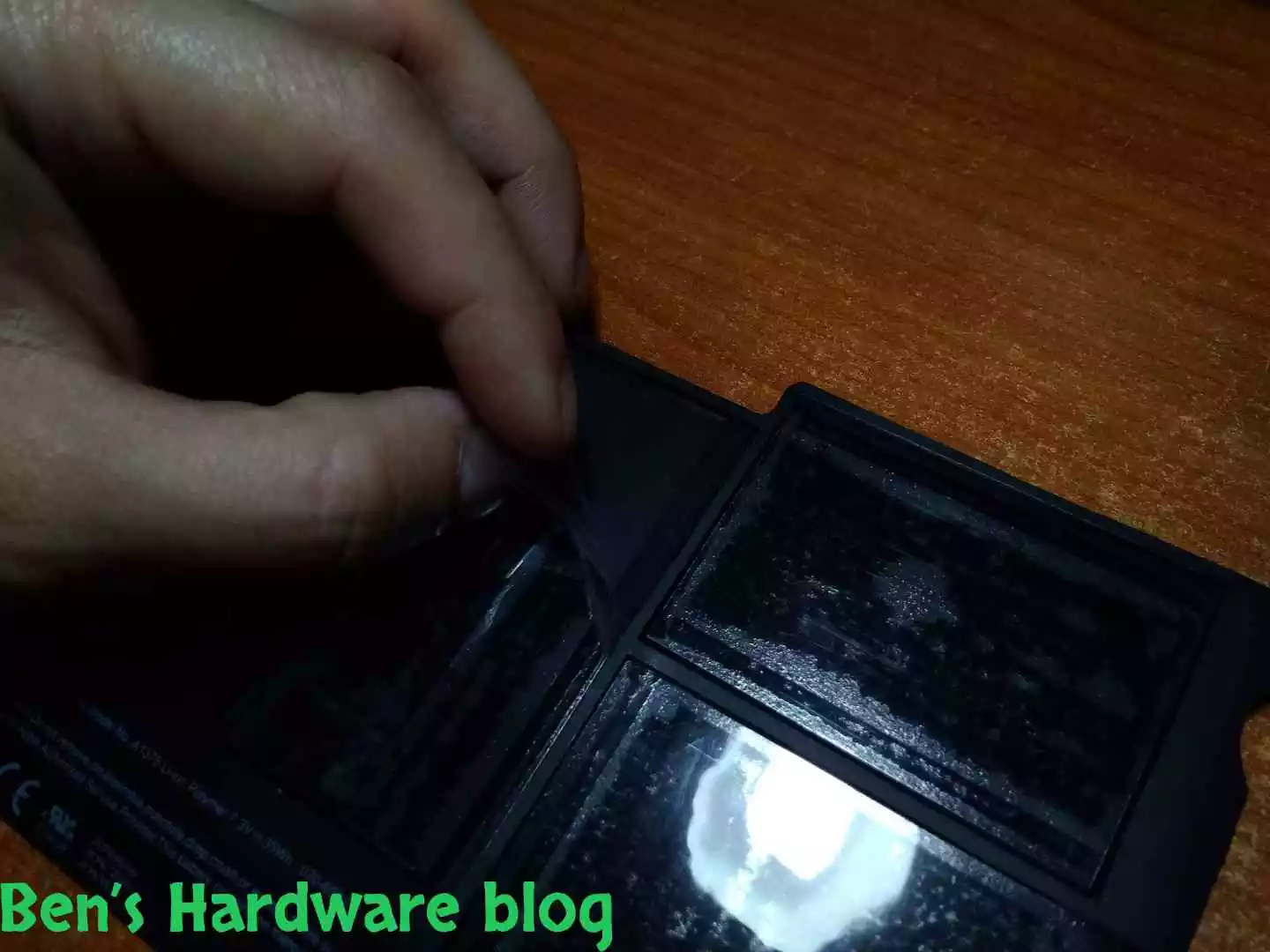
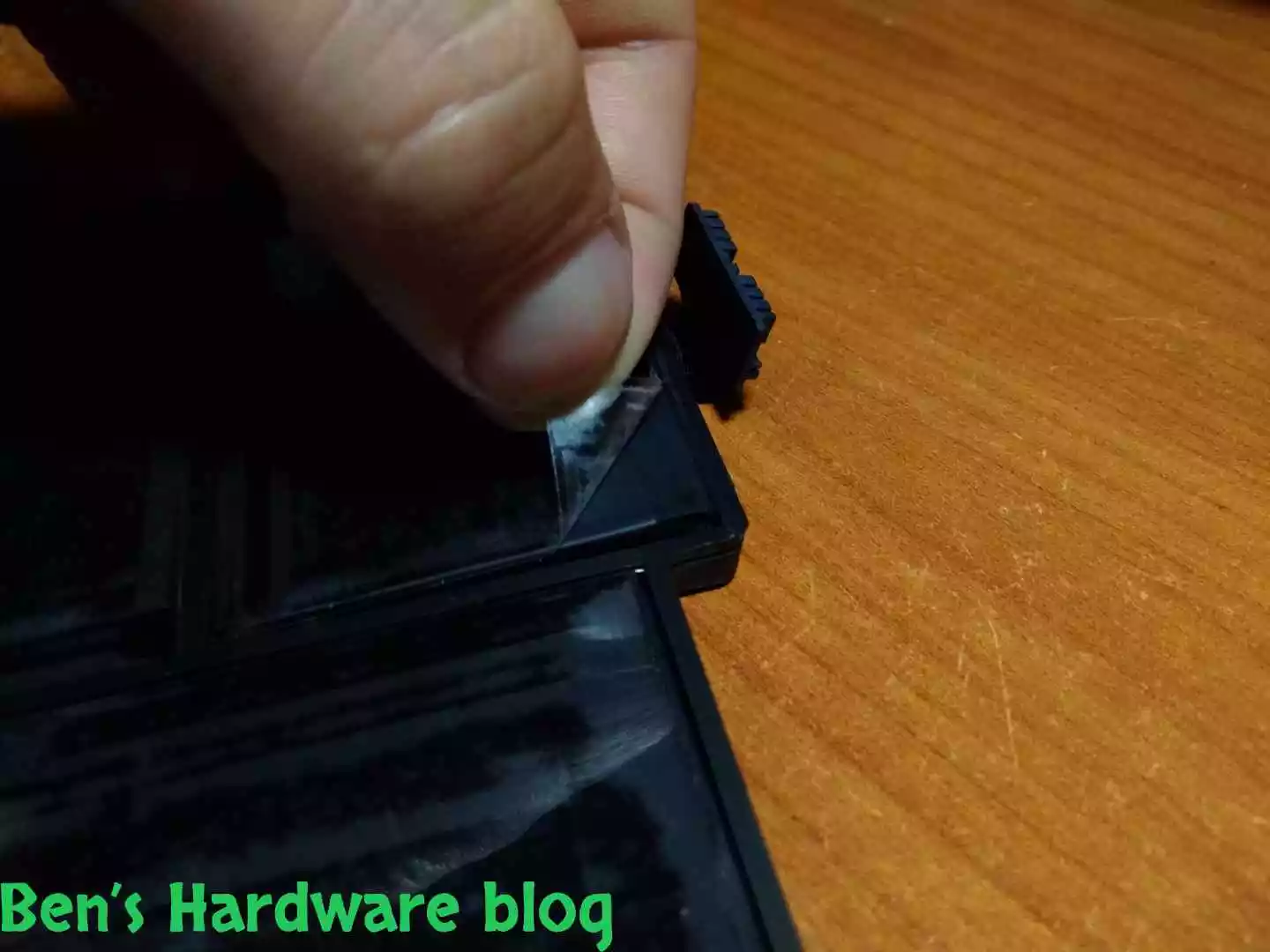
Remove the protective adhesive transparent nylon protector films from the 6 battery’s cells

BHB A1375REPLACE130 BHB A1375REPLACE131
BHB A1375REPLACE128 BHB A1375REPLACE129
BHB A1375REPLACE133 BHB A1375REPLACE134
BHB A1375REPLACE136 BHB A1375REPLACE137
BHB A1375REPLACE139 BHB A1375REPLACE140

Disassemble the bottom cover:

BHB A1375REPLACE147 BHB A1375REPLACE148

Make sure the bottom surface of the MacBook case is clean of any debris, dust, foreign objects and any form of liquid.

Unscrew the 5 screws left in the previous disassembly of the old battery. (not relevant for those who stored the screws in external enclosed storate)

BHB A1375REPLACE154 BHB A1375REPLACE155
BHB A1375REPLACE156 BHB A1375REPLACE157
BHB A1375REPLACE158 BHB A1375REPLACE160

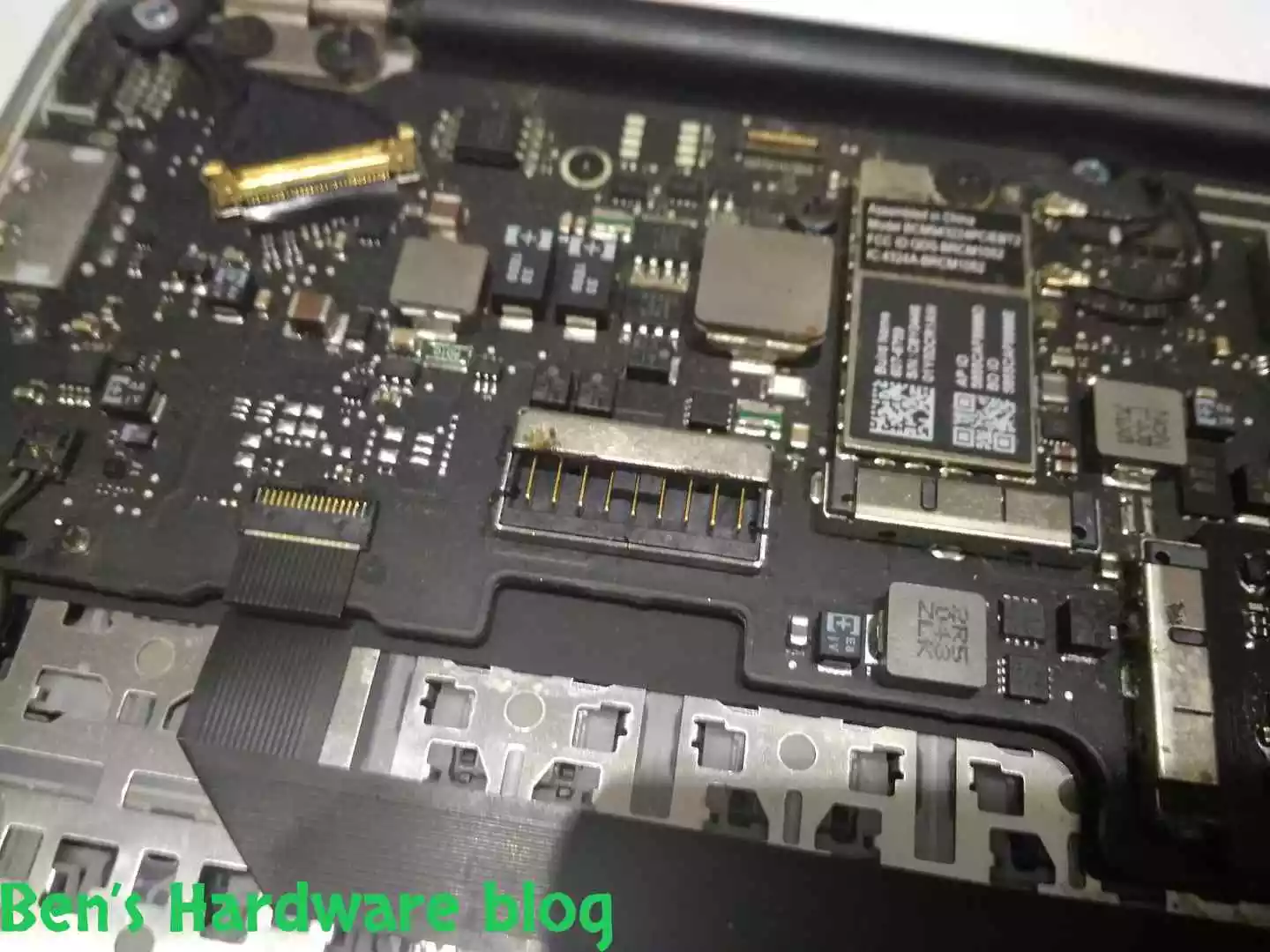
I made sure the power connector would fit the static connector on the motherboard. I was skeptical due to the generic nature of the battery…

BHB A1375REPLACE151 BHB A1375REPLACE150

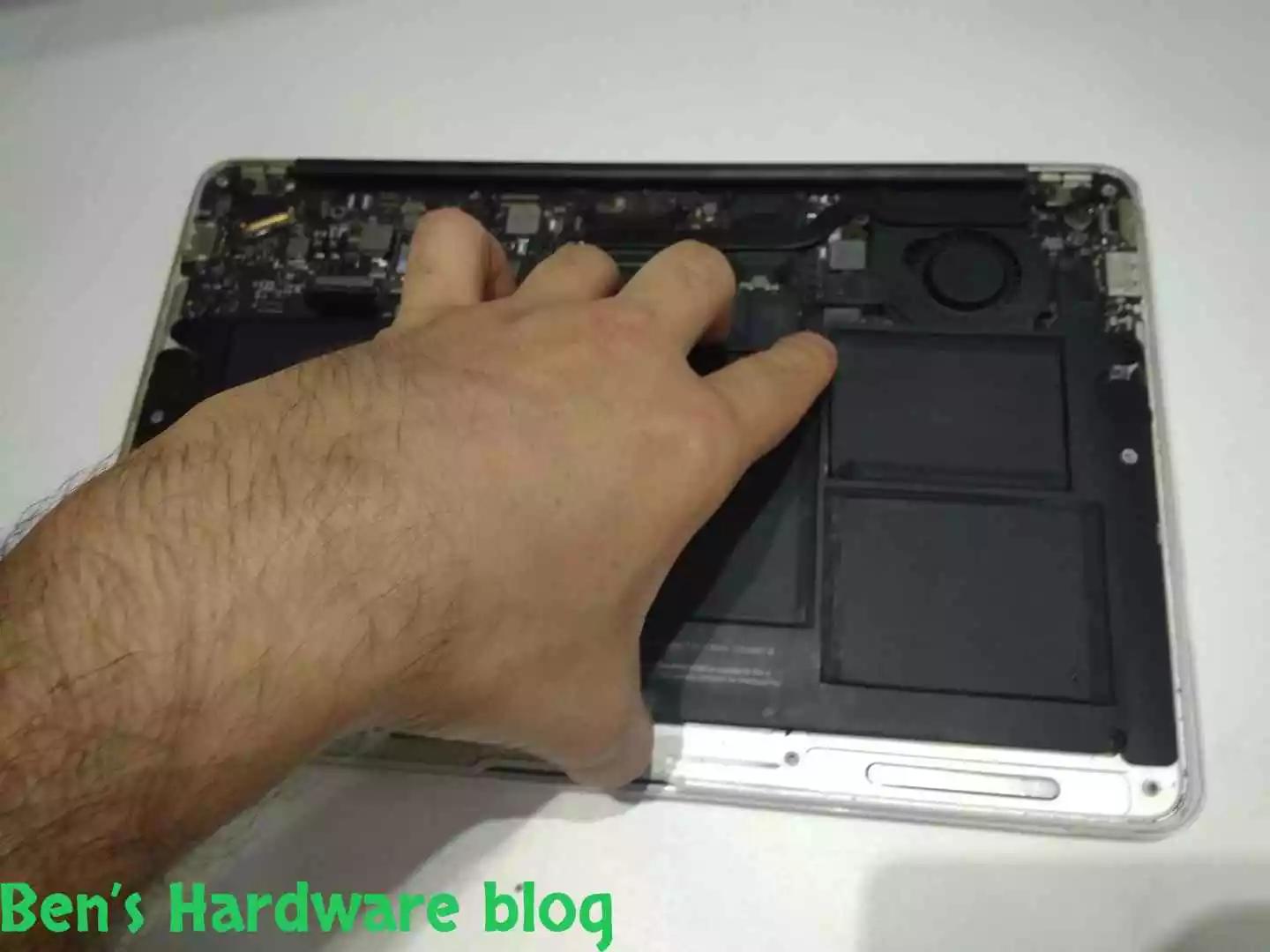
Place the battery gently with care over the bottom part of the MacBook. Use the screw holes to guide your overall positioning of the battery. Finally after positioning the battery correctly, press gently with your fingers over the various surfaces of the battery to tighten it against the MacBook case.

BHB A1375REPLACE152 BHB A1375REPLACE153
BHB A1375REPLACE166 BHB A1375REPLACE166
BHB A1375REPLACE169 BHB A1375REPLACE170
BHB A1375REPLACE172 BHB A1375REPLACE173

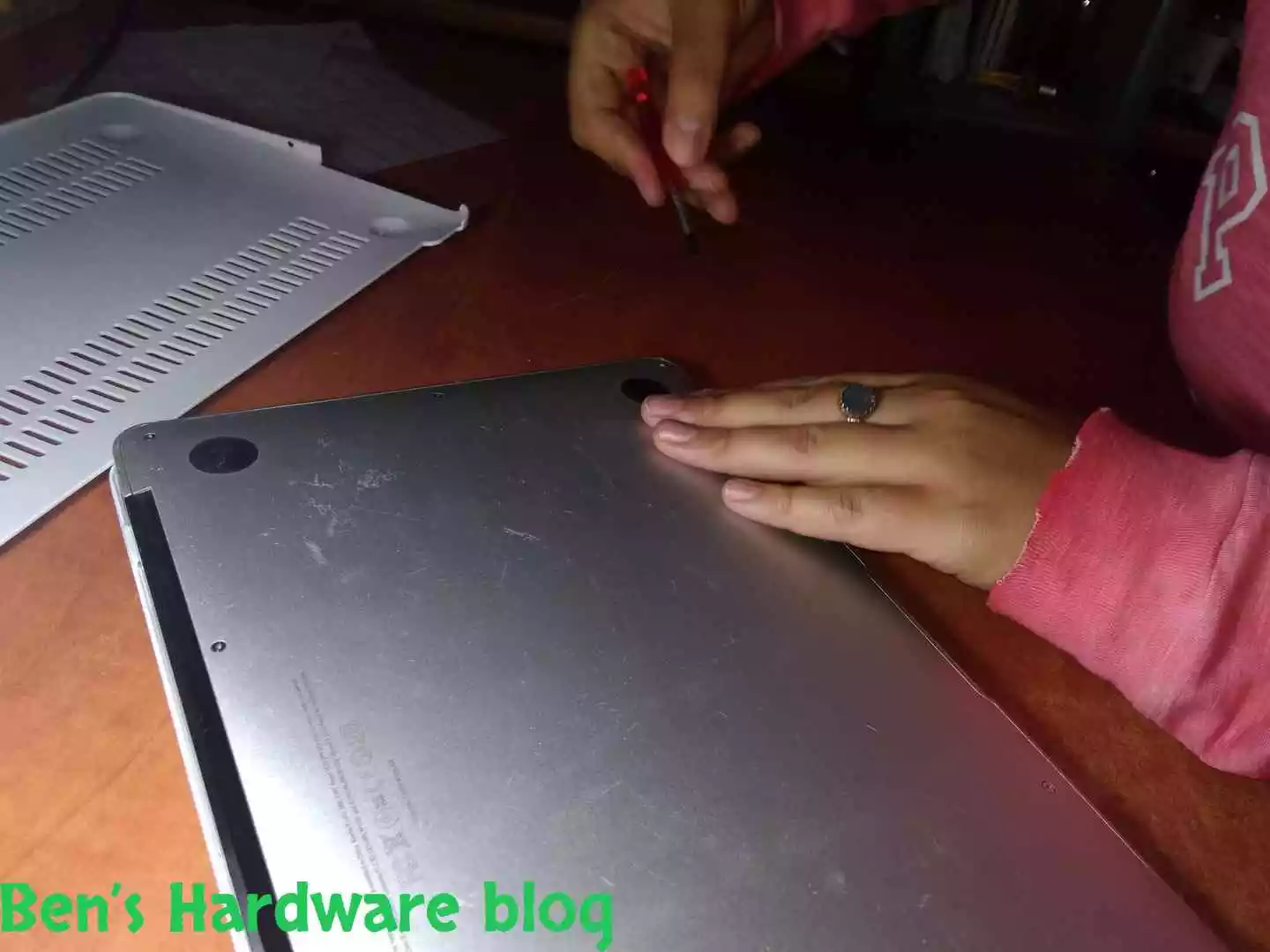
Screw the 5 battery screws, 4 at each corner and 1 in the middle. Next, hold your palm over the battery with one hand, flip over the MacBook and hold it a few cm over your working desk. Remove your palm from the battery slowly and make sure the battery doesn’t rattle or falls off of the case:

BHB A1375REPLACE174 BHB A1375REPLACE175
BHB A1375REPLACE179 BHB A1375REPLACE180
BHB A1375REPLACE182 BHB A1375REPLACE184
BHB A1375REPLACE187 BHB A1375REPLACE188

Connecting the power connector could be done before screwing the 5 battery screws and I believe it would the better way to do it. I just happen to perform in the opposite order with almost the same ease.

When connecting the power connector, first place it above the static connector of the motherboard,  as parallel as you can, and gently push the power connector downwards till you hear a faint clicking noise. After connection, tighten the connector by pressing it gently downwards on each end of the connector and in the middle of it.

Visually check proper alignment with the static connector and proper paralleling to the motherboard.

BHB A1375REPLACE189 BHB A1375REPLACE190
BHB A1375REPLACE191 BHB A1375REPLACE192

Battery and power connector check:

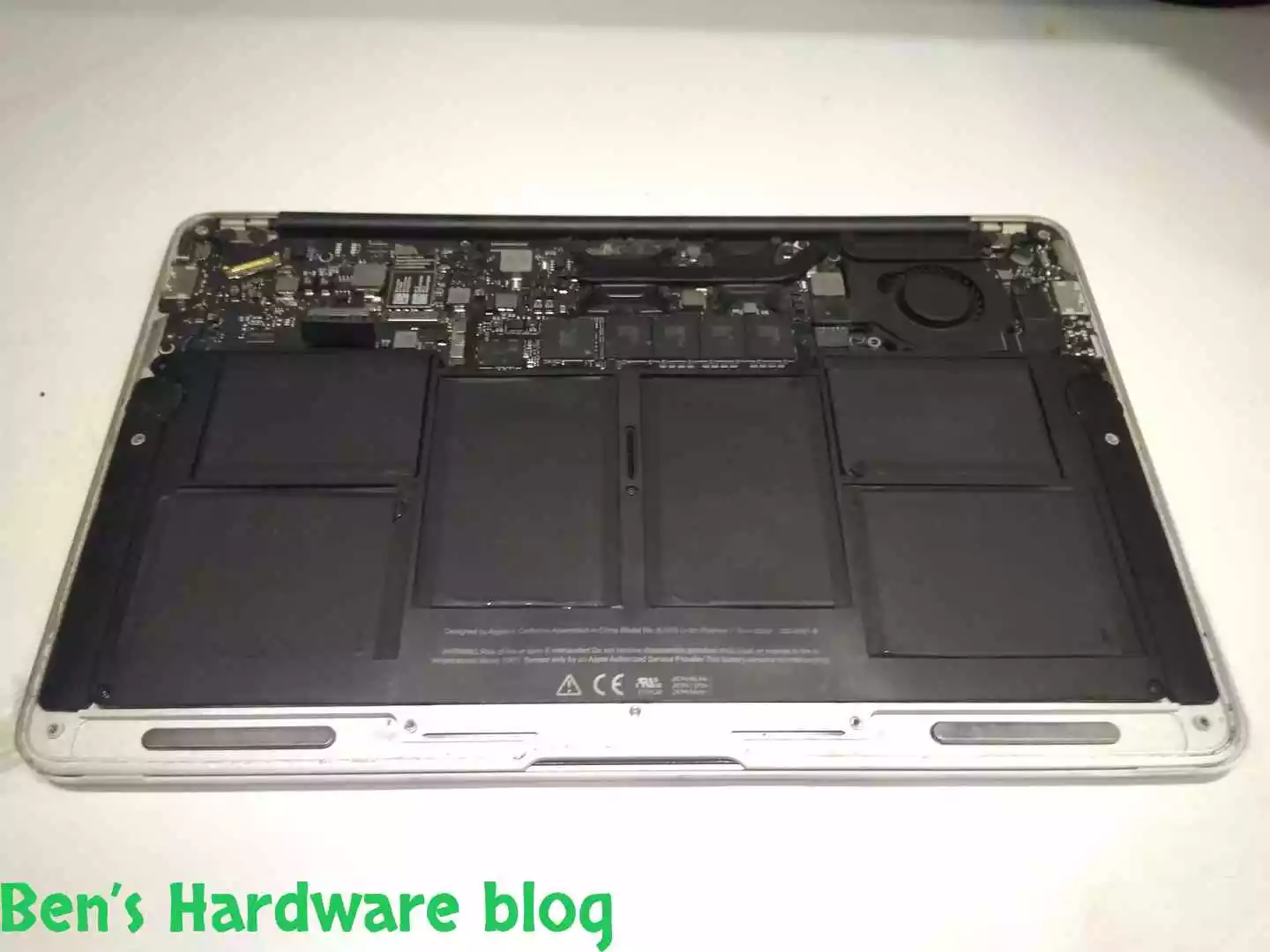
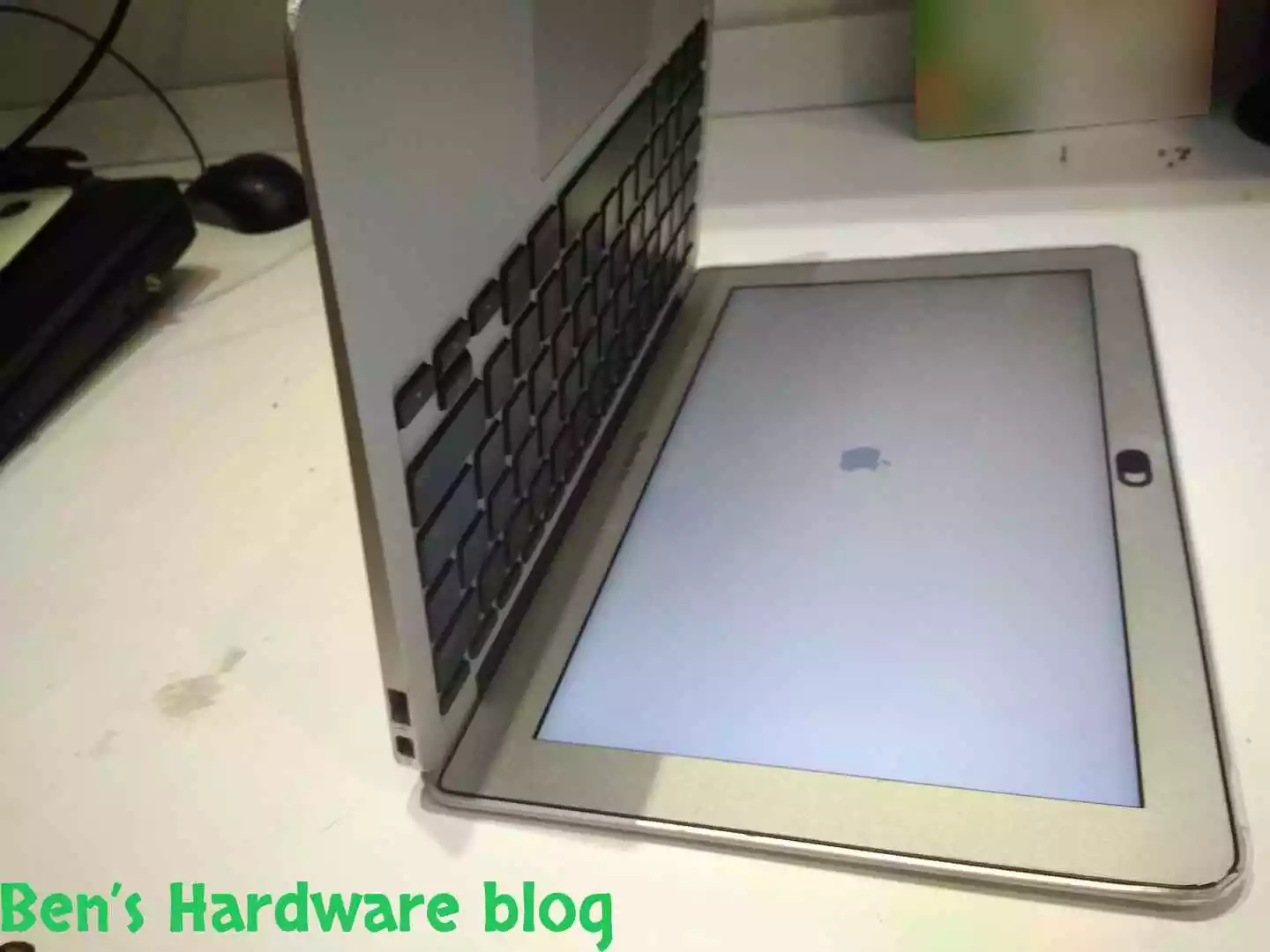
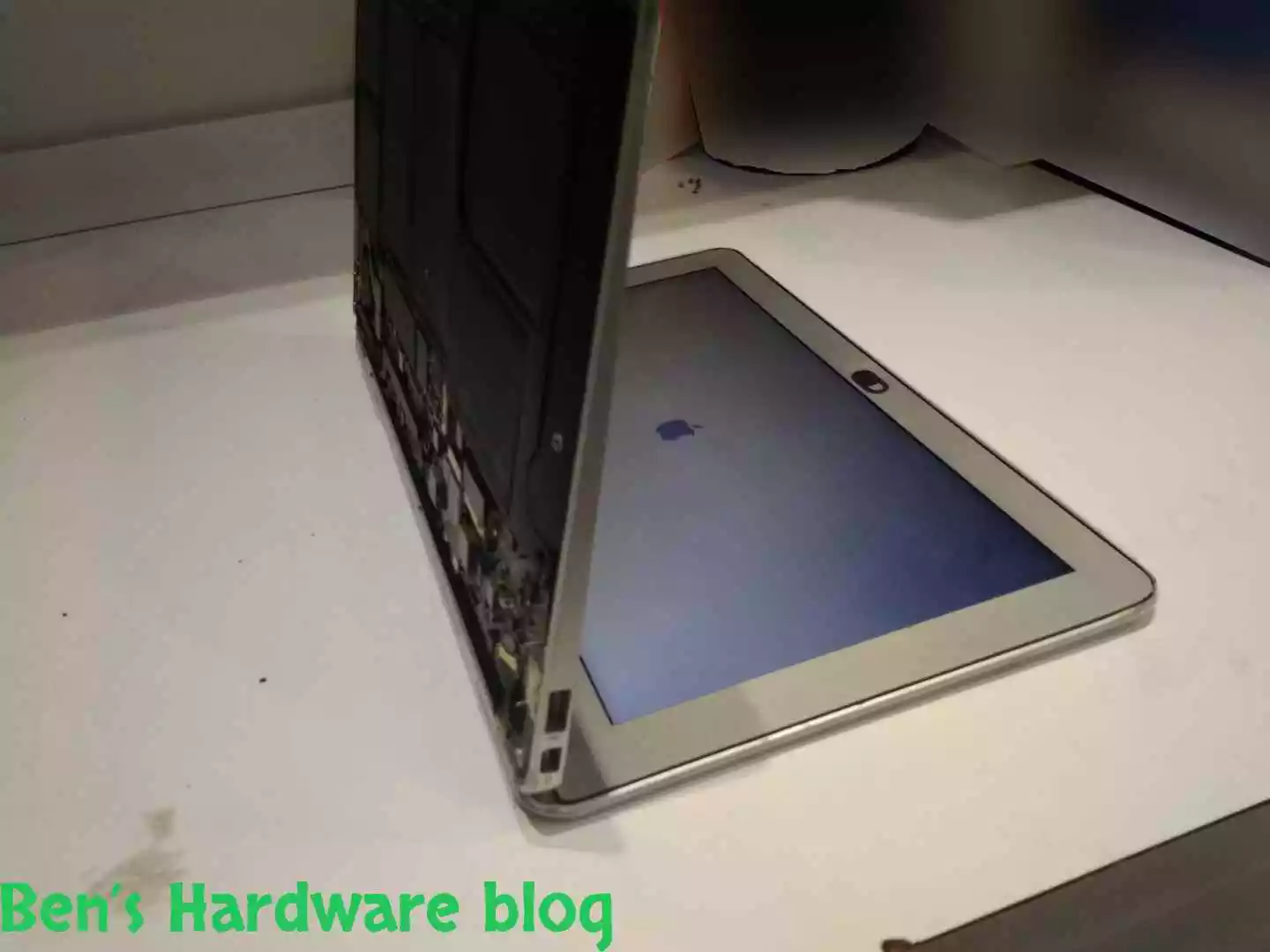
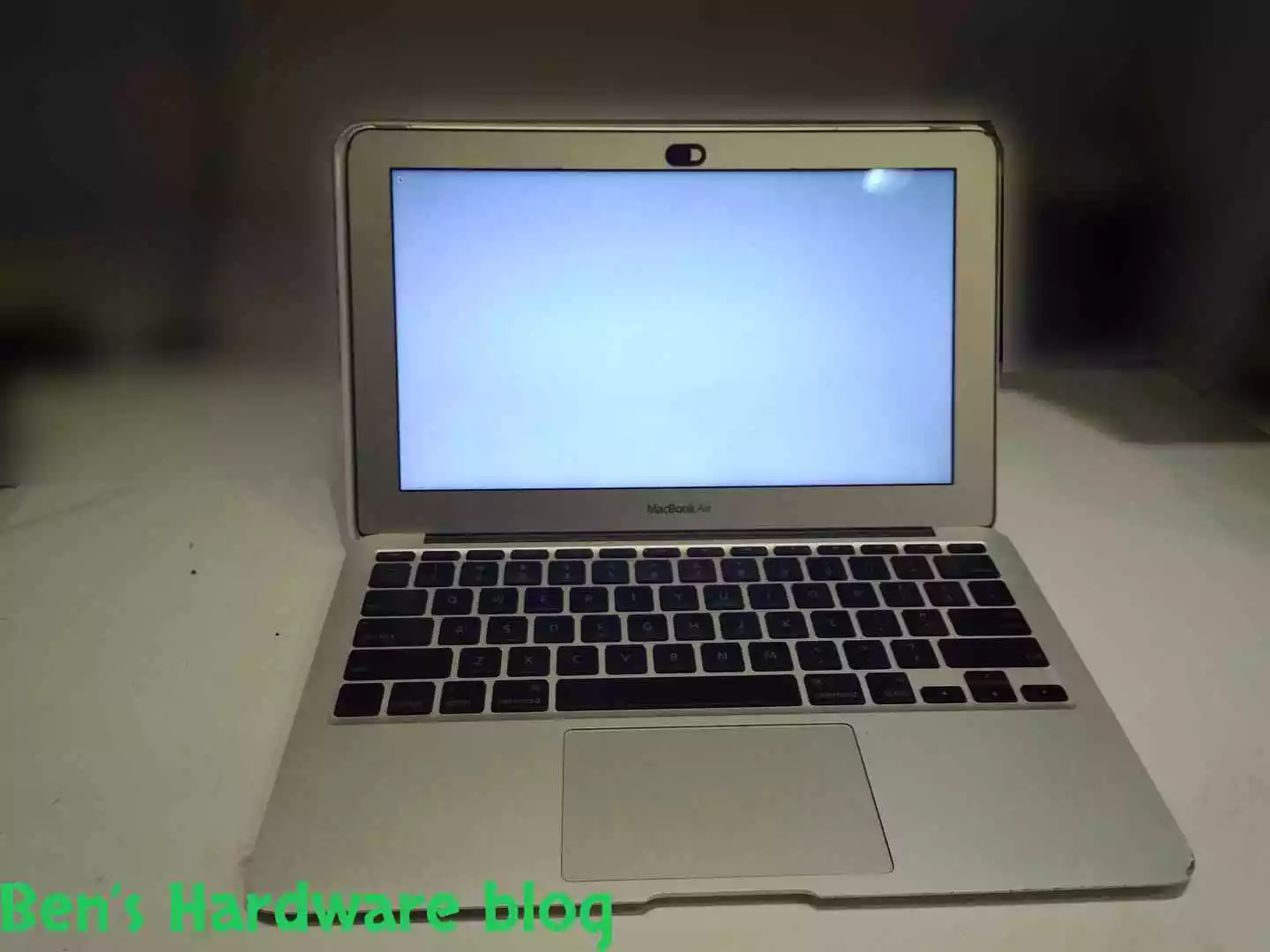
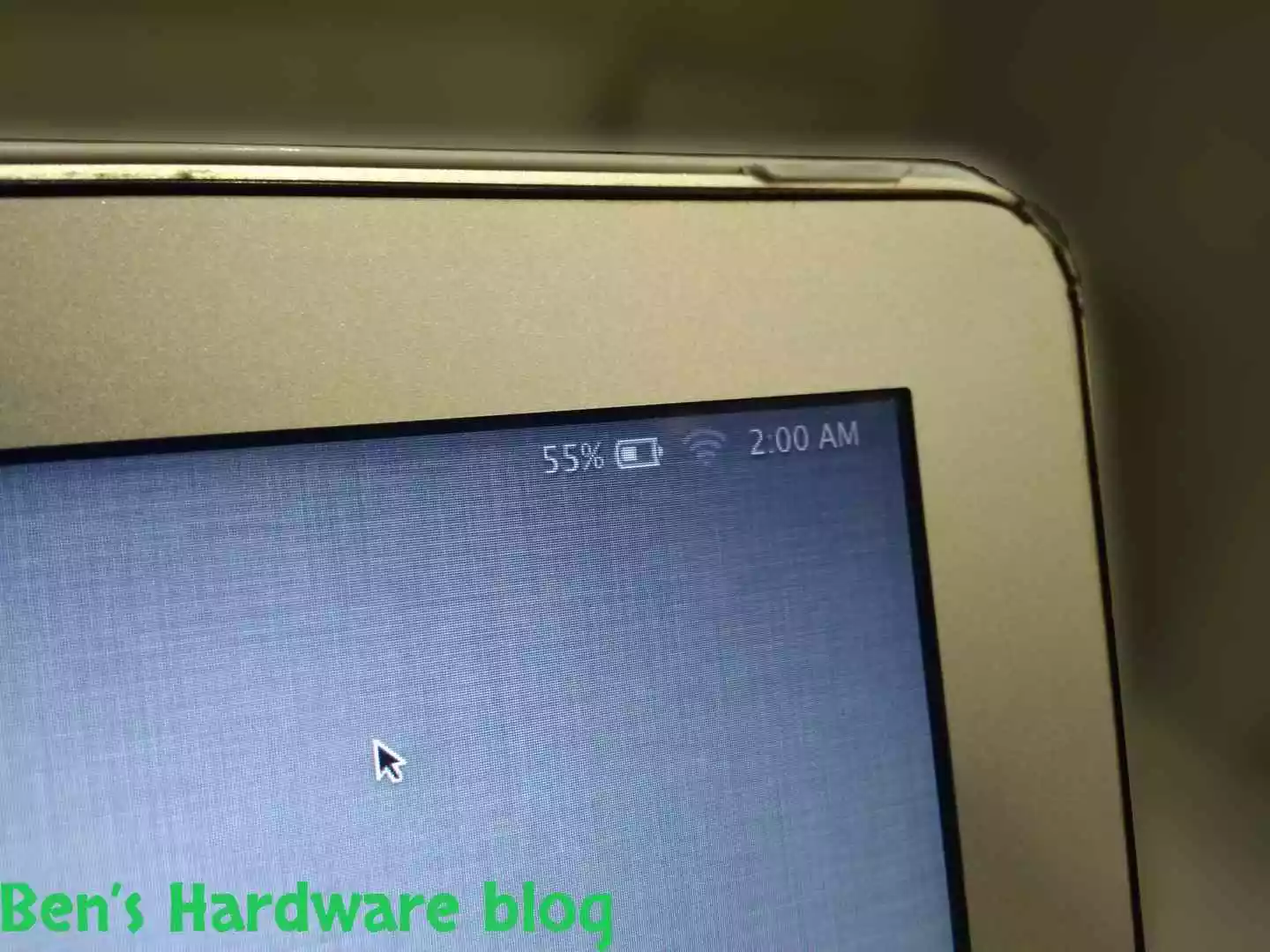
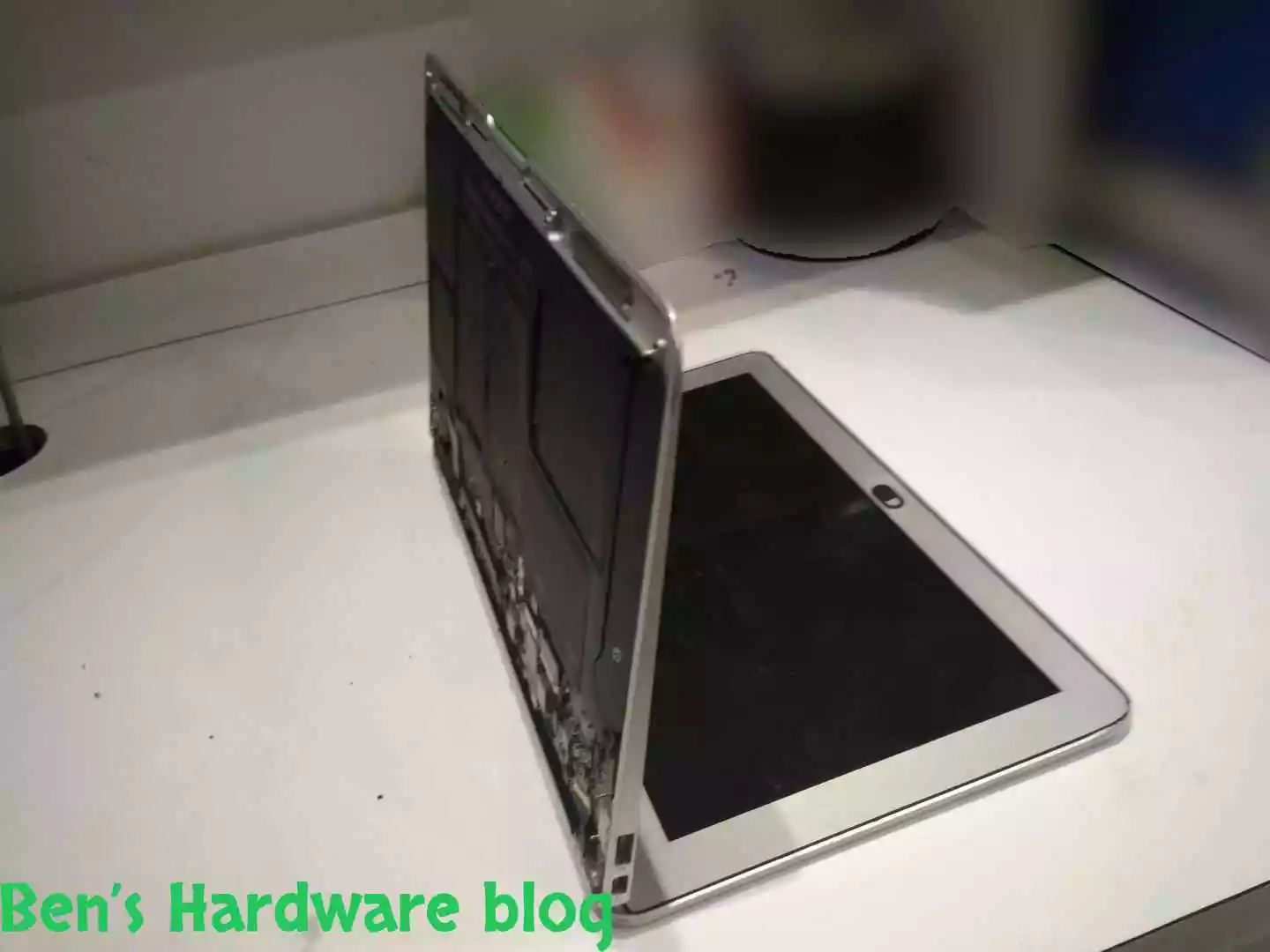
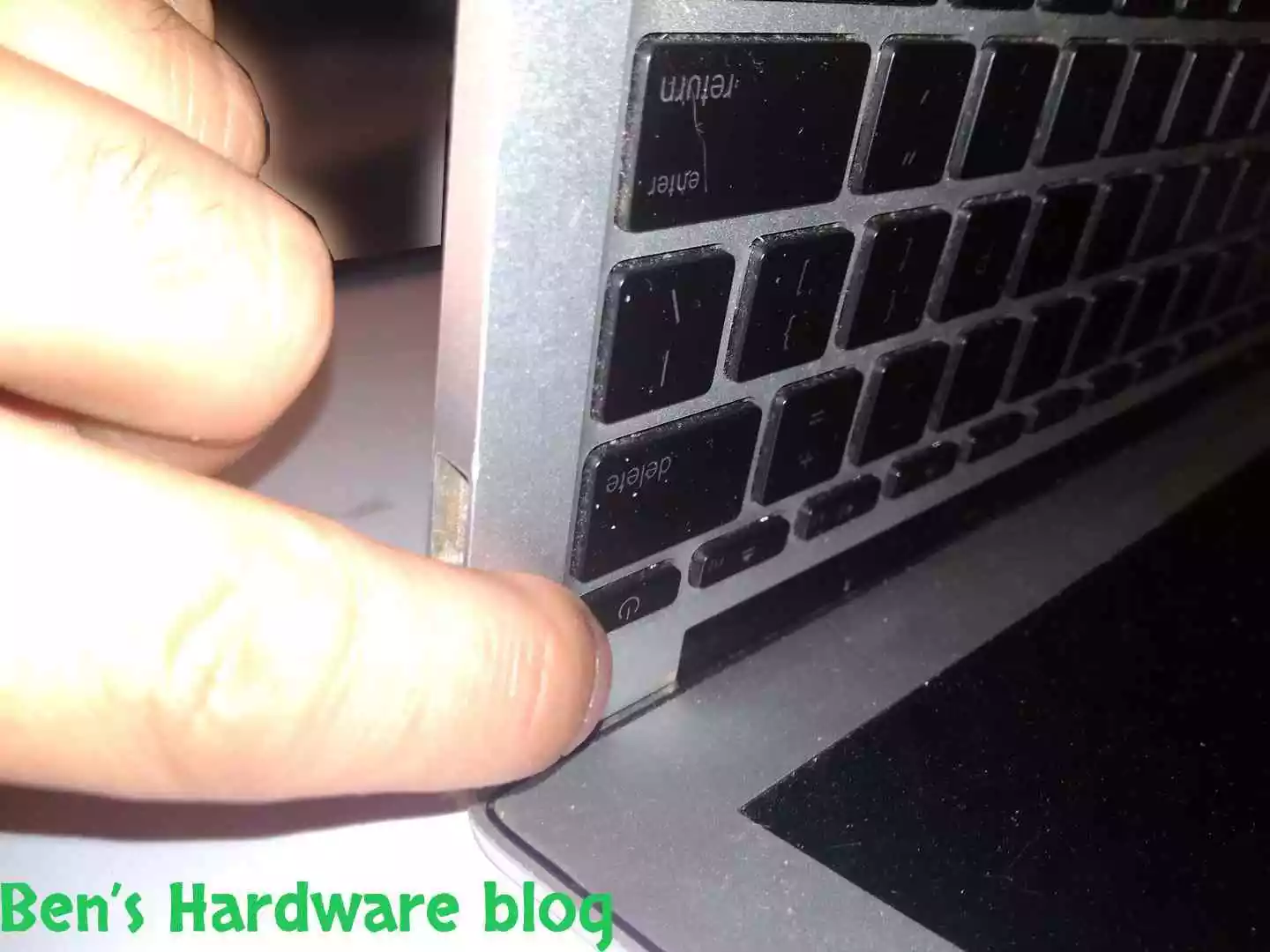
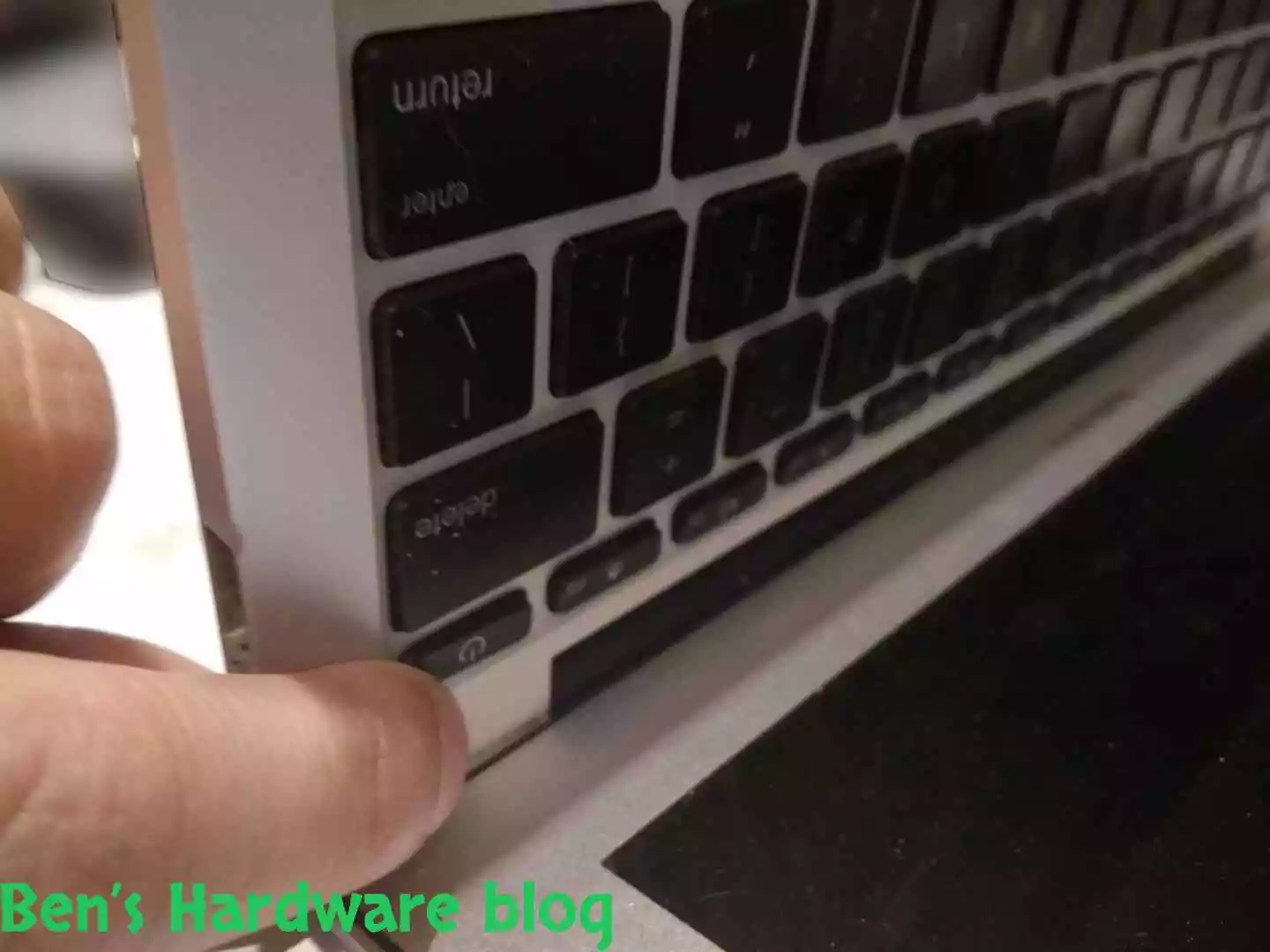
After connecting the power connector, flip the MacBook over on its monitor back cover and click the power up button on the MacBook’s keyboard. If the MacBook turns on it means the battery is properly connected through the power connector to the motherboard.

BHB A1375REPLACE197 BHB A1375REPLACE198

The battery was already 55% charged:

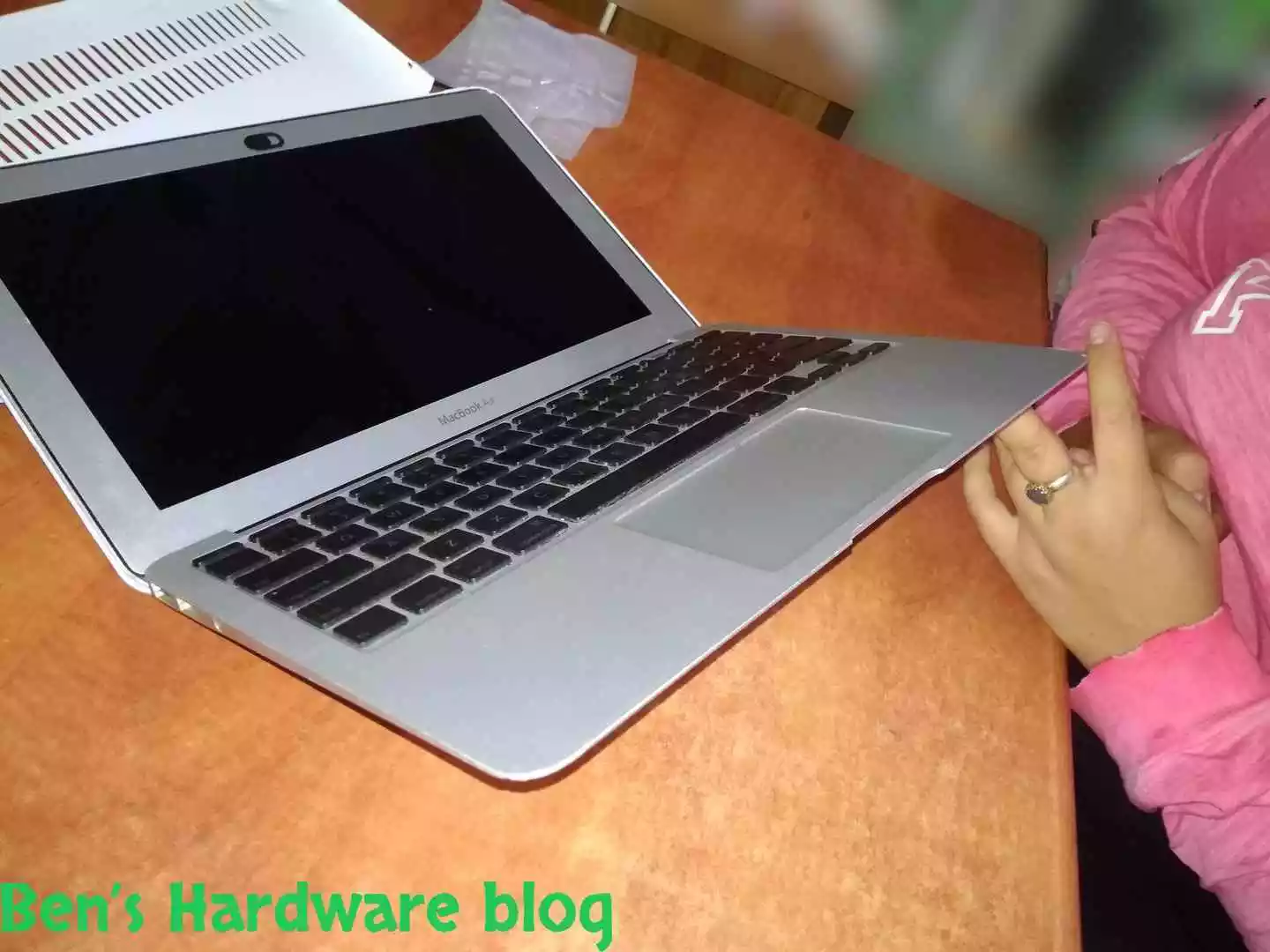
Turn the MacBook off through Mac OS and close the bottom cover of the MacBook. Screw back the remaining screws. Your MacBook is mobile again

BHB A1375REPLACE202 BHB A1375REPLACE203

Prior Usage:

Power up the MacBook again and check the battery’s status in the Mac OS. Make sure its status is ok. Run a few burnIn tests and heavy software to see if the battery heats up to unreasonable temperatures (unreasonable means taht the battery makes the whole system get so hot either the MacBook starts thermal throttling, slows down, hangs, shuts down or you just can feel with your fingers that the MacBook is not as cooled as it used to be prior to the battery replacement).

Cons:

  • Not a genuine Apple part, therefore the warranty is limited to none-existend
  • Not a genuine Apple part- quality and long life cannot be promised

Pros:

  • Low price – 33 USD
  • Fits perfectly to the MacBook
  • A very easy replacement job
  • Saves buying a new MacBook by prolonging the life of the existing one (that is, if the platform’s performance is enough for your needs and Apple’s new OSX upgrade doesn’t have demanding hardware capabilities)

Summary:

I like preserving stuff and keep it alive not just because of nostalgic reasons. If a product or a tool has been serving its purpose well till a component in it has gotten bad, it would be very much worth to revive it. That is if the time and money put into the revival process would be considered as worth it. In this case it was very much worth it. The cost of the battery wasn’t that high, about 33 USD and the assembly process was easy. The MacBook’s hardware was still kicking could still serve as an adequate average user laptop for a long time. 
BHB-A1375REPLACE5.webpBHB-A1375REPLACE6.webpBHB-A1375REPLACE7.webpBHB-A1375REPLACE8.webpBHB-A1375REPLACE9.webpBHB-A1375REPLACE28.webpBHB-A1375REPLACE38.webpBHB-A1375REPLACE40.webpBHB-A1375REPLACE41.webpBHB-A1375REPLACE42.webpBHB-A1375REPLACE43.webpBHB-A1375REPLACE44.webpBHB-A1375REPLACE45.webpBHB-A1375REPLACE46.webpBHB-A1375REPLACE47.webpBHB-A1375REPLACE48.webpBHB-A1375REPLACE49.webpBHB-A1375REPLACE50.webpBHB-A1375REPLACE51.webpBHB-A1375REPLACE52.webpBHB-A1375REPLACE53.webpBHB-A1375REPLACE54.webpBHB-A1375REPLACE55.webpBHB-A1375REPLACE56.webpBHB-A1375REPLACE57.webpBHB-A1375REPLACE58.webpBHB-A1375REPLACE59.webpBHB-A1375REPLACE60.webpBHB-A1375REPLACE61.webpBHB-A1375REPLACE62.webpBHB-A1375REPLACE63.webpBHB-A1375REPLACE64.webpBHB-A1375REPLACE65.webpBHB-A1375REPLACE66.webpBHB-A1375REPLACE67.webpBHB-A1375REPLACE68.webpBHB-A1375REPLACE69.webpBHB-A1375REPLACE70.webpBHB-A1375REPLACE71.webpBHB-A1375REPLACE72.webpBHB-A1375REPLACE73.webpBHB-A1375REPLACE74.webpBHB-A1375REPLACE75.webpBHB-A1375REPLACE76.webpBHB-A1375REPLACE77.webpBHB-A1375REPLACE78.webpBHB-A1375REPLACE79.webpBHB-A1375REPLACE80.webpBHB-A1375REPLACE81.webpBHB-A1375REPLACE82.webpBHB-A1375REPLACE83.webpBHB-A1375REPLACE84.webpBHB-A1375REPLACE85.webpBHB-A1375REPLACE86.webpBHB-A1375REPLACE87.webpBHB-A1375REPLACE88.webpBHB-A1375REPLACE89.webpBHB-A1375REPLACE90.webpBHB-A1375REPLACE91.webpBHB-A1375REPLACE92.webpBHB-A1375REPLACE93.webpBHB-A1375REPLACE94.webpBHB-A1375REPLACE95.webpBHB-A1375REPLACE96.webpBHB-A1375REPLACE97.webpBHB-A1375REPLACE98.webpBHB-A1375REPLACE99.webpReplacing_a_Battery_for_a_MacBook_Air_20091.webpReplacing_a_Battery_for_a_MacBook_Air_20092.webpReplacing_a_Battery_for_a_MacBook_Air_200903.webpReplacing_a_Battery_for_a_MacBook_Air_200913.webpReplacing_a_Battery_for_a_MacBook_Air_200914.webpReplacing_a_Battery_for_a_MacBook_Air_200924.webpReplacing_a_Battery_for_a_MacBook_Air_200925.webpReplacing_a_Battery_for_a_MacBook_Air_200935.webpReplacing_a_Battery_for_a_MacBook_Air_200936.webpReplacing_a_Battery_for_a_MacBook_Air_200946.webpReplacing_a_Battery_for_a_MacBook_Air_200947.webpReplacing_a_Battery_for_a_MacBook_Air_200957.webpReplacing_a_Battery_for_a_MacBook_Air_200958.webpReplacing_a_Battery_for_a_MacBook_Air_200968.webpReplacing_a_Battery_for_a_MacBook_Air_200969.webpReplacing_a_Battery_for_a_MacBook_Air_200979.webpReplacing_a_Battery_for_a_MacBook_Air_200990.webpReplacing_a_Battery_for_a_MacBook_Air_2009014.webpReplacing_a_Battery_for_a_MacBook_Air_2009025.webpReplacing_a_Battery_for_a_MacBook_Air_2009036.webpReplacing_a_Battery_for_a_MacBook_Air_2009047.webpReplacing_a_Battery_for_a_MacBook_Air_2009058.webpReplacing_a_Battery_for_a_MacBook_Air_2009069.webpReplacing_a_Battery_for_a_MacBook_Air_2009080.webpReplacing_a_Battery_for_a_MacBook_Air_2009091.webpReplacing_a_Battery_for_a_MacBook_Air_2009101.webpReplacing_a_Battery_for_a_MacBook_Air_2009112.webpReplacing_a_Battery_for_a_MacBook_Air_2009113.webpReplacing_a_Battery_for_a_MacBook_Air_2009115.webpReplacing_a_Battery_for_a_MacBook_Air_2009119.webpReplacing_a_Battery_for_a_MacBook_Air_2009120.webpReplacing_a_Battery_for_a_MacBook_Air_2009121.webpReplacing_a_Battery_for_a_MacBook_Air_2009122.webpReplacing_a_Battery_for_a_MacBook_Air_2009123.webpReplacing_a_Battery_for_a_MacBook_Air_2009124.webpReplacing_a_Battery_for_a_MacBook_Air_2009125.webpReplacing_a_Battery_for_a_MacBook_Air_2009126.webpReplacing_a_Battery_for_a_MacBook_Air_2009127.webpReplacing_a_Battery_for_a_MacBook_Air_2009128.webpReplacing_a_Battery_for_a_MacBook_Air_2009129.webpReplacing_a_Battery_for_a_MacBook_Air_2009130.webpReplacing_a_Battery_for_a_MacBook_Air_2009131.webpReplacing_a_Battery_for_a_MacBook_Air_2009132.webpReplacing_a_Battery_for_a_MacBook_Air_2009133.webpReplacing_a_Battery_for_a_MacBook_Air_2009134.webpReplacing_a_Battery_for_a_MacBook_Air_2009135.webpReplacing_a_Battery_for_a_MacBook_Air_2009136.webpReplacing_a_Battery_for_a_MacBook_Air_2009137.webpReplacing_a_Battery_for_a_MacBook_Air_2009138.webpReplacing_a_Battery_for_a_MacBook_Air_2009139.webpReplacing_a_Battery_for_a_MacBook_Air_2009148.webpReplacing_a_Battery_for_a_MacBook_Air_2009159.webpReplacing_a_Battery_for_a_MacBook_Air_2009170.webpReplacing_a_Battery_for_a_MacBook_Air_2009181.webpReplacing_a_Battery_for_a_MacBook_Air_2009192.webpReplacing_a_Battery_for_a_MacBook_Air_2009216.webpReplacing_a_Battery_for_a_MacBook_Air_2009227.webpReplacing_a_Battery_for_a_MacBook_Air_2009238.webpReplacing_a_Battery_for_a_MacBook_Air_2009249.webpReplacing_a_Battery_for_a_MacBook_Air_2009260.webpReplacing_a_Battery_for_a_MacBook_Air_2009271.webpReplacing_a_Battery_for_a_MacBook_Air_2009282.webpReplacing_a_Battery_for_a_MacBook_Air_2009293.webpReplacing_a_Battery_for_a_MacBook_Air_2009317.webpReplacing_a_Battery_for_a_MacBook_Air_2009328.webpReplacing_a_Battery_for_a_MacBook_Air_2009339.webpReplacing_a_Battery_for_a_MacBook_Air_2009350.webpReplacing_a_Battery_for_a_MacBook_Air_2009361.webpReplacing_a_Battery_for_a_MacBook_Air_2009372.webpReplacing_a_Battery_for_a_MacBook_Air_2009383.webpReplacing_a_Battery_for_a_MacBook_Air_2009394.webpReplacing_a_Battery_for_a_MacBook_Air_2009418.webpReplacing_a_Battery_for_a_MacBook_Air_2009429.webpReplacing_a_Battery_for_a_MacBook_Air_2009440.webpReplacing_a_Battery_for_a_MacBook_Air_2009451.webpReplacing_a_Battery_for_a_MacBook_Air_2009462.webpReplacing_a_Battery_for_a_MacBook_Air_2009473.webpReplacing_a_Battery_for_a_MacBook_Air_2009484.webpReplacing_a_Battery_for_a_MacBook_Air_2009495.webpReplacing_a_Battery_for_a_MacBook_Air_2009519.webpReplacing_a_Battery_for_a_MacBook_Air_2009530.webpReplacing_a_Battery_for_a_MacBook_Air_2009541.webpReplacing_a_Battery_for_a_MacBook_Air_2009552.webpReplacing_a_Battery_for_a_MacBook_Air_2009563.webpReplacing_a_Battery_for_a_MacBook_Air_2009574.webpReplacing_a_Battery_for_a_MacBook_Air_2009585.webpReplacing_a_Battery_for_a_MacBook_Air_2009596.webpReplacing_a_Battery_for_a_MacBook_Air_2009620.webpReplacing_a_Battery_for_a_MacBook_Air_2009631.webpReplacing_a_Battery_for_a_MacBook_Air_2009642.webpReplacing_a_Battery_for_a_MacBook_Air_2009653.webpReplacing_a_Battery_for_a_MacBook_Air_2009664.webpReplacing_a_Battery_for_a_MacBook_Air_2009675.webpReplacing_a_Battery_for_a_MacBook_Air_2009686.webpReplacing_a_Battery_for_a_MacBook_Air_2009697.webpReplacing_a_Battery_for_a_MacBook_Air_2009710.webpReplacing_a_Battery_for_a_MacBook_Air_2009721.webpReplacing_a_Battery_for_a_MacBook_Air_2009732.webpReplacing_a_Battery_for_a_MacBook_Air_2009743.webpReplacing_a_Battery_for_a_MacBook_Air_2009754.webpReplacing_a_Battery_for_a_MacBook_Air_2009765.webpReplacing_a_Battery_for_a_MacBook_Air_2009776.webpReplacing_a_Battery_for_a_MacBook_Air_2009787.webpReplacing_a_Battery_for_a_MacBook_Air_2009798.webpReplacing_a_Battery_for_a_MacBook_Air_2009811.webpReplacing_a_Battery_for_a_MacBook_Air_2009822.webpReplacing_a_Battery_for_a_MacBook_Air_2009833.webpReplacing_a_Battery_for_a_MacBook_Air_2009844.webpReplacing_a_Battery_for_a_MacBook_Air_2009855.webpReplacing_a_Battery_for_a_MacBook_Air_2009866.webpReplacing_a_Battery_for_a_MacBook_Air_2009877.webpReplacing_a_Battery_for_a_MacBook_Air_2009888.webpReplacing_a_Battery_for_a_MacBook_Air_2009899.webpReplacing_a_Battery_for_a_MacBook_Air_2009912.webpReplacing_a_Battery_for_a_MacBook_Air_2009923.webpReplacing_a_Battery_for_a_MacBook_Air_2009934.webpReplacing_a_Battery_for_a_MacBook_Air_2009945.webpReplacing_a_Battery_for_a_MacBook_Air_2009956.webpReplacing_a_Battery_for_a_MacBook_Air_2009967.webpReplacing_a_Battery_for_a_MacBook_Air_2009978.webpReplacing_a_Battery_for_a_MacBook_Air_2009989.webpReplacing_a_Battery_for_a_MacBook_Air_20090102.webpReplacing_a_Battery_for_a_MacBook_Air_20090114.webpReplacing_a_Battery_for_a_MacBook_Air_20091103.webpReplacing_a_Battery_for_a_MacBook_Air_20091115.webpReplacing_a_Battery_for_a_MacBook_Air_20092104.webpReplacing_a_Battery_for_a_MacBook_Air_20092116.webpReplacing_a_Battery_for_a_MacBook_Air_20093105.webpReplacing_a_Battery_for_a_MacBook_Air_20093117.webpReplacing_a_Battery_for_a_MacBook_Air_20094106.webpReplacing_a_Battery_for_a_MacBook_Air_20094118.webpReplacing_a_Battery_for_a_MacBook_Air_20095107.webpReplacing_a_Battery_for_a_MacBook_Air_20096108.webpReplacing_a_Battery_for_a_MacBook_Air_20097109.webpReplacing_a_Battery_for_a_MacBook_Air_20098110.webpReplacing_a_Battery_for_a_MacBook_Air_20099100.webpReplacing_a_Battery_for_a_MacBook_Air_20099111.webp